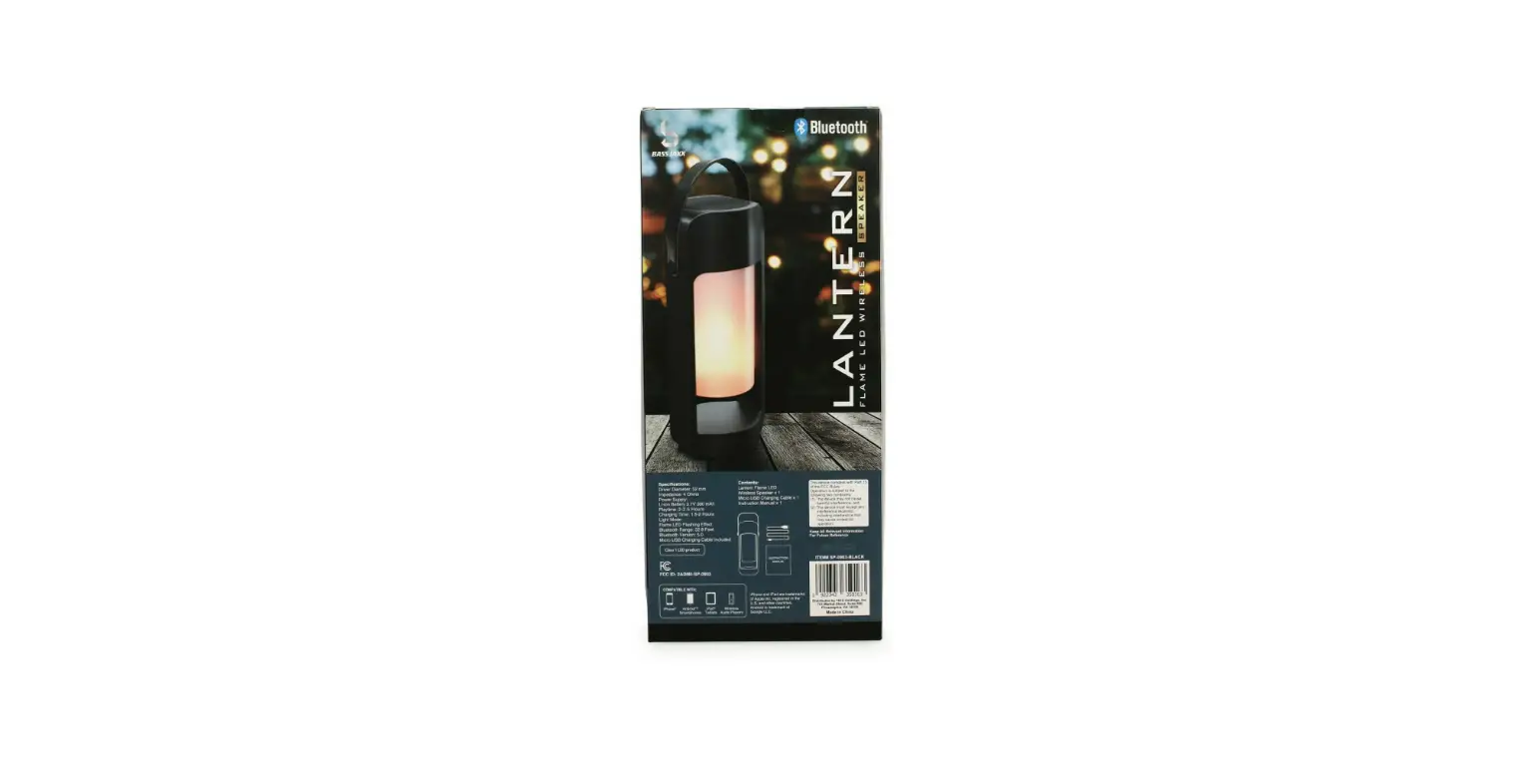
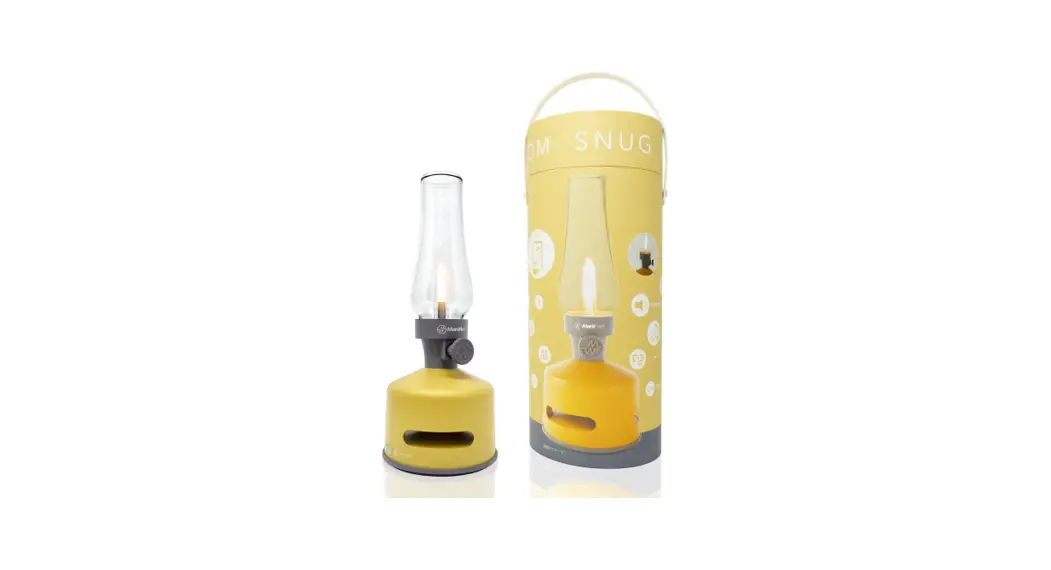
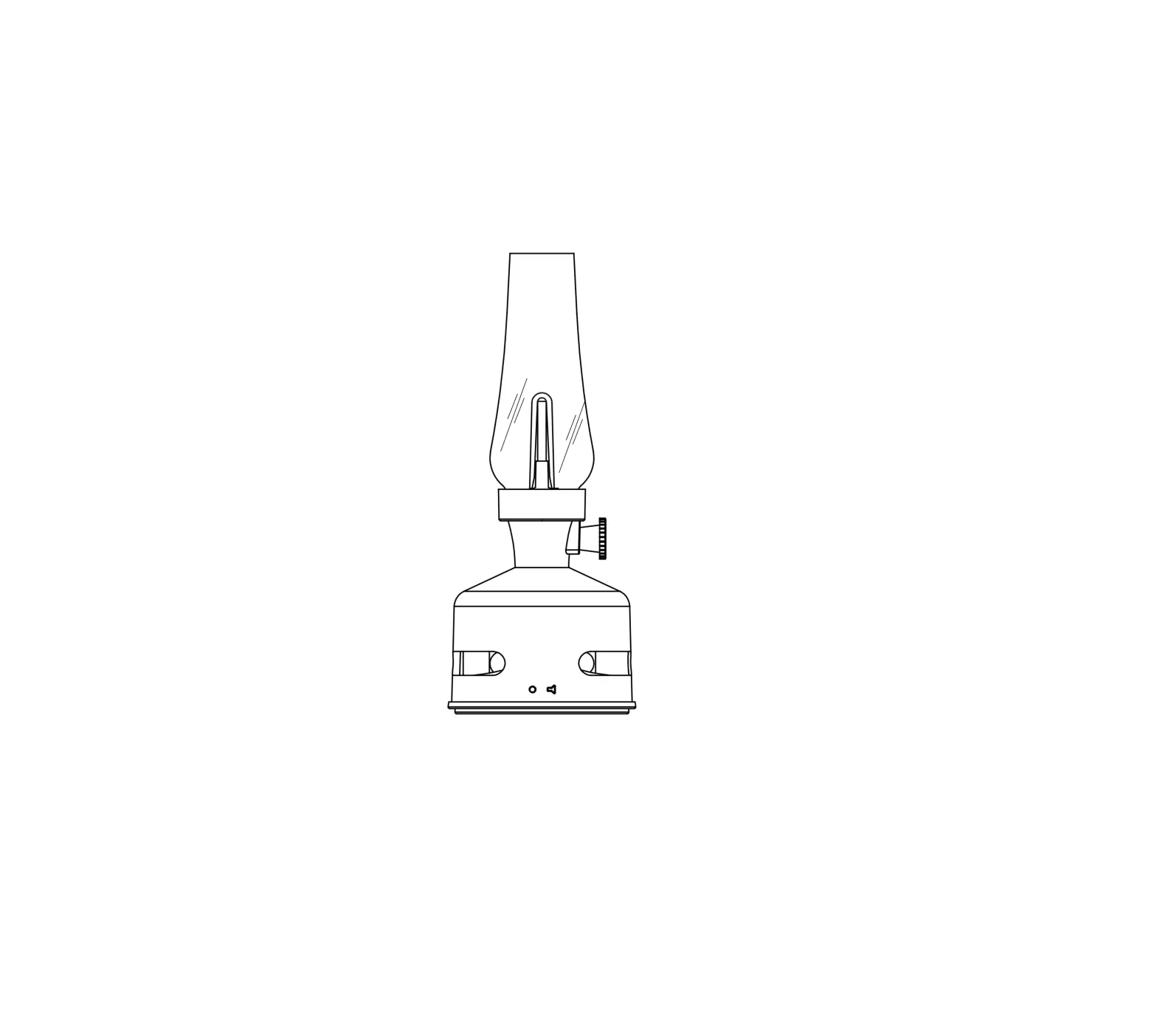
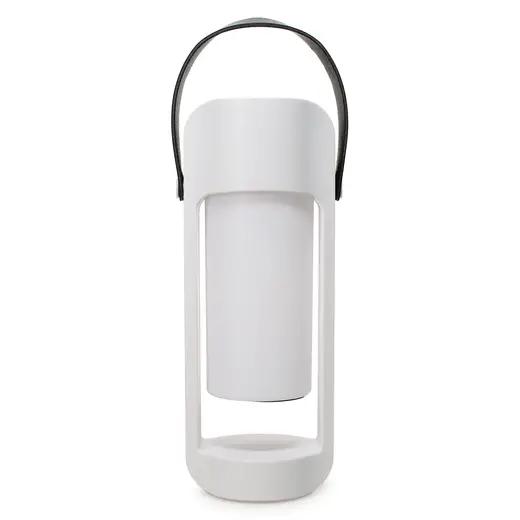
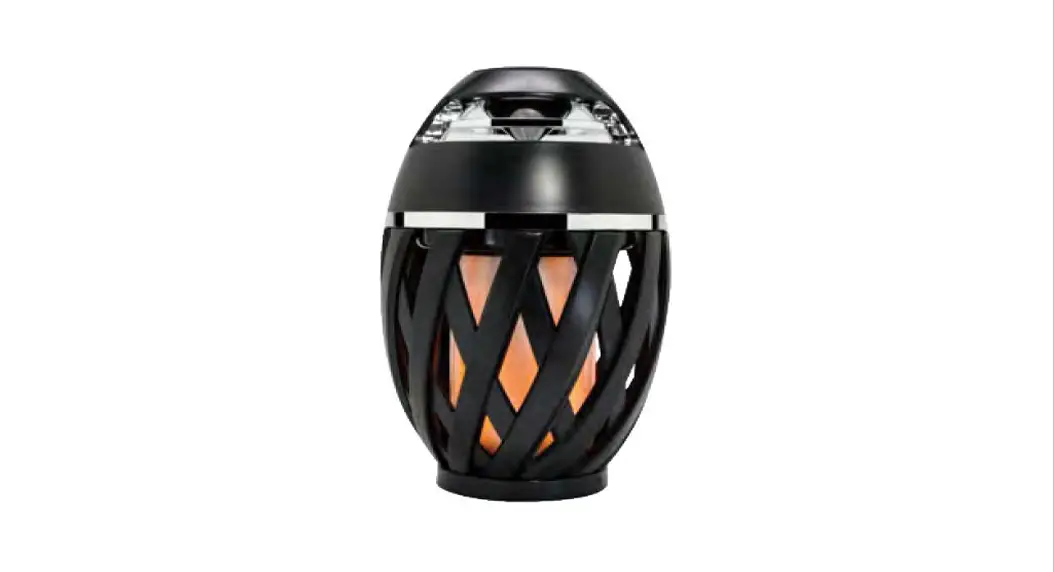
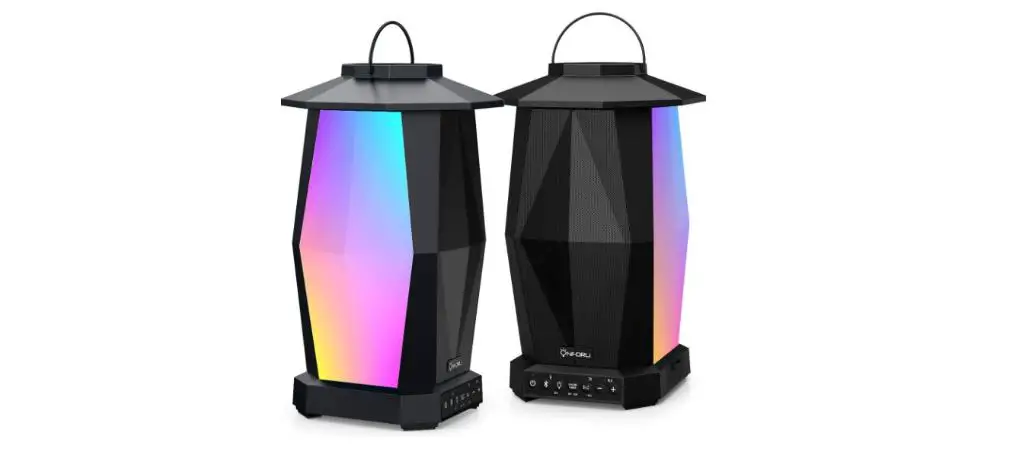
JWX2811LS Outdoor LED Lantern Speaker
Product Information
The Outdoor LED Lantern Speaker (Model # JWX2811LS) is a
portable lantern that combines LED lighting and a Bluetooth
speaker. It comes with a USB charging cable for convenient charging
and has a built-in battery that provides up to 20 hours of
illumination without using the speaker. The lantern has three
brightness adjustments and can be paired with a personal music
device via Bluetooth.
Package Contents
- 1 Outdoor LED Lantern Speaker (Model # JWX2811LS)
- 1 Use and Care Guide
Care and Cleaning
To clean the lantern, use a soft dry cloth. Avoid using cleaners
with chemicals, solvents, or harsh abrasives.
Warranty
The manufacturer does not provide any warranty other than what
is stated in the product manual. They specifically disclaim
liability for any consequential or incidental loss or damage. For
warranty-related inquiries, contact the Customer Service Team at
1-855-HD-HAMPTON or visit HAMPTONBAY.COM.
FCC Warning
Modifications not approved by the responsible party may void the
user’s authority to operate the equipment. The device complies with
Part 15 of the FCC Rules, meaning it should not cause harmful
interference and must accept any interference received.
Product Usage Instructions
Assembly and Installation
- Charging the lantern:
Plug the USB-C end of the USB charging cable (E) into the USB-C
access (D) on the lantern. Connect the other USB end of the cable
to a USB power source. It takes approximately 4 hours to fully
charge the battery. - Illuminating the lantern:
To illuminate the lantern, press the power button (C) for about
1 second. The lantern has three brightness adjustments that can be
controlled by pressing the power button.
Caution: Do not place the lantern near fire,
such as a lighted candle.
Using the LED Light and Speaker
- The LED light will remain illuminated for about 20 hours if the
speaker is not used. - The LED light will remain illuminated for about 4 hours if the
speaker is used. - After approximately 4 hours of use, both the LED light and
speaker will turn off. To continue using only the LED light, press
the power button (C) for about 1 second. - If the LED light is turned off and not providing any
illumination, the speaker will play music for about 5 hours.
Pairing the Lantern to a Bluetooth Device
- Bluetooth Pairing:
Press the indicator light (B) for about 3 seconds. The indicator
light (B) will flash red and blue, indicating that it is in
discovery mode and ready to be paired with a personal music
device.Set your personal music device to discovery mode and connect it
to the Bluetooth name “LED Lantern speaker” according to your
device’s instructions.Once paired, the red and blue light will stop flashing and
become a solid blue light, indicating a successful connection.To turn off the Bluetooth function, press the indicator light
(B) for about 3 seconds.
PACKAGE CONTENTS
Item # 1000 000 000 Model # JWX2811LS
Use and Care Guide
OUTDOOR LED LANTERN SPEAKER
A Lamp Body x 1
B Indicator Light x 1
Assembly and Installation
C Power Button x 1
D USB-C access x 1
E USB Charging Cable x 1
1 Charging the lantern
2 Illuminating the lantern
CAUTION: Please do not place near fire (e.g. lighted candle).
To charge the lantern, plug the USB-C end of the USB charging cable (E) into the USB-C access (D). Plug the other USB end of the USB charging cable (E) into a USB power source. It takes about 4 hours to fully charge the battery.
The LED lantern will remain illuminated for about 20 hours if you don’t use the speaker.
The LED lantern will remain illuminated for about 4 hours if you use the speaker.
After about 4 hours of use, the LED light and speaker will turn off. To continue using only the LED light, press the power button (C) for about 1 second to illuminate the LED light again. Without any additional charging, the LED light will remain illuminated for about 8 hours
If the LED light is turned OFF and not providing any illumination, the speaker will play music for about 5 hours.
To illuminate the lantern, press the power button (C) for about 1 second.
To control the brightness, press the power button (C). It has three brightness adjustments.
To turn the lantern OFF, press the power button (C) again for about 1 second.
1
Assembly and Installation (continued)
3 Pairing the lantern to a Bluetooth device and Indicator Light
Bluetooth Pairing
Press the indicator light (B) for about 3 seconds. The indicator light (B) will flash red and blue, and it is now in discovery mode and is discoverable by your personal music device.
Follow the instructions on your personal music device to set your music device to discovery mode. Connect your personal music device to the Bluetooth name “LED Lantern speaker”.
When the lantern is paired with your personal music device, the red and blue light will stop flashing and be a solid blue light. The lantern is now paired.
To turn OFF the Bluetooth function, press the indicator light (B) for about 3 seconds.
Indicator Light
If the indicator light (B) flashes red, the lantern needs to charge. If the indicator light (B) is solid red, the battery is charging. If the indicator light (B) is solid green, the battery is fully charged. If the indicator light (B) flashes red and blue, the lantern is in discovery mode and waiting to connect to a Bluetooth device. If the indicator light (B) is solid blue, the lantern is connected to a Bluetooth device but music is not playing. If the indicator light (B) flashes blue, the lantern is connected to a Bluetooth device and is playing music
2
Care and Cleaning
Clean the fixture with a soft dry cloth.
Do not use any cleaners with chemicals, solvents or harsh abrasives.
Warranty
WHAT IS COVERED The manufacturer warrants this lighting fixture to be free from defects in materials and workmanship for a period of one (1) years from date of purchase. This warranty applies only to the original consumer and only to products used in normal use and service. If this product is found to be defective, the manufacturer’s only obligation, and your exclusive remedy, is the repair or replacement of the product at the manufacturer’s discretion, provided that the product has not been damaged through misuse, abuse, accident, modifications, alterations, neglect or mishandling.
WHAT IS NOT COVERED This warranty shall not apply to any product that is found to have been improperly installed, set-up, or used in any way not in accordance with the instructions supplied with the product. This warranty shall not apply to a failure of the product as a result of an accident, misuse, abuse, negligence, alteration, or faulty installation, or any other failure not relating to faulty material or workmanship. This warranty shall not apply to the finish on any portion of the product, such as surface and/or weathering, as this is considered normal wear and tear.
The manufacturer does not warrant and specifically disclaims any warranty, whether express or implied, of fitness for a particular purpose, other than the warranty contained herein. The manufacturer specifically disclaims any liability and shall not be liable for any consequential or incidental loss or damage, including but not limited to any labor / expense costs involved in the replacement or repair of said product.
Contact the Customer Service Team at 1-855-HD-HAMPTON or visit HAMPTONBAY.COM.
FCC Warning
CAUTION: The user is cautioned that changes or modifications not expressly approved by the party responsible for compliance could void the user’s authority to operate the equipment.
NOTE: This device complies with Part 15 of the FCC Rules. Operation is subject to the following two conditions: (1) this device may not cause harmful interference, and (2) this device must accept any interference received, including interference that may cause undesired operation.
FCC RADIATION EXPOSURE STATEMENT: This equipment complies with FCC radiation exposure limits set forth for an uncontrolled environment. This
transmitter must not be co-located or operating in conjunction with any other antenna or transmitter
WARNING: Changes or modifications to this unit not expressly approved by the party responsible for compliance could void the user’s authority to operate
the equipment.
NOTE: This equipment has been tested and found to comply with the limits for a Class B digital device, pursuant to Part 15 of the FCC Rules. These limits
are designed to provide reasonable protection against harmful interference in a residential installation. This equipment generates, uses and can radiate radio frequency energy and, if not installed and used in accordance with the instructions, may cause harmful interference to radio communications.
However, there is no guarantee that interference will not occur in a particular installation. If this equipment does cause harmful interference to radio or television reception, which can be determined by turning the equipment off and on, the user is encouraged to try to correct the interference by one or more of the following measures:
· Reorient or relocate the receiving antenna. · Increase the separation between the equipment and receiver. · Connect the equipment into an outlet on a circuit different from that to which the receiver is connected. · Consult the dealer or an experienced radio/TV technician for help.
3
 Hampton Bay - The Home Depot