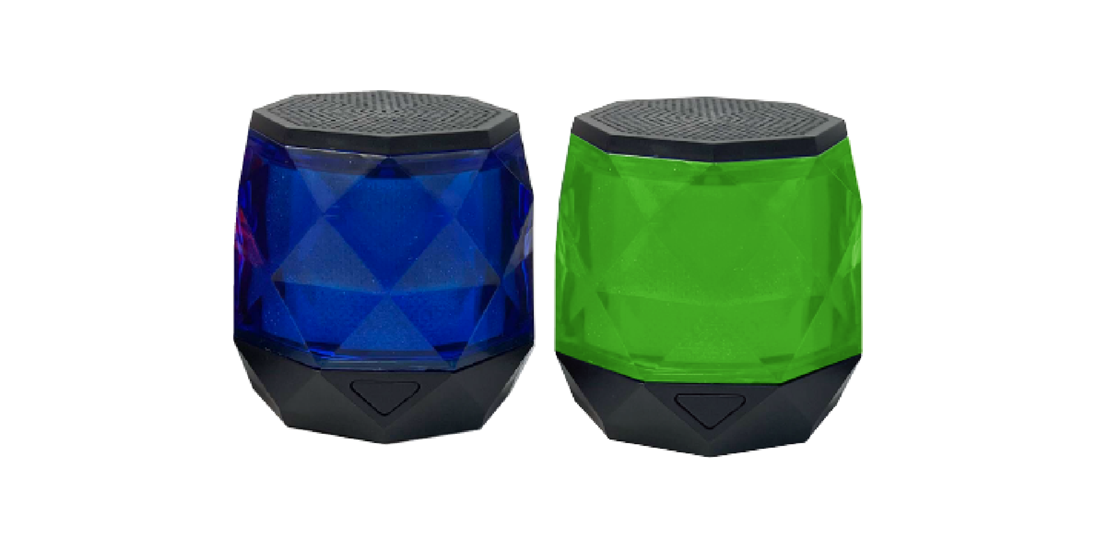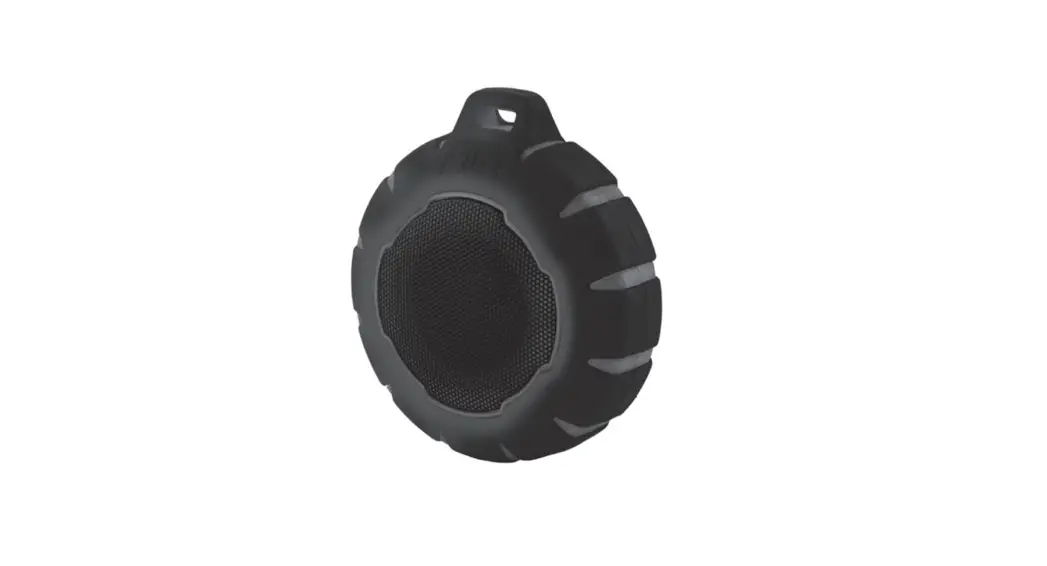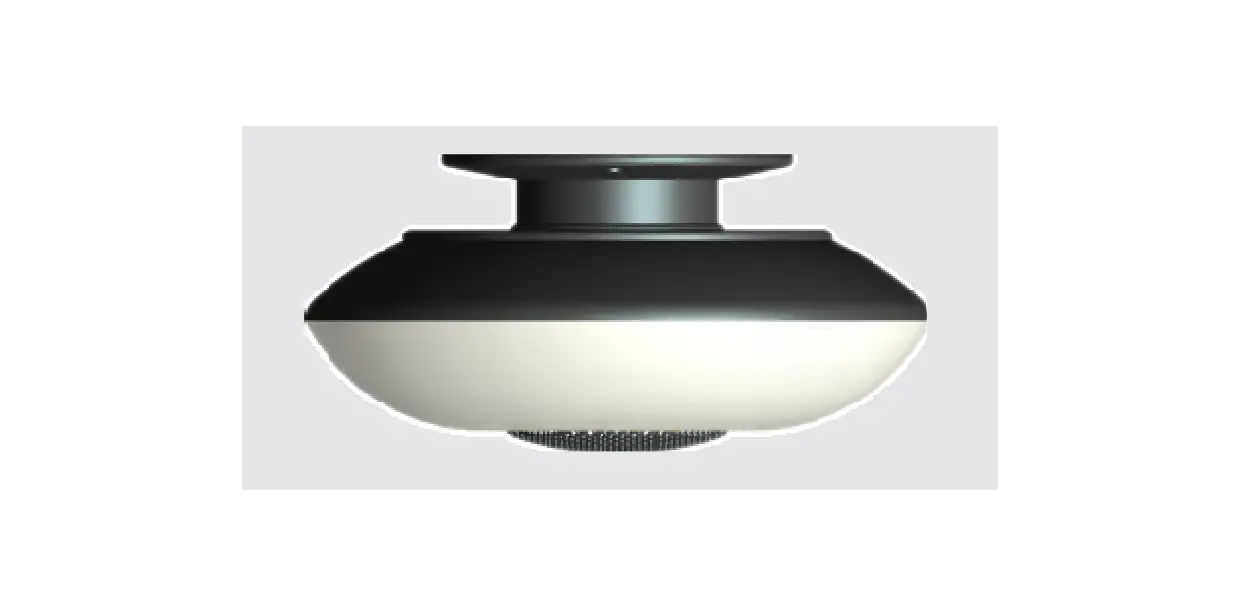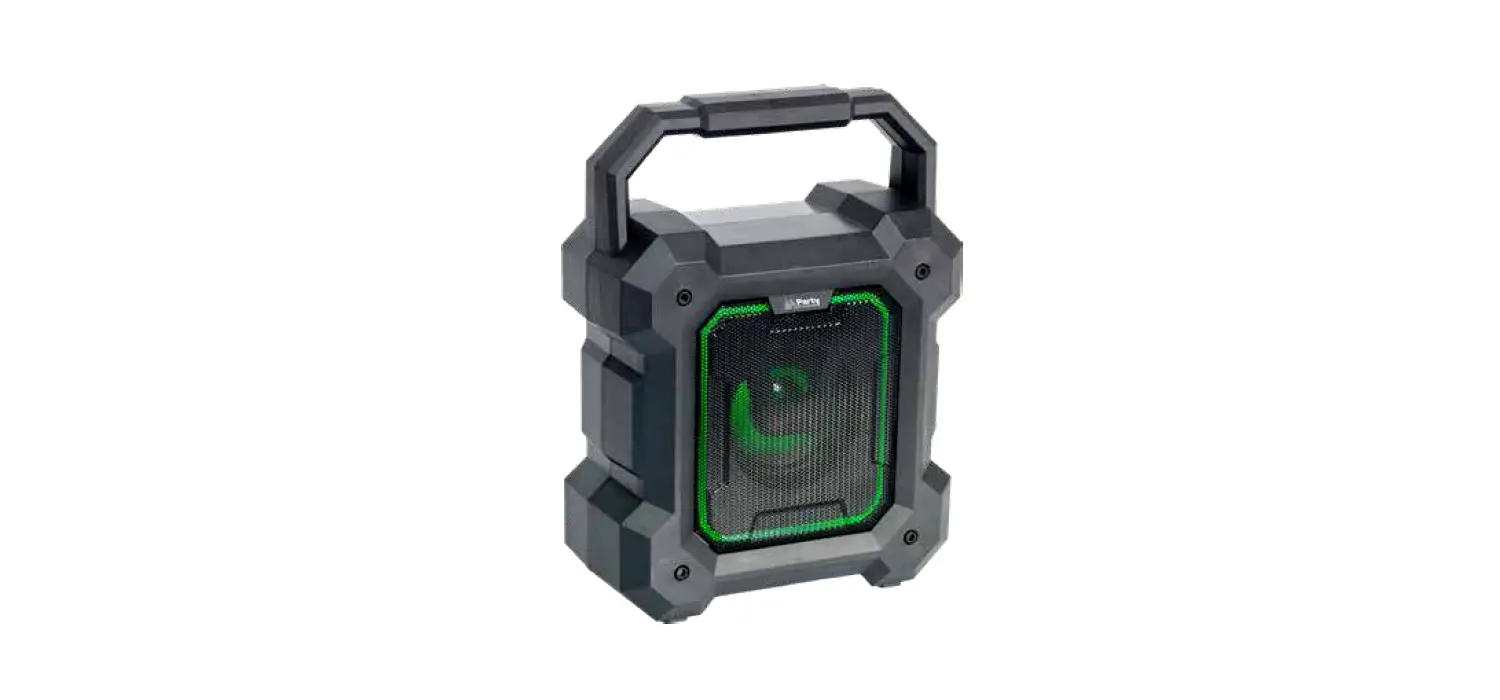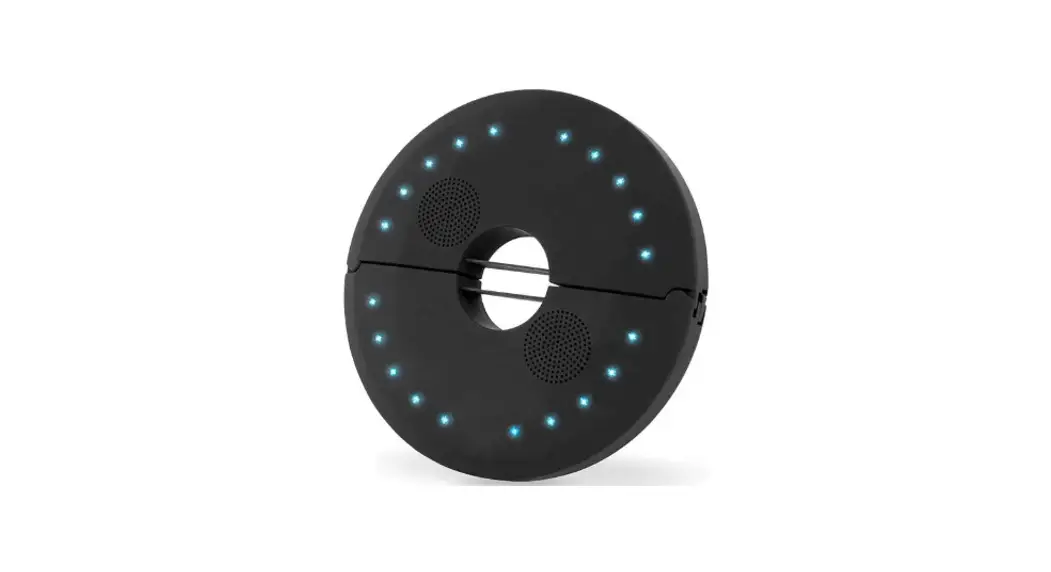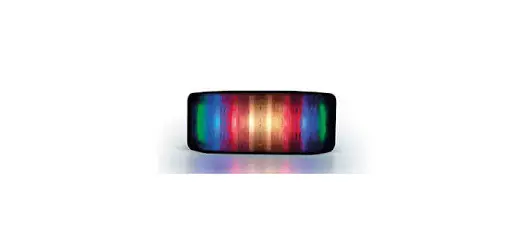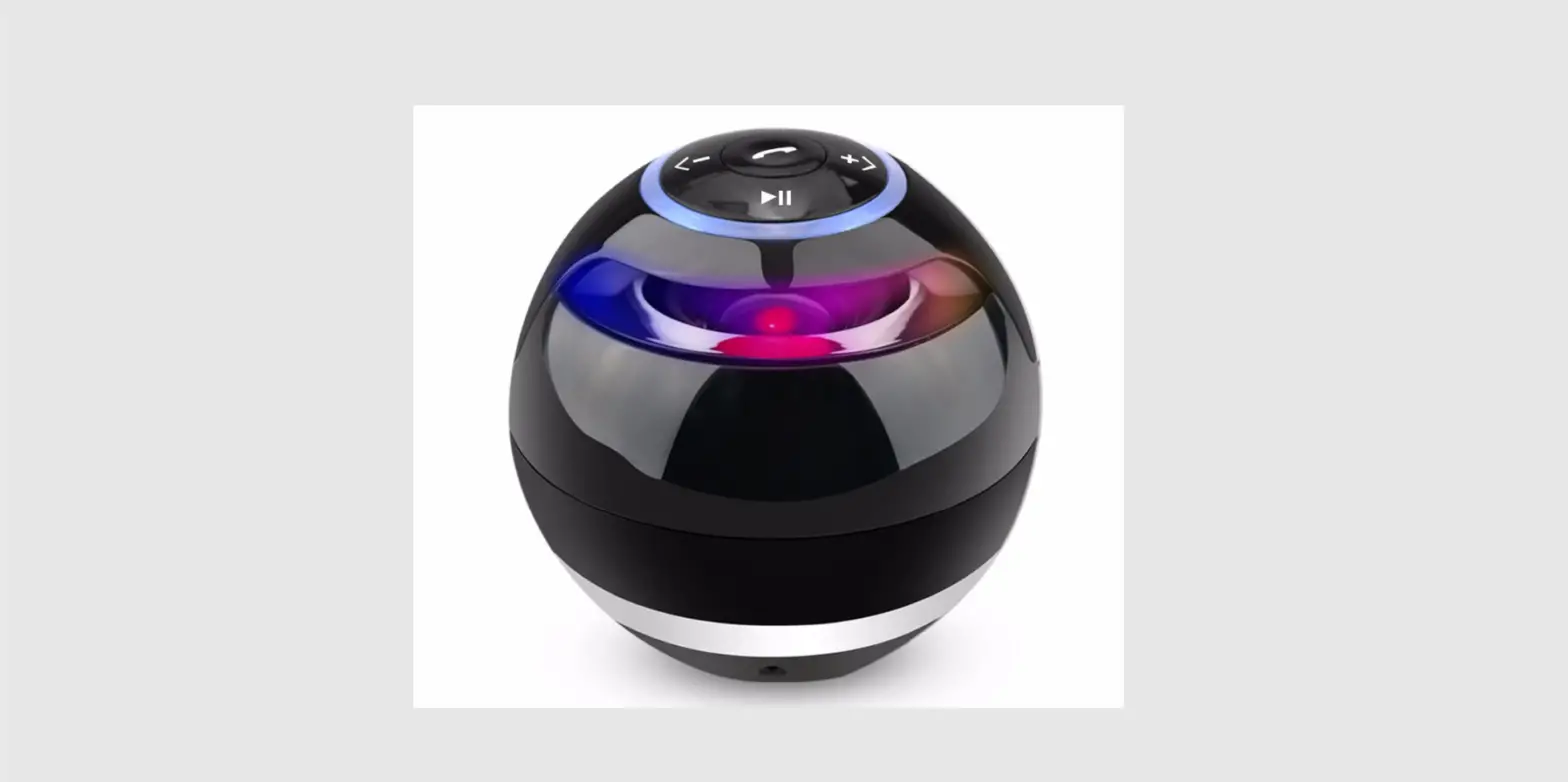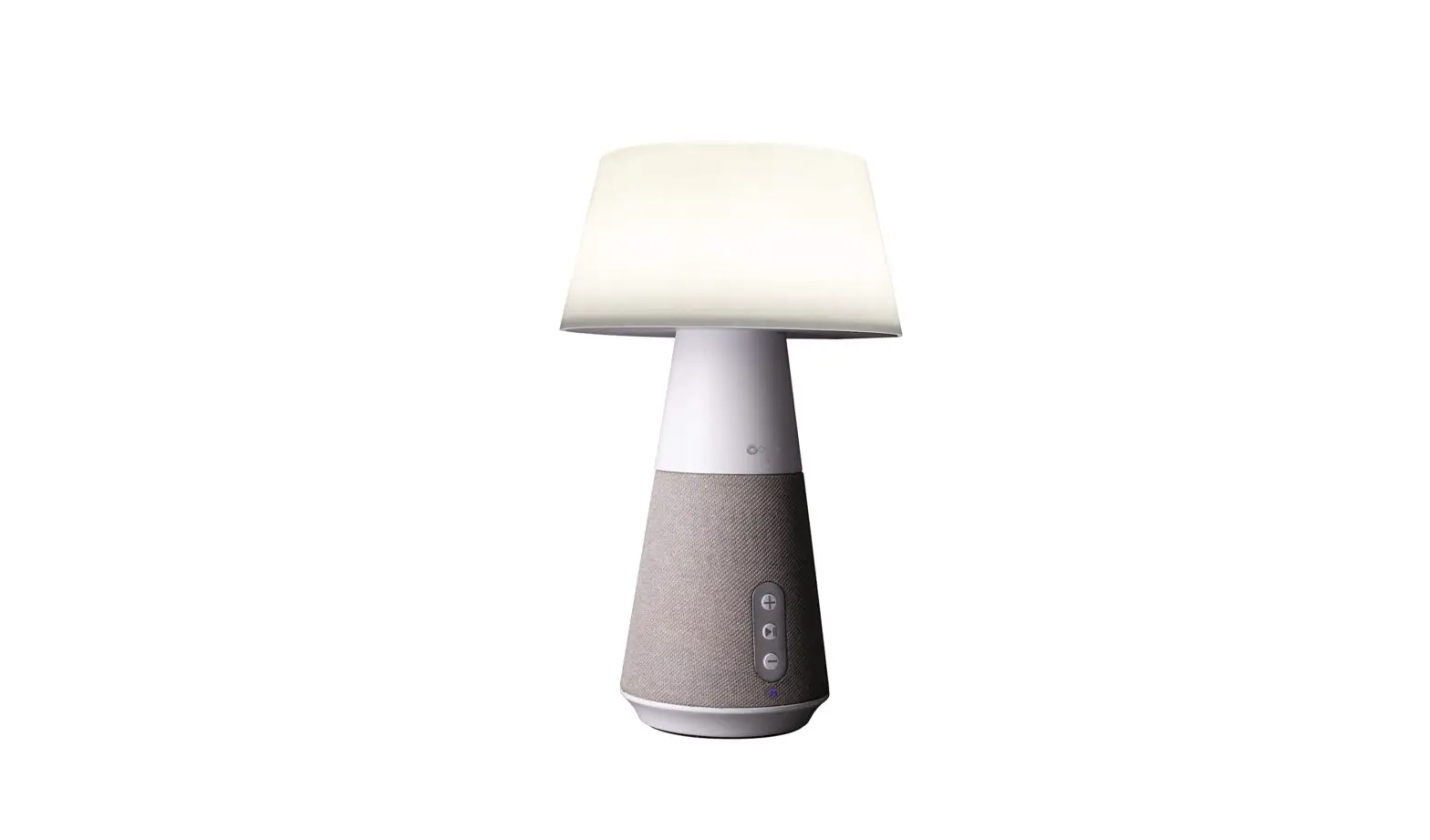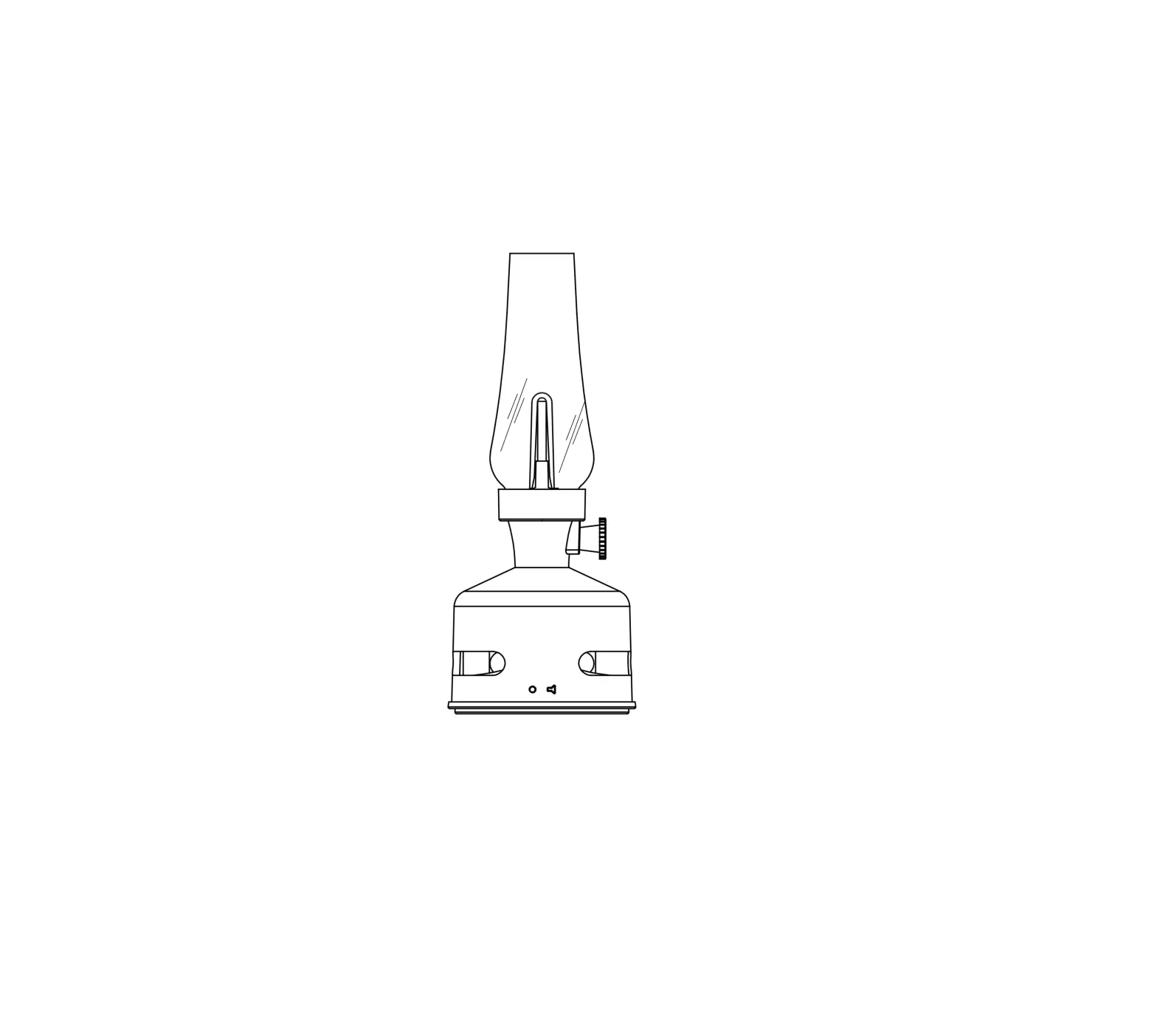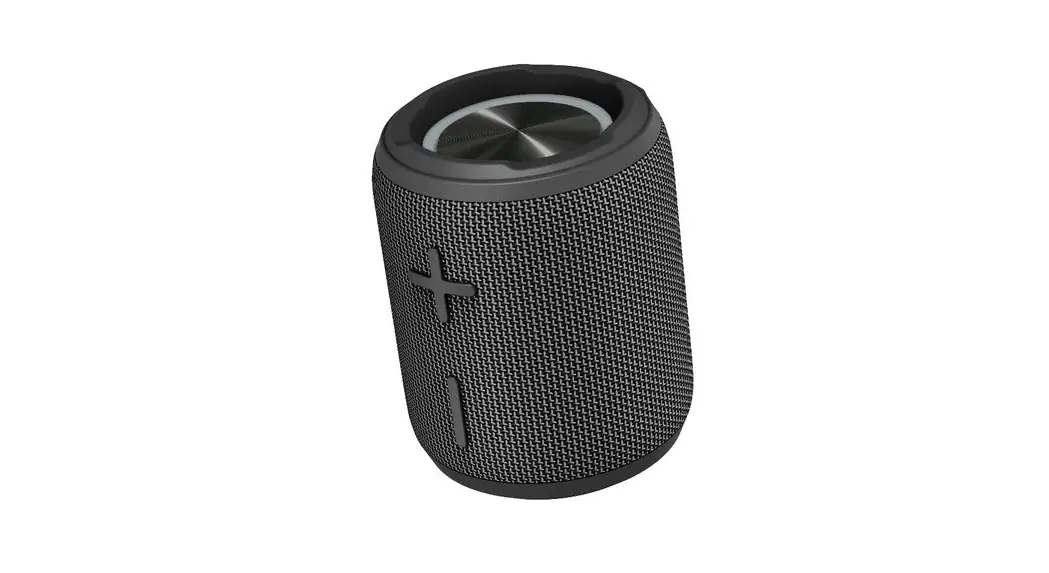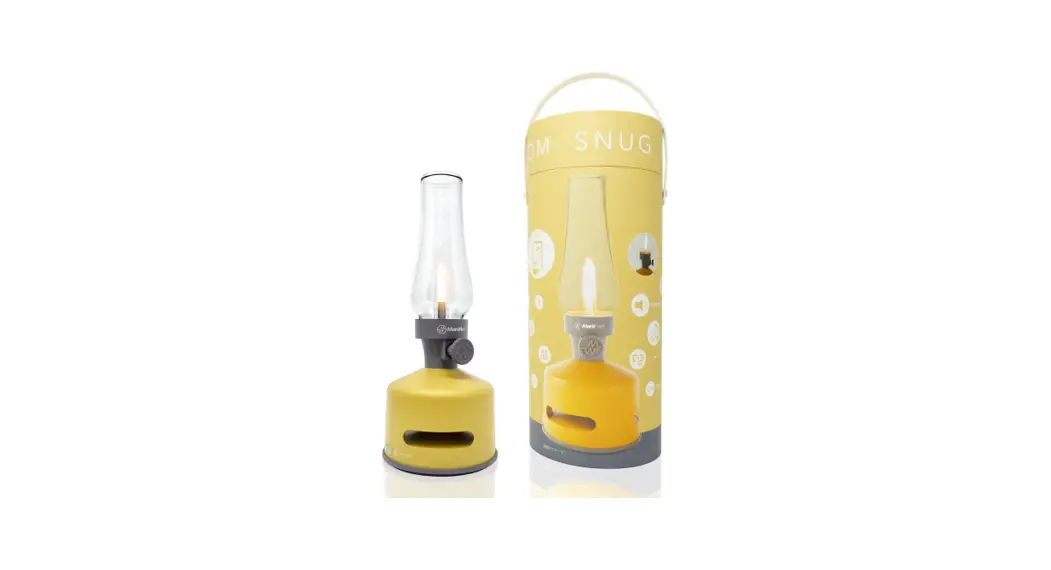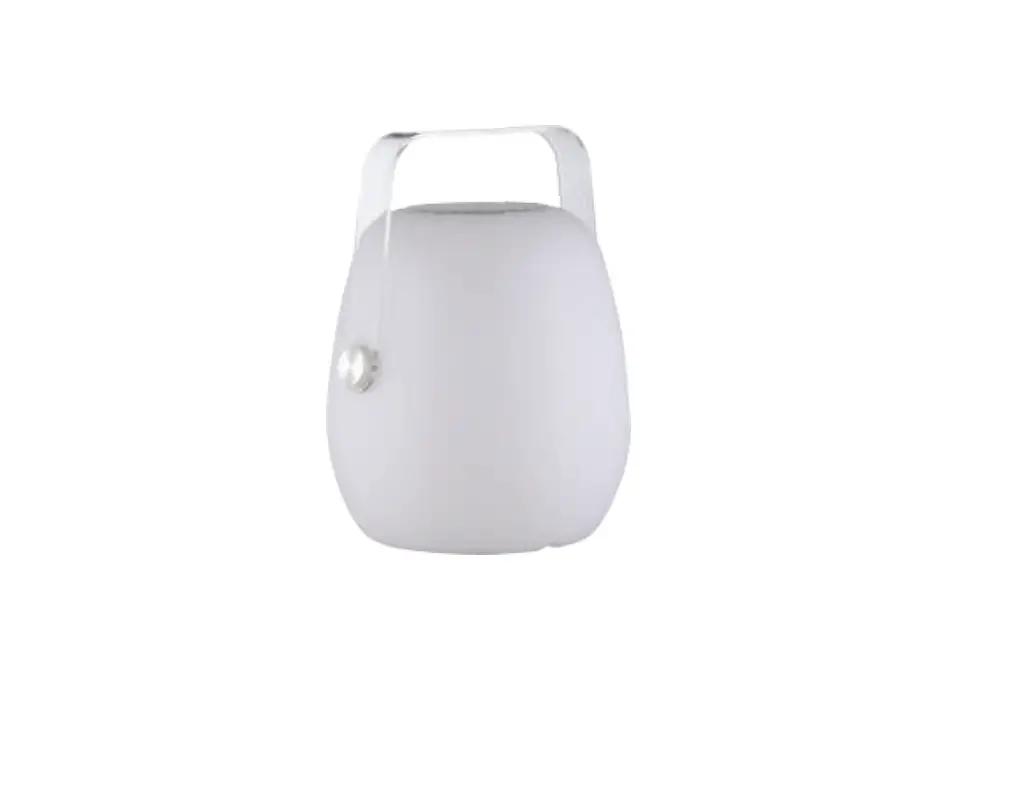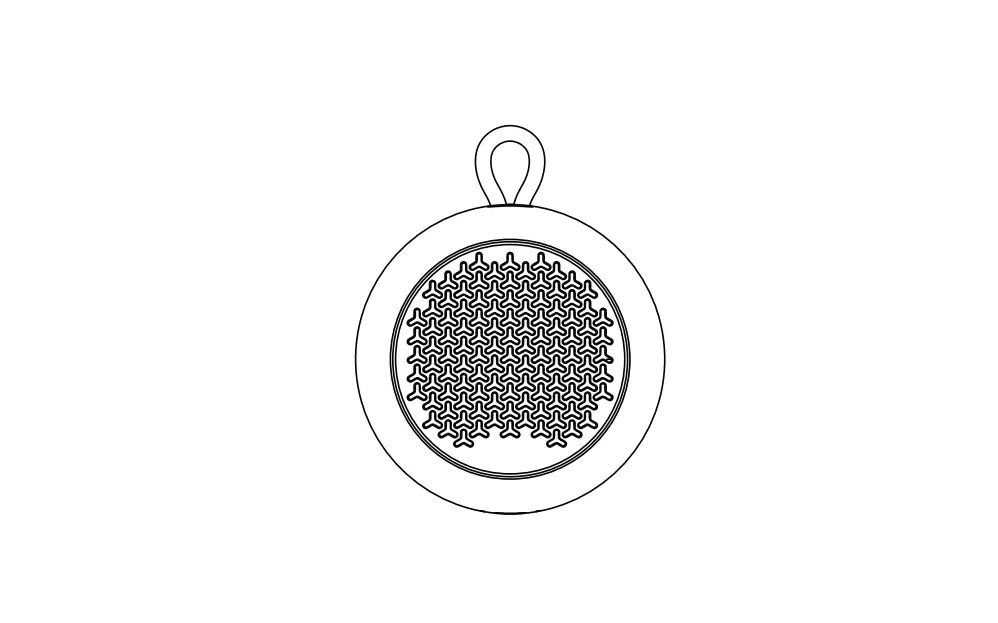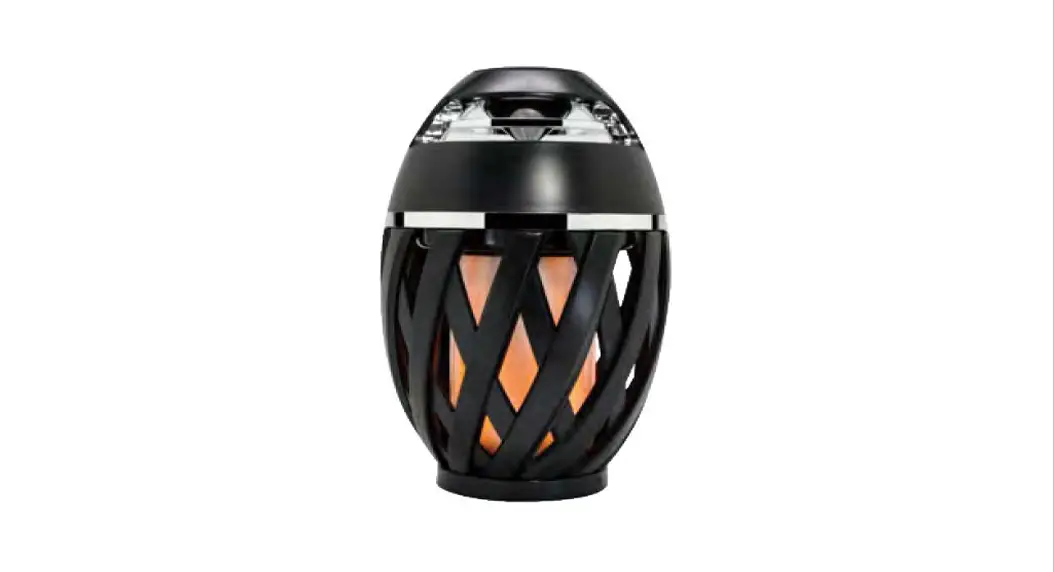

AMBIENT LED OUTDOOR SPEAKER
User Manual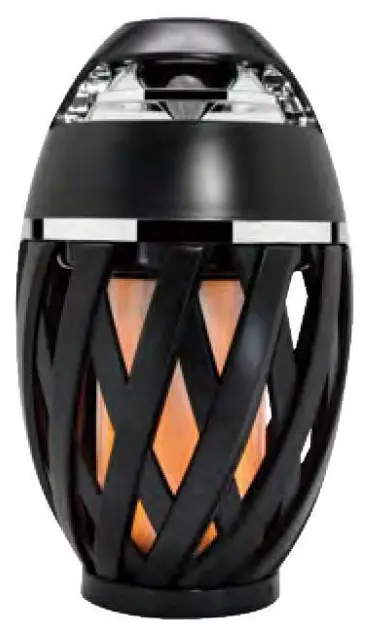
Please read this user manual before starting, and keep it for future reference.
Inside the package
- Ambient LED outdoor speaker
- USB charging cable
- User manual
Product Specifications
| Bluetooth Version | 5.0 (BDR/EDR) |
| Input Power | DC 5.0V/1.0A |
| LED Lumen | 160 |
| LED Light | 5 Modes |
| Distortion Rate | … 10 % |
| Built-in Lithium Battery | 3.7V 1200mAH |
| Speaker | 052MM 40 5.0W |
| Bluetooth Operation Range | <10M |
| Frequency Response | 100Hz – 20KHz |
| Working Time | 2-3 hours |
| Charge Time | 3 hours |
Features
- Enjoy music wirelessly.
- Easy to switch between incoming call and music, you will not miss any call while listening to music, press a button to answer & end a call.
- Redial last number.
- Volume control.
- Once the Bluetooth speaker is paired and connected to your digital device, it will automatically connect to the same device next time.
Charging Instruction
This Bluetooth speaker comes with a built-in rechargeable battery. Before using it for the first time, we recommend you charge the battery fully. Only use the provided supplied USB charging cable to charge the speaker.
1. Connect one end of the USB charging cable to the USB charging port on the speaker.
2. Connect the other end of the USB charging cable to the USB port on a PC or an AC/DC adapter. The function buttons on the top of the speaker go into the red while charging, and turn off when the battery is fully charged.
Operation 
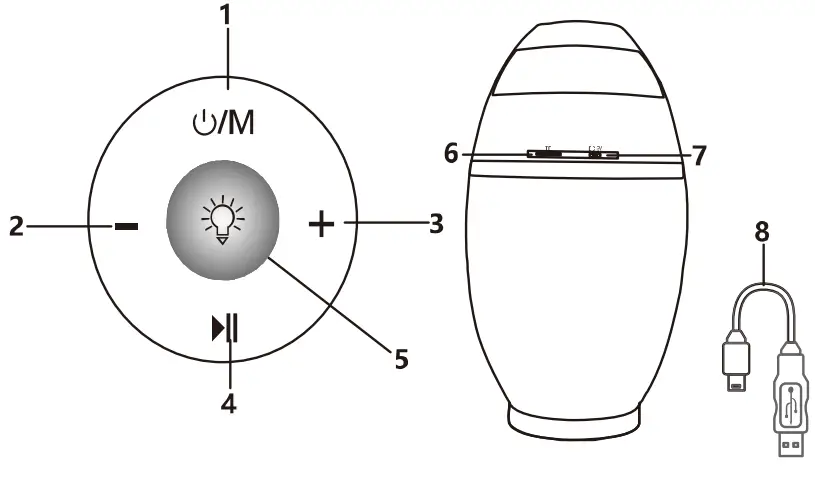
Long press UM button to turn on speaker & LED light, it also enters into Bluetooth mode at the same time. Activate the Bluetooth function in your smartphone or tablet, and search ‘AU’ to pair, voice prompt will occur when pairing succeeds.
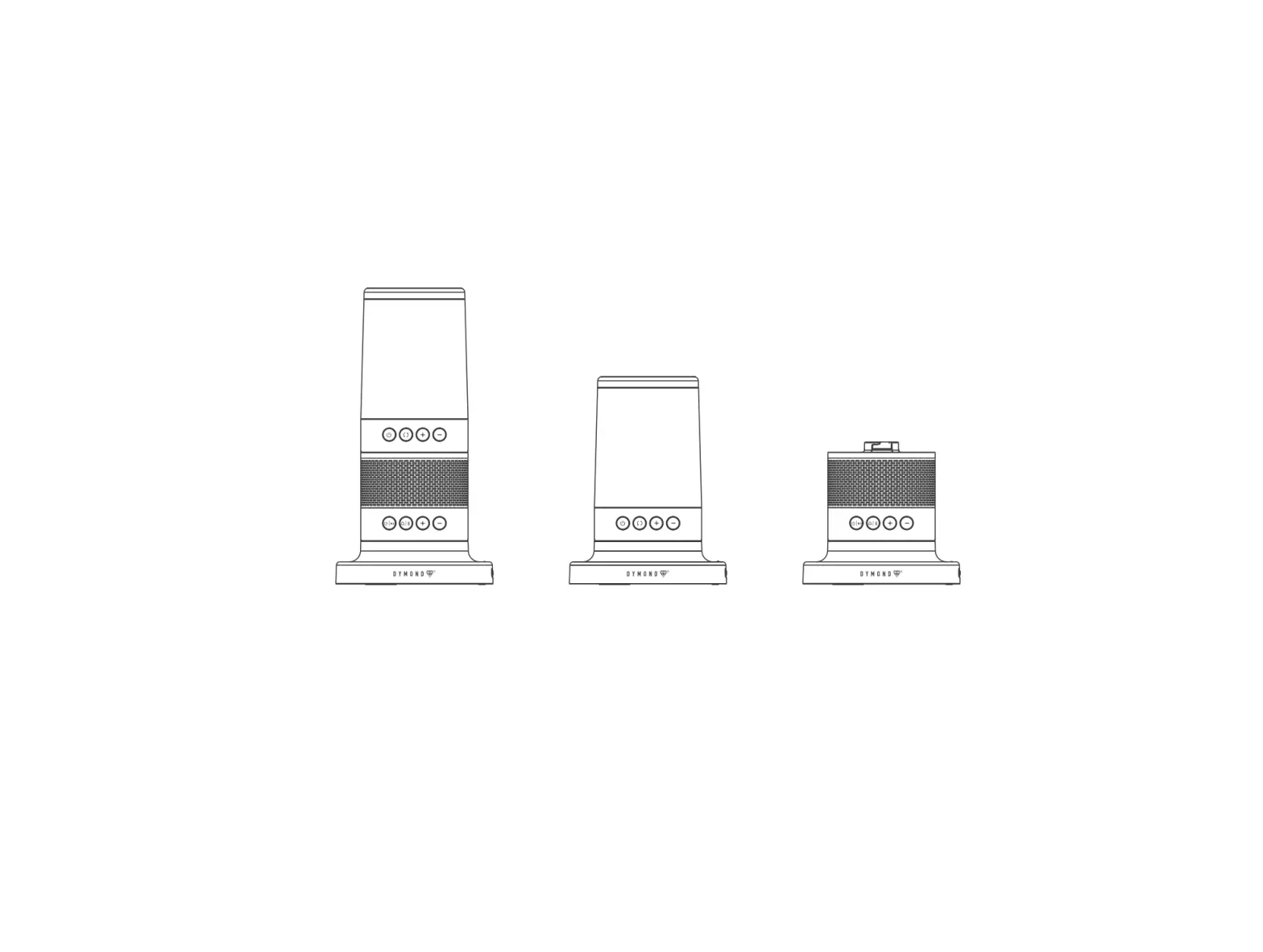
 /m Power Button: Long press to turn on/off the speaker & LED light.
- — Volume Button: Short press to play previous song, long press to volume down.
- + Volume Button: Short press to play next song, long press to volume up.
 Pause/Play/Phone Button: Short press to pause & play the song. When there is an incoming call, short press to pick up, then short press again to hang up, or long-press to reject the incoming call. Press the button twice quickly to redial the last phone number.
 ; Button: While the speaker is off, long press to turn the v light on, short press to turn it off. While the speaker in on, short press to change the light modes.
- TF Card Slot: Insert TF card to play music (assuming that music is stored in the TF card).
- DC 5V Input: USB charging port.
- USB charging cable.
Safety Instructions
- Do not expose the speaker to excessive heat, e.g. sunshine or fire.
- To avoid static electricity, do not use the speaker in an extremely dry climate.
- Do not try to repair the speaker yourself.
- Do not insert any metal object into the speaker.
- Do not charge the battery while the speaker is in use.
- Remove the charging cable from the speaker and the charging device when the battery is fully charged.
- Do not leave the battery in a humid environment.
- Do not charge or use unattended electronic devices.
FCC STATEMENT
This device complies with Part 15 of the FCC Rules. Operation is subject to the following two conditions:
(1) This device may not cause harmful interference, and(2) This device must accept any interference received, including interference that may cause undesired operation.
Changes or modifications not expressly approved by the party responsible for compliance could void the user’s authority to operate the equipment.
This equipment has been tested and found to comply with the limits for a Class B digital device, pursuant to part 15 of the FCC Rules. These limits are designed to provide reasonable protection against harmful interference in a residential installation. This equipment generates, uses, and can radiate radio frequency energy and, if not installed and used in accordance with the instructions, may cause harmful interference to radio communications. However, there is no guarantee that interference will not occur in a particular installation. If this equipment does cause harmful interference to radio or television reception, which can be determined by turning the equipment off and on, the user is encouraged to try to correct the interference by one or more of the following measures:
—Reorient or relocate the receiving antenna.
—Increase the separation between the equipment and receiver.
—Connect the equipment into an outlet on a circuit different from that to which the receiver is connected.
—Consult the dealer or an experienced radio/ TV technician for help.
FCC Radiation Exposure Statement:
This equipment complies with FCC radiation exposure limits set forth for an uncontrolled environment. In order to avoid the possibility of exceeding the FCC radio frequency exposure limits.