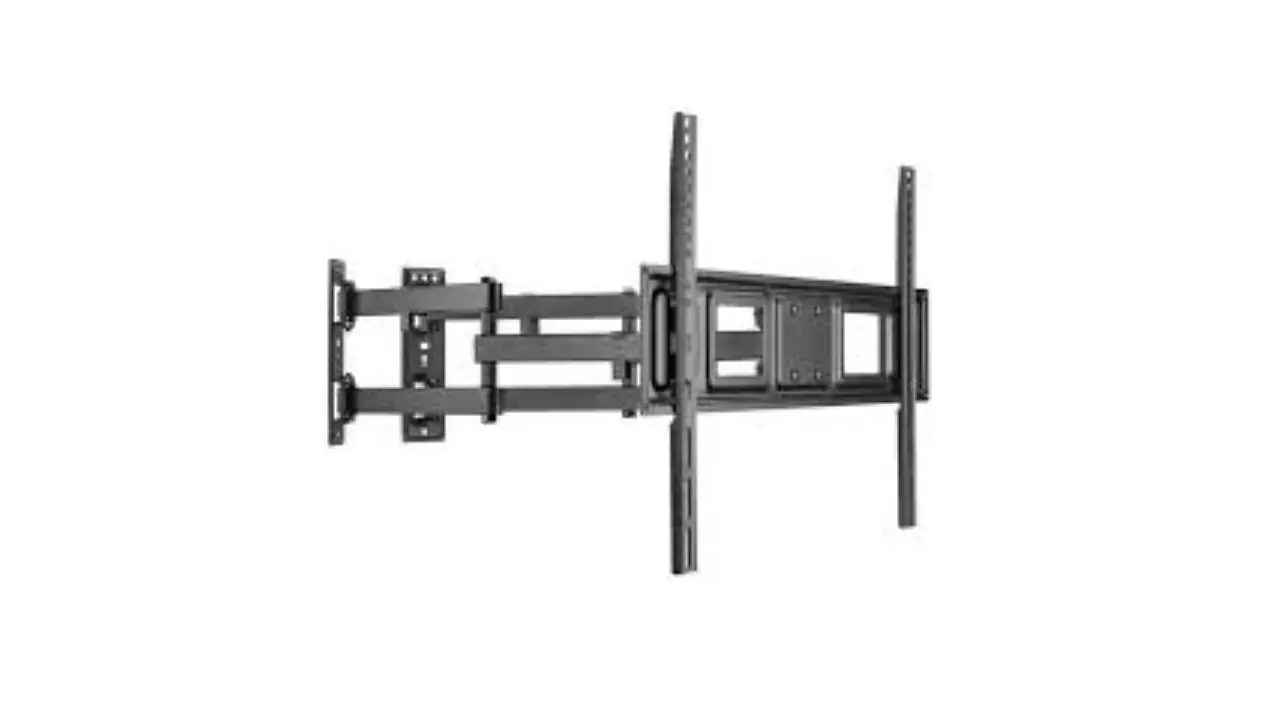
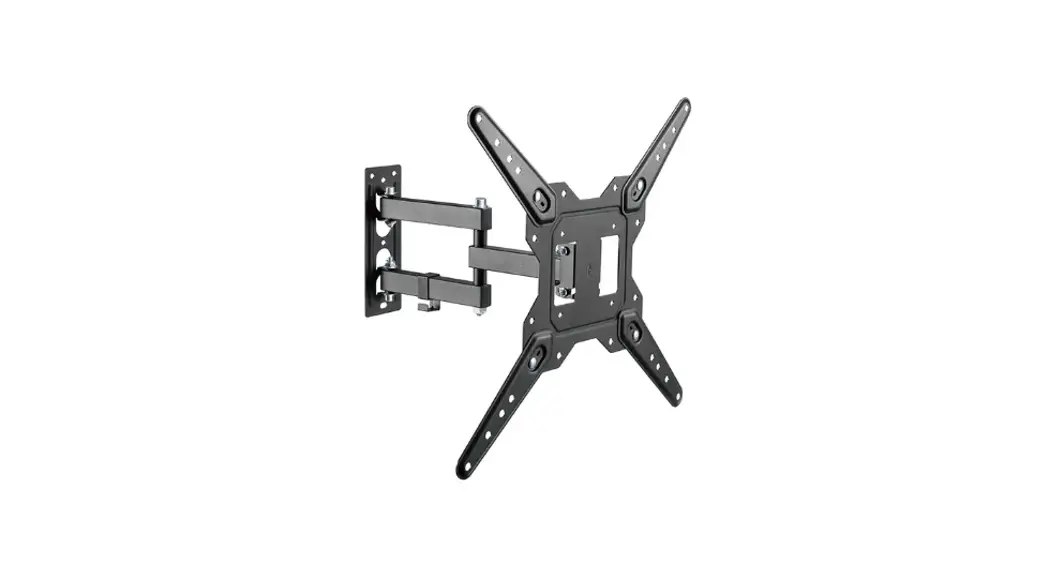
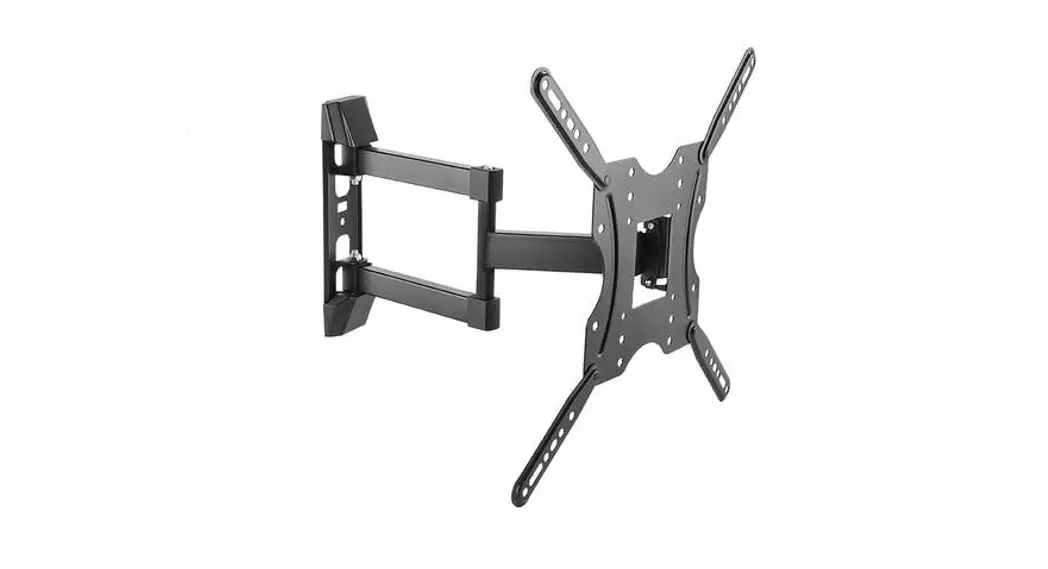
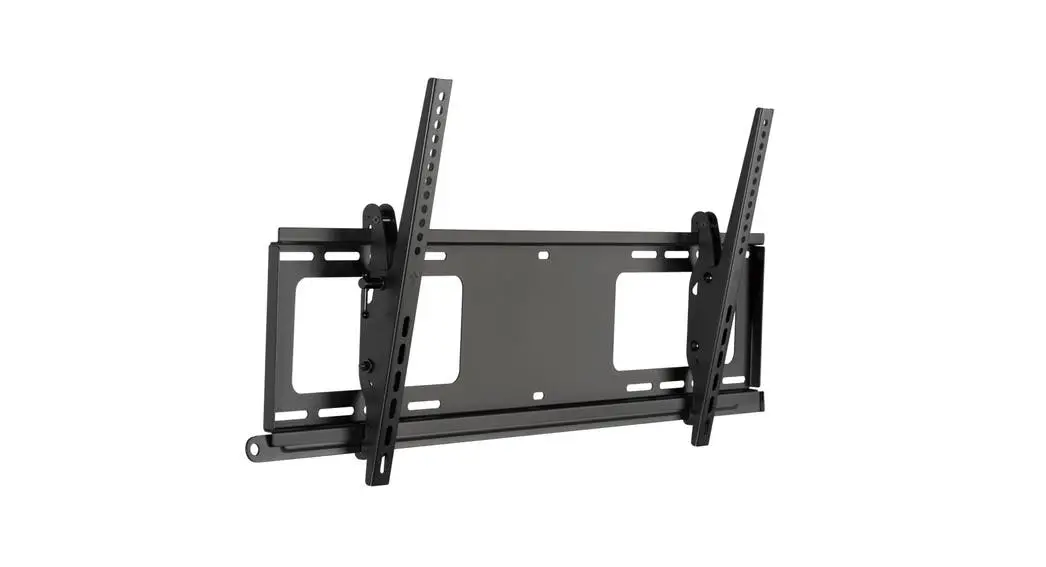
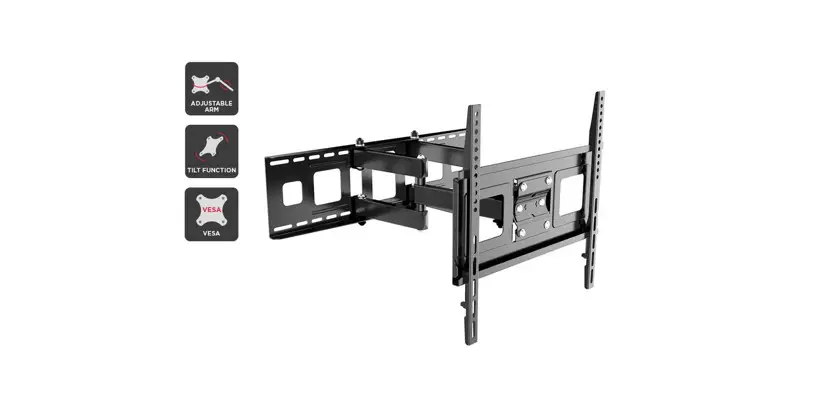
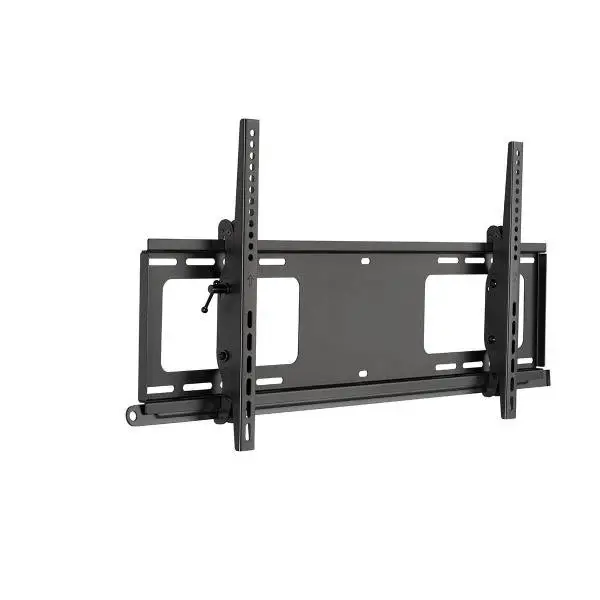
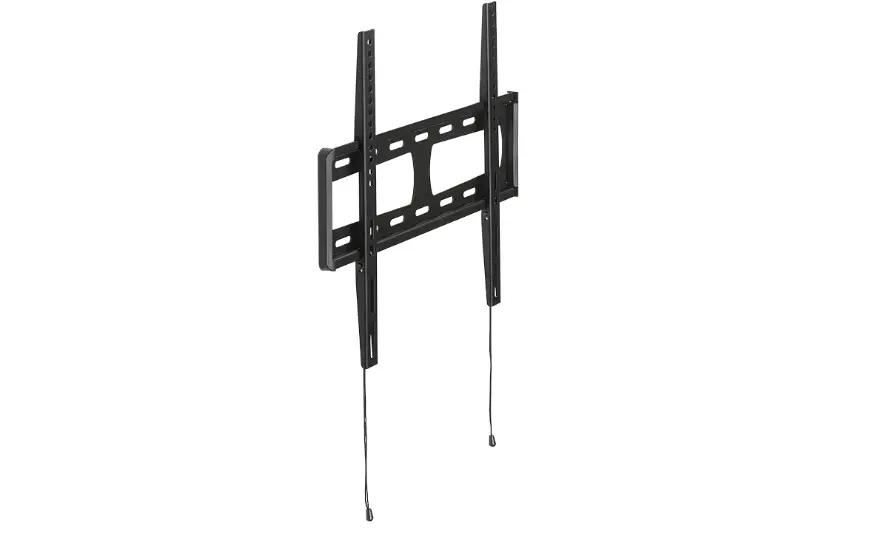
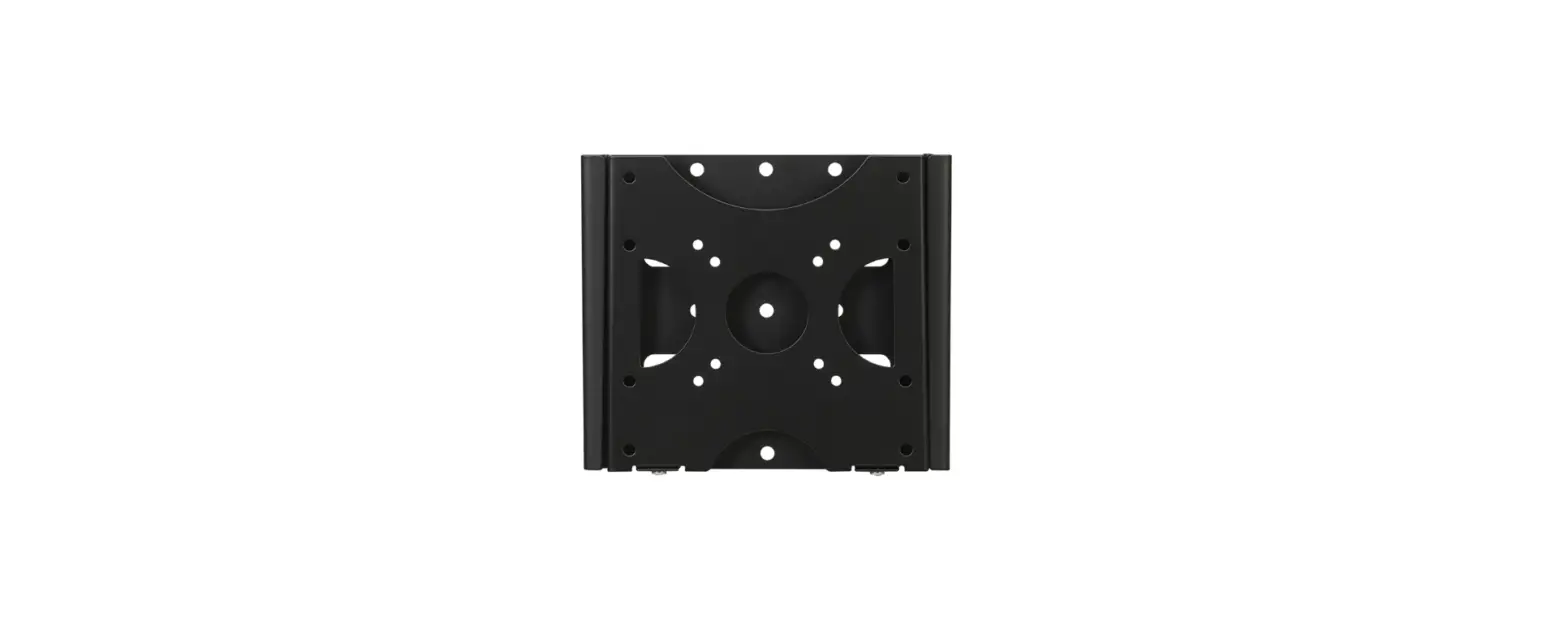
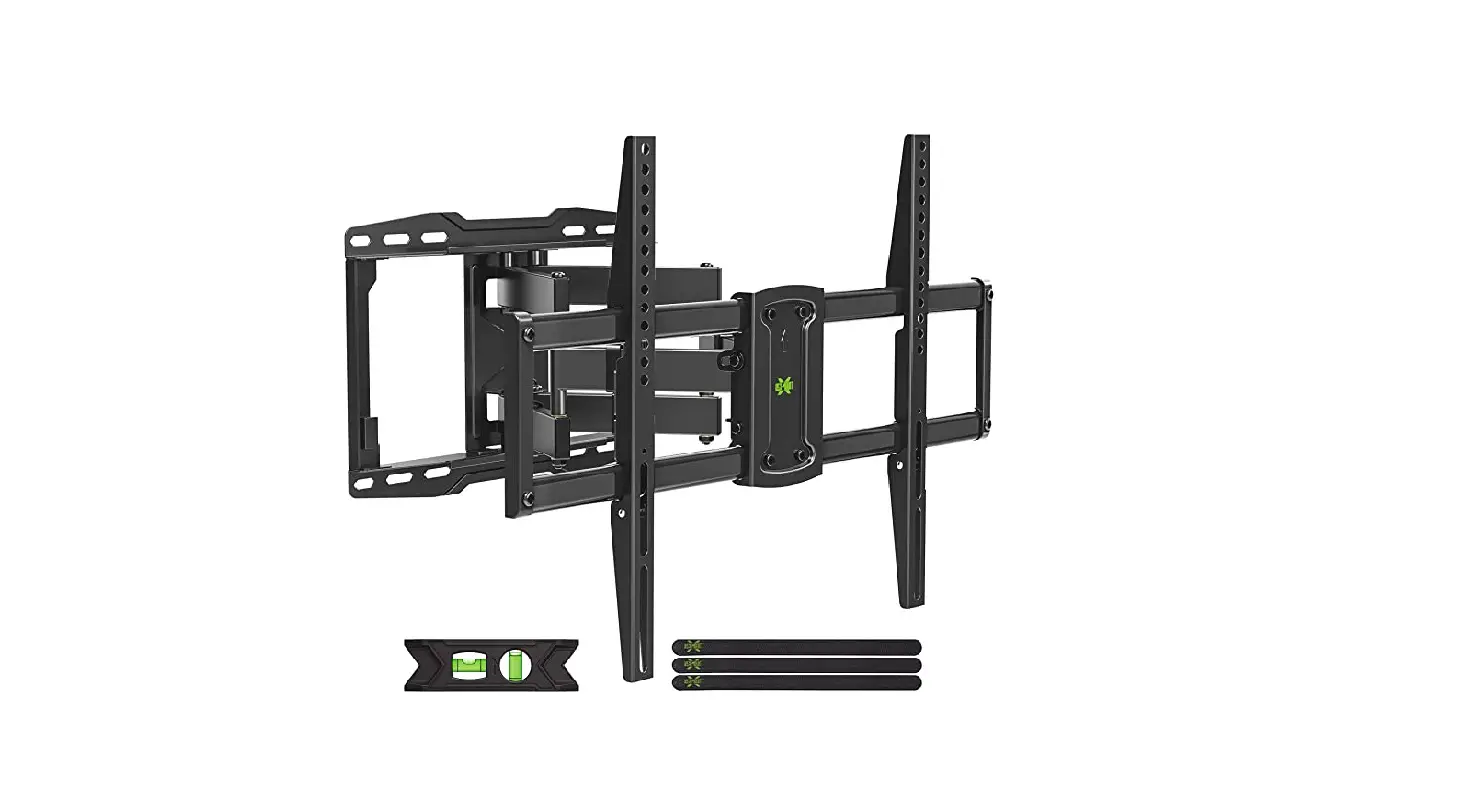
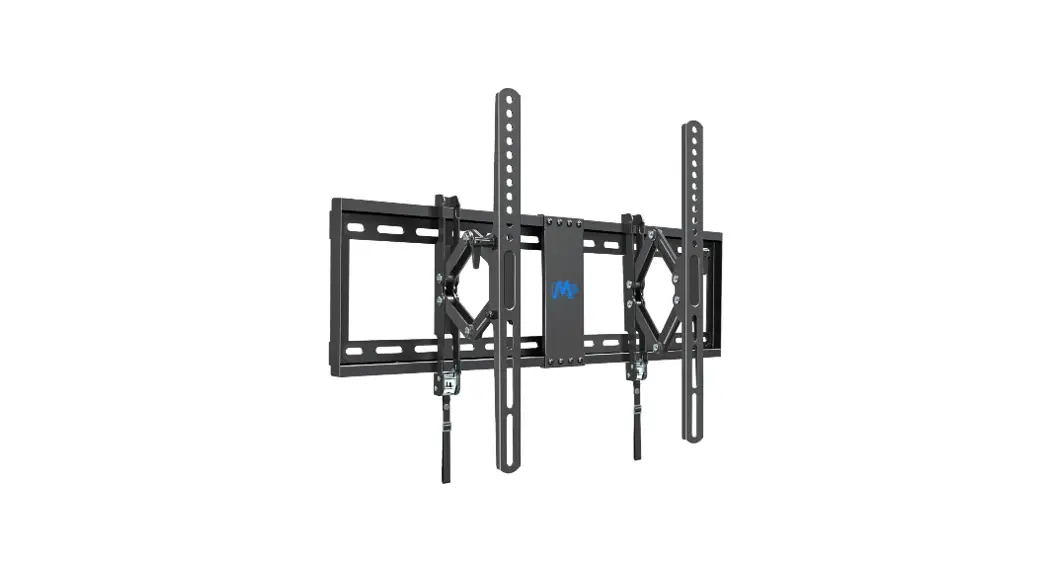
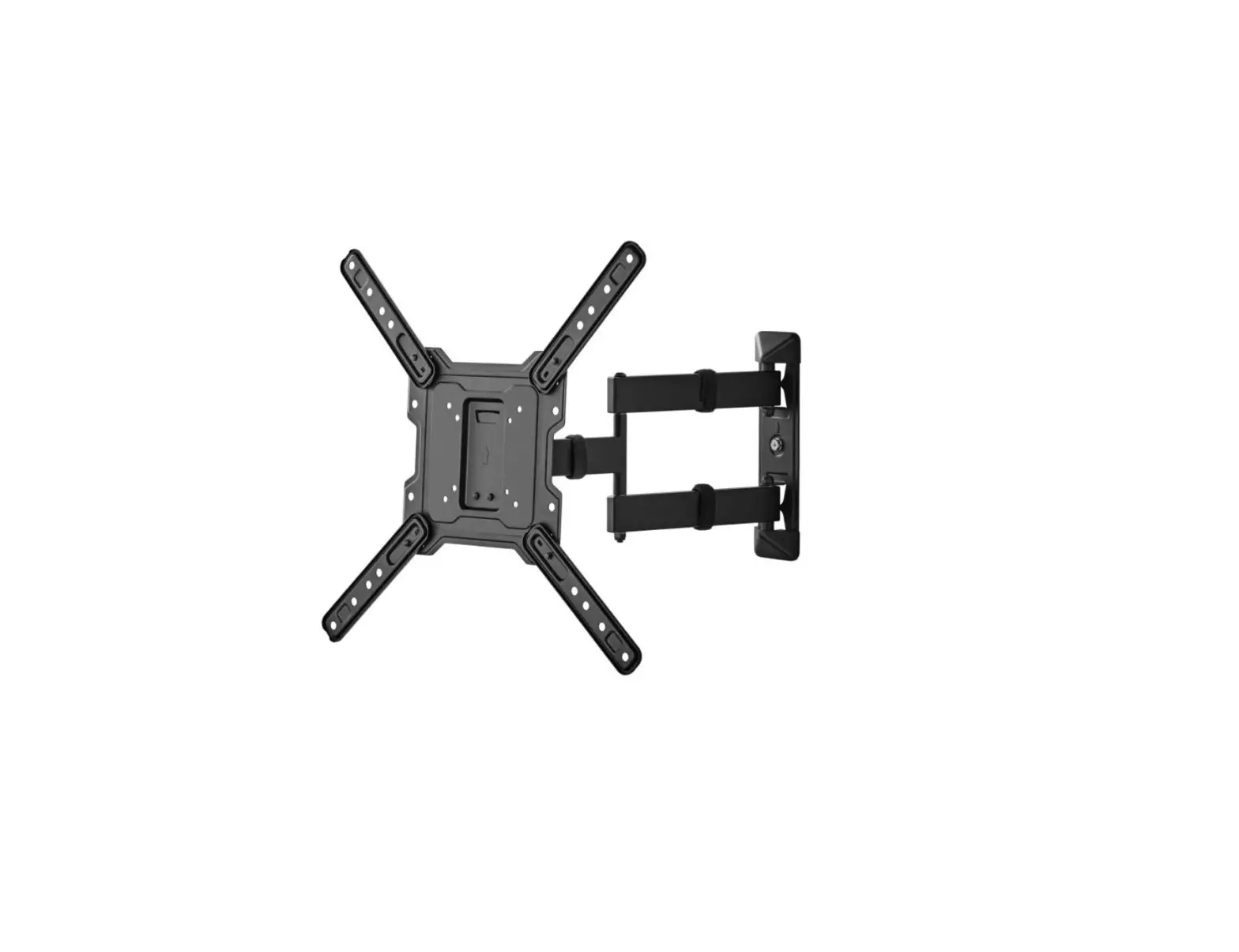
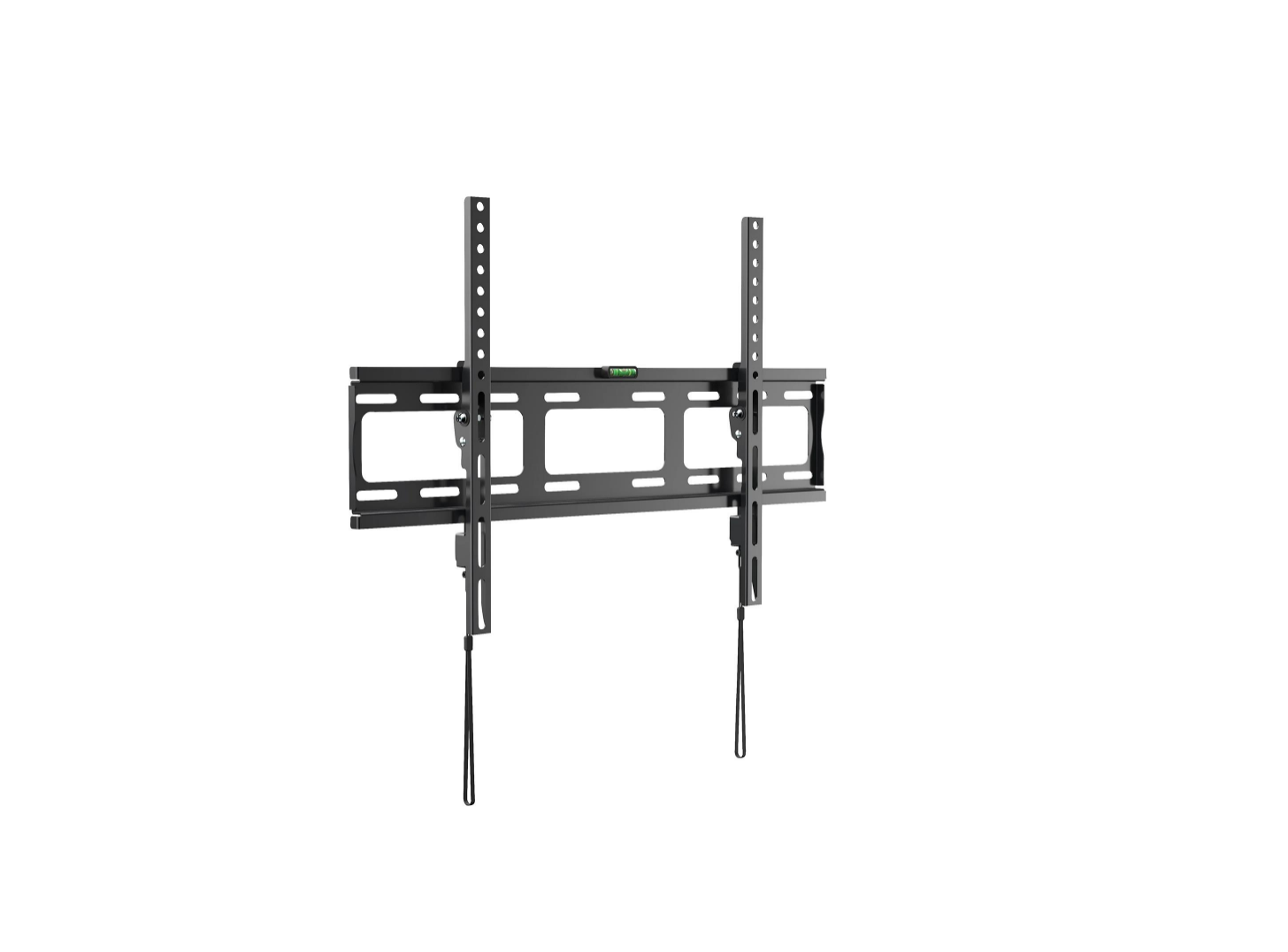
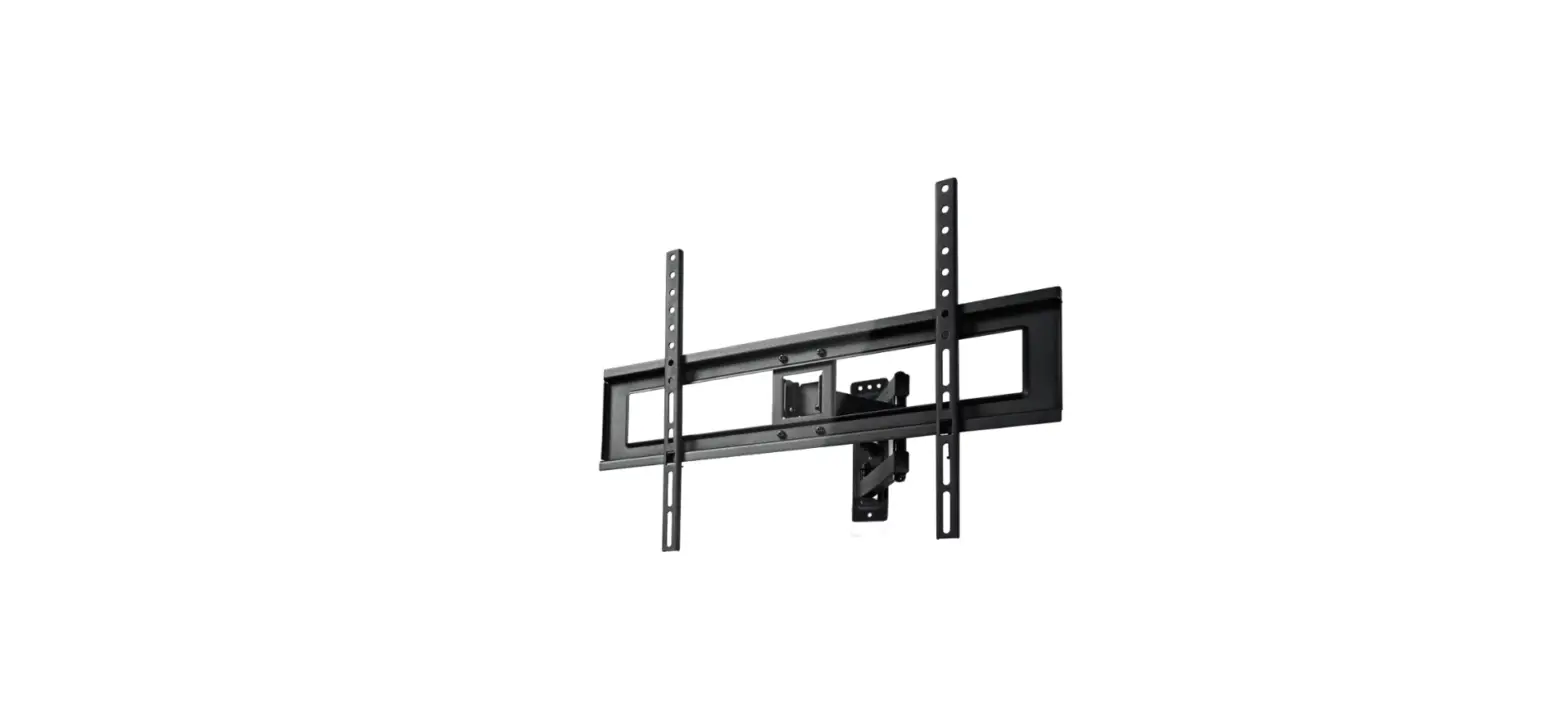
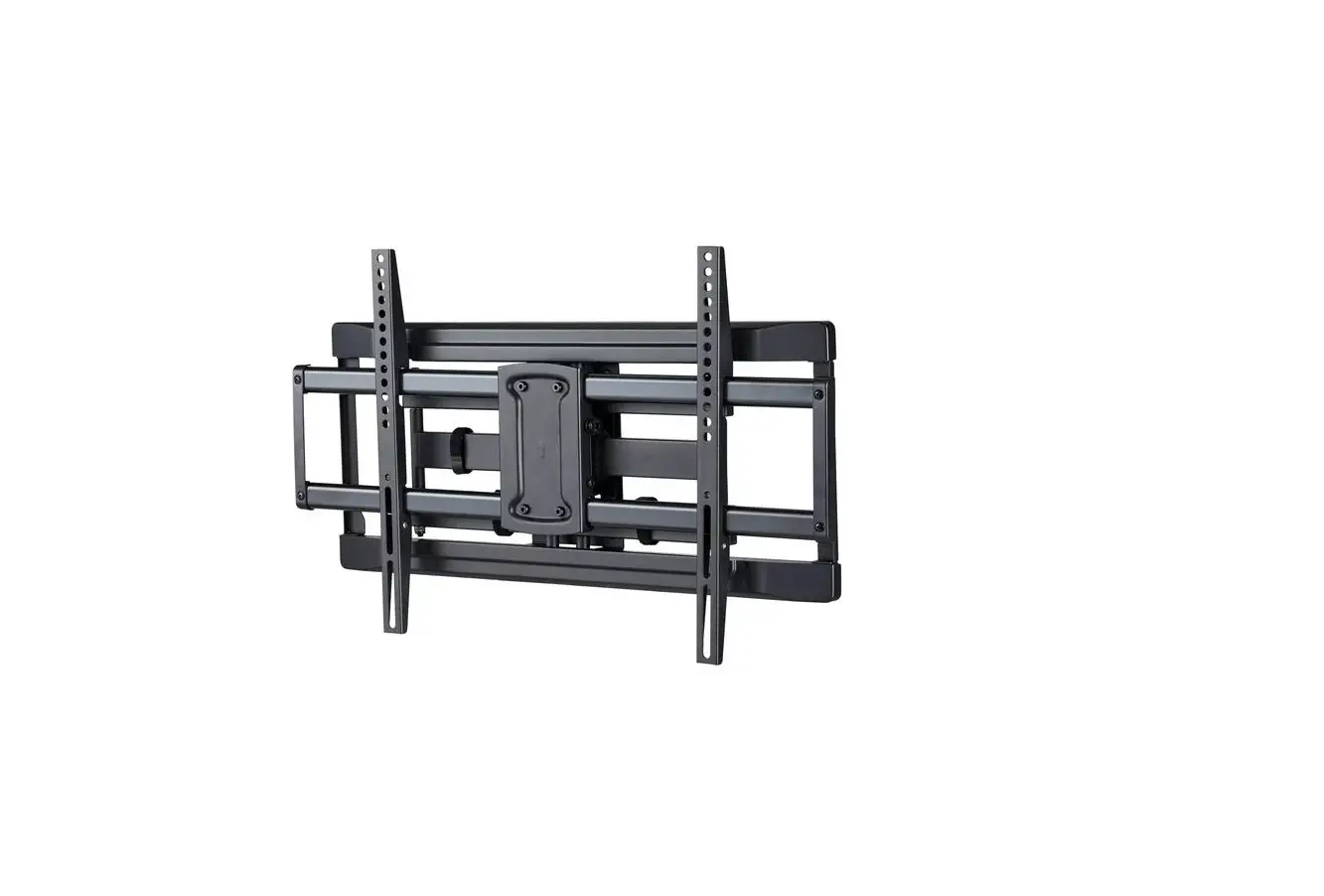
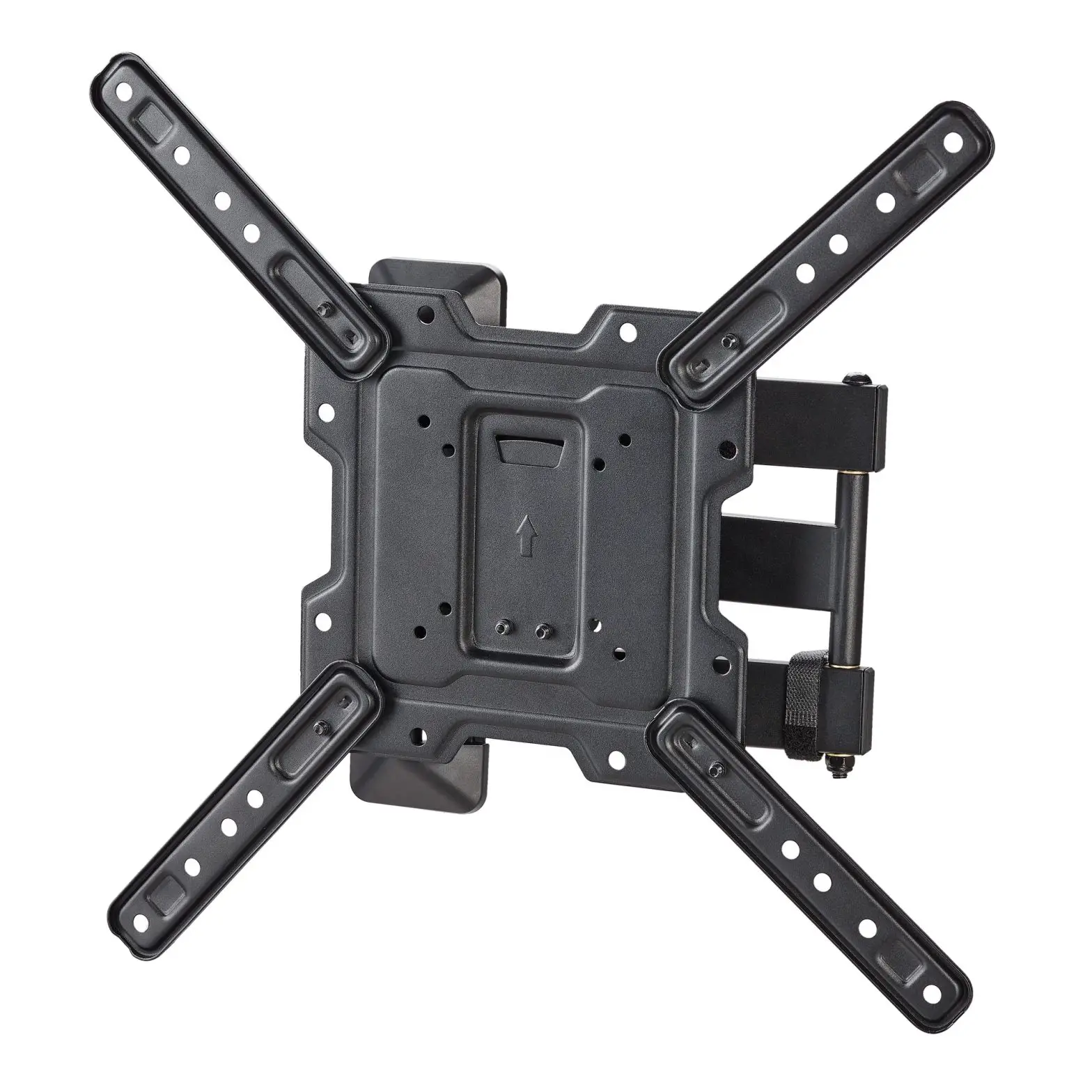
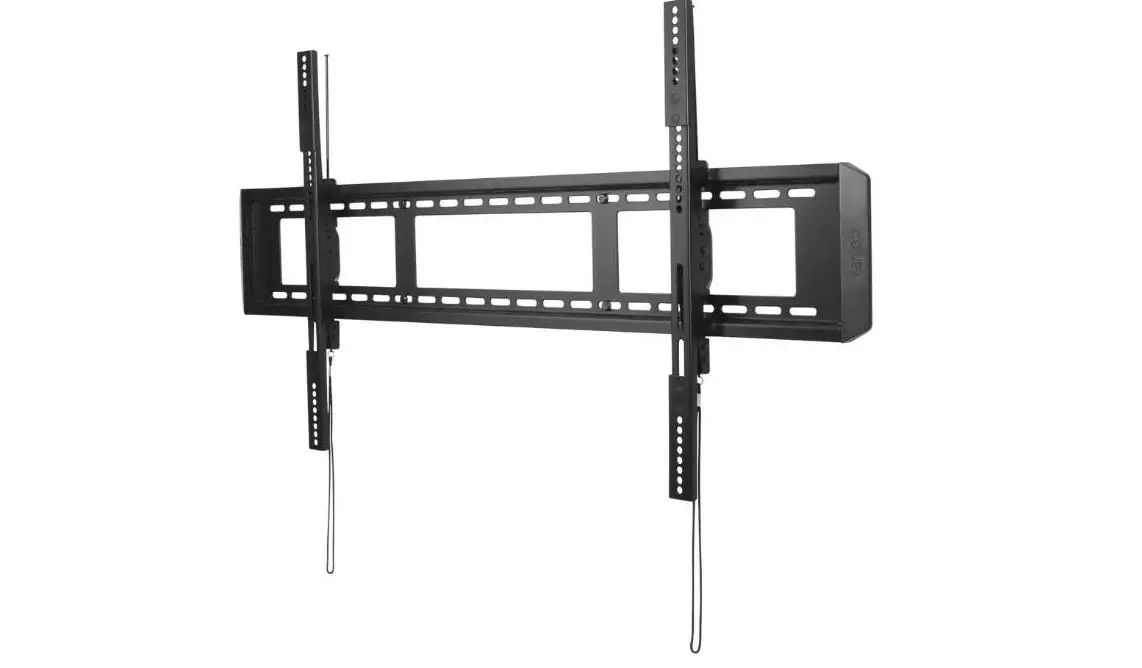
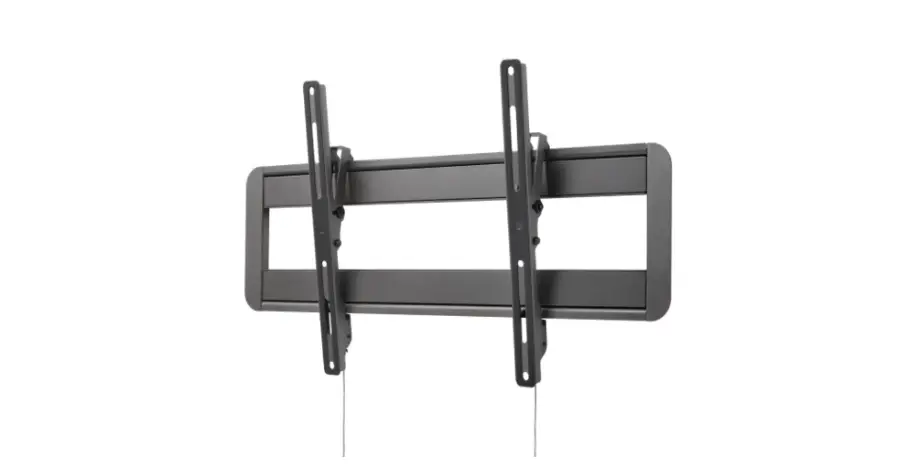
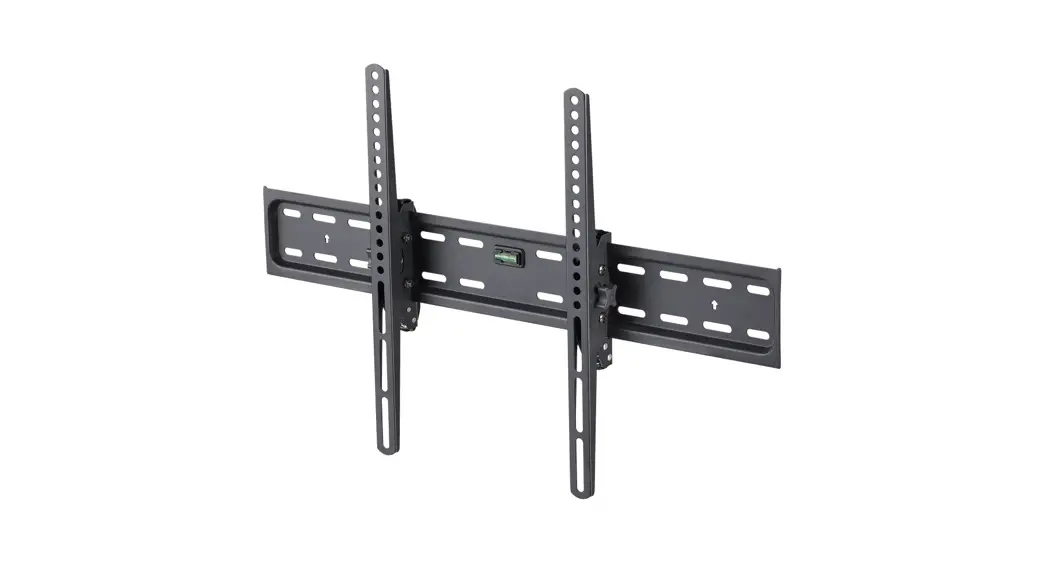
KAWLM55CNRA Tilt Extendable Full Motion Corner Wall Mount
Tilt Extendable Full Motion Corner Wall Mount (23 – 55)
Product Information
The Tilt Extendable Full Motion Corner Wall Mount is a wall
mount designed to hold televisions with screen sizes between 23 and
55 inches. It has a VESA compatibility of 200×100, 200×200,
300×200, 300×300, 400×200, 400×300, and 400×400. The mount has a
rated weight of 45kg (99 lbs) and should not be used with products
heavier than the rated weight as it may result in instability
causing possible injury. The product comes with a component
checklist to ensure all parts are received prior to
installation.
Product Usage
Safety & Warnings:
- Ensure the rated weight is not exceeded to avoid instability
and injury. - Use safety gear and safe working methods to avoid property
damage, serious injury, or death. - Check that the product is secure and safe to use at regular
intervals (at least every three months).
Components:
- Wall mount assembly: A (x1), B (x1), C (x2), D (x2), E M6 (x3),
F (x8), G (x1), W-A ST6.3×55 (x8) - Adapters (depends on TV): W-C (x8), M-A M5x14 (x4), M-B M6x14
(x4), M-C M6x30 (x4), M-D M8x30 (x4), M-E M8x50 (x4), M-F D5 (x4),
M-G D8 (x4), M-H (x8), M-I (x8)
Assembly:
Additional Tools Required (Not Supplied):
- Phillips head screwdriver
- Stud finder
- Spirit level
- Pencil
- Electric drill
- Socket wrench
Step 1: Drywall, plaster or timber walls (with
studs)
- Use a stud finder to locate safe and suitable locations to
install into the wall. - Use a spirit level to double-check the correct angle of the
mount and mark the intended hole positions with a pencil. - Drill holes in the desired locations (55mm deep, 4.5mm
wide). - With the wall mount held in place, insert the washers and
screws (W-C, W-A), tightening with a socket wrench. When installing
on a drywall, plaster or timber wall, do not use the screw anchors
(W-B).
Step 1: Concrete and masonry walls
- Use a spirit level to double-check the correct angle of the
mount and mark the intended hole positions with a pencil. - Drill holes in the desired locations (60mm deep, 10mm
wide). - Insert the screw anchors (W-B) into each pre-drilled hole.
- With the wall mount held in place, insert the washers and
screws (W-C, W-A), tightening with a socket wrench.
Step 2: Preparing the VESA mount plate
Ensure the two top nuts (E) are not fully tightened, leaving a
gap of 4mm.
Configuration for VESA:
- 300×300, 400×400:

- 300×200, 400×200:
- 400×300:


Step 3: Attaching the mounting brackets to your
TV.
Depending on your TV, a combination of spacers (M-H, M-I) may be
required to help create the correct amount of space for the
brackets. Ensure the screws are fitted correctly into your TV’s
VESA mount holes, and are not too long or too short in the back of
the TV.
Step 4: Attaching the TV to the wall mount.
- With two people, lift the TV up and into position on the mount,
ensuring the 4mm gaps on the mount plate nuts slide into the two
openings on the mount. - The lower bolt of the mount plate should feed through the
opening at the bottom of the mount. Secure this with a nut (E),
while tightening the two top nuts.
TILT EXTENDABLE FULL MOTION CORNER WALL MOUNT
(23″ – 55″)
KAWLM55CNRA
SAFETY & WARNINGS
CAUTION: Rated weight is 45kg (99 lbs). Use with products heavier than the rated weights indicated may result in instability causing possible injury.
· Please closely follow the assembly instructions. Improper installation may result in damage or serious personal injury.
· Safety gear and quality tools must be used. · This product is suitable for installation on solid concrete walls, masonry walls or
wood stud walls. · Make sure that the supporting surface will safely support the combined weight of
the equipment and all attached hardware and components. · Use the mounting screws provided and DO NOT OVER TIGHTEN mounting
screws. · Do not allow children to play near this stand. · This product contains small items that could be a choking hazard if swallowed.
Keep these items away from children. · This product is intended for indoor use only. Using this product outdoors could lead
to product failure and personal injury. · A minimum of two people are recommended for this installation. Failure to use
safety gear and safe working methods may result in property damage, serious injury or death.
IMPORTANT: Ensure that you have received all parts according to the component checklist prior to installation. If any parts are missing or faulty, contact your place of purchase for a replacement. MAINTENANCE: Check that the product is secure and safe to use at regular intervals (at least every three months).
Suitable for TVs 23″ 55″ maximum
VESA compatibility: 200×100, 200×200, 300×200, 300×300, 400×200, 400×300, 400×400
COMPONENTS
Wall mount assembly:
A (x1)
B (x1)
C (x2)
D (x2)
E M6 (x3)
F (x8)
G (x1)
W-A ST6.3×55 (x8) Adapters (depends on TV):
W-B Ø10×45 (x8)
W-C (x8)
M-A M5x14 (x4)
M-B M6x14 (x4)
M-C M6x30 (x4) M-D M8x30 (x4)
M-E M8x50 (x4) M-F D5 (x4) M-G D8 (x4) M-H (x8)
M-I (x8)
ASSEMBLY
Additional Tools Required (Not Supplied):
Phillips head Stud finder Spirit level screwdriver
Pencil Electric drill Socket wrench
Step 1: Drywall, plaster or timber walls (with studs)
Use a stud finder to locate safe and suitable locations to install into wall. Use a spirit level to double check the correct angle of the mount and mark the intended hole positions with a pencil. Drill holes in the desired locations (55mm deep, 4.5mm wide).
1a
1b
1c
With the wall mount held in place, insert the washers and screws (W-C, W-A), tightening with a socket wrench. When installing on a drywall, plaster or timber wall, do not use the screw anchors (W-B).
Step 1: Concrete and masonry walls
Use a spirit level to double check the correct angle of the mount and mark the intended hole positions with a pencil. Drill holes in the desired locations (60mm deep, 10mm wide).
1a
1b
1c
Insert the screw anchors (W-B) into each pre-drilled hole. With the wall mount held in place, insert the washers and screws (W-C, W-A), tightening with a socket wrench. For all wall types:
A minimum of two people are recommended for this installation. Failure to use safety gear and safe working methods may result in property damage, serious injury, or death.
Ensure washers and screws are aligned in the centre of opening. Do not install with washers and screws off to either side.
Step 2: Preparing the VESA mount plate Ensure the two top nuts (E) are not fully tightened, leaving a gap of 4mm.
Configuration for VESA 300×300, 400×400:
300×200, 400×200: 400×300:
Step 3: Attaching the mounting brackets to your TV. Depending on your TV, a combination of spacers (M-H, M-I) may be required to help create the correct amount of space for the brackets. Ensure the screws are fitted correctly into your TV’s VESA mount holes, and are not too long or too short in the back of the TV.
Spacers
Step 4: Attaching the TV to the wall mount. With two people, lift the TV up and into position on the mount, ensuring the 4mm gaps on the mount plate nuts slide into the two openings on the mount. The lower bolt of the mount plate should feed through the opening at the bottom of the mount. Secure this with a nut (E), while tightening the two top nuts.
A minimum of two people are recommended for this installation. Failure to use safety gear and safe working methods may result in property damage, serious injury, or death.
Step 5: Use the supplied cable management clips to secure all of the TV’s power and connection cables, as shown below.
ADJUSTING
Adjusting level angle: Loosen the nuts on the back of the mount (as shown below) to balance the TV’s level. When done, ensure nuts are securely tightened.
Adjusting tilt angle: Loosen the nuts on the side of the mount (as shown below) to adjust the TV’s tilt angle. When done, ensure nuts are securely tightened.
NOTES
Need more information?
We hope that this user guide has given you the assistance needed for a simple set-up.
For the most up-to-date guide for your product, as well as any additional assistance you may require,
head online to help.kogan.com