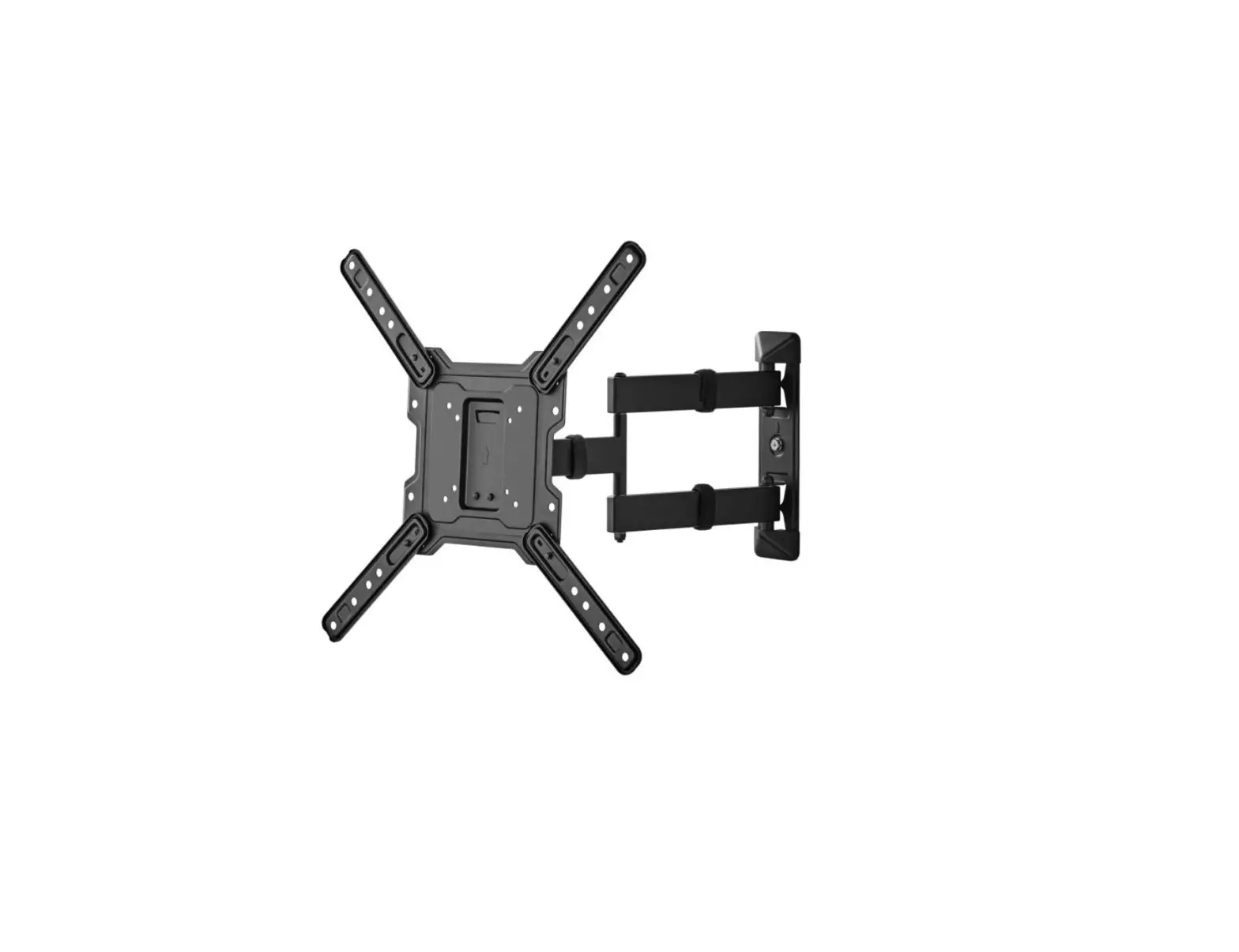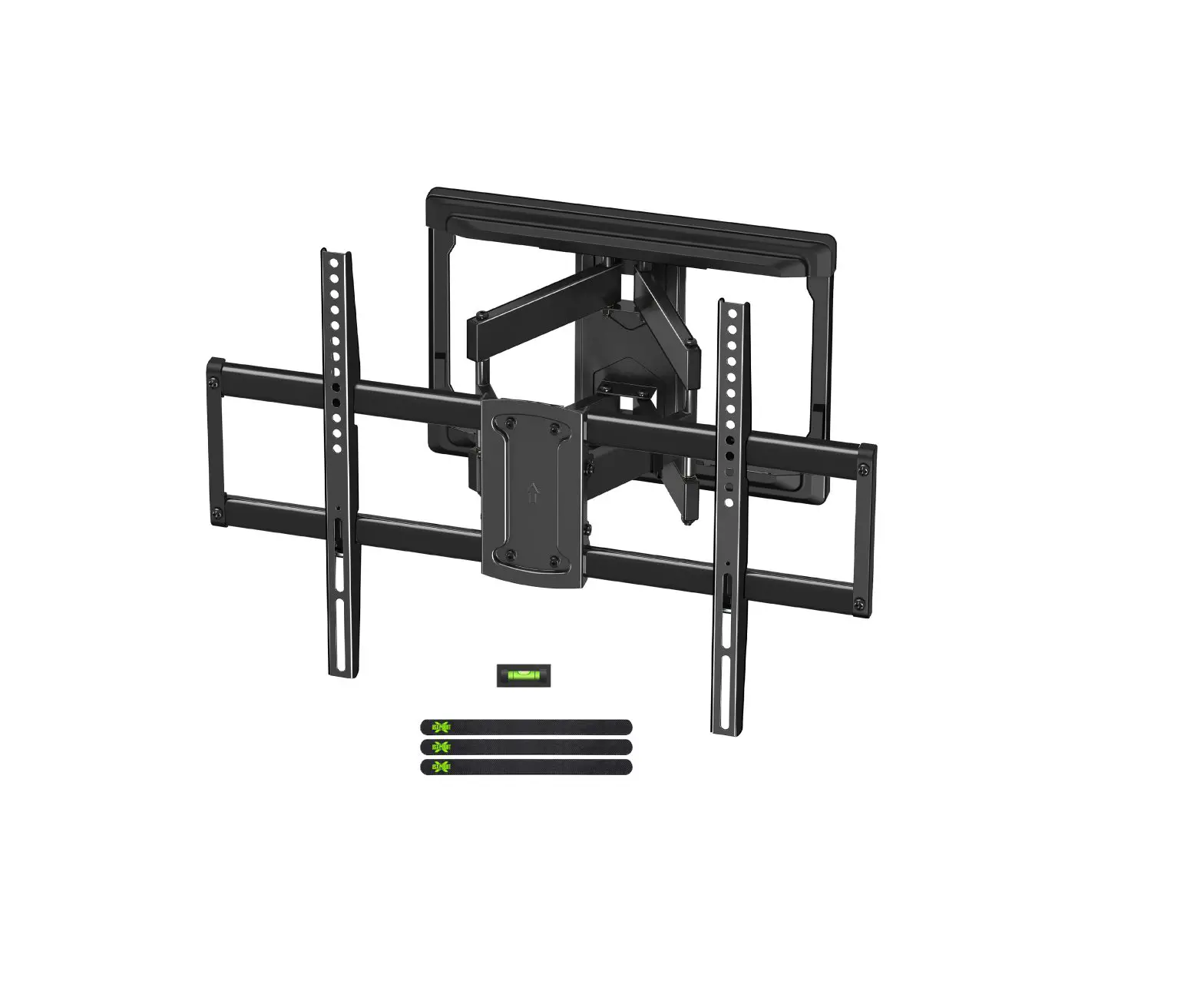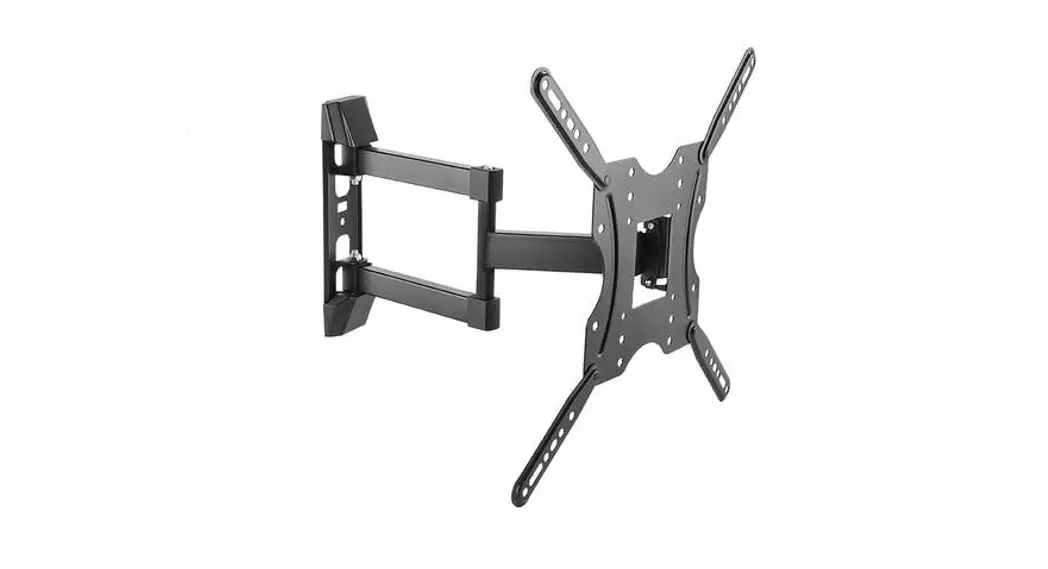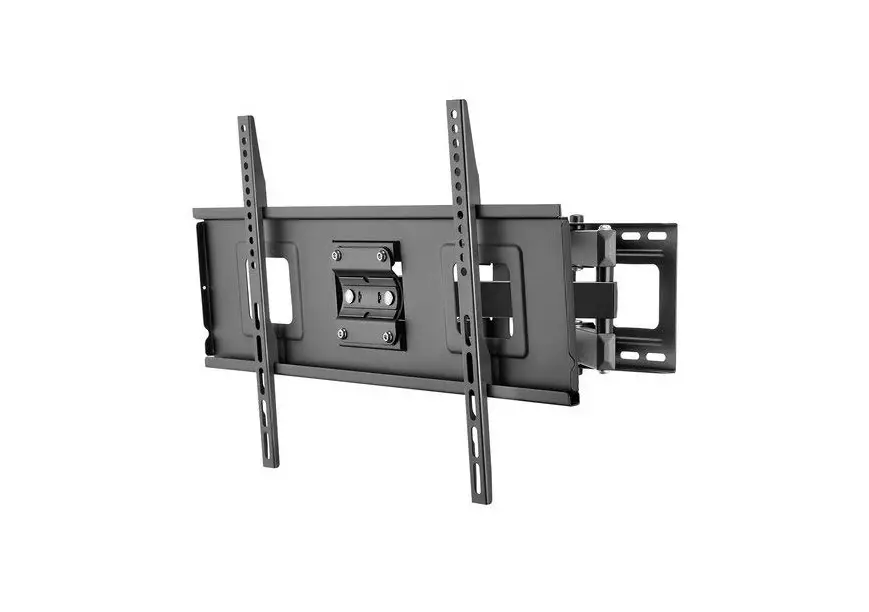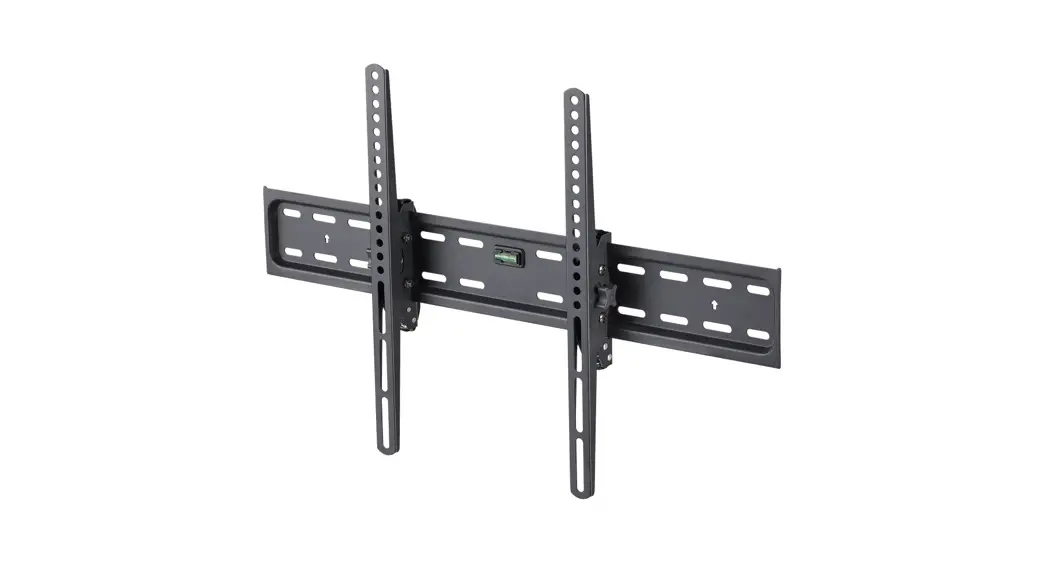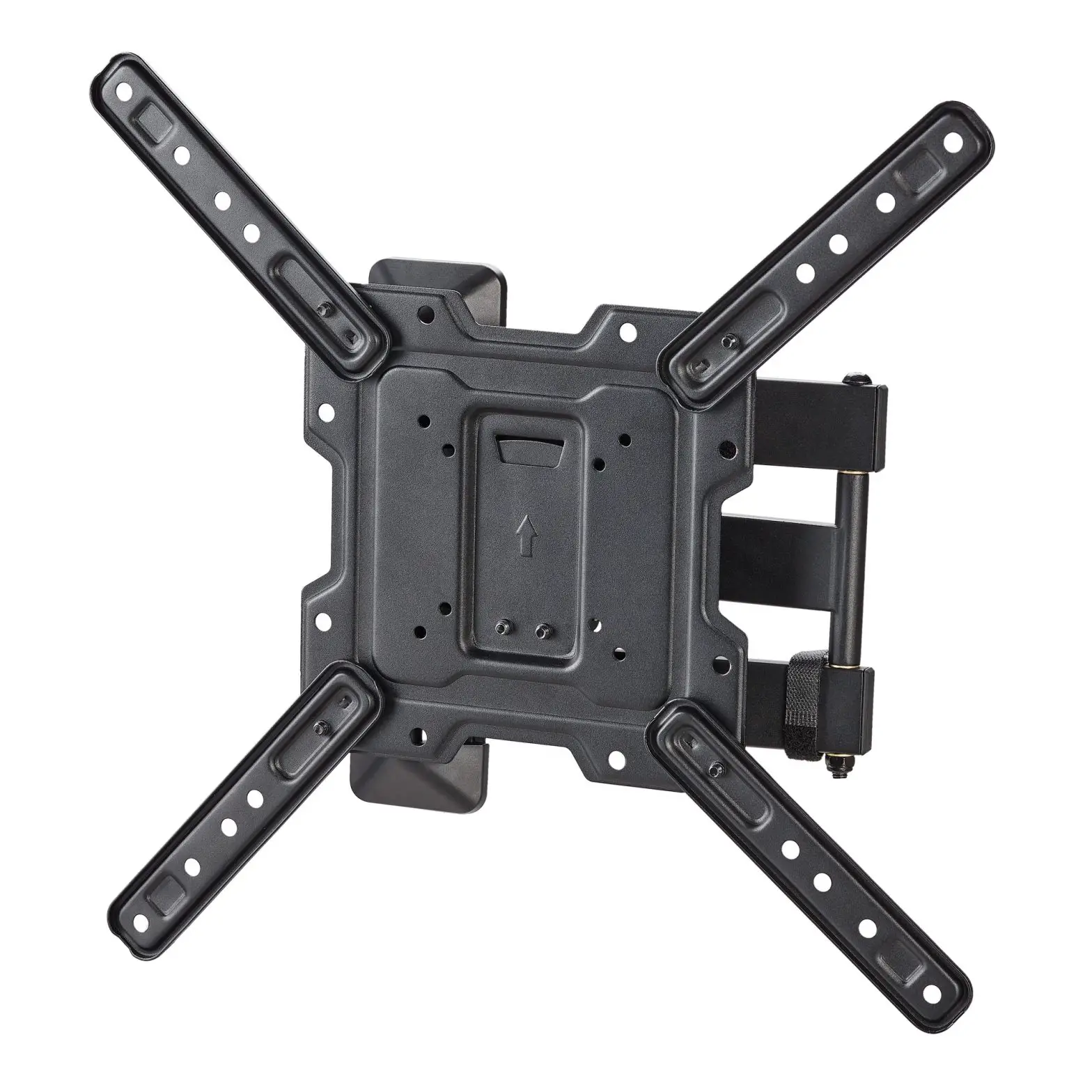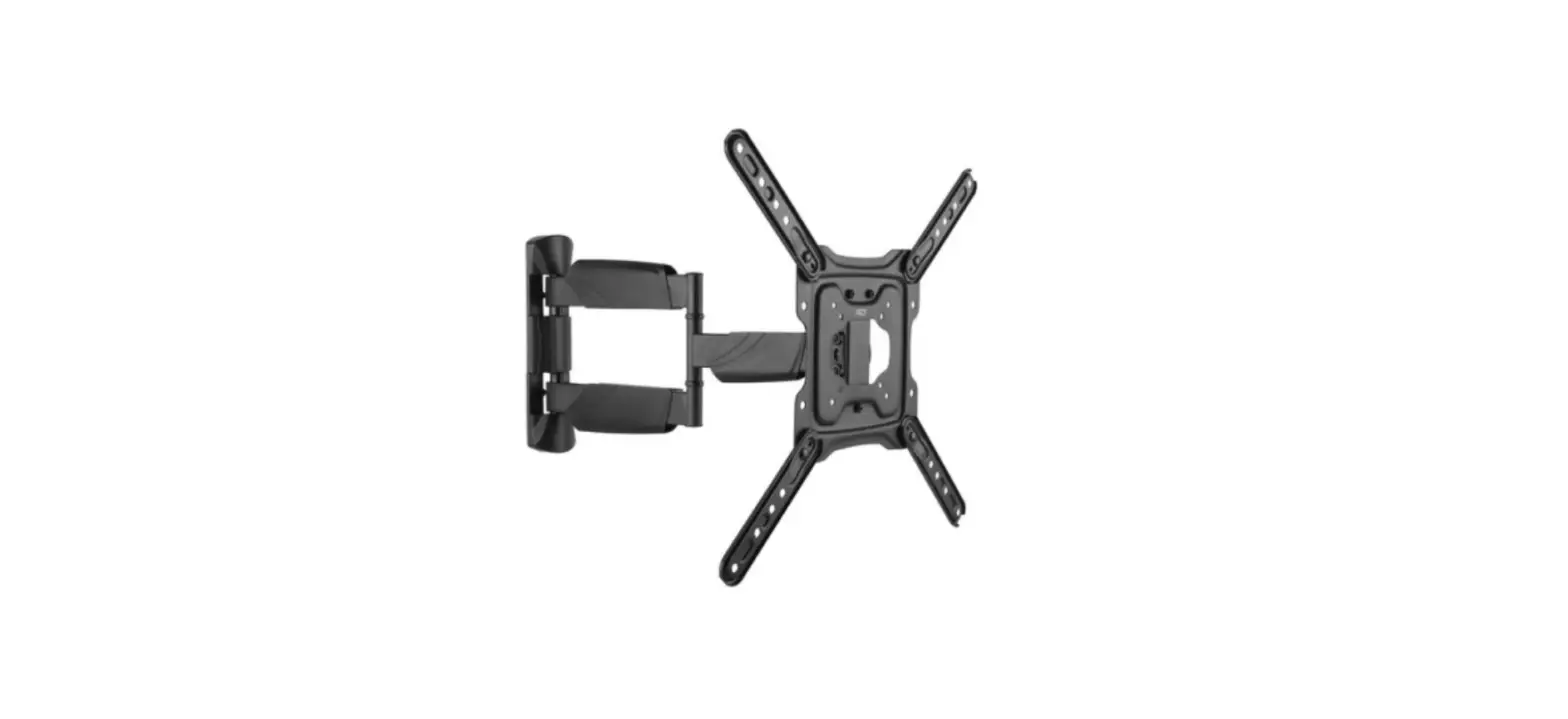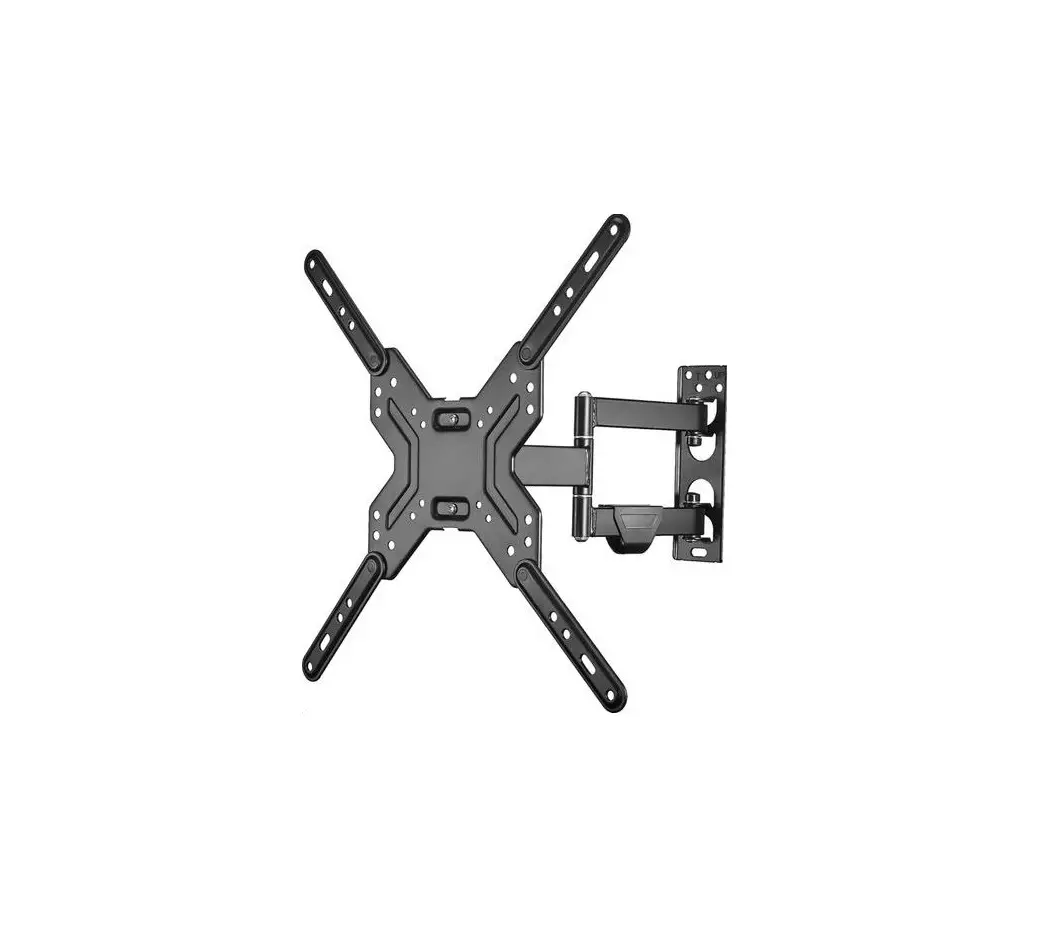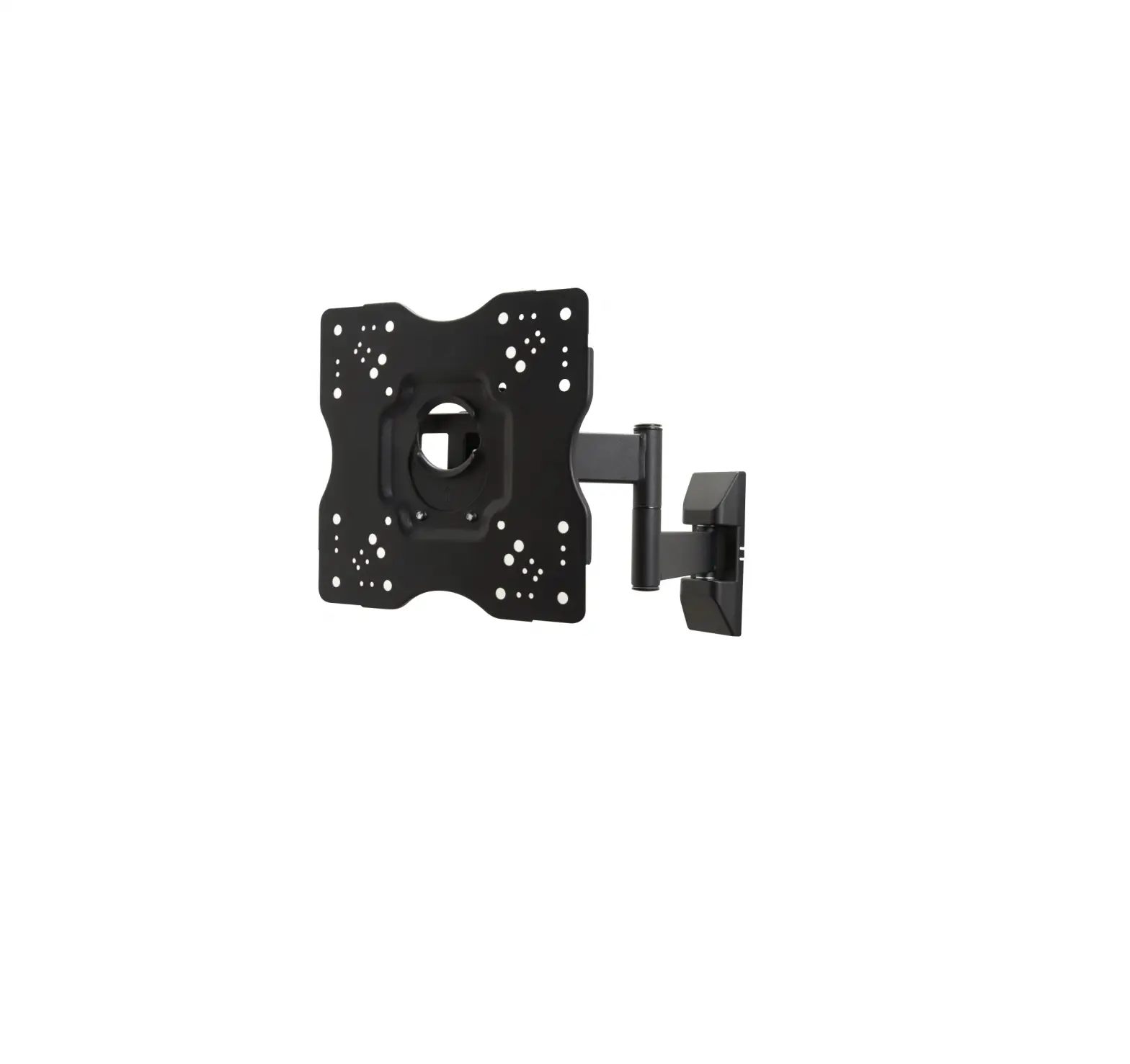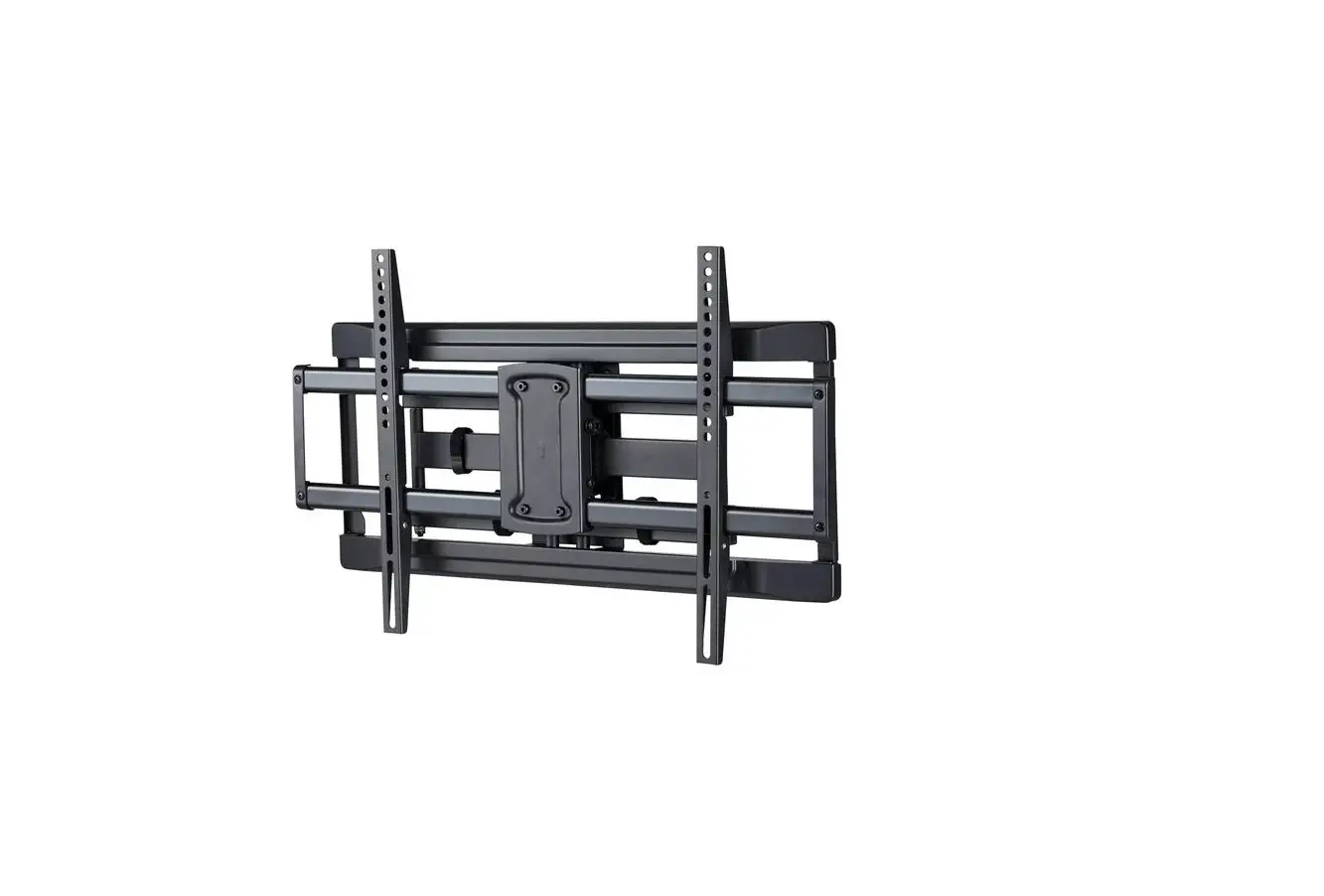
onn 100027961 50-Inch Full Motion
TV Wall Mount User Guide
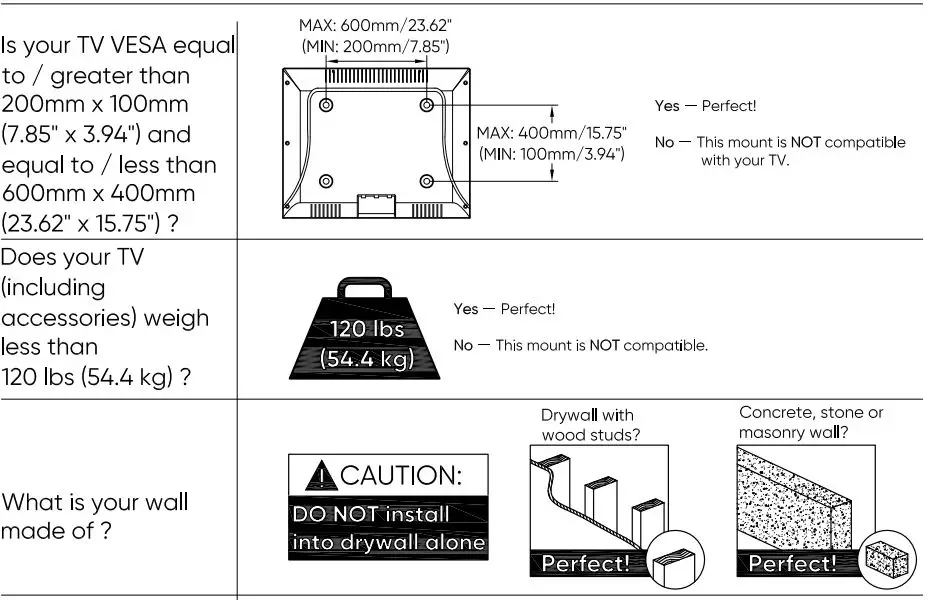
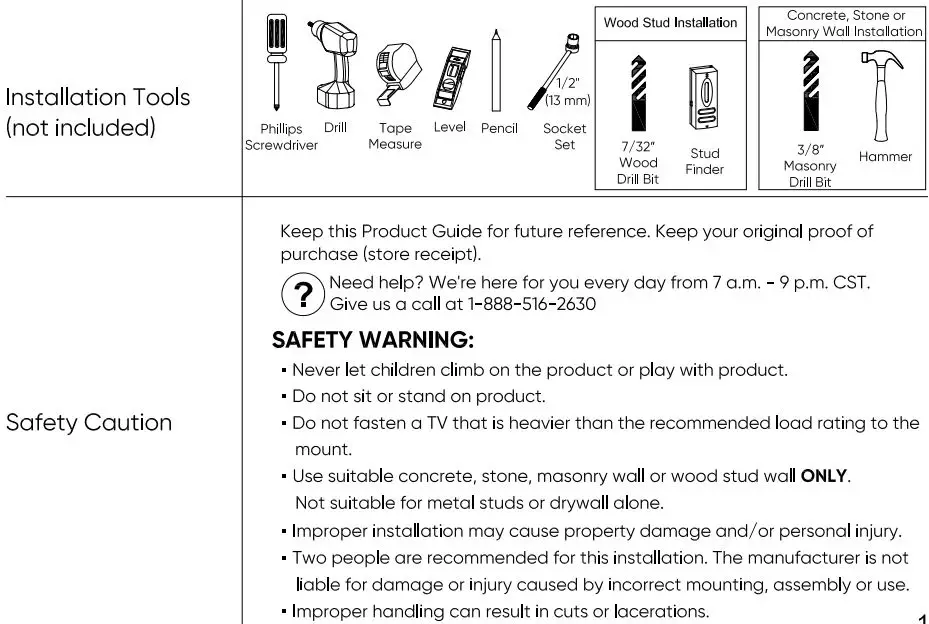
Before getting started, let’s make sure this mount is perfect for you!
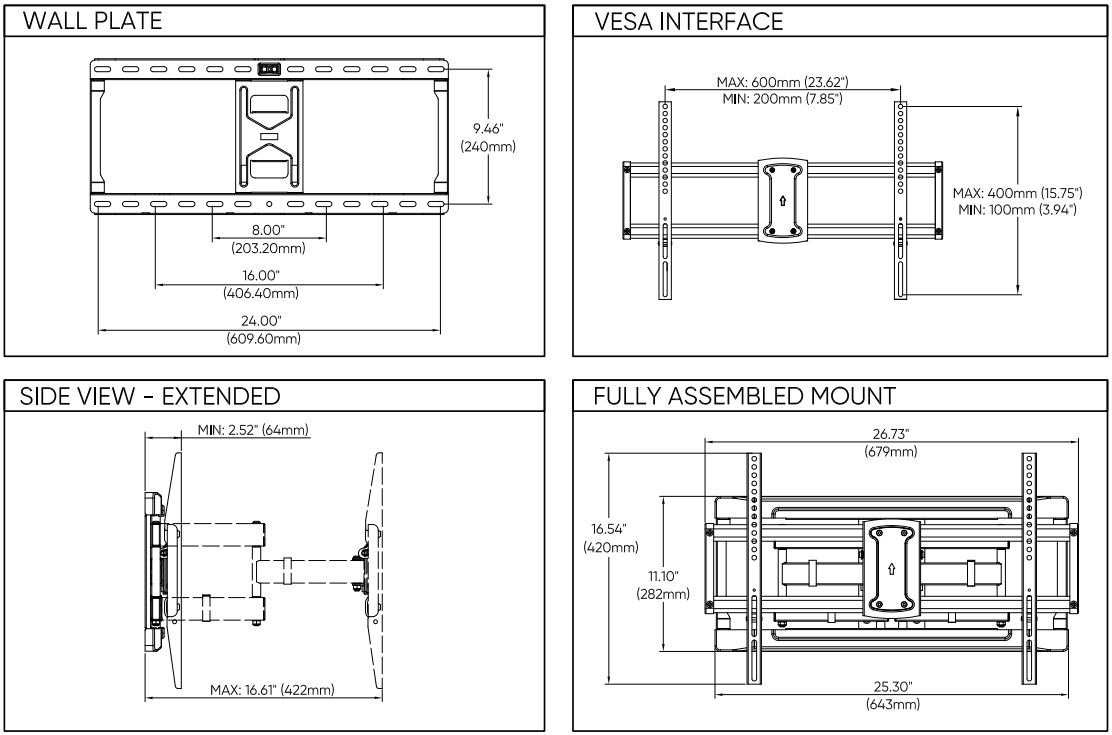
Dimensions
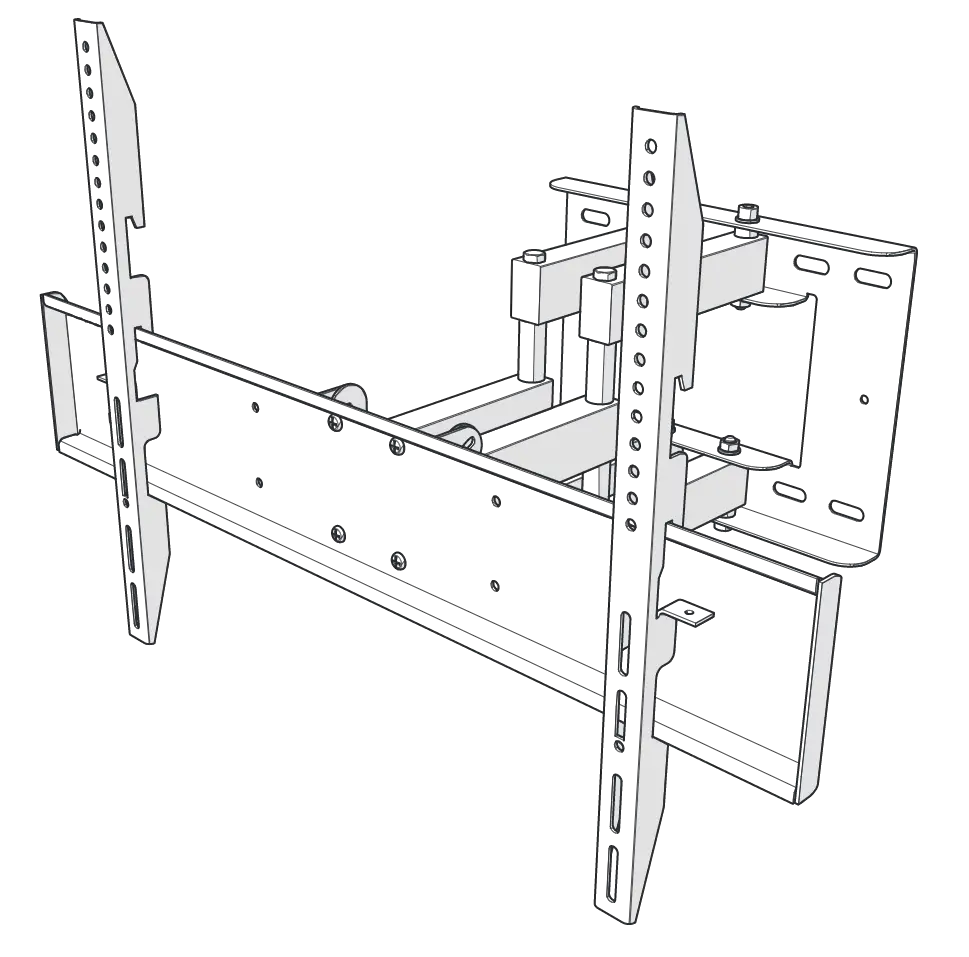
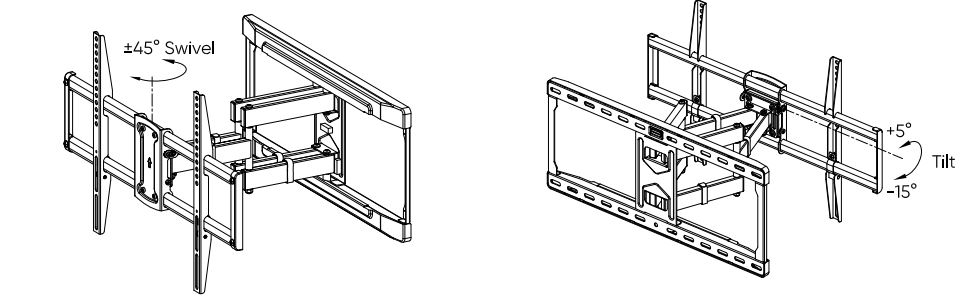
PRODUCT OVERVIEW
ASSEMBLY TIPS:
- Carefully read the entire Product Guide before beginning your installation.
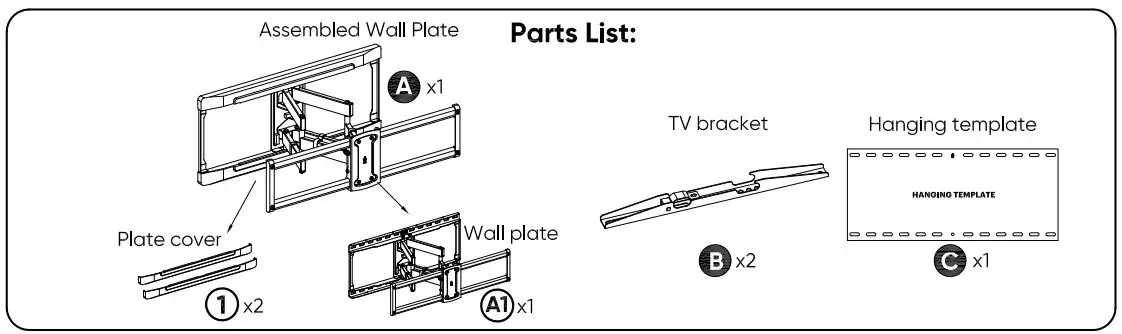
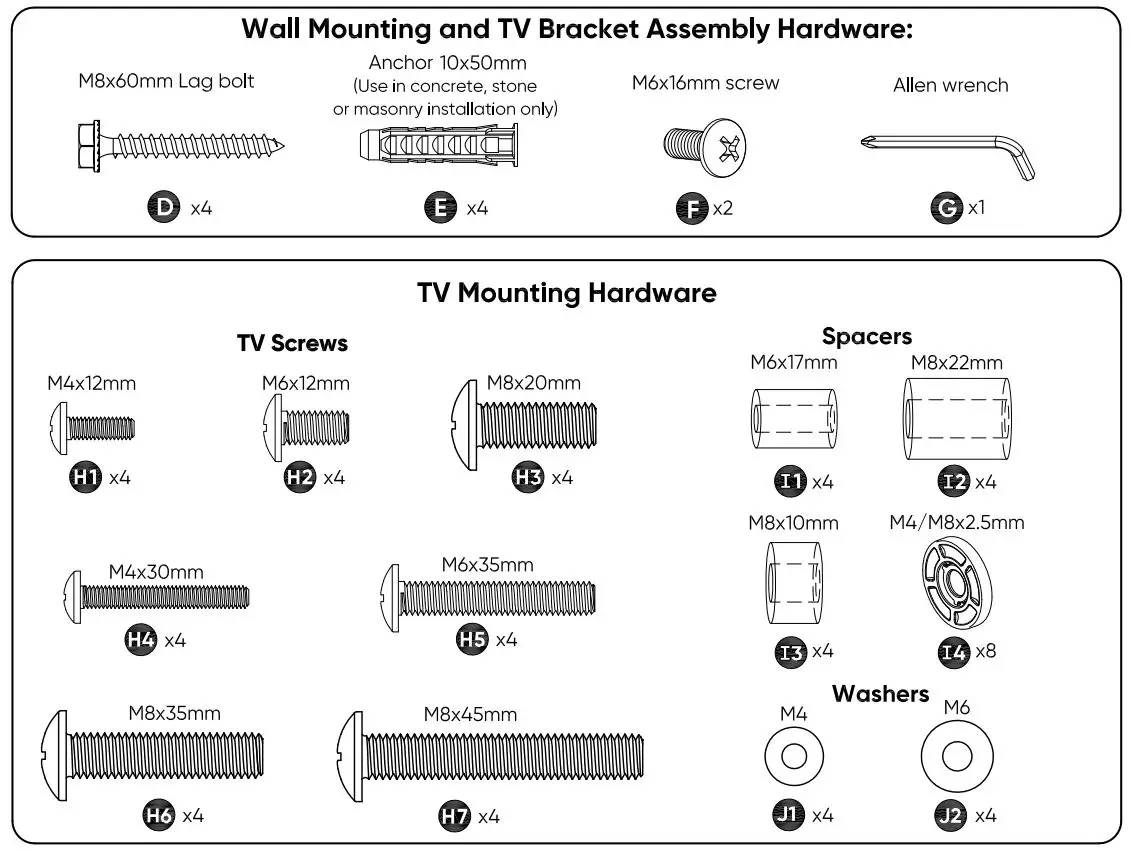
- Make sure that all parts are in the box and in good condition.
- Assemble the product on open flat carton or a rug to protect the product and your floor.
- Do not install on sloping surface.
- Two people are recommended for proper assembly.
 CAUTION : This mount is intended for use with TV weights not exceeding the maximum weight capacity of 120 lbs. The wall itself must be capable of supporting 4X the standard weight. Do not over tighten screws to avoid any damage or injury. Use with products heavier than the maximum weight indicated may result in collapse of the mount and its accessories causing possible injury.
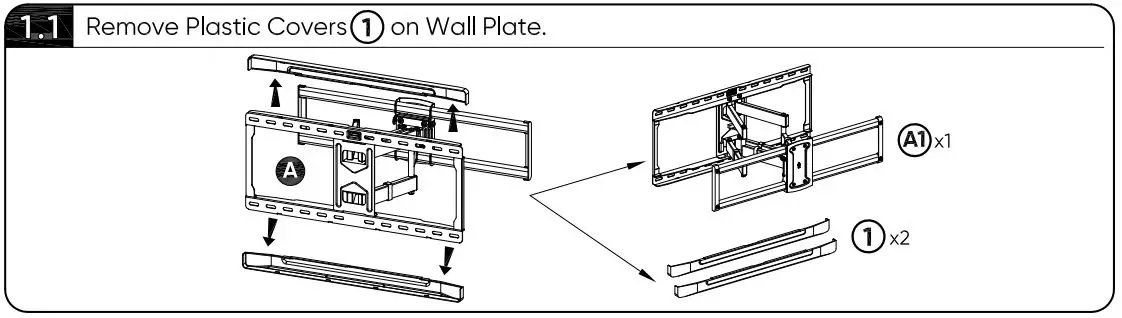
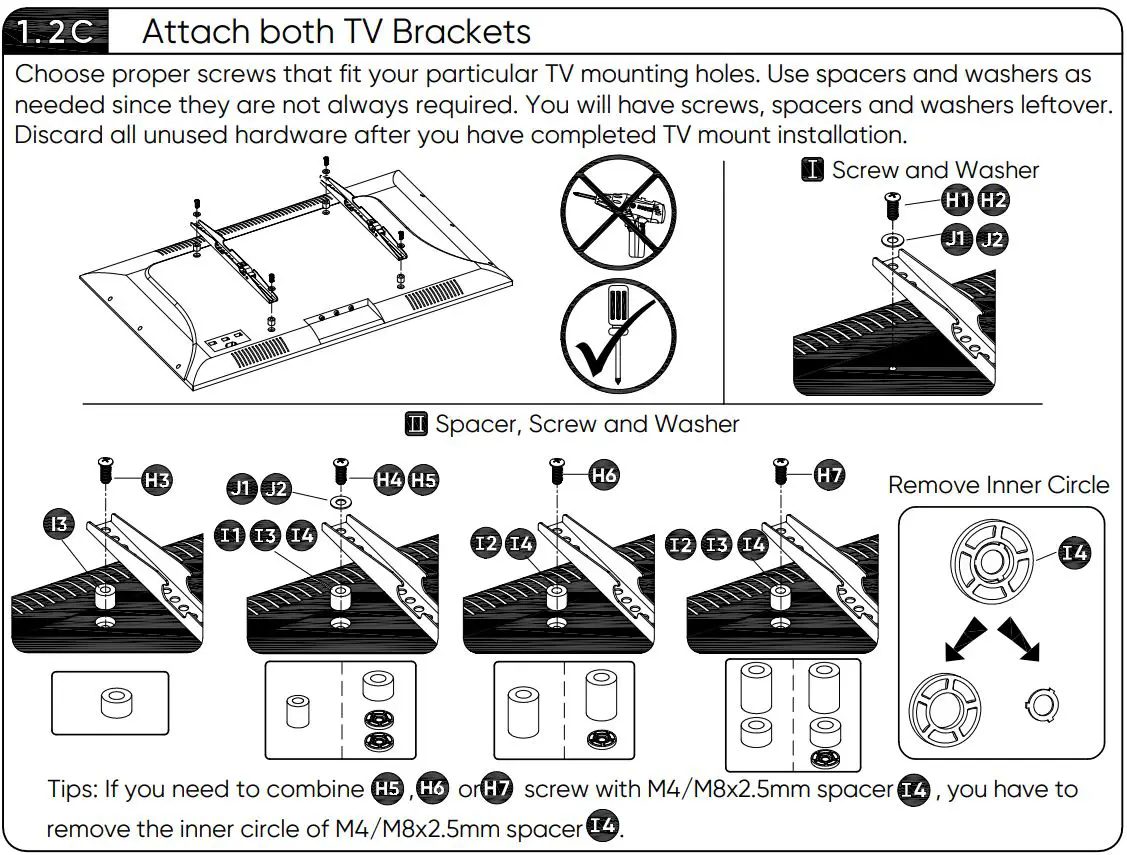
STEP 1 Attach TV Brackets (B) to TV
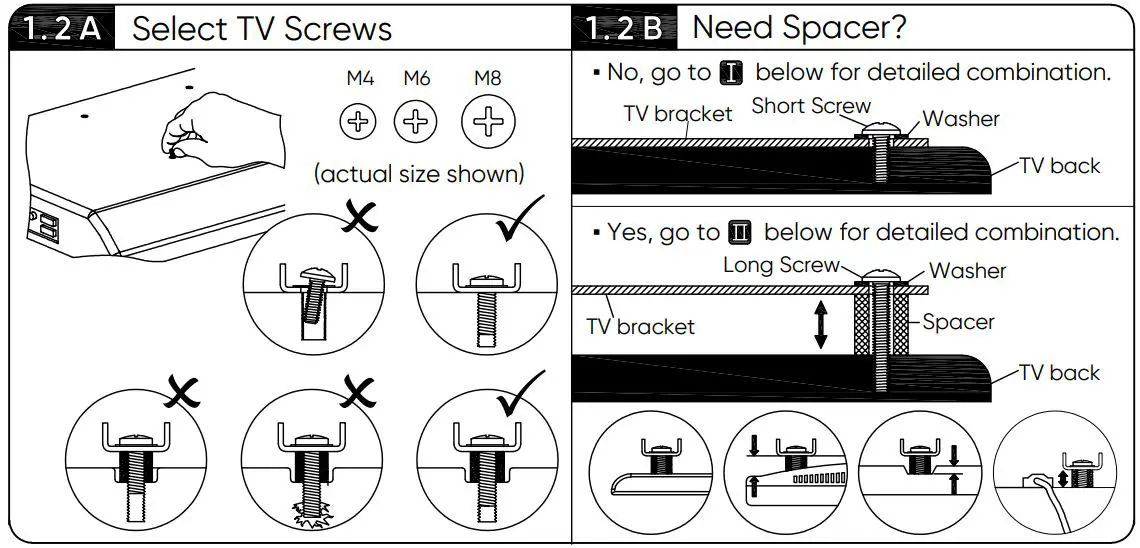
1.2 Attach TV Brackets (B) to TV
CAUTION: Carefully lay your TV on its face on a flat, non-abrasive surface covered with blanket or soft padding to help prevent damaging the screen.
CAUTION: Place left and right TV bracket in the appropriate position, make sure they are CENTERED on the back of TV and LEVEL with one another.
STEP 2 Attach Wall Plate (A1) to Wall
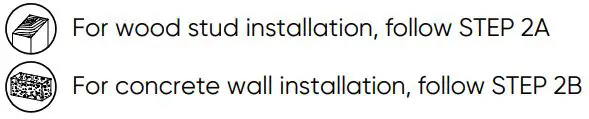
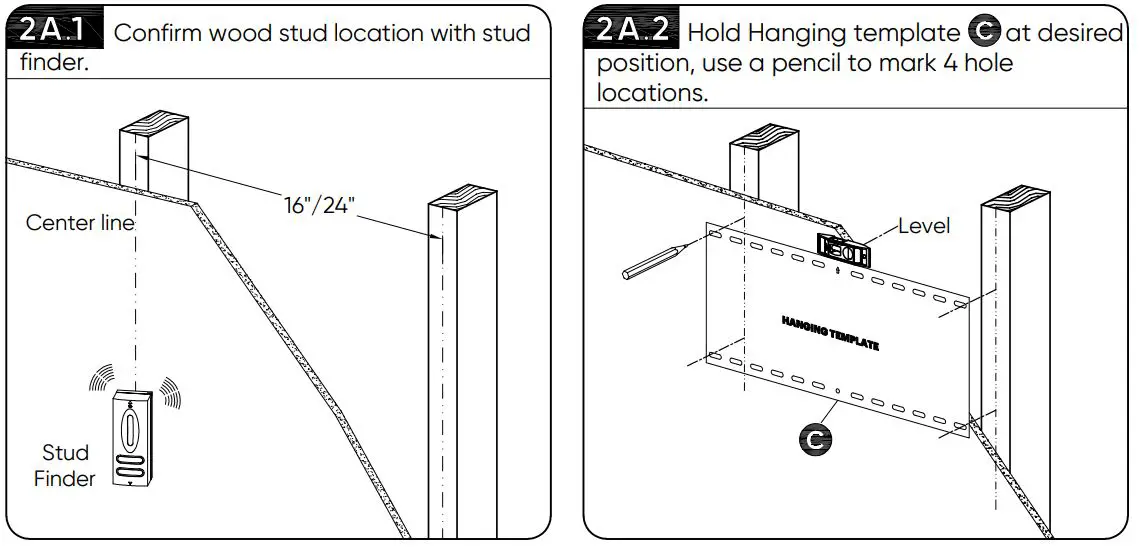
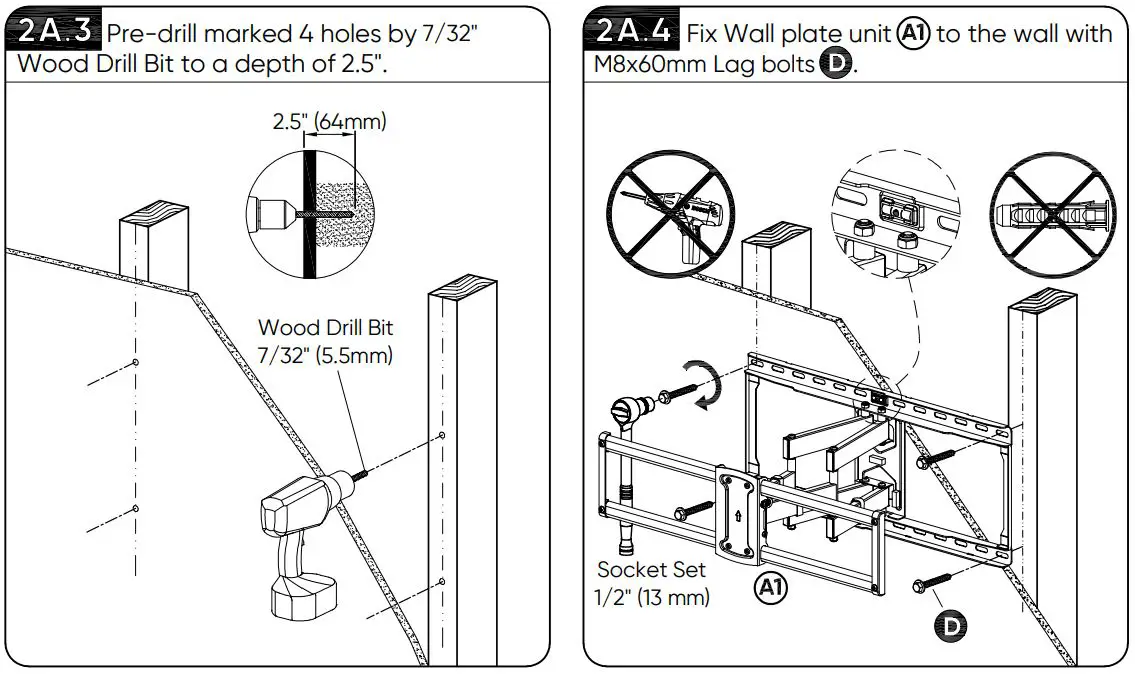
STEP 2A Wood Stud Installation
NEVER USE ANCHOR (E) FOR WOOD STUD ASSEMBLY
CAUTION: The wood stud minimum size is 2×4″, and surface covering can’t be more than 5/8″. Drill hole on the wood stud center line.
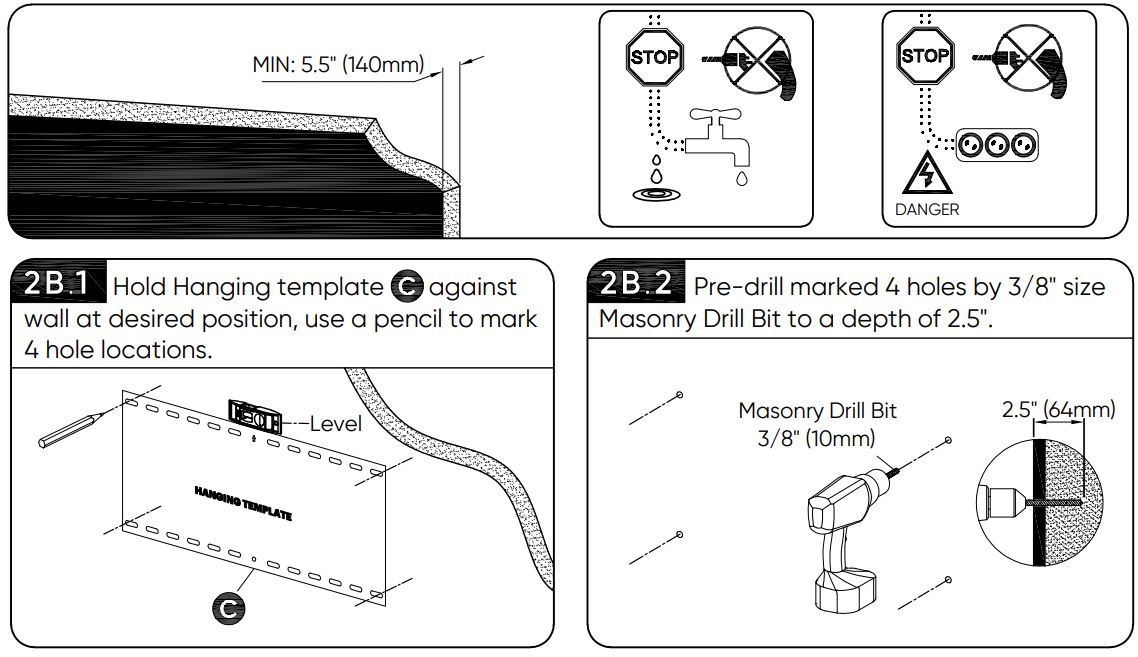
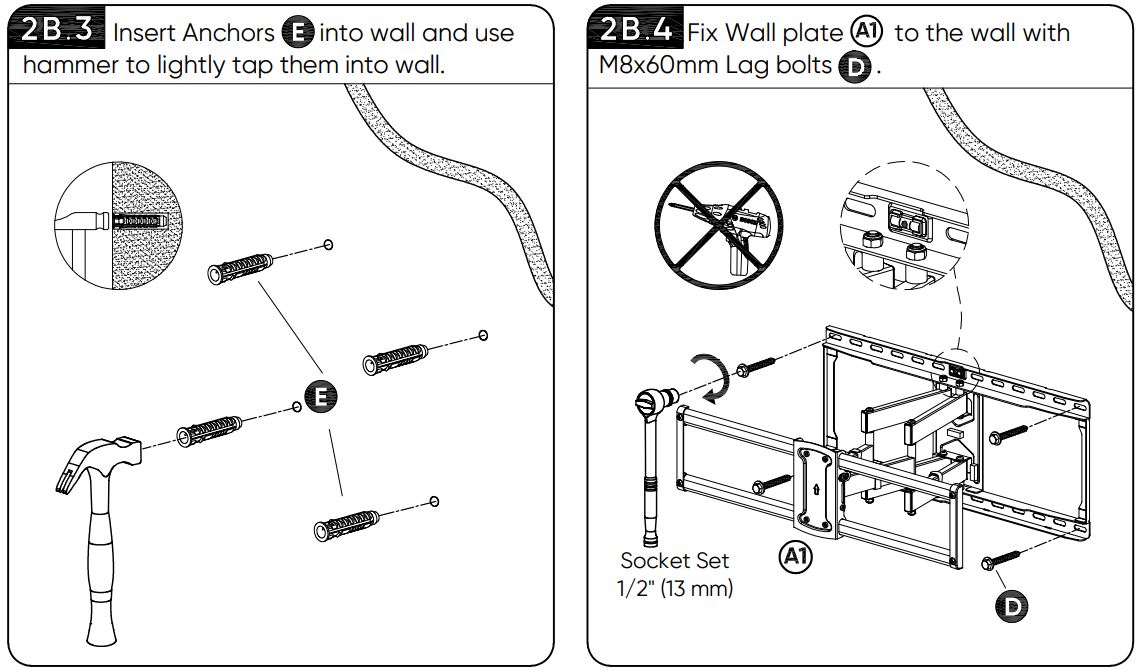
STEP 2B Concrete, Stone or Masonry Installation
CAUTION: The concrete wall minimum thickness is 5.5″, and surface covering can’t be more than 3/8″.
CAUTION: These anchors are for concrete, stone or masonry wall ONLY. Do not install into wood stud. CAUTION: This product can only be installed on a perpendicular wall. Do not install this product on the ceiling.
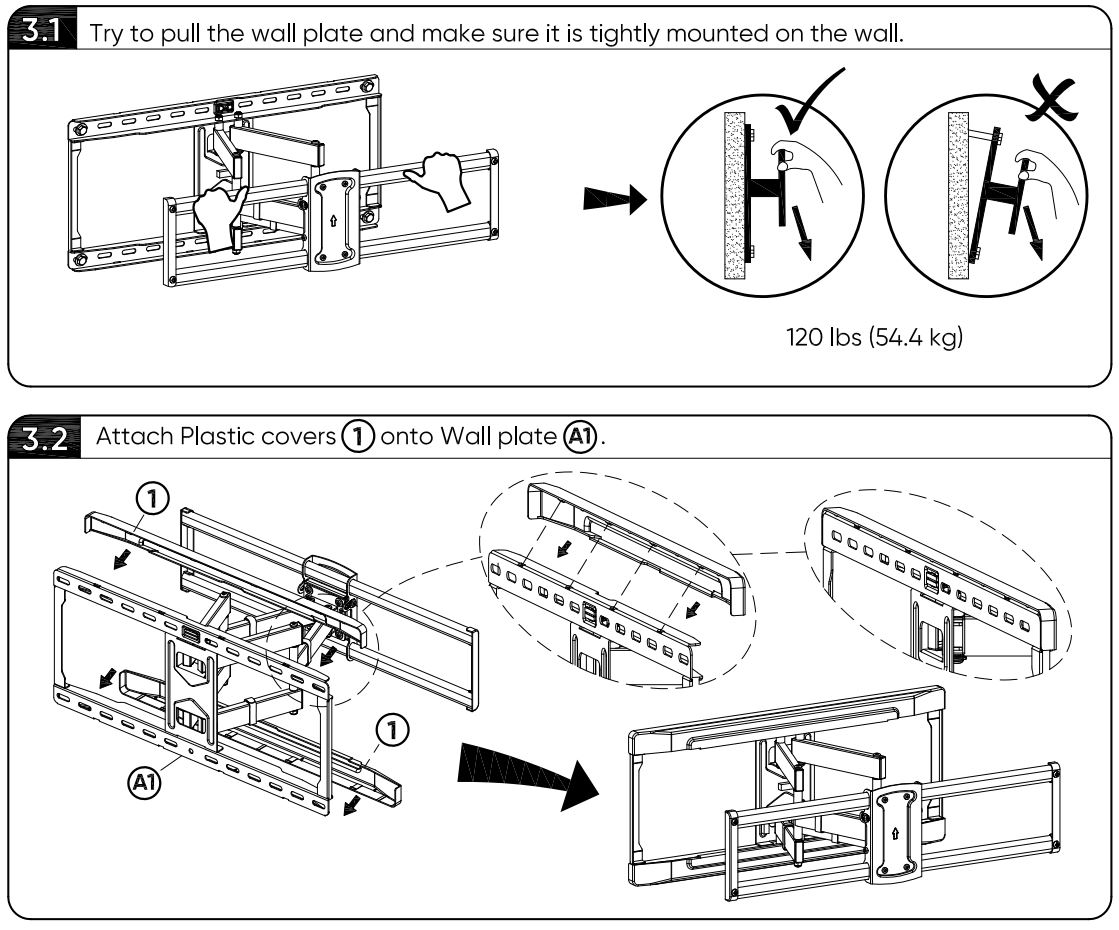
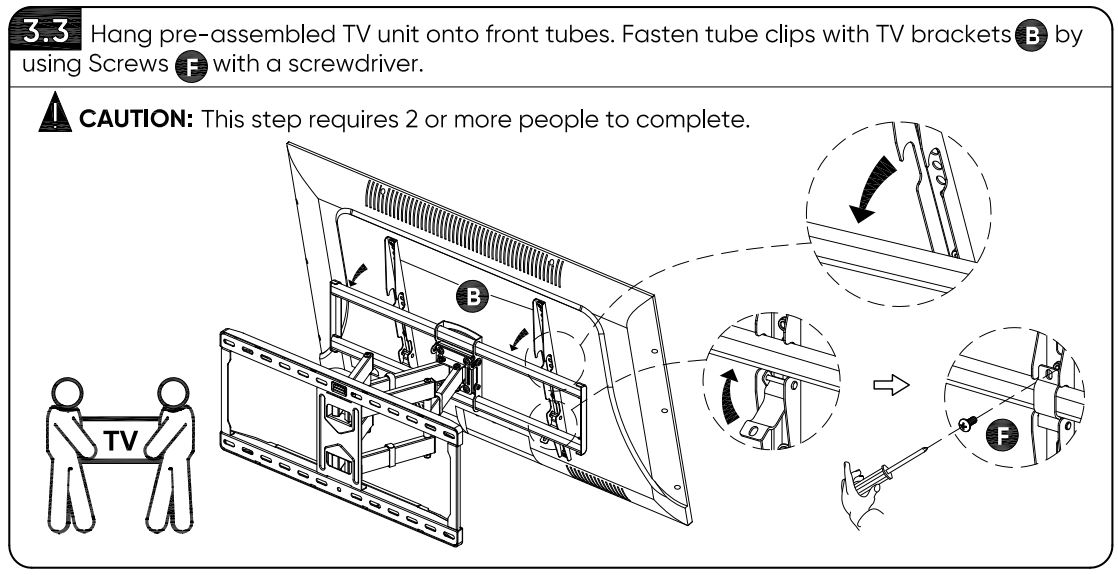
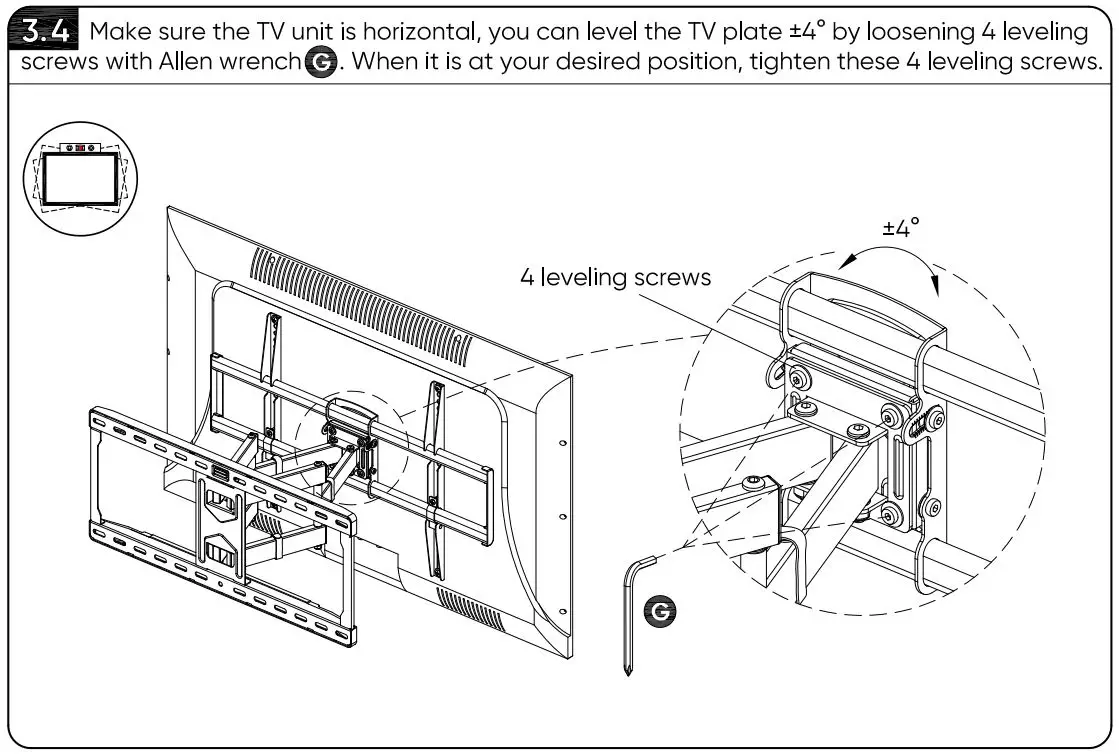
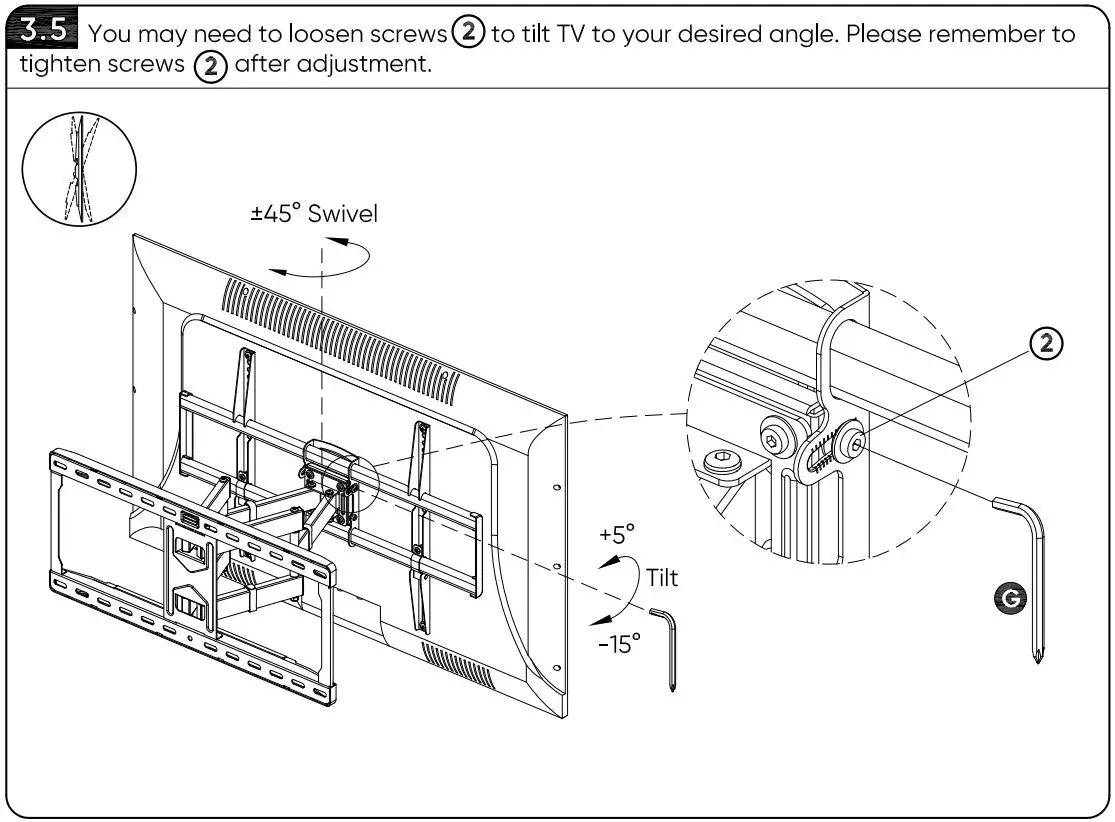
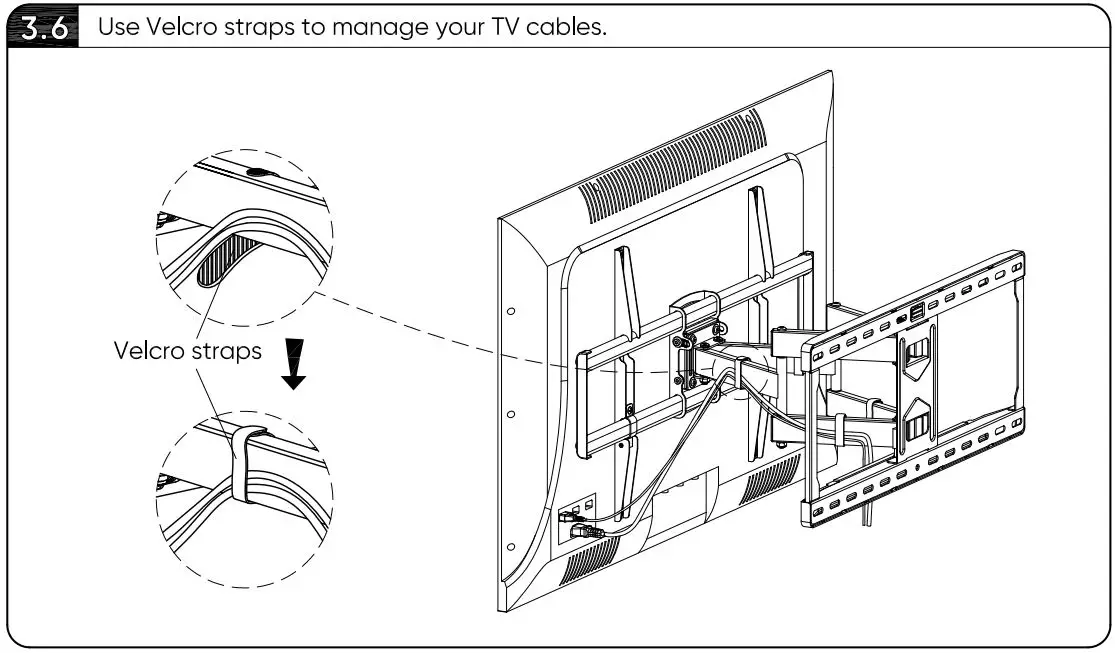
STEP 3 Hang and Secure TV on Wall Plate
© 2020 Walmart onn. is a trademark of Walmart. All Rights Reserved.
Distributed by Walmart Inc., Bentonville, AR 72716
MADE IN VIETNAM
We’d love to hear from you.
Scan with your Walmart app and let us know what you think.