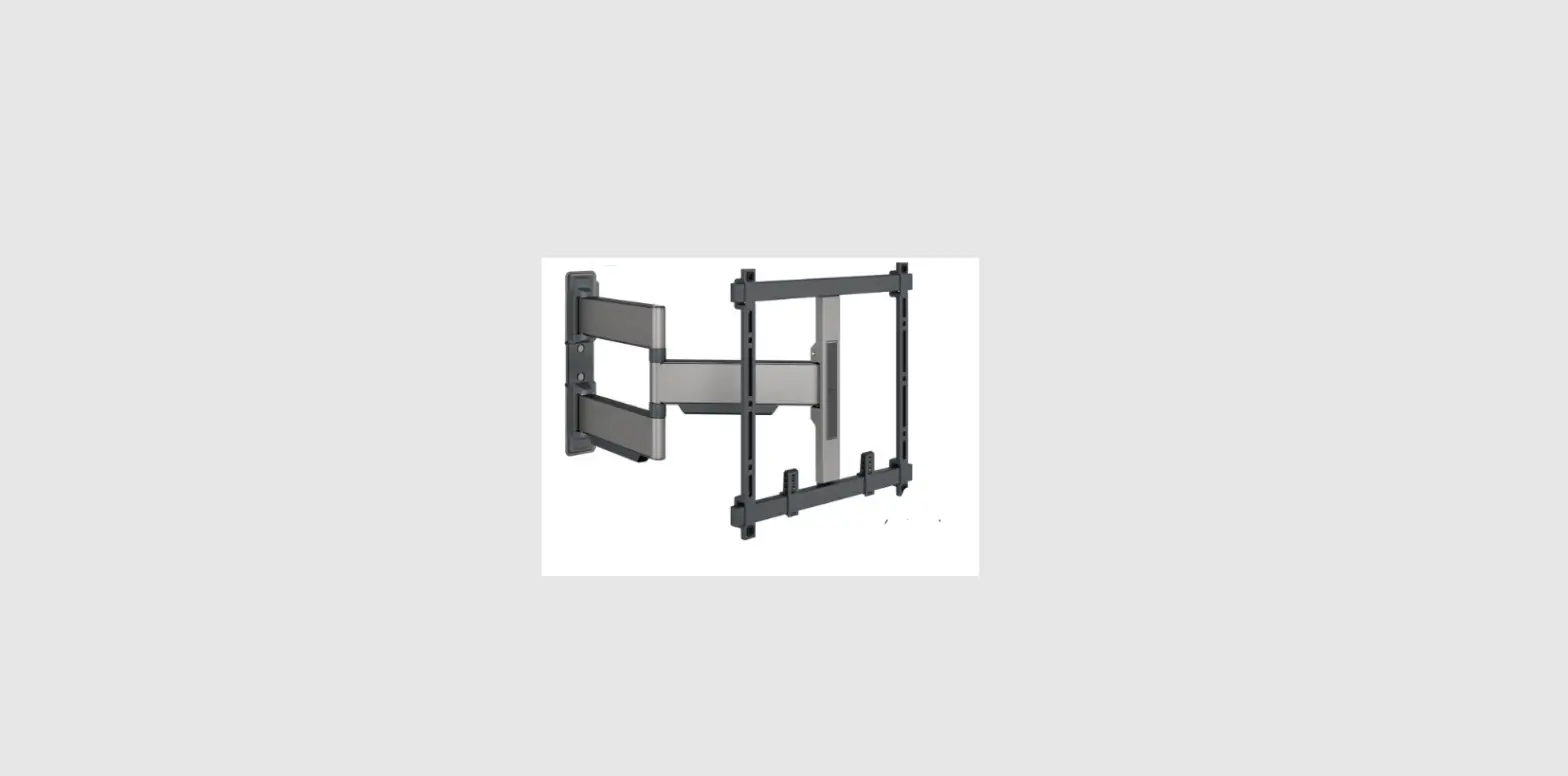
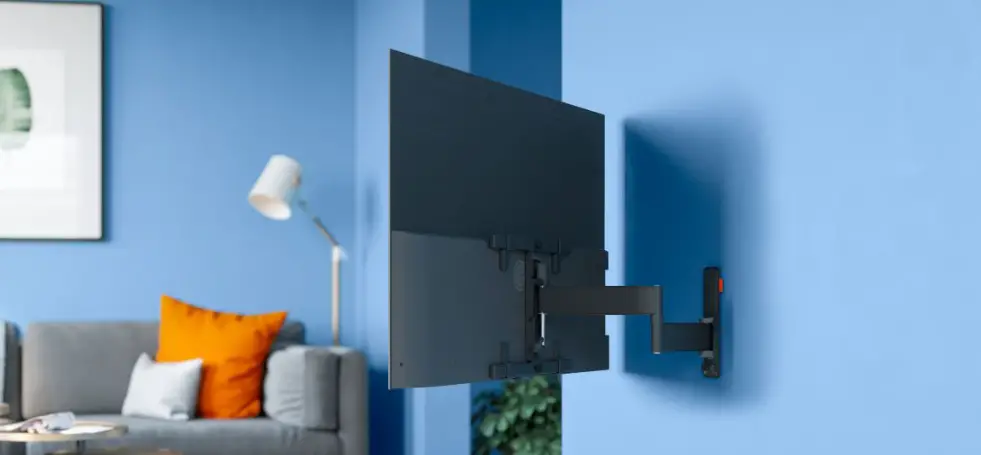
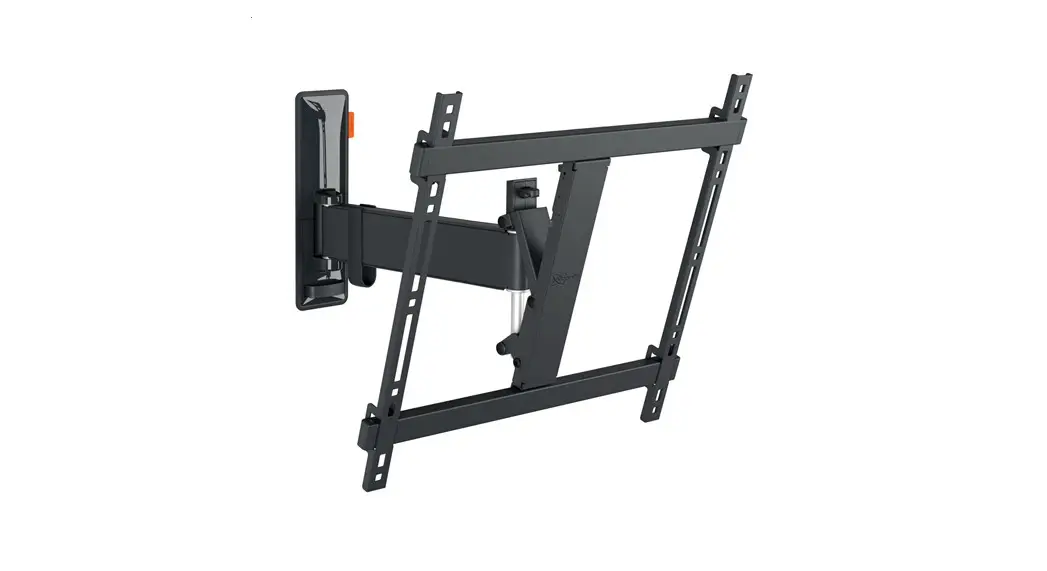
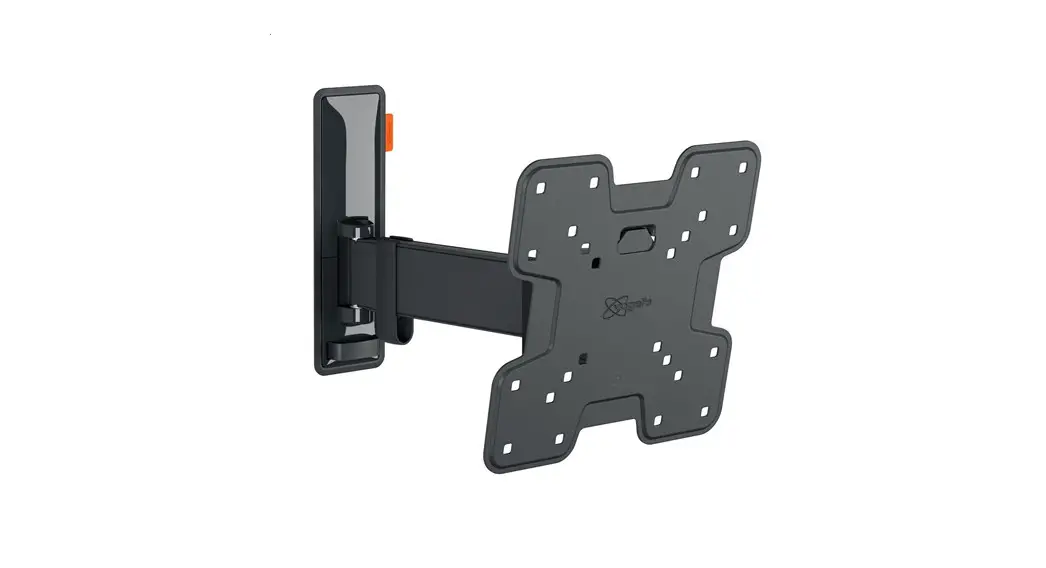
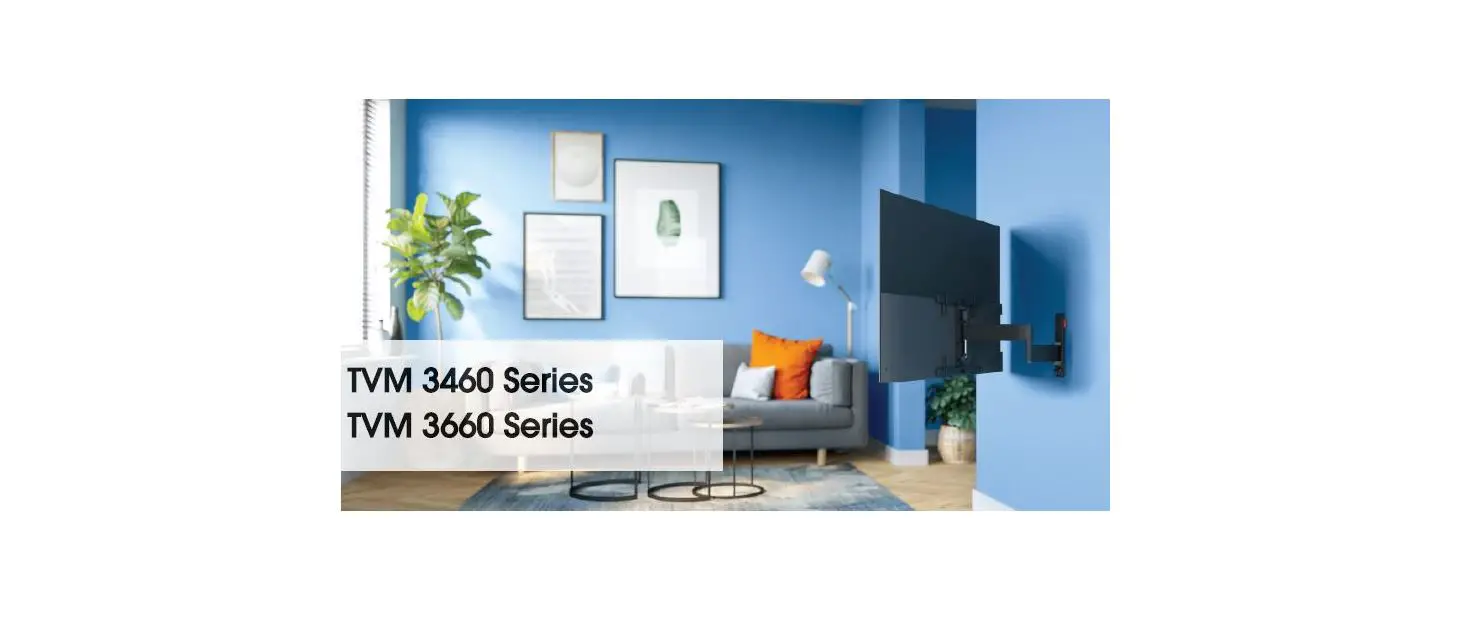
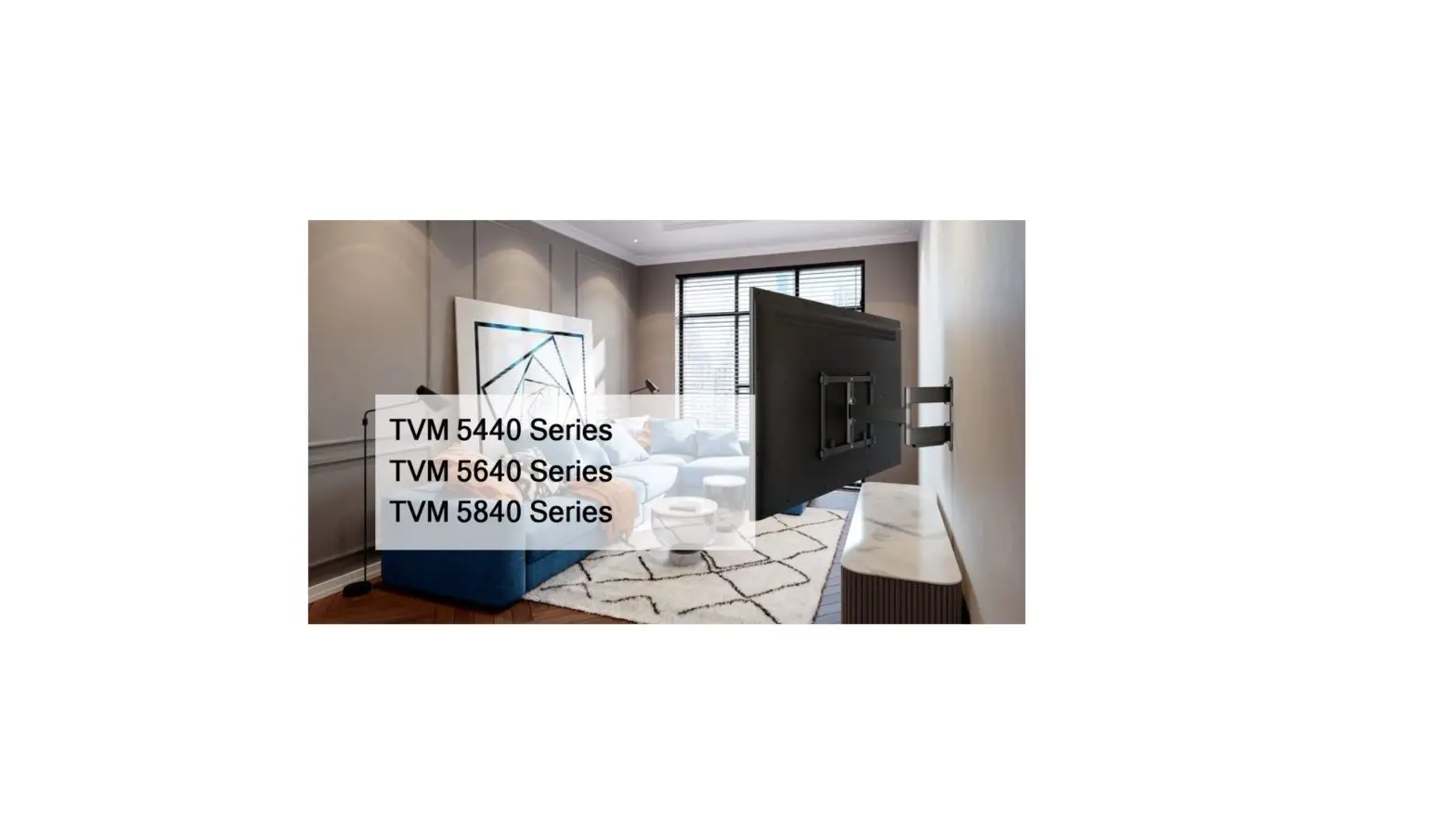
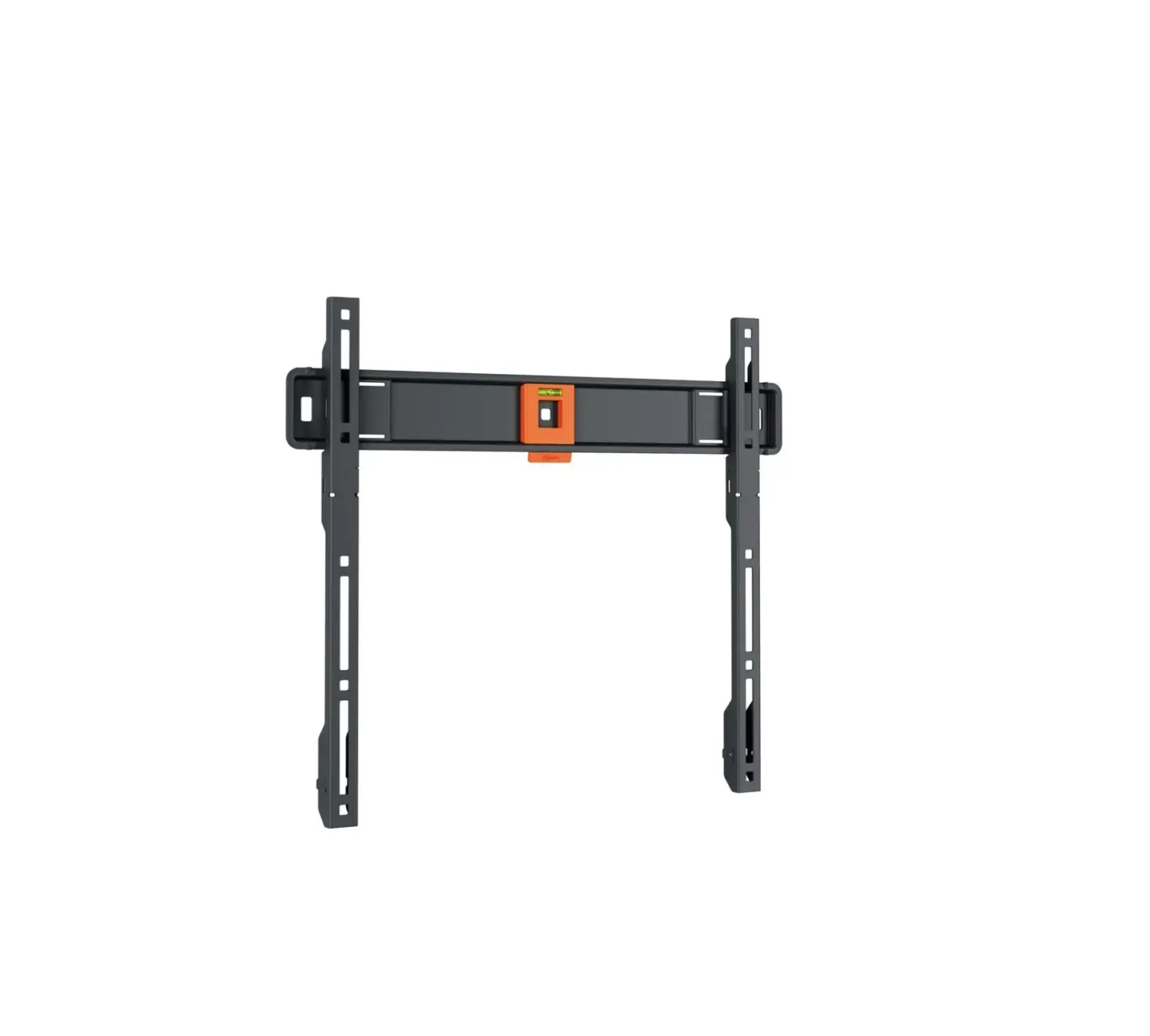
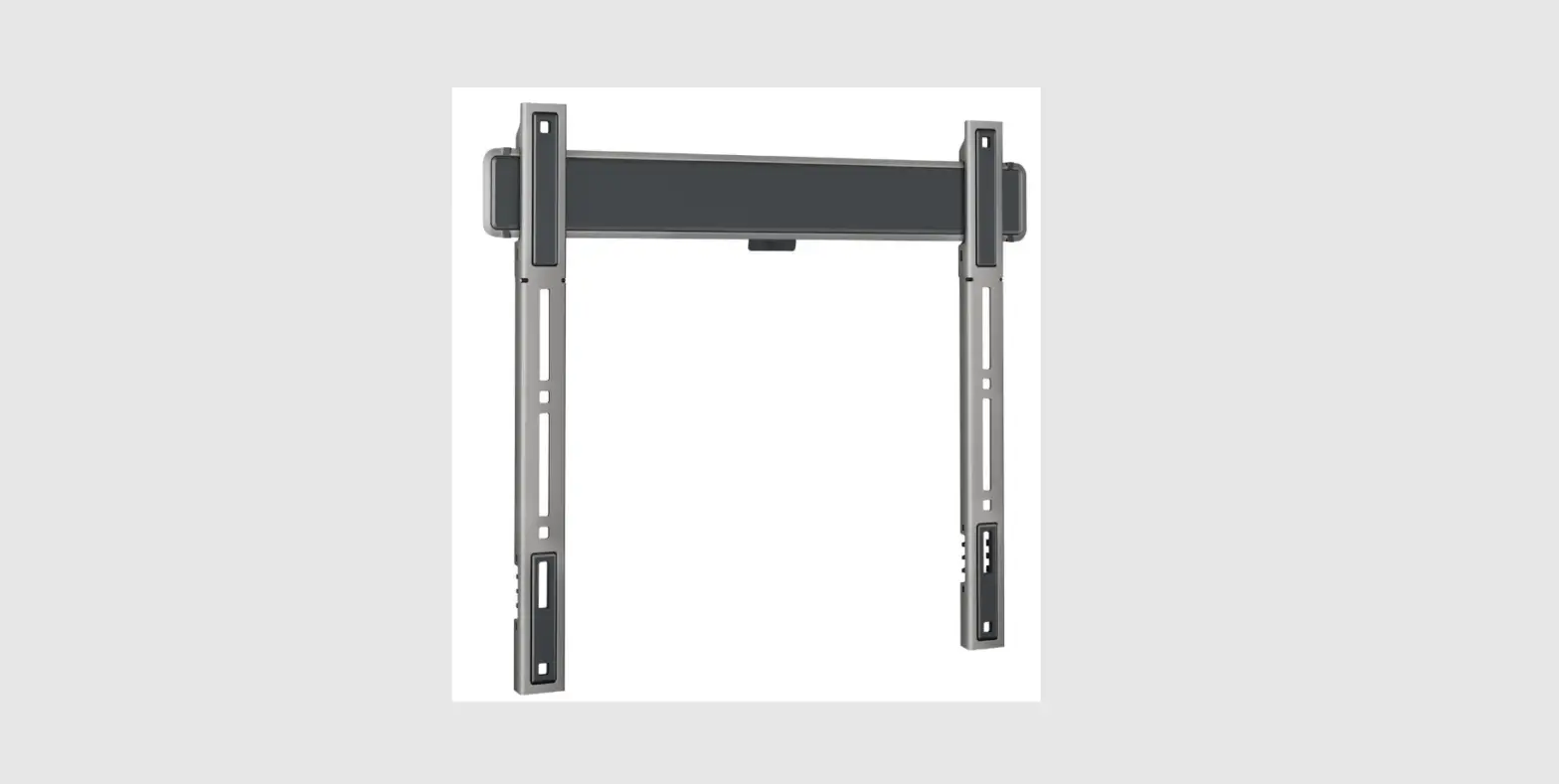
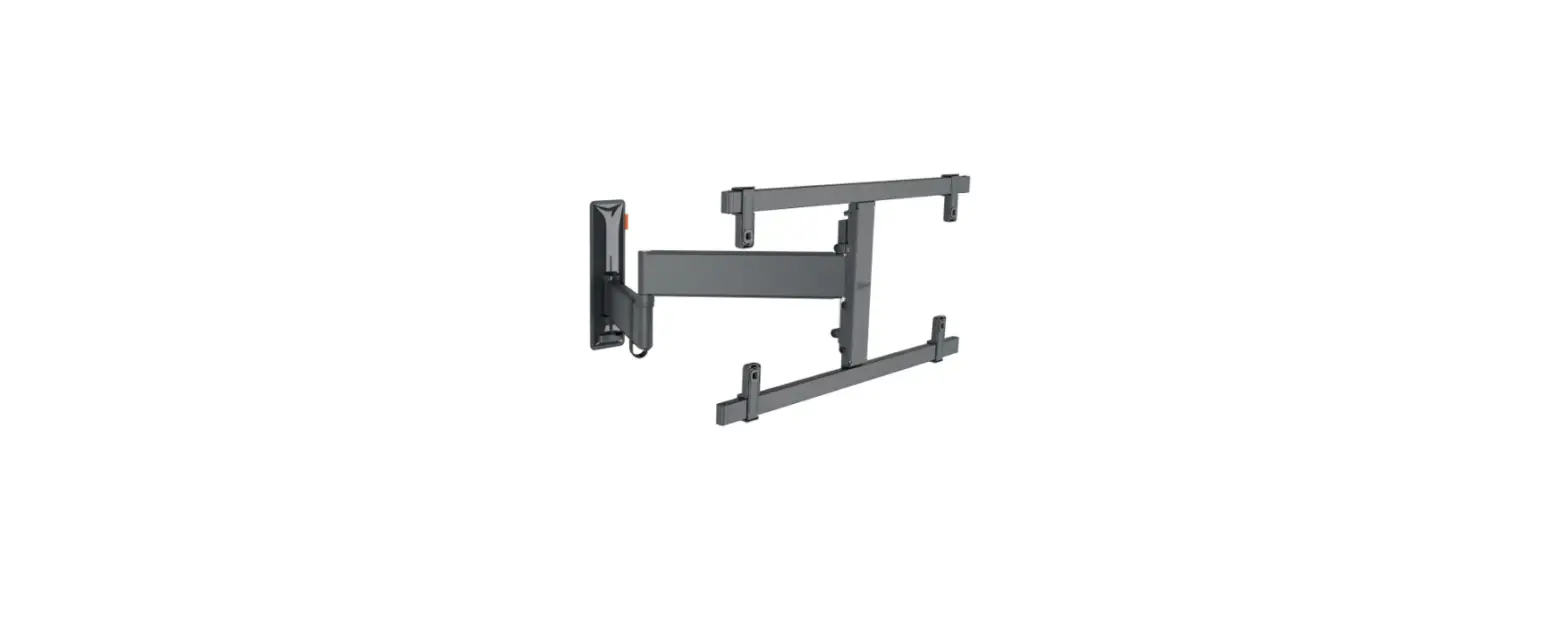
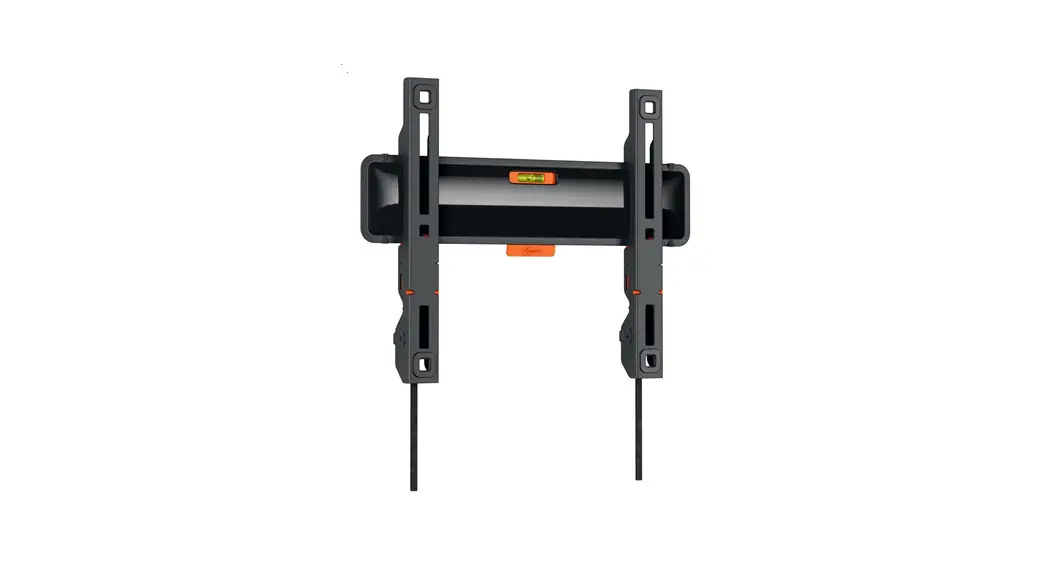
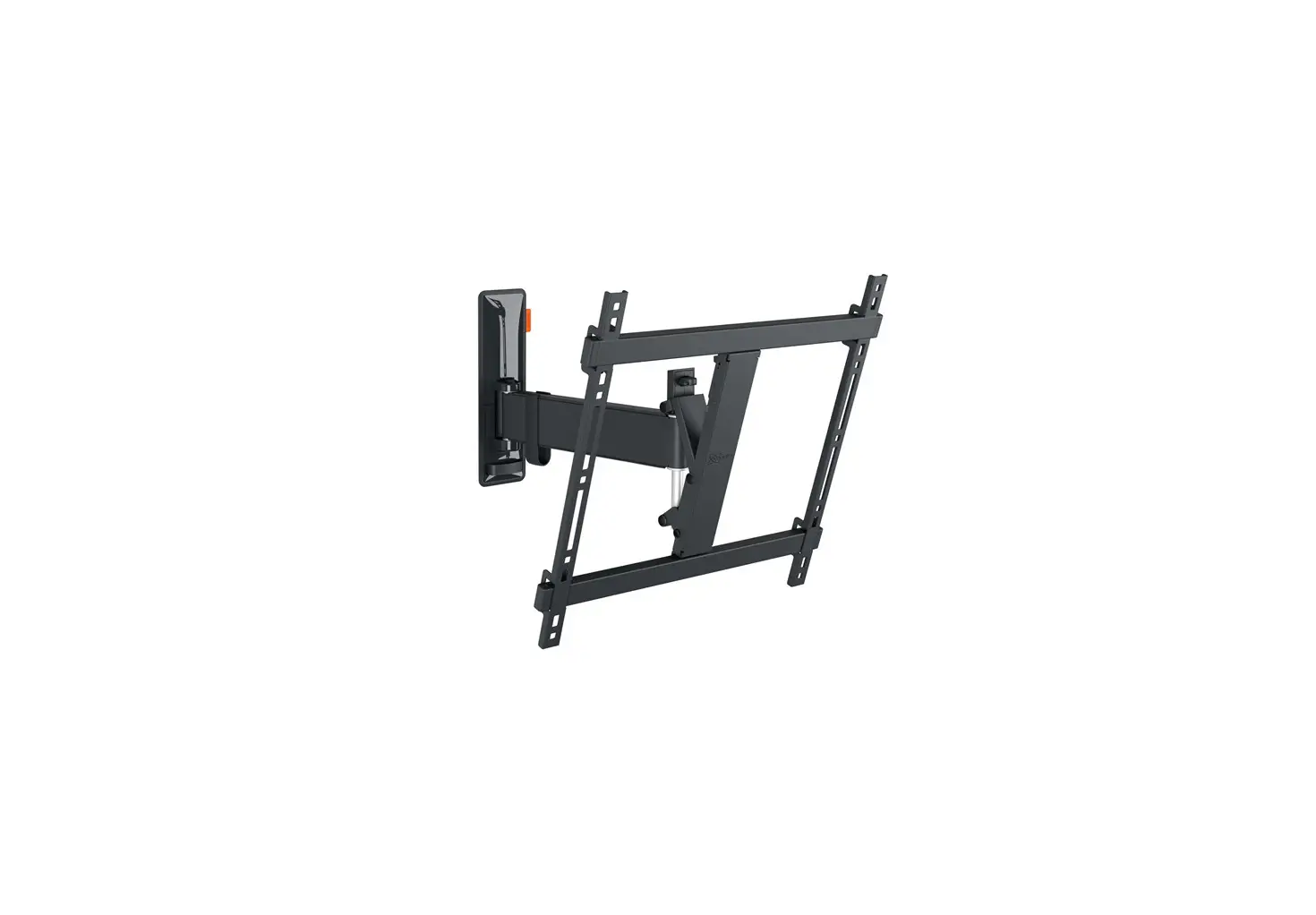
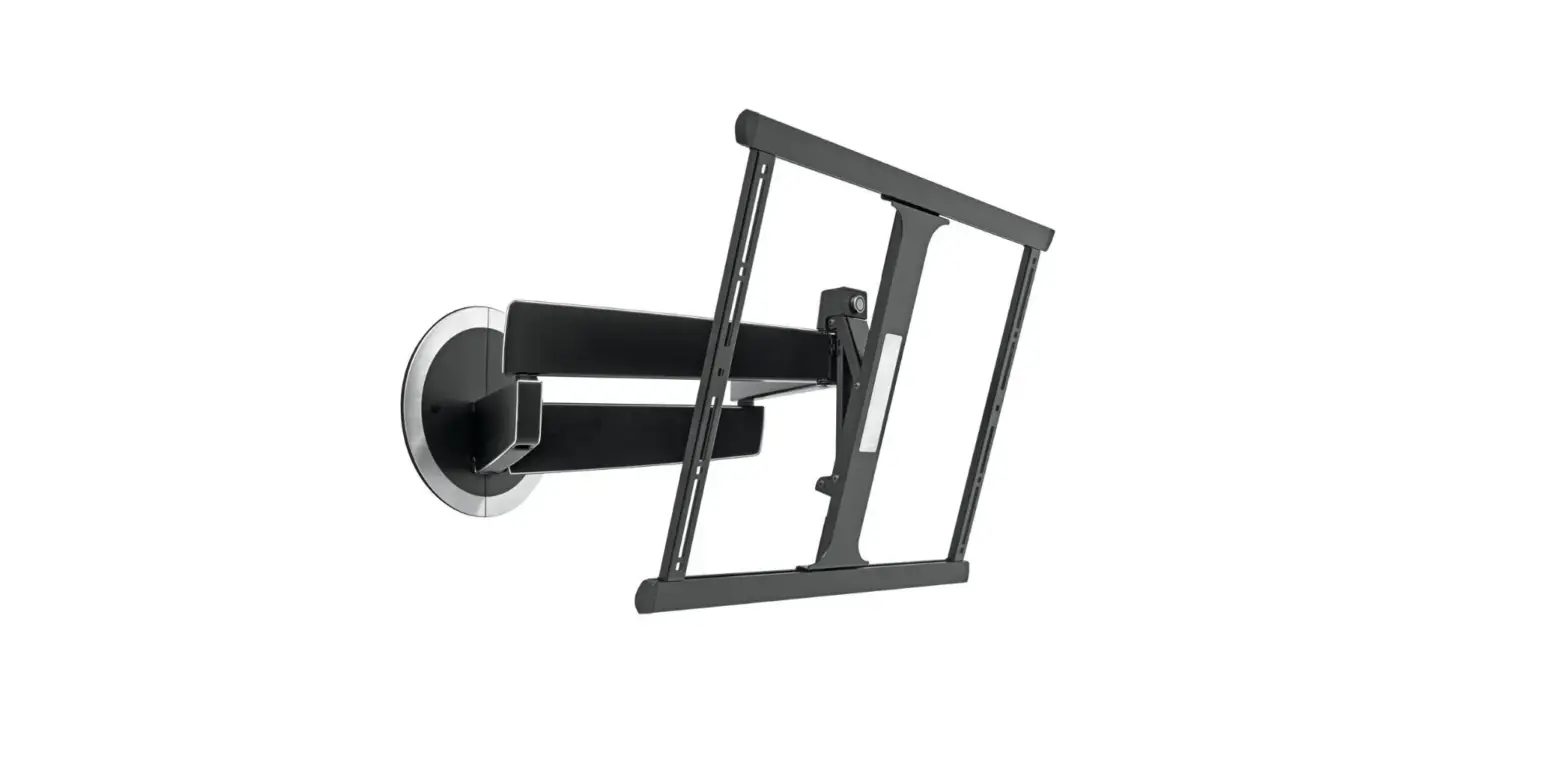
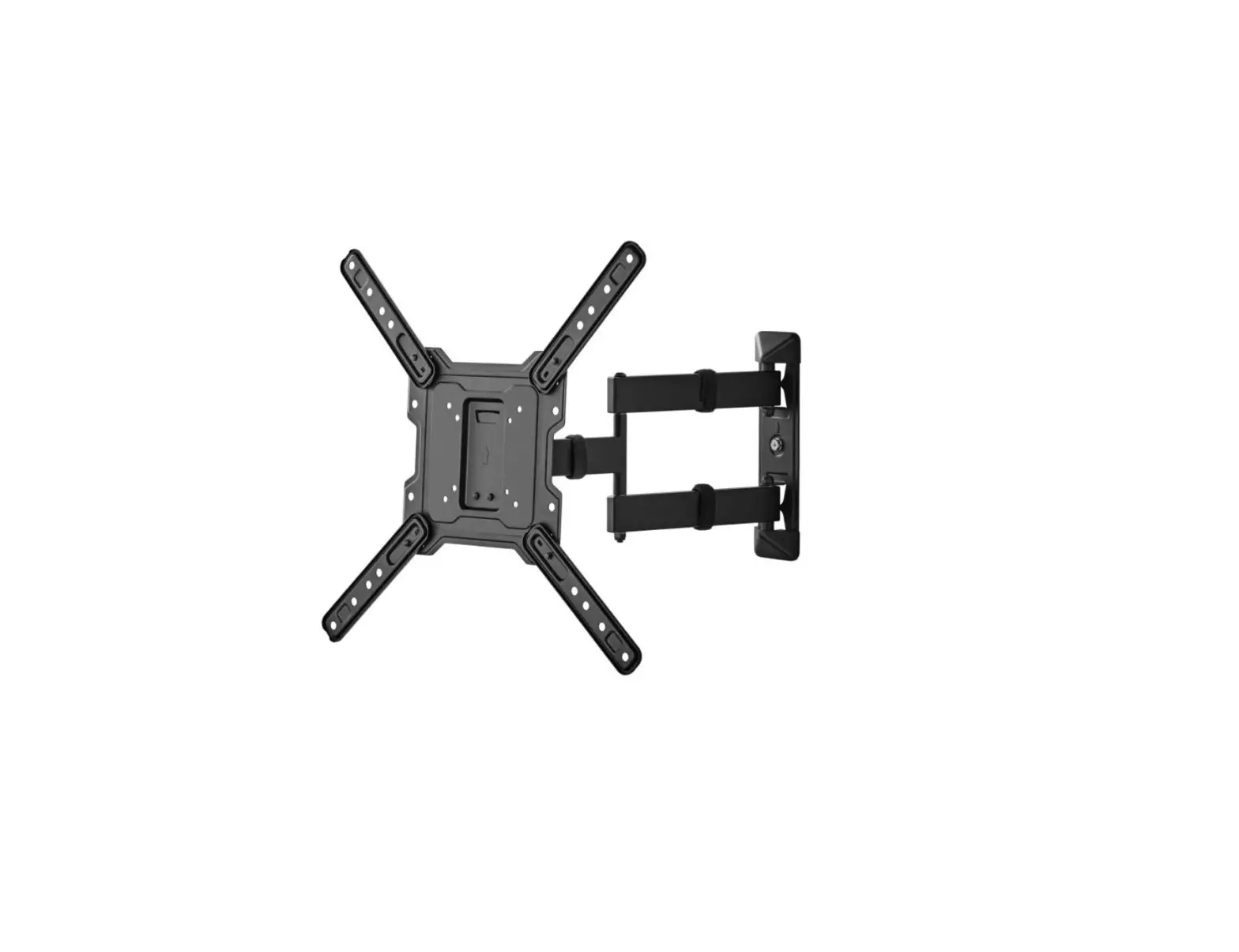
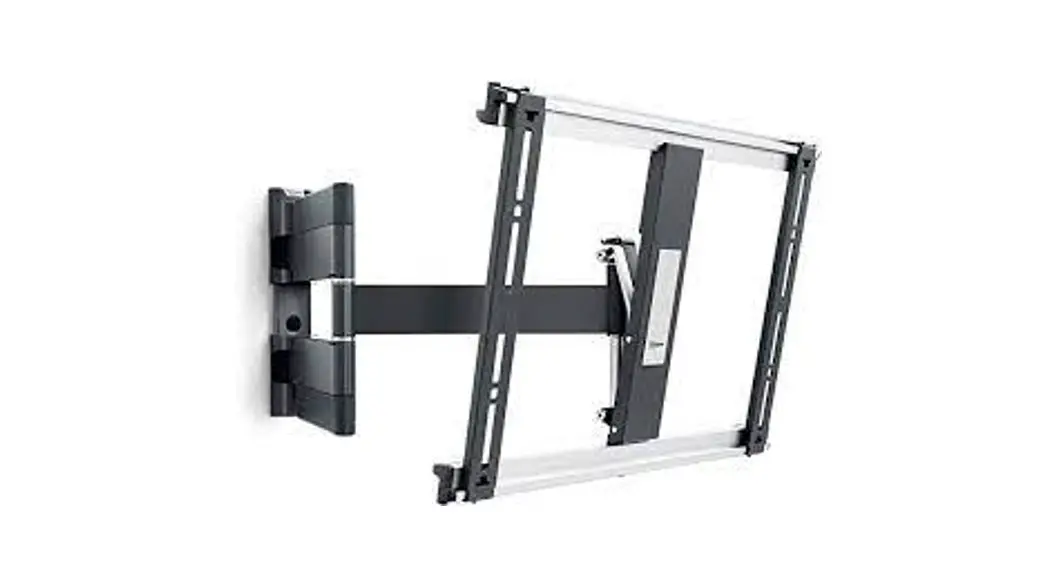
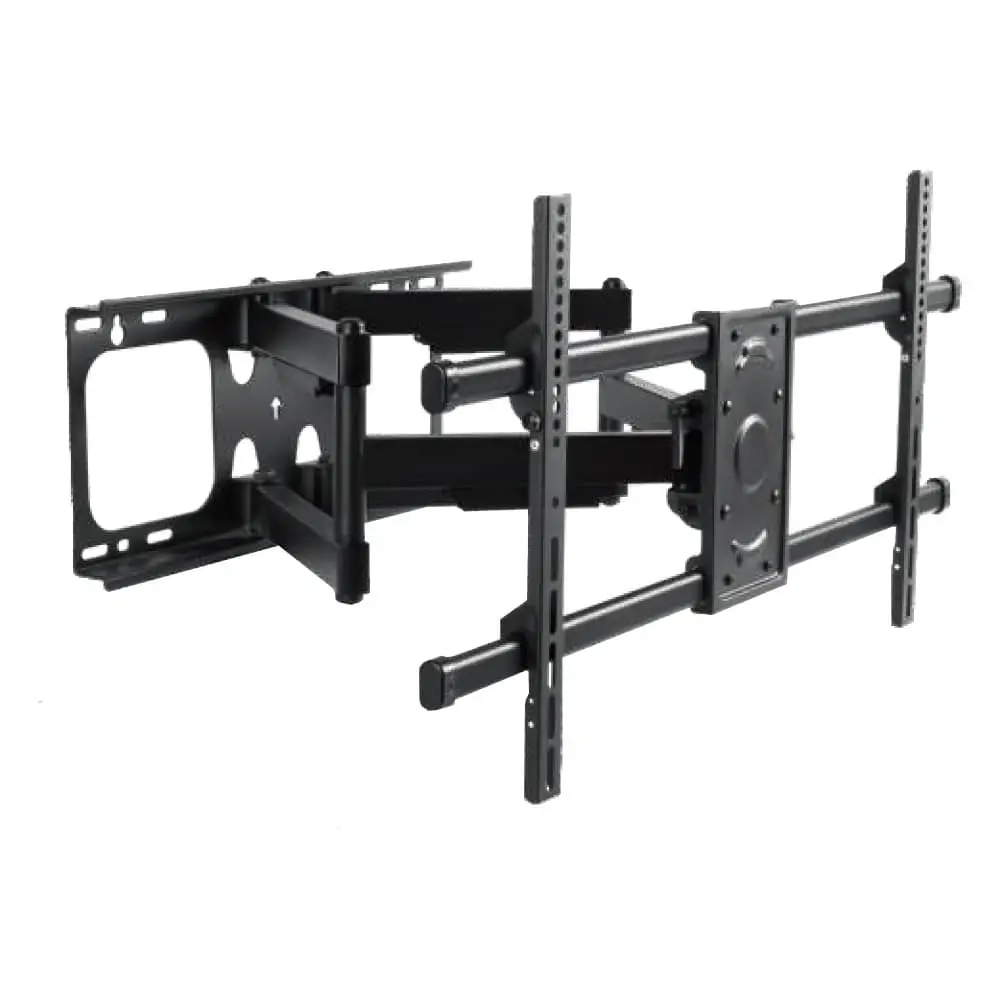
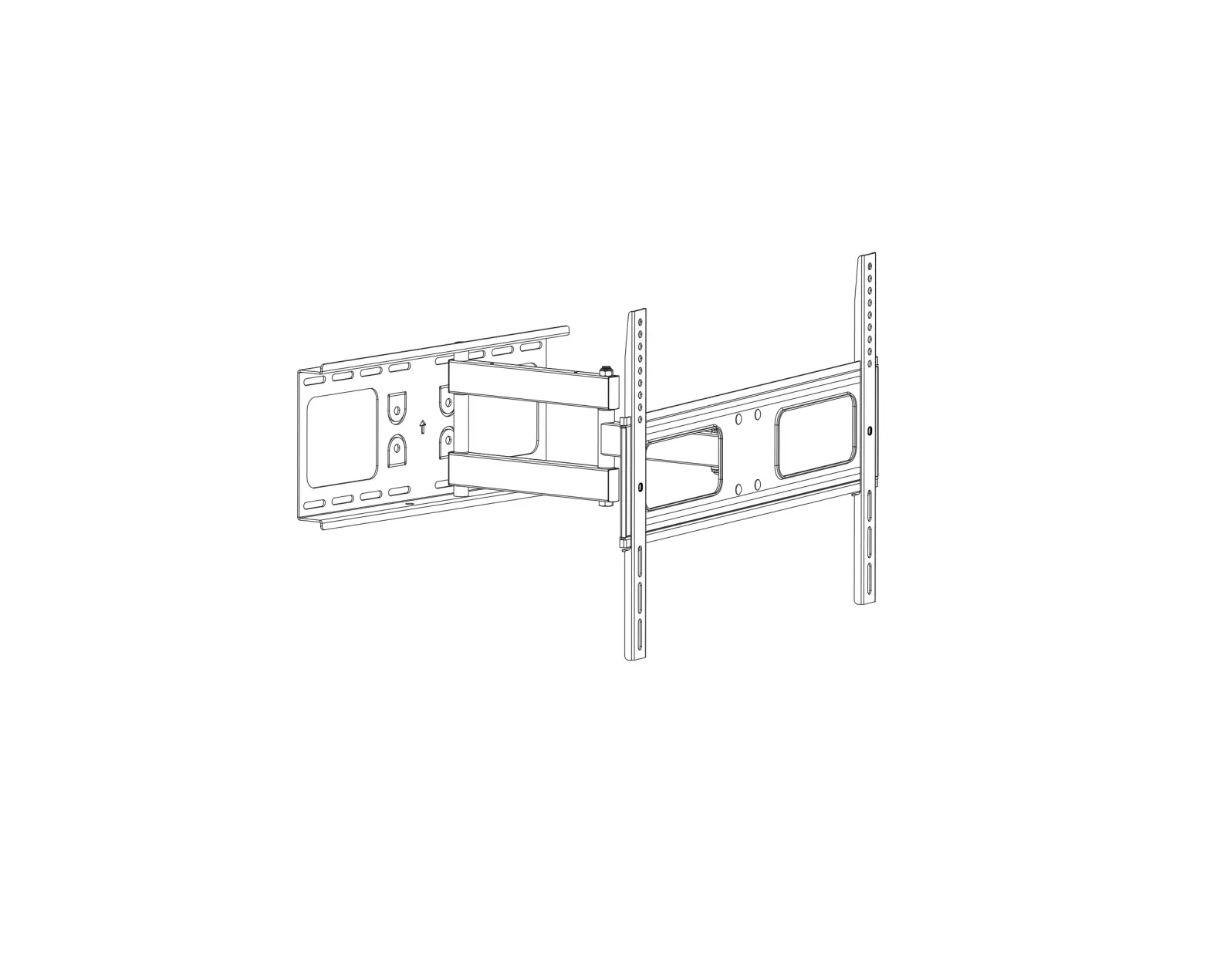
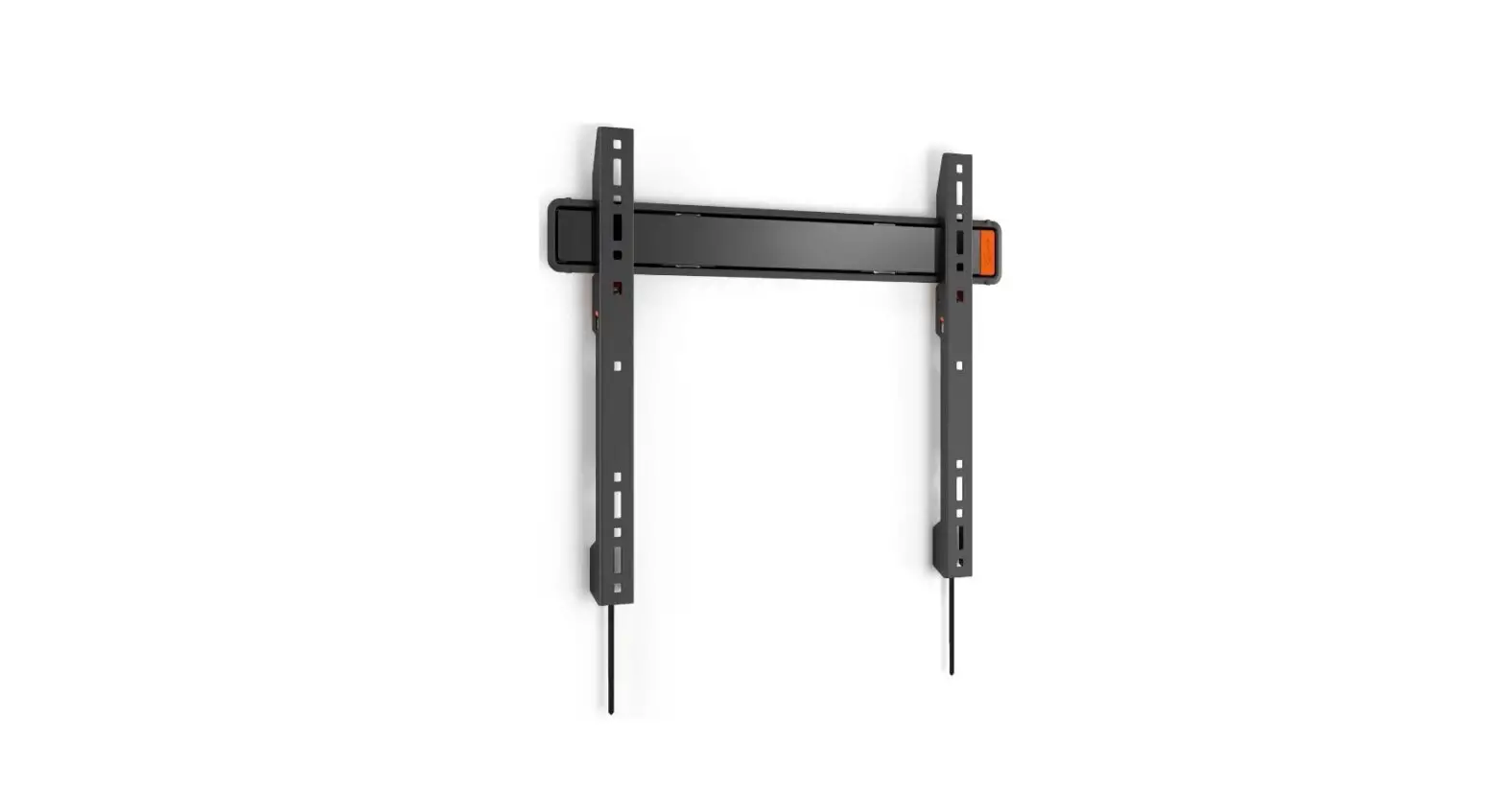
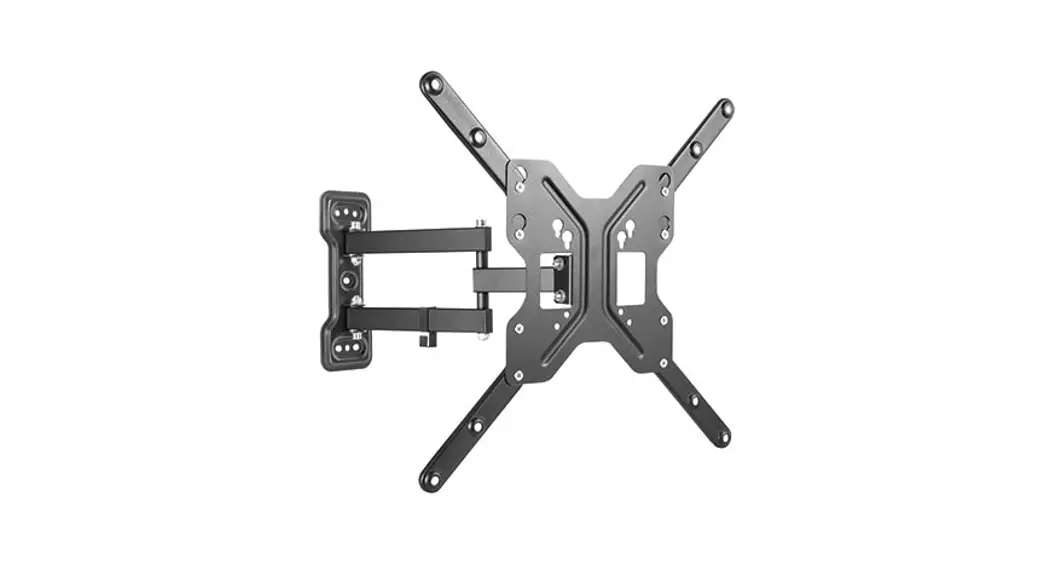
TVM 3845 Full Motion TV Wall Mount
Product Information
The TVM 3840 Series is a wall mount for TVs. It comes with a
full installation guide to help users safely and securely mount
their TVs on the wall. The product is designed to provide a quick
and easy installation process.
Important safety instructions are provided in the user manual.
It is crucial to read and follow these instructions to ensure the
safety of yourself, your TV, and your family. Vogel’s recommends
that the mounting and installation of this product should be done
by a qualified expert to avoid any risks.
The product is compatible with TVs within specific weight and
size limits, as specified in the manual. The TV mounting bolts used
should be of suitable length and diameter. The wall mounting
accessories provided are intended for installation on solid brick,
concrete, or wood walls. For walls made of other materials, such as
hollow bricks, wood panels, or plasterboard, it is advised to
consult an installer or specialist supplier.
Regular cleaning of the product can be done using a dry,
lint-free cloth. Detergents or solvents should not be used for
cleaning.
Repairing the product should only be done by qualified and
certified personnel using original spare parts. Alterations and
technical modifications to the product are not permitted as it may
void the warranty and potentially cause injuries.
The product should be handled and transported with care. When
not in use or during transportation, it is recommended to repack
the product properly.
Product Usage Instructions
- Ensure you have read and understood all the safety instructions
in the user manual. - Check that your TV’s weight and size are within the limits
specified for the TVM 3840 Series. - Verify that the TV mounting bolts used are of suitable length
and diameter. - Choose an appropriate wall for installation, preferably solid
brick, concrete, or wood. - If the wall is made of other materials, consult an installer or
specialist supplier for guidance. - Ensure the wall covering does not exceed 3 mm/0.12 inch in
thickness. - Clean the product using a dry, lint-free cloth. Avoid using
detergents or solvents. - If repair is needed, contact qualified and certified personnel
using original spare parts. - Do not make alterations or technical modifications to the
product. - Handle and transport the product with care.
- When lifting your TV, always have another person assist
you.
What’s in the Box
The TVM 3840 Series comes with the following items:
- 4x M6*12mm bolts
- 4x M6*25mm bolts
- 4x M6*35mm bolts
- 4x M8*12mm bolts
- 4x M8*25mm bolts
- 4x M8*45mm bolts
- 4x M6 washer
- 4x spacer 10mm
- 4x spacer 5mm
Note that only four bolts are needed for mounting your TV. Store
the remaining accessories for future use.
Tools Required
Before starting the installation, make sure you have the
following tools:
- Crosshead screwdriver
- Drilling machine
- 10 mm or 25/64 concrete/brick drill (for concrete/brick walls
only) - 5 mm or 13/64 concrete/brick drill (for concrete/brick walls
only) - 5 mm or 13/64 wood drill (for walls with wooden studs
only) - Stud finder (for walls with wooden studs only)
- Socket wrench no. 13
- Pencil
Safety Precautions
Prioritize your safety by wearing personal protective
equipment:
- Eye protection
- Ear protection
- Safety shoes
Installation Steps
- Attach the provided strips to the TV.
05-05-2023 15:53
TVM 3840 Series
TVM 3840 Series
Full Installation Guide
Everything you need to get your TV safely on the wall, in no time
Before you start
…we just wanted to say thanks for choosing Vogel’s. Smart choice. And you’re already making another smart choice reading the manual! Keep reading to learn all about safe, efficient installation, and how to use your new mount.
Stay safe
Warning
Always read these safety instructions carefully before installing and using this product.
Following these instructions is strictly required. Incorrect mounting and/or installation could put you, your TV, and your family at substantial risk.
Don’t dare risk it… Read all
Vogel’s recommends that the mounting and/or installation of this product should be carried out by a suitably qualified expert.
https://vogels.create-usermanual.com/en-us/tvm3840.html
1/17
05-05-2023 15:53
TVM 3840 Series
Vogel’s cannot be held responsible for any injury and/or damage caused by incorrect installation.
Please consult the manual for your TV and ensure that the weight and size of the TV is within the maximum weight and size limits specified for this product, and that the TV mounting bolts used are of a suitable length and diameter. Note that not all the TV mounting accessories provided are required for the installation of any one TV.
The wall mounting accessories provided are exclusively intended for installation on walls made of solid brick, solid concrete or solid wood columns.
Any material covering the wall must not exceed 3 mm/ 0.12 inch.
For mounting on walls made of other materials, such as hollow bricks, wood panels or plasterboard, please consult your installer and/or specialist supplier.
Clean the product with a dry, lint-free cloth. Do not use detergents or other solvents to clean the product.
Only qualified, certified personnel may repair the product. Use only original spare parts. The use of other parts will result in voiding the warranty, and could lead to injuries.
Alterations to the product and technical modifications are not permitted. This will void the warranty, and could lead to injuries.
Always store the product in a dry and safe place with a temperature between -10°C to +50°C.
Handle and transport the product with care.
Repack the product when transporting or not using it for a longer period of time.
Lifting your TV is a two-person job. Don’t be bold!
What’s in your box?
Something missing? Make sure your packaging has everything in place: A. Wall mount B. Interface bars C. Interface strips D. Safety instructions E. Bolts for fastening strips on TV (see contents below) F. Spacers G. Washers Ø 18 mm H. Screws I. Plugs (fischer© DuoPower)
https://vogels.create-usermanual.com/en-us/tvm3840.html
2/17
05-05-2023 15:53
J. Washers Ø 26 mm K. Covers L. Protective TV patches M. Cable clips N. Spirit level O. Interface bolts P. Allen key Contents of the TV fasteners kit:
4x M6*12mm bolts 4x M6*25mm bolts 4x M6*35mm bolts 4x M8*12mm bolts 4x M8*25mm bolts 4x M8*45mm bolts 4x M6 washer 4x spacer 10mm 4x spacer 5mm
TVM 3840 Series
You just need four bolts to mount your TV. Store the rest for other use!
Got your tools ready?
Don’t start without all the necessary tools: Crosshead screwdriver Drilling machine 10 mm or 25/64″ concrete / brick drill (for concrete / brick walls only)
https://vogels.create-usermanual.com/en-us/tvm3840.html
3/17
05-05-2023 15:53
TVM 3840 Series
5 mm or 13/64″ concrete / brick drill (for concrete / brick walls only) 5 mm or 13/64″ wood drill (for walls with wooden studs only) Stud finder (for walls with wooden studs only) Socket wrench no. 13 Pencil
Take care of your safety
Who cares about looking cool? Always wear personal protective equipment: Eye protection Ear protection Safety shoes
Lifting your TV is a two-person job. Don’t be bold!
Ready… set… get installing!
Step 1: Attach the strips to the TV
https://vogels.create-usermanual.com/en-us/tvm3840.html
4/17
05-05-2023 15:53
TVM 3840 Series
1. Carefully place the TV face down, on a soft clean surface without any obstacles. 2. Put the protective TV patches on the interface strips . 3. Attach the interface strips to the TV with the bolts . Make sure the interface strips are at the same height and do
not stick out.
Are you missing any bolts? Or need different ones? The friendly team at Vogel’s Consumer Care are waiting to help: vogels.com/contact (http://www.vogels.com/contact)
Refer to the user manual of your TV for the correct bolt sizes. Make sure bolts and washers are positioned correctly. Use spacers where needed.
4. Loosen the screws in interface strips . 5. Slide the interface bars through the interface strips . 6. Attach the interface bars to the interface strips by tightening the screws. 7. Put the interface bolt in the upper interface bar. Make sure you don’t screw it in completely, yet.
https://vogels.create-usermanual.com/en-us/tvm3840.html
5/17
05-05-2023 15:53
TVM 3840 Series
Step 2: Attach the wall mount to the wall
How well do you know your walls? What they’re made of matters more than you think…
Concrete / Brick wall
Don’t drill yet! Try our free DrillRightTM AR app (https://www.vogels.com/DrillRight) to find just the right height and mark the first hole, easily.
1. Find the perfect spot for drilling with our DrillRightTM AR app (https://www.vogels.com/DrillRight) and the included drilling template.
2. Drill the holes.
How deep do you drill? Check the length of the screw (not the plug!) to find the right depth this stops things from breaking.
https://vogels.create-usermanual.com/en-us/tvm3840.html
6/17
05-05-2023 15:53
TVM 3840 Series
3. Attach the wall mount to the wall with the screws , washers and plugs . Use the spirit level to level the wall mount . Make sure that you insert the centre screw into the wall first.
Lubricate the screws for easy screwing in.
4. Click the covers into place. Simple!
Walls with wooden studs
Don’t drill yet! Try our free DrillRightTM AR app (https://www.vogels.com/DrillRight) to find just the right height and mark the first hole, easily.
https://vogels.create-usermanual.com/en-us/tvm3840.html
7/17
05-05-2023 15:53
TVM 3840 Series
1. Don’t just guess! Always use a stud finder to determine the position of studs. 2. Find the perfect spot for drilling with our DrillRightTM AR app (https://www.vogels.com/DrillRight) and the included
drilling template.
Don’t destroy your belongings! The wall mount must always be attached to the studs.
3. Now for the fun part… drilling the holes.
4. Attach the wall mount to the wooden studs with the screws and washers . Use the spirit level to level the wall mount . Make sure that you insert the centre screw into the wall first.
https://vogels.create-usermanual.com/en-us/tvm3840.html
8/17
05-05-2023 15:53
Lubricate the screws for easy screwing in.
TVM 3840 Series
5. Click the covers into place. Simple!
Other wall type / I don’t know my wall type
If your wall is a little special for example, hollow bricks, metal stud walls, wood panels or plasterboard or you simply aren’t sure, don’t worry! Just ask your installer, specialist supplier or the Vogel’s Consumer Care team at www.vogels.com/contact (http://www.vogels.com/contact).
https://vogels.create-usermanual.com/en-us/tvm3840.html
9/17
05-05-2023 15:53
TVM 3840 Series
Step 3: Attach the TV to the wall mount
1. Carefully lift the TV onto the wall mount by putting the upper interface bolt in the top notch of the wall mount . 2. Put an interface bolt through the bottom hole of the wall mount . 3. Tighten both interface bolts with the allen key . Make sure the TV is levelled using the spirit level.
Lifting your TV is a two-person job. Don’t be bold!
Job done now! Enjoy watching your TV!
Handy features
Having a cable mess? Do you need inspiration about how to hide and guide your cables or how to place other TV accessories? Take a look at our website vogels.com (https://www.vogels.com/)!
https://vogels.create-usermanual.com/en-us/tvm3840.html
10/17
05-05-2023 15:53
TVM 3840 Series
Vertical and horizontal correction
1. Vertical correction: If the screen is used in its vertical home position and the screen is not vertically levelled: tighten / loosen the adjustment screw with an allen key until the screen is vertically leveled.
2. Horizontal correction: If one side of the TV is lower than the other, slightly loosen the bottom interface bolt with an allen key . Level the TV and check with a spirit level on top of the TV. Tighten the interface bolt again.
Tilt to avoid reflections
1. Gently pull the top of the screen forward, to adjust the tilt angle. You do not need to adjust anything with a tool or unlock anything.
https://vogels.create-usermanual.com/en-us/tvm3840.html
11/17
05-05-2023 15:53
TVM 3840 Series
2. Does tilting not feel smooth or does your TV not stay in its tilted position? You can adjust this with an allen key ! If your TV comes forward too easily, turn in the direction of the +. If tilting feels too heavy, turn in the direction of the -.
Do not force the screen backward.
Guide your cables
1. Guide the cables through the cable clips . 2. Click the cable clips over the arms.
https://vogels.create-usermanual.com/en-us/tvm3840.html
12/17
05-05-2023 15:53
Removing your TV
TVM 3840 Series
1. Unplug the cables from your TV. 2. Remove the bottom interface bolt and loosen the upper interface bolt . 3. Lift your TV off of the wall mount , and put it down somewhere safe.
Again, lifting your TV is a two-person job. Always get help.
Confused? Unsure? Going crazy?
There’s plenty of help waiting for you, online: [email protected] (mailto:[email protected]) www.vogels.com/contact (http://www.vogels.com/contact)
facebook.com/ VogelsForSure/ (https://www.facebook.com/VogelsForSure/)
instagram.com/ vogels_official/ (https://www.instagram.com/vogels_official/)
www.youtube.com/ c/VogelsForSure (https://www.youtube.com/c/VogelsForSure)
https://vogels.create-usermanual.com/en-us/tvm3840.html
13/17
05-05-2023 15:53
TVM 3840 Series
Simple troubleshooting
Found a problem you can’t fix? Don’t panic… try these!
Problem `There are stains on the arms of the wall mount’
Cause The stains are caused by the paper pulp interior in the box. We decided to reduce the amount of plastic in the packaging and therefore there is no plastic bag around the product anymore to prevent from some paper dust on the product. So, these stains might occur.
Solution The stains are easy to remove with a cloth.
Problem `I don’t have the right bolts for my TV!’
Cause The world of TV technology is always changing it can be hard to keep up sometimes. So, it might be the case that the correct bolt size is not included… you’re just too advanced!
Solution Just ask Vogel’s Consumer Care to request a service kit, and we’ll send everything you need. Click here (http://www.vogels.com/contact) to contact Vogel’s Consumer Care.
Problem `I have a lot of leftover bolts, is something wrong?’
Cause No, you did it very well! You only need 4 bolts to install the mount to your TV. Because of all the different types of TVs, we have included the most common sizes for the most sold TVs.
Solution Don’t waste the other bolts, save them! You can use them for another TV when you buy a new one or use it elsewhere.
Problem `My wall screws have snapped!’
Cause You might not be drilling deep enough… or your drill could be too blunt, so that the hole is too narrow and the screw gets stuck.
Solution Use another hole in the wall plate to fix the wall mount to the wall. Make sure you use a sharp drill of the correct size. Use the size of the screw as indication of the depth to be drilled. After drilling, check if the entire screw (except the head) fits in the hole.
Problem
https://vogels.create-usermanual.com/en-us/tvm3840.html
14/17
05-05-2023 15:53
TVM 3840 Series
`My cover is stuck!’ Cause If the space between your wall and your wall mount is a little too tight, things can get tricky to reach. Solution Push a small screwdriver between wall and wall mount to push the snap hooks down to release.
FAQs
`Where can I request the correct bolts for my TV (a service kit)?’
Whatever you need, simply contact your local Vogel’s dealer or Vogel’s. Click here (http://www.vogels.com/contact) to contact Vogel’s Consumer Care.
`Where can I find installation videos?’
Click or tap the button on the front page of this manual. The installation video can be found at the product page of your product on our website. It can also be found on our YouTube channel: www.youtube.com/c/VogelsForSure (https://www.youtube.com/c/VogelsForSure)
`How high do I need to hang my TV?’
The center of your TV should ideally be positioned at eye level, while seated. The result is dependent on the location of the holes on the back of your TV. After attaching the strips to the TV, determine the distance between the center of the TV and the center of the wallplate. This helps you determine where to drill your first hole. Download and use the free DrillRightTM AR app (https://www.vogels.com/DrillRight) to determine the height of the TV and to mark the first hole.
`How high do I need to hang my TV in case of a tilt mount?’
When a wall mount with tilt function is used, your TV can be mounted above eye level.
`Which bolts or screws do I need to use?’
Use all wall screws and four bolts for securing your TV. Vogel’s offers a complete assembly kit with all mounting materials included in the box, for both your TV and wall. You need four bolts to attach the mount to the TV, and three or four screws for the wall (dependent on your model). Do you miss the correct bolts for your TV? Please contact your local Vogel’s dealer. Click here (http://www.vogels.com/contact) to contact Vogel’s Consumer Care.
`Why do you use Fischer© plugs?’
The Fischer© DuoPower plug is widely regarded as the best standard in plugs. Don’t settle for less!
`What is VESA?’
VESA is a standard pattern of mounting location holes on the back of a TV which allows many standard TV mounts to be easily fitted to your TV.
https://vogels.create-usermanual.com/en-us/tvm3840.html
15/17
05-05-2023 15:53
TVM 3840 Series
Go green!
We care about the planet. If you’re getting rid of the packaging or the TV mount itself, please visit your local recycling facility, or contact your municipal office. On https://www.vogels.com/recycle (https://www.vogels.com/recycle) you can find information on the materials used in the packaging for swift sorting. Recycling matters!
Guarantee
Thanks again for choosing Vogel’s! Durability is paramount in the development and production of our products. For this reason, we are able to provide a product guarantee for the reasonable service life of all of our wall mounts. We resolve any issues regarding product complaints or returned products and assess all complaints based on usage. If your product is not functioning properly due to material faults or manufacturing defects, we will repair it free of charge or replace it at our own discretion. If you have any problems with our product or want to know whether the guarantee is applicable, please: 1. Complete the contact form or mail our Consumer Care Team. Preferably, please add a picture. 2. Within 2 business days you will be contacted by our local Vogel’s distributor. 3. If the guarantee is invoked, the product should be returned, together with the original purchase document (invoice,
sales slip or cash receipt). The purchase document should clearly show the name of the supplier and the date of purchase. You will be informed about the specific return address and further procedure. Vogel’s guarantee shall lapse in the following cases:
If the product has not been installed or used in accordance with the instructions; If applicable, if the holes in the wall have not been properly drilled in accordance with the Vogel’s installation instructions for the applicable wall type; If the product has been altered or repaired by someone other than Vogel’s; If a fault arises due to external causes (outside the product) such as for example lightning, water nuisance, fire, scuffing, exposure to extreme temperatures, weather conditions, solvents or acids, wrong use or negligence; If the product is used for different equipment than is mentioned on or in the packaging. Do you have any other questions? Please make use of our contact form.
Vogel’s Products BV – Hondsruglaan 93 – 5628 DB Eindhoven – The Netherlands
https://vogels.create-usermanual.com/en-us/tvm3840.html
16/17
05-05-2023 15:53
TVM 3840 Series
Vogel’s Products BV 2023 © All rights reserved.
https://vogels.create-usermanual.com/en-us/tvm3840.html
17/17
 Instagram
 Vogel’s | High Quality Wall Mounts for your TV, speaker or tablet
 TVM 3840 Series
 Vogel's. For Sure. (@vogels_official) • Instagram photos and videos
 Vogel’s | High Quality Wall Mounts for your TV, speaker or tablet