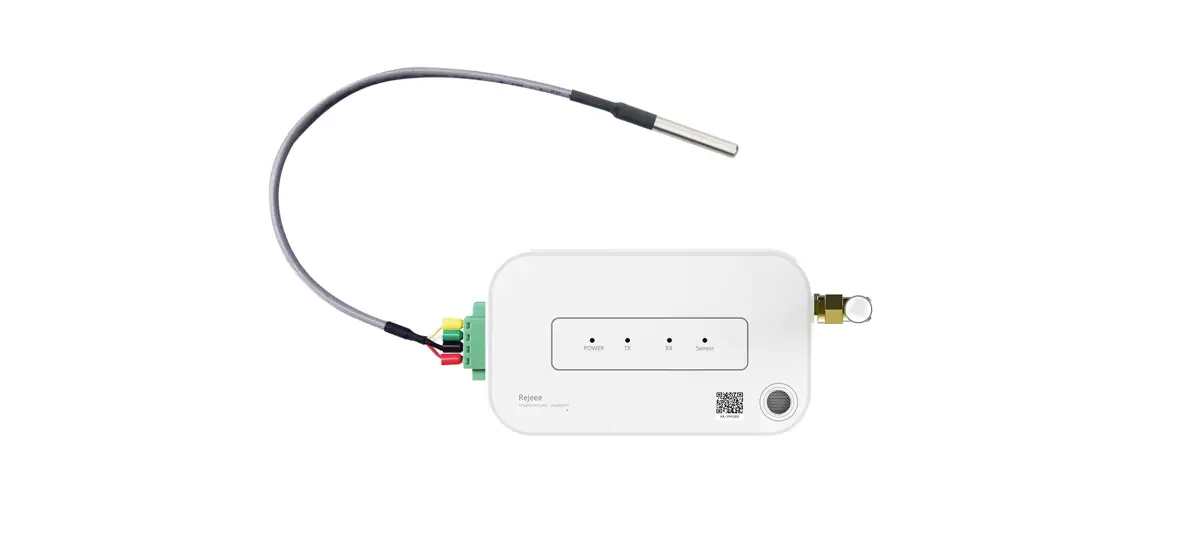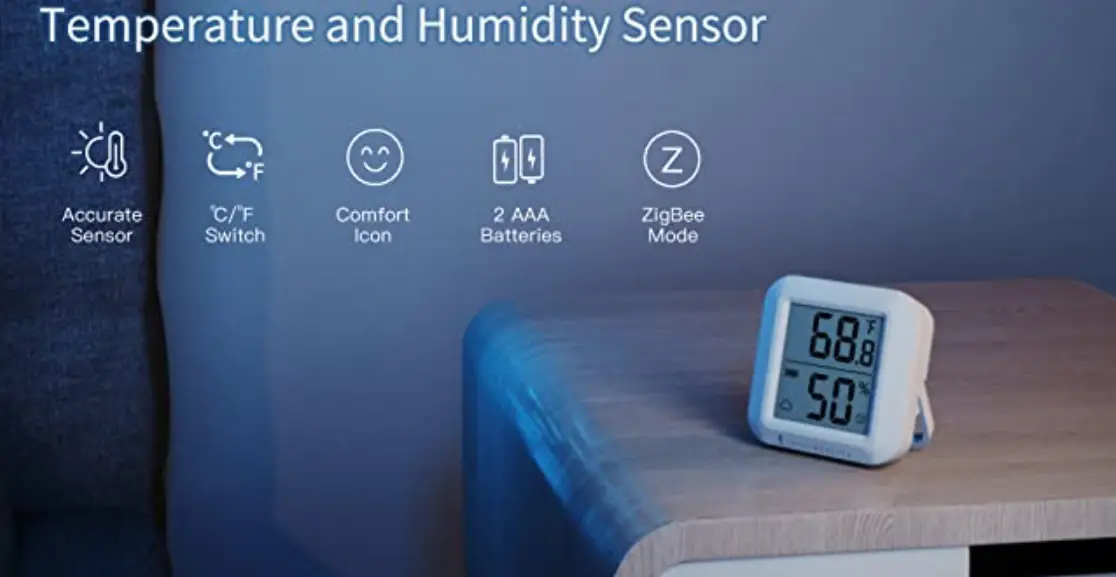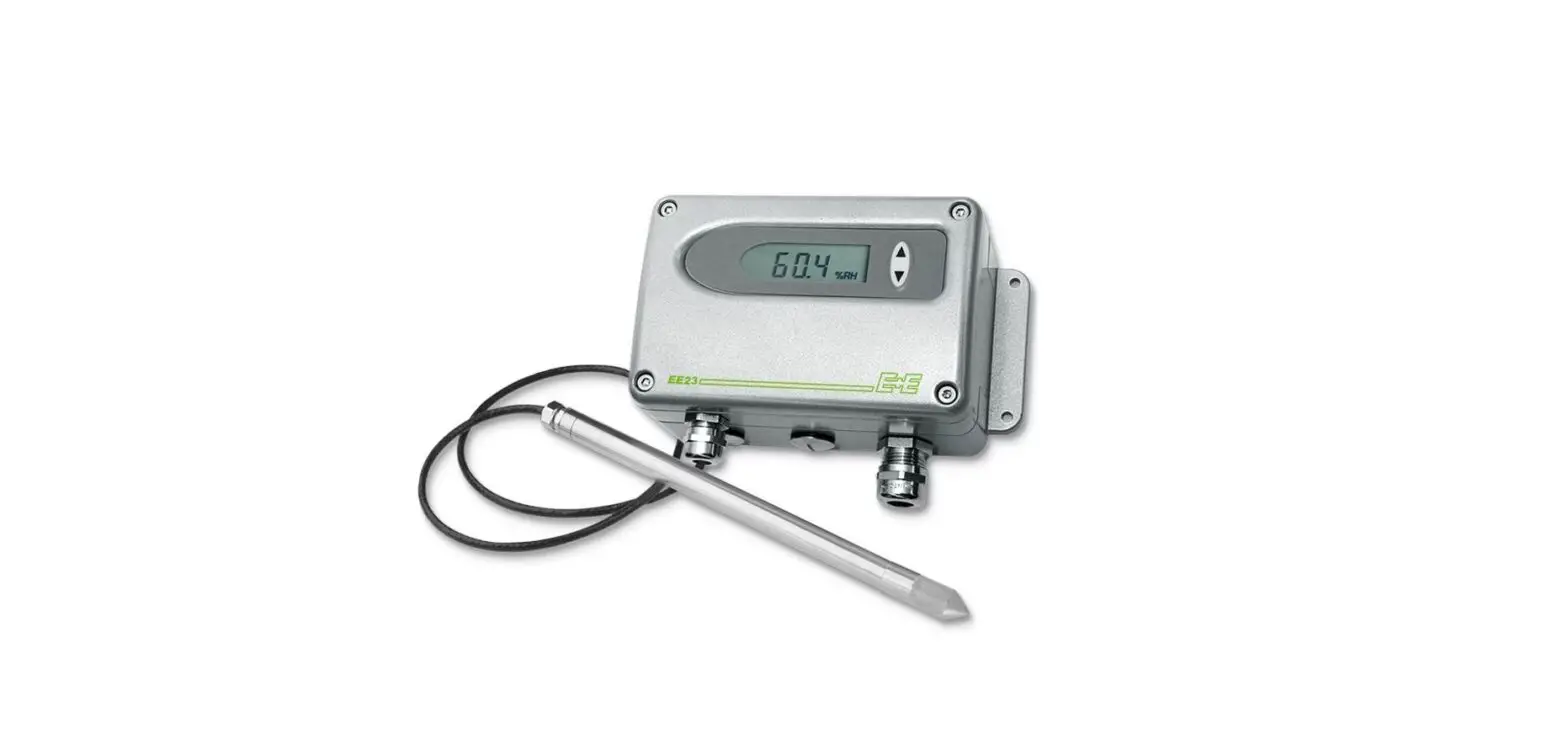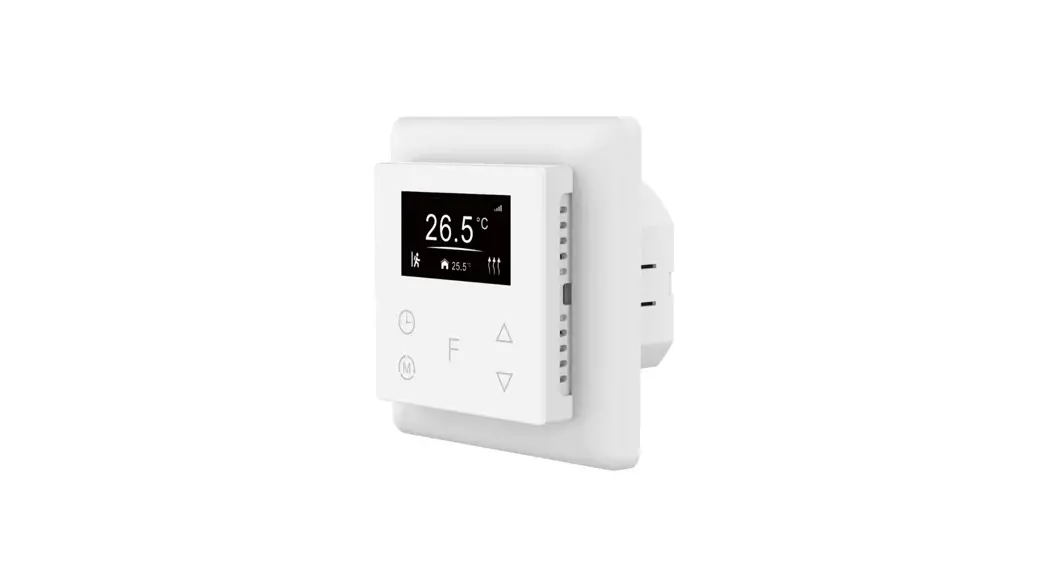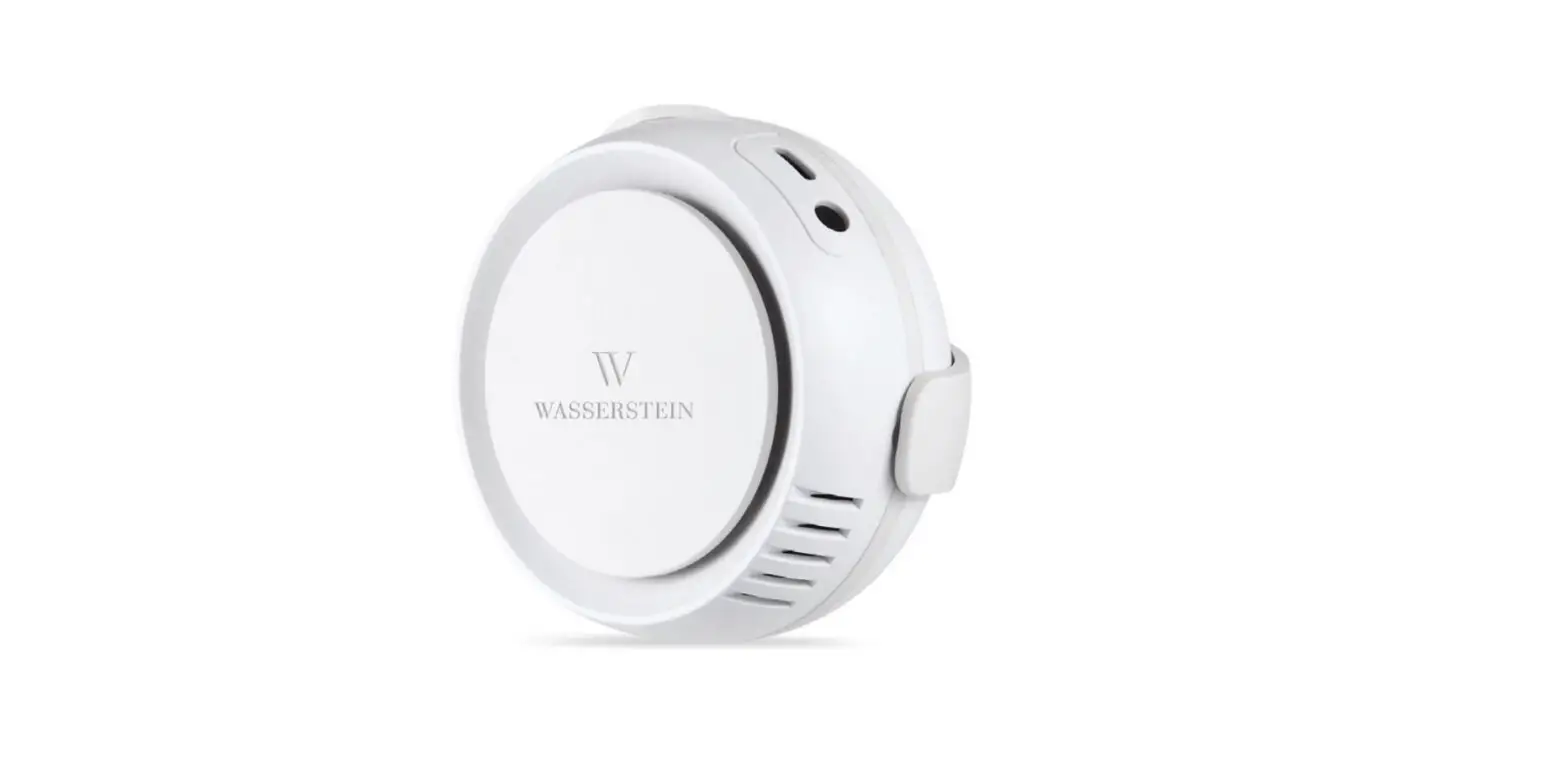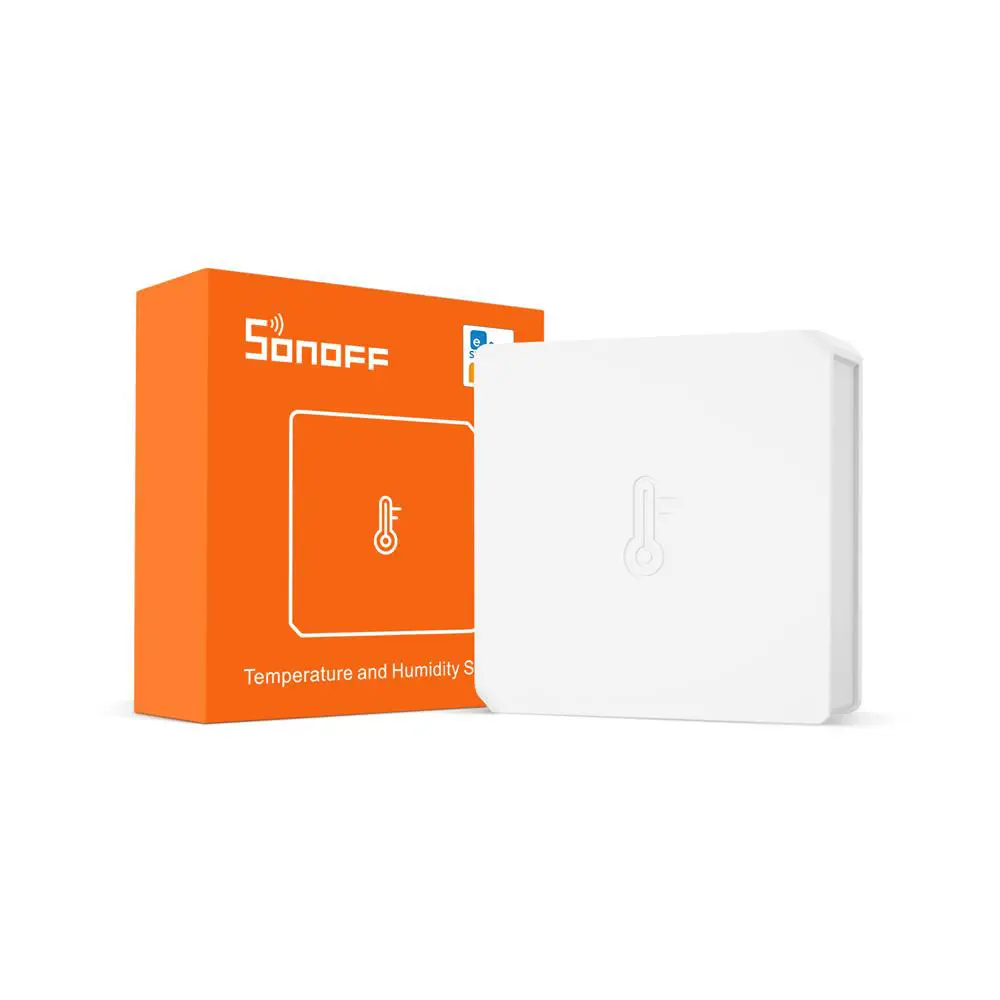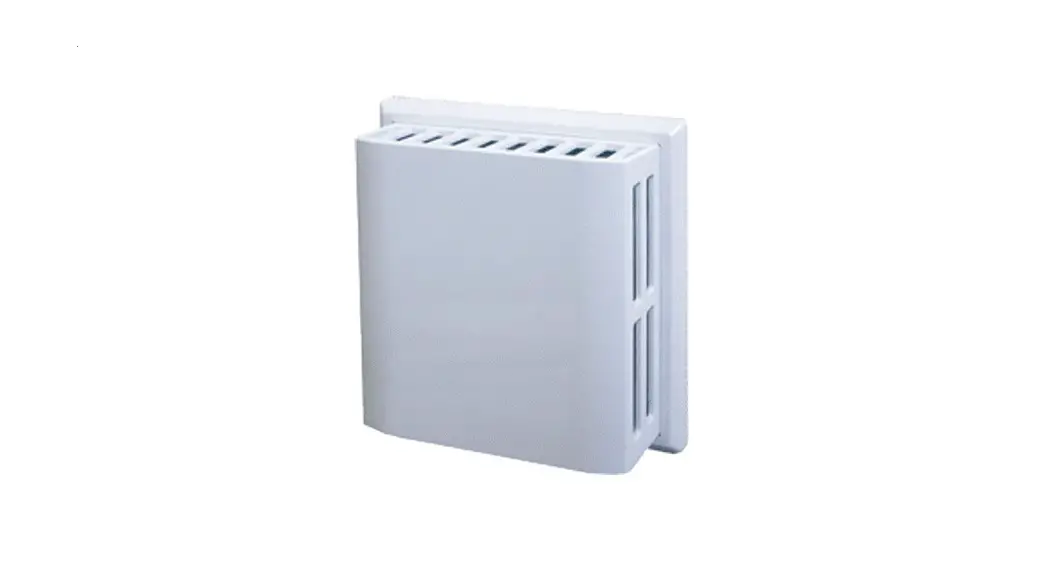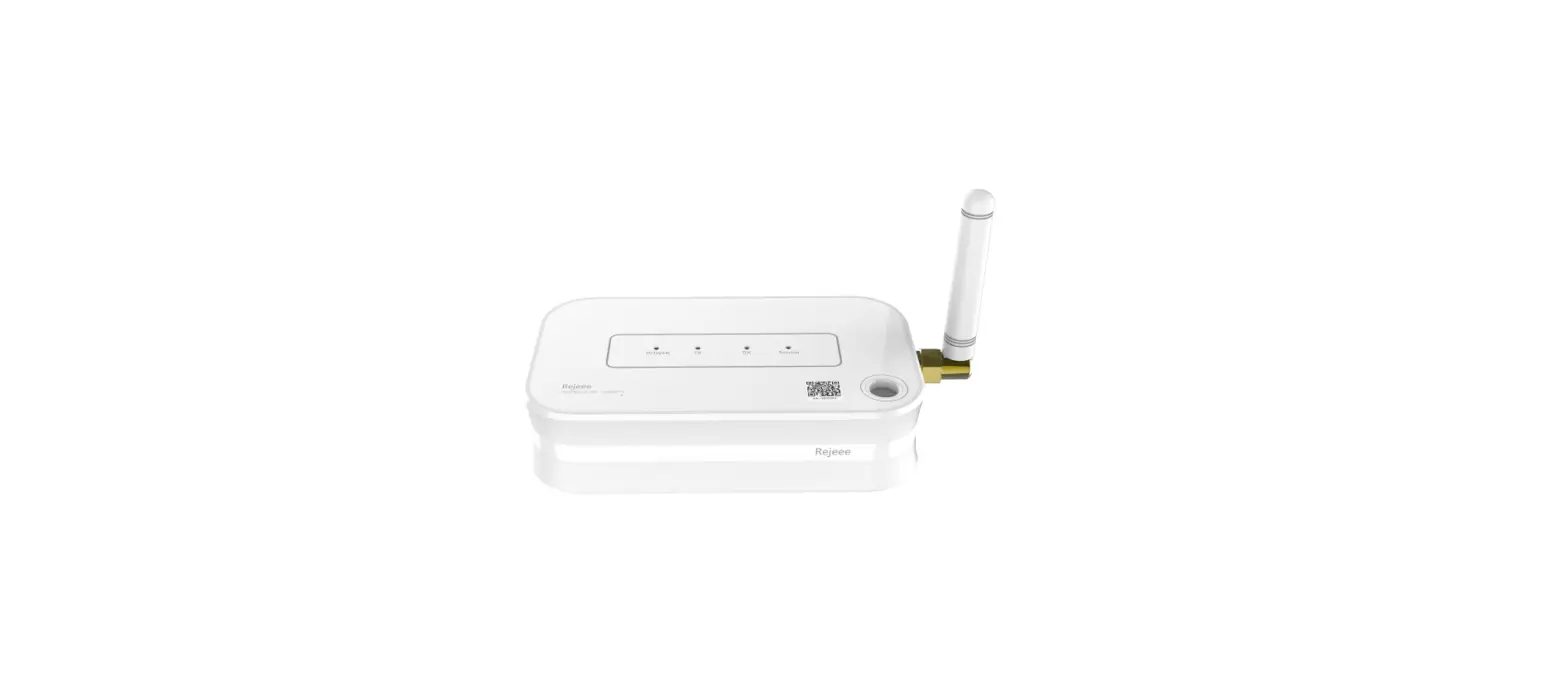
 REJEEE SL100 Temperature and Humidity Sensor
 REJEEE SL100 Temperature and Humidity Sensor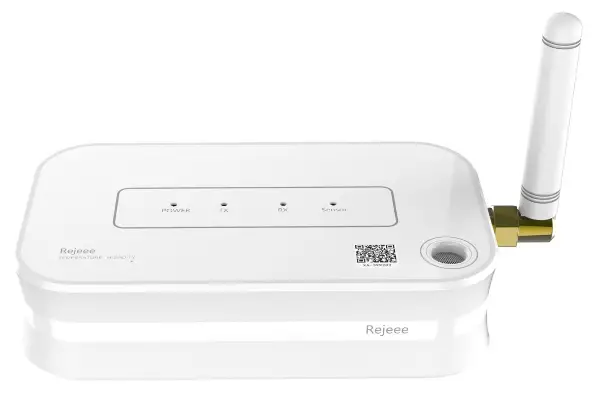
General Information
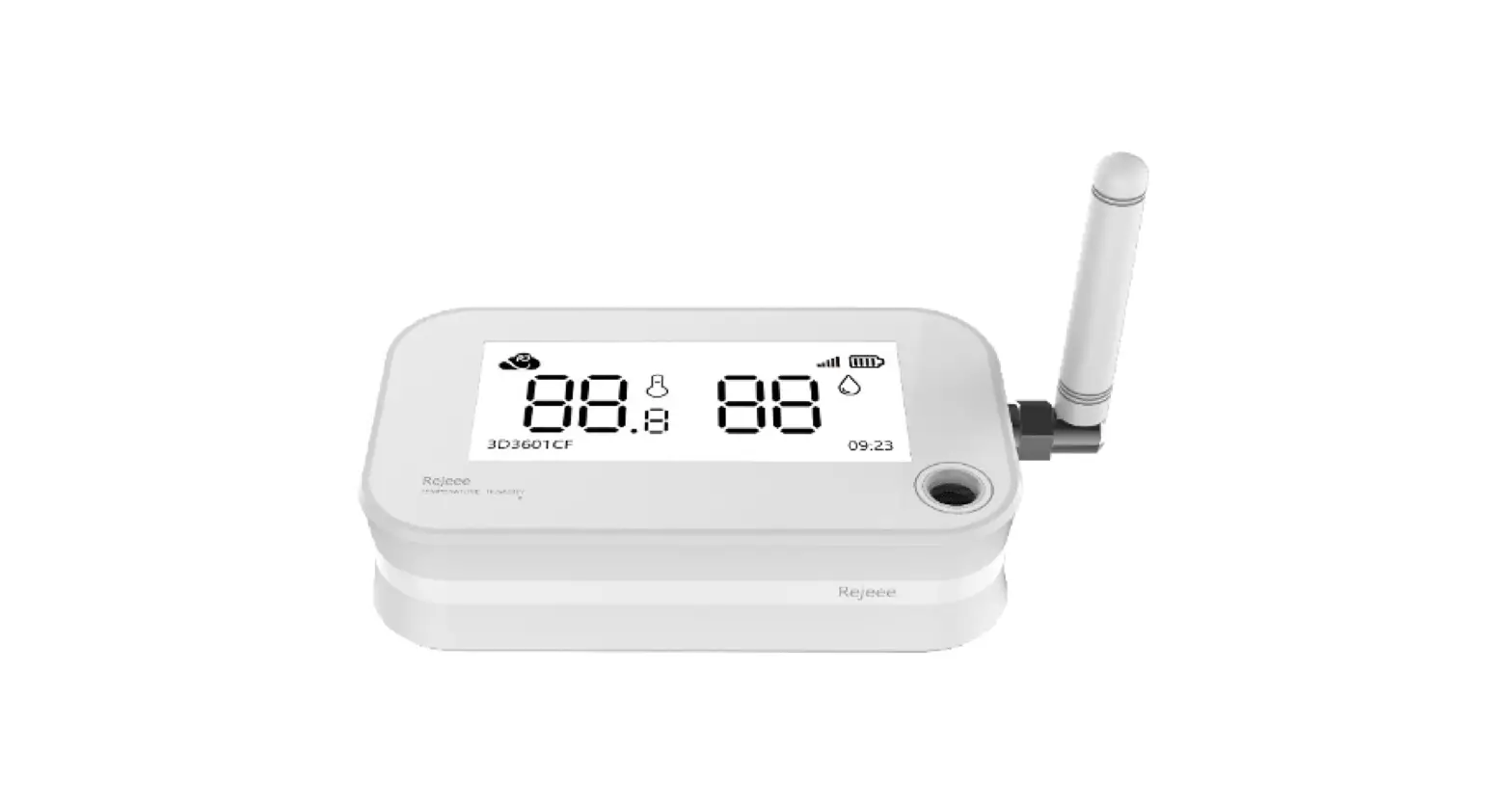
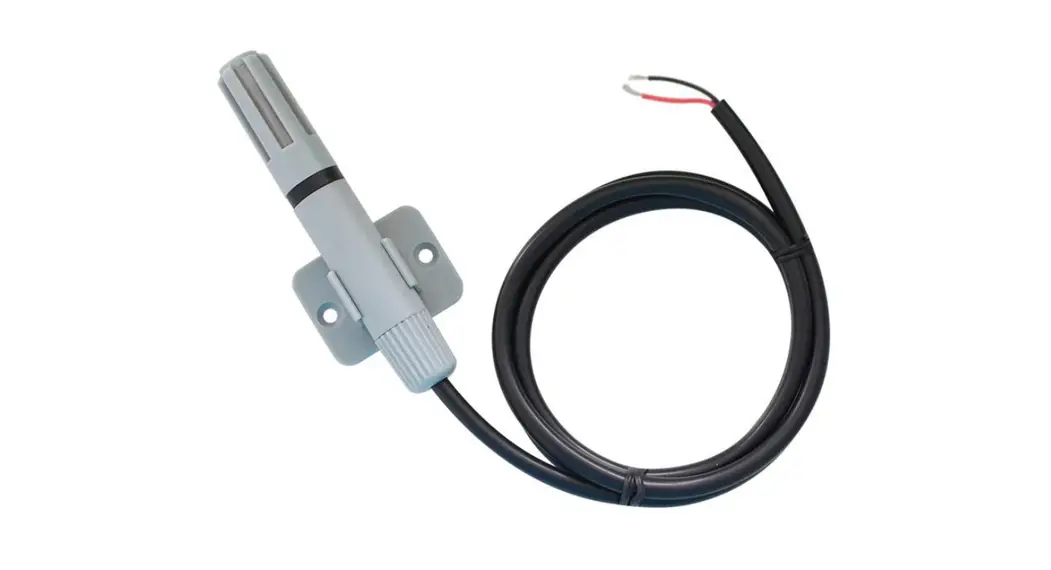
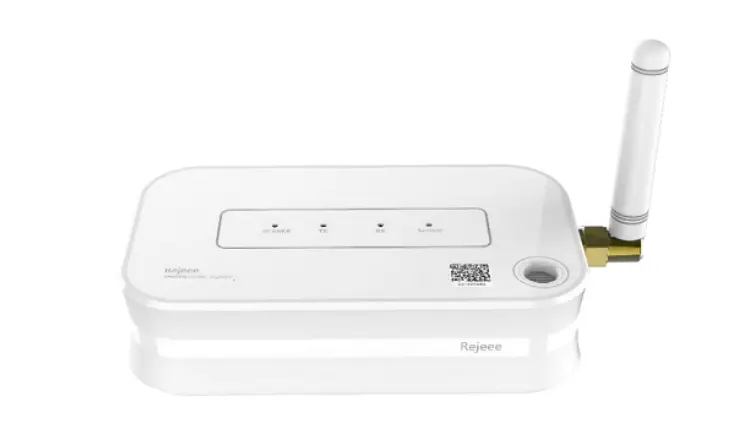
SL100 is a long-range low-power temperature and humidity sensor based on Semtech SX1262/SX1268.
| Sensor Type | Product Number |
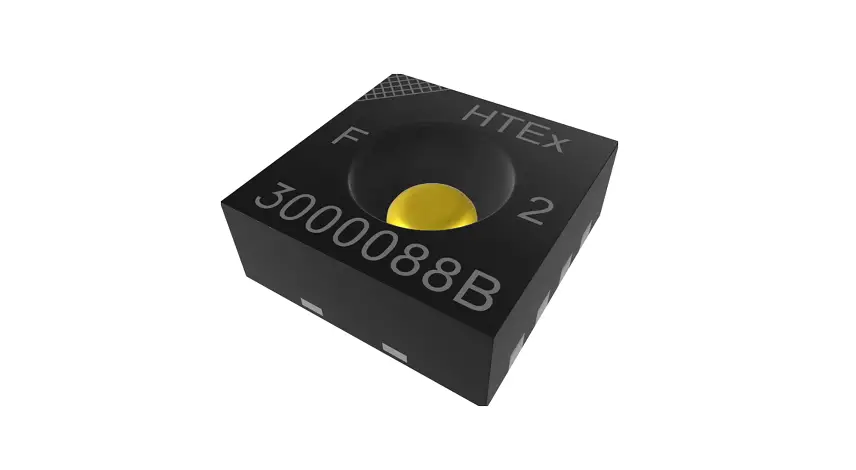
| Built-in SHT30 | SL100CN, SL100EU,SL100US,SL100AS |
Main features:
- Sensirion High Sensitivity Sensor
- Type-C for Local Configuration
- Internal Battery Up to 5 Years(LCP=5s,LFT=600s @SF9)
- LoRa Long Range Low Power
Details
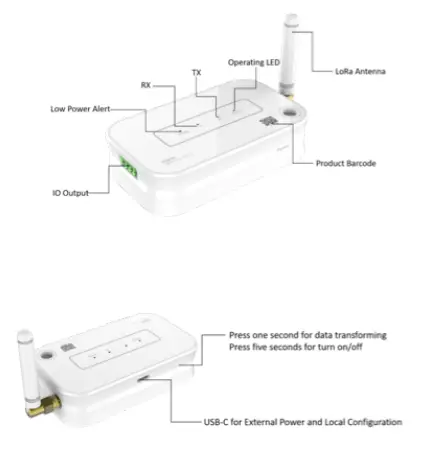
| Parameters | Feature |
| CPU | STM32L151 |
| Wireless | LoRaWAN(SX1262/SX1268) |
| Encryption | AES128 |
| Battery | Built-in Li-battery (Changeable, and No Recharge) |
| Battery Capacity | 5400mAh |
| Working Temperature | -45℃~+ 85℃ |
| Working Humidity | 0-100%RH |
| Communication | Half duplex |
| Accuracy | Temperature : ±0.3℃, Humidity:±3%RH |
| Lifespan | 5 Years(Every 10 Minutes for data uploading @SF9) |
| Data Speed | 300bps-62.5k bps |
| Size | 102mm*60mm*25mm |
| TX Power | 22dBm Max |
| RX Sensitivity | -140 dBm |
| Frequency | SX1268: CN470 SX1262: EU868 / US915 / AS923 |
Size: 102mm*60mm*25mm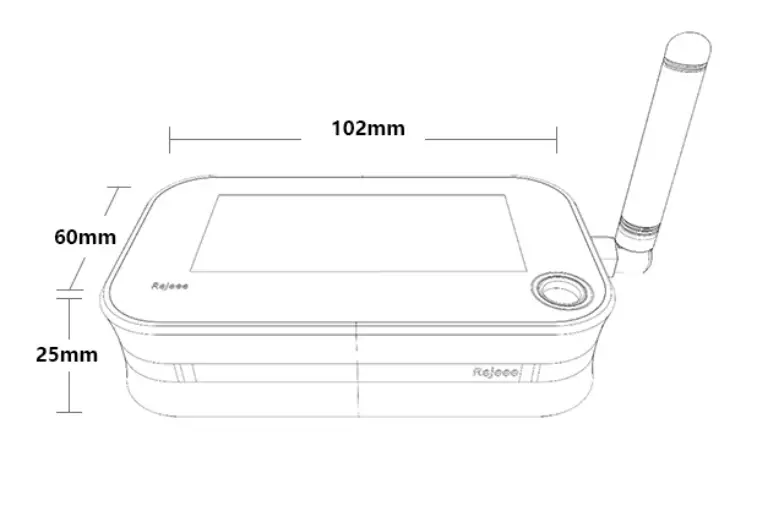
Installation
- Lay the product flat on the table

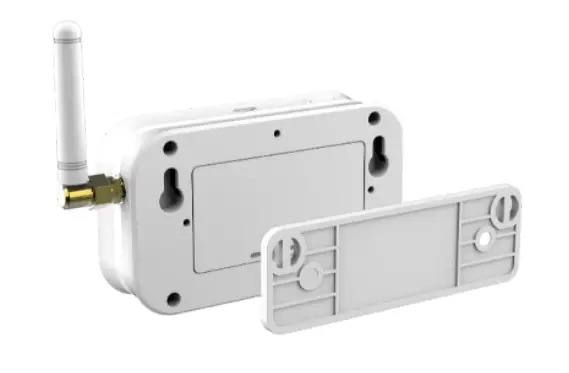
- Hang on the wall

Connect to LoRaWAN Network
LoRaWAN Network Structure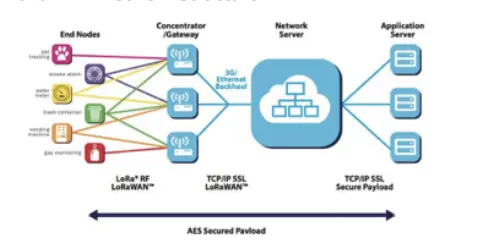
- SL100 temperature and humidity sensor is based on standard LoRaWAN Class A, so you can connect to any LoRaWAN network as below:
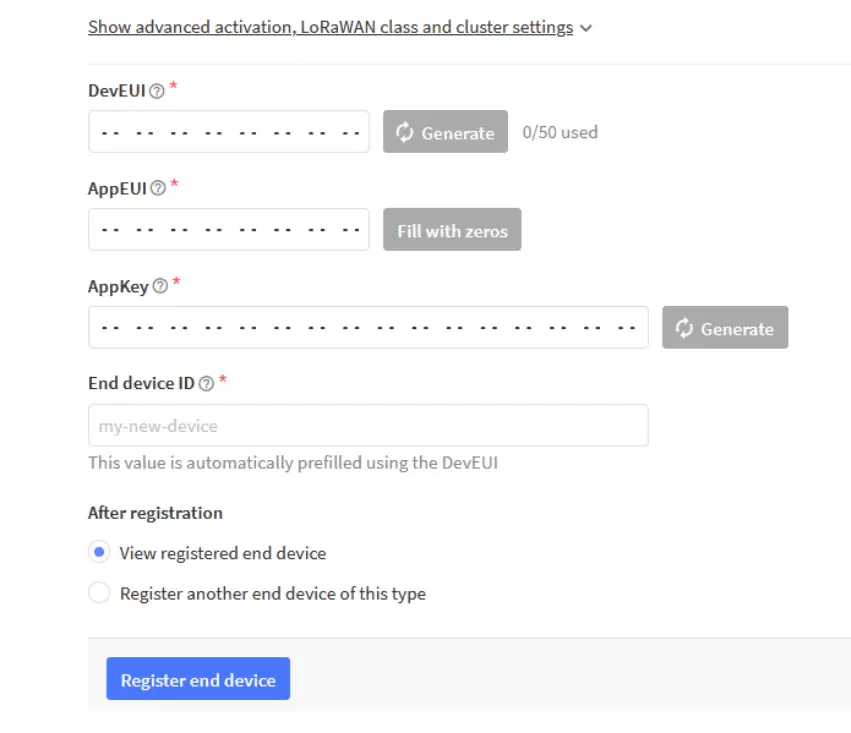
- SL100 sensor data uplink format with LoRaWAN OTAA, OTAA parameter as below:
- AppEUI: CACBB80000000001
- AppKey: 11223344556677889900AABBCCDDEEFF
- DevEUI: Customer can find DevEUI on the product, also you can read DevEUI through Rejeee SensorTool SensorTool
For example: Connecting to The Things Network, please make sure choose manually connect and OTAA as below:
| Sensor | LoRaWAN |
|
SL100CN | 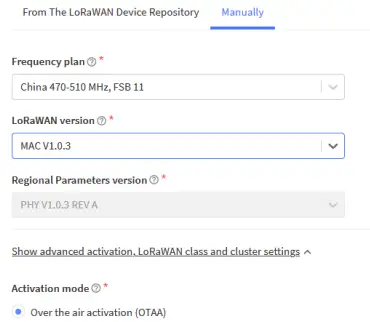 |
| Sensor | LoRaWAN |
|
SL100EU | 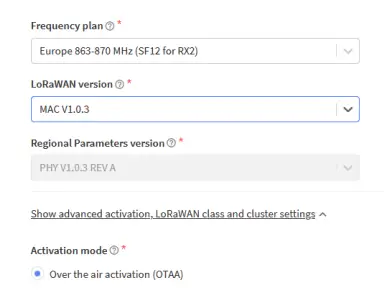 |
|
SL100US | 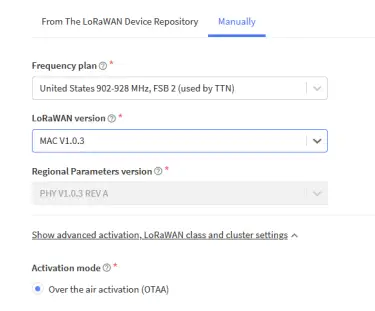 |
|
SL100AS | 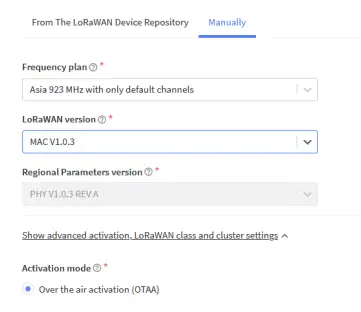 |
Set ID and Key
Data analysis example for JavaScript: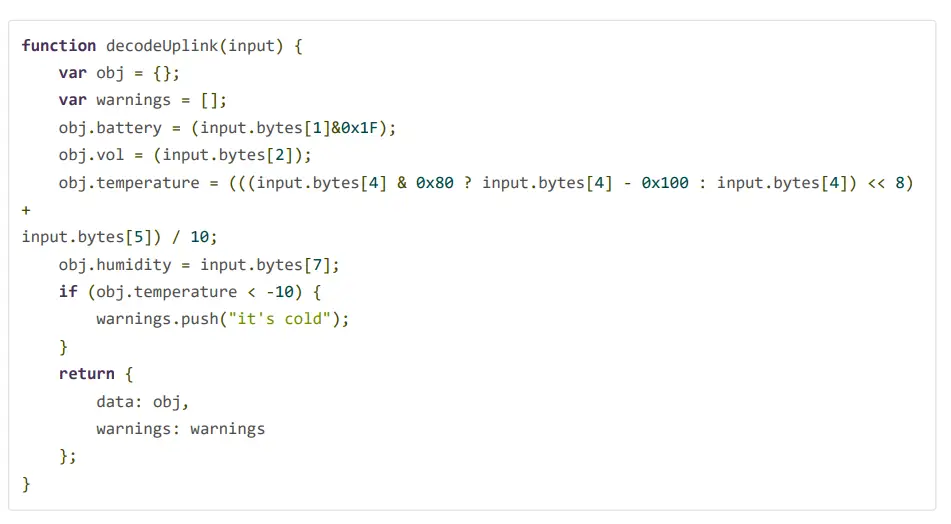
Wireless LoraWAN Sensor Data Format
LoRaWAN Format:
Picture as below, FRMPayload is sensor data.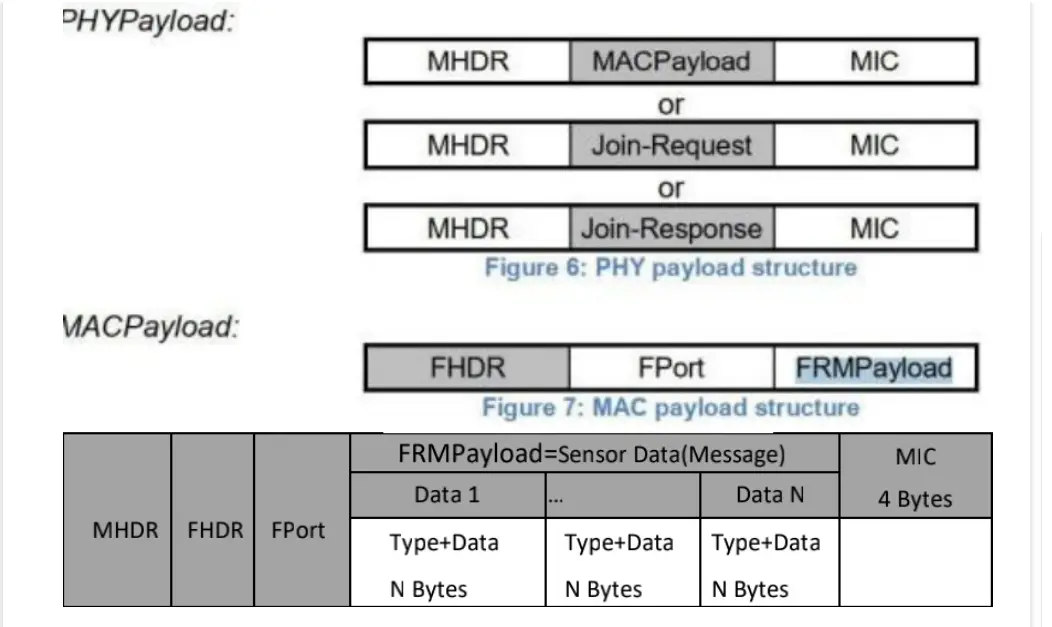
Sensor Data Definition
Device Information(0x00)
| Type | Value | Value | Value |
| 1 Byte | 3 bit | 5bit | 1 Byte |
| 0x00 | Version | Battery Level | Reserve |
Temperature(0x04)
| Type 1 Byte | Value 2 Bytes | Comments |
| 0x04 | Temperature | 2-byte signed integer with negative value below zero The default unit is 0.1 degrees, that is 201 means 20.1 degrees |
e.g. 0xFF88 is -120 (-12℃), Network byte order mode is {04 FF 88}
Humidity(0x05)
| Type 1 Byte | Value 1 Byte | Comments |
| 0x05 | Humidity | Unsigned integer of 1 byte. The default unit is 1%RH, that is 10 means 10%RH |
FRMPayload Example: 00 3F 24 04 01 1C 05 3E 00 3F24 Device Information, Version is 0x01, level is 0x1F = 31 04 011C Temperature is 0x011C = 284 = 28.4 ℃ 05 3E Humidity is 0x3E = 62 = 62 %RH
Local Configuration
Note: Factory reset data uploading is every 10 mins, customers can change data uploading frequency as below: Connect sensor with a USB-C cable to computer for local configuration, through local configuration, you can change the packet frequency. Refer SensorTool Manual.
 芮捷智能文档平台
 芮捷智能文档平台
 江苏芮捷智能科技有限公司
 sf9 · GitHub