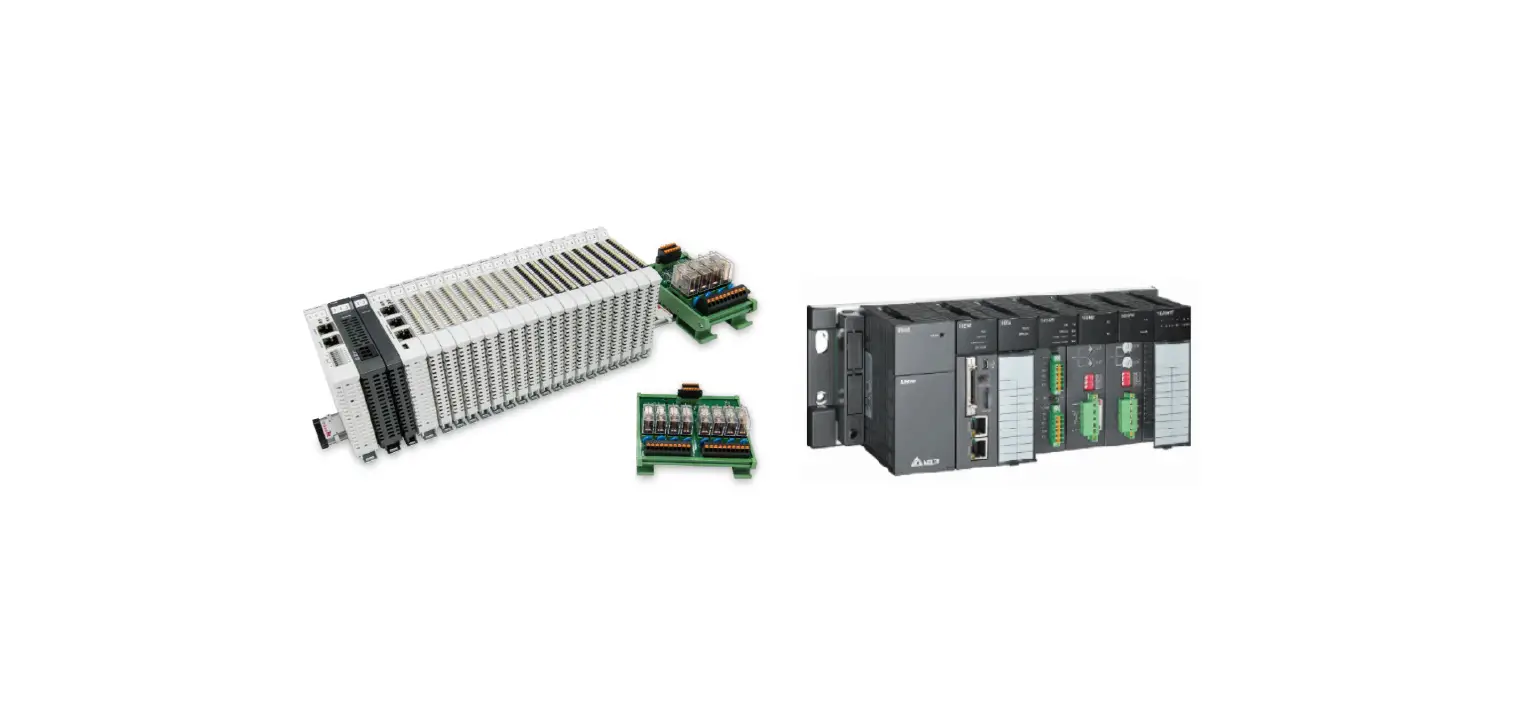
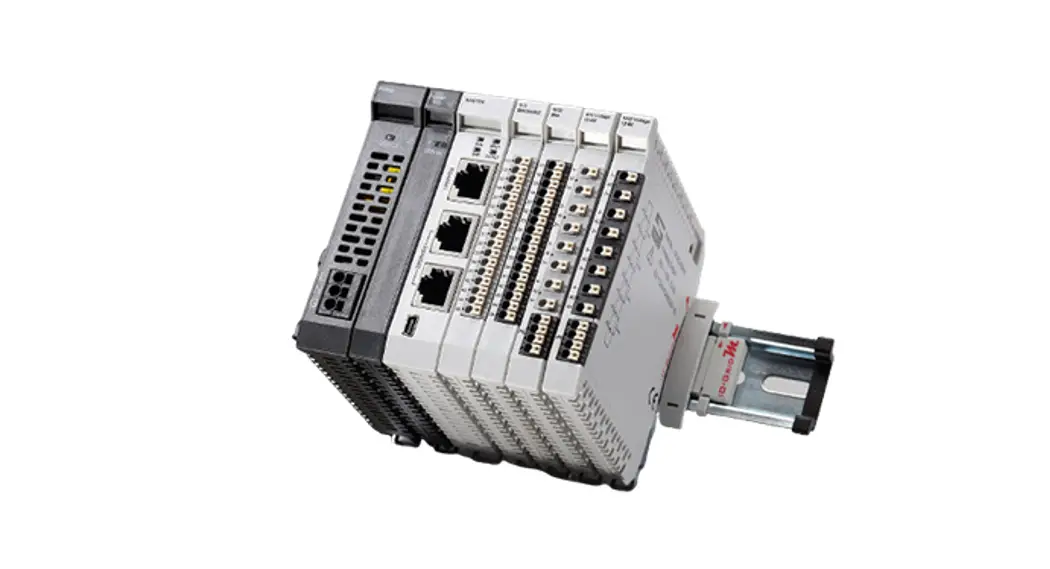
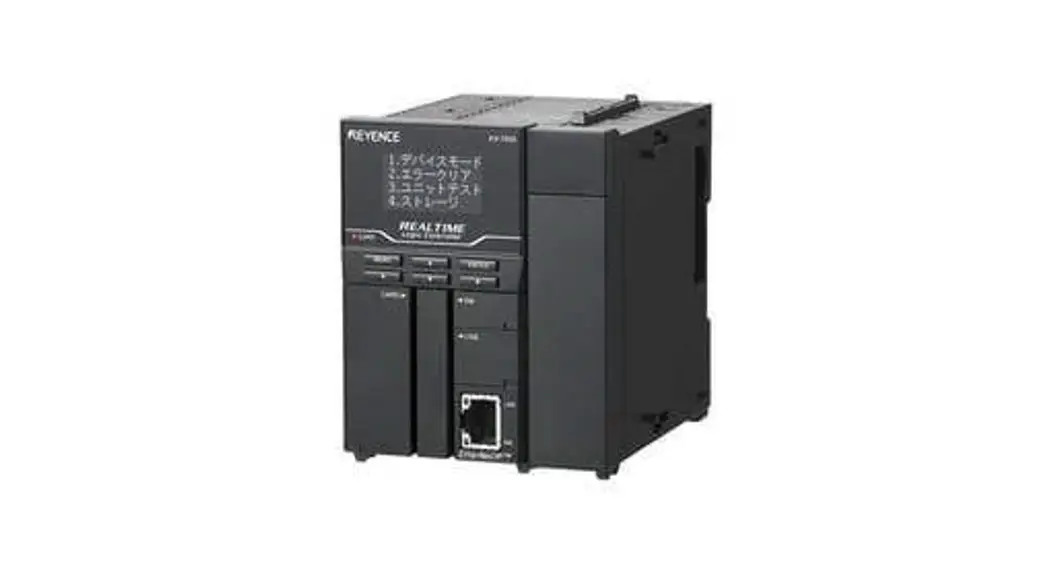
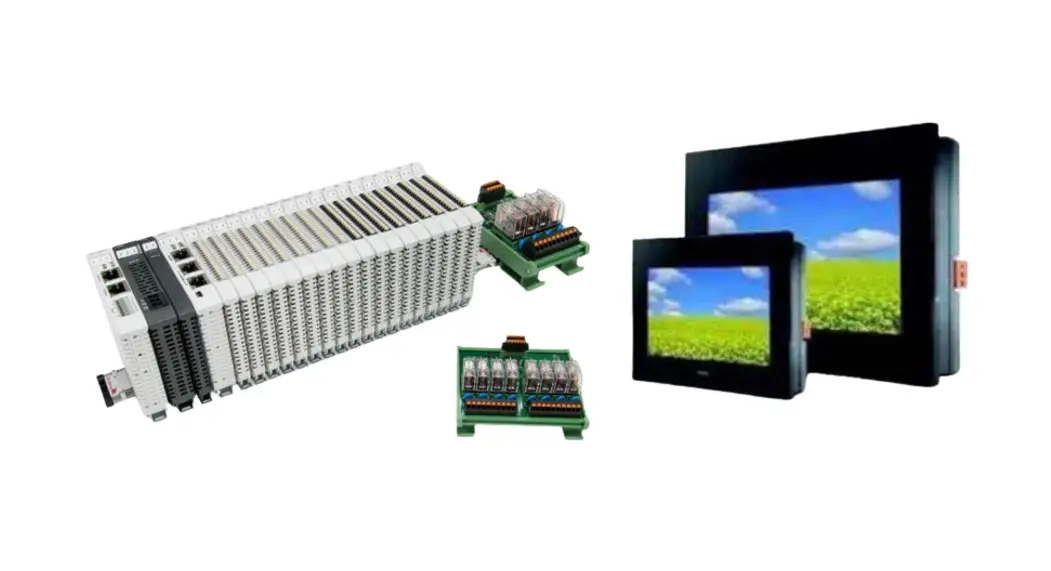
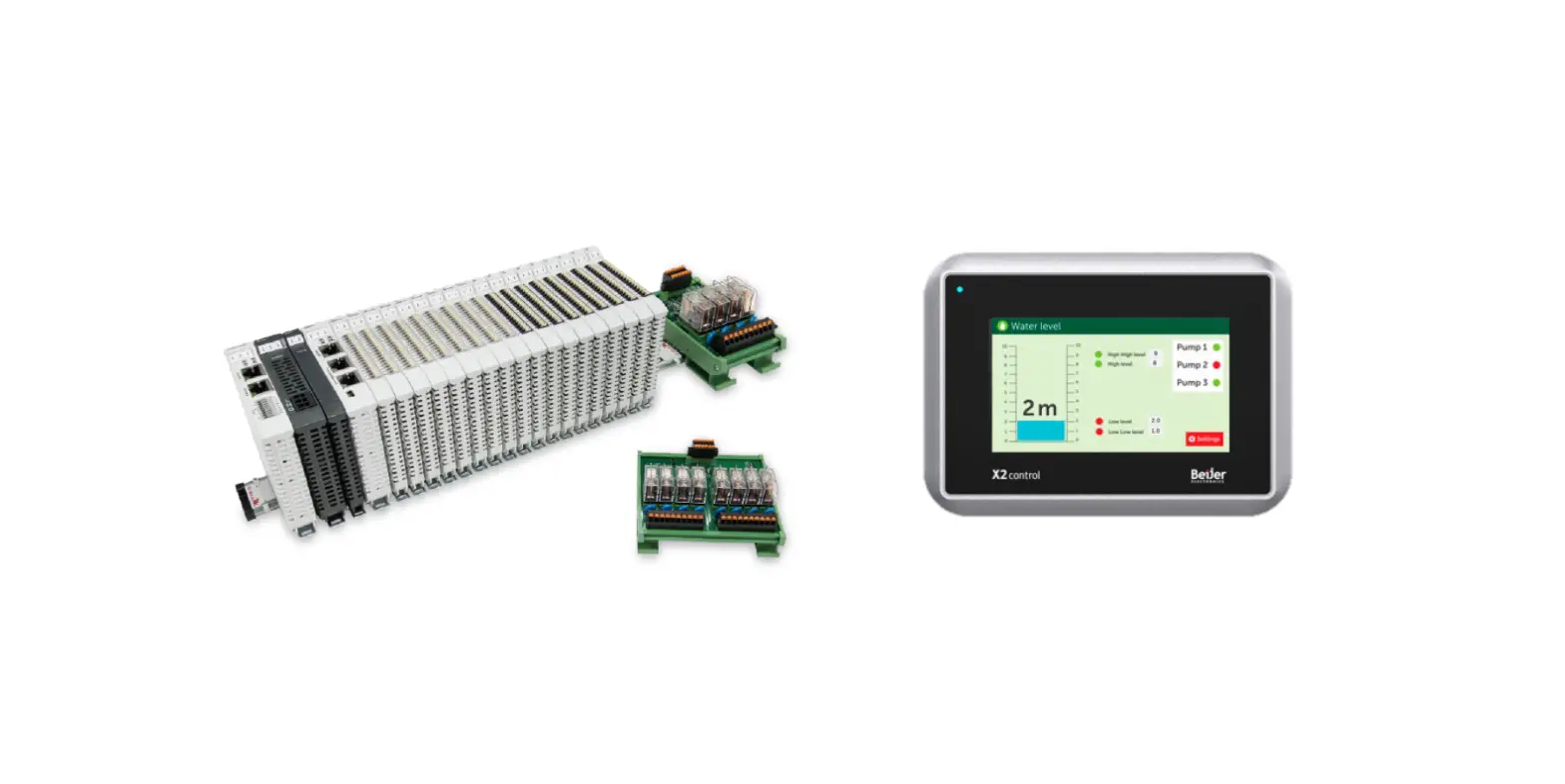
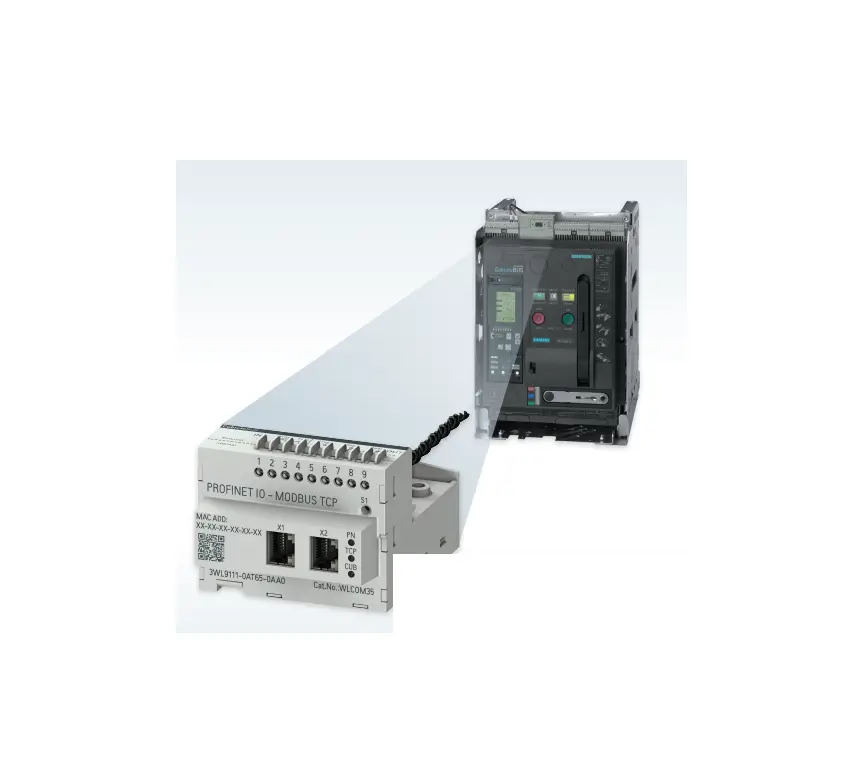
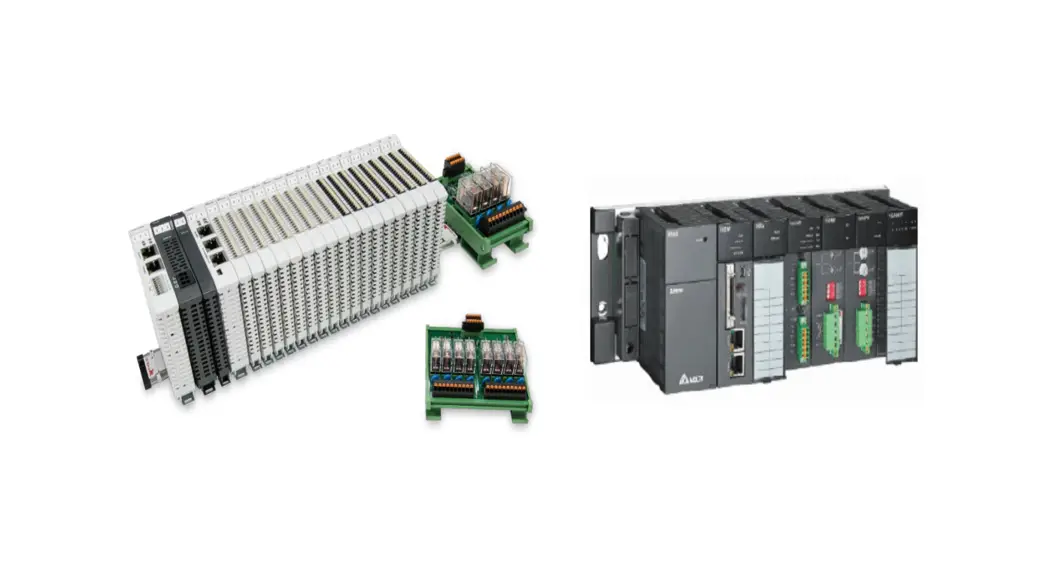
iO-GRID m and FX5U Modbus RTU
Product Information
| Part No. | Specification | Description |
|---|---|---|
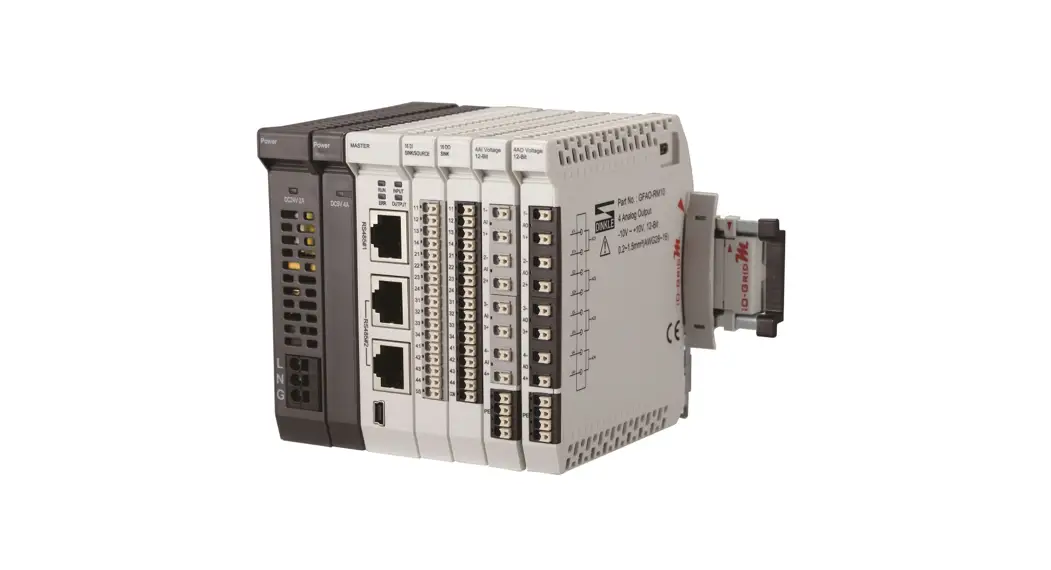
| GFMS-RM01S | Master Modbus RTU, 1 Port | Main Controller |
| GFDI-RM01N | Digital Input 16 Channel | Digital Input |
| GFDO-RM01N | Digital Output 16 Channel / 0.5A | Digital Output |
| GFPS-0202 | Power 24V / 48W | Power Supply |
| GFPS-0303 | Power 5V / 20W | Power Supply Interface Module |
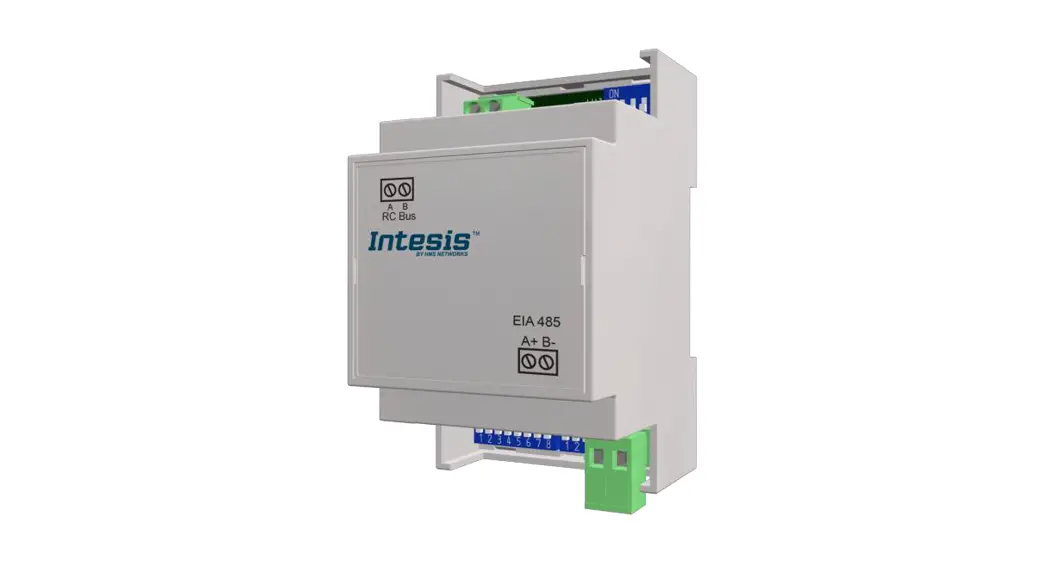
| 0170-0101 | 8 pin RJ45 female connector/RS-485 Interface | Interface Module |
Product Usage Instructions
2. MLESEC-FX5U Connection Setup
- Launch GX Works3 software.
- Select the Parameters menu from the Navigate on the left
side. - Click on 485 Connector under the Module Parameters menu.
2.1 FX5U Hardware Connection
- The connector is on the left side of the FX5U and uses RS485
connections. - Connect the COM (RS485 A, B) on the left of the FX5U to the
interface module (1/2) to convert it to a RJ45 connector before
connecting it to the main controller.
2.2 FX5U Connection Setup
- Set up the communication format in Protocol Format.
- From the drop-down menu, select MODBUS_RTU Communication.
- From the drop-down menu, select None.
- From the drop-down menu, select 1bit.
- From the drop-down menu, select Equipment Baud.
- The communication format setting must be consistent with the
device being connected.
- Command functions are listed below:
Station No. Function code Register for reading Data Amount for Reading Register for storage Initial address of the command execution 01 03 10 00 00 01
- Command functions are listed below:
Station No. Function code Register for writing Data Amount for Writing Register for reading Initial address of the command execution 01 10 20 00 00 02
2302EN V2.0.0
and FX5U Modbus RTU Connection
Operating Manual
Table of Contents
1.
Remote I/O Module System Configuration List ………………………………………………………… 3
1.1 Product Description……………………………………………………………………………………………….. 3
2.
MLESEC-FX5U Connection Setup …………………………………………………………………………. 4
2.1 FX5U Hardware Connection ………………………………………………………………………………….. 4
2.2 FX5U Connection Setup ………………………………………………………………………………………… 6
2
1. Remote I/O Module System Configuration List
Part No.
Specification
GFMS-RM01S Master Modbus RTU, 1 Port
GFDI-RM01N Digital Input 16 Channel
GFDO-RM01N Digital Output 16 Channel / 0.5A
GFPS-0202 Power 24V / 48W
GFPS-0303 Power 5V / 20W
0170-0101 8 pin RJ45 female connector/RS-485 Interface
Description
Main Controller Digital Input Digital Output Power Supply Power Supply Interface Module
1.1 Product Description
I. The interface module is used externally to convert FX5U’s communication module (Modbus RTU) to a RJ45 connector
II. The main controller is in charge of the management and dynamic configuration of I/O parameters and so on.
III. The power module and interface module are standard for remote I/Os and users can choose the model or brand they prefer.
3
2. MLESEC-FX5U Connection Setup
This section details how to use the GX Works3 software to connect FX5U and
. For more
details, please refer to the “Commands/Universal FUN/FB” chapter of the MELSEC iQ-F FX5
Programming Manual
2.1 FX5U Hardware Connection
I. The connector is on the left side of the FX5U and uses RS485 connections
4
II. Connect the COM (RS485 A, B) on the left of the FX5U to the interface module (1/2) to convert it to a RJ45 connector before connecting it to the main controller
5
2.2 FX5U Connection Setup
I. Launch GX Works3 and select the “Parameters” menu from the “Navigate” on the left side, then click on “485 Connector” under the “Module Parameters” menu
6
II. Set up the communication format in “Protocol Format”
From the drop-down menu, select “MODBUS_RTU Communication” From the drop-down menu, select “None” From the drop-down menu, select “1bit” From the drop-down menu, select “Equipment Baud” The communication format setting must be consistent with
7
III. Reading of the communication register
Command functions are listed below:
Station No. Function Register for
code
reading
Data Amount for
Reading
Register for storage
Initial address of the command execution
This line of code is equivalent to Modbus Function Code
Station No. 01
Function code 03
Register for reading 10 00
Data Amount for Reading 00 01
IV. Writing of the communication register
I. Command functions are listed below:
Station No. Function Register for
code
writing
Data Amount
for Writing
Register for reading
Initial address of the command execution
Station No. 01
This line of code is equivalent to Modbus Function Code
Function code 10
Register for writing 20 00
Data Amount for Writing 00 02
Notes: iO-GRID ‘s first GFDI-RM01N has the register address at 1000(HEX) iO-GRID ‘s first GFDO-RM01N has the register address at 2000(HEX)
8
V. Programming Example:
Control with one GFDI-RM01N and one GFDO-RM01N When DI_1000.0 has received a signal and is triggered, DO_2000.0 will output a signal as it is connected
9