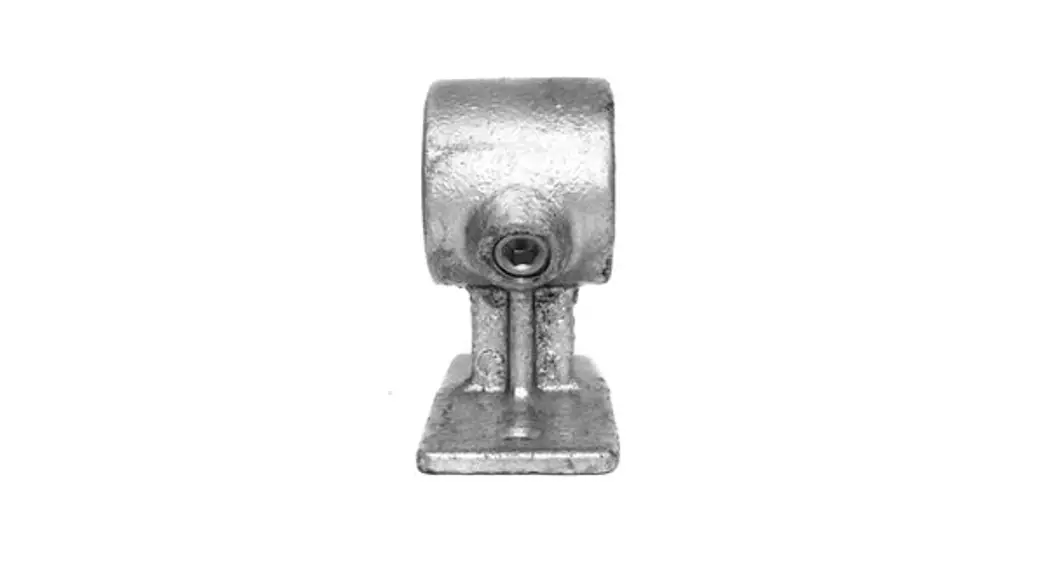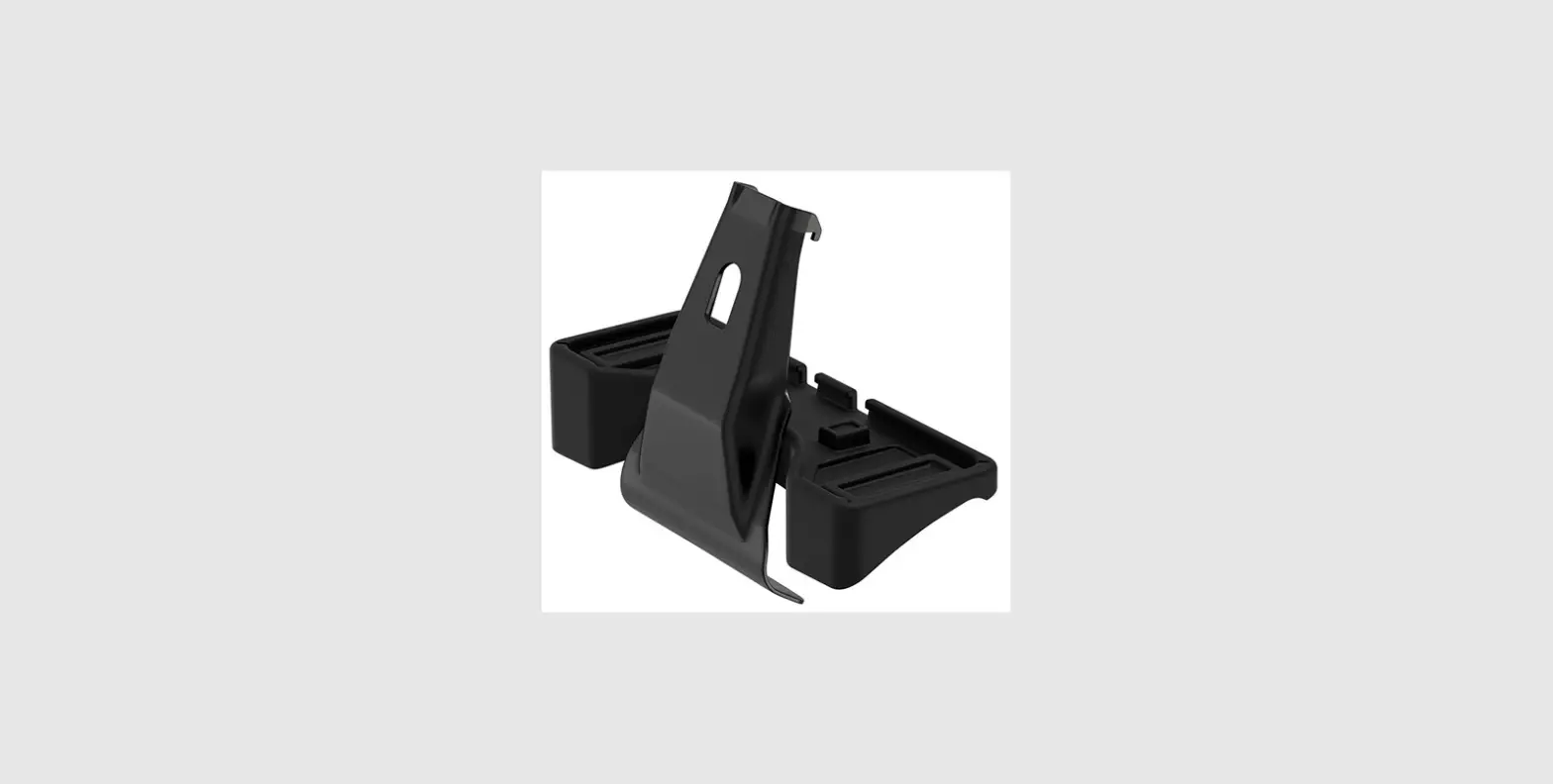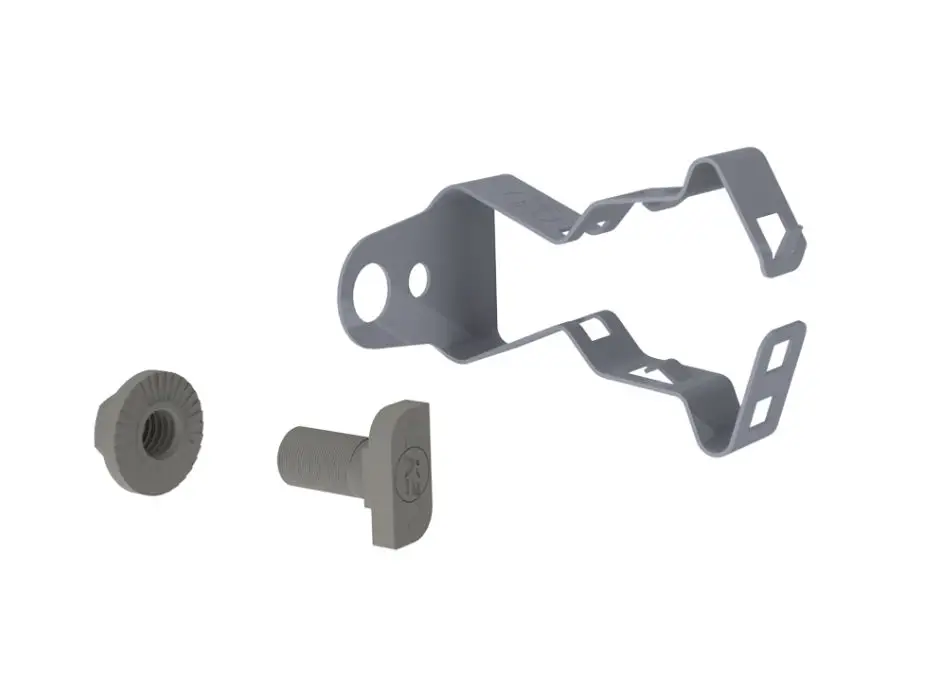
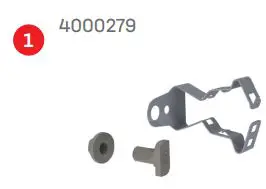
K2 systems 4000279 K2 Conduit Clamp
CrossRail Kit User Guide
Kit
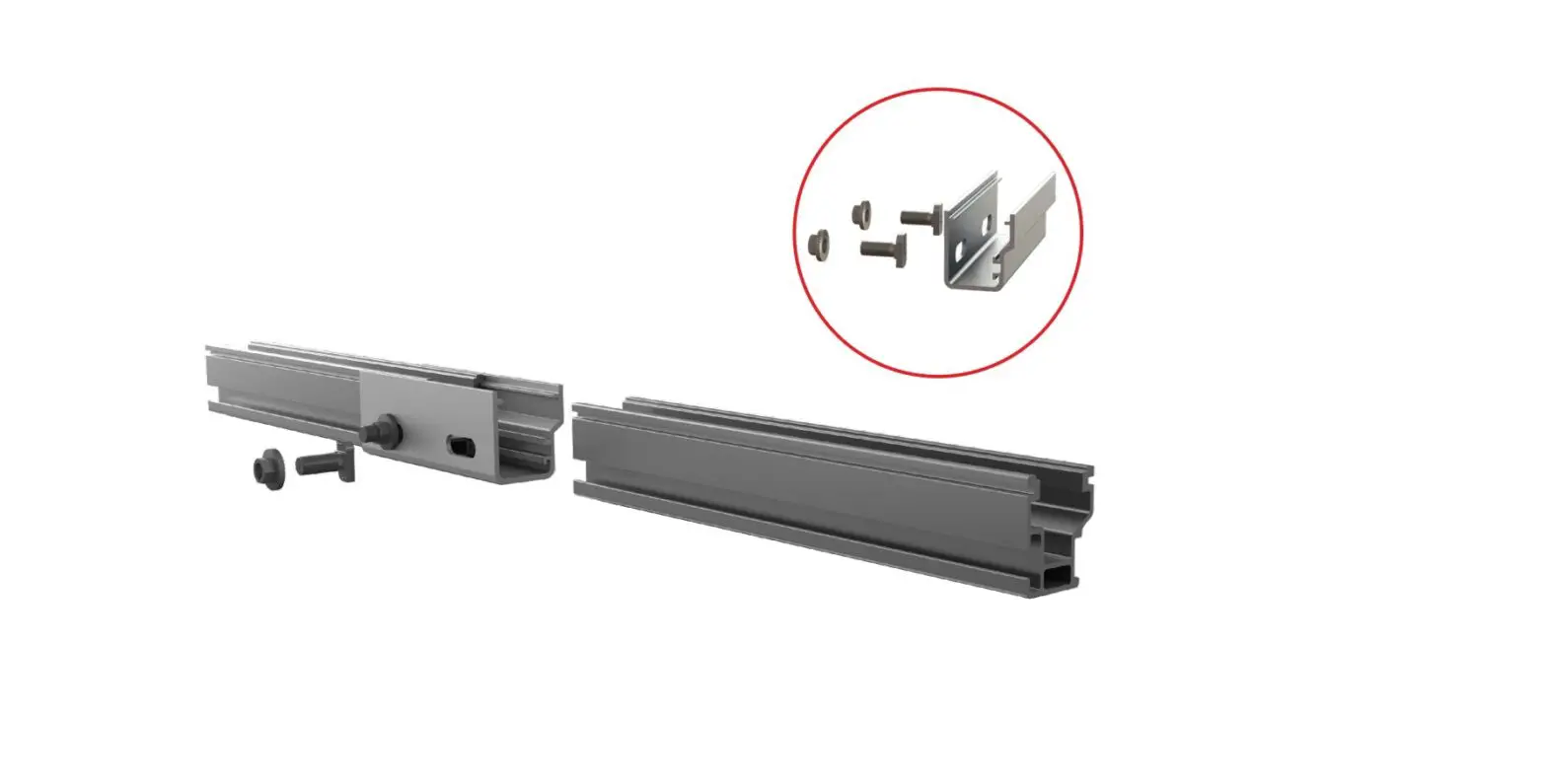
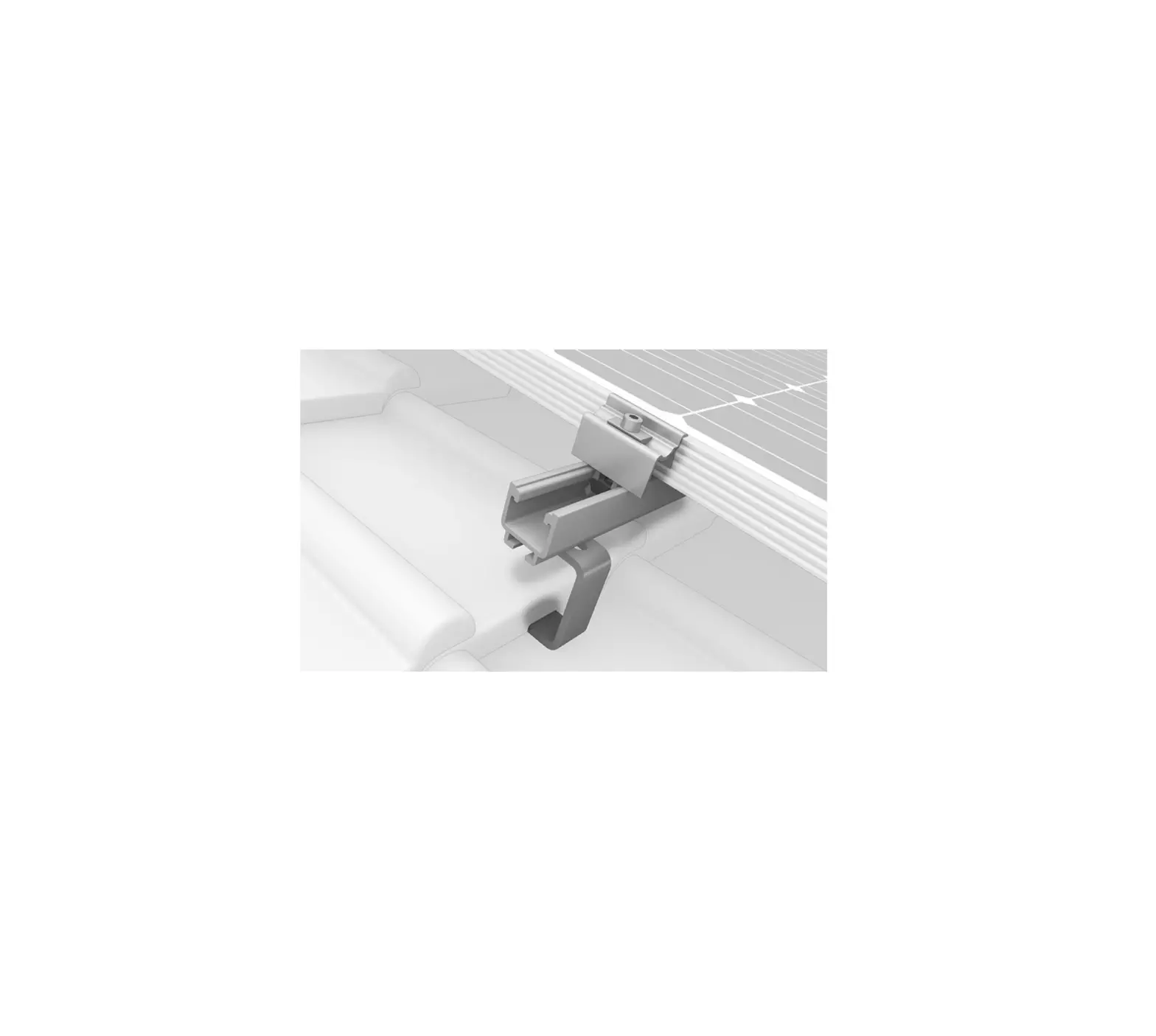
 CR, K2 Conduit Clamp, Kit
Tools
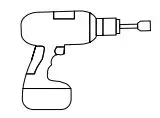 13 mm dep socket T Torque 11.8 ft-lbs (For t-bolt to rail attachment)
1
! Determine which rail to attach the conduit. Place t-bolt into the rail where you want your conduit clamp located, twist t-bolt to lock into the rail channel.
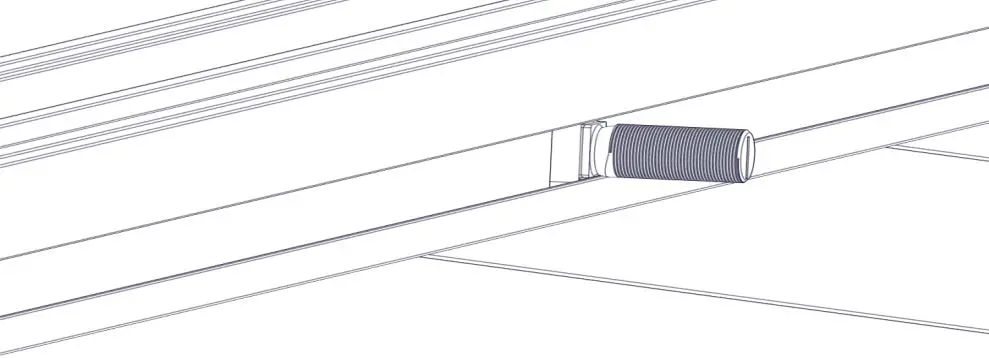
2
! Place conduit clamp using the rail attachment hole through the t-bolt and secure with serrated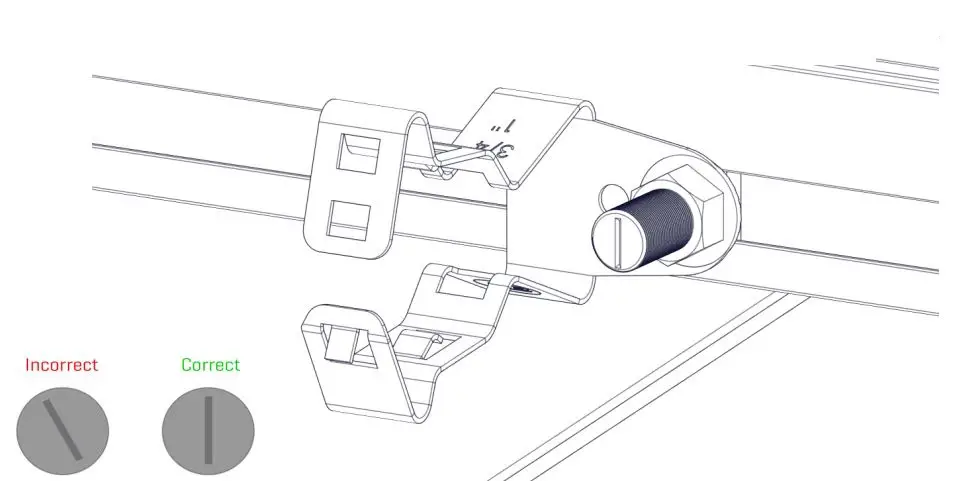
3
A Install conduit into conduit clamp. Ensure the desired conduit position before closing the securement tabs.
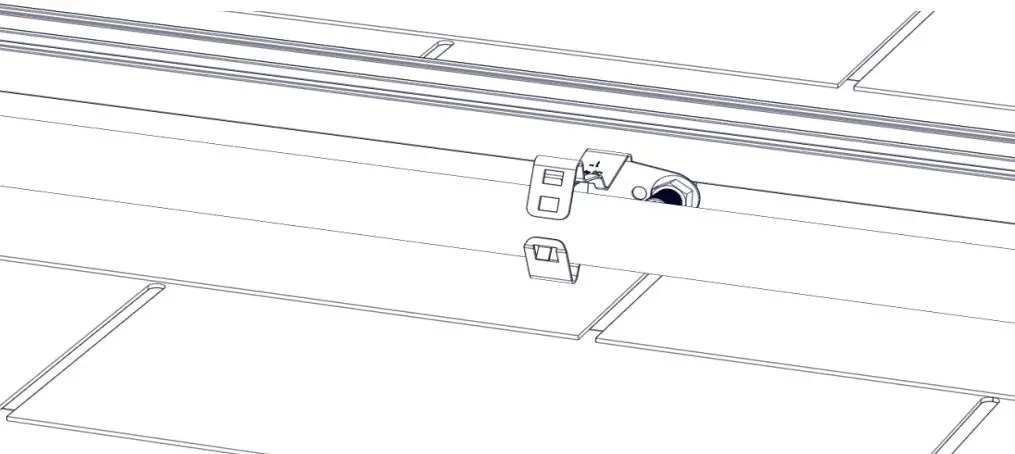
B Secure conduit by pressing securement tabs closed to locking position for the appropriate conduit size. First securement tab hole will fit 1″ conduit, and second hole will fit 3/4″.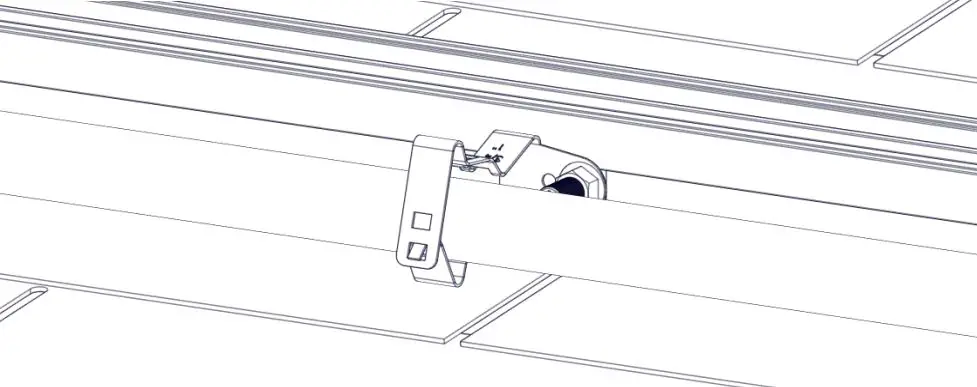
 Connecting Strength
K2 Systems, LLC 4665 North Ave. Suite I · Oceanside, CA 92056 · USA +1.760.301.5300 · [email protected] www.k2-systems.com
Cr, K2 Conduit Clamp, Kit Quick Guide V1 | 0423 · Subject to change Product illustrations are exemplary and may differ from the original.