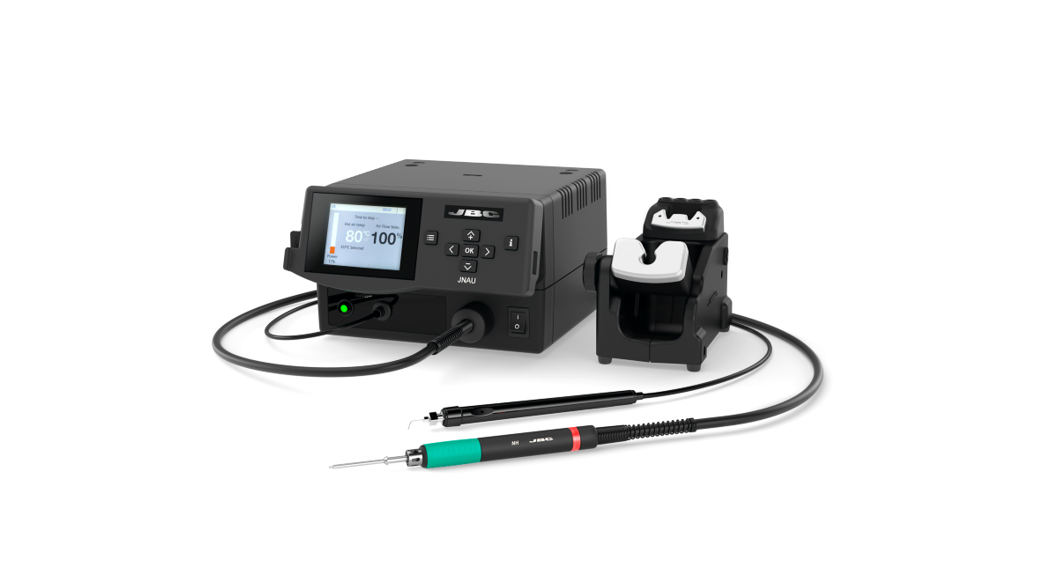
 INSTRUCTION MANUAL
JNA
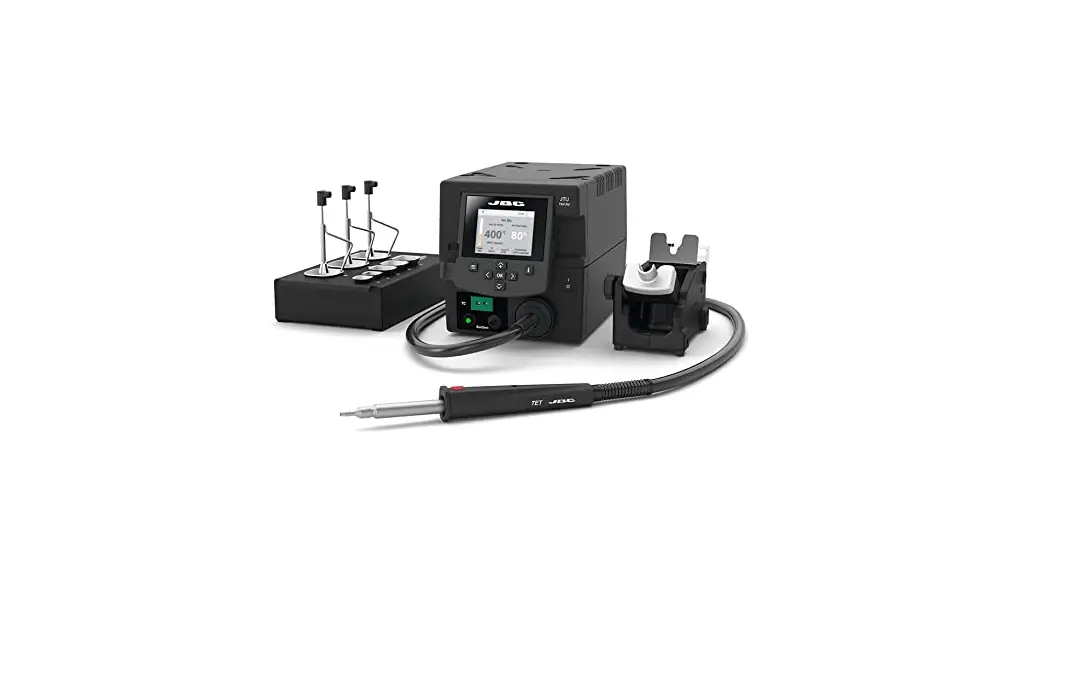
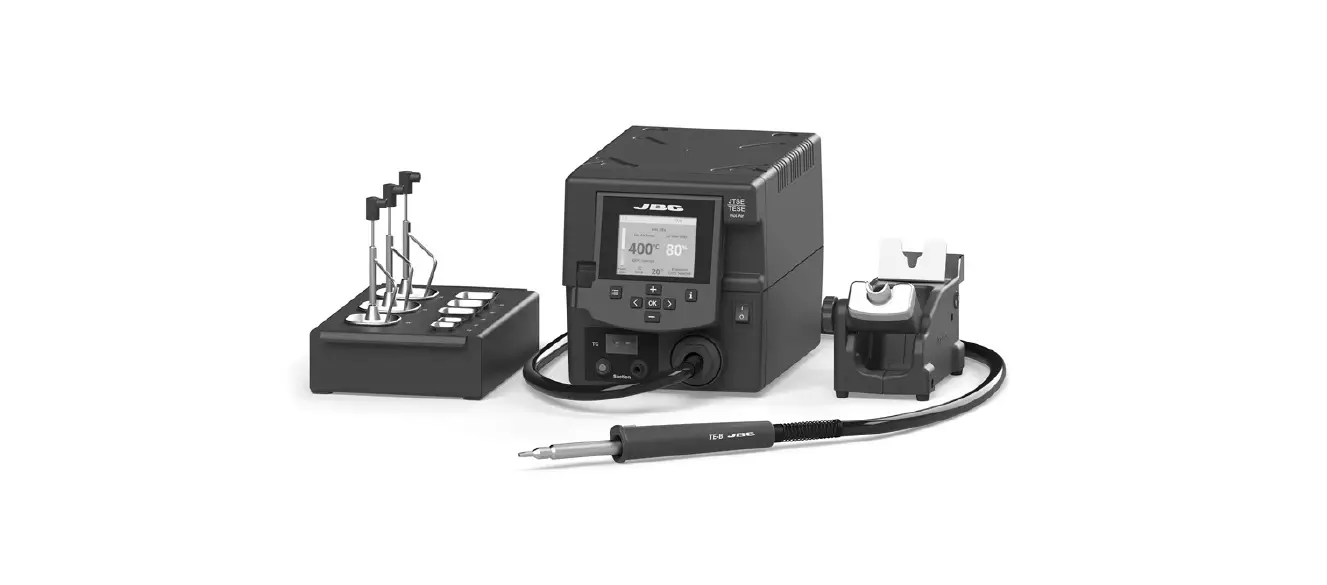
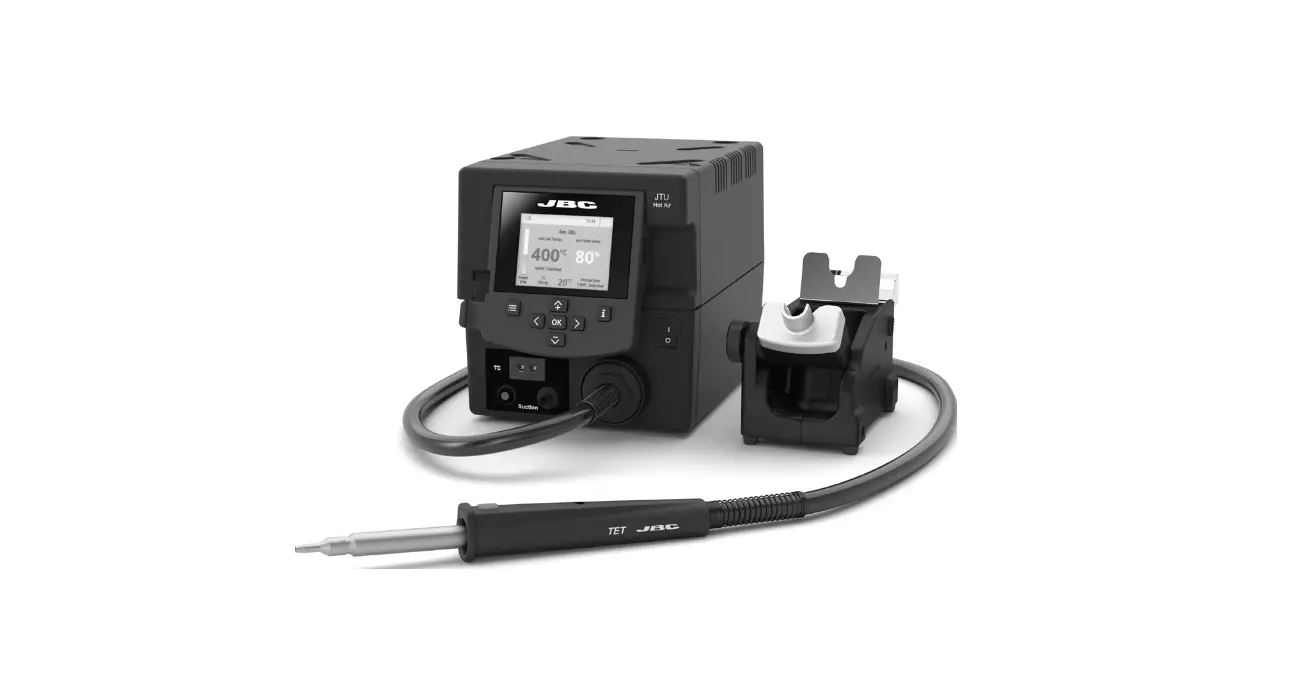
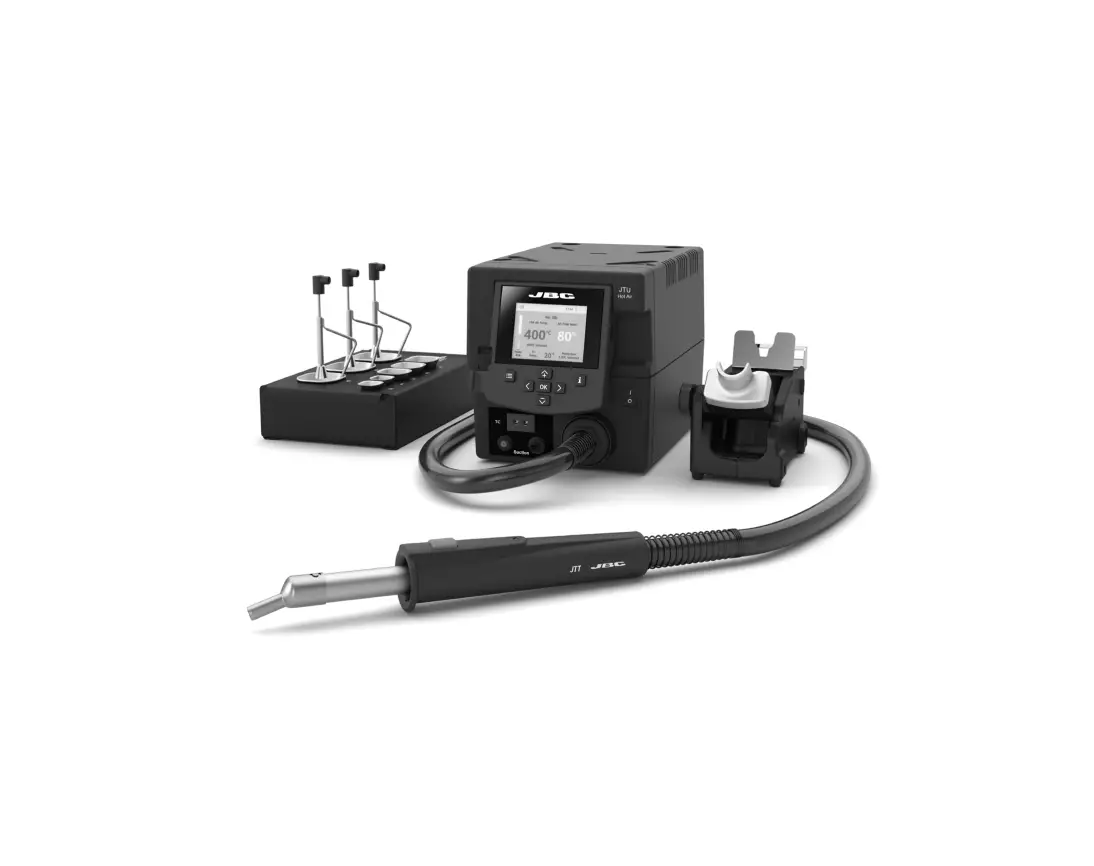
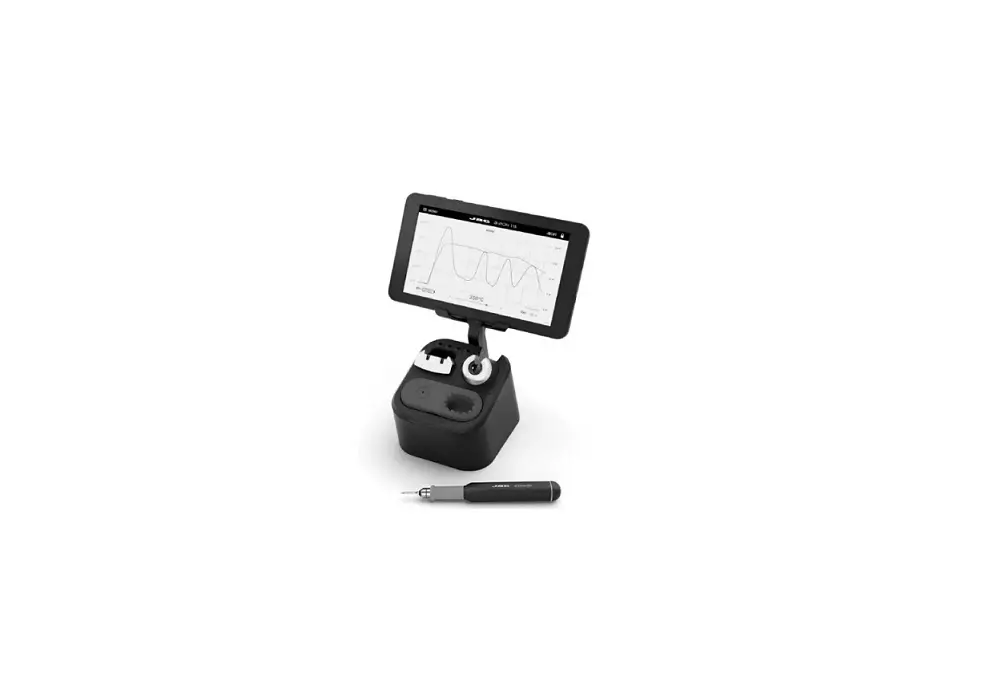
High-Precision Hot Air Station
www.jbctools.com 
This manual corresponds to the following references:
JNASE-9A (100V)
JNASE-1A (120V )
JNASE-2A (230V)
Packing List
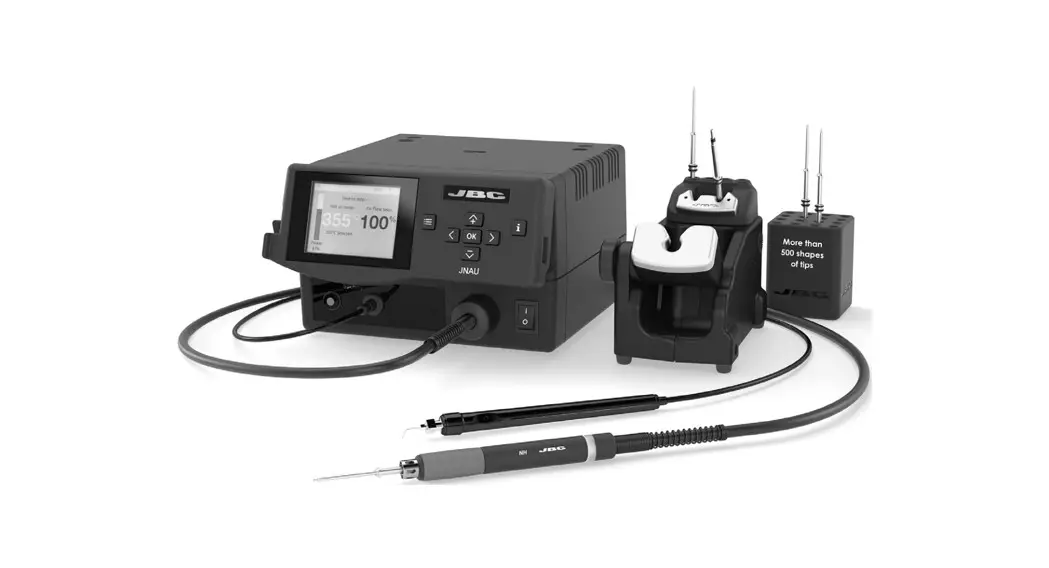
The following items are included:
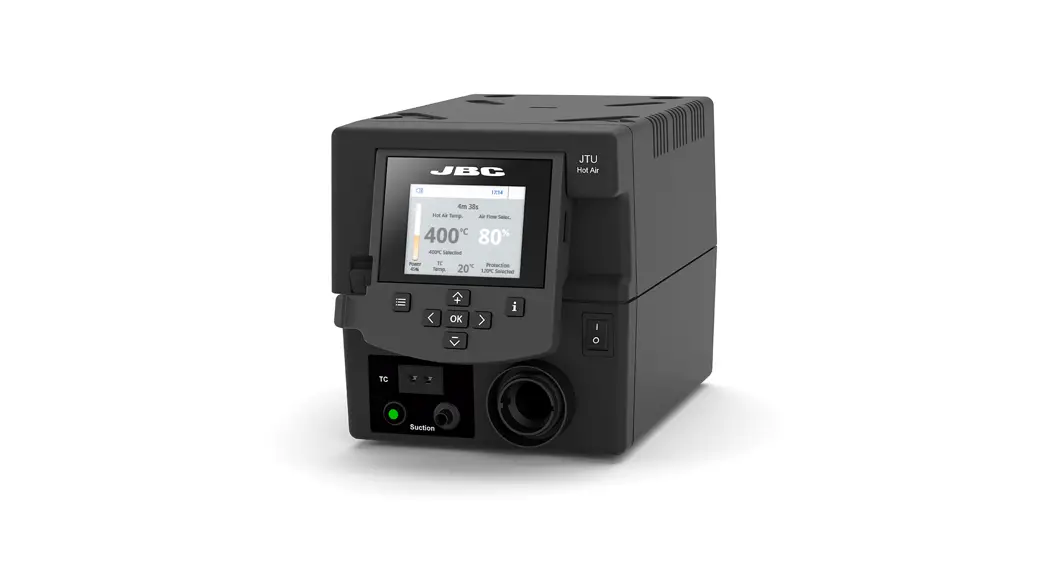
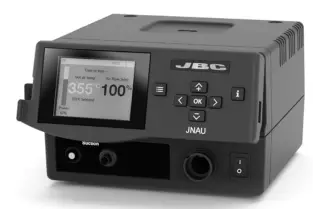 JNAU Control Unit (85V -265V) ……………1 unit
 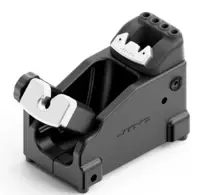 Stand …………………………………………………….1 unit Ref.
NA-SA 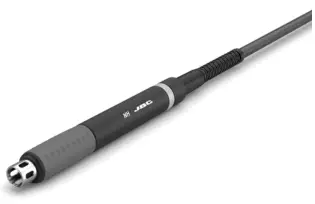 High Precision Heater Hose Set …………1 unit
Ref. NH-A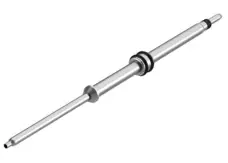 Cartridge ……………………………………………….1 unit
Ref. J125010 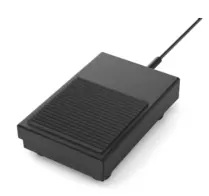 Pedal…………………………………………………….. 1 unit
Ref. P-405 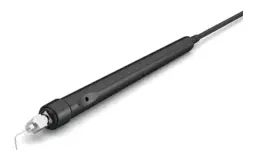 Pick & Place ………………………………………….1 unit
Ref. T260-A 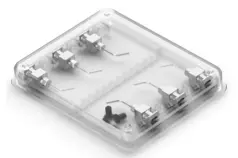 Metallic Needles & Cup Set ………………. 1 unit
Ref. 0026490 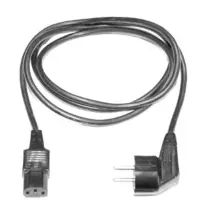 Power Cord ………………………………………… 1 unit
Ref. 0024092 (100V)
0023715 (120V )
0023714 (230V) 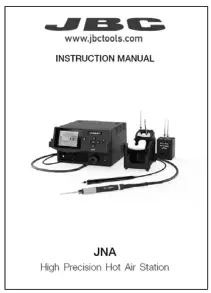 Manual …………………………………………………..1 unit
Ref. 0026979
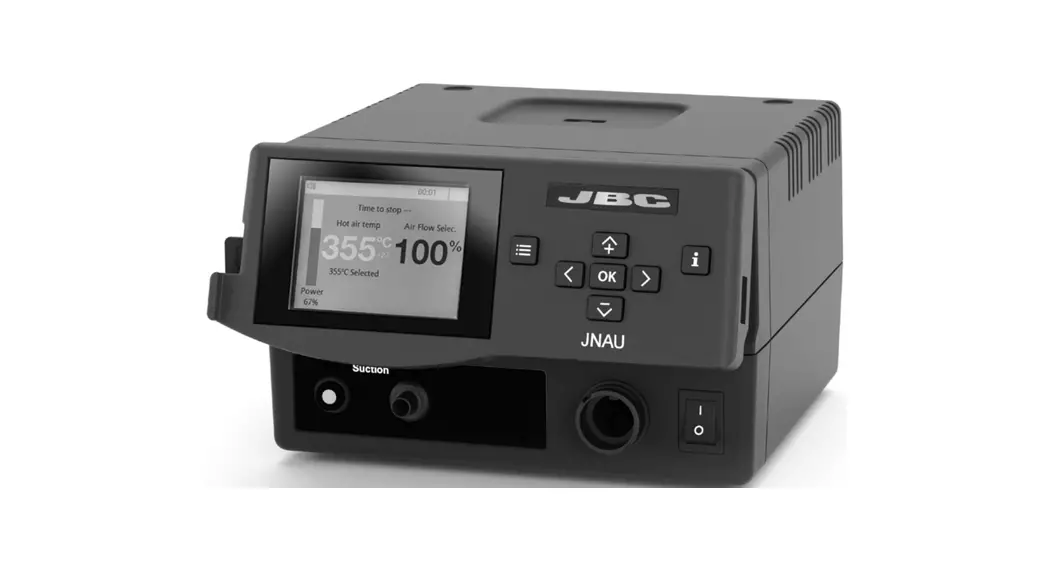
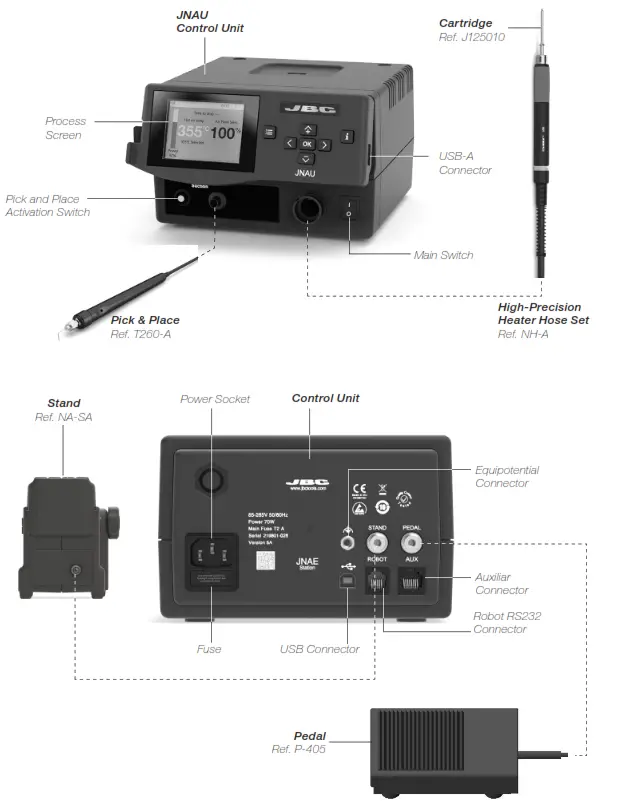
Features and Connections
JNA Work Screen
The JNA offers an intuitive user interface that provides quick access to station parameters.
Default PIN: 0105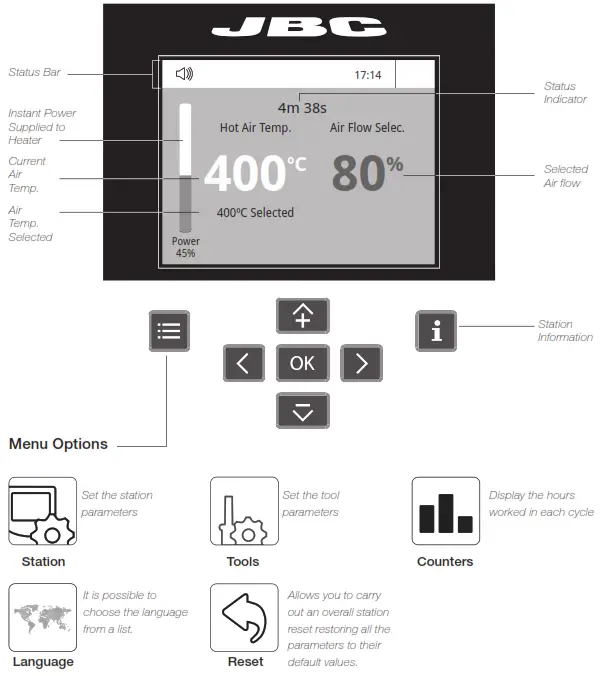
Troubleshooting
Station troubleshooting is available on the product page at www.jbctools.com
Stand (Ref. NA-SA)
| Adjustment | Operation |
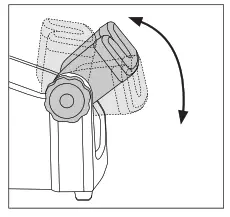 | 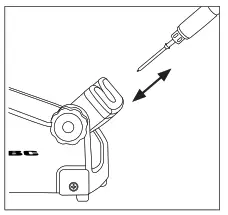 |
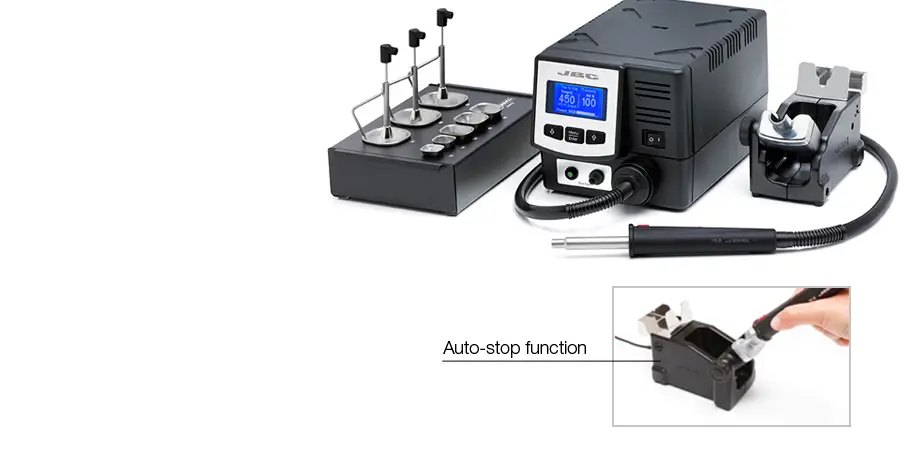
| Adjust the tool holder angle to suit your work position. | The tool starts/stops blowing when lifted/returned to the stand. |
Changing Cartridge
Save time and change the cartridge safely without switching the station off.
| 1. Removing | 2. Inserting | 3. Fixing |
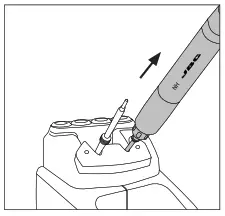 | 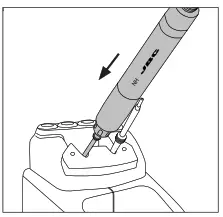 | 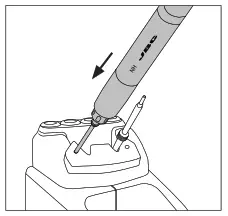 |
| Place the cartridge in the extractor and pull the handle to remove it. | Place the handpiece on top of the new cartridge and press down slightly. | Use the holes to fix the cartridge. |
*Important
It is essential to insert the cartridge far as the mark for a proper connection.

Pick & Place
This tool helps you place and remove SMDs of any size easily thanks to the suction pump.
| Pick & Place Ref. T260-A | Metallic Needles & Cup Set* Ref. 0026490 |
 | 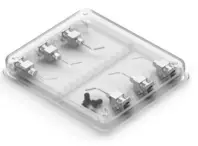 |
*Set includes the following needles and cups (2 units of each reference):
– Ref. 0026637: 20G, 60º, Ø0.60 mm/0,0236 in
– Ref. 0026639: 30G, 60º, Ø0.159 mm/0.00626 in
– Ref. 0026638: 25G, 60º, Ø0.26 mm/0.01023 in
– Cup ref. 0940112, used with needle ref. 0026637
Operation
Choose the needle that best fits the component and the suction cup if needed and starts as follows:
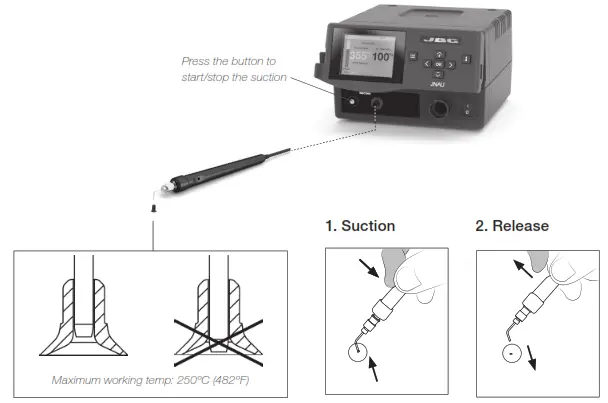
Insert the needle with the cup for a correct suction process.
Make sure the needle does not protrude from the cup.
Once the suction is activated, cover the pen hole with your finger and lift off the component.
Lift your finger to release the component.
Pedal
By means of the Pedal (ref. P-405) connection, the Heater Hose Set (ref. NH-A) for hot air funtion and the Pick & Place Tool (ref. T260-A) for suction function may be activated and deactivated.
The pedal should be plugged in at the rear of the station into its connector, which is marked with “Pedal”, to use the Pedal functionality.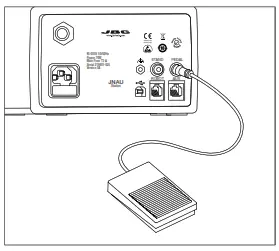
Pedal and Tool Settings
Start Mode
Select menu. Then by pressing
  select “TOOL” and confirm with
 .
.
Select “PEDAL FUNCTION” and confirm with the OK button. Then choose between “HOT AIR” and “SUCTION”. Confirm again with the OK button.
Pedal Activation Mode
In both applications, Hot Air and Suction, are 2 different pedal activation modes available.
One-Touch Mode
Press the pedal once to activate the function. Press again to stop the function.
Pressed Mode
Start the function by pressing the pedal continuously and stop the function by lifting the pedal. The function is active as long as the pedal is kept pressed.
Select “PEDAL” confirm with the OK button and choose between PRESS ONCE” and “PRESS CONT”.
Confirm again with the OK button.
Recommended
For rework jobs, the use of the preheaters* is highly recommended. Find the preheater that best suits your soldering needs in www.jbctools.com.
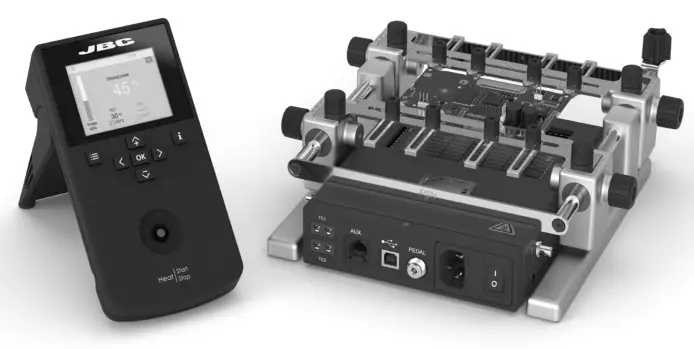
Applying high temperatures (350 ºC – 450 ºC / 660 ºF – 840º F) with a hot air tool for a long time can damage both, the printed circuit and the electronic components.
In addition, significant temperature differences between two points on a printed circuit board can damage the printed circuit and the electronic components due to the stresses generated by the different expansion of the material.
Preheating is a process that minimizes thermal stress and allows the soldering process to take no longer than it should.
For most rework processes JBC recommends a preheat temperature between 90 and 130 ºC / 195 and 265 ºF and not exceeding a heating rate of 4 ºC/s. With the use of JBC preheaters, homogeneous and controlled heating is achieved within the recommended parameters.
Compatible Accessory*
Grips for NH High Precision Heater Hose Set (Ref. 0024473)
Soft foam grips ensure a better manual control of the tool and greater comfort when working.
Easily replace the Grips for NH Heater Hose Set using the slip-on tabs.
| 1. Inserting Tabs | 2. Inserting Handle | 3. Removing Tabs |
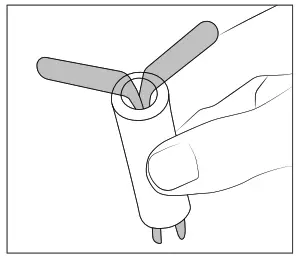 | 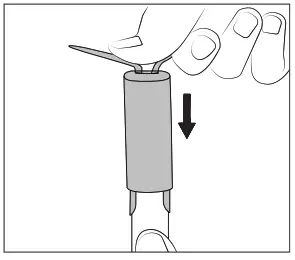 | 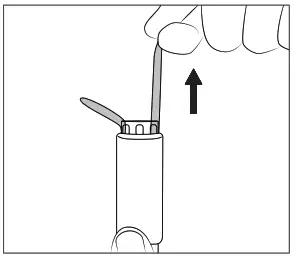 |
| Insert the slide-on tabs into the new grip. | Push the grip with the tabs onto the handle. | Hold the grip and pull them out. Use pliers if necessary. |
Station Update
 Station Update
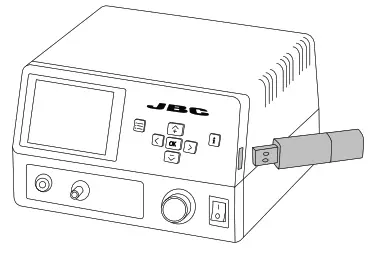
Download the JBC Update File from
www.jbctools.com/software.html
Insert the USB flash drive with the file downloaded to the station.
System Notifications
The following icons will be displayed on the screen’s status bar.
 | USB flash drive is connected. |  | Station software update. Press INFO to start the process. |
 | The station is controlled by a PC. |  | Warning. Press INFO for failure description. |
 | The station is controlled by a robot. |  | Error. Press INFO for failure description, the type of error and how to proceed. |
Maintenance
Before carrying out maintenance, always switch the device off and disconnect it from the mains. Allow the equipment to cool down.
– Clean the station screen with a glass cleaner or a damp cloth.
– Use a damp cloth to clean the casing and the tool. Alcohol can only be used to clean the metal parts.
– Periodically check that the metal parts of the tool and stand are clean so that the station can detect the tool status.
– Periodically check all cables and tubes.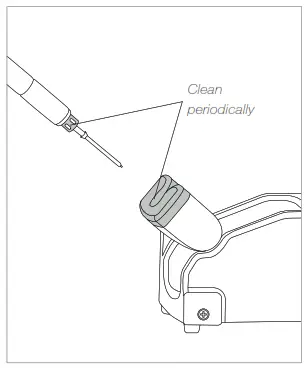
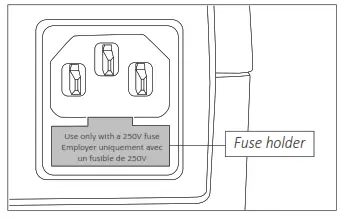
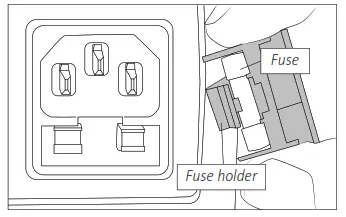
– Replace a blown fuse as follows:
| 1. Pull off the fuse holder and remove the fuse. If necessary use a tool to lever it off. | 2. Insert the new fuse into the fuse holder and return it to the station. |
 |  |
– Replace any defective or damaged pieces. Use original JBC spare parts only.
– Repairs should only be performed by a JBC-authorized technical service.
Safety
 It is imperative to follow safety guidelines to prevent electric shock, injury, fire or explosion.
- Do not use the units for any purpose other than soldering or rework. Incorrect use may cause fire.
- The power cord must be plugged into approved bases. Make sure that it is properly grounded before use. When unplugging it, hold the plug, not the wire.
- Do not work on electrically live parts.
- The tool should be placed in the stand when not in use to turn off the hot air.
The soldering tip, the metal part of the tool, and the stand may still be hot even when the station is turned off. Handle with care, including when adjusting the stand position. - Do not leave the appliance unattended when it is on.
- Do not cover the ventilation grills. Heat can cause inflammable products to ignite.
- Avoid the contact of flux with skin or eyes to prevent irritation
- Be careful with the fumes produced when soldering.
- Keep your workplace clean and tidy. Wear appropriate protection glasses and gloves when working to avoid personal harm.
- Utmost care must be taken with liquid tin waste which can cause burns.
- This appliance can be used by children over the age of eight and also persons with reduced physical, sensory or mental capabilities or lack of experience provided that they have been given adequate supervision or instruction concerning use of the appliance and understand the hazards involved. Children must not play with the appliance.
- Maintenance must not be carried out by children unless supervised.
Notes
————————————————————————————————————————————————-
————————————————————————————————————————————————-
Specifications
JNA
High-Prescision Hot Air station
Ref.: JNASE-9A 100V 50/60Hz. Main fuse: T2A. Rated current 0.85A
Ref.: JNASE-1A 120V 50/60Hz. Main fuse: T2A. Rated current 0.85A
Ref.: JNASE-2A 230V 50/60Hz. Main fuse: T2A. Rated current 0.85A
| – Temperature Selection: – Nominal Power: – Cool Mode: – Ambient Operating Temp.: – Air Flow Regulation: – Vacuum: – Connectors: – Control Unit Dimensions/Weight: (L x W x H) – Total Package Dimensions/Weight: (L x W x H) Complies with CE standards. ESD safe. | Room temp. / 150 – 450 °C / 300 – 840 °F 70W “Temp. off” is used to blow air at room temperature 10 – 50 ºC / 50 – 122 ºF 0.15 – 2.5 SLPM 53% / 397 mmHg / 15.6 inHg USB-A / USB-B RJ12 for RS232 Pedal / Stand 180 x 170 x 110 mm / 1.346 kg 7.1 x 6.7 x 4.3 in / 2.96 lb 370 x 370 x 200 mm / 4.062 kg 14.6 x 14.6 x 7.9 in / 8.95 lb |
Warranty
JBC’s 2-year warranty covers this equipment against all manufacturing defects, including the replacement of defective parts and labor.
The warranty does not cover product wear or misuse.
In order for the warranty to be valid, equipment must be returned, postage paid, to the dealer where it was purchased.
Get 1 extra year of JBC warranty by registering here: https://www.jbctools.com/productregistration/ within 30 days of purchase.
 This product should not be thrown in the garbage.
In accordance with the European directive 2012/19/EU, electronic equipment at the end of its life must
be collected and returned to an authorized recycling facility. www.jbctools.com
0026979-0322
 JBC Soldering and Rework equipment for electronics