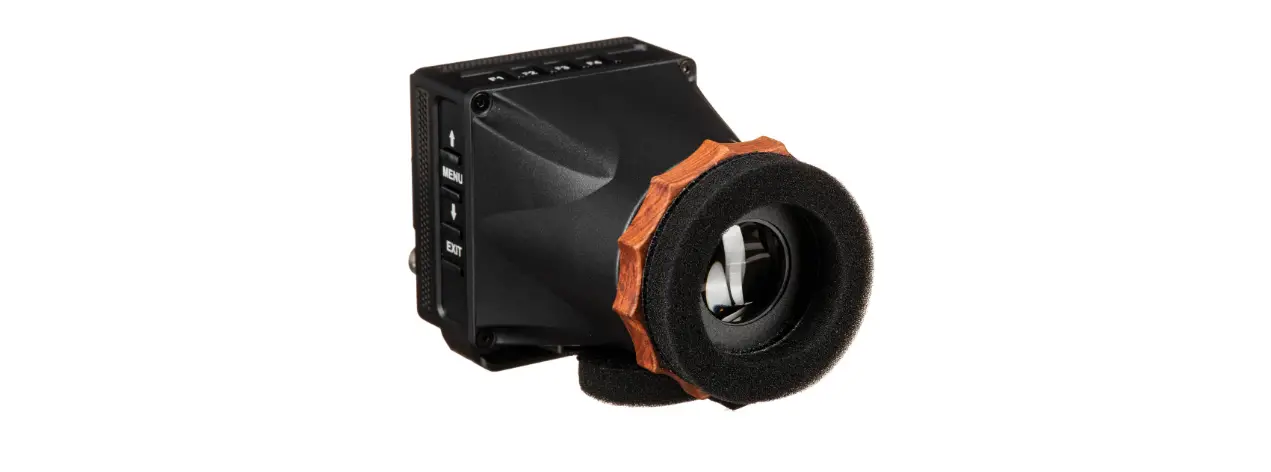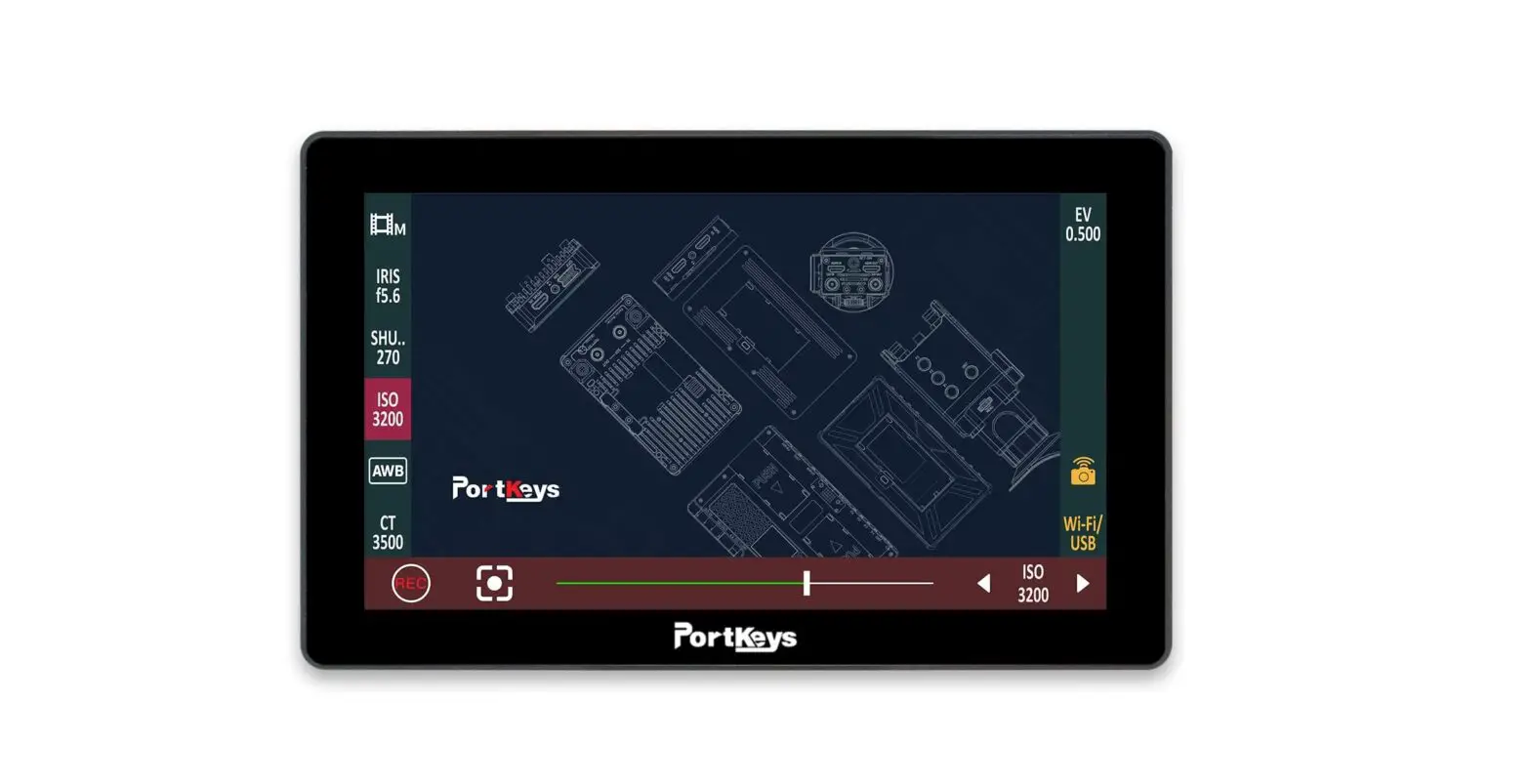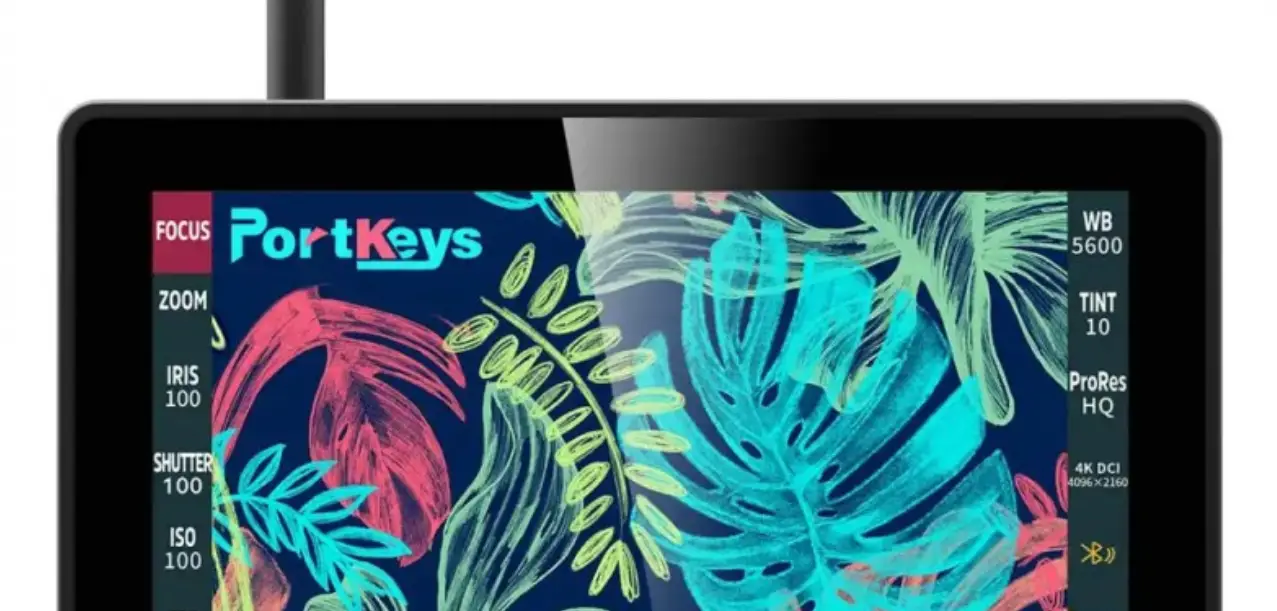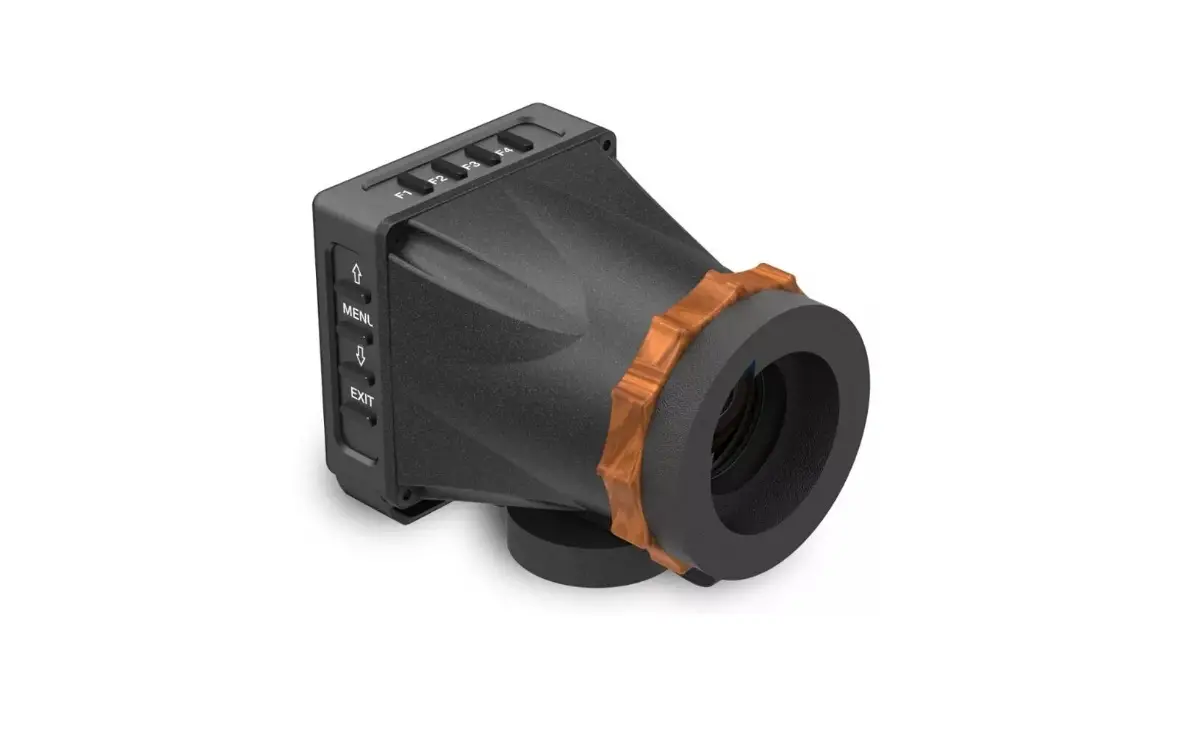

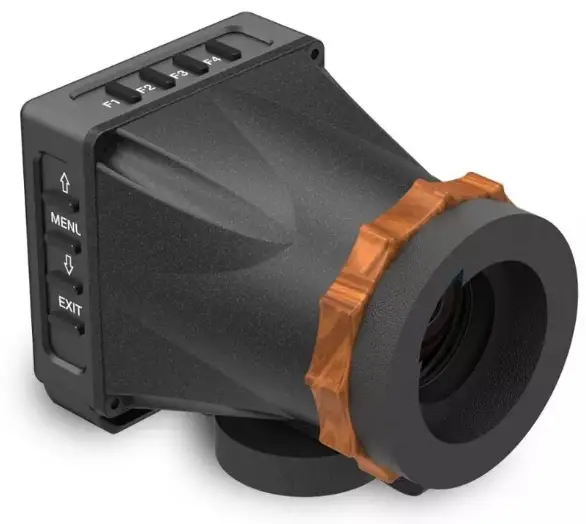
PORT KEYS LEYEii Portable 4K HDMI 2.4″ LCD Electronic Viewfinder
Product Appearance Size 
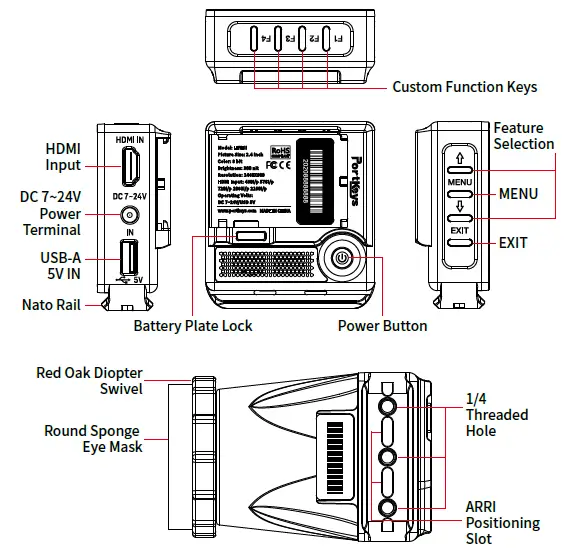
Operating temperature range: 0 ℃ ~ 40 ℃
Standard Accessories
LEYEii X1 Round Sponge
DC to D-TAP Power Cord X1 Eye Mask X1 HDMI Adapters X1
Parameter
- Size: 2.4″
- Dimension: 108.8x78x70mm
- Viewing Angle: 160°H/160°V
- Brightness: 300nit
- Resolution: 1440×900
- Contrast Ratio: 1000:1
- Weight: 232.3g
- Color: 8bit
- Material: Aluminum Alloy+ABS Engineering Plastics+Red Oak
- Video Signal Input: 4K HDMI、HDMI
- Operating Power: DC 7~24V/USB 5V
- USB-A Upgrade Firmware /Load LUT
- Menu Language: 简体中文/English
Supported input resolution and frame rate HDMI signal
- 4096×2160p@24Hz
- 3840×[email protected],24Hz,25Hz,29.97Hz,30Hz
- 1920×[email protected],24Hz,25Hz,29.97Hz,30Hz,50Hz,59.94Hz,60Hz 1920×[email protected],24Hz,25Hz,29.97Hz,30Hz
- 1920×1080i@50Hz,59.94Hz,60Hz
- 1280×720p@50Hz,59.94Hz,60Hz
- 720×576p&720×576i@50Hz
- 720×480p&720×480i@50Hz,59.94Hz,60Hz
MAIN
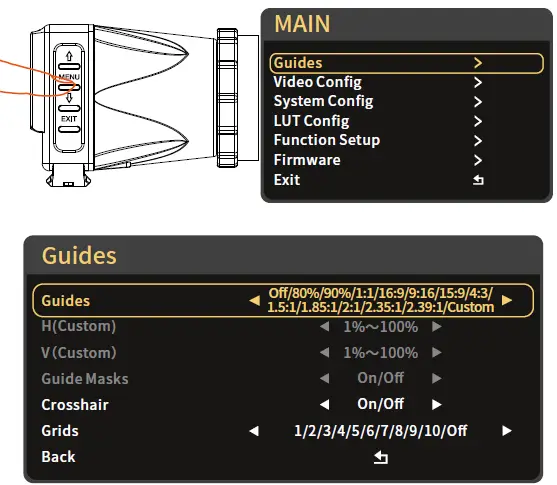
Fuction Select  can be adjusted←→Adjust function parameters
(Please be refered with the first page)
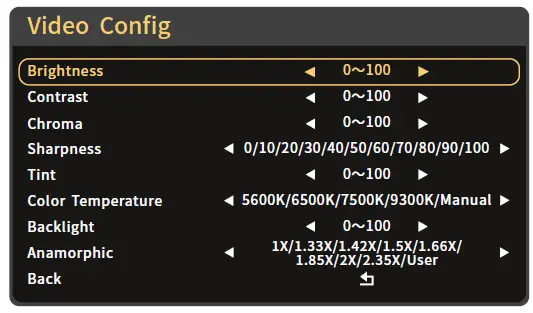
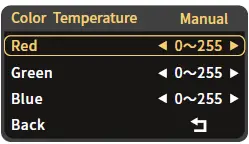
Color Temperature adjusts to Manual Setting(Confirm by MENU)
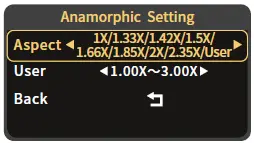
Aspect adjusts to User (Confirm by MENU)
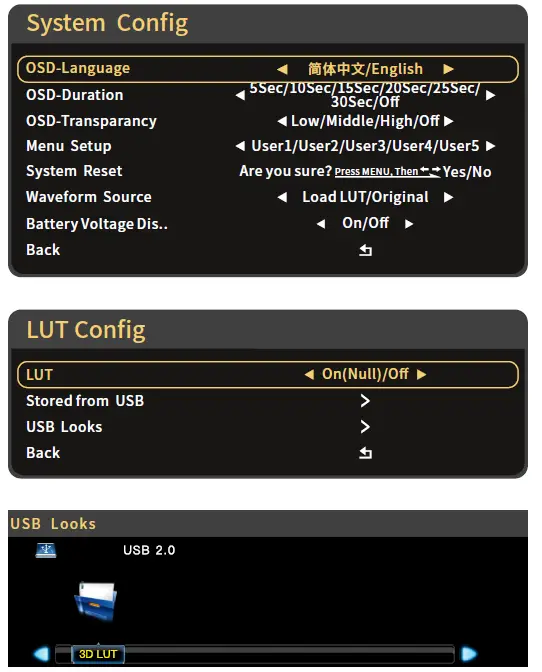
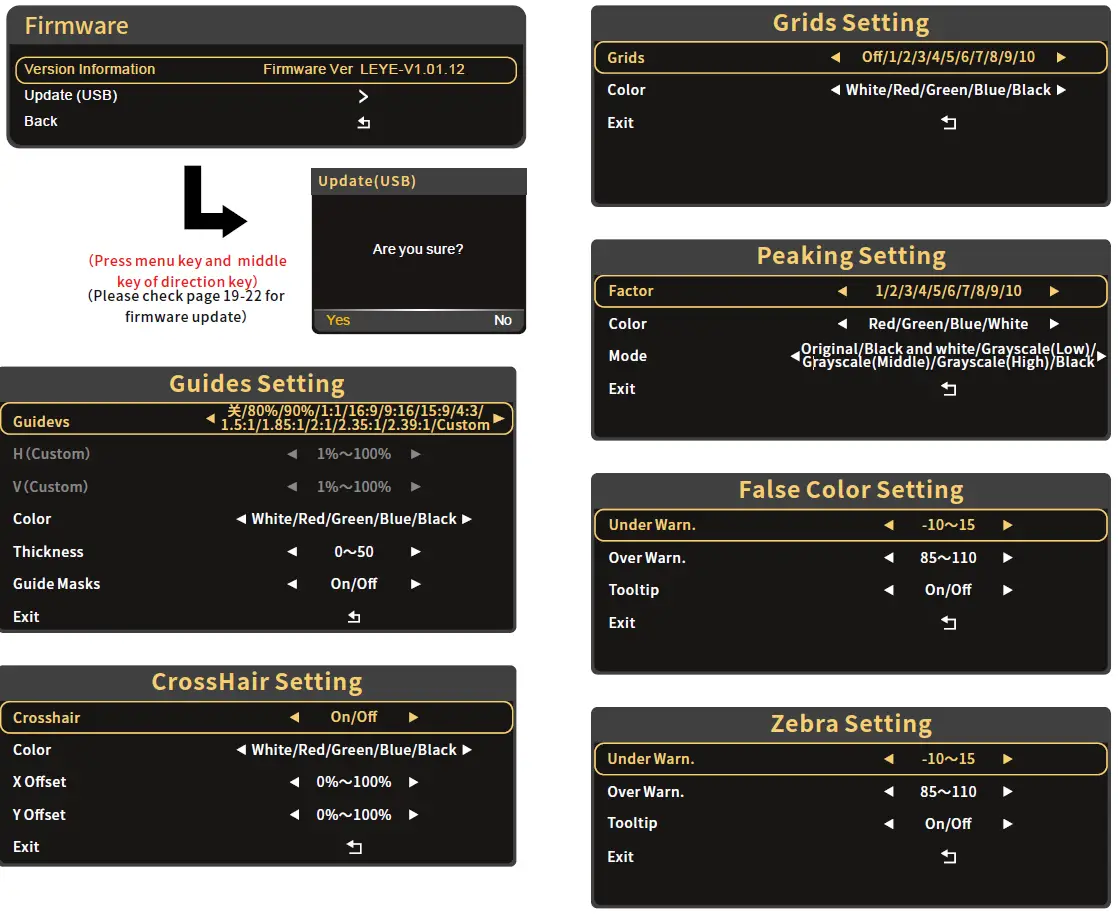
(Press menu key and middle key of direction key)
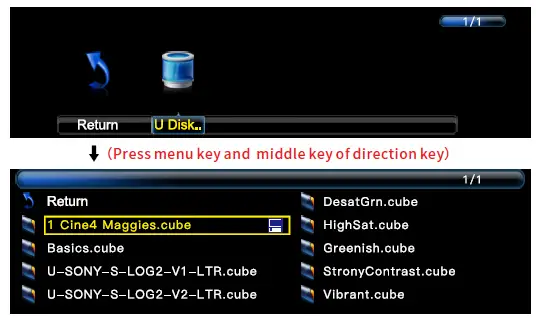
Apply 3D LUT mode and it will be* saved automatically to “user storage”(Click MENU as Confirm)
- LUT file could be stored repeatedly,to delete,please enter the user storage interface and delete it by the above steps.LUT file format Cube,support 16/17/32/33/64/65 precision (LUT_3D_SIZE).
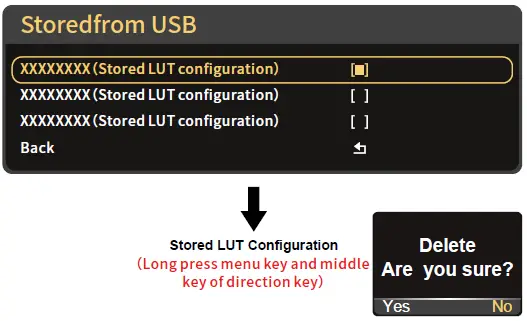
LUT File Deletion (Needs to be performed in the state of access signal)
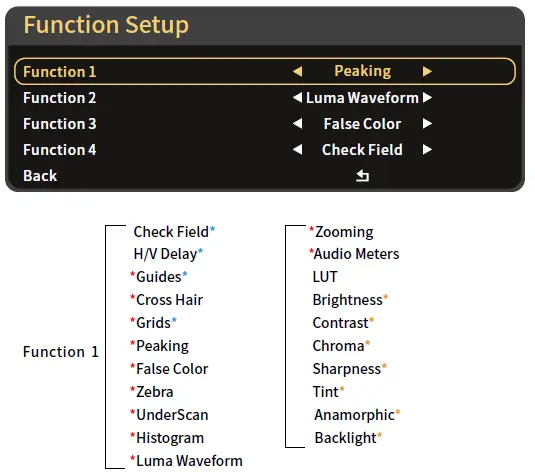
Function 2、function 3(The function setting is same with function 1)
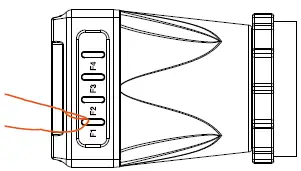
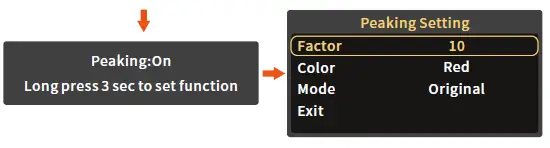
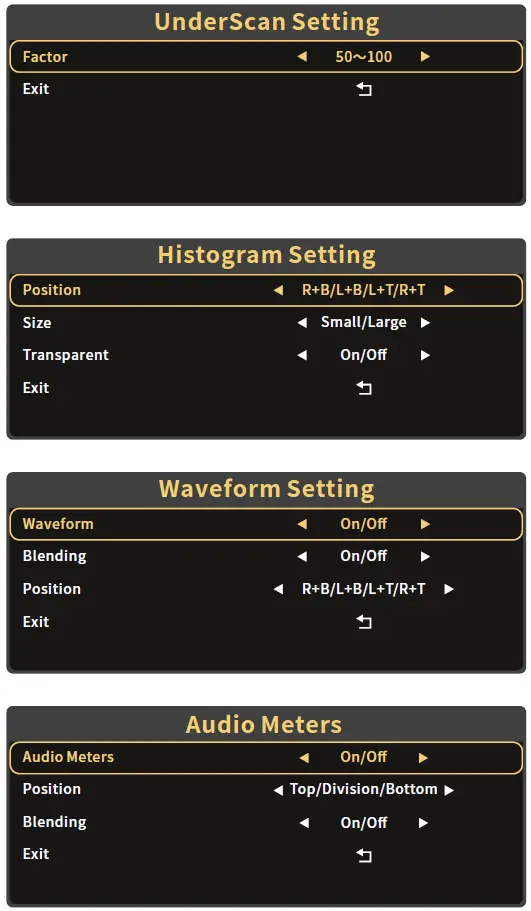
- Attention: Please set the functions to the customized short key F1-F4. Long press 3 seconds (F1-F4) will be showing the setting menu of this function.
- Continuously click shortcut function key, which can be switched.
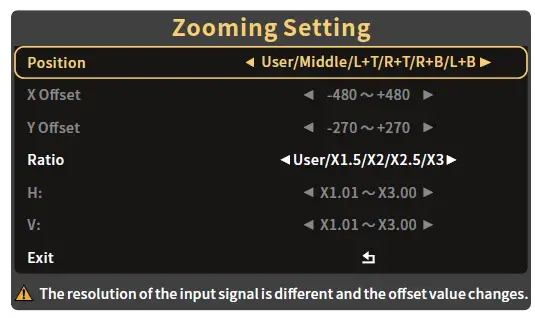
- The parameters can be adjusted in the
 button of the function.
Universal Software Upgrade Tutorial
Attention:
- Place the new firmware in the root directory of the U disk;
- Keep the device powering on during updating;
- Supports FAT, FAT32, ExFAT and NTFS U disk. (FAT32 is highly recommended);
- Use the U disk with the storage below 4G;
- If the firmware isn’t updated successfully, please follow from step ③ and update again;
Update method takes LEYEii as an example,for other models, please download the corresponding model upgrade package in our official website and follow the steps below.
- Download the firmware zip, unzip it ,and then send the upgrade file(LEYE.bin)(LEYE_MIU.bin)to the root directory of the U disk.
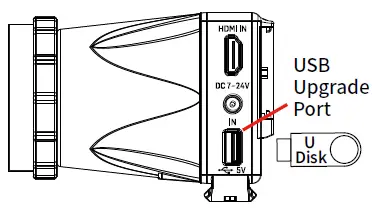
- Supply power to the monitor,insert the U disk with upgrade file into the USB interface of the body.

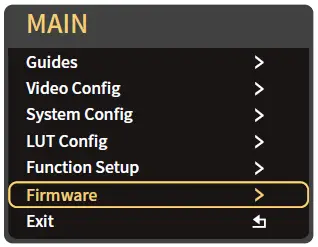
- Boot up the monitor,click MENU to open main menu, select“Firmware”and click into firmware interface.

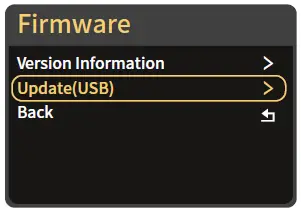
- Select Firmware Upgrade(USB)

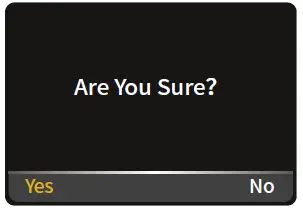
- Click and confrim upgrade.

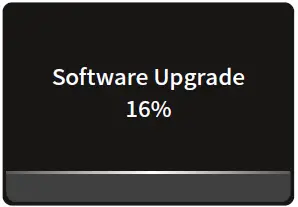
- Upgrading is in progress. After that,the monitor will restart in black screen automatically
(Do not power off during this process).
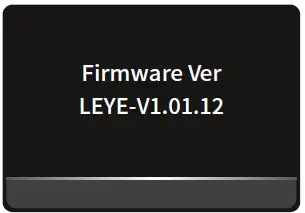
- After completing the upgrade,boot up the monitor and click Main
Menu → Firmware →
Virsion Information to confrim whether the software is successfully upgraded.
www.portkeys.com
Customer Service: [email protected]
 eys.com
 Portkeys Official Store | Camera Monitors for Filmmaker