Contents hide

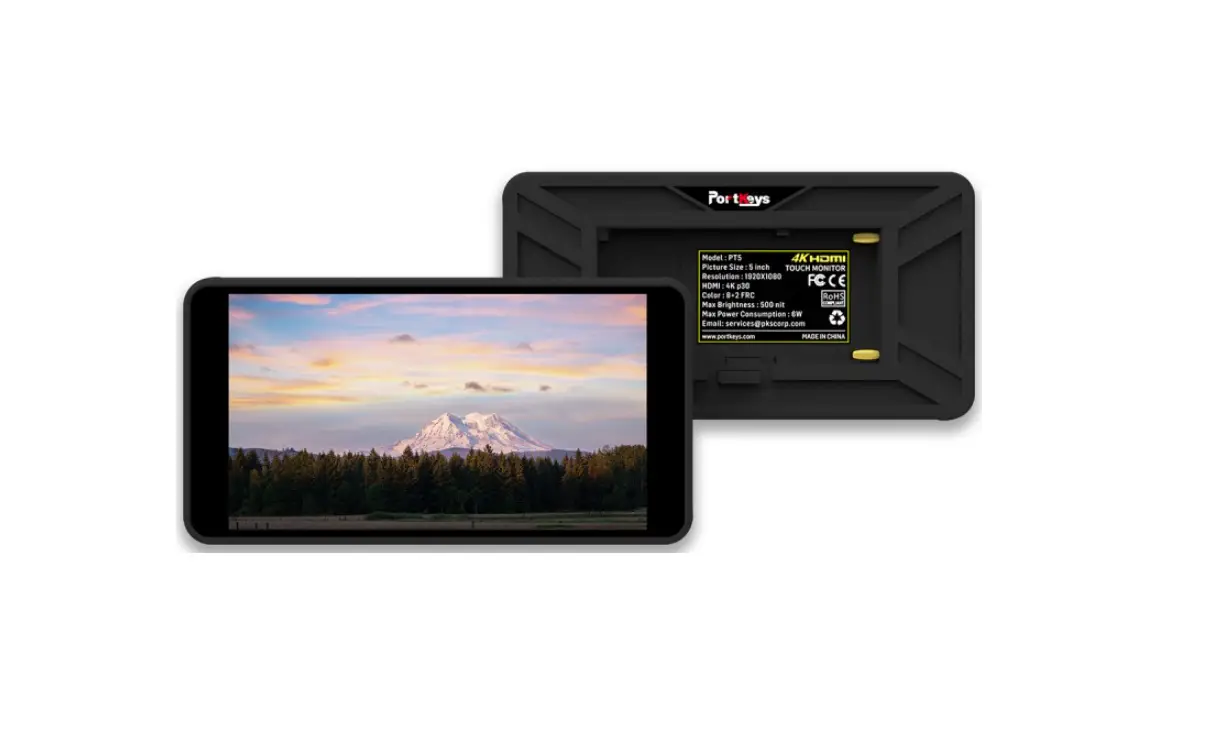
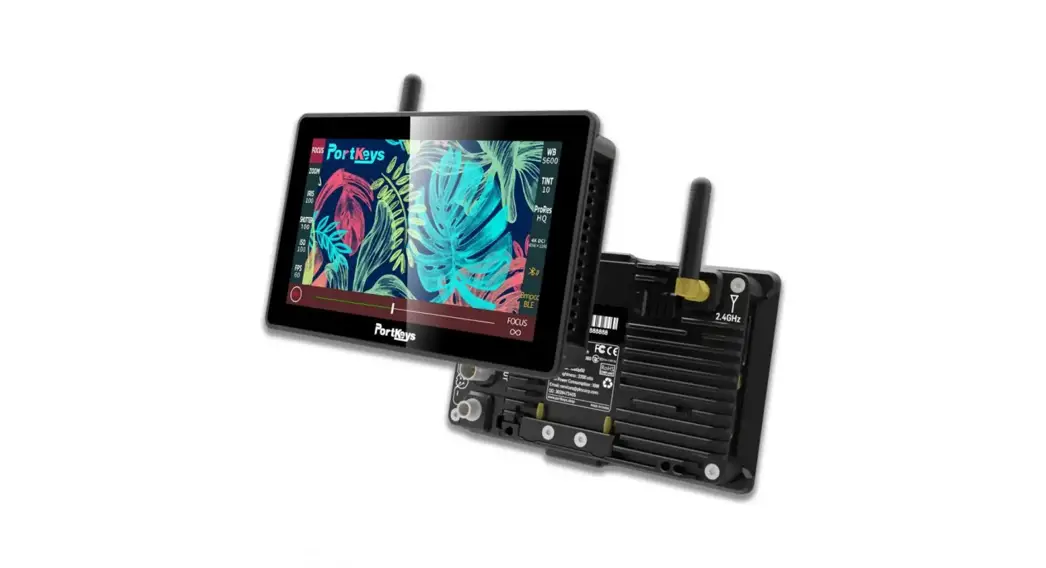
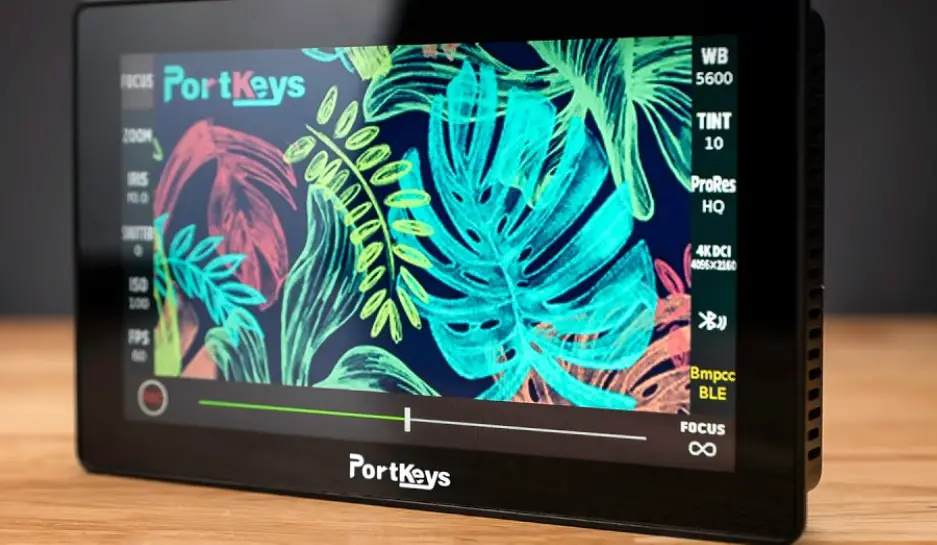
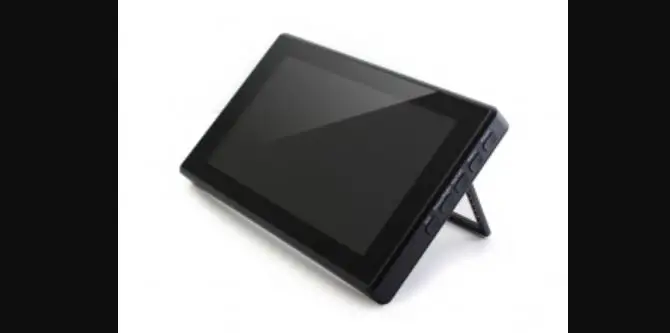
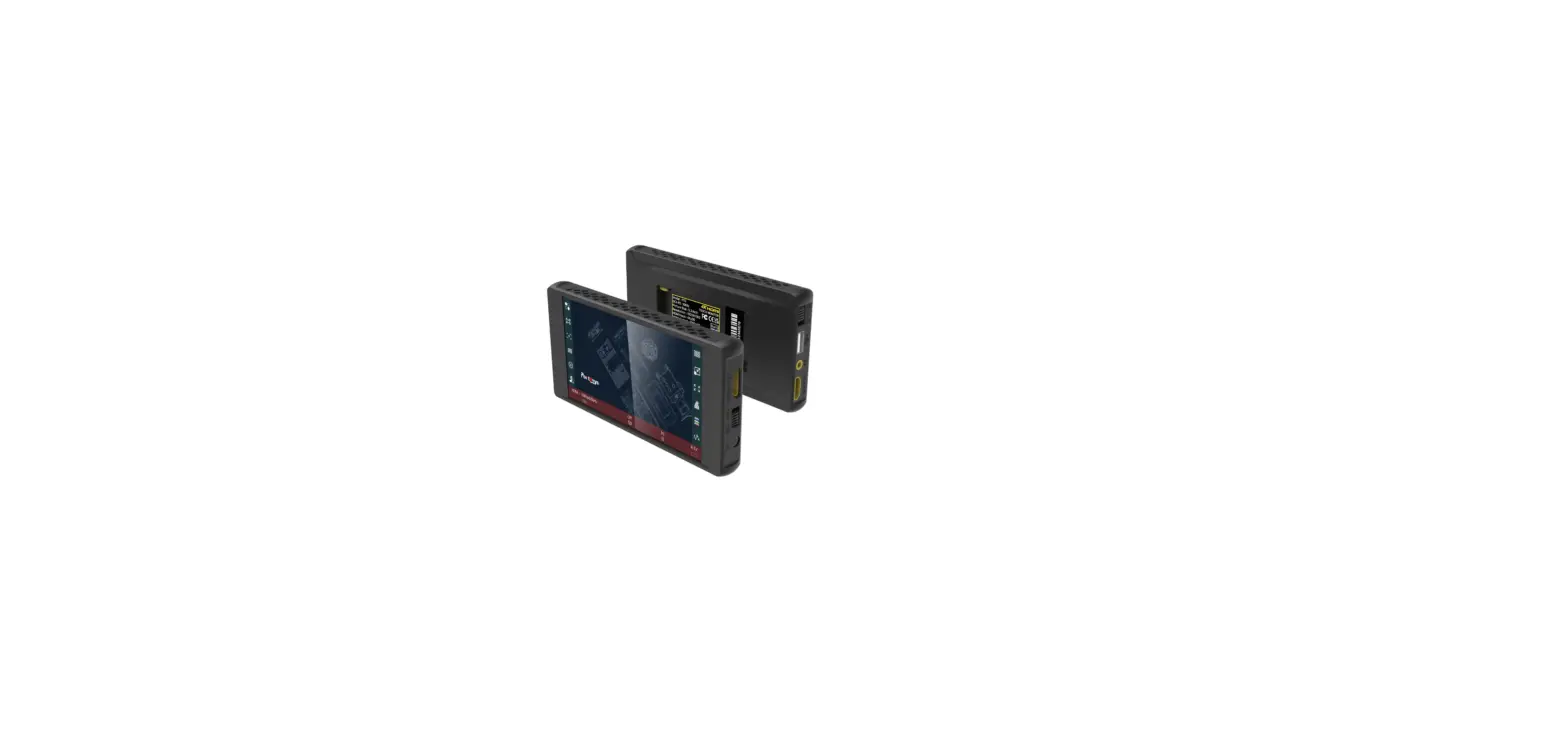
Portkeys PT6 6 Inch 4K HDMI Touchscreen Monitor
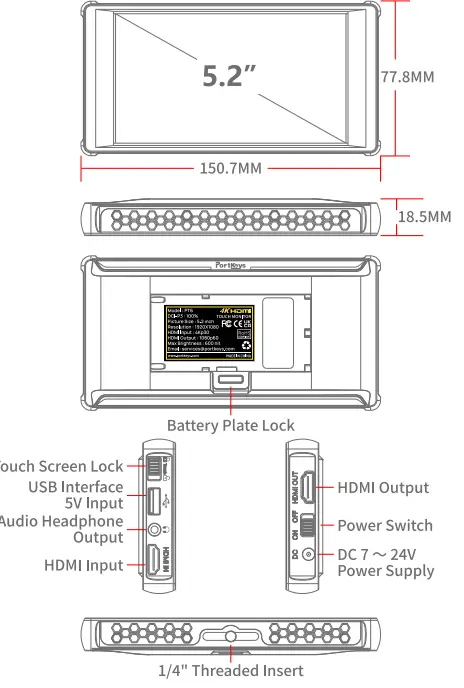
DIMENSION
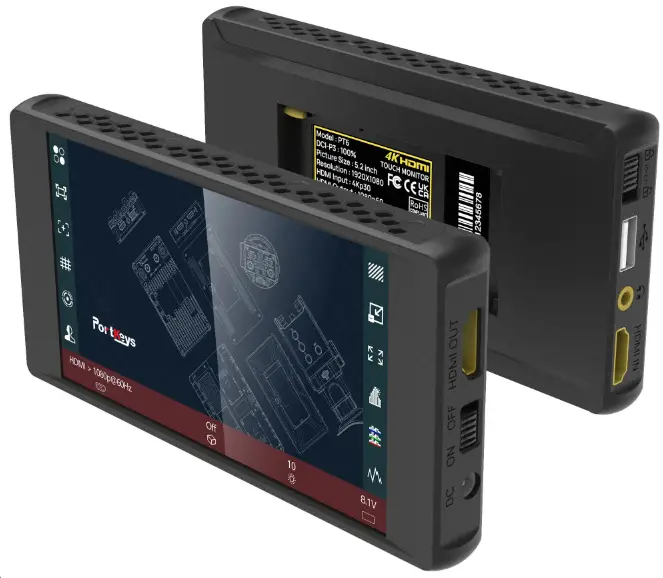
Packing List
- 1 x PT6 Monitor
- 1 x MH-2 Mount
- 1 x HDMI to HDMI Cable
- 1 x Mirco HDMIto HDMI Cable
- 1 x Customer Feedback Card
- 1x Pair of Rubber Covers
- 1 x Warm Prompt Card
- 1x User Manual
- 1 x Safety Box
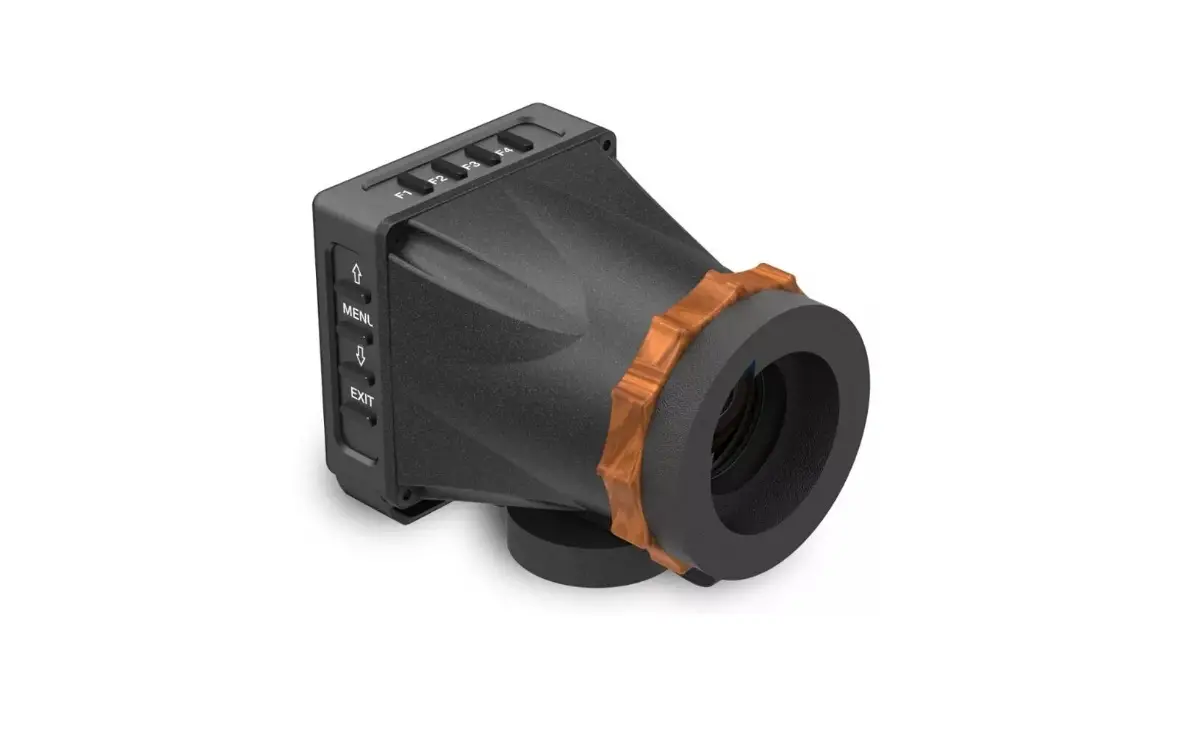
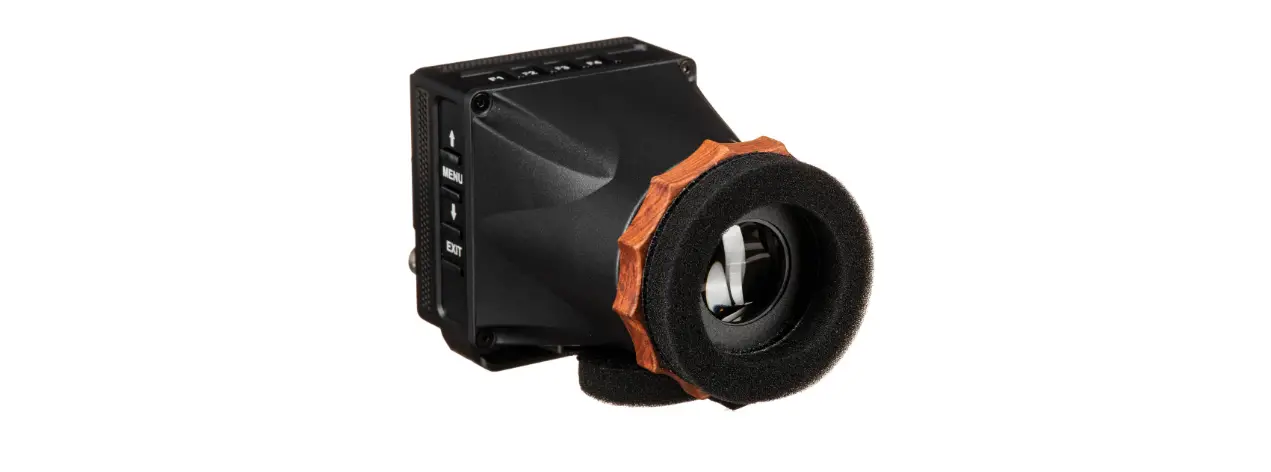
- 1 x Sunshade
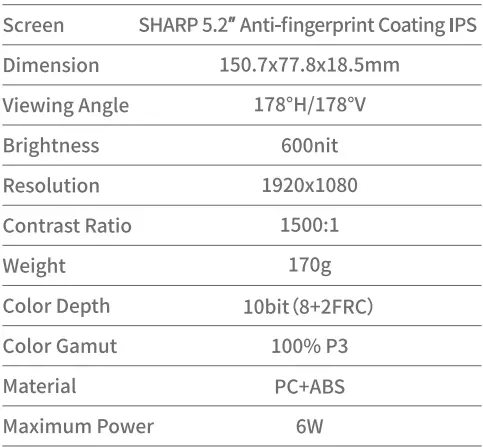
Basic Parameters
Interface
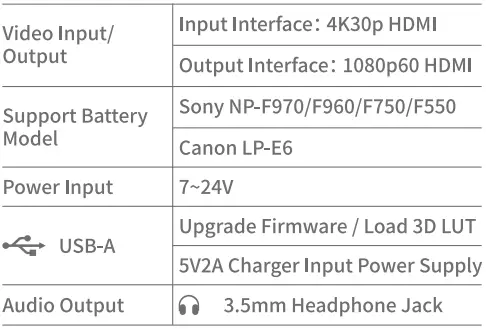
HDMI Input Signal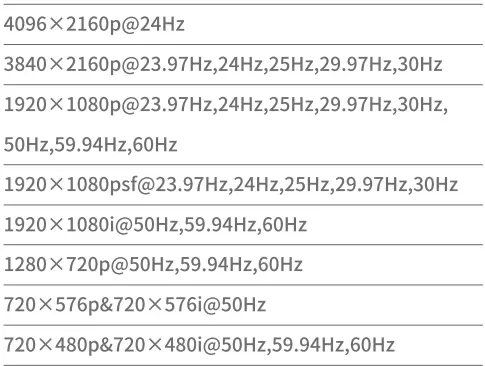
HDMI Output Signal
HDMI Output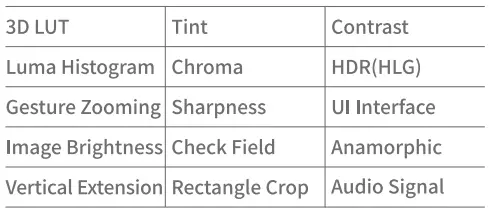
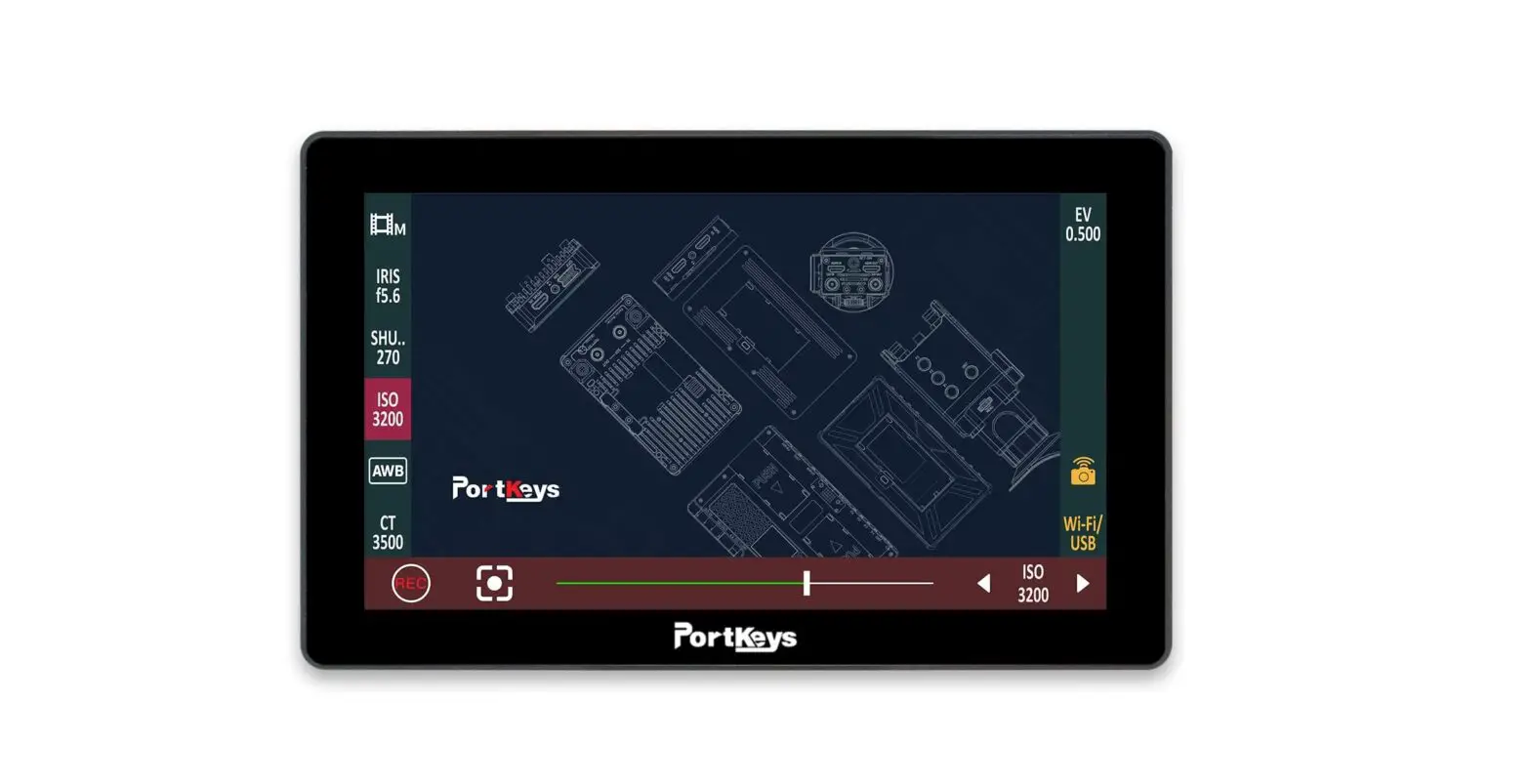
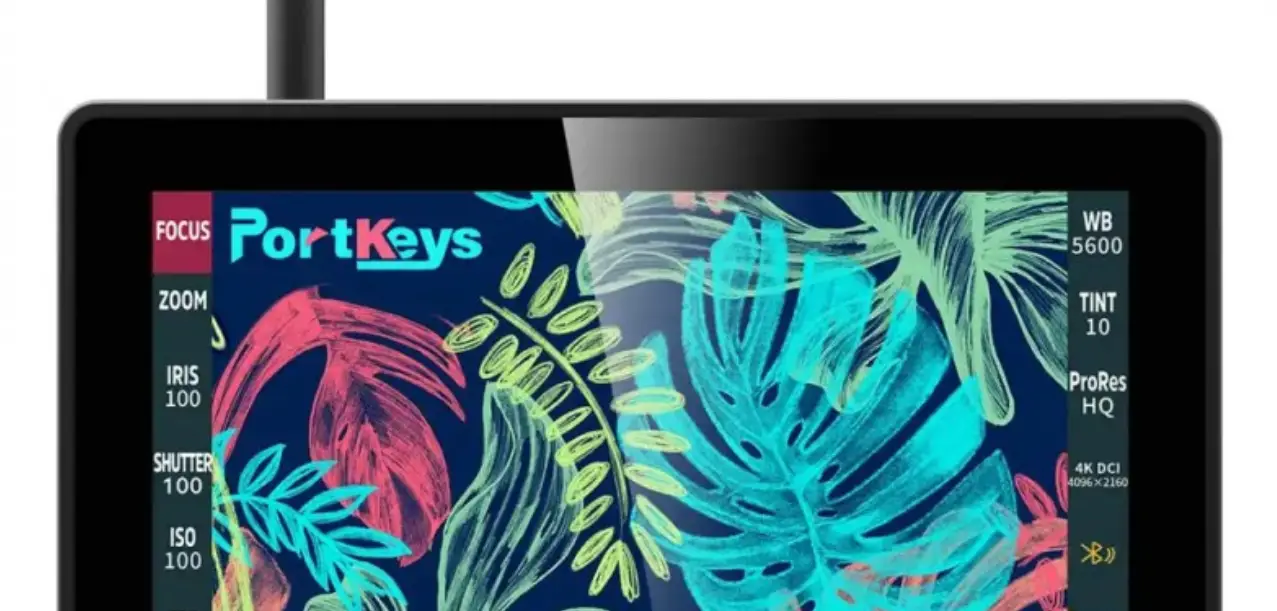
UI Operation Logic
Tap the screen, swipe left or right, cycle through the shortcut function interface and the image setting interface.
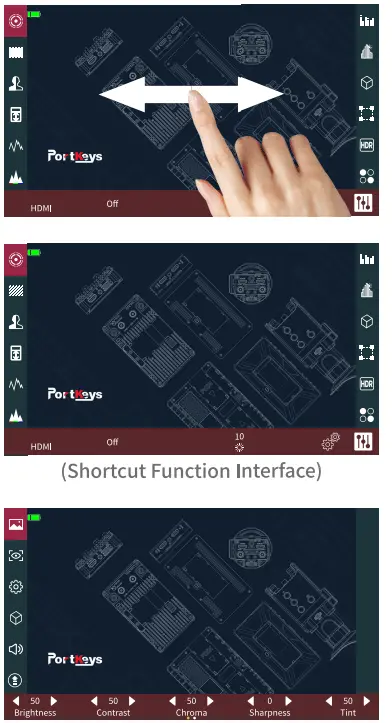
How to get in icon functions
Click the icon to turn on the function; click the icon again to turn off the function.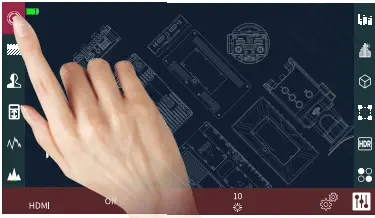
- Long press the icon, the setting interface shows at the bottom.
- Click the
 icon, the setting interface shows at the bottom of the UI.
 - Hold the icon and slide to enter the shortcut functions menu.
- Click the of icon to get in the shortcut functions menu.
 icon, the setting interface shows at the bottom of the UI.
 icon to get in the shortcut functions menu.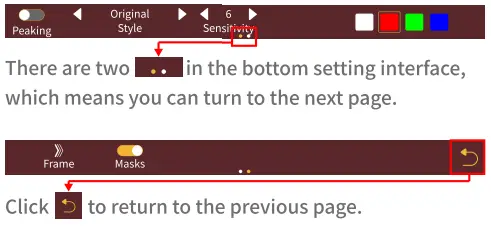
3D LUT Loading and Deleting
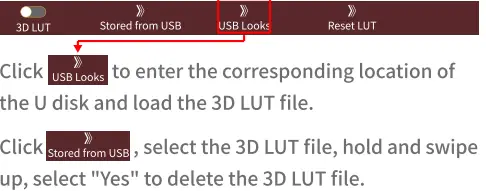
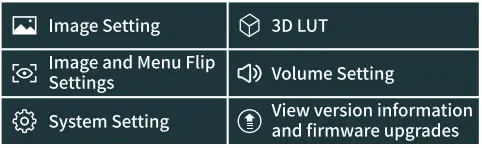
- In the main menu interface, click icon, 3D LUT setting interface shows at the bottom, click stored from USD click the 3D LUT file to use the 3D LUT file.
- Load the 3D LUT file into the U disk, plug it into the monitor USB port.

Firmware Upgrade
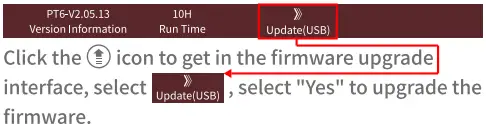
- Unzip the firmware package to the root directory of the U disk.
- Please make sure not to power off during the upgrade process.
- Compatible with USB flash drives in FAT, FAT32, EXFAT and NTFS formats.(FAT32 is recommended)
- Please use a U disk with storage capacity below 16G.
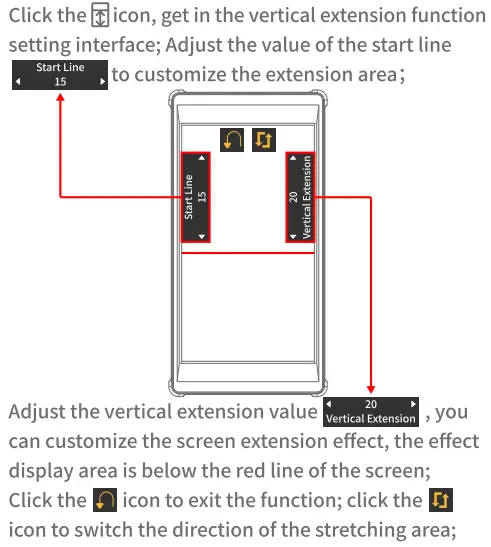
Vertical Extension Function
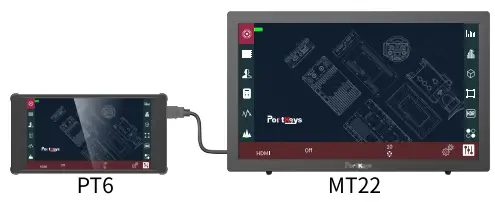
Ul Interface Sync Output
HDMI OUT interface can simultaneously output PT6 Ul interface and some functions.
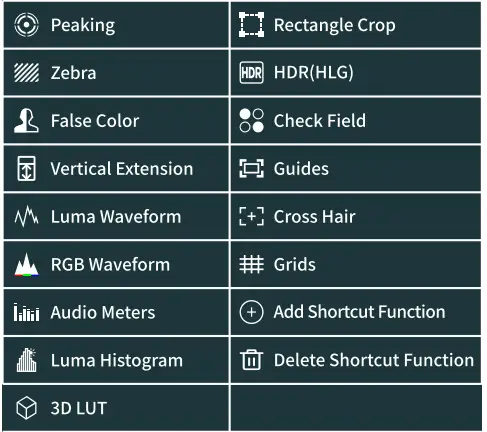
Shortcut Function Icons
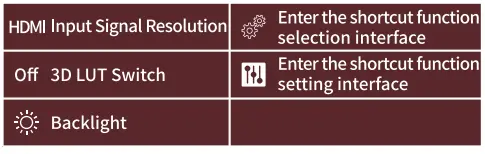
Bottom Settings Area Icon
QR SCAN
CONTACT
- Website: www.portkeys.com
- Email: [email protected]
- Company Address: 1406, 14th Floor, Block D, Building 3, Cloud Park, Longgang District, Shenzhen, Guangdong, China
- Factory Address: 2nd Floor, Building A, Jingjiang Industrial Park, NO.101, Shangwei Road, Longhua District,V Shenzhen,Guangdong, China