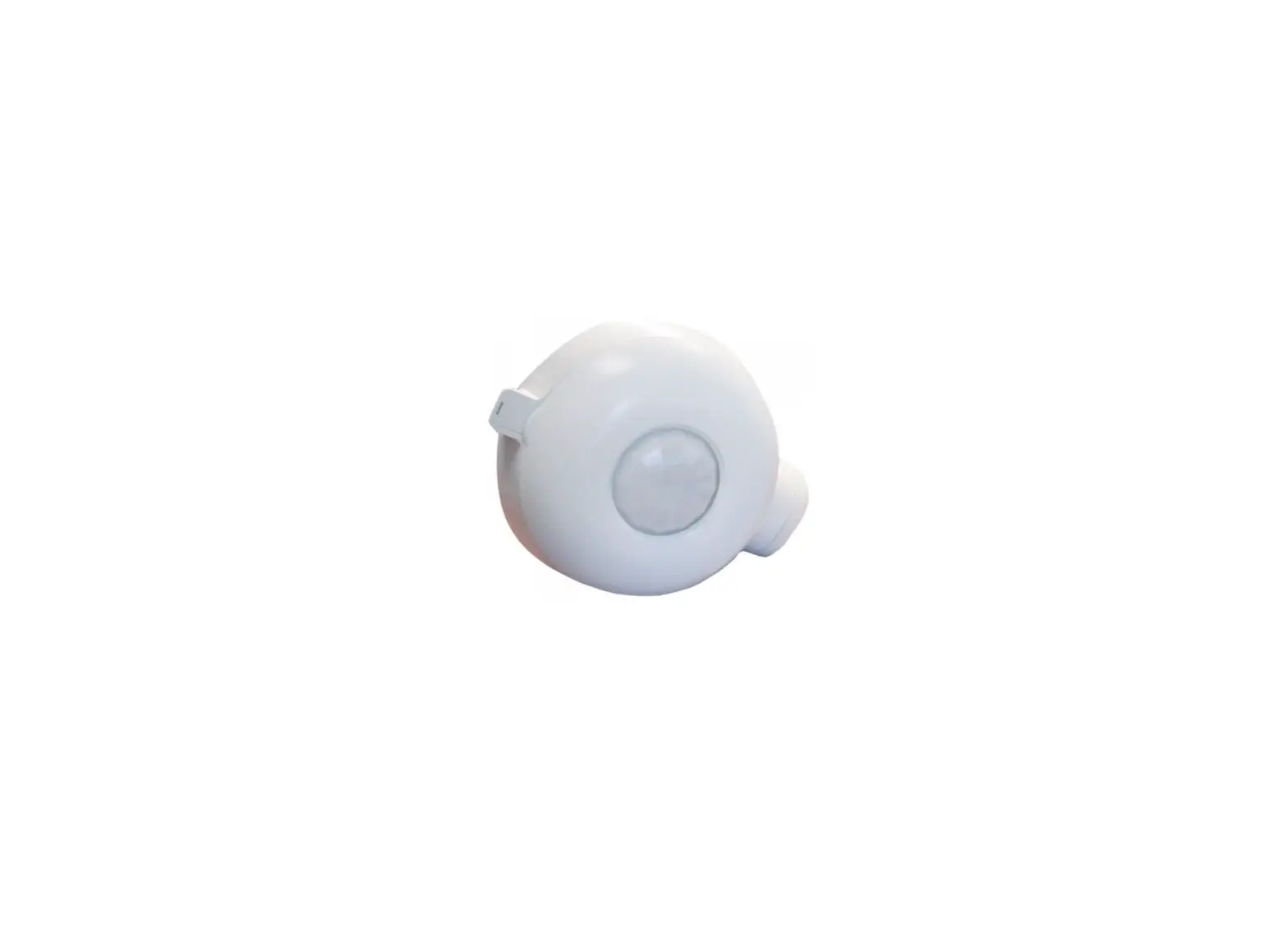
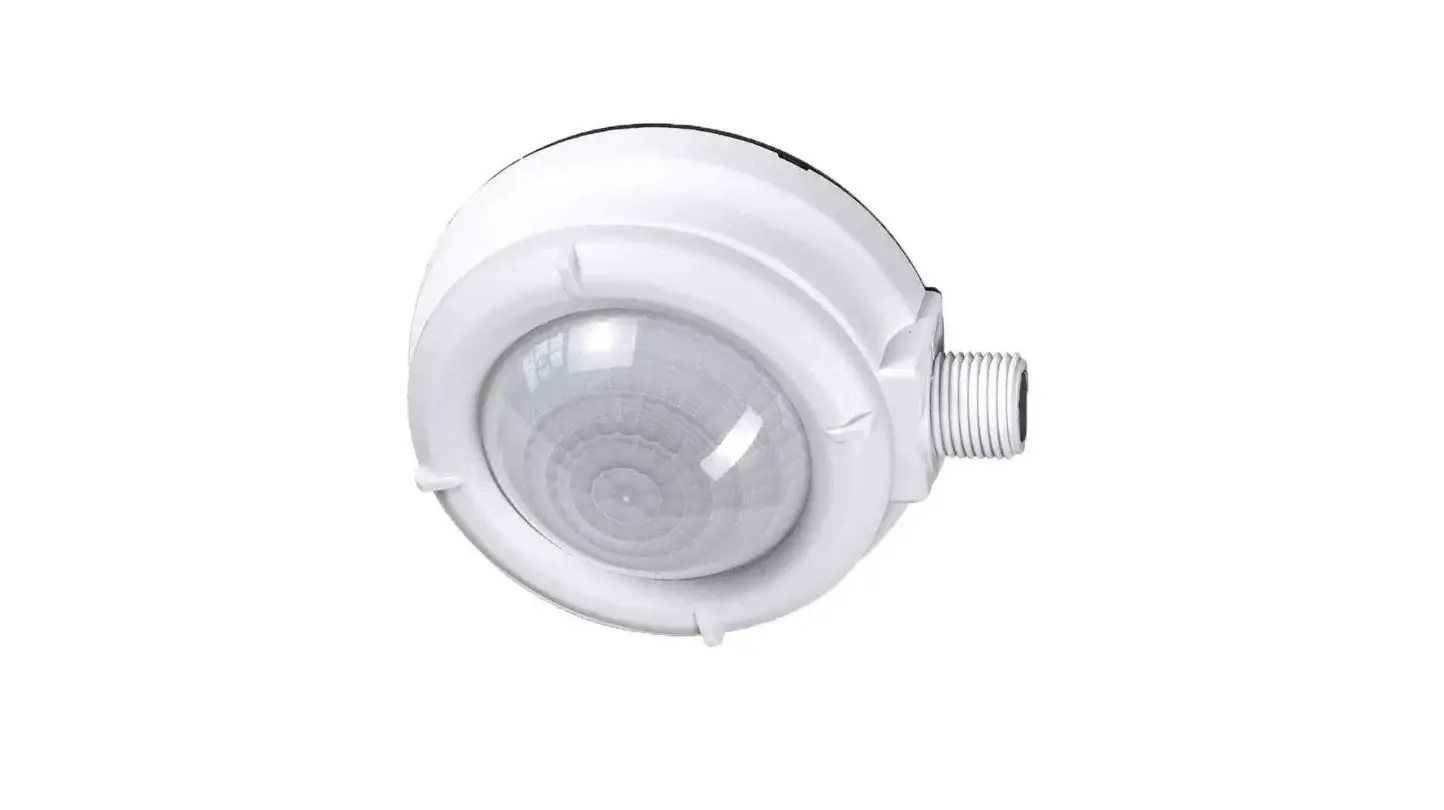
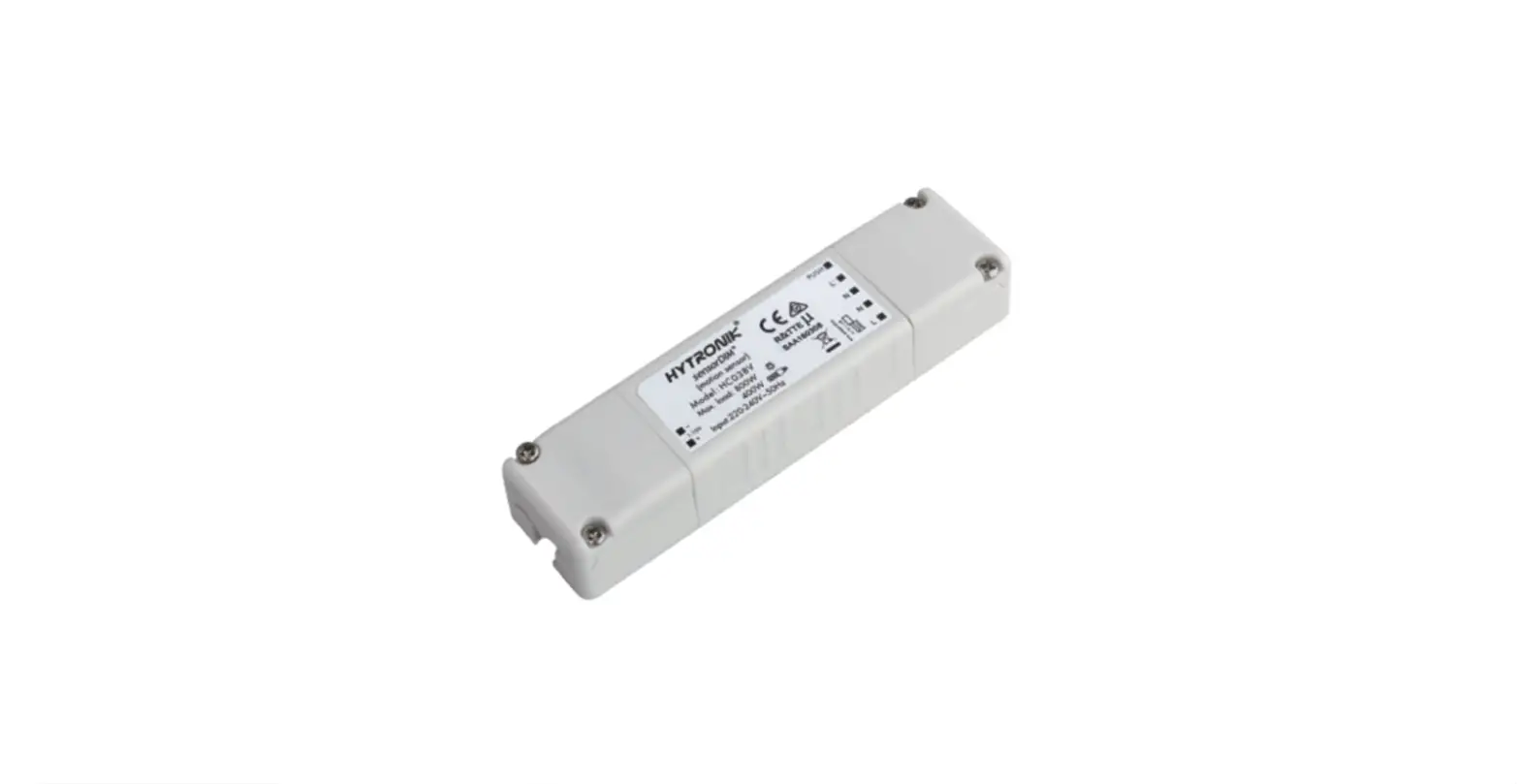
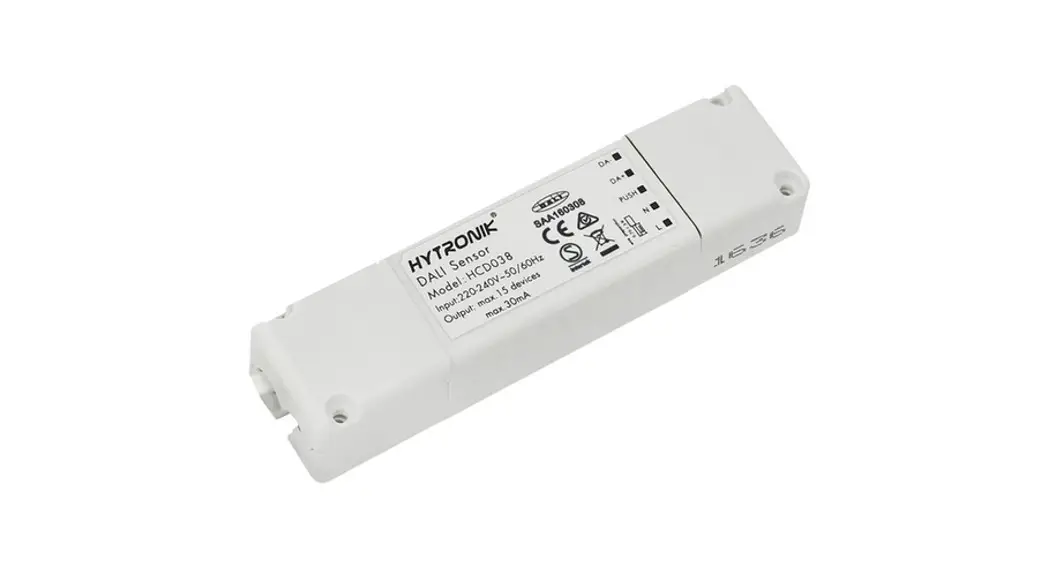
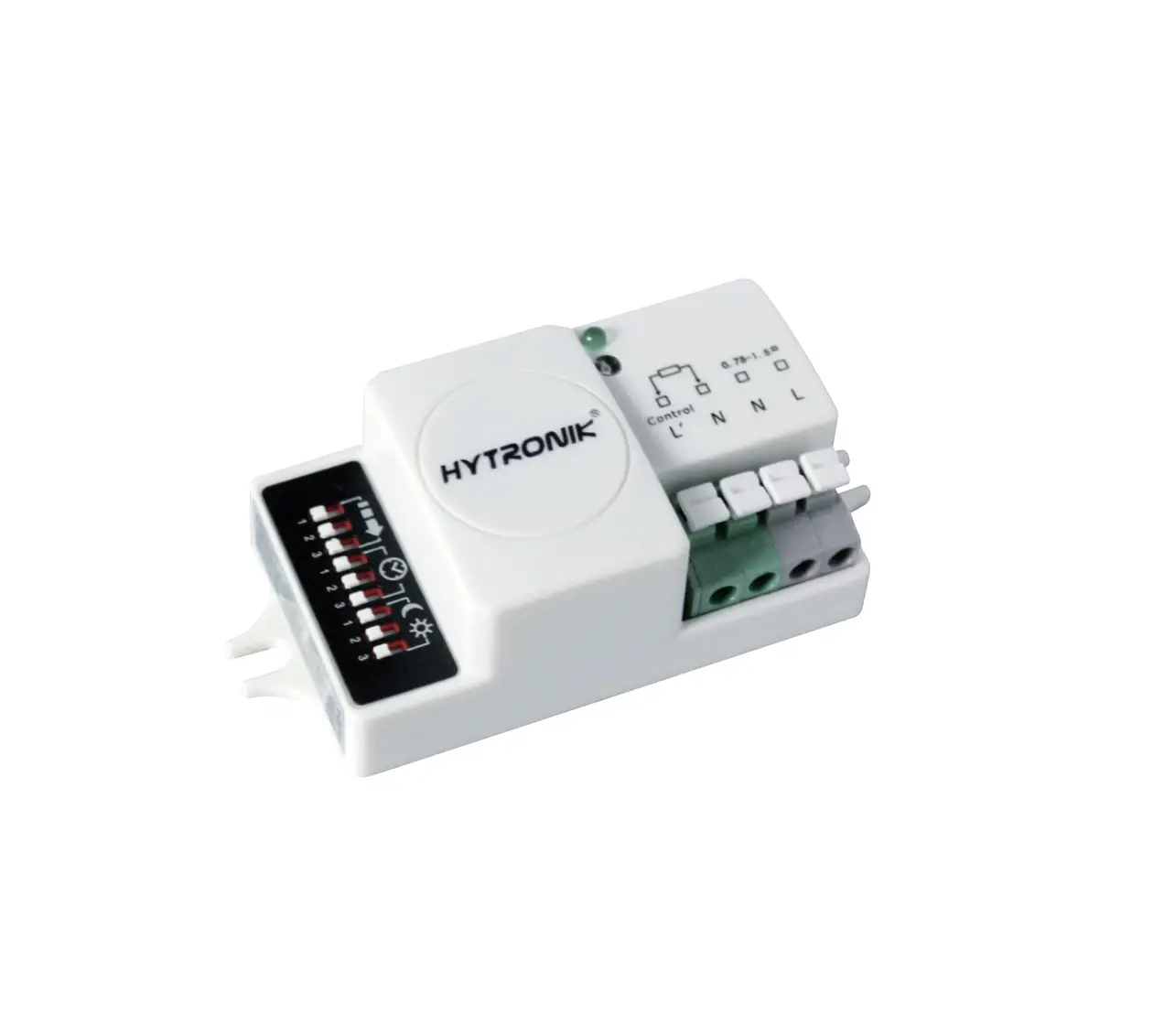
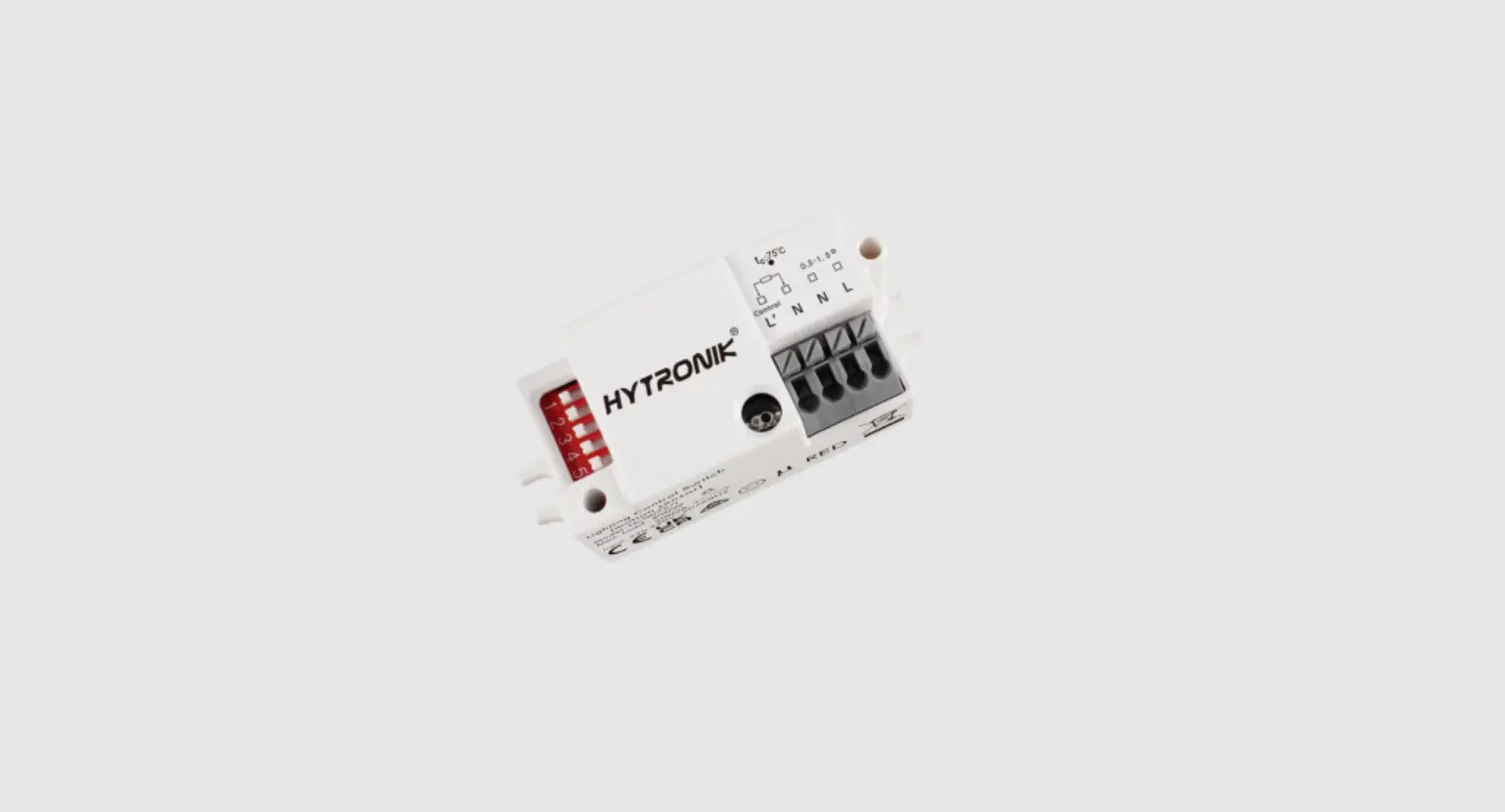
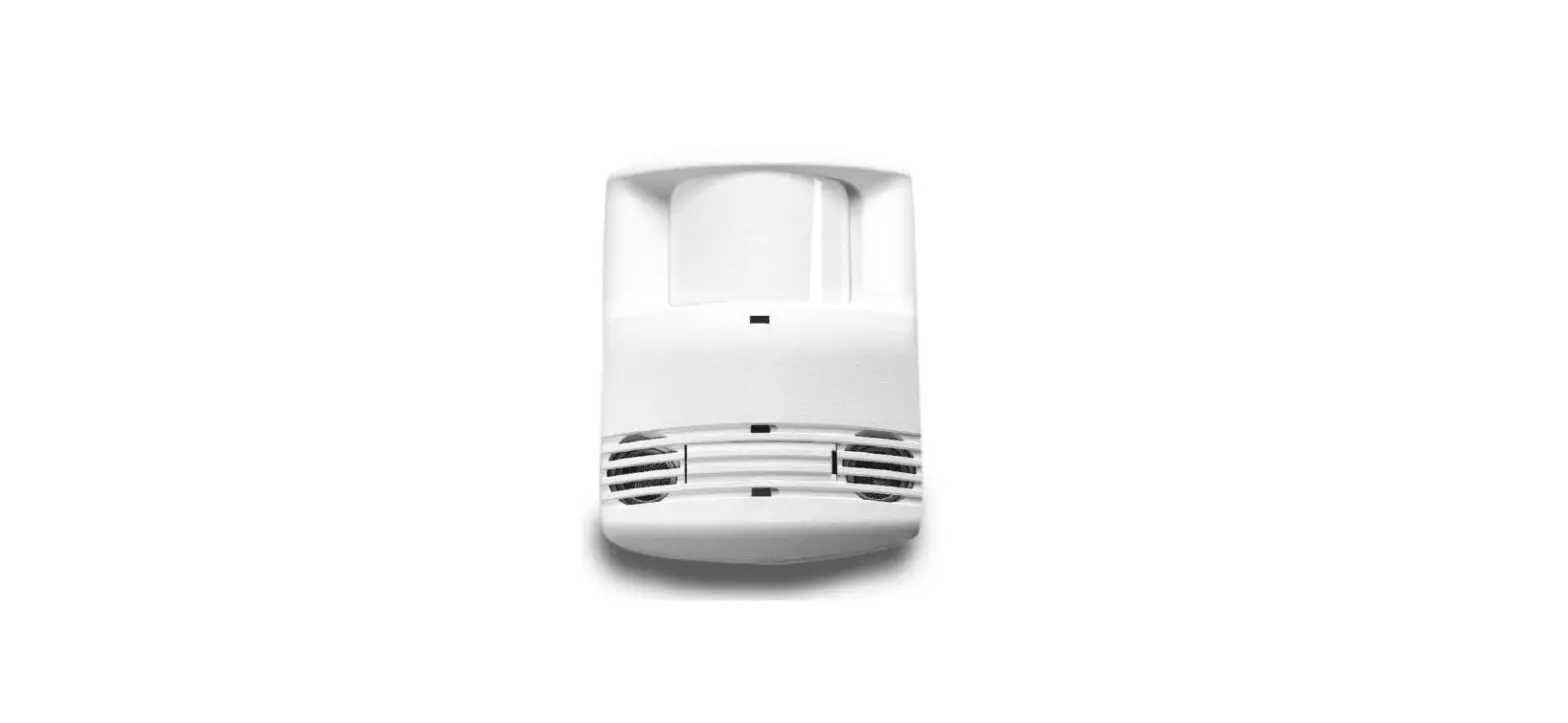
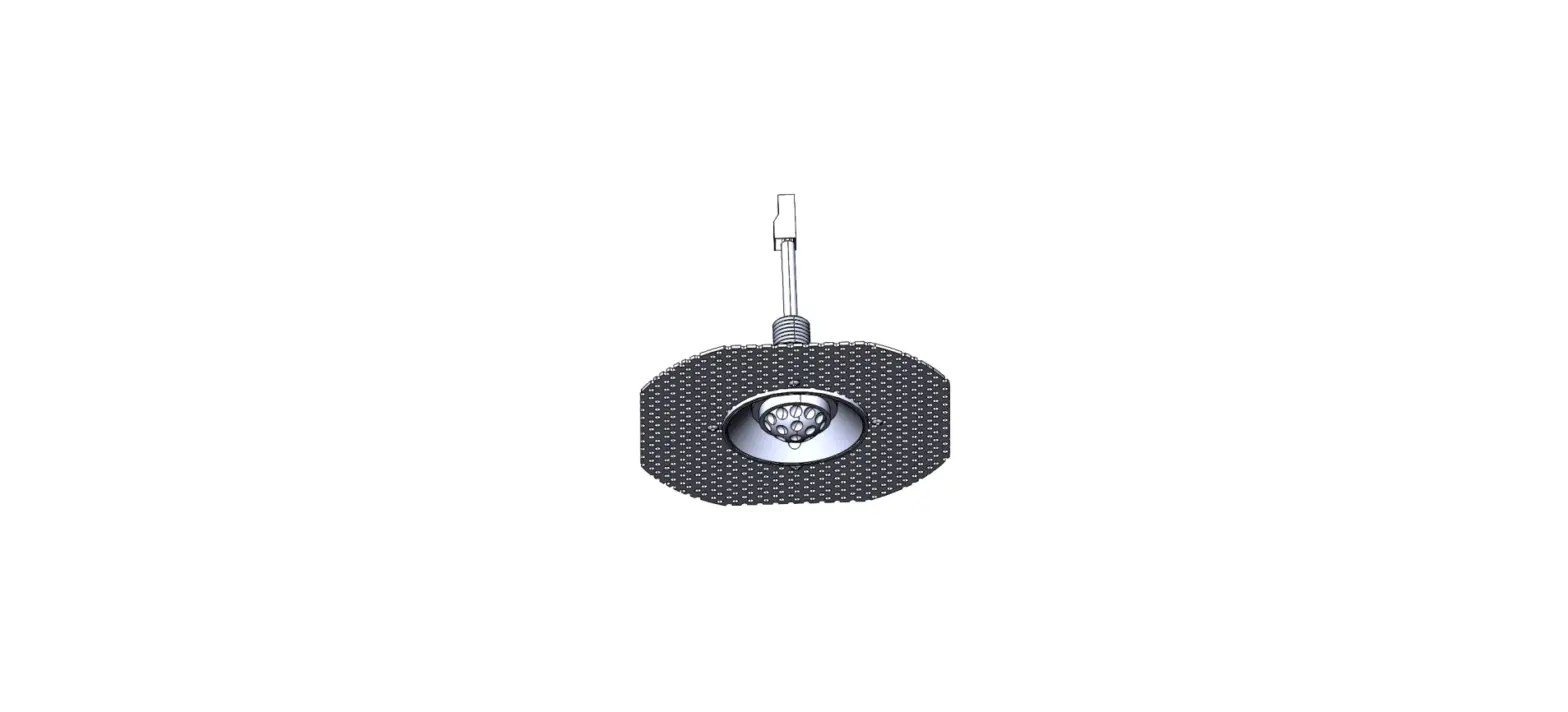
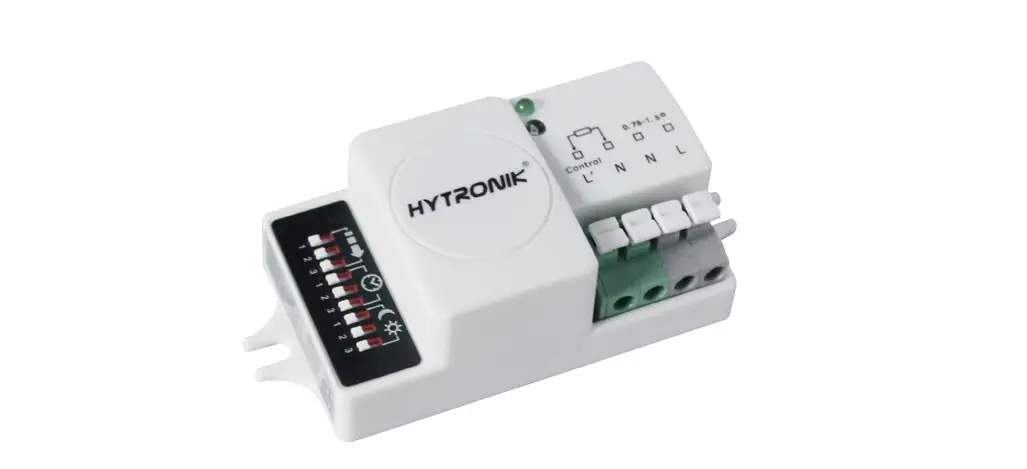
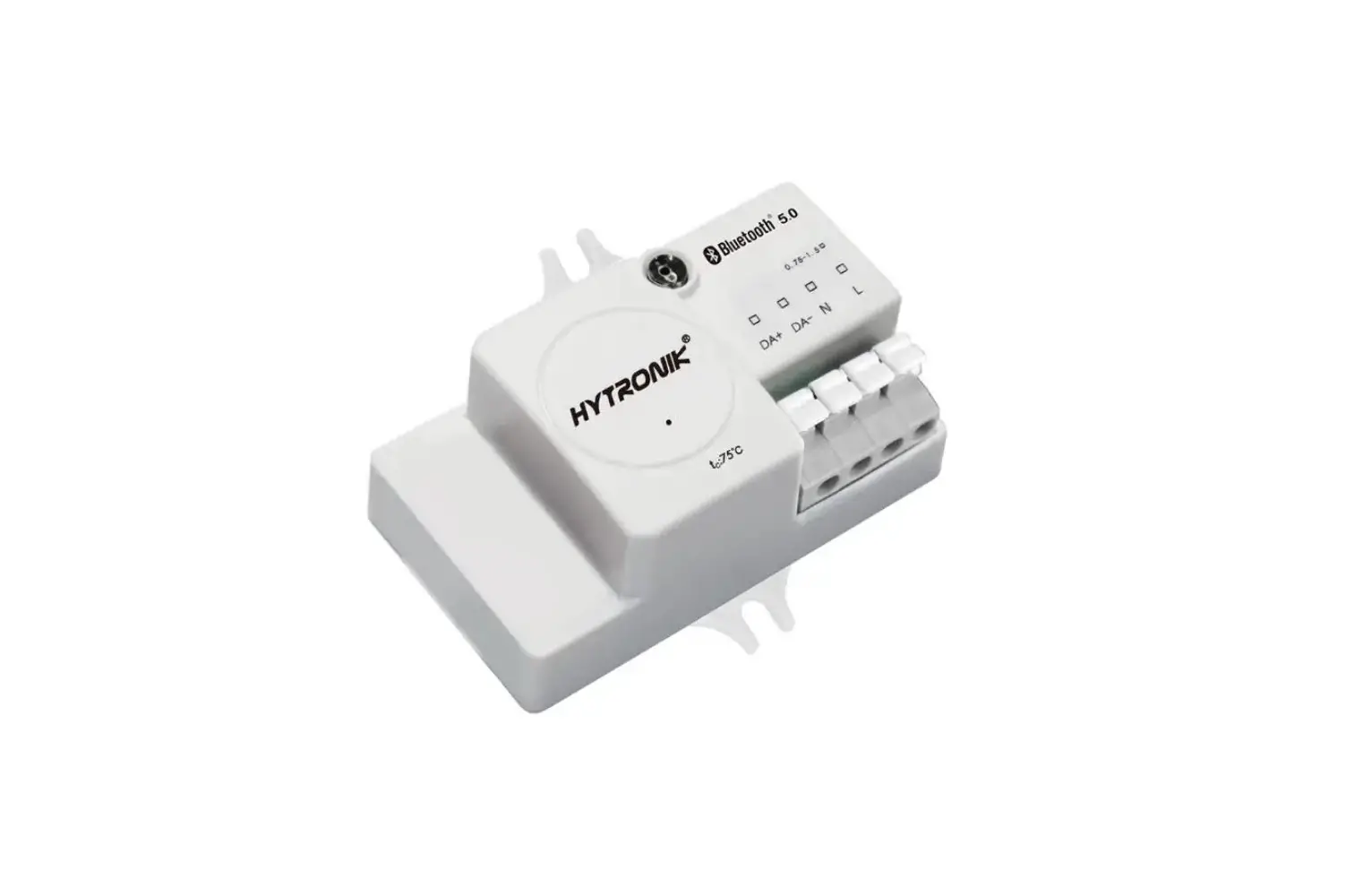
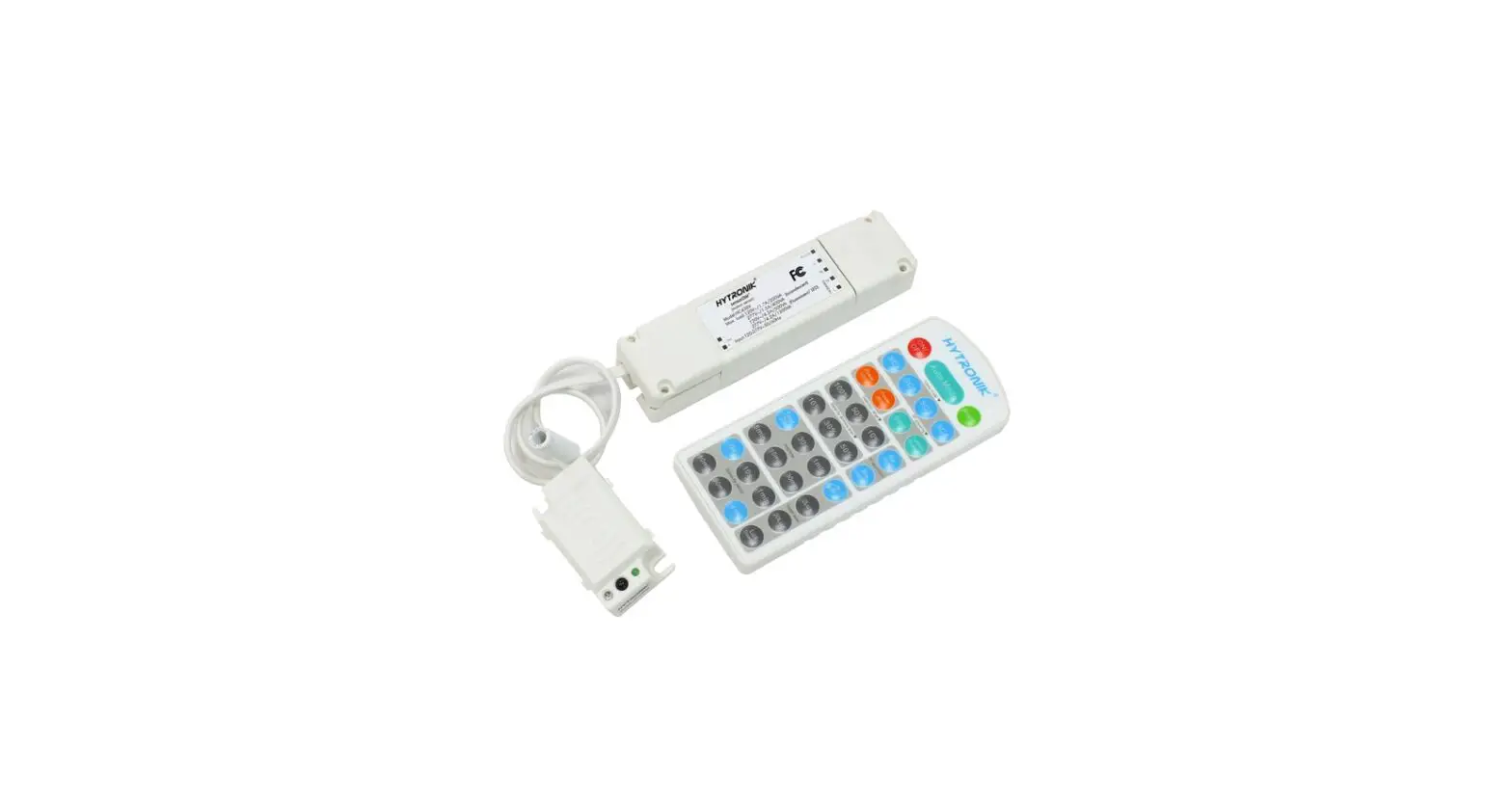
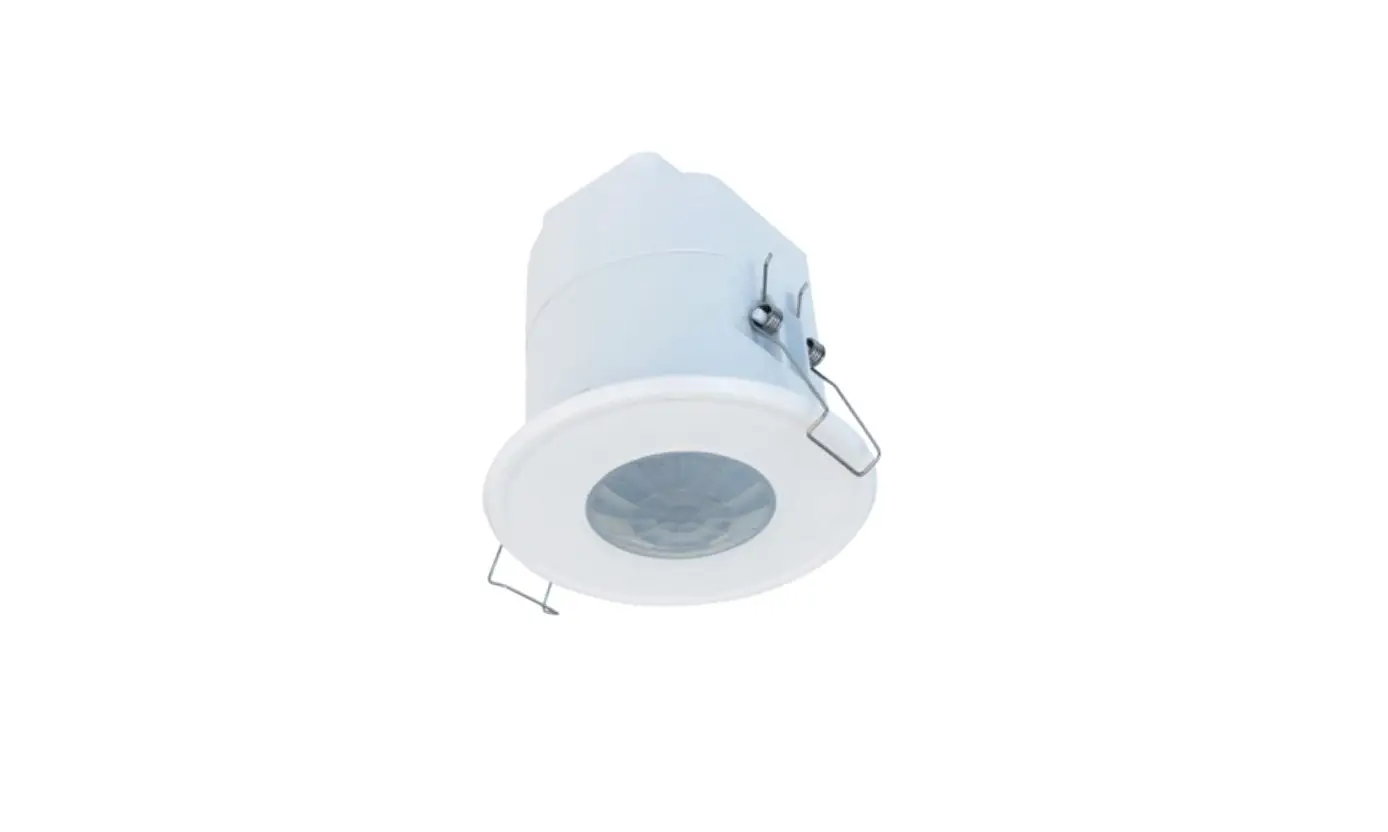
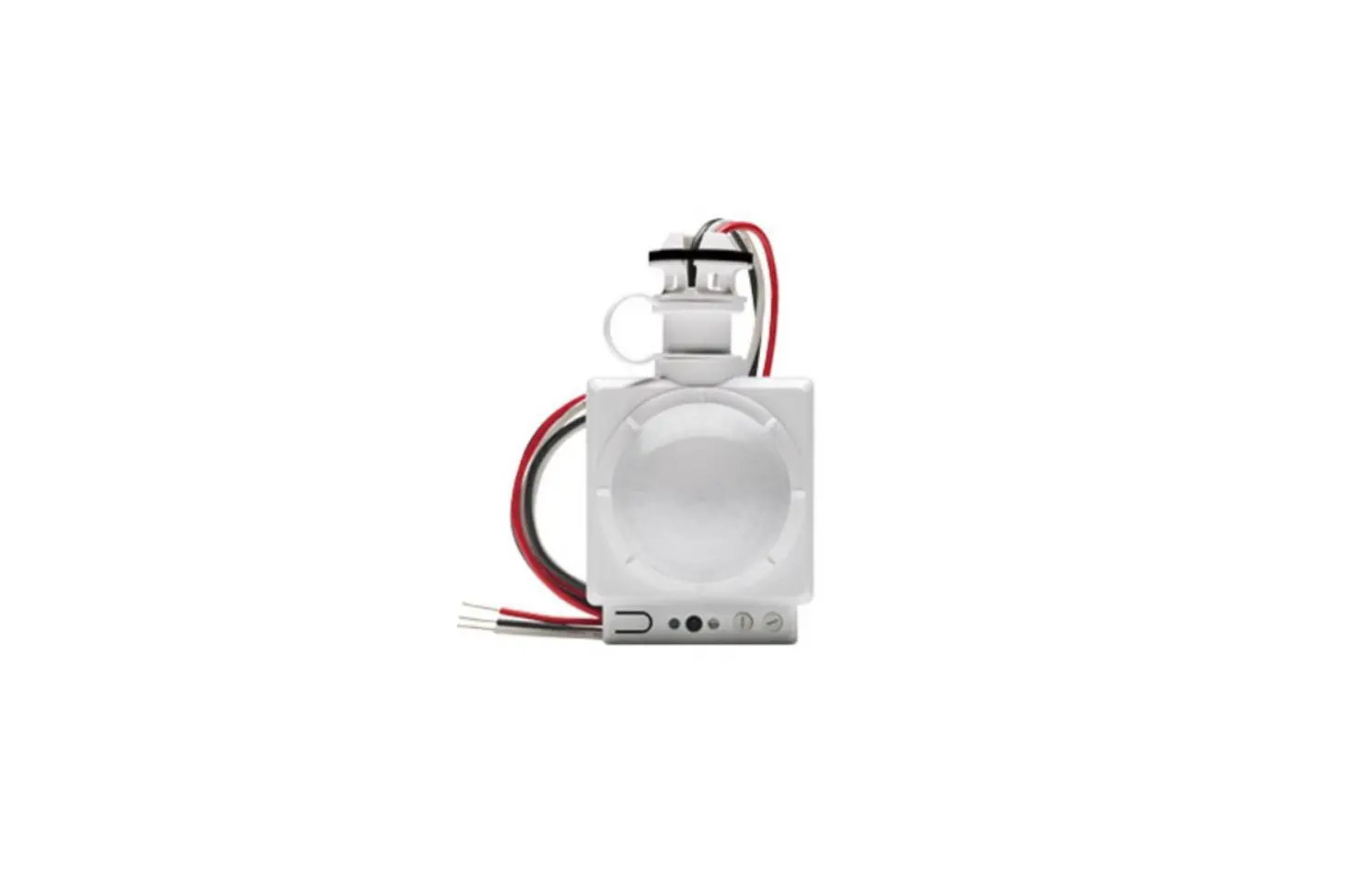
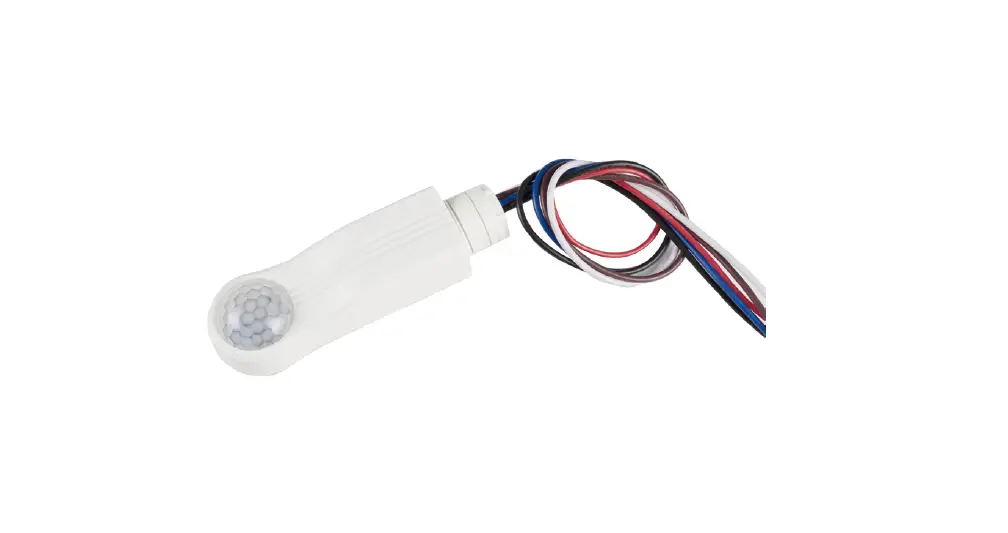
HC038V Detached Linear Occupancy Sensor
Product Information:
| Product Model | HC038V HCD038 HCD038/P |
|---|---|
| Product Type | Tri-level Control & Daylight Harvest Sensor |
| Version | Detached Linear Version with Remote Control |
| Supported Applications | Office / Commercial Lighting, Classroom, Meeting Room |
| Usage | New luminaire designs and installations |
| Features | DALI-2 and D4i supported (HCD038/P), Daylight harvest function, ActiveLux Switching, Tri-level dimming control, Optional 1-10V or DALI dimming control method, Ambientdaylight One-touch daylight learning via remote control threshold, Zero crossing detection circuit (HC038V), Loop-in and loop-out terminal (HC038V), 5-year warranty |
| Technical Data | Operating voltage: 220-240VAC 50/60Hz, Stand-by power: knowledge ->PIR Sensors – Precautions for Product Installation and Operation, For Photodiode/Photocell Usages precautions, please refer to www.hytronik.com/download ->knowledge ->Precautions for Photodiode/Photocell Usages, Data sheet is subject to change without notice. Please always refer to the most recent release on www.hytronik.com/products/Motion Sensors ->Built-in HF Sensor, For Hytronik standard guarantee policy, please refer to www.hytronik.com/download ->knowledge ->Hytronik Standard Guarantee Policy |
Product Usage Instructions:
Step 1: Installation
Follow the product installation instructions provided in the
user manual.
Ensure proper wiring and connection of the product to the power
supply.
Step 2: Configuration
If applicable, configure the product using the provided remote
control or other configuration methods.
Step 3: Usage
Place the Tri-level Control & Daylight Harvest Sensor in the
desired indoor location, such as an office, commercial space,
classroom, or meeting room.
The sensor will detect occupancy and adjust the light output
accordingly using the tri-level dimming control function.
If supported, the daylight harvest function will regulate the
light output to maintain the required lux level.
If available, use the one-touch daylight learning feature via
remote control to set the daylight threshold for motion
detection.
Optional dimming control methods (1-10V or DALI) can be utilized
based on your luminaire design and installation.
For efficient installation, utilize the loop-in and loop-out
terminal (HC038V).
Step 4: Maintenance
Regularly inspect and clean the Tri-level Control & Daylight
Harvest Sensor to ensure proper functionality.
Refer to the user manual for any specific maintenance
instructions or precautions.
In case of any technical issues or inquiries, refer to the
5-year warranty and contact the manufacturer for support.
Tri-level Control & Daylight Harvest Sensor
HC038V HCD038 HCD038/P
Detached Linear Version with Remote Control
Applications Occupancy detector with tri-level dimming control suitable for indoor use:
Office / Commercial Lighting Classroom Meeting Room
Use for new luminaire designs and installations
Features
DALI-2 and D4i supported (HCD038/P) Daylight harvest function to regulate light output for maintaining required lux level
ActiveLux Active Lux Switching, daylight threshold prior to motion detection
Switching
Tri-level dimming control based upon occupancy (also known as corridor function)
TM
Optional 1-10V or DALI dimming control method
Ambientdaylight One-touch daylight learning via remote control threshold Zero crossing detection circuit reduces in-rush current and prolongs relay life (HC038V)
Loop in Loop out
Loop-in and loop-out terminal for efficient installation (HC038V)
5-year warranty
RED
HC038V HCD038 HCD038/P
Technical Data
Input & Output Characteristics
Operating voltage
220_240VAC 50/60Hz
Stand-by power
<0.5W
Load ratings:
HC038V
HCD038 HCD038/P
400VA (capacitive) 800W (resistive)
30mA (max. 15 devices)
Warming-up
20s
Environment Operation temperature Case temperature (Max.) IP rating
Ta: -20°C ~ +55°C Tc: +75°C IP20
DALI-2 Standards HCD038/P+HIR17
IEC62386 101 IEC62386 103 IEC62386 303 IEC62386 304
Subject to change without notice.
Safety & EMC EMC standard (EMC) Safety standard (LVD)
Radio Equipment (RED) Certification
EN55015, EN61000, EN61547
EN60669-1/-2-1, AS/NZS60669-1/-2-1, IEC62386
EN300440, EN301489-1/-3/-17 EN62479, EN300328
Semko, CB, CE , EMC, RED, RCM,UKCA
PIR Sensor Propertie (HIR17 & HIR17/R)
Sensor principle Operation voltage
PIR detection 5VDC5VDC
Detection range *
HIR17 Max installation height3m (single person) Max detection range (Ø)12m
Detection angle
HIR17/R Max installation height8m (single person) Max installation height12m (forklift) Max detection range (Ø)14m
360°
Edition: 30 Mar. 2022 Ver. A0 Page 1/11
Mechanical Structure & Dimensions
HC038V (1-10V output with 1 push)
RJ12 connector 1-10V
1-10V+
Push L’ N
HCD038 (DALI output with 1 push) RJ12 connector
LN
DALI Push
HCD038/P (DALI output with 2 push)
RJ12 connector DALI DALI+
LN
L N N
4.5
120
21
110.5
Ø 4.5
30
PIR Sensor Head
PUSH1 PUSH2
A. HIR17 PIR sensor head The cable length is around 30cm.
B. HIR17 with HA04 PIR sensor head Optional accessory The cable length is around 30cm.
Ø 26
RJ12
RJ12
Ø 15 52
22 33
9 17.2±0.1
21.7
22.4 31.8
Installation hole
Ø
+ 22.23 –
0.78 0.41
Installation hole
R2.3±0.1
44.2±0.1
Subject to change without notice.
Edition: 30 Mar. 2022 Ver. A0 Page 2/11
C. HIR17 with HA05
PIR sensor head Optional accessory The cable length is around 30cm.
RJ12
Ø 15 68
27 31.8
9.4 22±0.2
Installation hole
Max R0.5
21.7
60±0.2
D. HIR17/R
PIR sensor head IP65 (facia / lens part) The cable length is around 30cm.
RJ12
Ø 36.7
21.7
22.7 33.9 43.4
Installation hole
Ø
+ 22.23
0.78 – 0.41
Note: 1. When HIR17 or HIR17/R plug with HCD038/P, only one push terminal can be activated for configuration 2. Only when both HCD038/P and HIR17 or HIR17/R are used together, then the combination is DALI-2 enabled as a whole. HIR17 can freely switch between tri-level control and daylight harvest through remote controller HRC-11 setting.
Active Lux Switching
Intelligent Photocell
One-Key Commissioning
Ambient daylight threshold
Loop in Loop out
Detection Pattern
0
6
6
Note:We recommend the mounting distance between sensor to sensor should be more than 2m to prevent sensors from false-triggering.
Functions and Features
1 Tri-level Control (Corridor Function) Hytronik builds this function inside the motion sensor to achieve tri-level control, for some areas which require a light change notice before switch-off. The sensor offers 3 levels of light: 100%–>dimmed light (natural light is insufficient) –>off; and 2 periods of selectable waiting time: motion hold-time and stand-by period; Selectable daylight threshold and freedom of detection area.
With sufficient natural light, the light does not switch on when presence is detected.
With insufficient natural light, the sensor switches on the light automatically when presence is detected.
After hold-time, the light dims to stand-by level if the surrounding natural light is below the daylight threshold.
Light switches off automatically after the stand-by period elapses.
Subject to change without notice.
Edition: 30 Mar. 2022 Ver. A0 Page 3/11
2 Daylight Harvest
Light will not switch on when natural light is sufficient, even there is motion detected.
The light switches on automatically with presence when natural light is insufficient.
The light turns on at full or dims to maintain the lux level. The light output regulates according to the level of natural light available.
The light switches off when the ambient natural light is sufficient.
3
The light dims to stand-by period after hold-time and stays on selected minimum dimming level.
The light switches off completely after the stand-by period.
Note: The Light automatically dims down and eventually turns off if the natural light lux level exceeds the daylight threshold. However, if the stand-by period is preset at “+”, the fixture never switches off but dim to minimum level, even the natural light is sufficient.
3 Master (HCD038/P)
HIR17 supports multiple sensors to access DALI network at the same time. In order to prevent conflict during daylight harvest control, you need to manually select one HIR17 as the master when configuring the network. The master has the control authority of this DALI network. Other HIR17 will only report sensing events.
Subject to change without notice.
Edition: 30 Mar. 2022 Ver. A0 Page 4/11
DALIDALI+
LED Driver L
N
DALIDALI+
LED Driver L
N
L N
DALIDALI+
LED Driver L
N
DALIDALI+
LED Driver L
N
L N
DALIDALI+
LED Driver L
N
DALIDALI+
LED Driver L
N
L N
HIR17
DALIDALI+
L
HCD038/P
N N
PUSH1
PUSH2
HIR17
DALIDALI+
L
HCD038/P
N N
PUSH1
PUSH2
HIR17
DALIDALI+
L
HCD038/P
N N
PUSH1
PUSH2
Subject to change without notice.
Edition: 30 Mar. 2022 Ver. A0 Page 5/11
4 Active Lux Switching (Daylight Detection Prior to Motion Detection)
The built-in photocell will also automatically turn off the light when the ambient ambient light exceeds the programmed lux level for more than 5min, regardless of whether motion is detected or not.
With sufficient ambient light, the light does not switch on when presence is detected.
With insufficient ambient light, the sensor switches on the light automatically when presence is detected.
The sensor switches off the light when ambient light is sufficient, even with presence.
5 Manual Override
This sensor reserves the access of manual override function for end-user to switch on/off, or adjust the brightness by push-switch, which makes the product more user-friendly and offers more options to fit some extra-ordinary demands:
* Short Push (<1s): on/off function; On ¹ Off: the light turns off immediately and cannot be triggered ON by motion until the expiration of pre-set hold-time. After this period, the sensor goes back to normal sensor mode. Off ¹ On: the light turns on and goes to sensor mode, no matter if ambient Lux level exceeds the daylight threshold or not.
* Long Push (>1s): adjust the hold-time brightness level between10% and 100%. Note: if end-user do not want this manual override function, just leave the “push” terminal unconnected to any wire.
6 Semi-auto Mode (Absence Detection)
It is easy to forget to switch off the light, in office, corridor, even at home. And in many other cases, people do not want to have a sensor to switch on the light automatically, for example, when people just quickly pass-by, there is no need to have the light on. The solution is to apply this “absence detector”: motion sensor is employed, but only activated on the maunal press of the push switch, the light keeps being ON in the presence, and dims down in the absence, and eventually switches off in the long absence. This is a good combination of sensor automation and maunal override control, to have the maximum energy saving, and at the same time, to keep efficient and comfortable lighting.
The light does not switch on when there is presence being detected.
Subject to change without notice.
Short push to activate the sensor and switch on the light
The light turns on full, and the sensor stays in sensor mode.
Edition: 30 Mar. 2022 Ver. A0 Page 6/11
The light keeps being ON during the presence.
People left, the light dims to stand-by level after the hold-time.
The light switches off automatically after the stand-by period elapses.
Note: end-user can choose either function 5 or function 6 for application. Default function is manual override.
7 Zero-cross Relay Operation (HC038V)
Designed in the software, sensor switches on/off the load right at the zero-cross point, to ensure that the in-rush current is minimised, enabling the maximum lifetime of the relay.
zero-cross point Alternating current
8 Loop-in and Loop-out Terminal (HC038V) Double L N terminal makes it easy for wire loop-in and loop-out, and saves the cost of terminal block and assembly time.
Wiring Diagram HC038V
1-10V 1-10V +
L N Subject to change without notice.
L N LED Driver
1-10V + 1-10V –
P L’
L N LED Driver
N
1-10V +
N L
1-10V –
Edition: 30 Mar. 2022 Ver. A0 Page 7/11
HCD038
L N
HCD038/P
LED Driver
DALI -DALI +
L N
LED Driver
DALI -DALI +
L N
L N
Detection Pattern
HIR17
DALI DALI PUSH
N L
DALI
DALI
L
DALI Driver
N
DALI
DALI
L
DALI Driver
N
DALI -DALI +
L N N
PUSH1 PUSH2
HIR17/R
3m
8m(for person)
12m(for forklift)
Tangential movement up to 12m
Tangential movement up to 14m
*The detection patterns are based upon 5km/h movement speed.
Subject to change without notice.
Edition: 30 Mar. 2022 Ver. A0 Page 8/11
Settings (Remote Control HRC-11, for HIR17 & HIR17/R)
ON/ OFF
Permanent ON/OFF function
Press button “ON/OFF” to select permanent ON or permanent OFF mode. * Press button “AUTO”, “RESET” or “Ambient” to quit this mode. The mode will change to AUTO Mode after power failure.
Reset Settings
Press button “RESET”, all settings go back to default values (Tri-level Control mode). Detection range: 100%; Hold-time: 5min; Stand-by period: 10min; Stand-by dinmming level:10%; Lux disabled
Shift Button
Press button “Shift”, the LED on the top left corner is on to indicate mode selection. All values / settings in RED are valid for 20 seconds.
AUTO mode Press button “AUTO” to initiate automatic mode. The sensor starts working and all settings remain as before the light is switched ON/OFF. Note: To initiate automatic mode under semi-auto mode, please press button “RESET” first.
SEMI-AUTO mode
1. Press button “Shift”, the red LED flashes for indication. 2. Press button “SEMI-AUTO/AUTO” to initiate semi-auto mode. The fixture is manually turned on by pressing the push-switch, and goes off automatically after stand-by time. (Absence detection mode)
Shift
Send
ON OFF
SEMI-AUTO
AUTO
RESET
Shift Start
Sensor off
Power 100%
Scene prog.
Twilight
Power 80%
Memory Apply
CCT+
Brightness CCT-
Detection range & Sensor function
Tri-level
100%
Harvest
75%
Master
50%
10%
100 Lux
2 Lux
Daylight threshold
300 Lux
10 Lux
500 Lux
50 Lux
Ambient
Disable
Hold-time
30 s
5 min
15 min
30 min
Test 2s
1 min 10 min 20 min
Stand-by time
10 s
5 min
30 min
1 h
0s
1 min 10 min +
Stand-by dimming level & Auto-config
24h
12h
4h
10%
20%
30%
30s
50%
HF
Learn Erase
Dual tech & RF mode
PIR Transmit
HF+PIR RX 100%
HF / PIR RX STBY%
HRC-11
Power output Press the buttons to select light output at 80% (at initial 10,000 hours) or 100%.
Sensor off & Twilight
Press button “Shift”, the red LED is on for indication. Press button “Twilight”, the function of motion detection is disabled. The function of photocell is still working, and the product becomes a pure dusk / dawn daylight sensor. Press button “Sensor off”, the function of motion detection is disabled. The function of photocell is also disabled.
Tri-level
100%
Harvest
75%
Switching between Tri-level and Daylight Harvest
Press button “Shift”, the red LED is on for indication.Then press “Tri-level” or “Harvest” to switch.
Subject to change without notice.
Edition: 30 Mar. 2022 Ver. A0 Page 9/11
CCT+
CCT-
Brightness +/-
For Tri-level control, press these two buttons to adjust the light output brightness. Press button “Shift”, the red LED is on for indication. Press these two buttons to adjust the light output colour temperature.
For Daylight Harvest, press these two buttons to adjust the light output brightness and set a new target lux level.The daylight sensor can measure ambient daylight level and ignore the LED light, so as to calculate how much artificial light is needed to maintain the target lux level. Press button “Shift”, the red LED is on for indication. Press these two buttons to adjust the light output colour temperature.
Scene program – 1-key commissioning
1. Press button “Start” to program. 2. Select the buttons in “Detection range”, “Daylight threshold”, “Hold-time”, “Stand-by time”, “Stand-by dimming level” to set all parameters. 3. Press button “Memory” to save all the settings programmed in the remote control. 4. Press button “Apply” to set the settings to each sensor unit(s).
For example, to set detection range 100%, daylight threshold Disable, hold-time 5min, stand-by time +, stand-by dimming level 30%, the steps should be: Press button “Start”, button “100%”, “Disable”, “Shift”, “5min”, “Shift”, “+”, “30%”, “Memory”. By pointing to the sensor unit(s) and pressing “Apply”, all settings are passed on the sensor(s).
Detection range All buttons in this zone are disabled.
Master
50% Master (HCD038/P)
HIR17 supports multiple sensors to access DALI network at the same time. In order to prevent conflict during daylight harvest control, you need to manually select one HIR17 as the master when configuring the network. The master has the control authority of this DALI network. Other HIR17 will only report sensing events.
Daylight threshold Press buttons in zone ” Daylight threshold” to set daylight sensor at 2Lux/ 10Lux / 50Lux / 100Lux / 300Lux / 500Lux / Disable. Note: To set daylight sensor at 100Lux / 300Lux / 500Lux, press “Shift” button first.
Ambient daylight threshold
1. Press button “Shift”, the red LED starts to flash. 2. Press button “Ambient”, the surrounding lux level is sampled and set as the new daylight threshold.
Hold-time
Press buttons in zone “hold-time” to set the hold-time at 2s / 30s / 1min / 5min / 10min / 15min / 20min / 30min. Note: 1. To set hold-time at 30s / 5min / 15min / 30min, press “Shift” button first.
2. 2s is for testing purpose only, stand-by period and daylight sensor settings are disabled in this mode. *To exit from Test mode, press button “RESET” or any button in “Hold-time”.
Stand-by time (corridor function)
Press buttons in zone “stand-by time” to set the stand-by period at 0s / 10s / 1min / 5min / 10min / 30min / 1h / +. Note: “0s” means on/off control; “+” means the stand-by time is infinite and the fixture never switches off.
Subject to change without notice.
Edition: 30 Mar. 2022 Ver. A0 Page 10/11
Stand-by dimming level Press the button in zone “stand-by dimming level” to set the stand-by dimming level at 10% / 20% / 30% / 50%.
Auto-configuration function This is a function for Daylight Harvest mode, select a time period and the sensor will do light level measurement and determine / save the lowest light level (commission line) wih 100% on, so as to automatically set the target lux level for daylight harvesting. For Tri-level Control, All buttons in this zone are disabled.
Dual tech & RF mode All buttons in this zone are disabled.
Additional Information / Documents
1. Regarding precautions for PIR sensor installation and operation, please kindly refer to www.hytronik.com/download ->knowledge ->PIR Sensors – Precautions for Product Installation and Operation
2. Regarding precautions for Photodiode/Photocell Usages, please kindly refer to www.hytronik.com/download ->knowledge ->Precautions for Photodiode/Photocell Usages
3. Data sheet is subject to change without notice. Please always refer to the most recent release on www.hytronik.com/products/Motion Sensors ->Built-in HF Sensor
4. Regarding Hytronik standard guarantee policy, please refer to www.hytronik.com/download ->knowledge ->Hytronik Standard Guarantee Policy
Subject to change without notice.
Edition: 30 Mar. 2022 Ver. A0 Page 11/11
 Catalogue_Hytronik