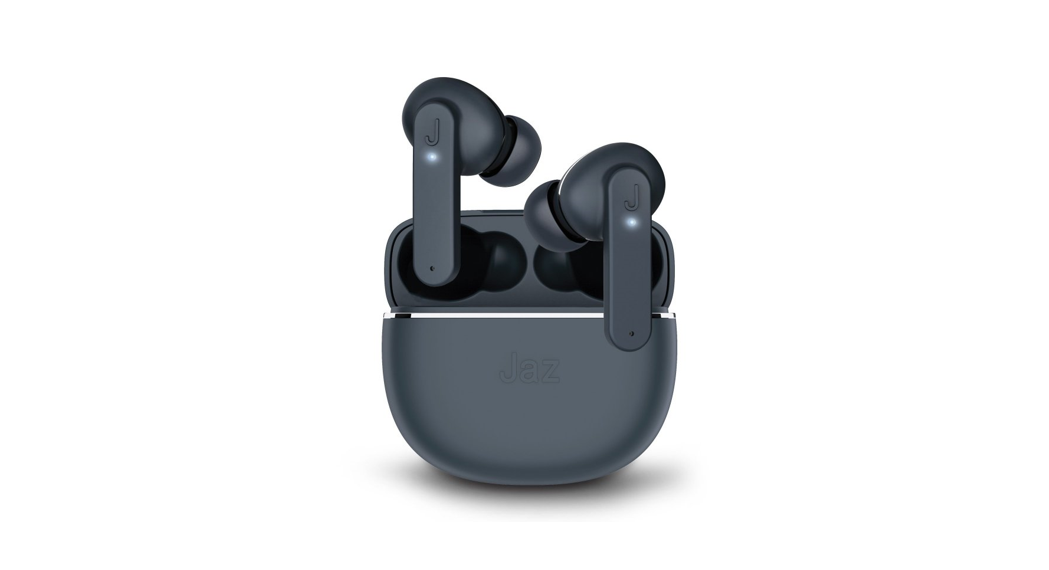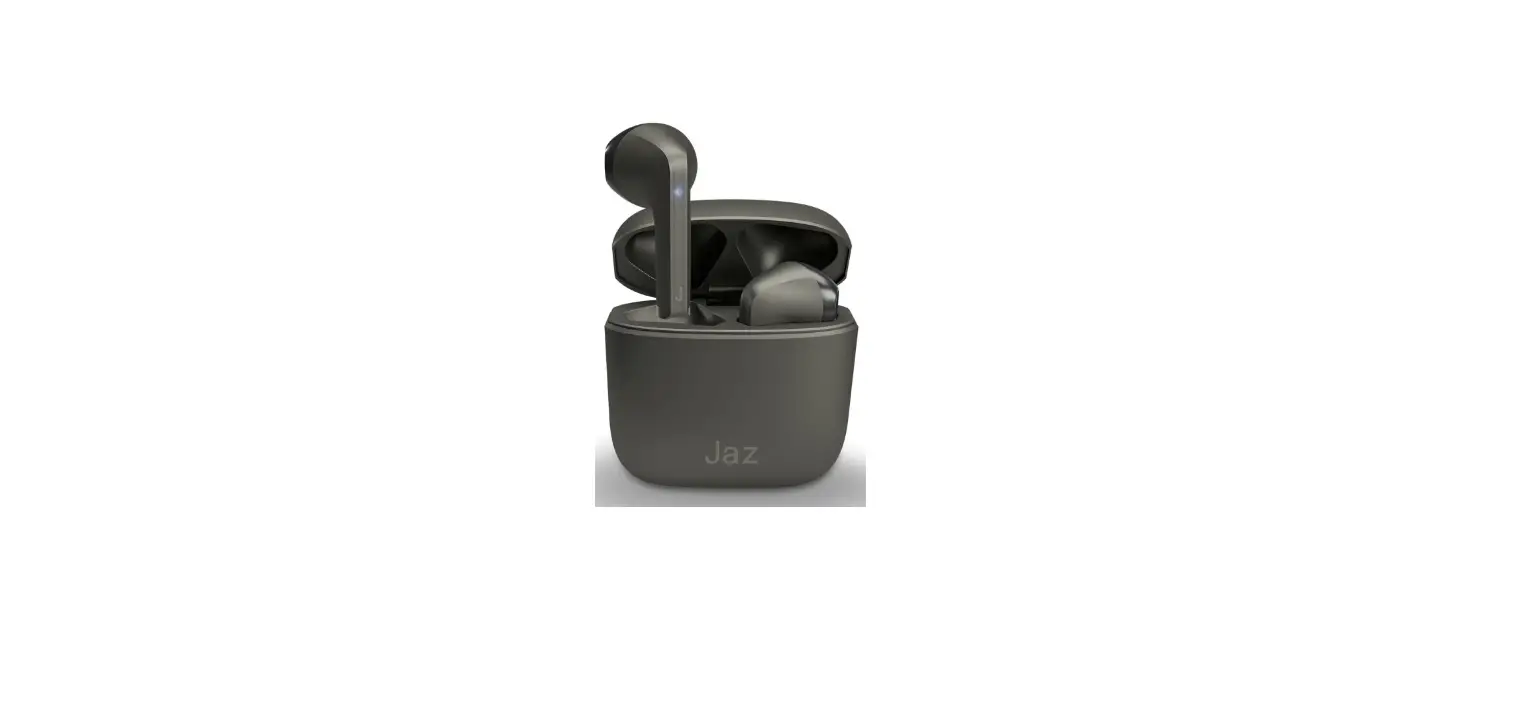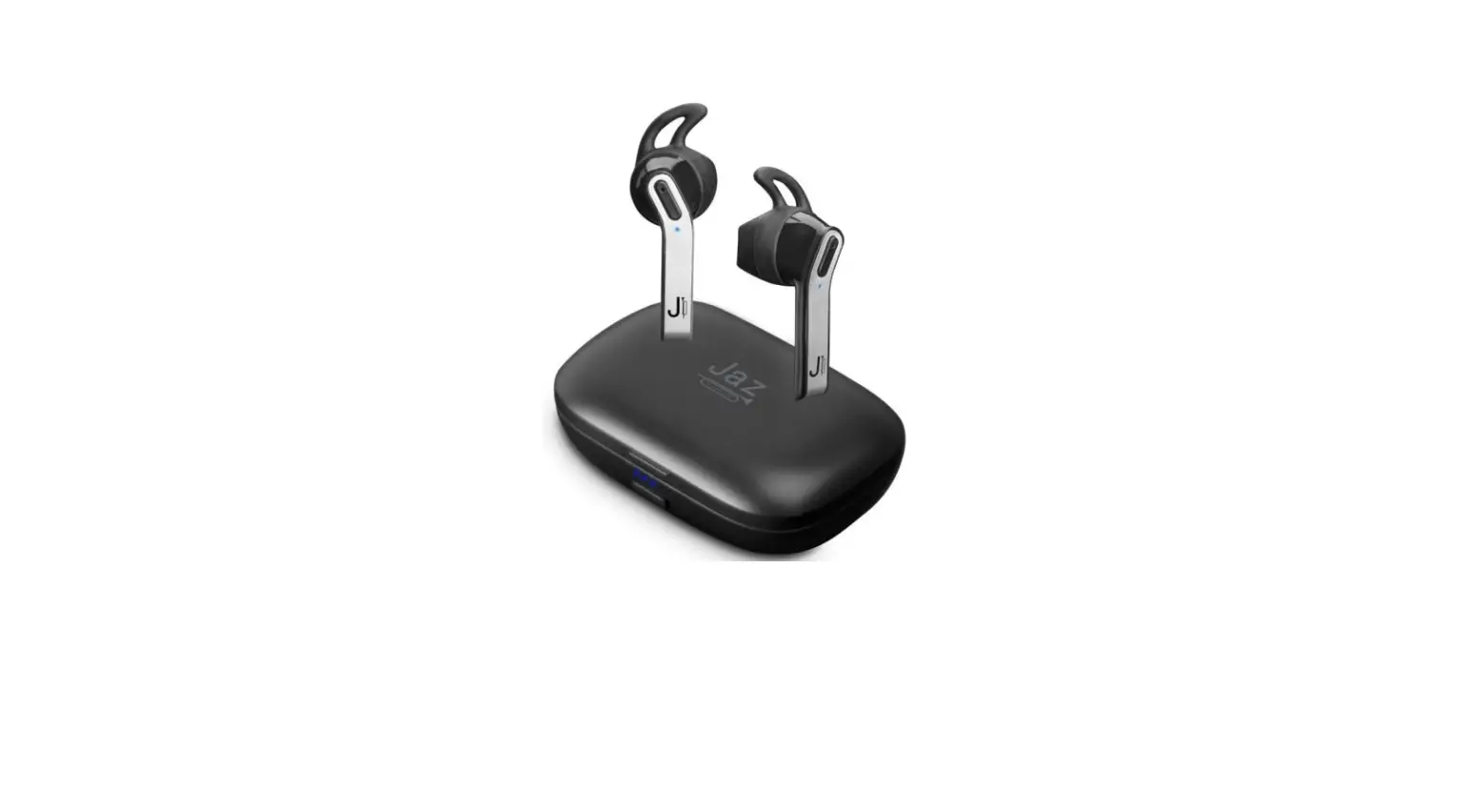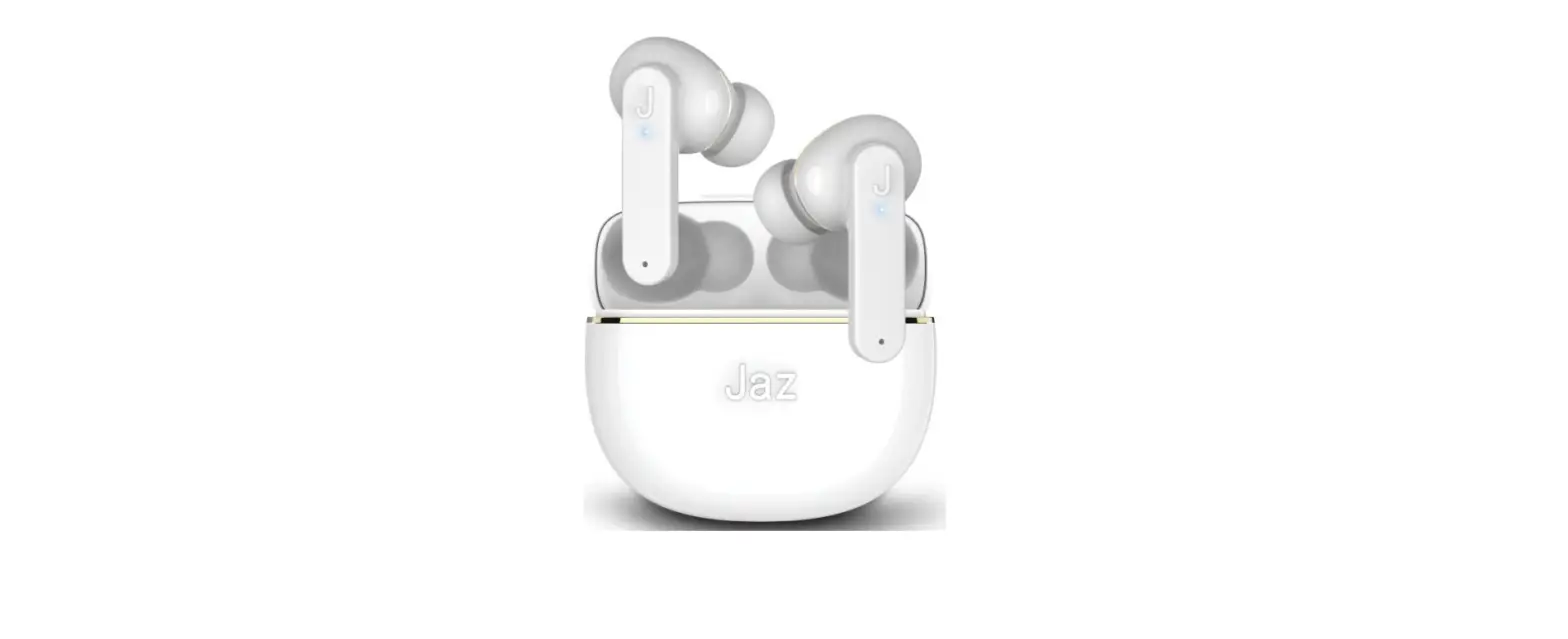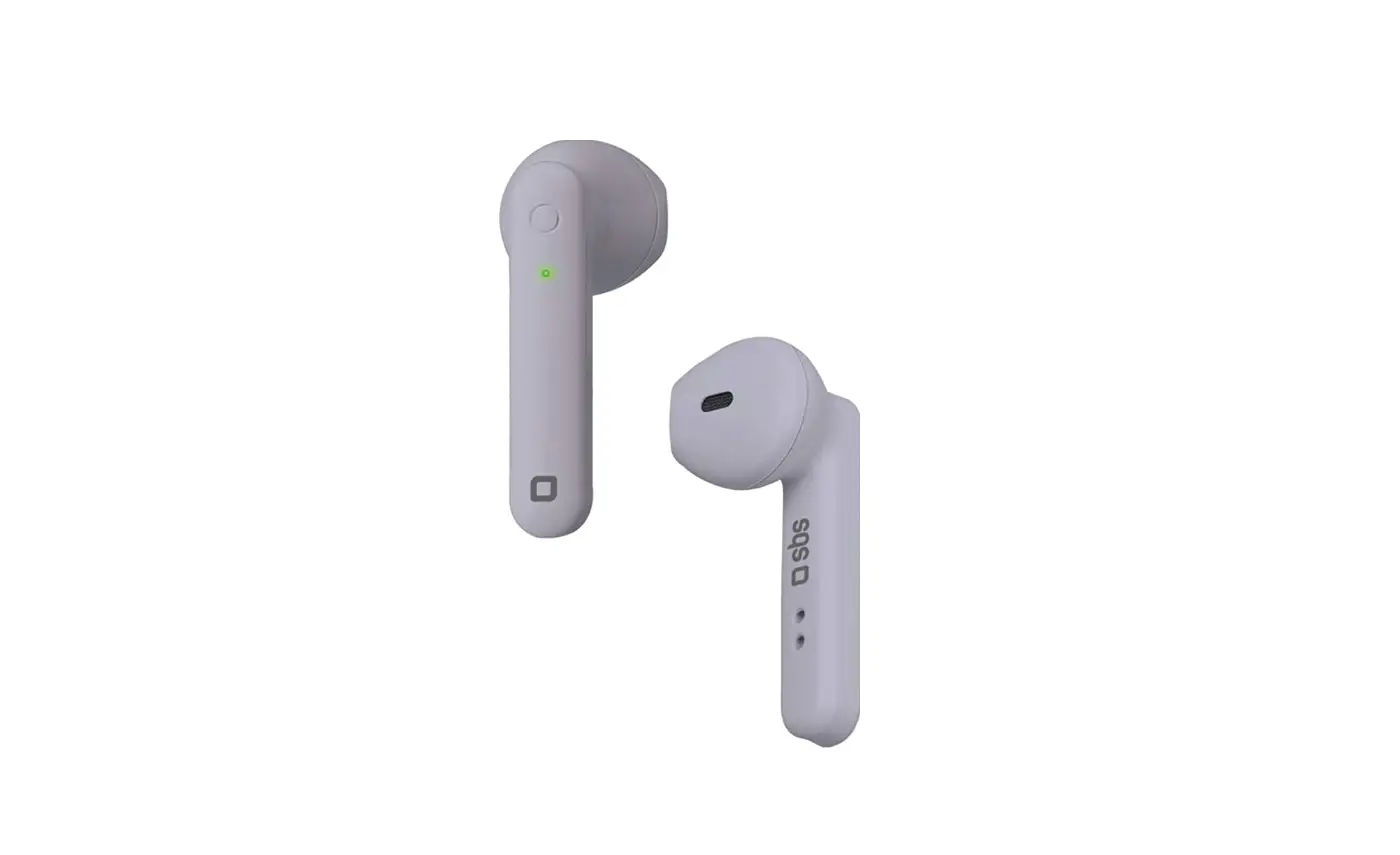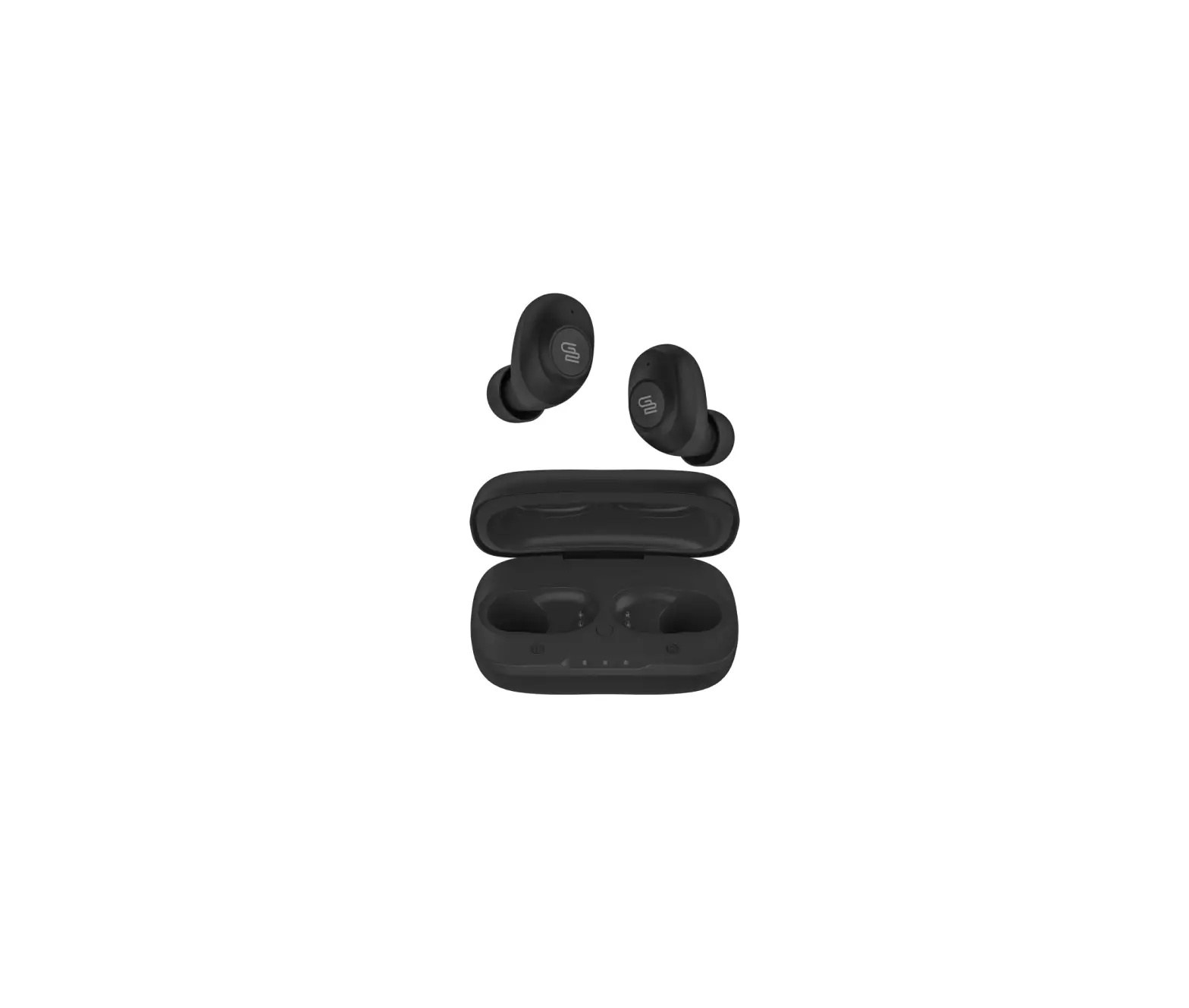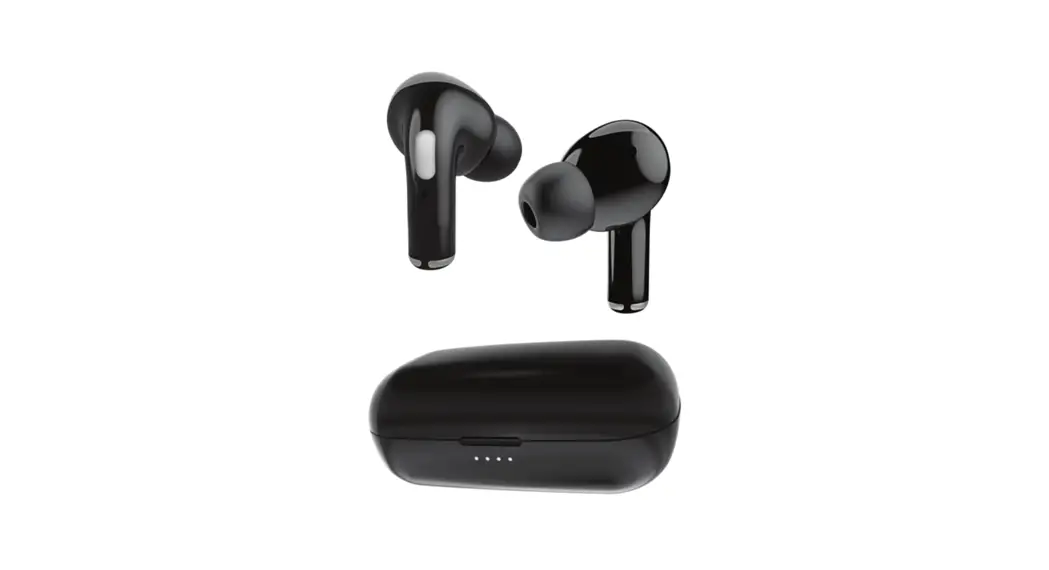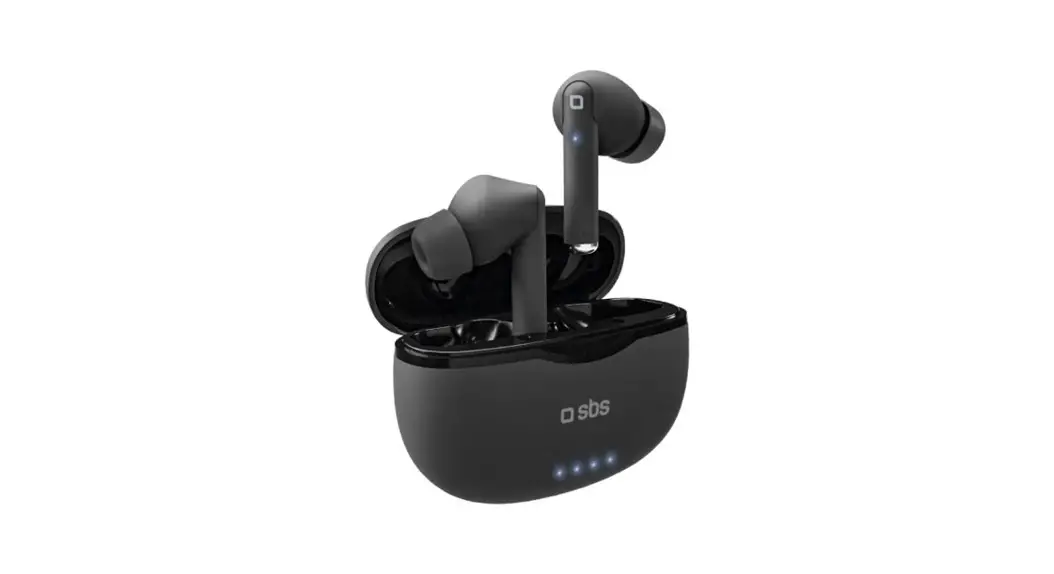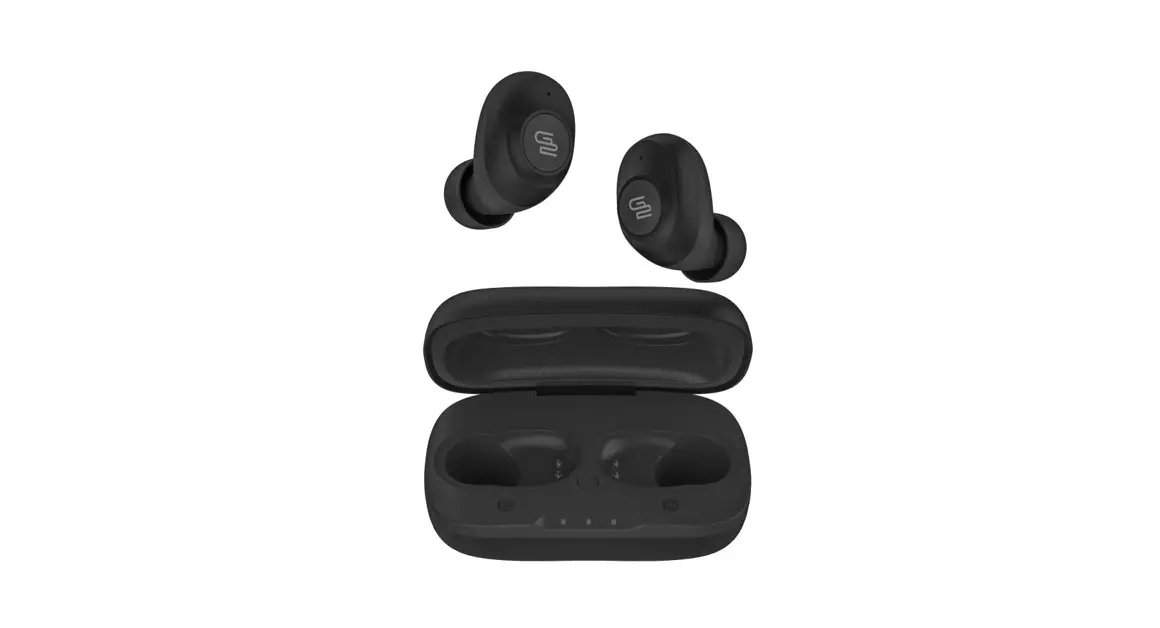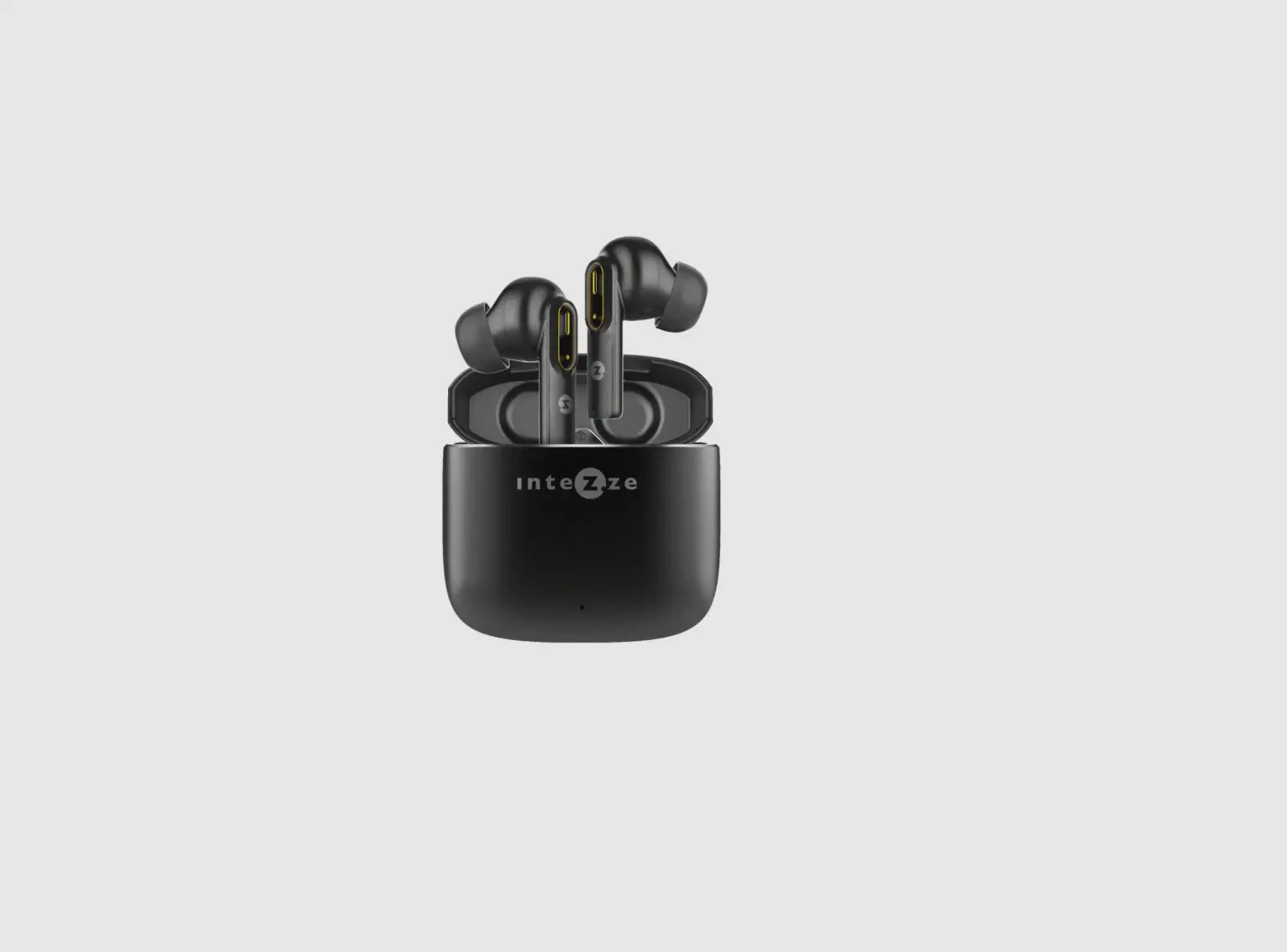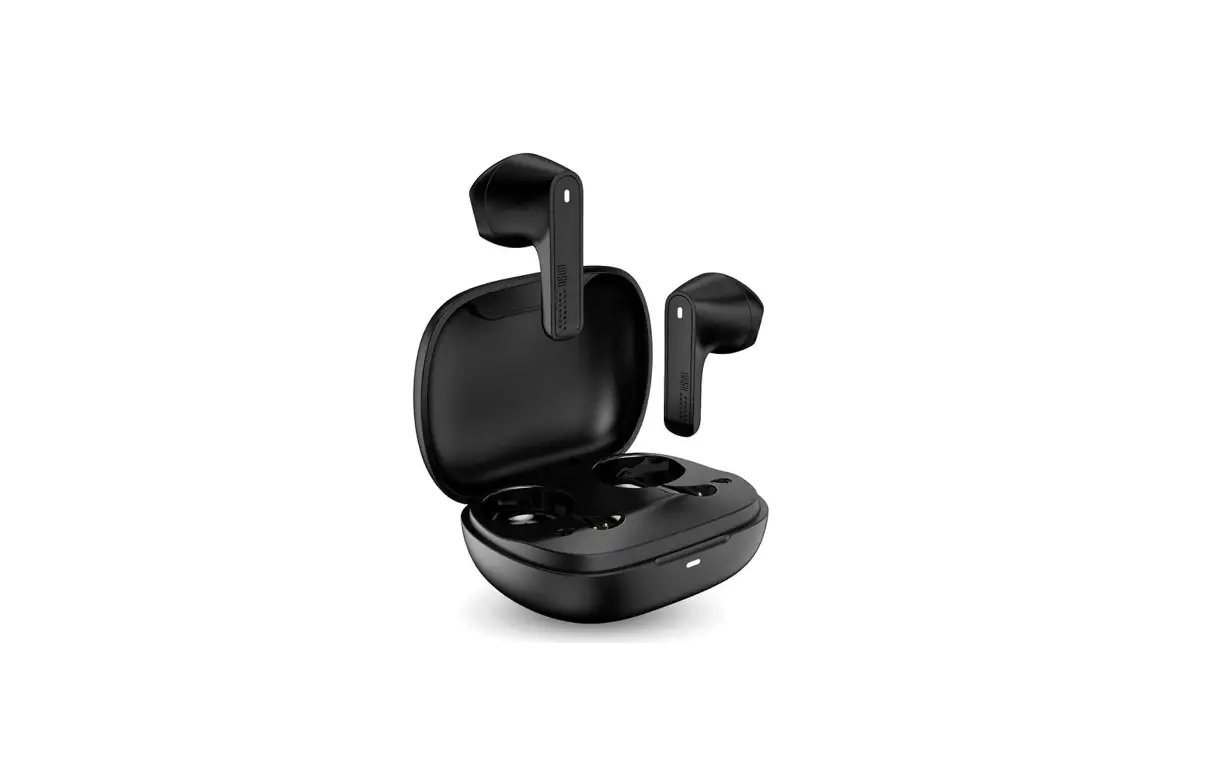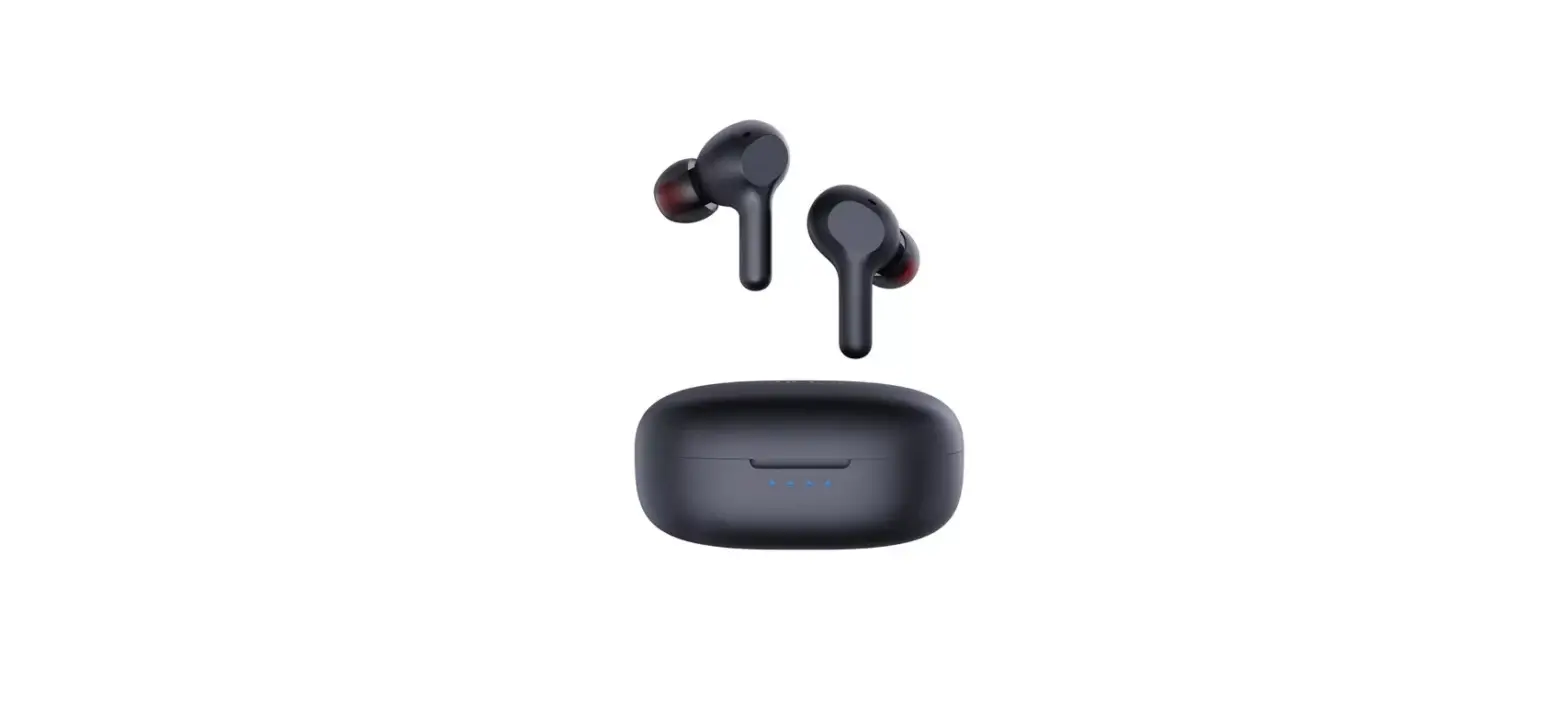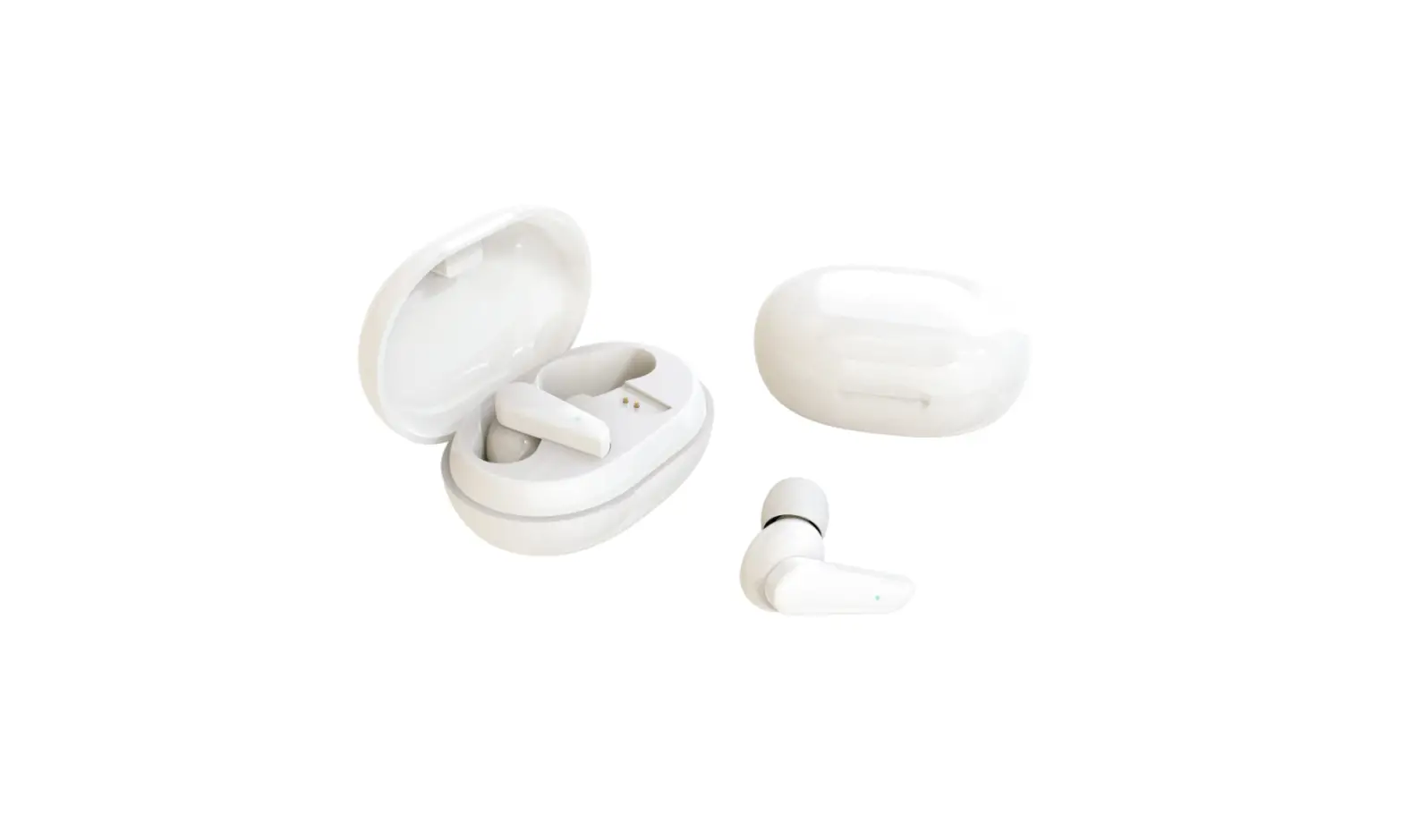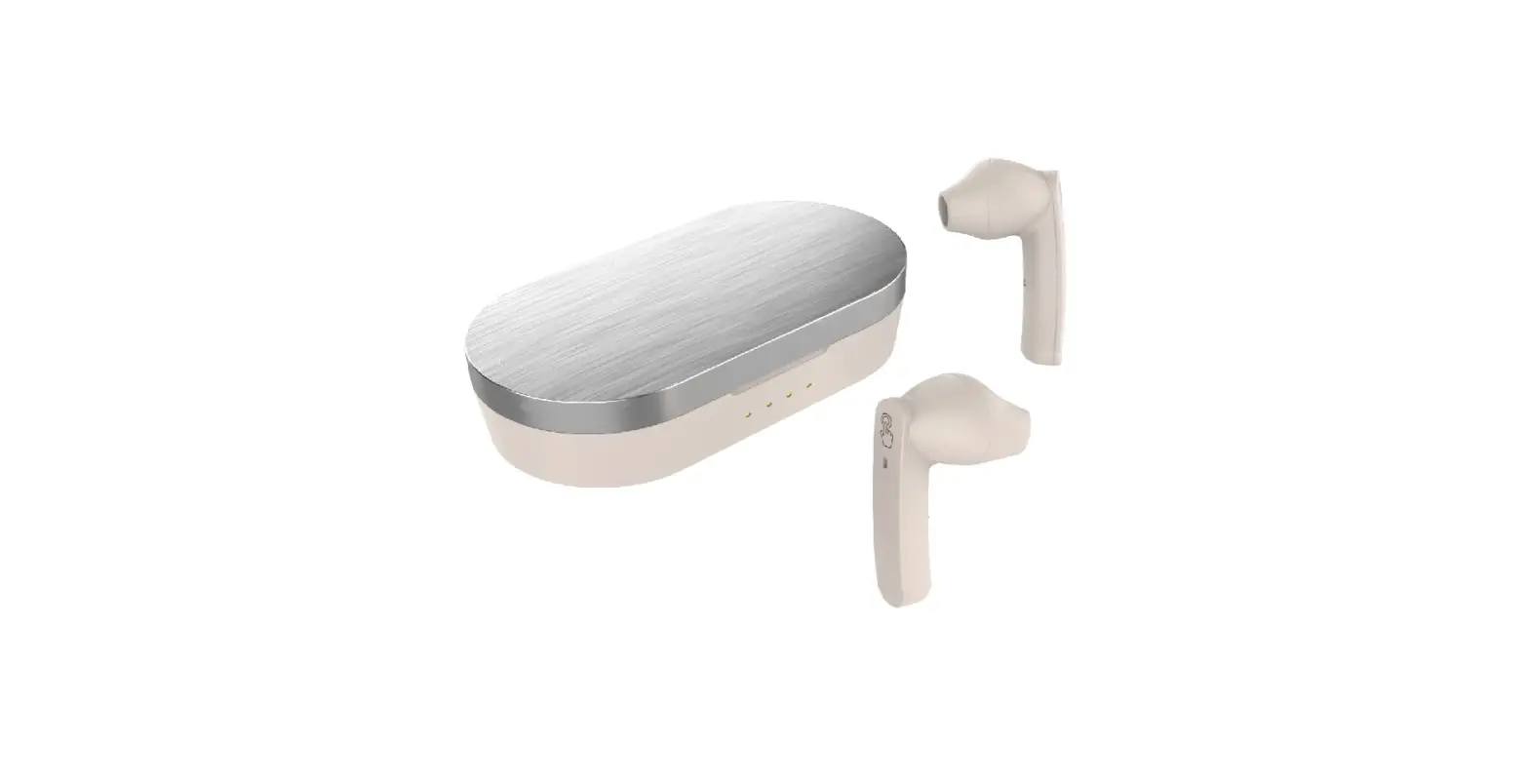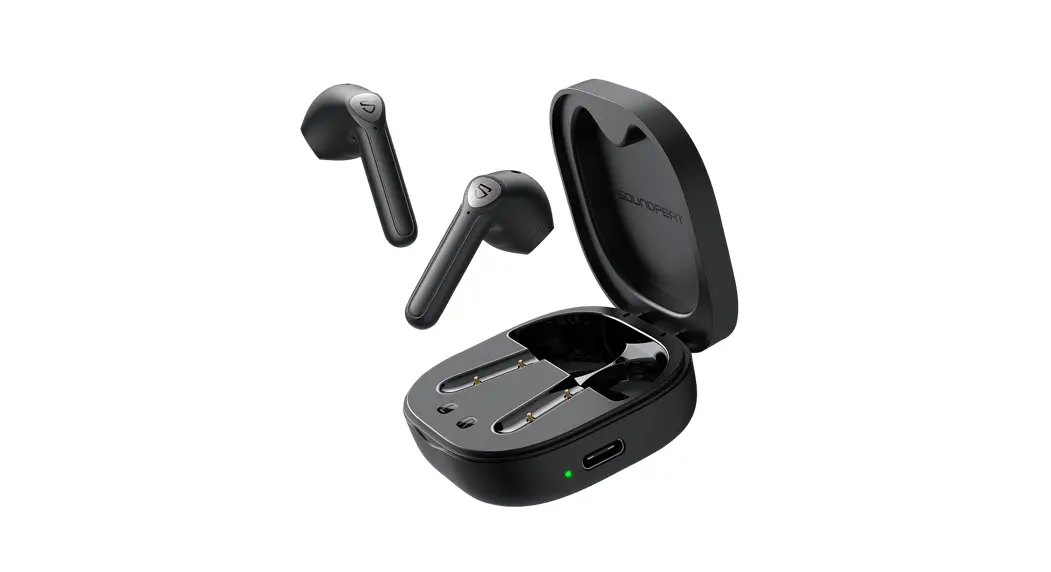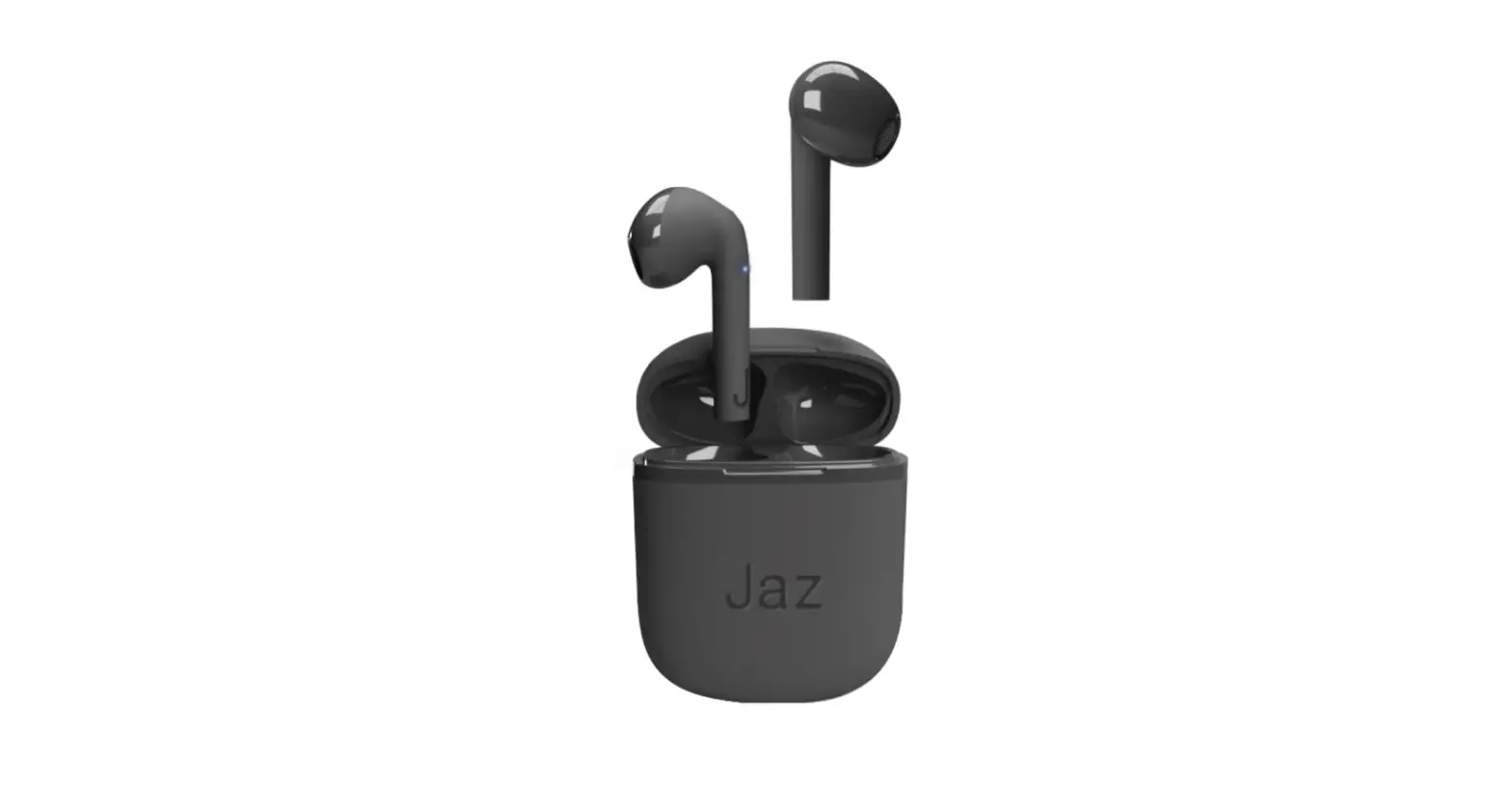

Jaz TEJZEARTWSEARBTB Wireless Stereo Earphones TWS
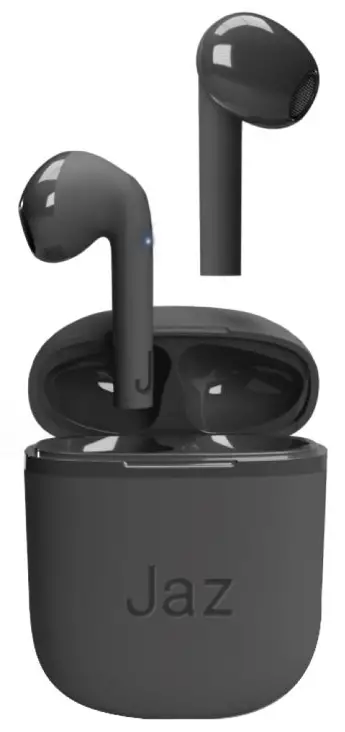
Wireless Stereo Earphones TWS
SPECIFICATION
- Wireless: V 5.1
- Sensitivity: 105dB
- Working range: 10m
- Speaker driver: 10mm
- Impedance: 32Ω
- Frequency: 20Hz – 20kHz
- Battery earbuds: 30mAh
- Charging case: 200mAh
- Box charge time: 3 hours
- Earphone charge time: 1 hour
- Working time: 5 hours Touch control
- Type-C connector
INSTRUCTION
- Charging the earbuds
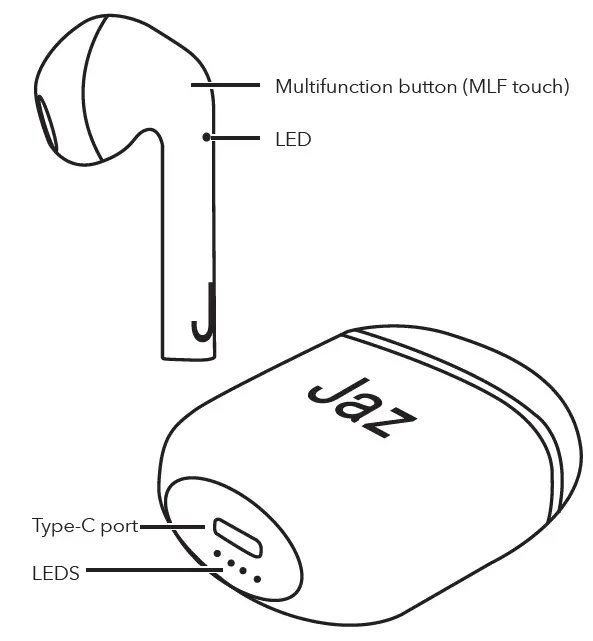
Insert the earbuds into the charging case, the LEDs will light up. Once charging is complete, the LEDs will turn off. - Charging the case
Insert the Type C connector of the supplied cable into the Type C port on the case and the other end into a USB port. The LED on the case will start flashing during charging. - Powering on earbuds
Remove the earbuds from the charging case: they will automatically turn on and pair with each other, or press both MLF buttons on the earbuds for 3 seconds. - Turning off the earbuds
Insert the earbuds into the charging case: they will turn off automatically, When the earbuds are not paired with a device and are out of the charging case, they will automatically turn off after 2 minutes, Or press the MLF button on one of the earphones for 5 seconds. - Pairing with a device
- Take the earbuds out of the charging case: they will automatically turn on and pair with each other.
- Turn on Bluetooth on the device and search for “JAZ SILK TWS” in the list of available devices, then select it.
- After the first pairing with the device (if Bluetooth is turned on) the earbuds will automatically pair each time they are removed from the case.
Commands
| Command | Action | Button |
| Play/pause music | 1 tap | Left / right |
| Voice assistant | Hold | Left / right |
| Previous track | 3 taps | Left |
| Next track | 3 taps | Right |
| Answer call | 1 tap | Left / right |
| End call | 1 tap | Left / right |
| Reject incoming call | Hold | Left / right |
| Volume + | 2 taps | Right |
| Volume – | 2 taps | Left |