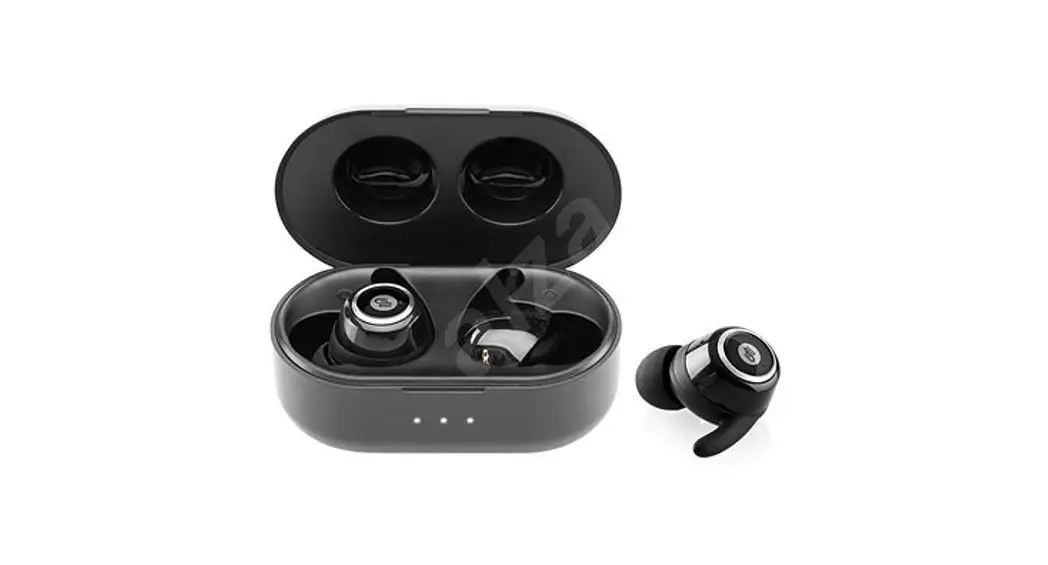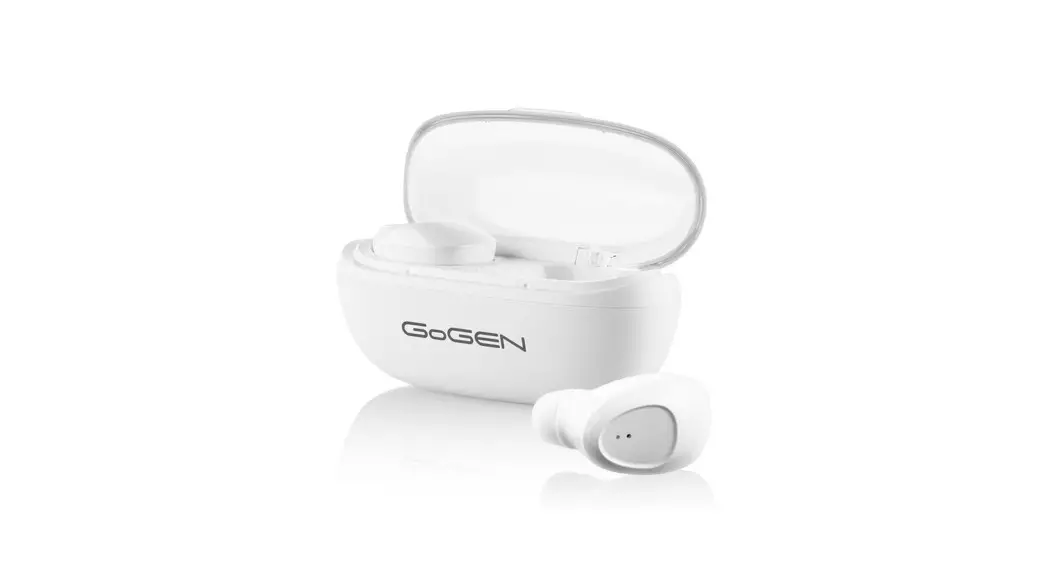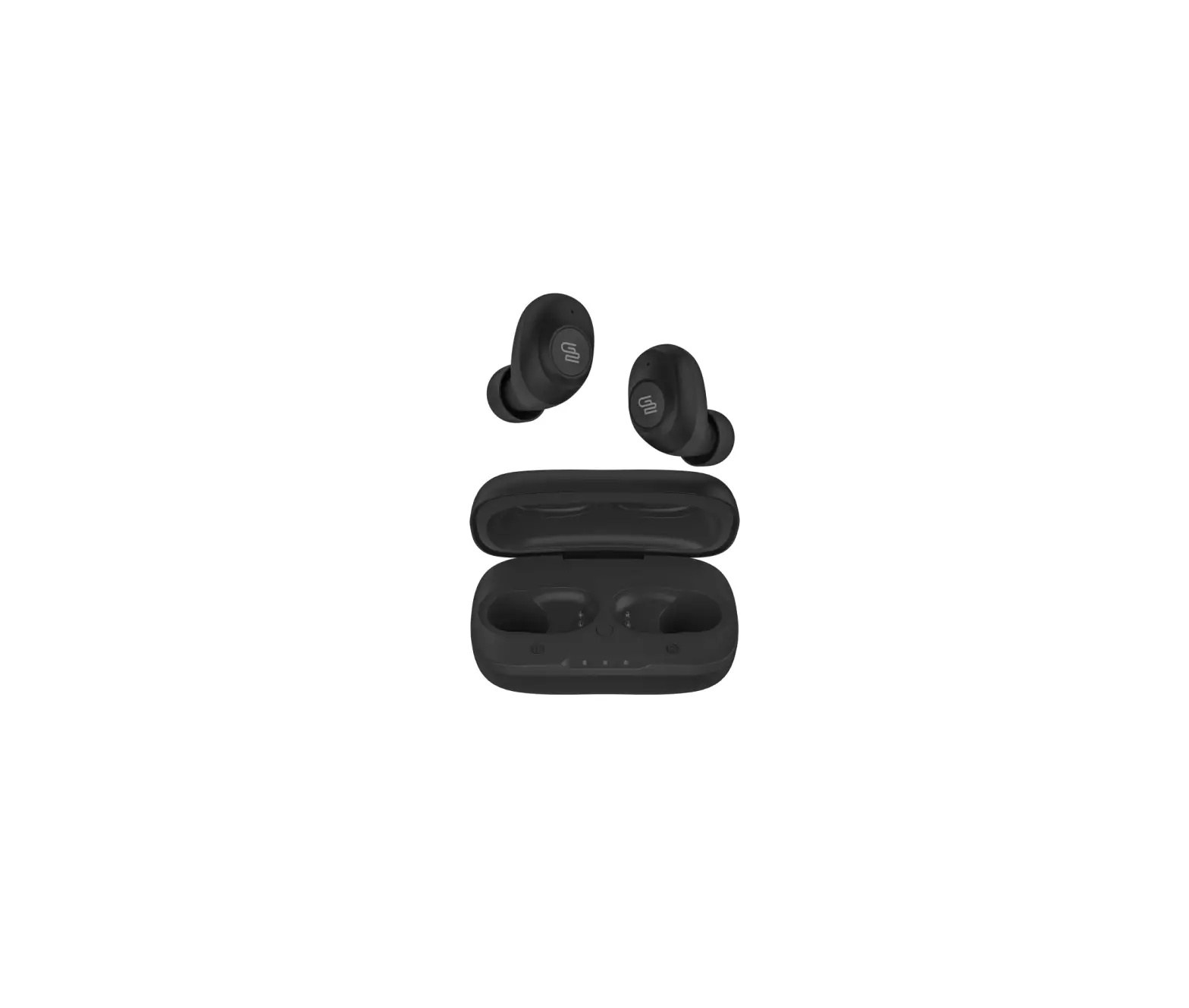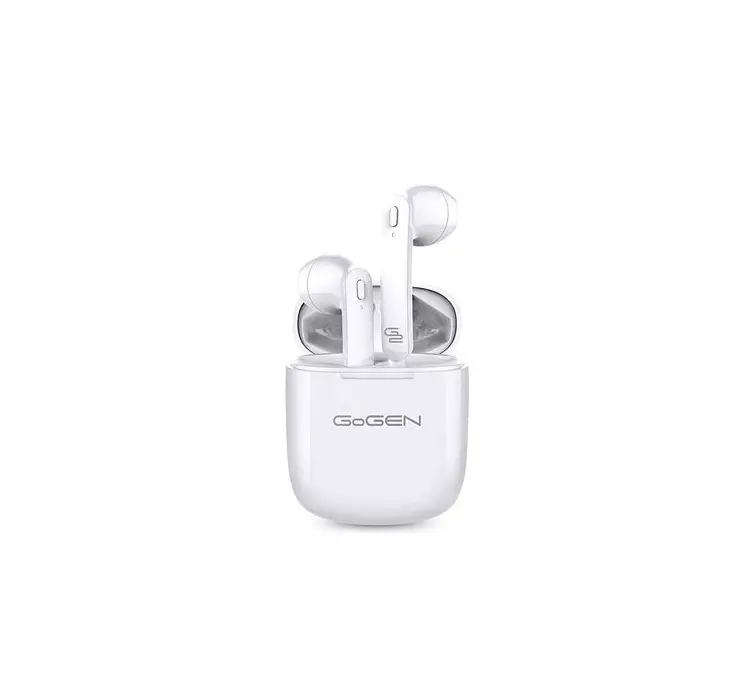

TWS BRO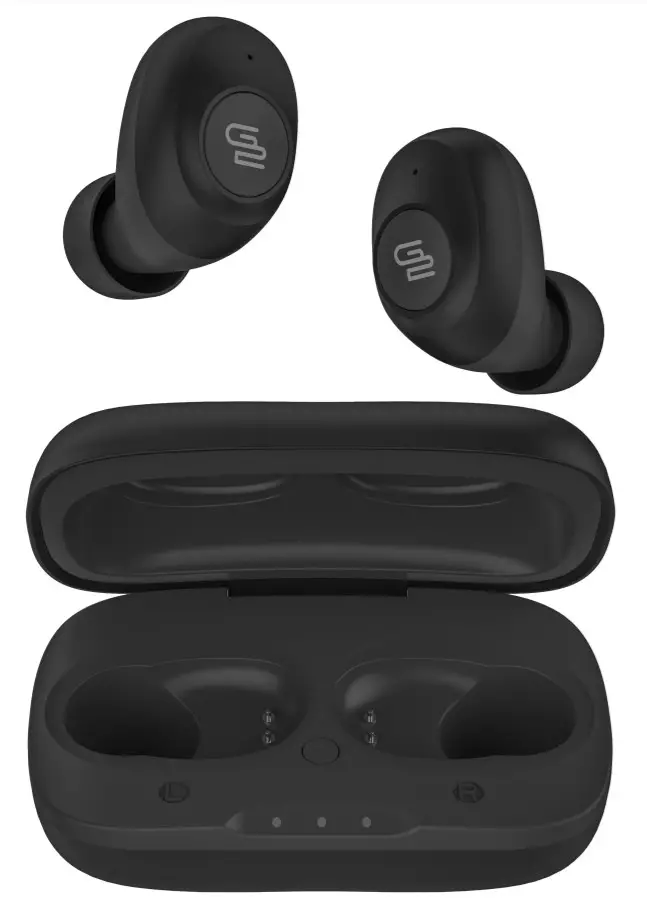
WIRELESS STEREO HEADPHONE
USER MANUAL
SECURITY PRECAUTIONS
In order to have proper and safe use of the headset, please read this user manual in detail and save it. Be aware of the following guidelines when using your headset:
WARNING
- You should adjust the volume carefully when using the headset to prevent hearing damage.
- Please stop using the headset in potentially hazardous situations to ensure your safety.
- Please avoid using the headset to listen to music, make or receive calls that may cause a distraction while driving.
- Put this product and its accessories somewhere out of the reach of children, to avoid a fatal danger caused by inappropriate use.
- You should keep water from entering the headset, which may cause damage to the sound quality or the headset.
- You should avoid turning the volume so high that you can’t hear anything around you. If you feel tinnitus or the volume is too high, please reduce the volume.
- Stop using the headset if you feel obvious discomfort, irritation, or have other adverse reactions.
- The headset should not be stored or used at temperatures below -10 °C or above 55 °C which may shorten the headset or battery life.
TECHNICAL SPECIFICATIONS
| Bluetooth Version: | V 5.0 |
| Bluetooth Profile: | HSP, HFP, A2DP, AVRCP, AAC, TWS |
| Operating range: | 10 m |
| Frequency Response: | 100 Hz – 10 KHz |
| Rated Power: | 3 mW |
| Sensitivity: | 90 dB (±3 dB) @ 1 KHz |
| Impedance: | 16 Ω ± 15% |
| EIRP: | 4 dBm |
| Battery: | Li-Polymer 400 mAh Charging Case + 45 mAh X 2 earbuds |
| Music playing time: | up to 4 hours + 12 hours with charging case |
| N.W.: | 4,5 g / earbud, 46 g including charging case |
ACCESSORIES
Eartips, USB Charge Cable, Charging Case
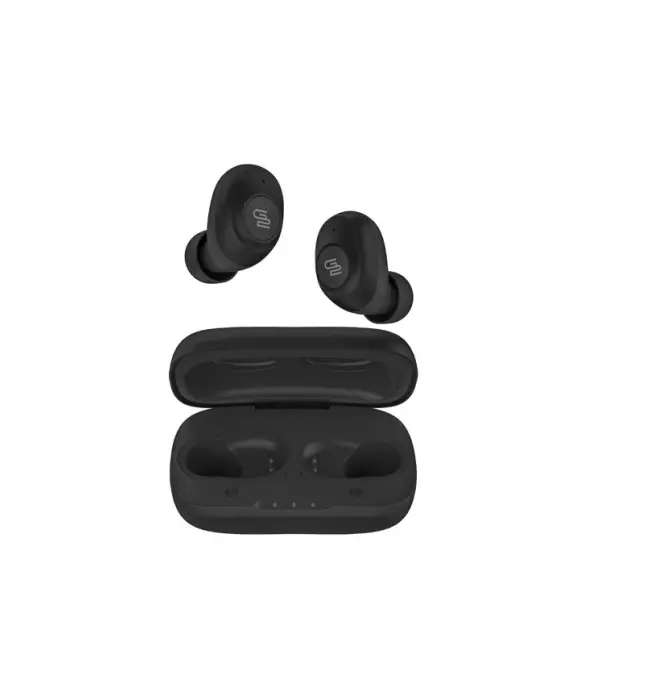
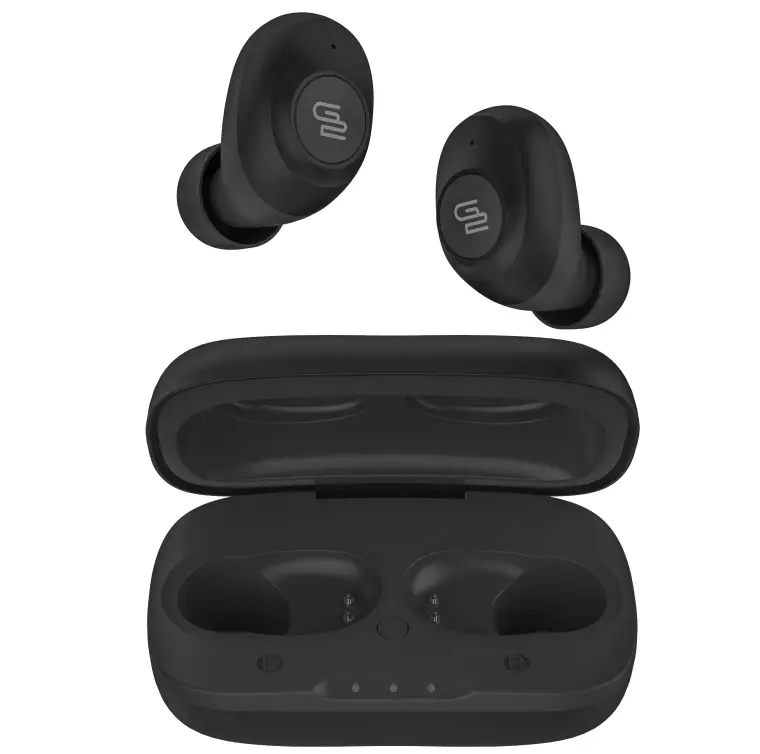
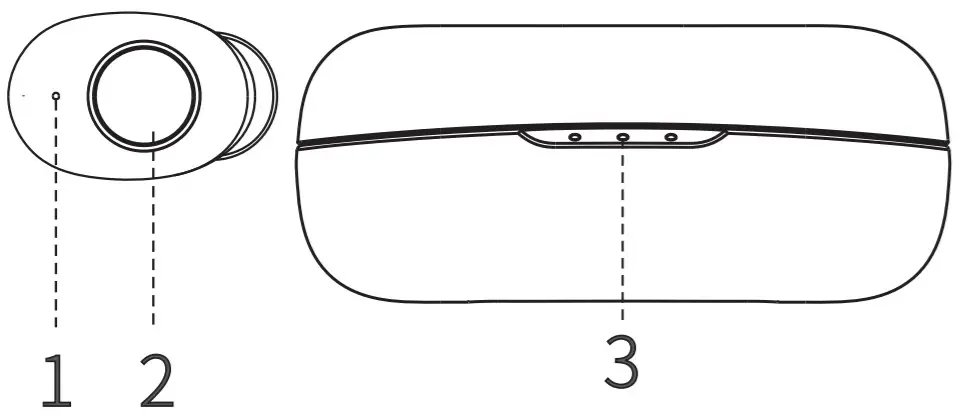
DEVICE LAYOUT
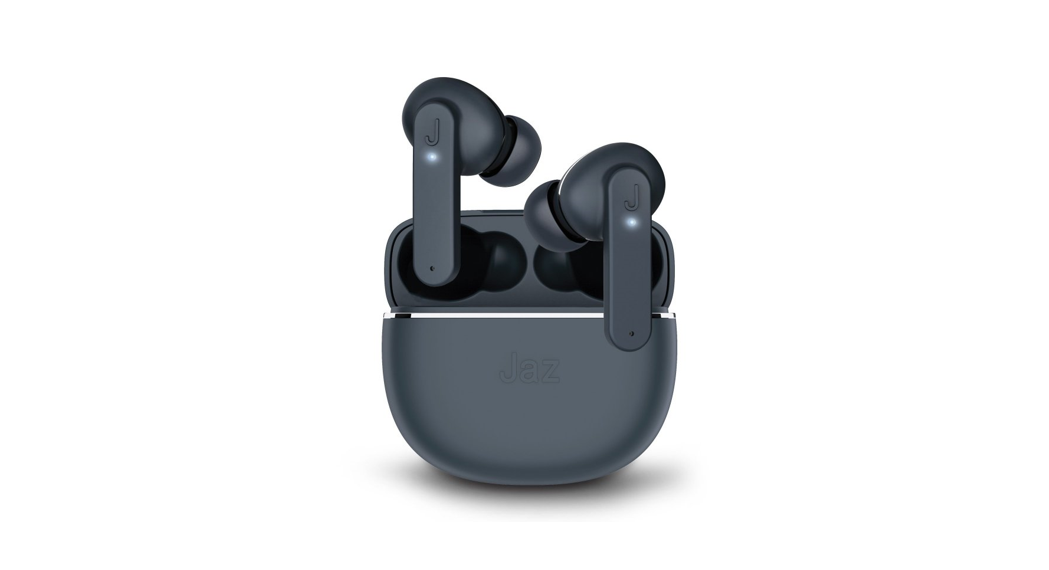
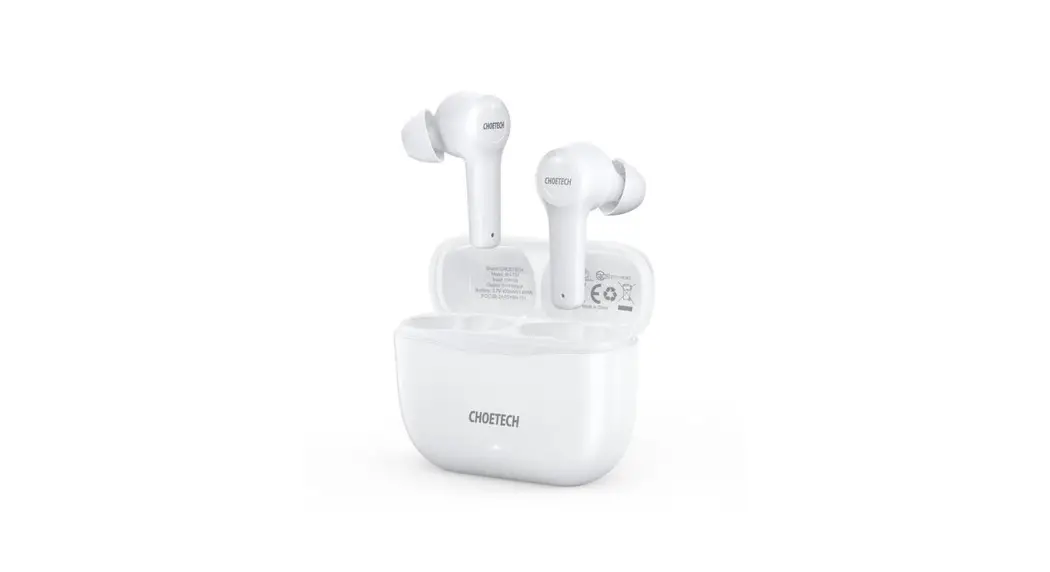
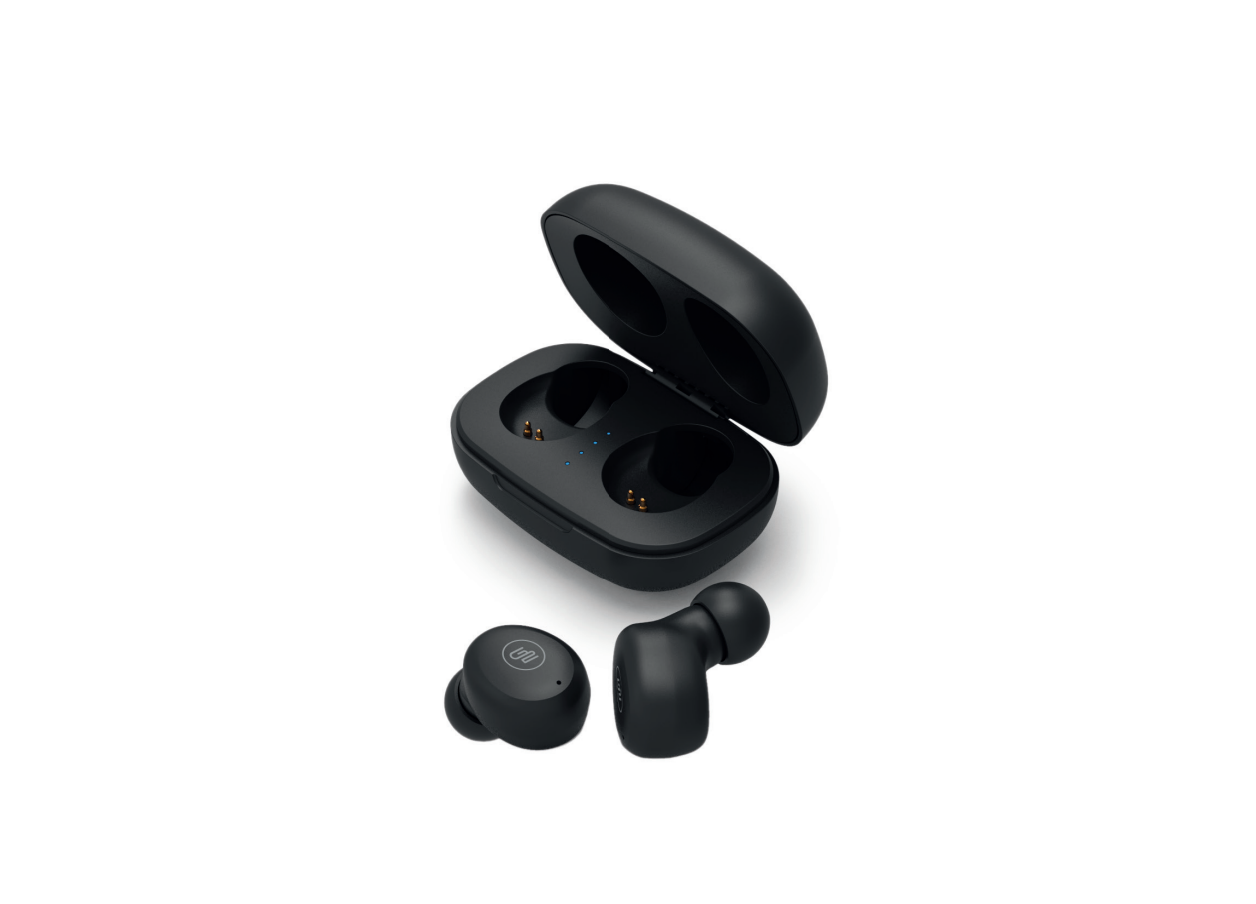
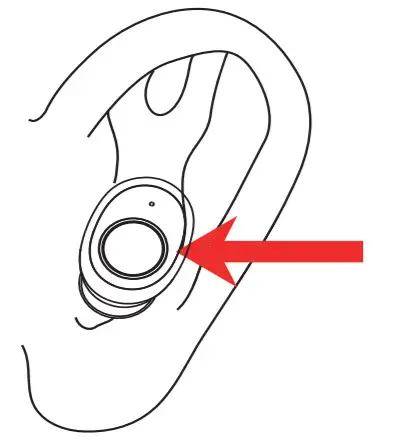
- LED light
- Touch control area
- Charging case battery indicator
POWER ON & PAIRING
Option 1: AUTO ON & PAIRING
With the two headsets in case and lid open to active Power ON. Take out the headsets and wait about 5 seconds until LEFT & RIGHT earbuds AUTO paired. The LED lights on R earbuds will
flash blue and red alternately.
Option 2: Manually ON & PAIRING
Pick up the headset from the charging case, long tap the L&R earbuds for 2 seconds until they are powered OFF. After a while (5 seconds), long tap the L&R earbuds for 3-5 seconds. After connecting, the LED lights on R earbuds will flash blue and red alternately.
BLUETOOTH CONNECTION STEPS
- Please keep your headset and mobile phone as close as you can, within 1 meter.
- Turn on “Bluetooth” in setting on your phone or other devices, and then find and select GOGTWSBRO.
- Click on GOGTWSBRO and Bluetooth Headset gets connected with your phone or devices automatically. (Some may require a passcode which is “0000” (4 zeros)).
TAP CONTROL INSTRUCTIONS
| FUNCTION | CURRENT STATUS | ACTION |
| ACTIVATOR OFF | CONNECTING TO PHONE | Press 3 times L or R earphone to activate Siri |
| ANSWER CALL | INCOMING CALL | Short press the L or R earphone |
| END CALL | ON CALL | Short press the L or R earphone |
| REJECT CALL | INCOMING CALL | Press L or R earphone for 2 seconds |
| PLAY & PAUSE MUSIC | MUSIC PLAYING | Short press L or R earphone |
| PREVIOUS TRACK | MUSIC PLAYING | Press R earphone for 2 seconds |
| NEXT TRACK | MUSIC PLAYING | Press L earphone for 2 seconds |
CHARGING
CHARGING WAYS OF HEADSET
Put the headset(L)(R)to the corresponding position at the bottom of the charging base, close the charging base tightly. The indicator light of the headset is red when being charged, and will turn off automatically after being fully charged.
CHARGING WAYS OF CHARGING BASE
Use the USB charging cable to charge. The indicator light of the charging base is flashing white when being charged and lights white after being fully charged.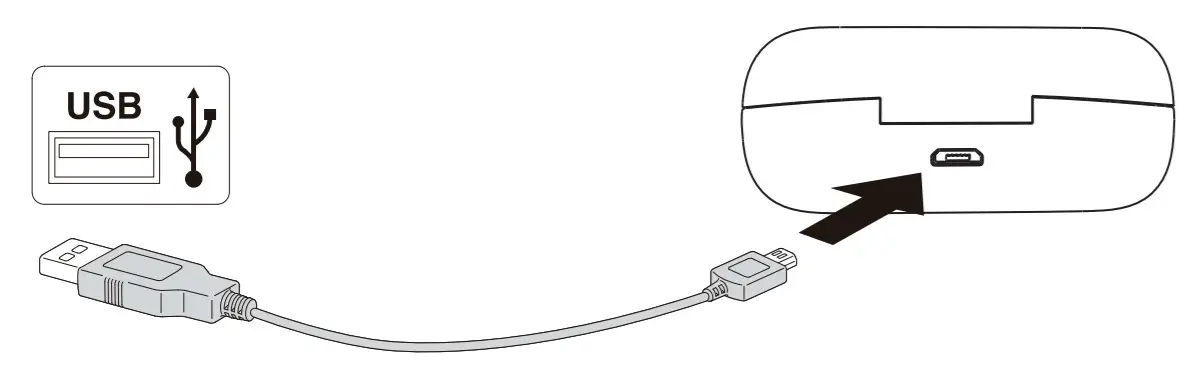
WARNING:
- You must select a qualified charger from a regular manufacturer. (Charging Voltage: 5V Charging Current: 900mA for charging case)
- A fully charged headset will lose its power automatically if left unused. It is recommended to charge the headset every three months.
- Do not leave the headset in a too hot or too cold condition (best between -10°C and +40°C)
which may affect the headset‘s operations although it is fully. - Please wear this Headset properly for the best tone quality.
Do not disassemble hardware. Please use soft and dry cotton for cleaning. - Make sure the headset is fully charged before first use.
- This Headset is not waterproof. Do not use it while swimming or diving.
- If do not use this Headset for a long time, please charge once a week to extend battery life.
- Keep your Headset and device as close as you can to avoid interference of signal path.
WARRANTY
Our product is warranted for 2 full years from the date of purchase. The warranty is provided on all material defects and workmanship. A guarantee of 24 months does not apply to a decrease in the accumulator’s effective capacity caused by its use or age. Effective capacity gradually decreases
depending on the method of use of the accumulator.
WE RESERVE THE RIGHT TO CHANGE TECHNICAL SPECIFICATIONS.
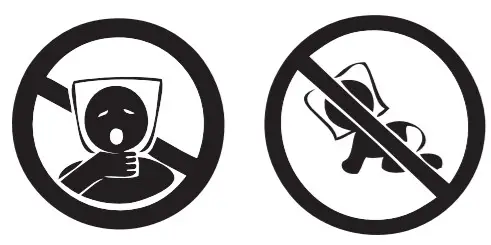 TO AVOID THE DANGER OF SUFFOCATION, KEEP THE PLASTIC BAG AWAY FROM BABIES AND CHILDREN. DO NOT USE THIS BAG IS IN CRIBS, BEDS, CARRIAGES, OR PLAYPENS. THIS BAG IS NOT A TOY.
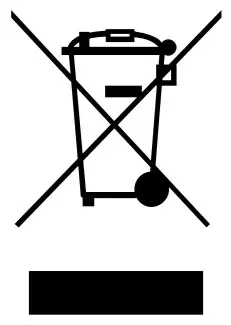 Disposal of Old Electrical & Electronic Equipment (Applicable in the European Union and other European countries with separate collection systems)This symbol on the product or on its packaging indicates that this product shall not be treated as household waste. Instead, it shall be handed over to the applicable collection point for the recycling of electrical and electronic equipment. By ensuring this product is disposed of correctly, you will help prevent potential negative consequences for the environment and human health, which could otherwise be caused by inappropriate waste handling of this product. The recycling of materials will help to conserve natural resources. For more detailed information about recycling of this product, please contact your local Civic Office, your household waste disposal service or the shop where you purchased the product.
Hereby, ETA a.s. declares that the radio equipment type TWSBRO is in compliance with Directive 2014/53/EU. The full text of the EU declaration of conformity is available at the following internet address: http://www.gogen.cz/declaration_of_conformity