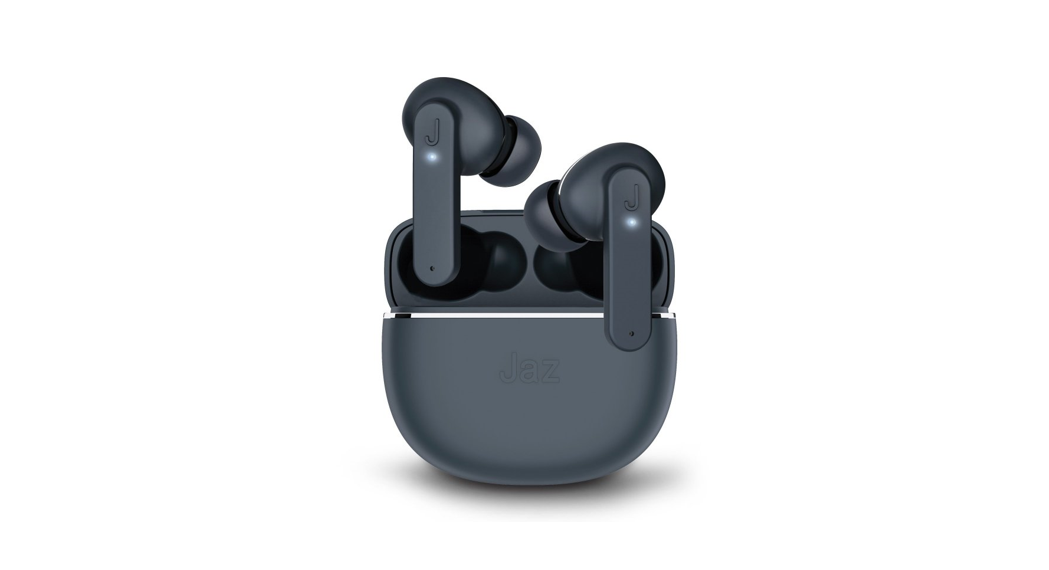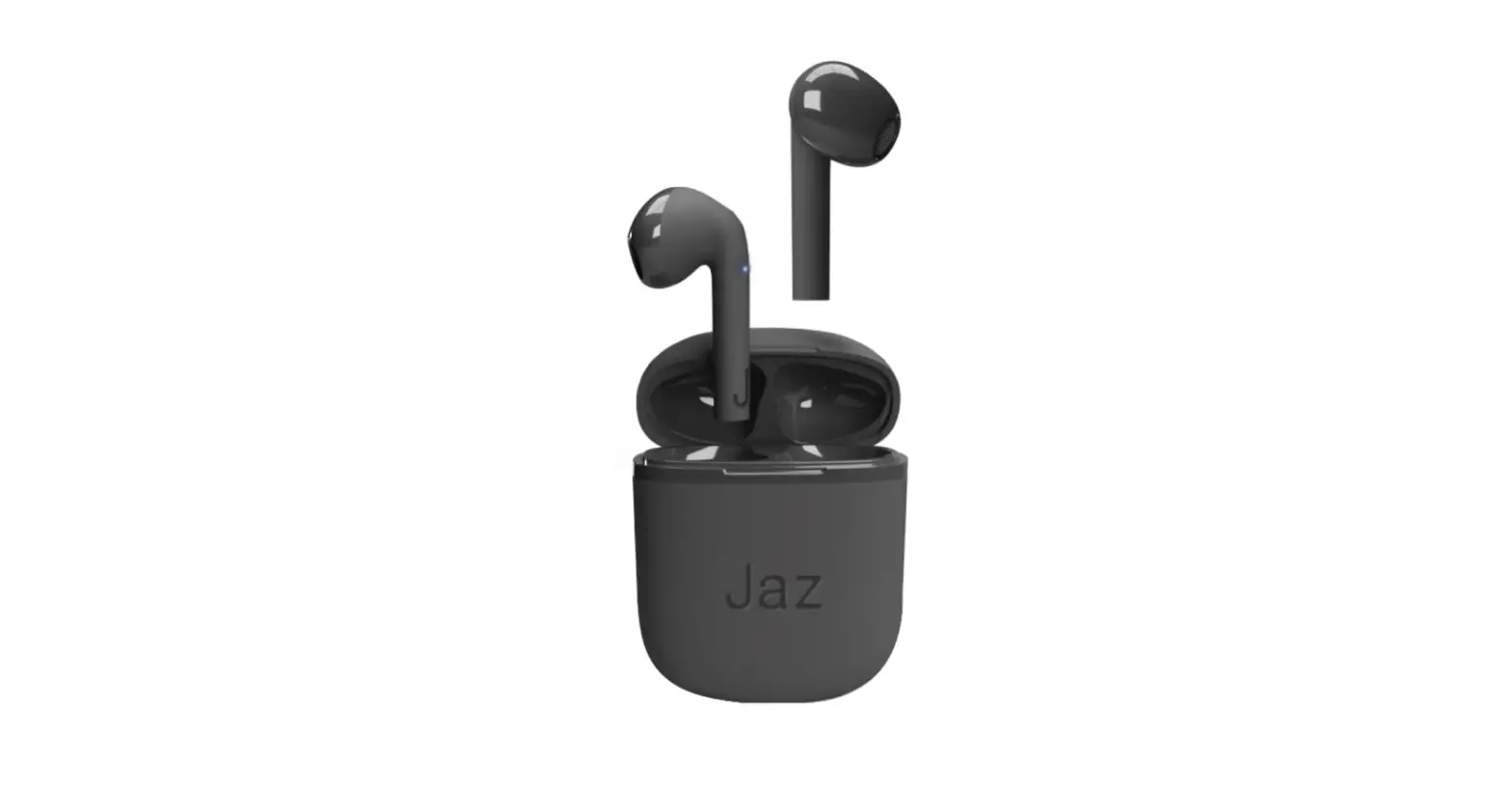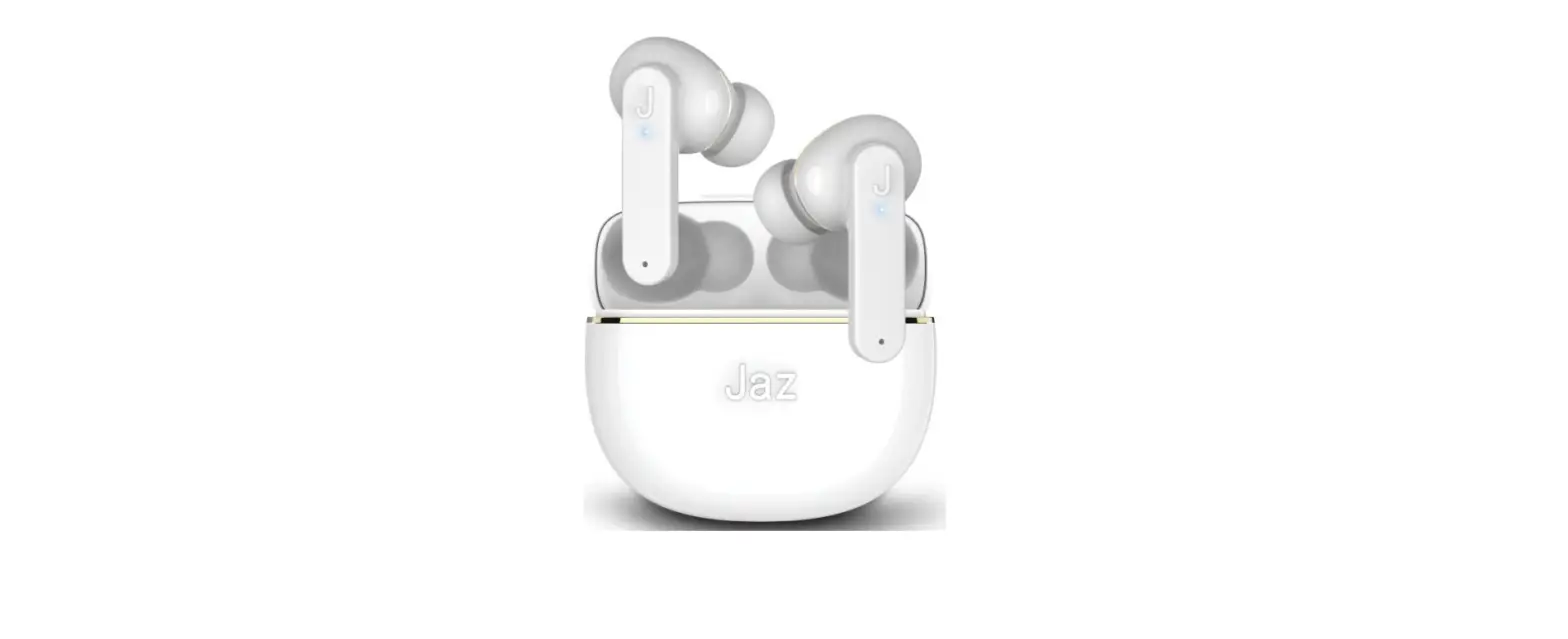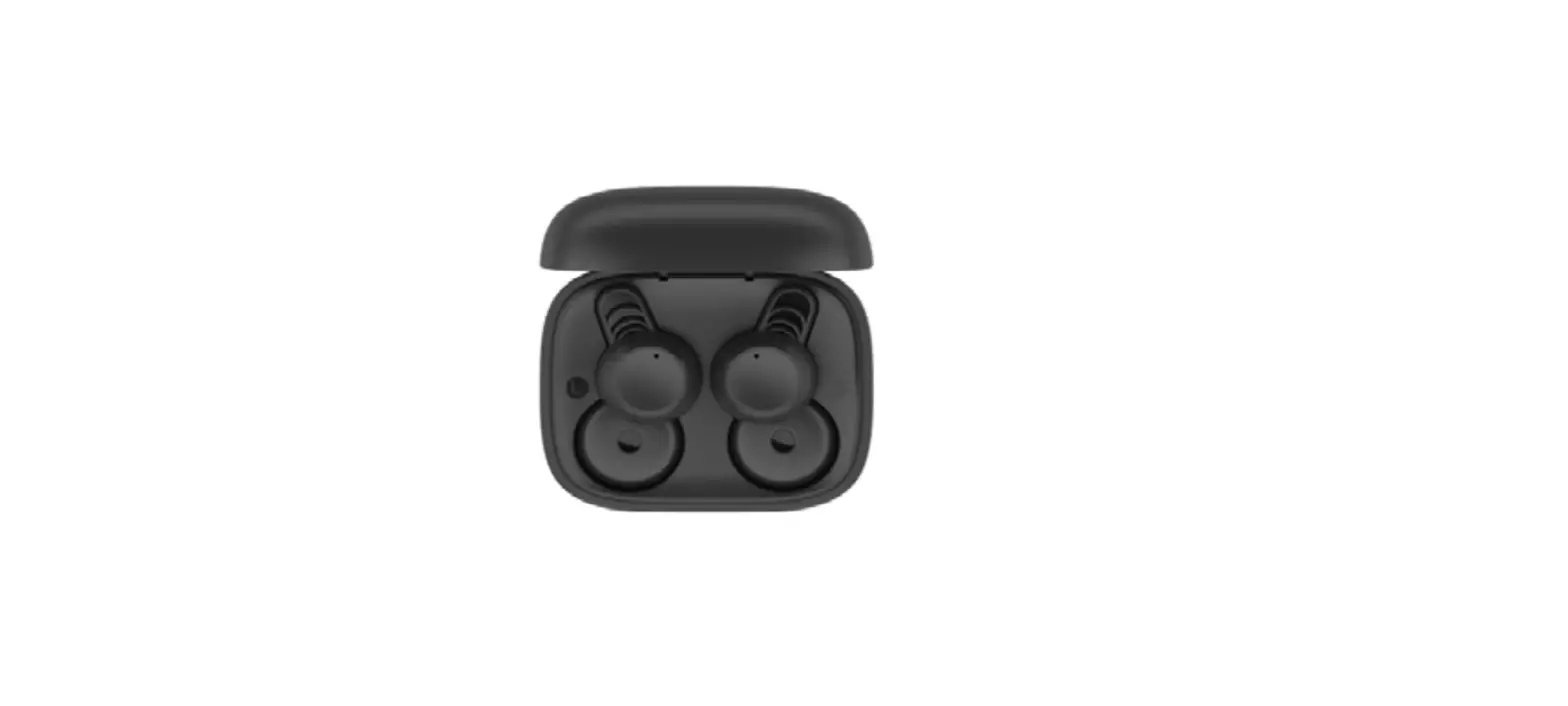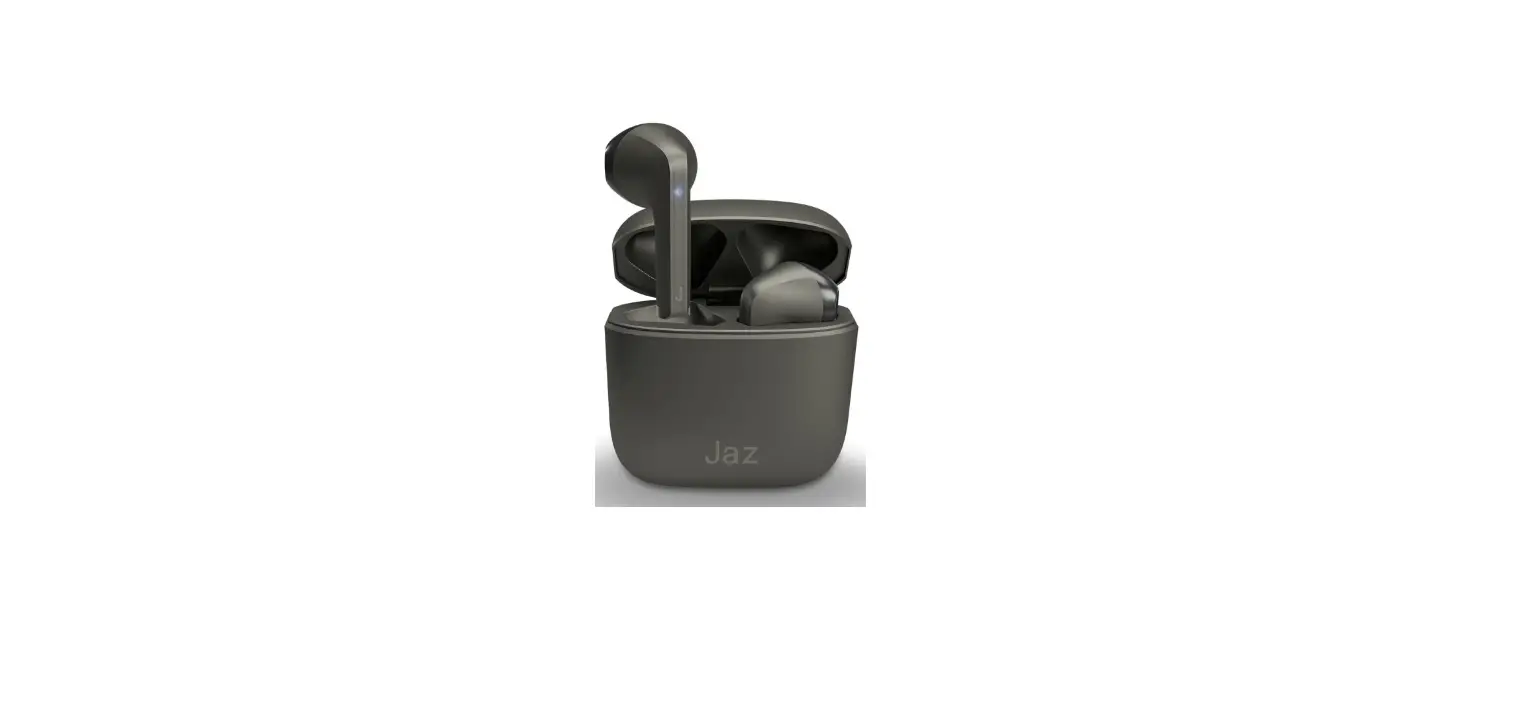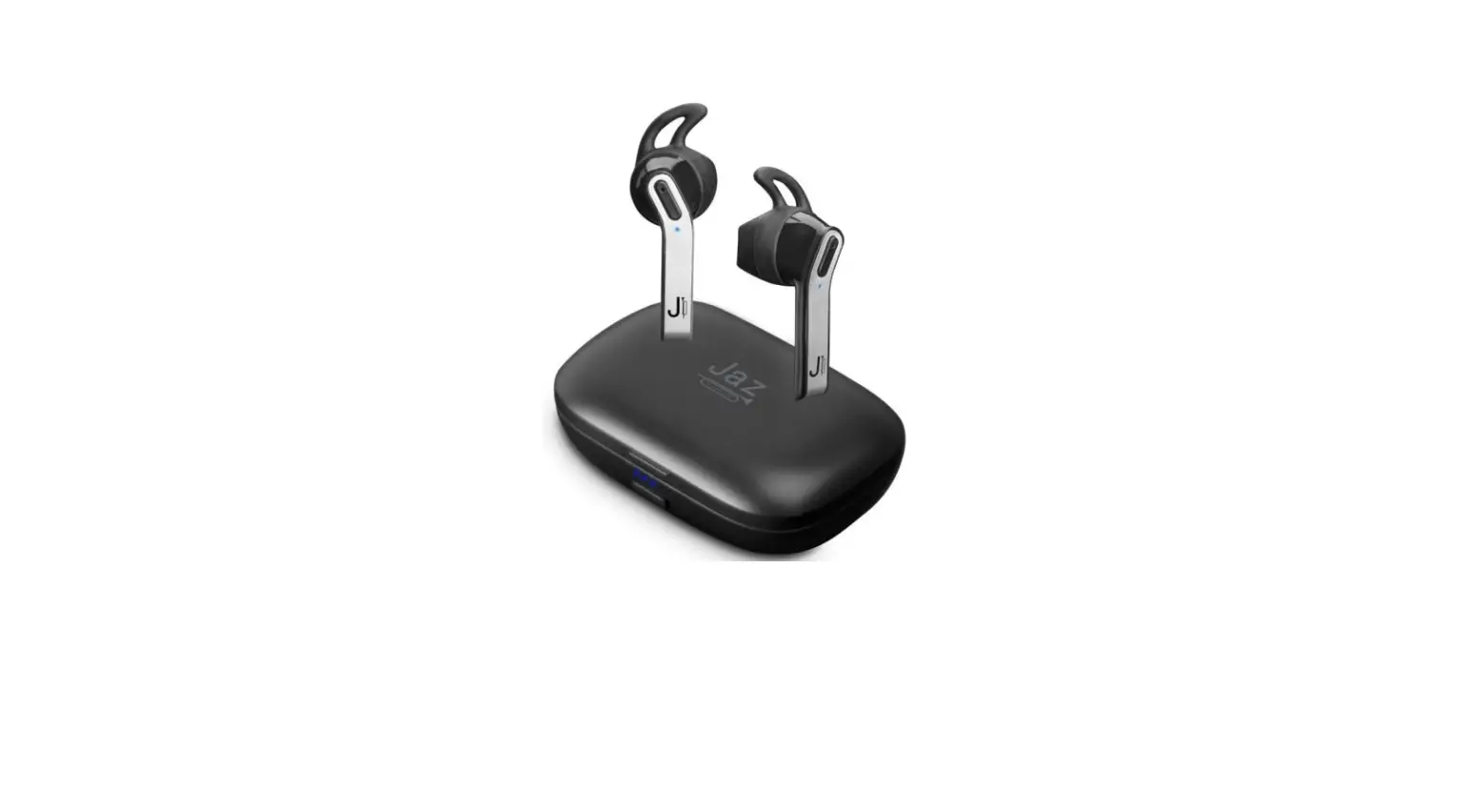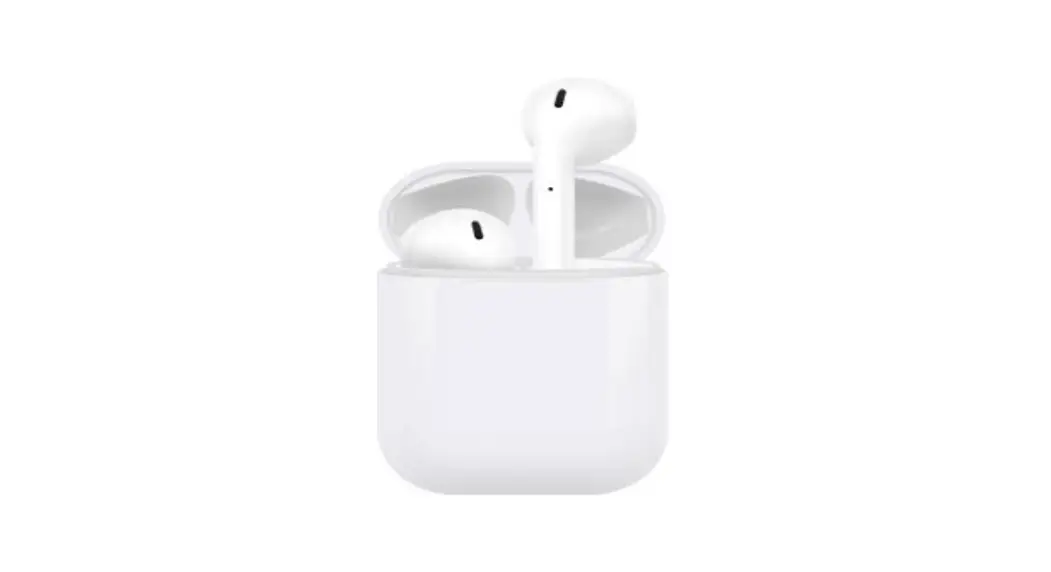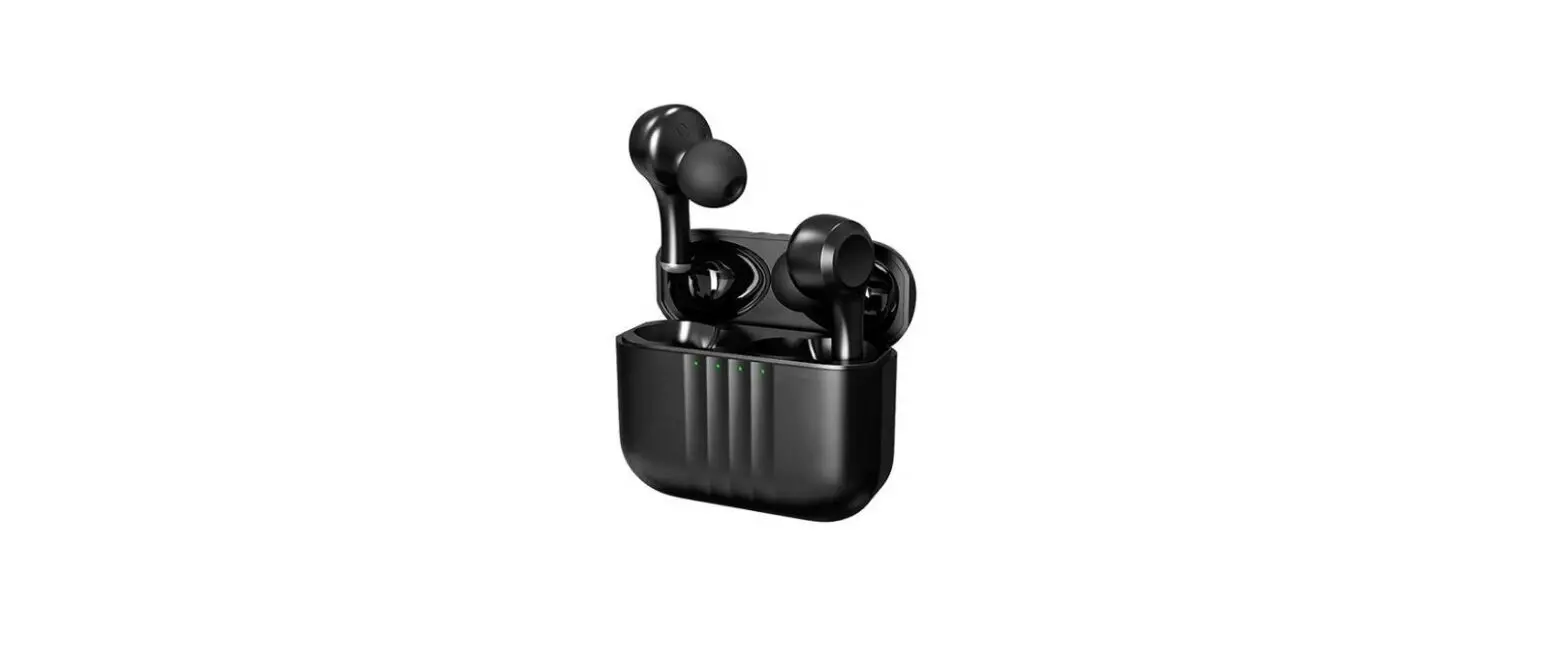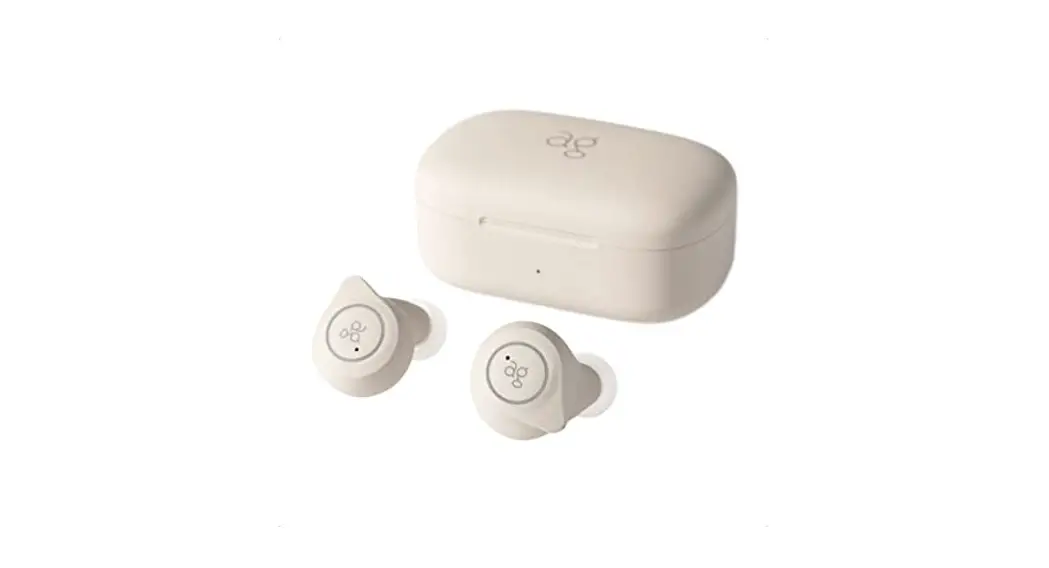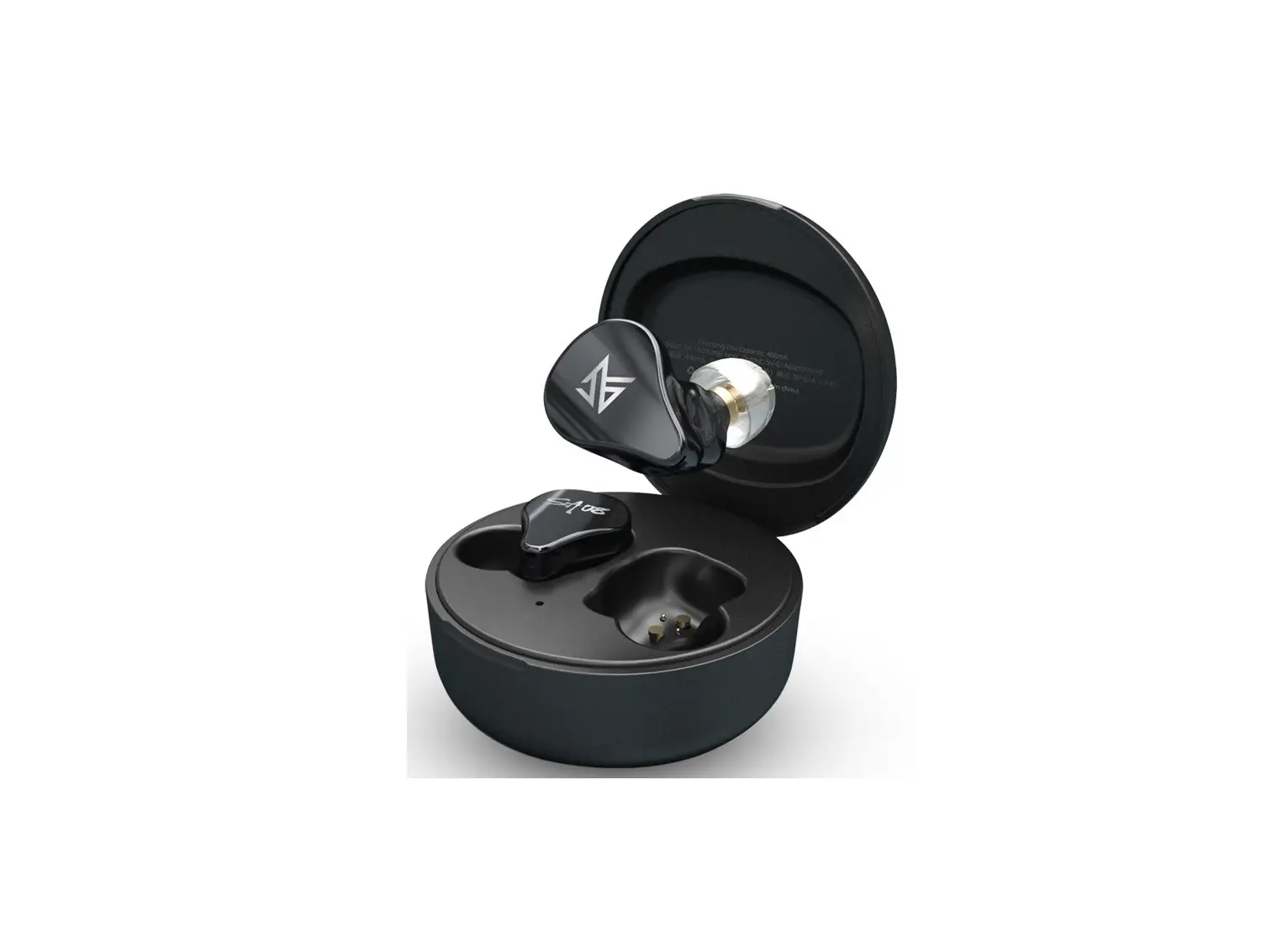
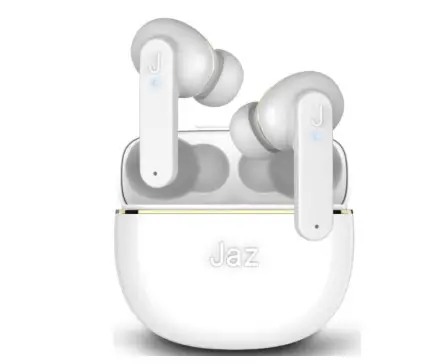
Jaz RollingStone TWS Sopop Wireless Stereo Earphones User Manual

SPECIFICATION
Wireless: V 5.1 Sensivity: 105dB Working range: 10m Speaker driver: 10mm Impedance: 32Ω
Frequency: 20Hz – 20kHz Battery earbuds: 30mAh
Charging case: 200mAh Box charge time: 3 hours
Earphone charge time: 1 hour Working time: 5 hours
Touch control Type-C connector
INSTRUCTION MANUAL
Charging the earbuds
Insert the earbuds into the charging case, the LEDs will light up. Once charging is complete, the LEDs will turn off.
Charging the case
Insert the Type C connector of the supplied cable into the Type C port on the case and the other end into a USB port.
The LED on the case will start flashing during charging.
Powering on earbuds
Remove the earbuds from the charging case: they will automatically turn on and pair with each other, or press both MLF buttons on the earbuds for 3 seconds.
Turning off the earbuds
Insert the earbuds into the charging case: they will turn off automatically,
When the earbuds are not paired with a device and are out of the charging case, they will automatically turn off after 2 minutes,
Or press the MLF button on one of the earphones for 5 seconds.
Pairing with a device
- Take the earbuds out of the charging case: they will automaticallyturn on and pair with each other.
- Turn on Bluetooth on the device and search for “JAZ Sopop” in the list of available devices, then select it.
- After the first pairing with the device (if Bluetooth is turned on) the earbuds will automatically pair each time they are removed from the case.
Commands
| Command | Action | Button |
| Play/pause music | 1 tap | Left / right |
| Voice assistant | Hold | Left / right |
| Previous track | 3 taps | Left |
| Next track | 3 taps | Right |
| Answer call | 1 tap | Left / right |
| End call | 1 tap | Left / right |
| Reject incoming call | Hold | Left / right |
| Volume + | 2 taps | Right |
| Volume – | 2 taps | Left |