
aruba EC-XS Rack Mount Before You Begin
 Before You Begin
- Check your packing slip to verify that you have all the necessary items.
- Make sure you have a standard Phillips screwdriver.
- You can mount the chassis in either a 2-post telco rack or a 4-post server rack.
- If your rack requires its own screws and/or nuts, then use those instead.
INSTRUCTIONS
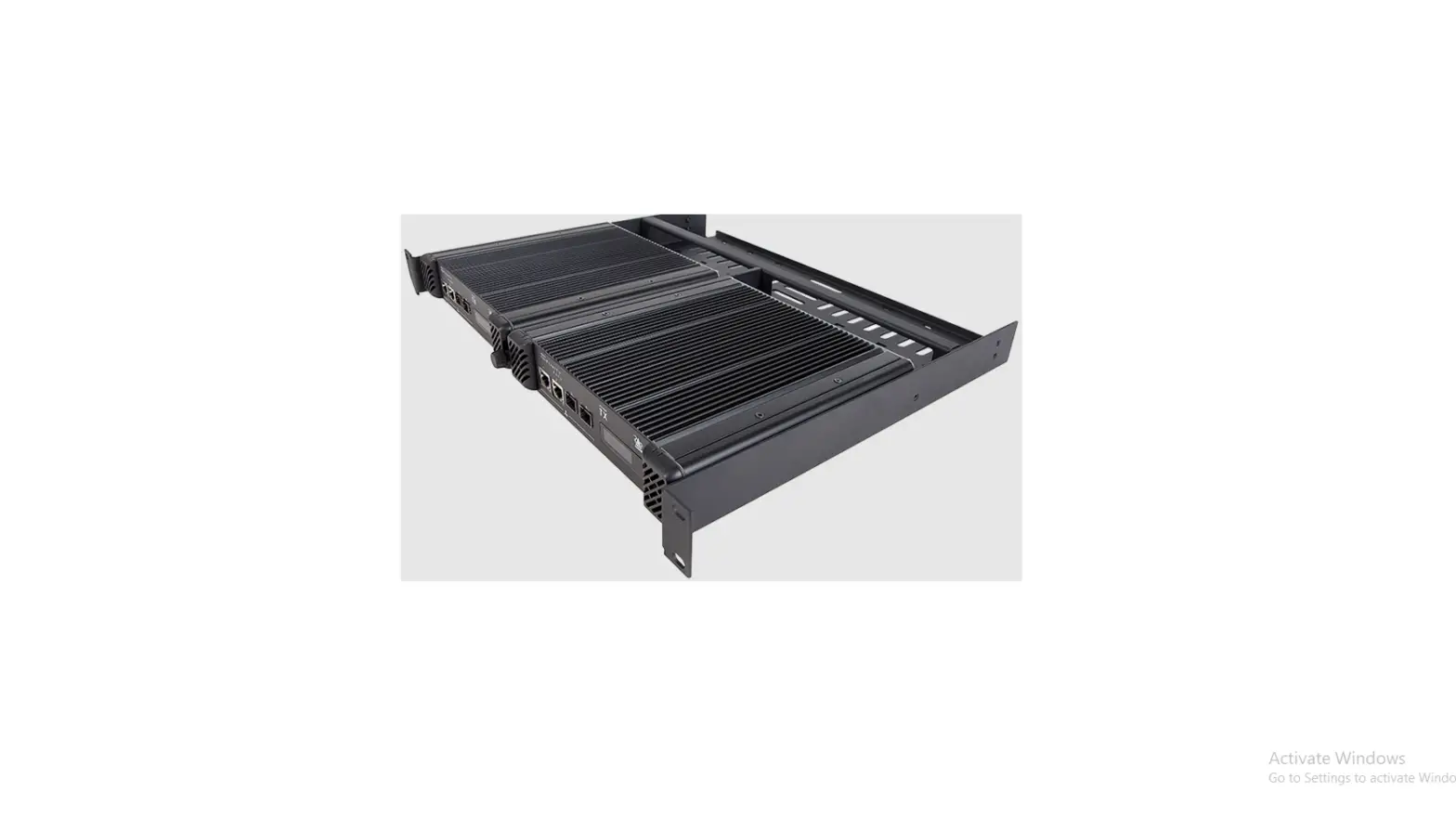
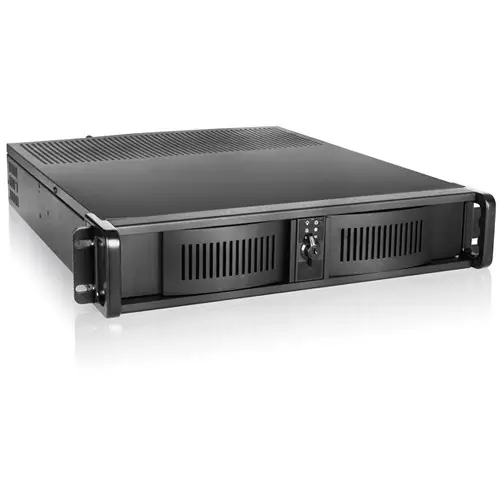
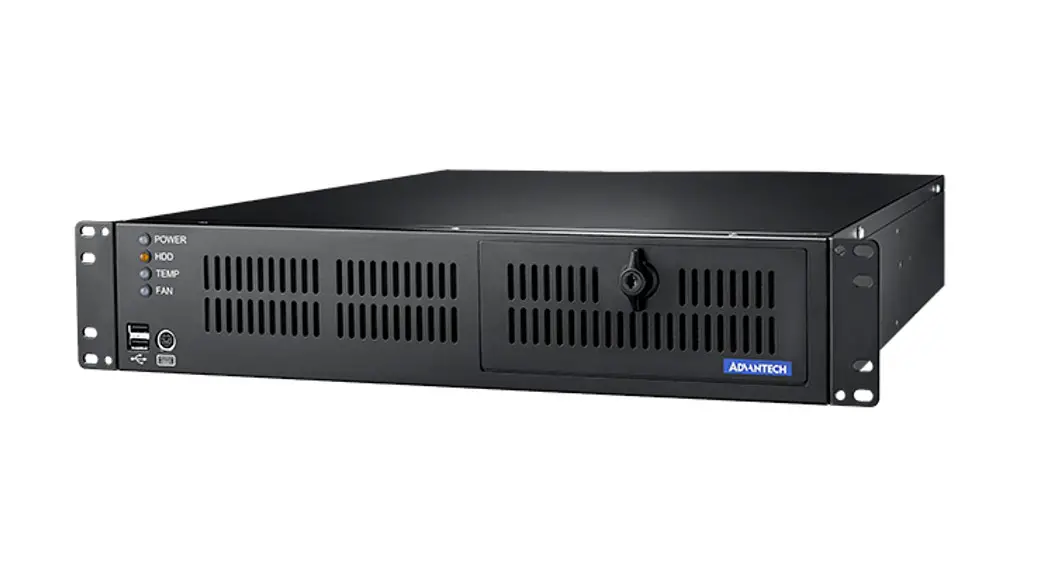
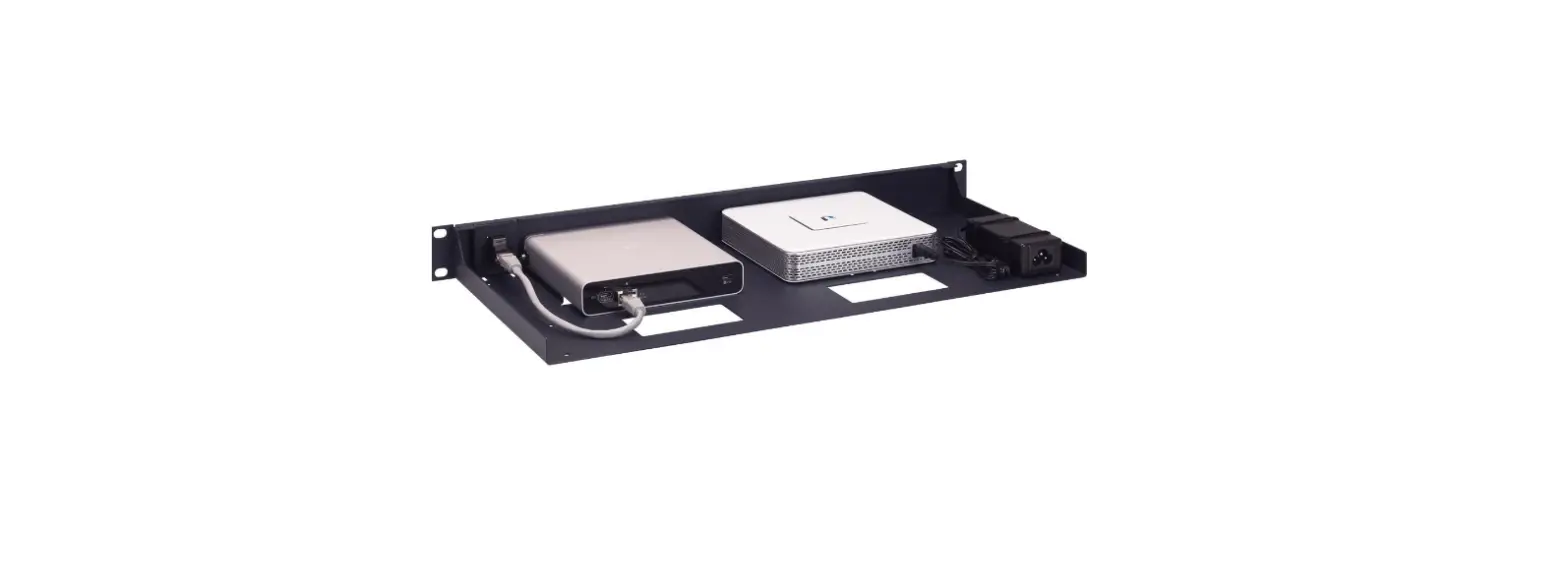
The appliance fits into 1 RU of rack space.
The appliance ships with the following:
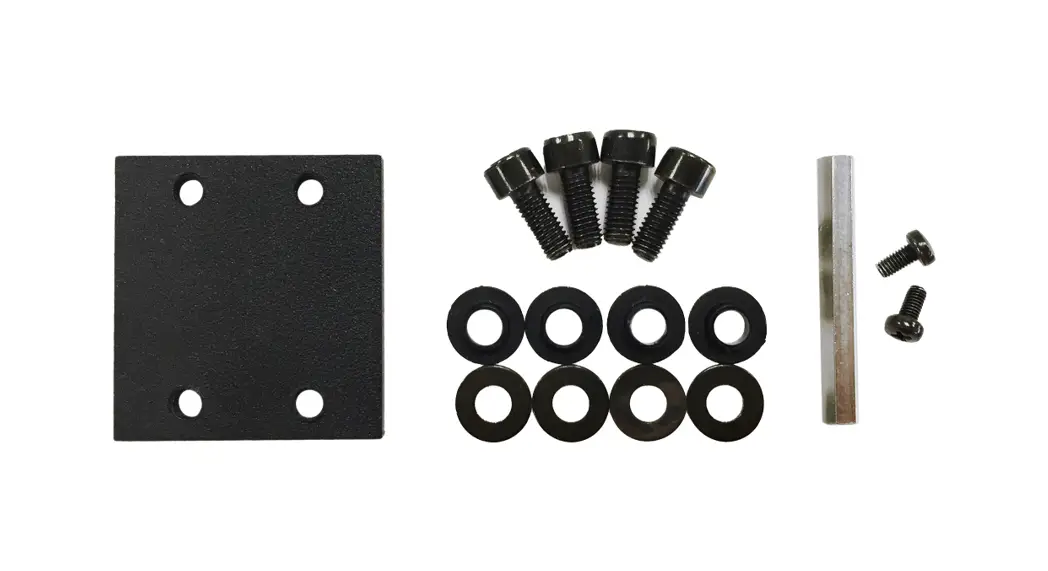
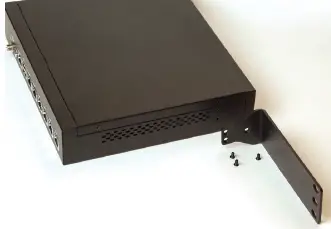
- Two (2) metal brackets and six (6) black screws to attach them to the appliance
- Four (4) M5 x 5/8” screws and four (4) cage nuts for mounting the appliance in a rack
To mount this appliance in consecutive spaces in a 1-U rack, you’ll first need to remove the feet from the round indentations in the bottom of the appliance.
To mount the appliance into the telco or server rack:
- Align the three holes in the appliance with the holes in the brackets.
- Secure the bracket to the appliance with three screws.
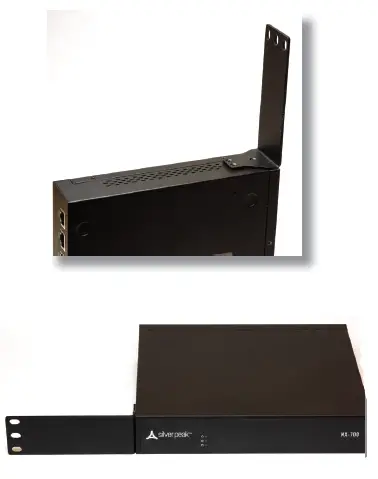
- In the same manner, attach the other bracket to the other side.
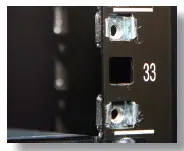
- Attach the cage nuts to the rear of the front rack posts.

- Use the screws to secure the chassis to the outside front of the rack.
Aruba
6280 America Center Drive
San Jose,
CA 950021.877.210.7325 (toll-free in the USA)
+1.408.935.1850
www.silver-peak.com/support