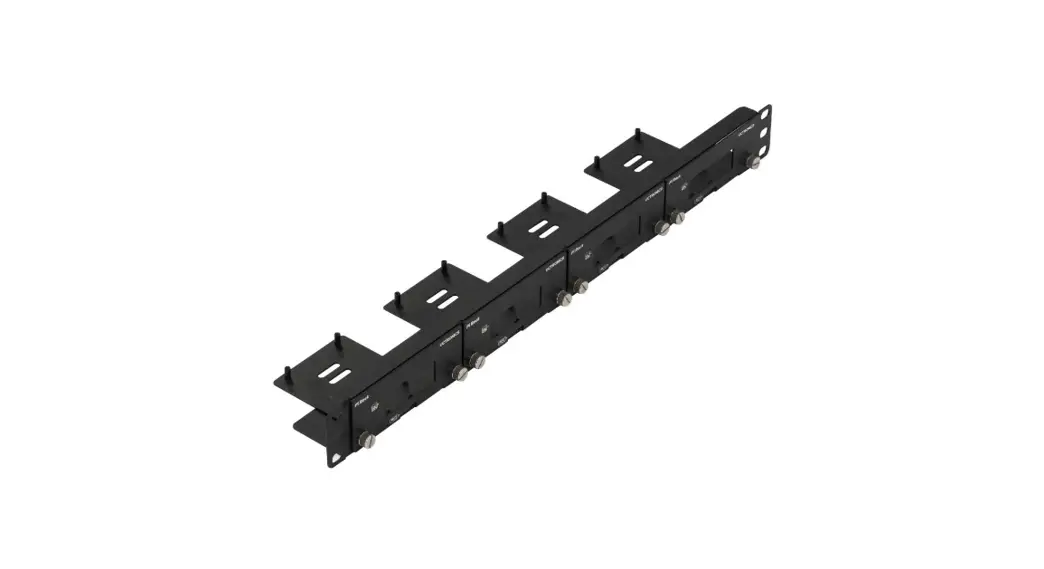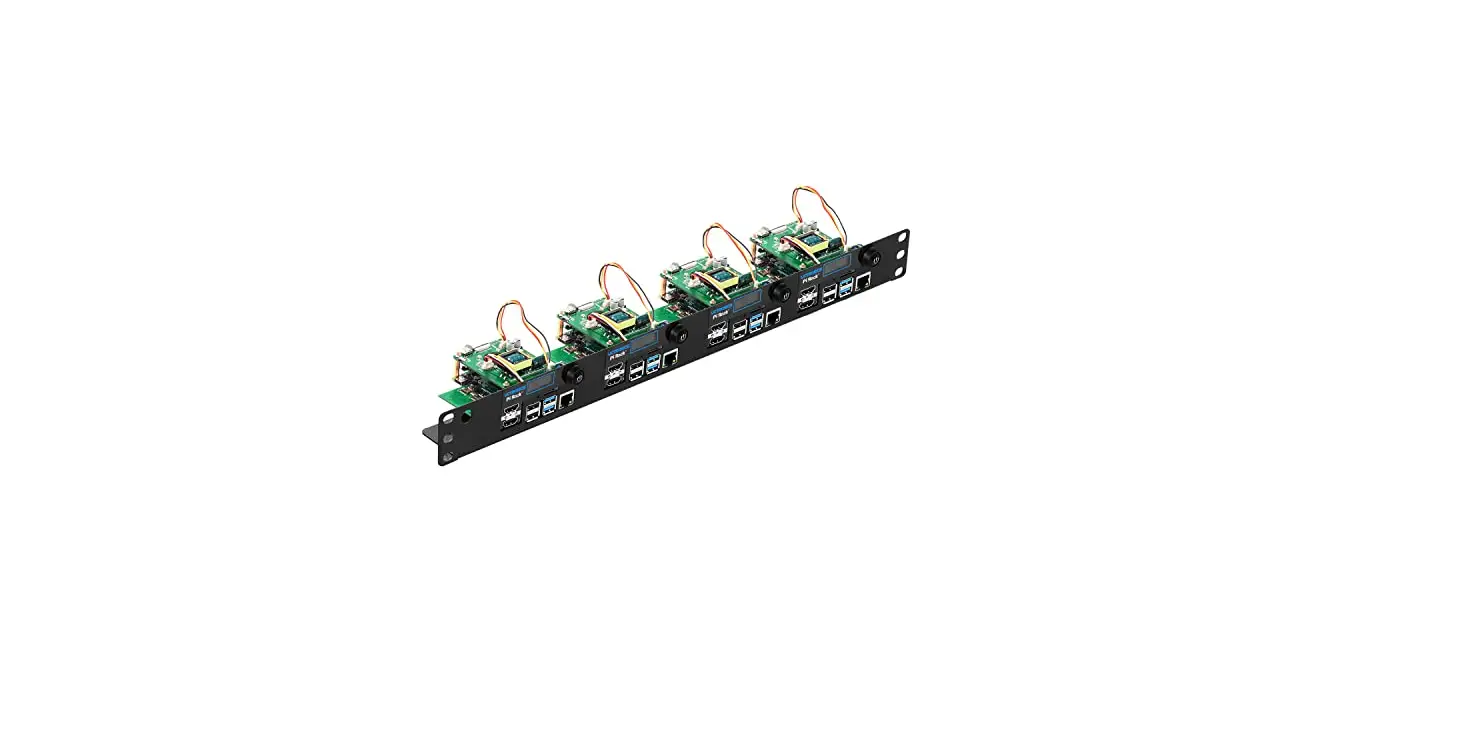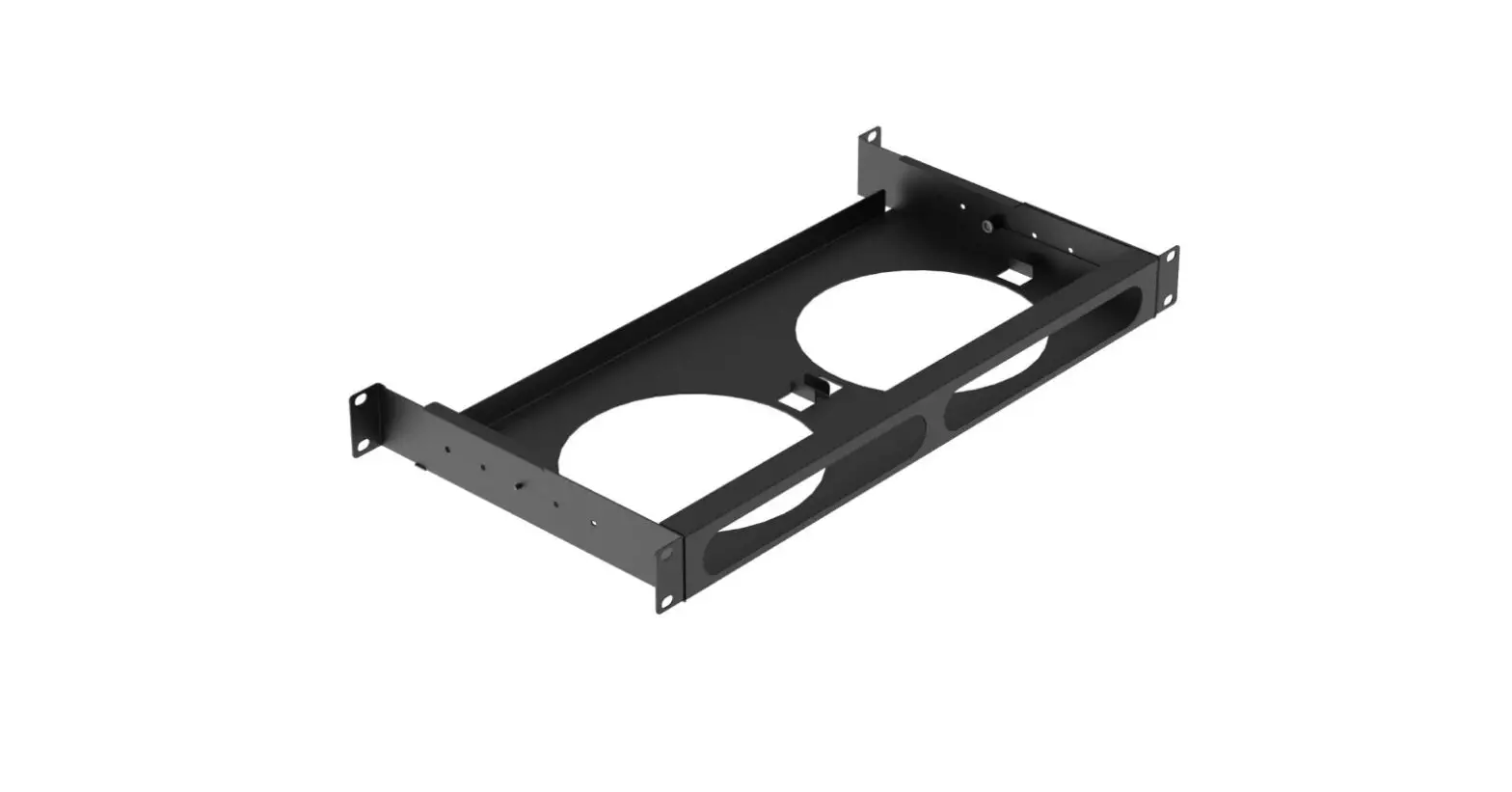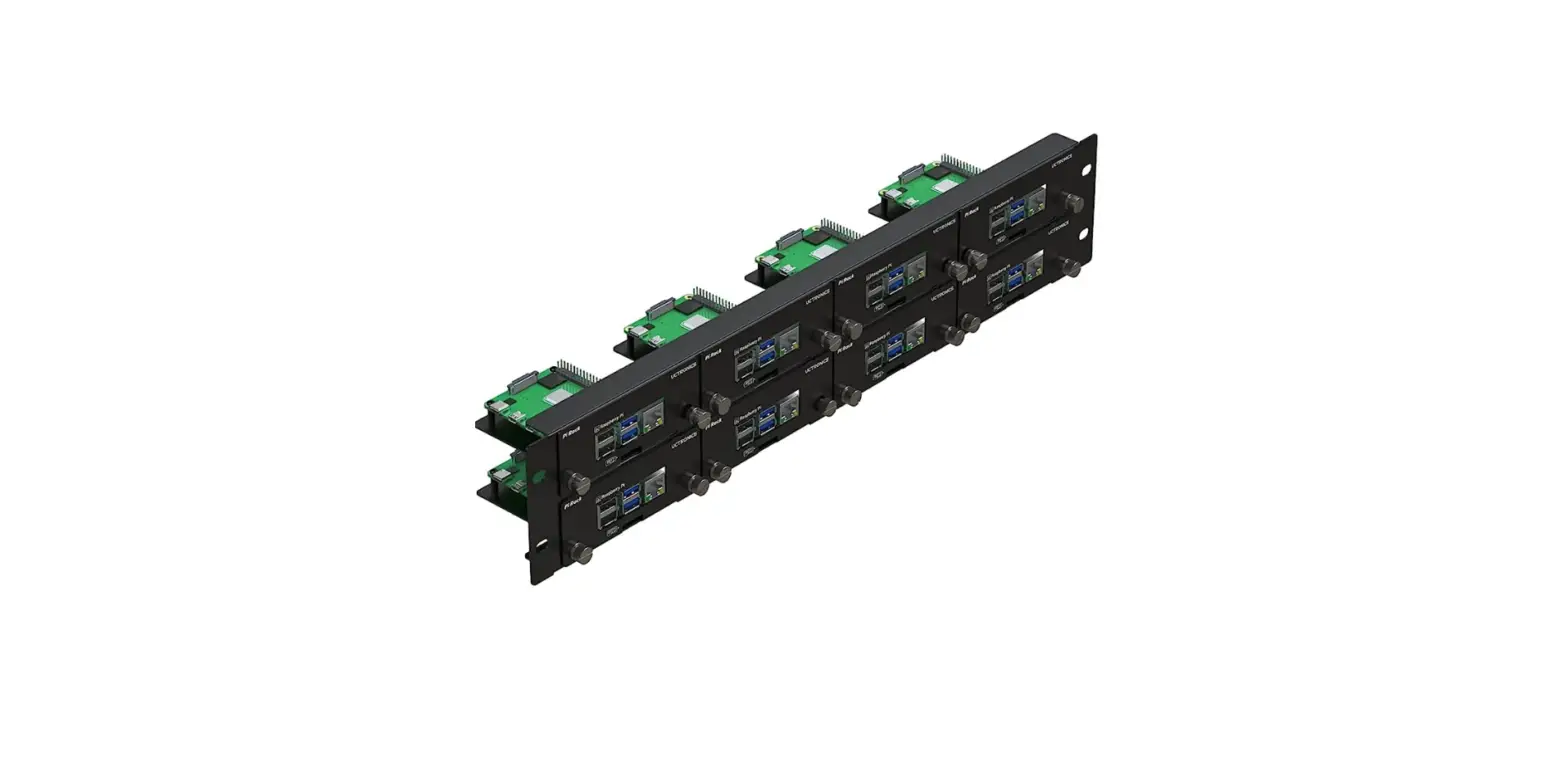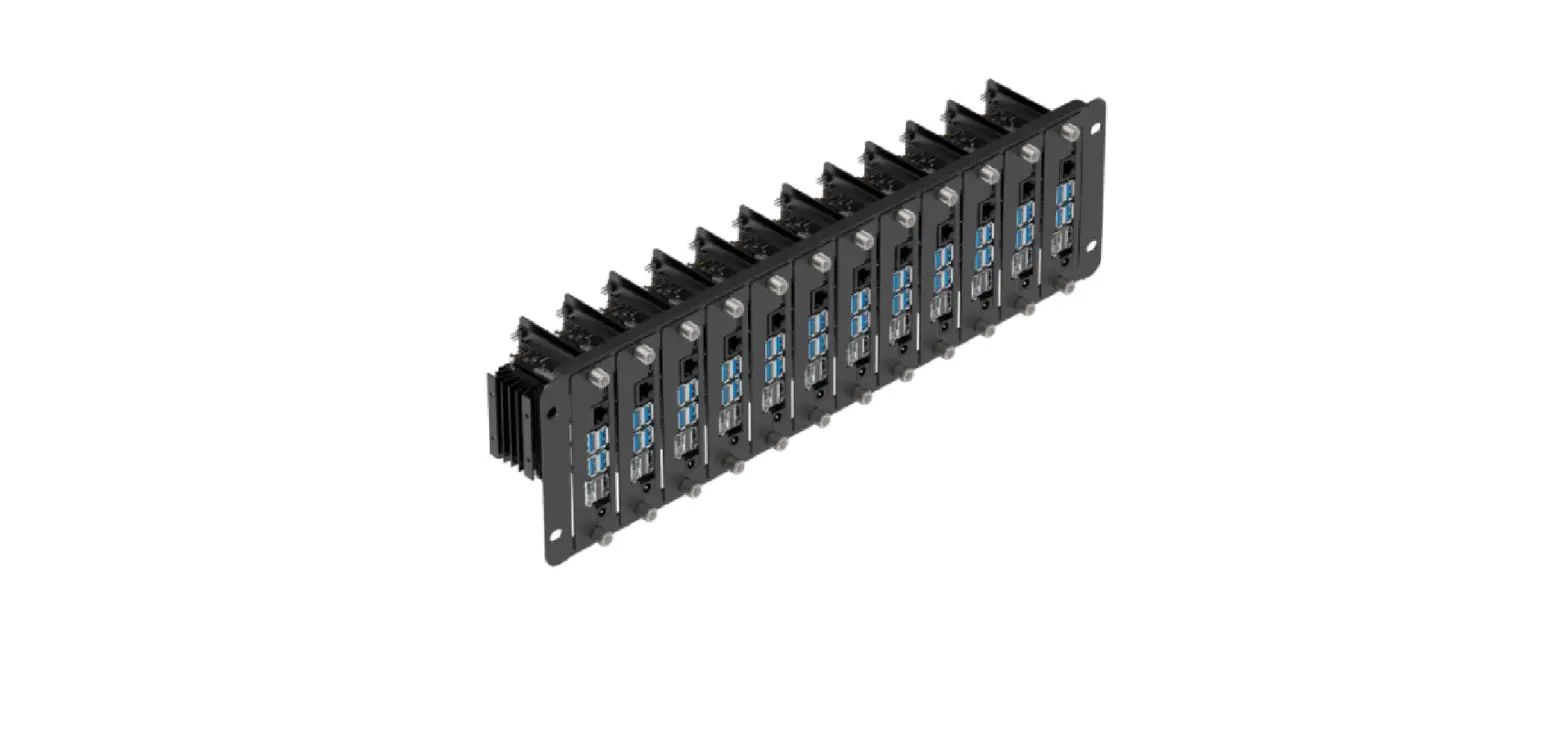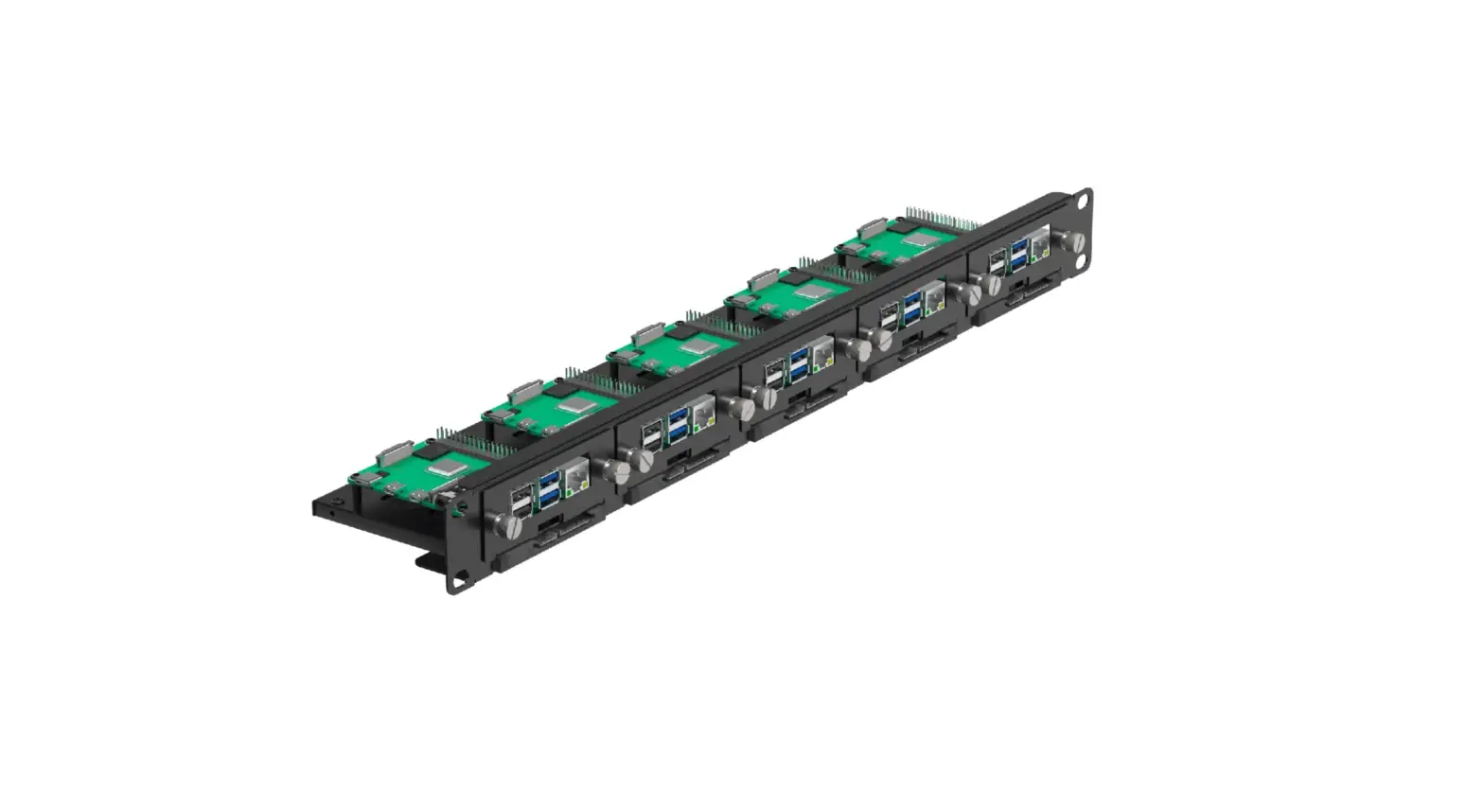
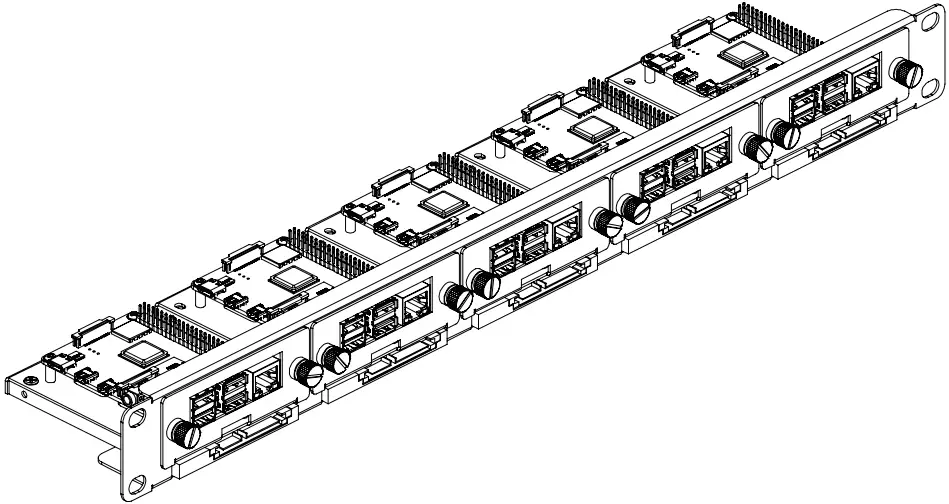
Uctronics U6264 19 Inch 1u Raspberry Pi Rack Mount Installation Guide

Uctronics U6264 19 Inch 1u Raspberry Pi Rack Mount Installation Guide

ASSEMBLY GUIDE

SKU: U6264
 UCTRONICS certi

UCTRONICS certi

www.uctronics.com

Package Contents

UCTRONICS U6264 1U Raspberry Pi Rack Mount A01                          UCTRONICS U6264 1U Raspberry Pi Rack Mount A02

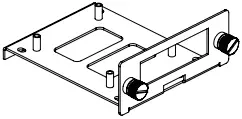
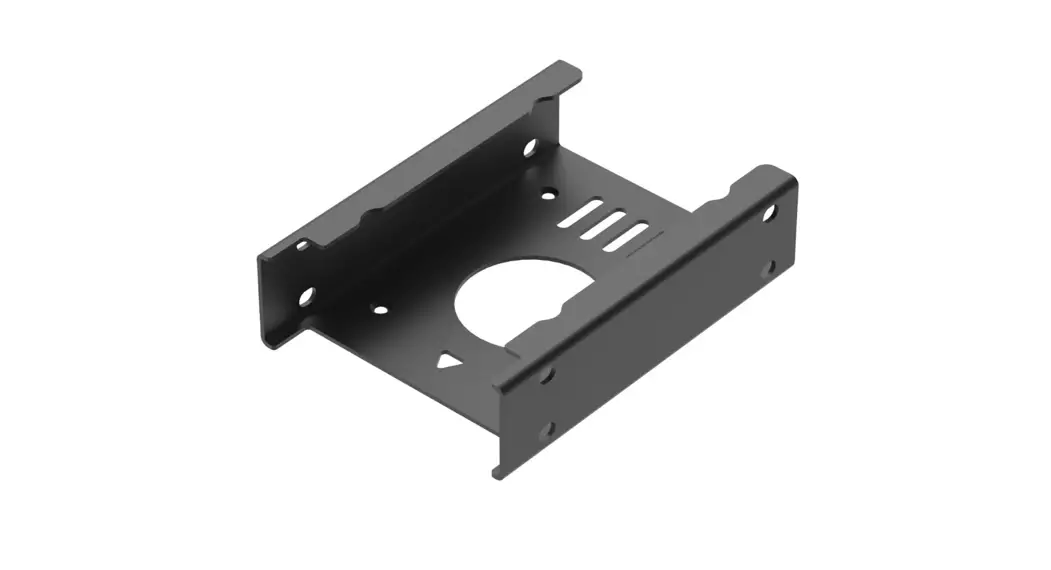
Raspberry Pi Bracket × 5         M2.5*5 round head screws for Pi × 20
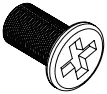
UCTRONICS U6264 1U Raspberry Pi Rack Mount A03                                              UCTRONICS U6264 1U Raspberry Pi Rack Mount A03

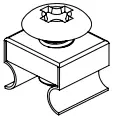
M3*5 flat head screws for SSD × 20                   M6 Rack screws × 4

UCTRONICS U6264 1U Raspberry Pi Rack Mount A05

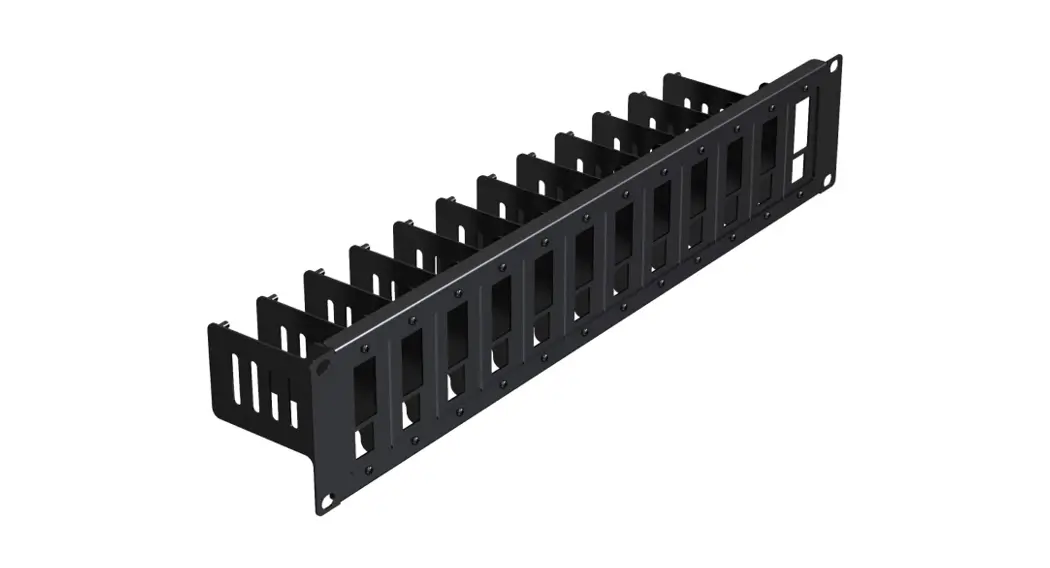
Rackmount × 1

Installation

UCTRONICS U6264 1U Raspberry Pi Rack Mount A06UCTRONICS U6264 1U Raspberry Pi Rack Mount A06

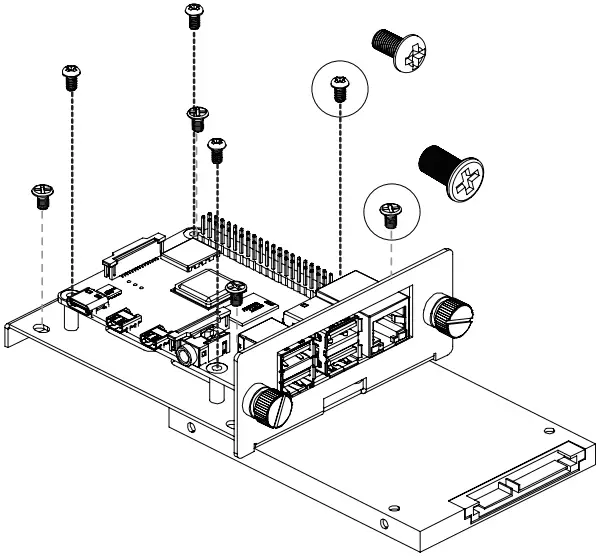
1. Fix the SSD from the back of the bracket with M3*5 flat head screws first, then secure the Raspberry Pi with M2.5*5 round head screws.

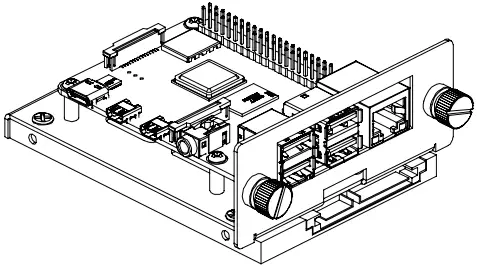
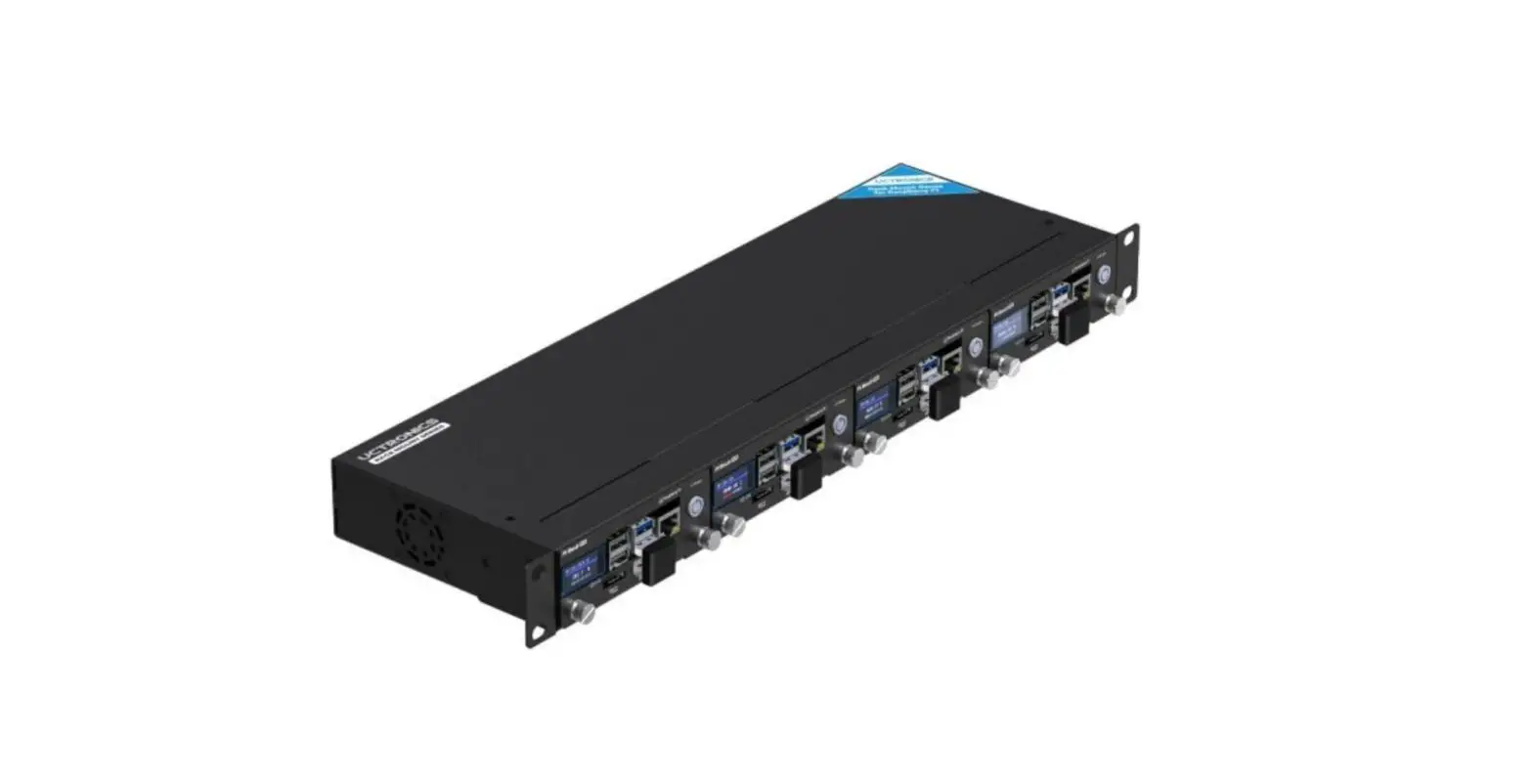
2. Simply introduce the installed bracket into the rackmount and secure the captive loose-free screws.
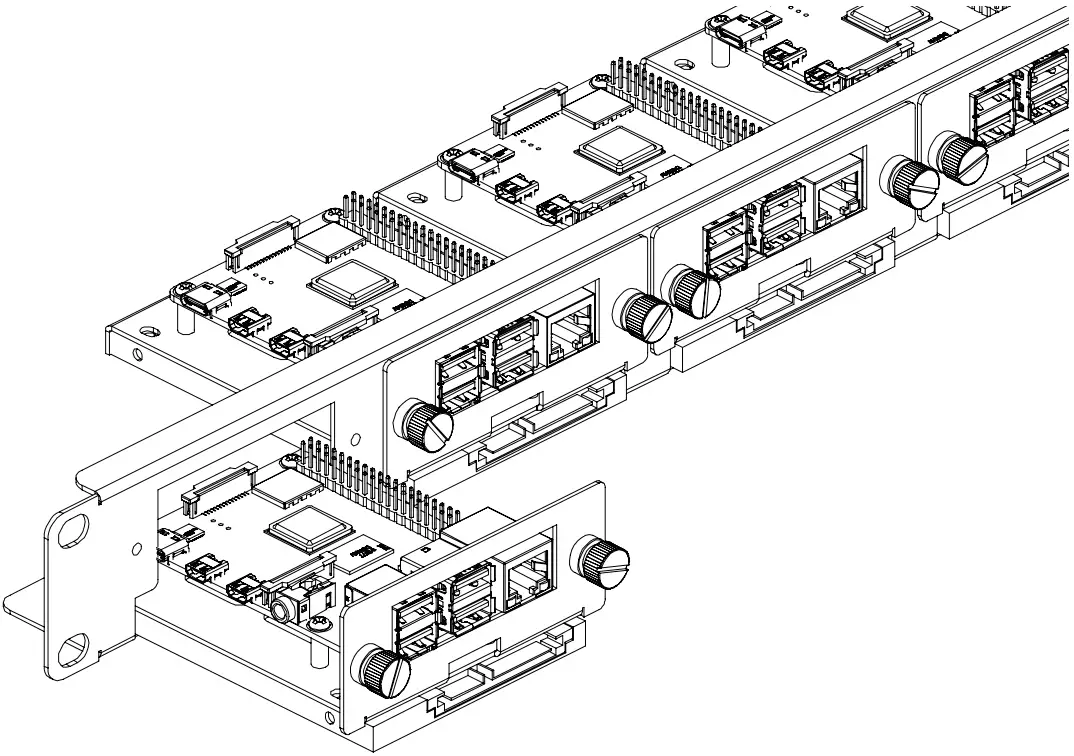
UCTRONICS U6264 1U Raspberry Pi Rack Mount A08

CONTACT US

If any problem, feel free to contact us.
Website: www.uctronics.com
Email: [email protected]

References

Documents / Resouces

Download manual
Here you can download full pdf version of manual, it may contain additional safety instructions, warranty information, FCC rules, etc.


Related Manuals