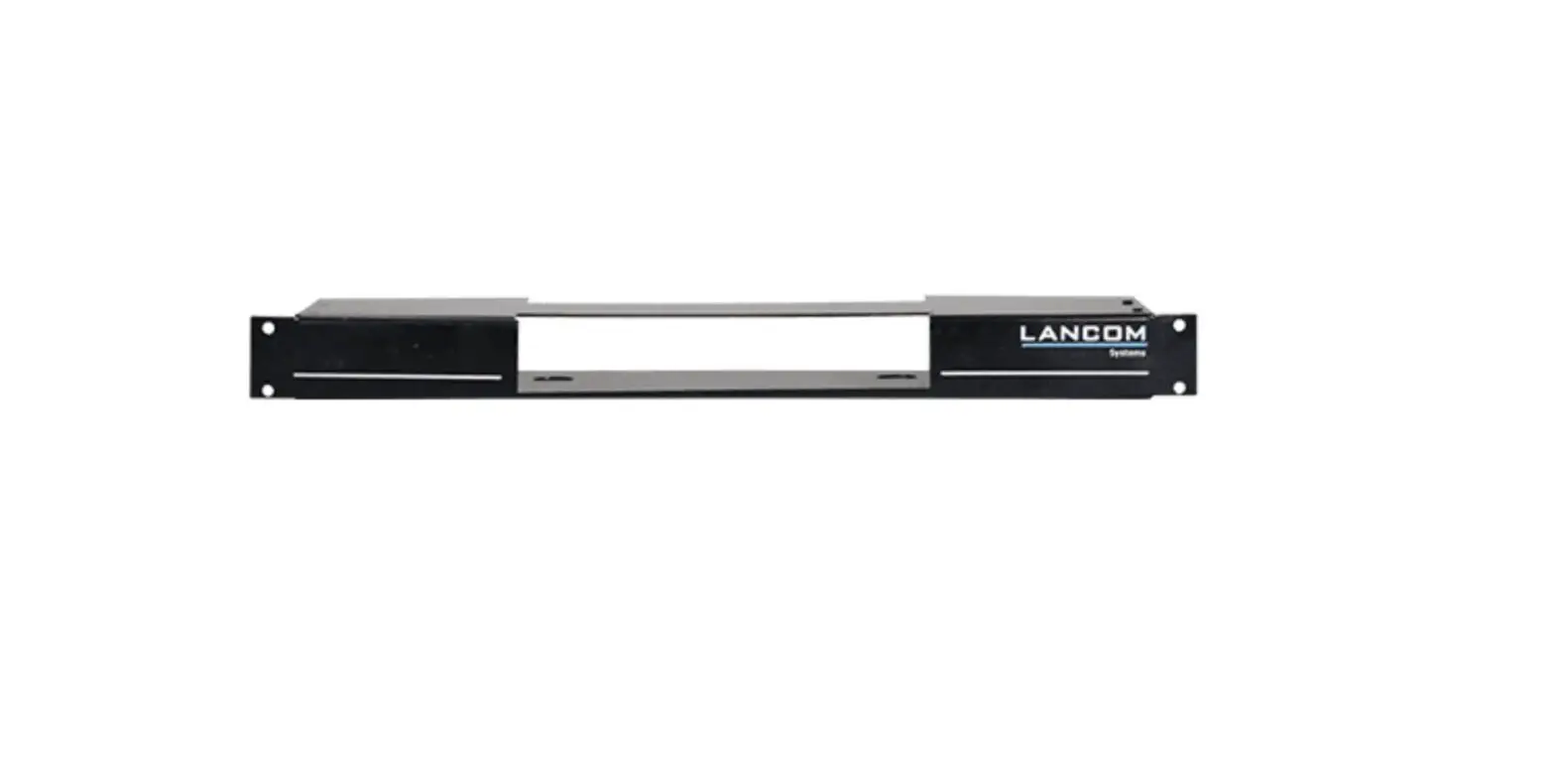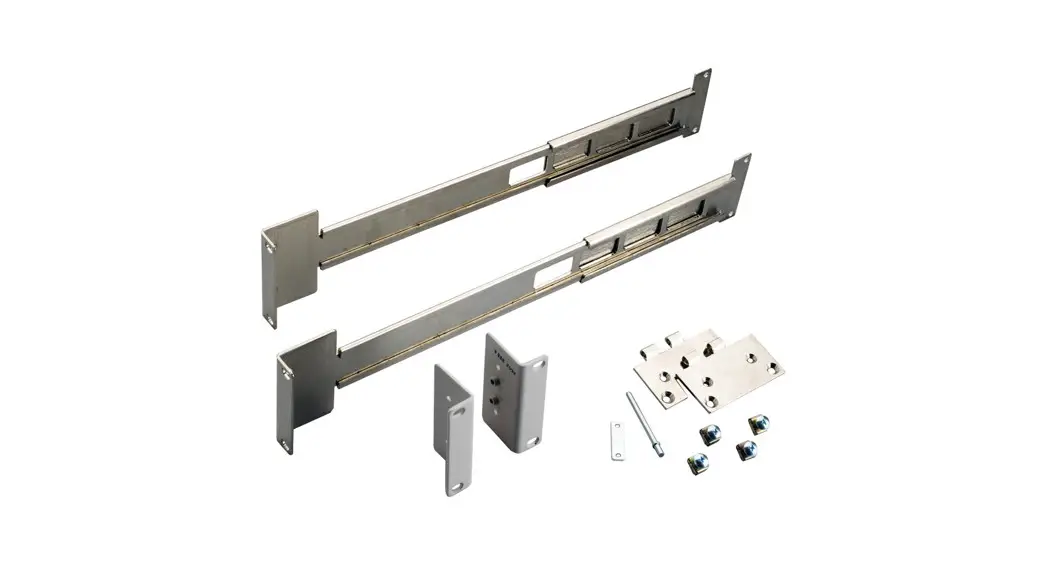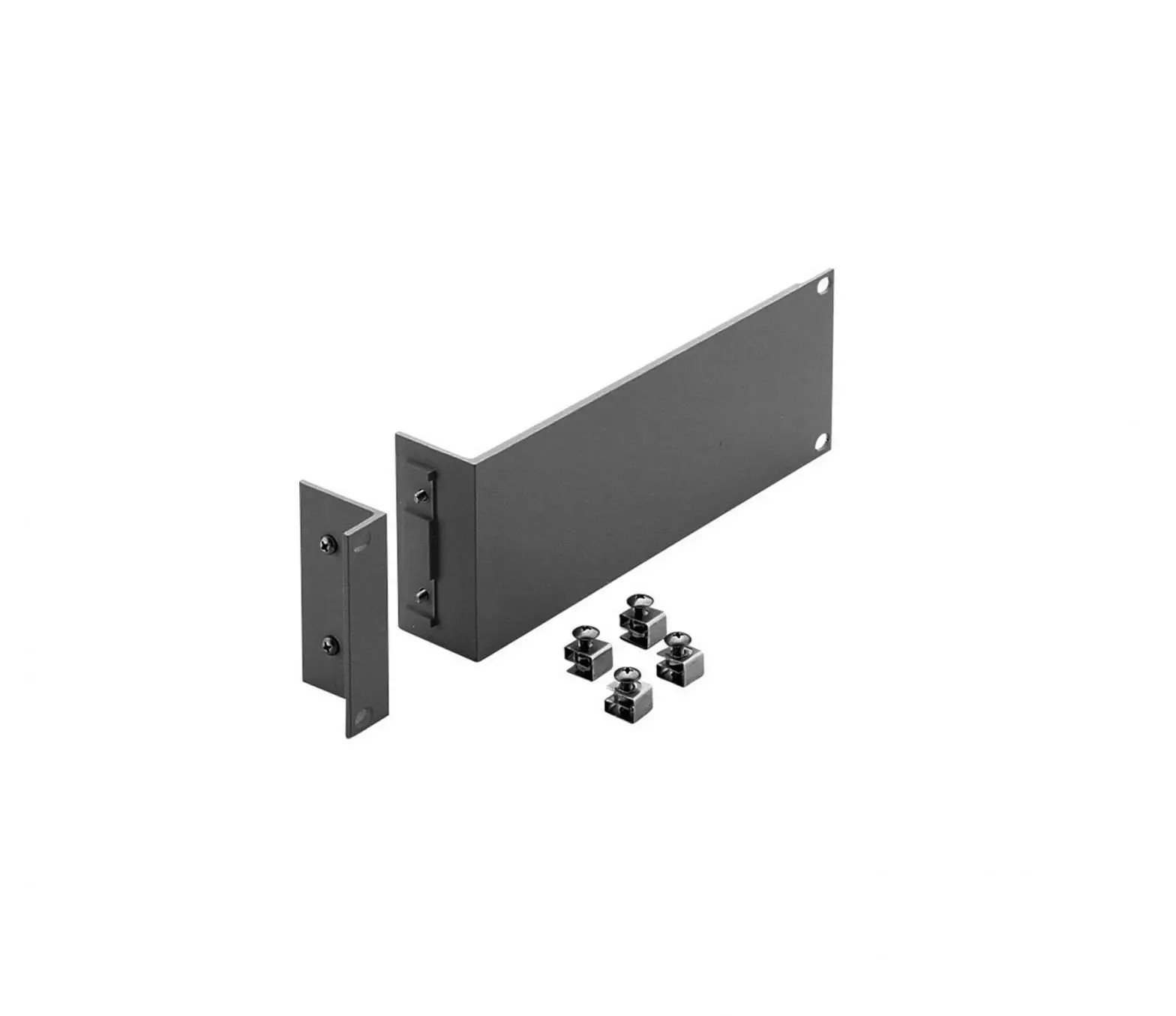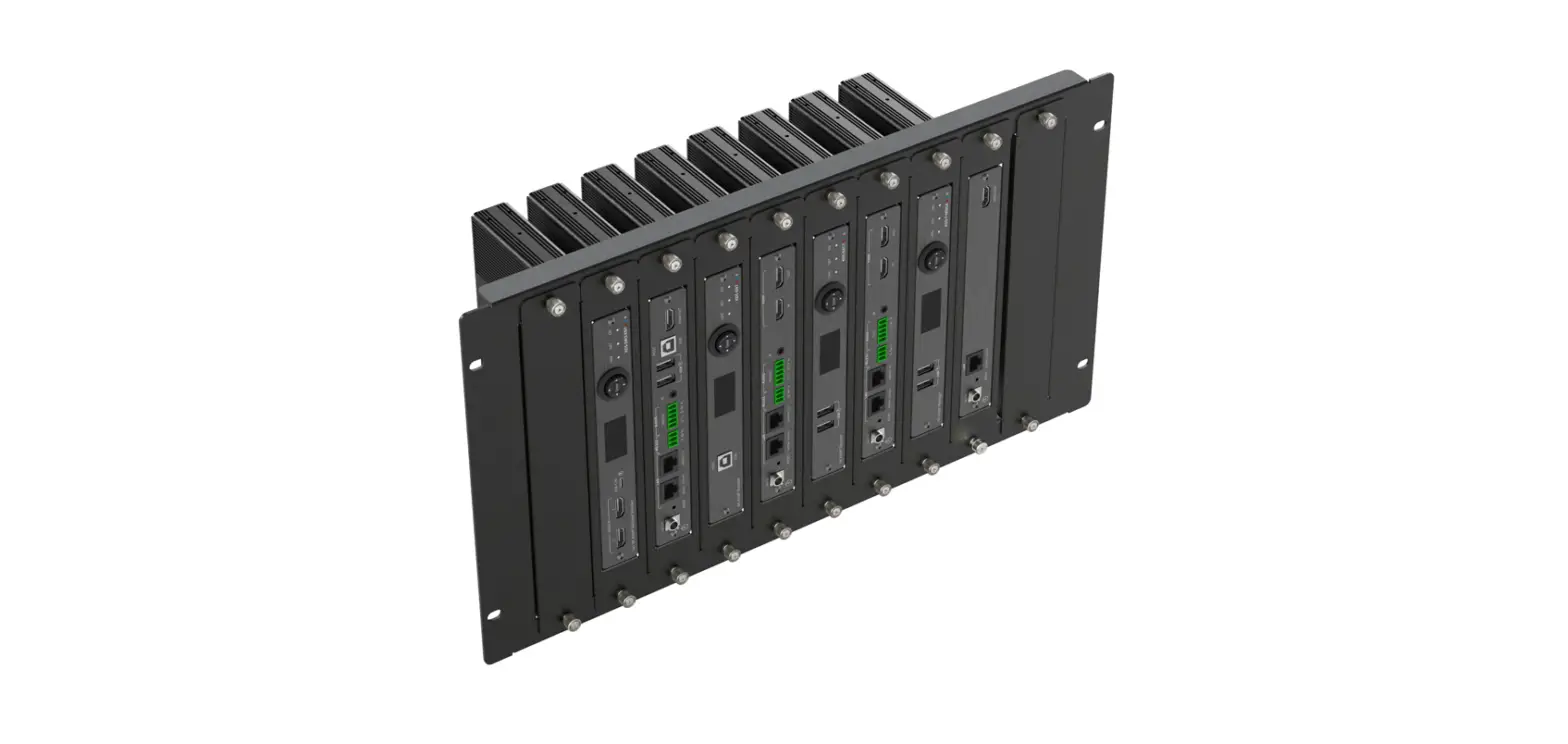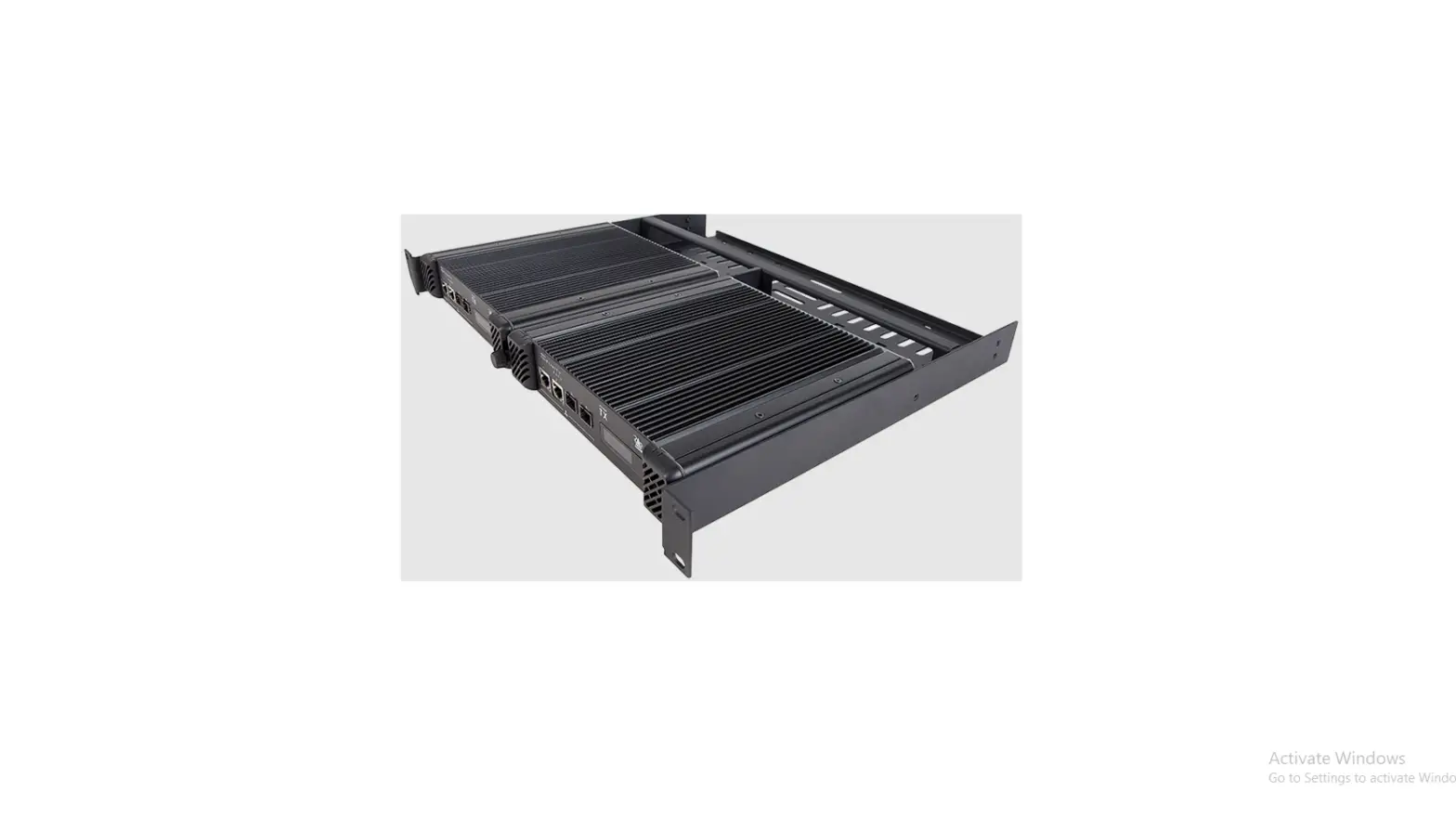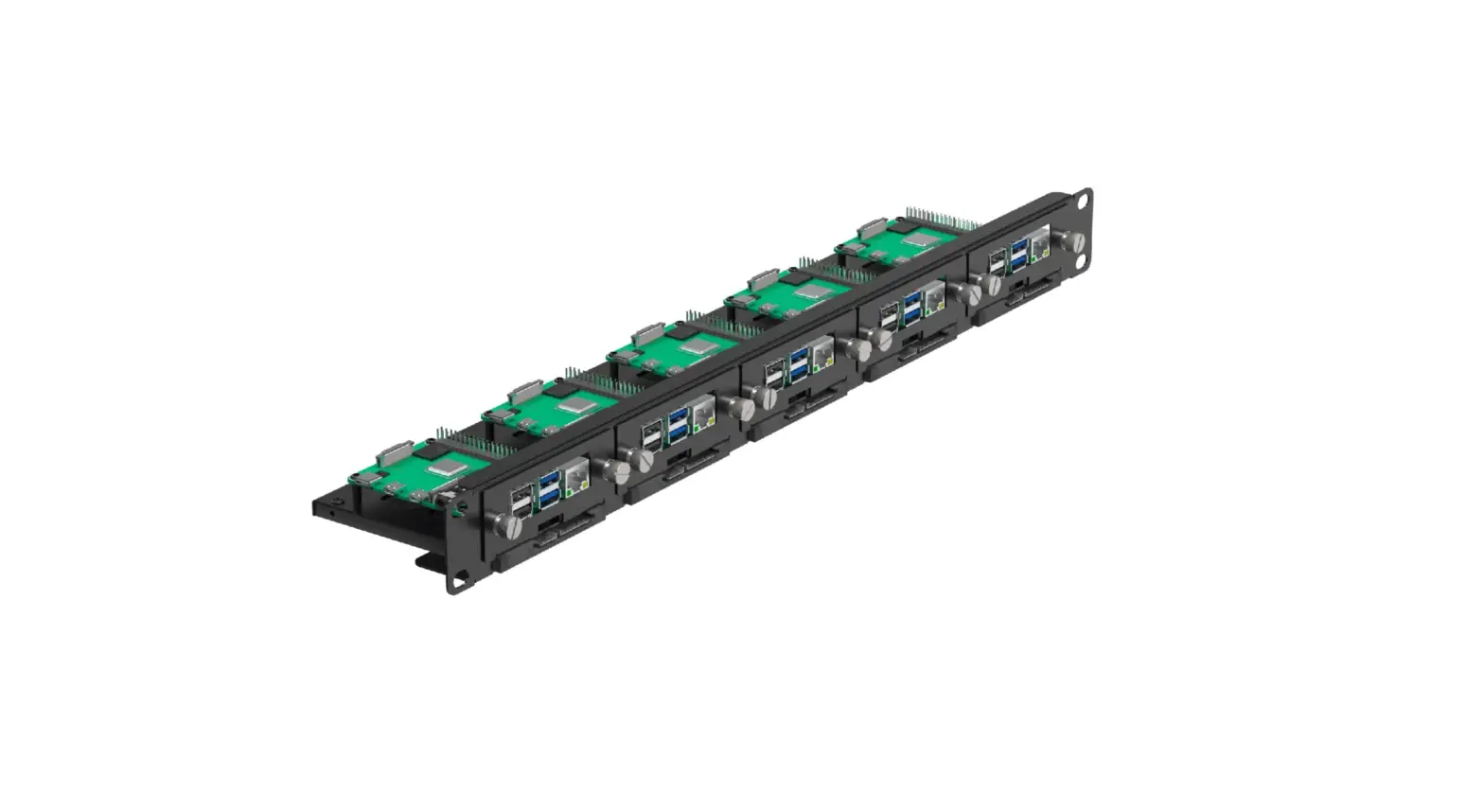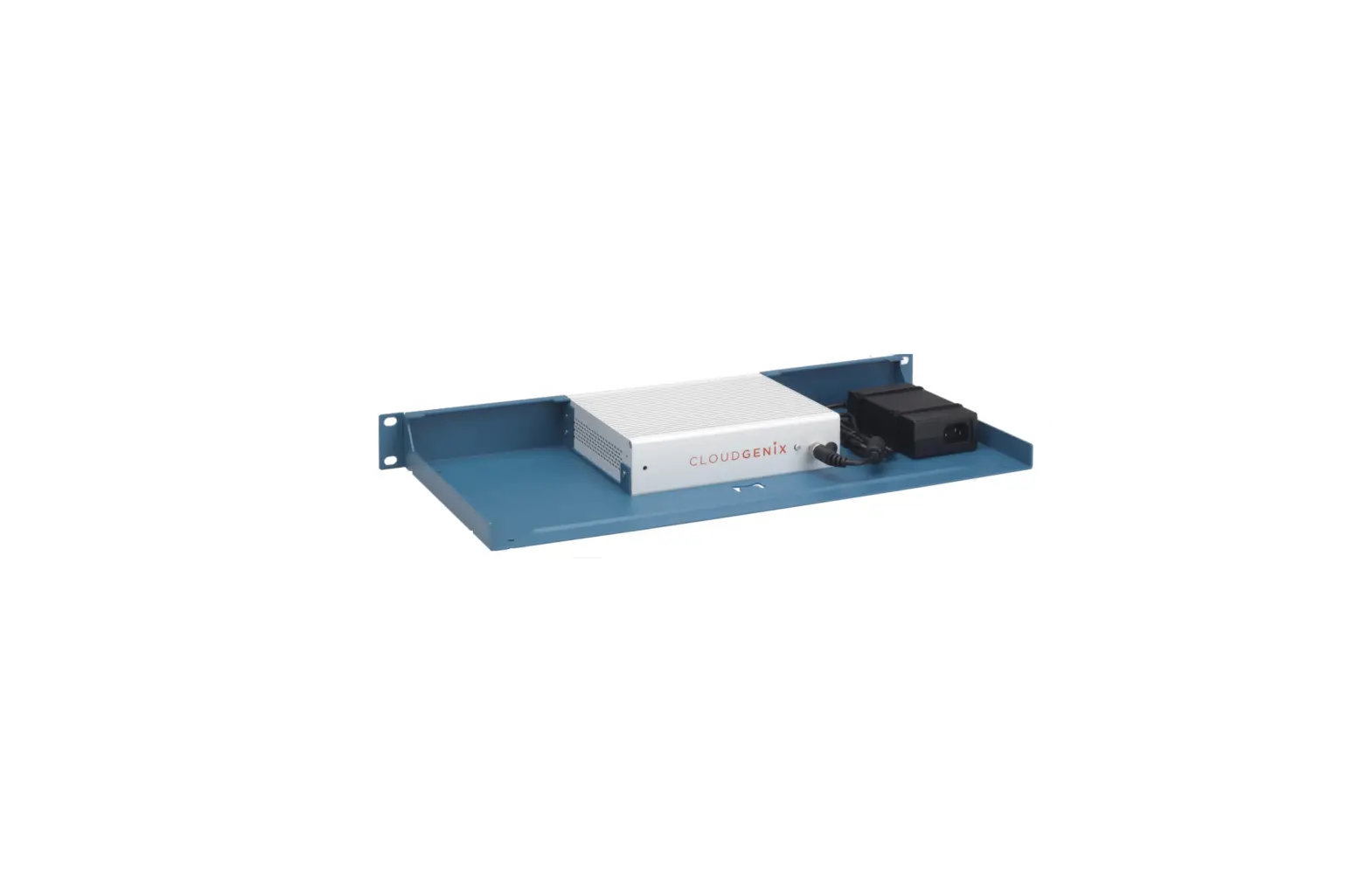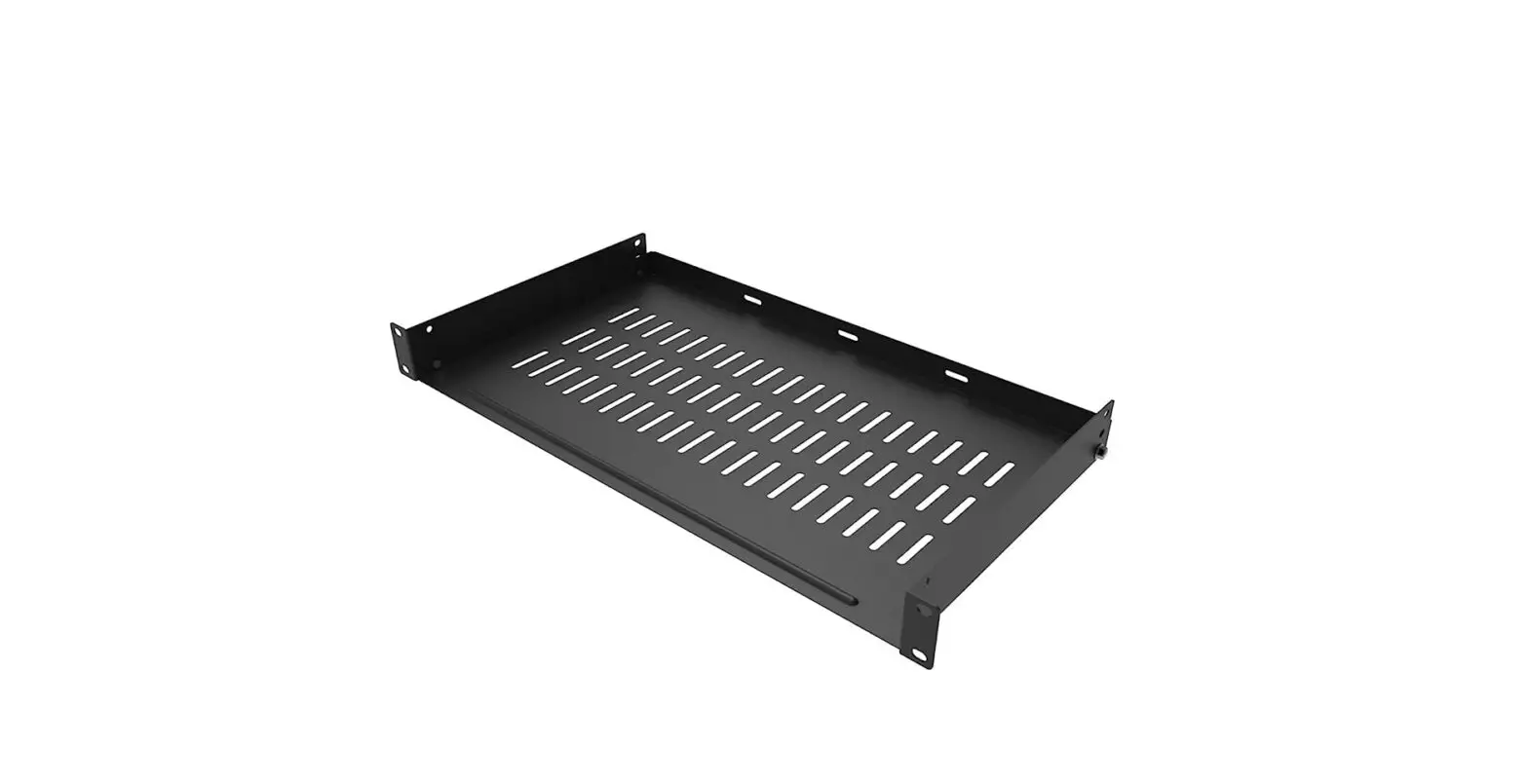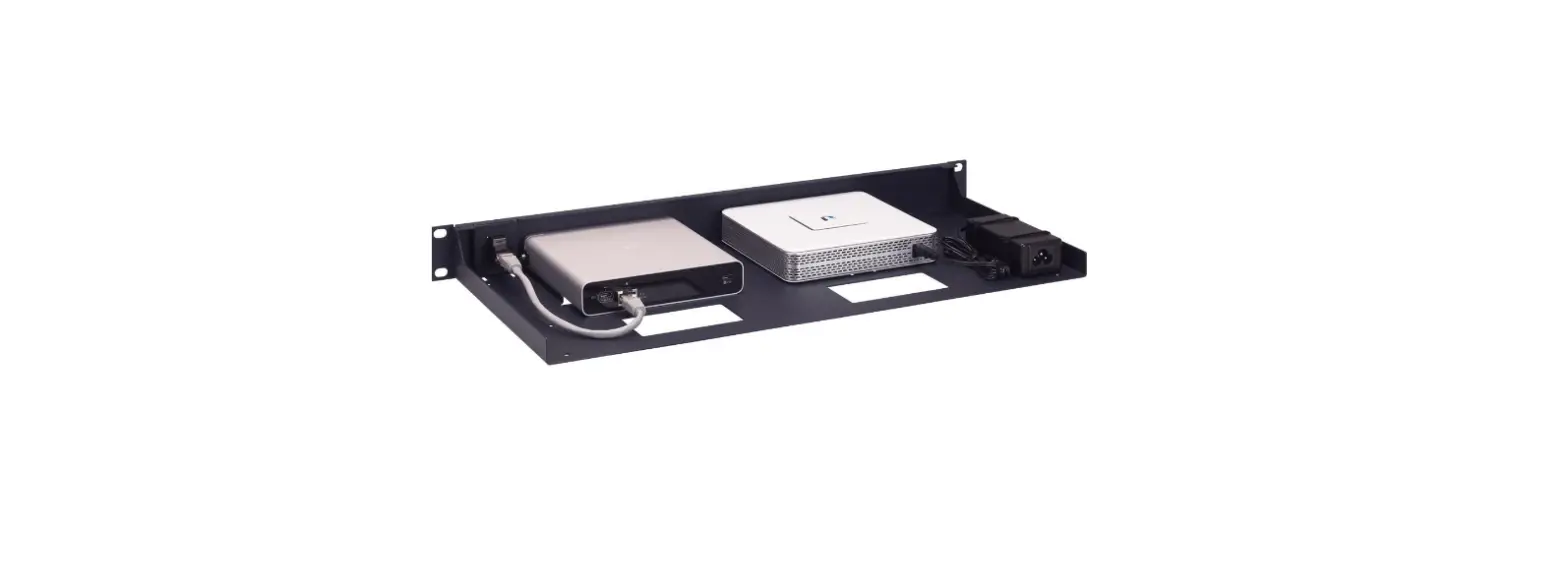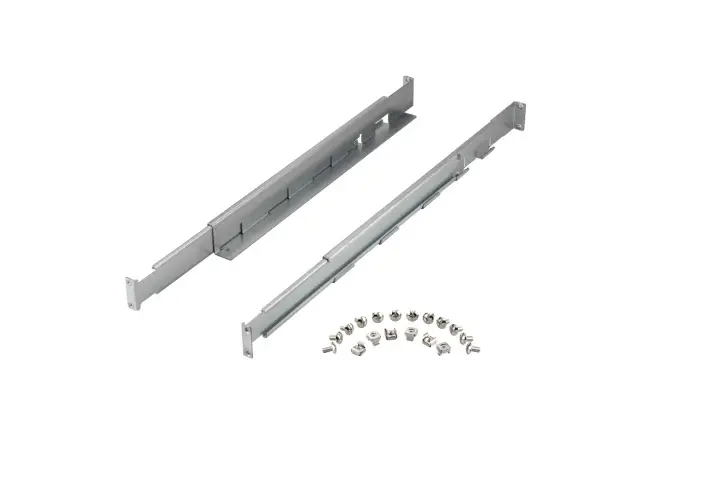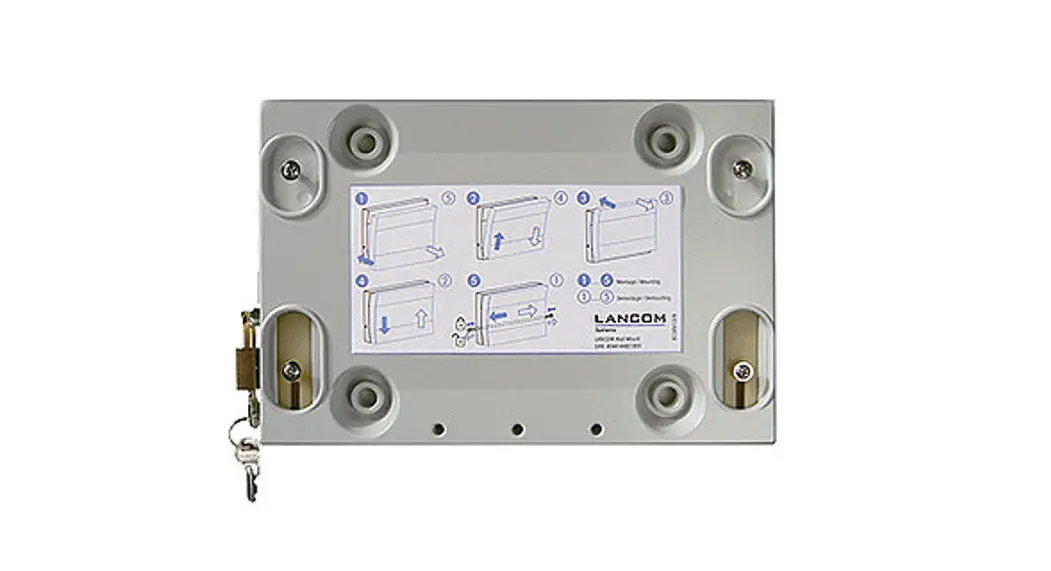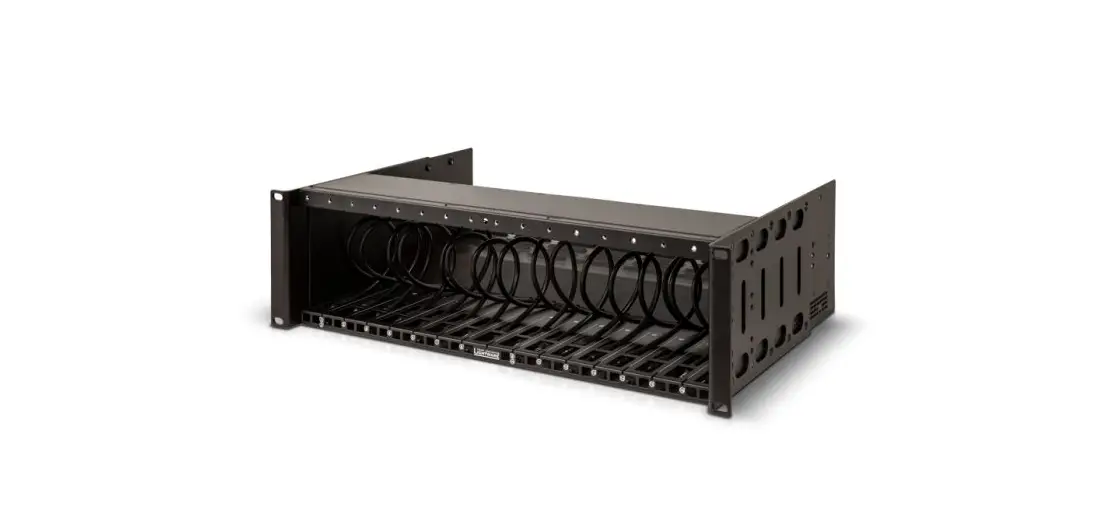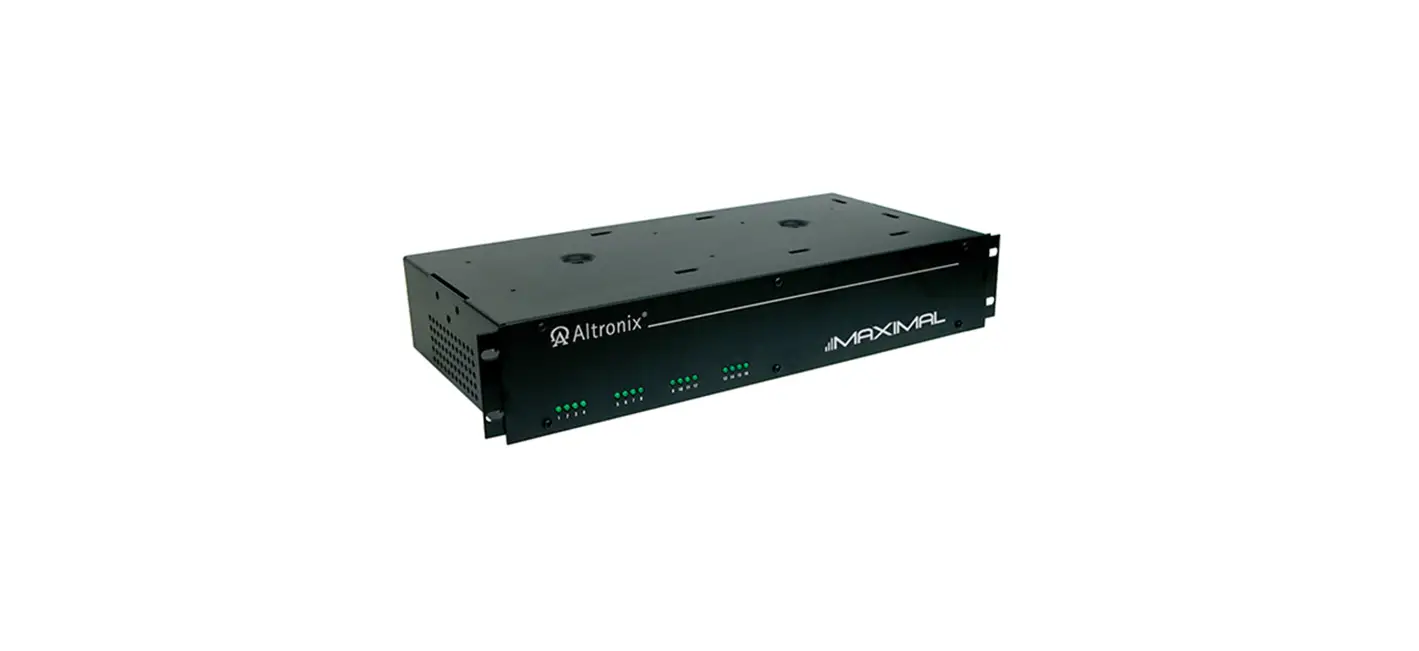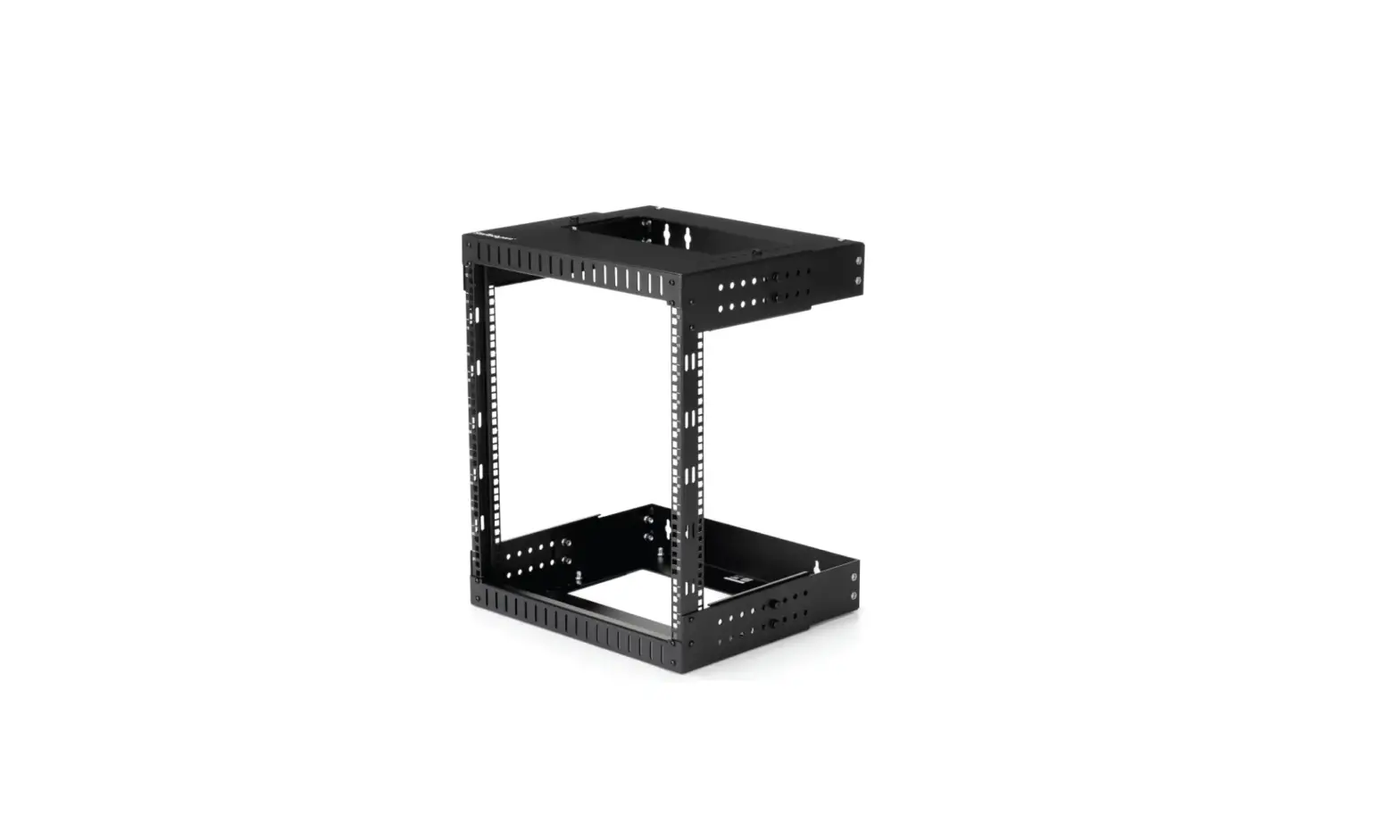

LANCOM UF-160 Rack Mounting Kit
Press the power button to start up the device
Press the reset button to perform a device restart.
Connection socket for power supply
After connecting the power supply cable to the device, turn the screwcap clockwise to prevent the jack from accidental un plugging. Use only the supplied power adapter.
Serial configuration interface RJ45 (CONSOLE)
Maintenance interface for expert configuration
USB 3.0 interfaces
Interfaces for reinstallation of the device software
TP Ethernet interface WAN 0
Connect the WAN 0 TP Ethernet interface to fur-ther network components. This interface is recom-mended for Internet access. For information on initial commissioning, refer to the corresponding product supplement.
TP Ethernet interfaces LAN 1 – LAN 3
Connect the LAN 1 – LAN 3 TP Ethernet interfaces with the enclosed Ethernet cable to other networking components. For information on initial commissioning, refer to the corresponding product supplement

Before initial startup, please make sure to take notice of the information regarding the intended use under www.lancom-systems.com/safety!
Operate the device only with a professionally installed power supply at a nearby power socket that is freely accessible at all times.
Please observe the following when setting up the device
- The mains plug of the device must be freely accessible.
- Do not rest any objects on top of the device and do not stack multiple devices.
- Keep the device’s ventilation slots clear of obstruction.
- Mount the device into a 19” unit in a server rack using the separately available rack mount.
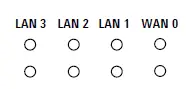
LEDs LAN 3 – WAN 0 – TP Ethernet
Upper LEDs – link speed
- Off: Link speed 10 Mbps
- Orange, permanently: Link speed 1000 Mbps
- Green, permanently: Link speed 100 Mbps
Lower LEDs – link activity
- Off: No link detected
- Orange, permanently Link detected, no port activity
- Orange, blinking: Link detected, port activity
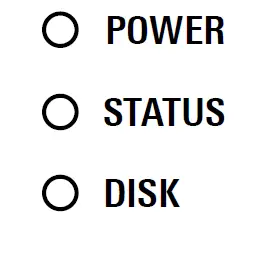
LEDs POWER / DISK
- POWER off: Device switched off
- POWER green: Device ready and accessible
- DISK off: no HDD detected
- DISK green: HDD detected
LEDs WAN 1 – LAN 4 – TP Ethernet (rear panel)
LEDs left – Link activity
- Off: No link detected
- Orange, permanently: Link detected, no port activity
- Orange, blinking: Link detected, port activity
LEDs right – link speed
- Off: Link speed 10 Mbps
- Orange, permanently: Link speed 1000 Mbps
- Green, permanently: Link speed 100 Mbps
Hardware
- Power supply: 12 V DC, external power supply
- Power consumption Max. 28 W
- Environment: Temperature range 0–40 °C; humidity 5–90 %; non-condensing
- Housing: Robust metal housing, network connectors on the front
- Fan: 1
- Dimensions (mm): 231 x 44 x 200 (W x H x D)
Interfaces
- ETH: 4x 10 / 100 / 1000 Mbps Gigabit Ethernet ports
- USB: 2x USB 3.0 ports
- Console: 1x RJ45 configuration interface
Package content
- Accessories: 1 Ethernet cable, 1 power supply unit with IEC power cable, 1 set adhesive rubber pads
 DoC - LANCOM Systems GmbH