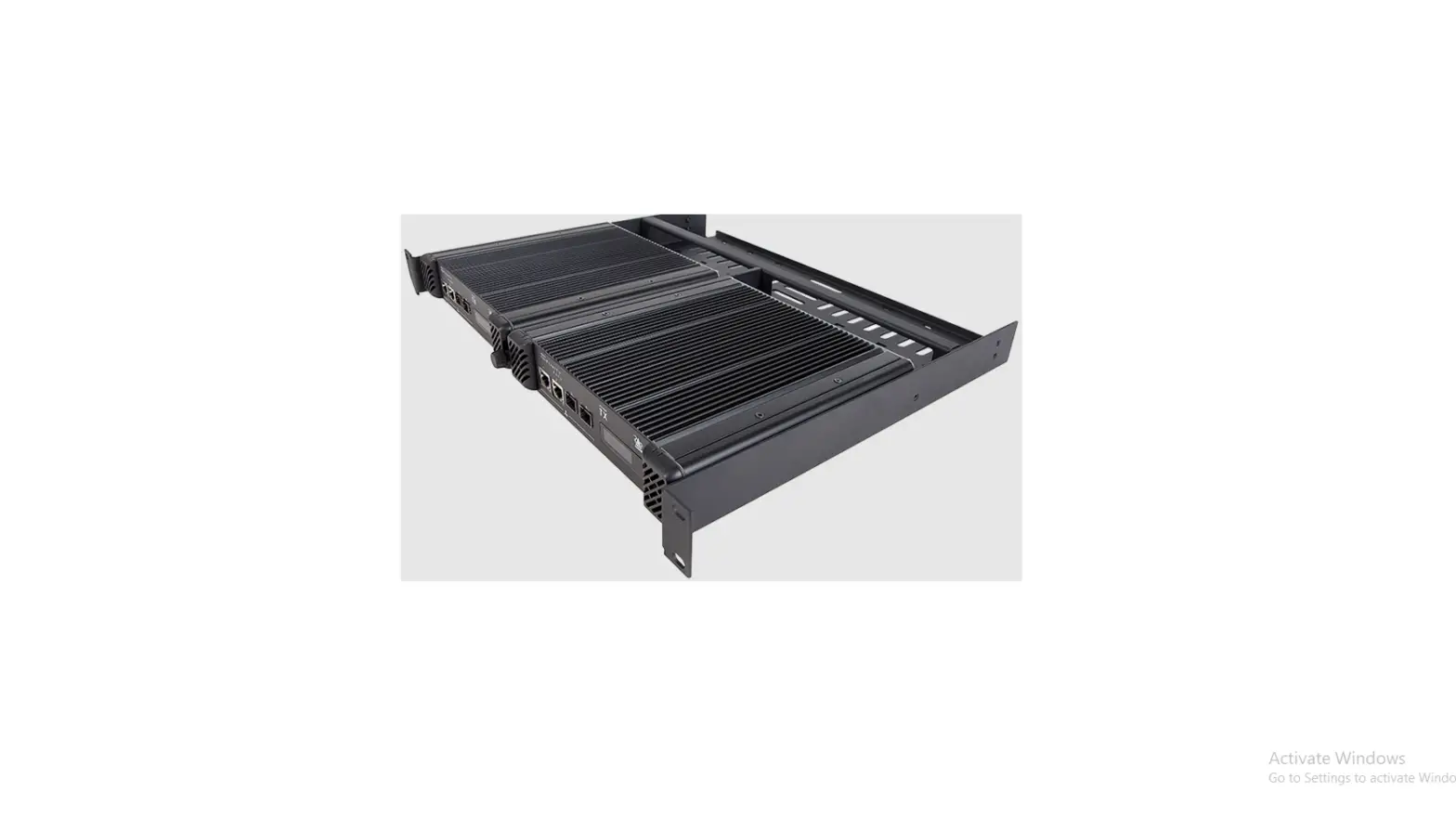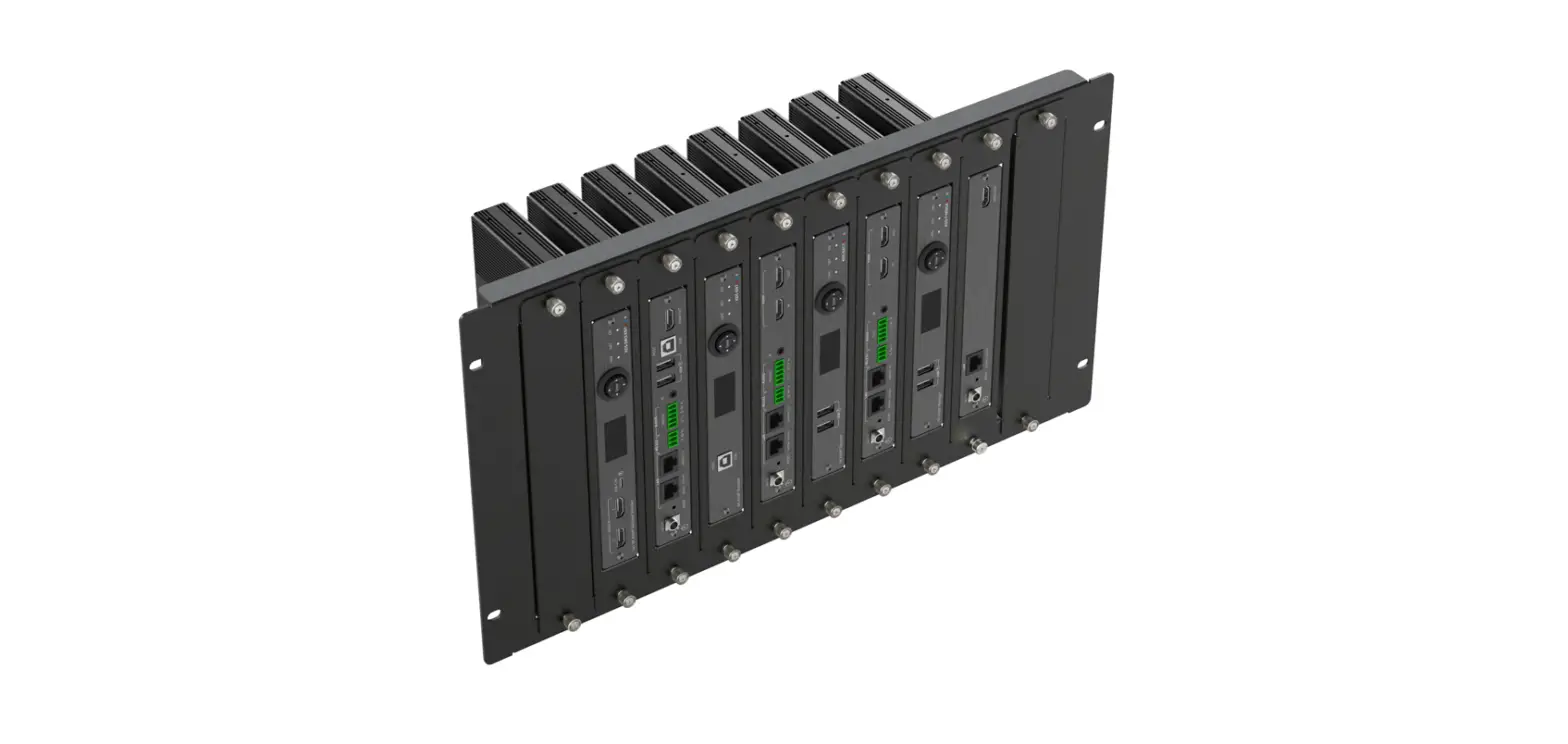

KRAMER RK-10MT Rack Mount Device
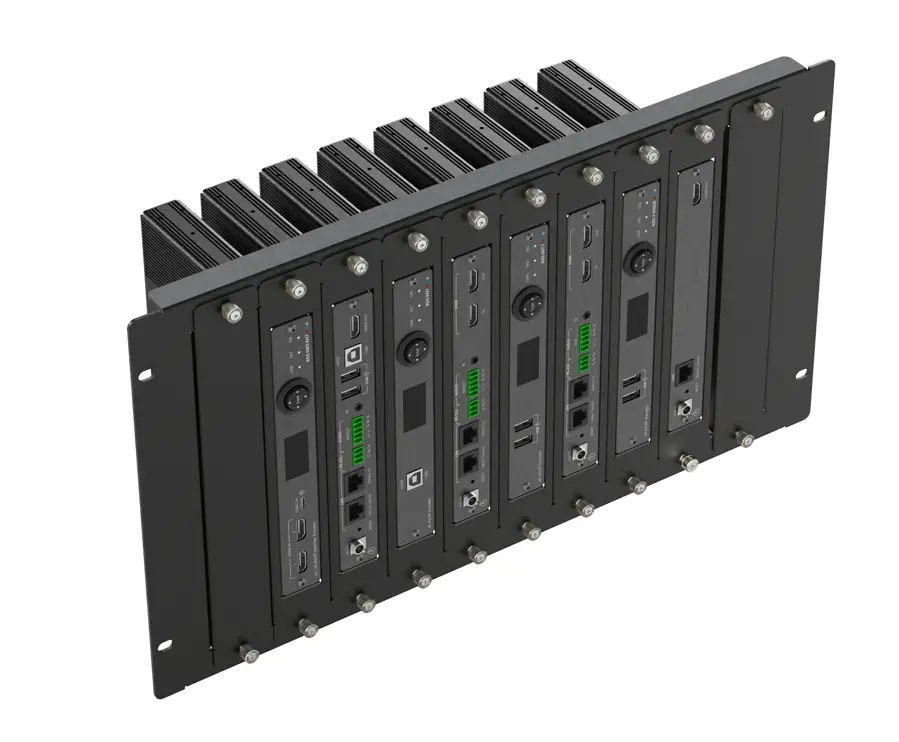
INSTRUCTIONS
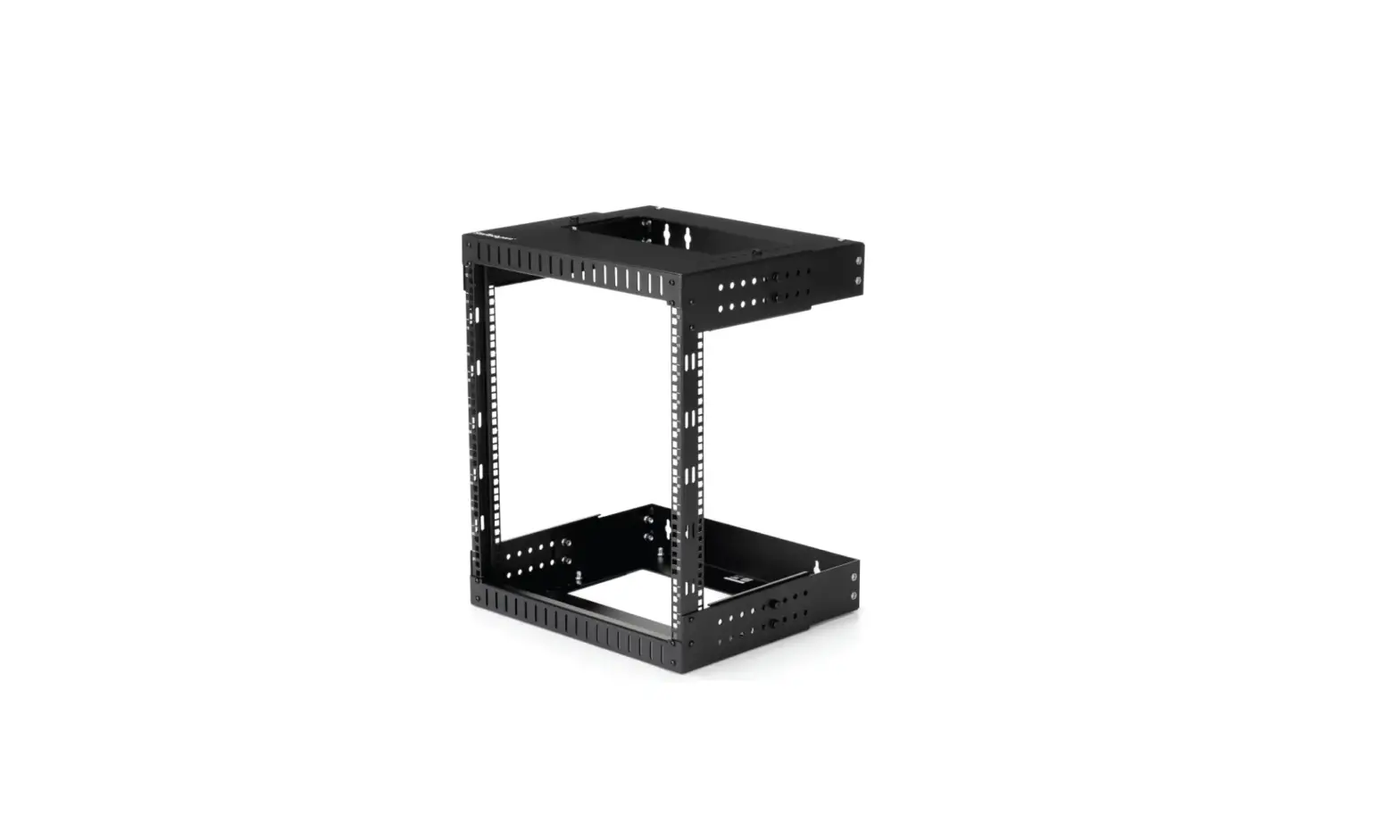
This guide helps you install and use your RK-10MT for the first time.
Go to www.kramerav.com/downloads/RK-10MT to download the latest user manual and check if firmware upgrades are available.
Step 1: Check what’s in the box
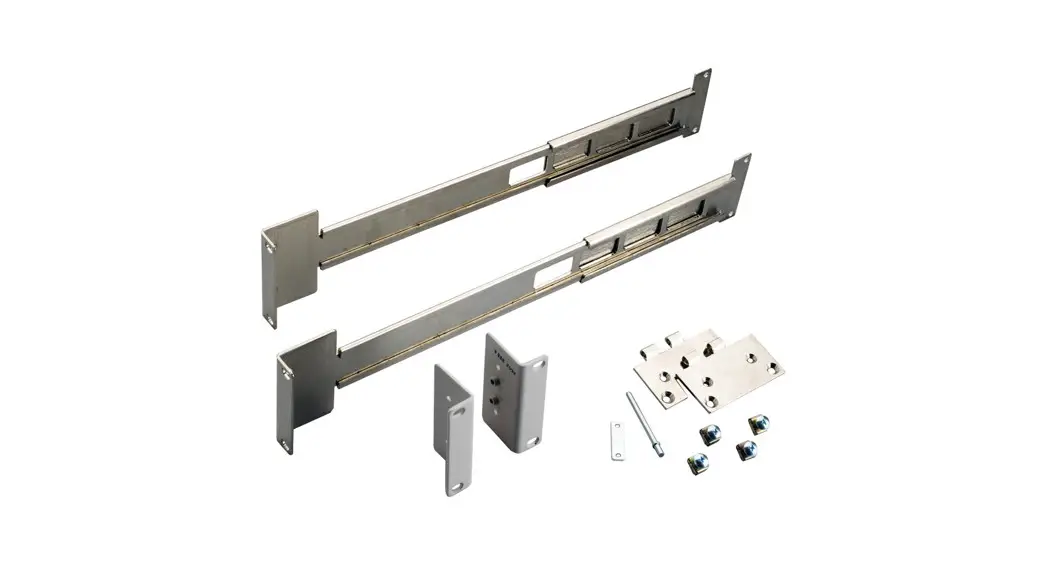
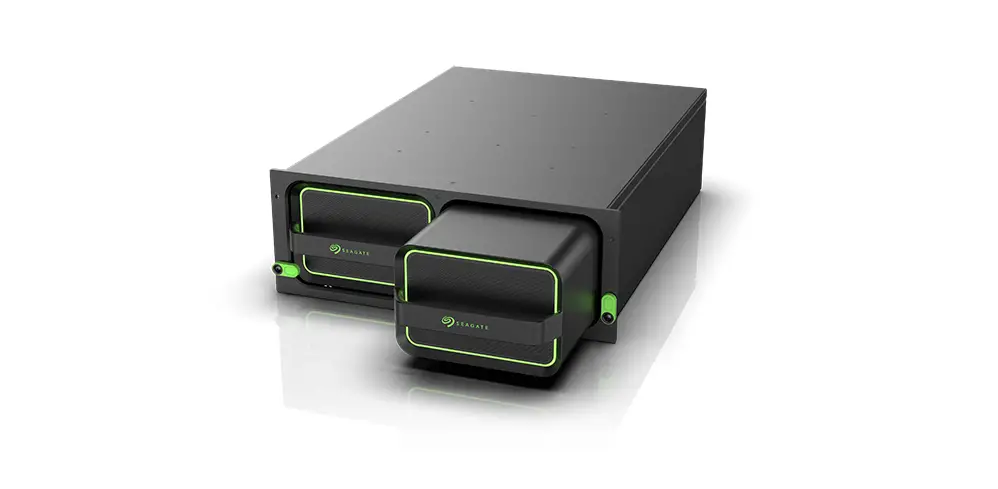
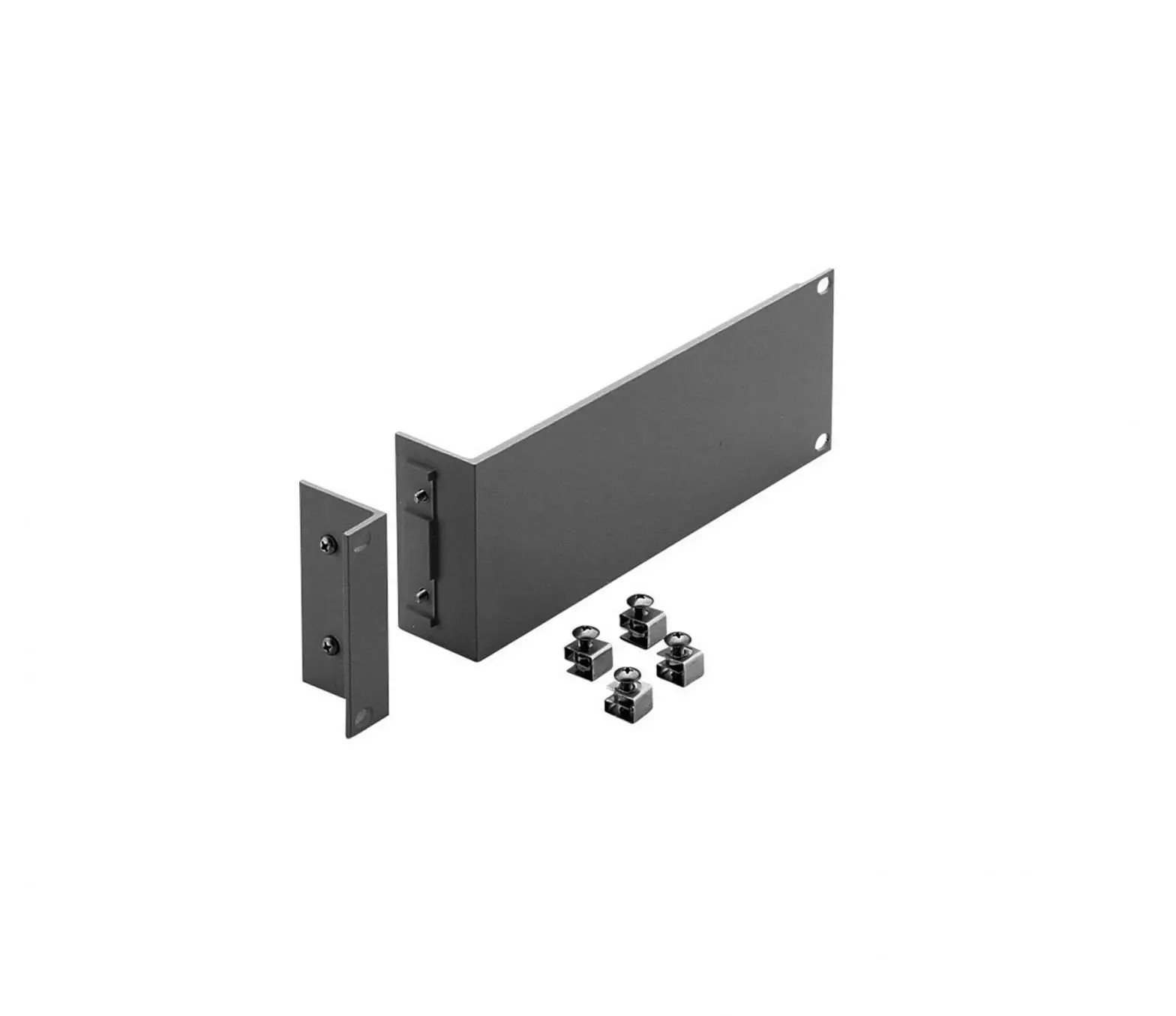
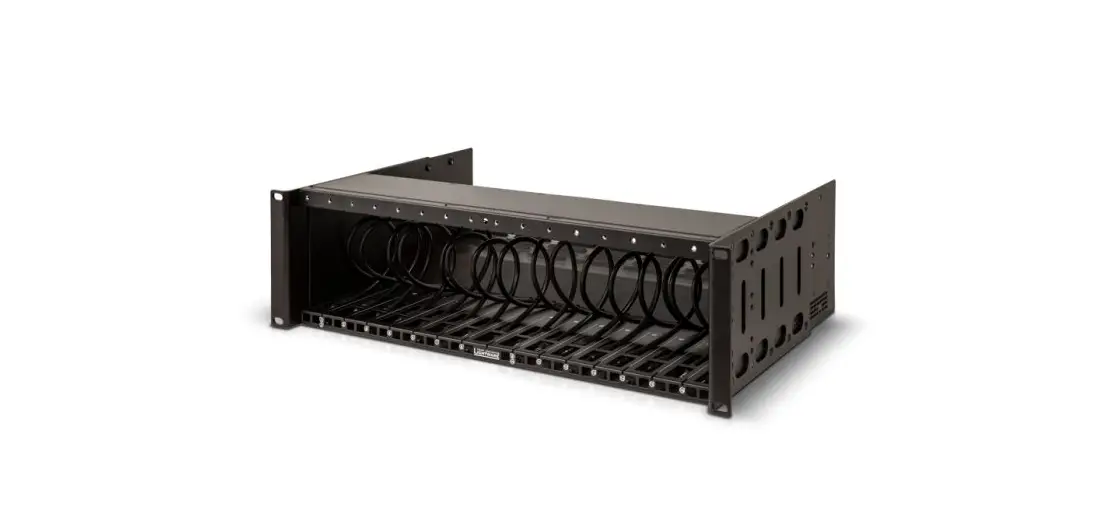
- RK-10MT Rack Mount
- 1 Quick start guide
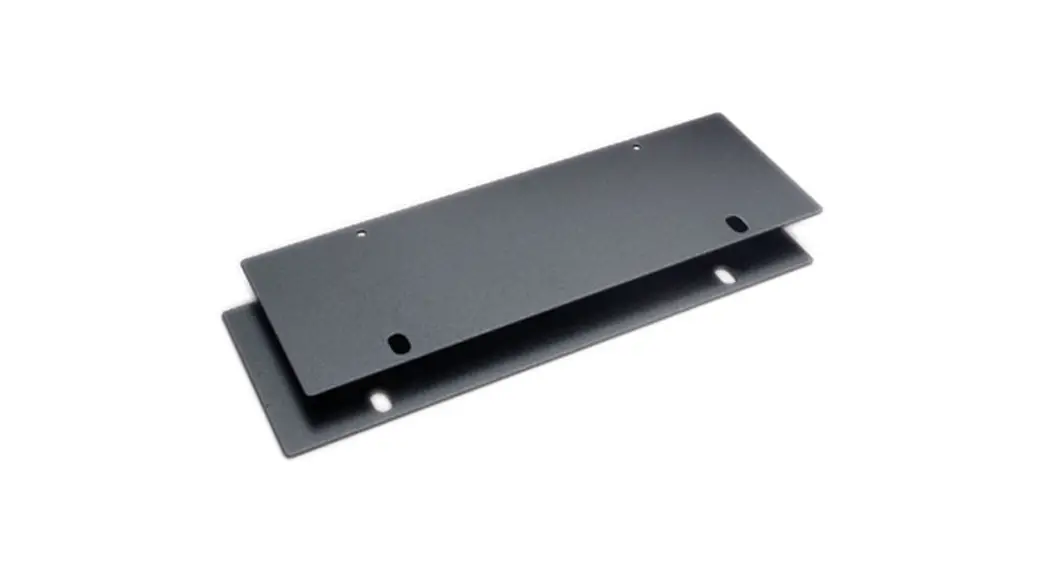
- 2 Blank panels
- 50 Screws
Step 2: Get to know your RK-10MT
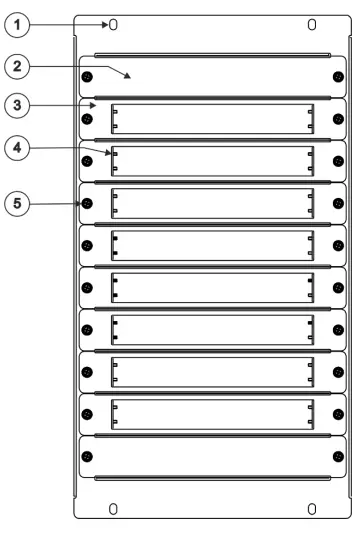 | # | Feature | Function |
| 1 | Rack Adapter Screw Holes | Connect to a Rack adapter shelf. | |
| 2 | Blank Panel | Blank panel to cover open slot. | |
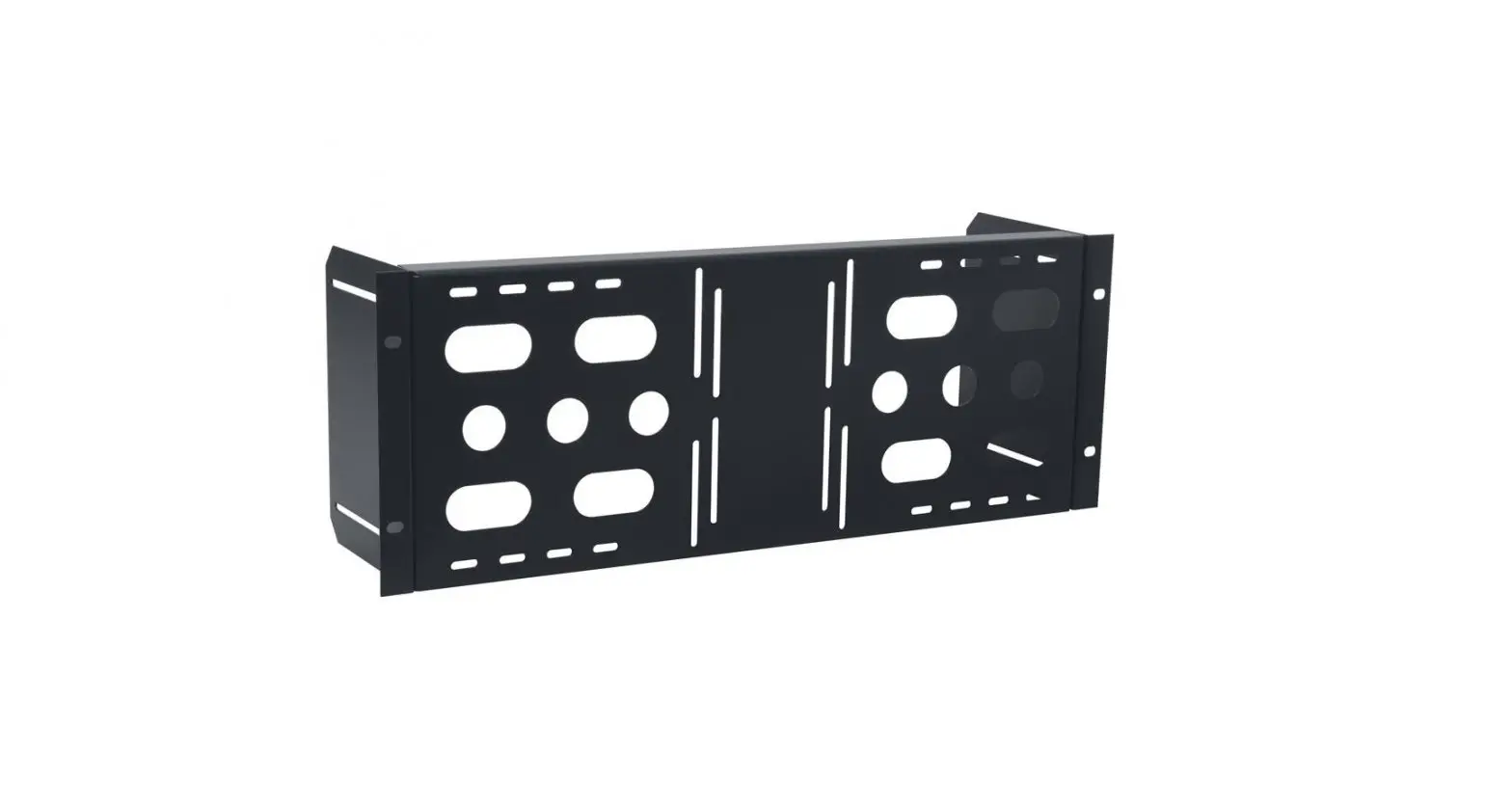
| 3 | Open Panel | Rack-mount panel with opening for inserting the device. | |
| 4 | Inside Screw Holes | Insert screws (supplied) to attach the device to the open panel. | |
| 5 | Knob | Turn to attach a panel to the rack. |
Step 3: Mount RK-10MT
- Ensure that the environment (e.g., maximum ambient temperature & air flow) is compatible for the device.
- Avoid uneven mechanical loading.
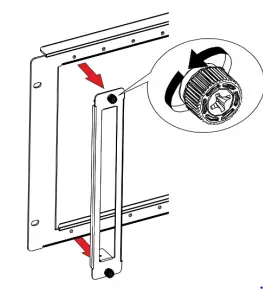
To mount a device onto the rack:
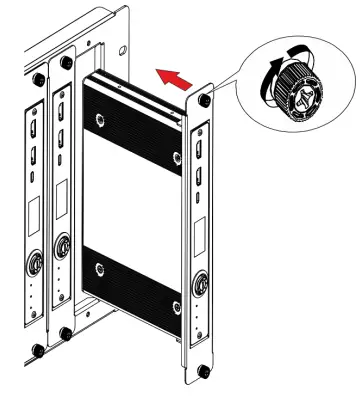
- Unfasten the knobs to remove the open panel.

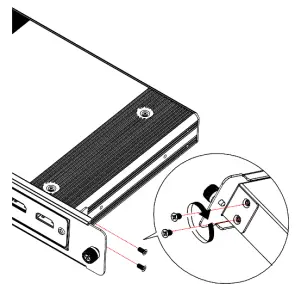
- Slide the device into the panel opening.
- Attach the device to the panel using 4 screws (2 on each side to secure the device to the panel.

- Slide the open panel with the device into the rack opening.
- Turn the knob to secure panel to rack.

Technical Specifications
| Environmental Conditions | Operating Temperature | 0° to +40°C (32° to 104°F) |
| Storage Temperature | -40° to +70°C (-40° to 158°F) | |
| Humidity | 10% to 90%, RHL non-condensing | |
| Regulatory Compliance | Safety | CE |
| Environmental | RoHs, WEEE | |
| Enclosure | Type | Aluminum |
| General | Net Dimensions (W, D, H) | 48.2cm x 26.5cm x 3.1cm (19″ x 10.4″ x 1.2″) |
| Shipping Dimensions (W, D, H) | 52.5cm x 40cm x 8.5cm (20.7“ x 15.7” x 3.3”) | |
| Net Weight | 1.7kg (3.7lbs) approx. | |
| Shipping Weight | 2.5kg (5.5lbs) approx. |
Specifications are subject to change without notice at www.kramerav.com
 Kramer | Audio Visual Solutions - Kramer