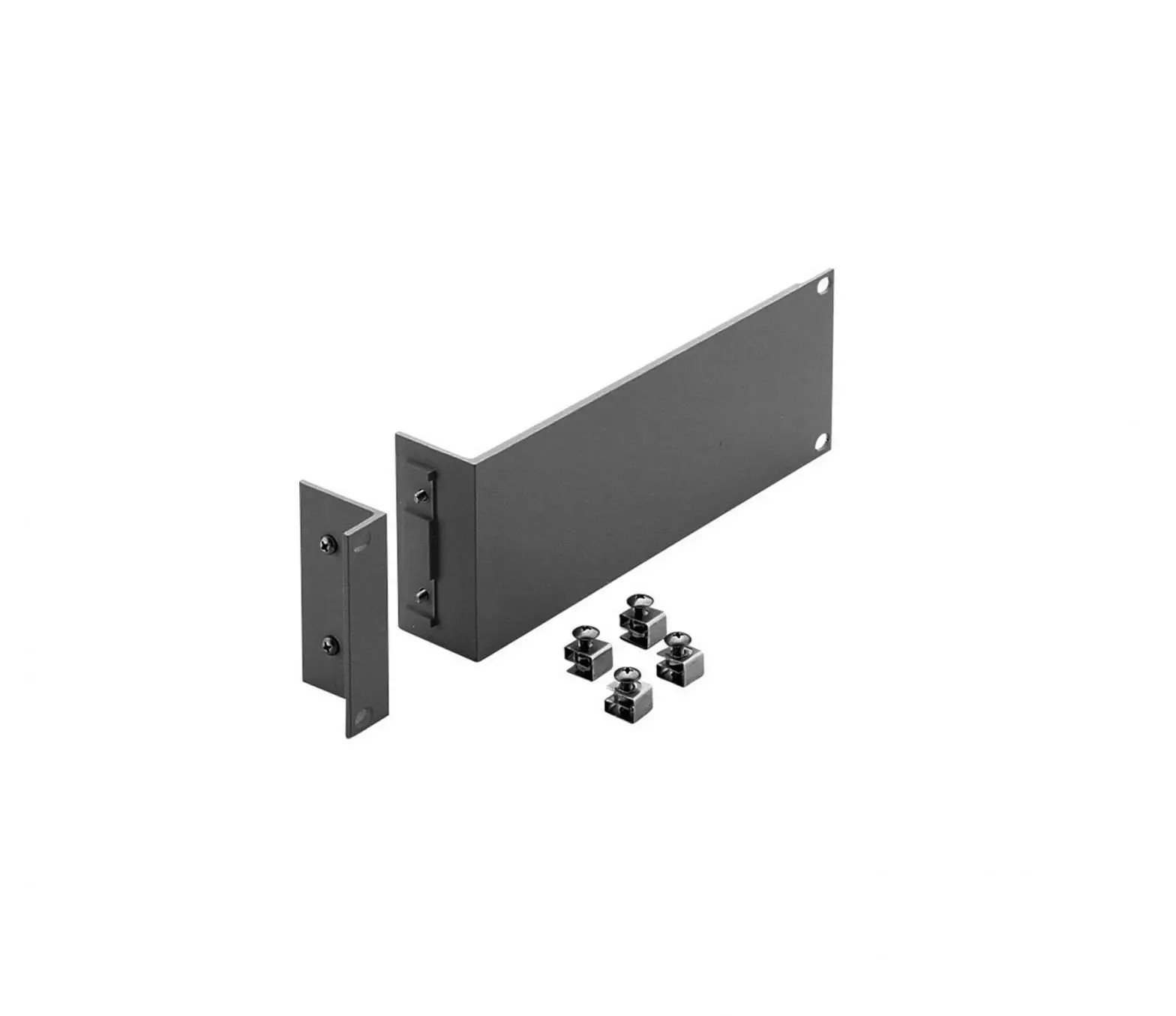
Rack Mount Plus
Product Information:
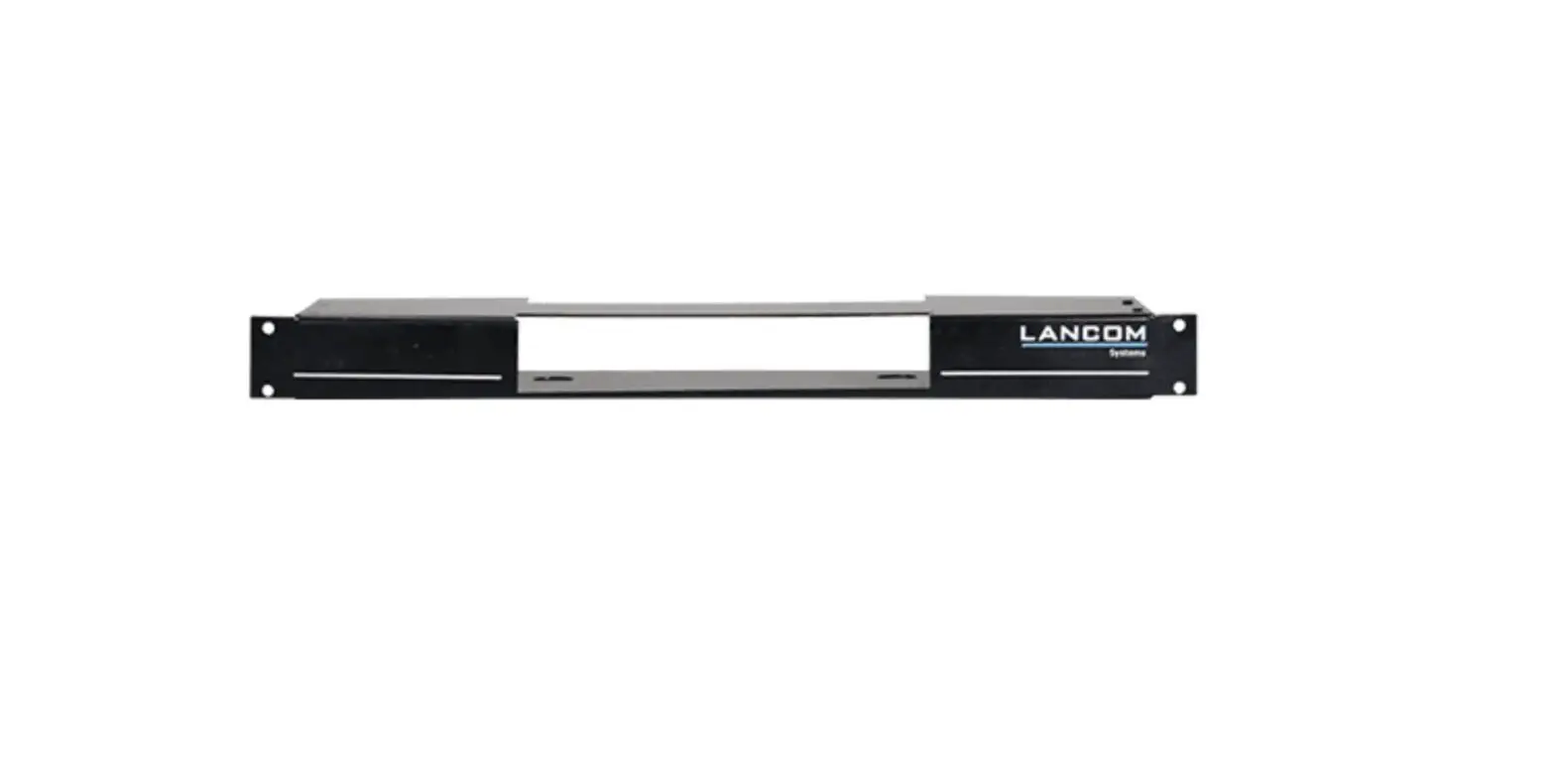
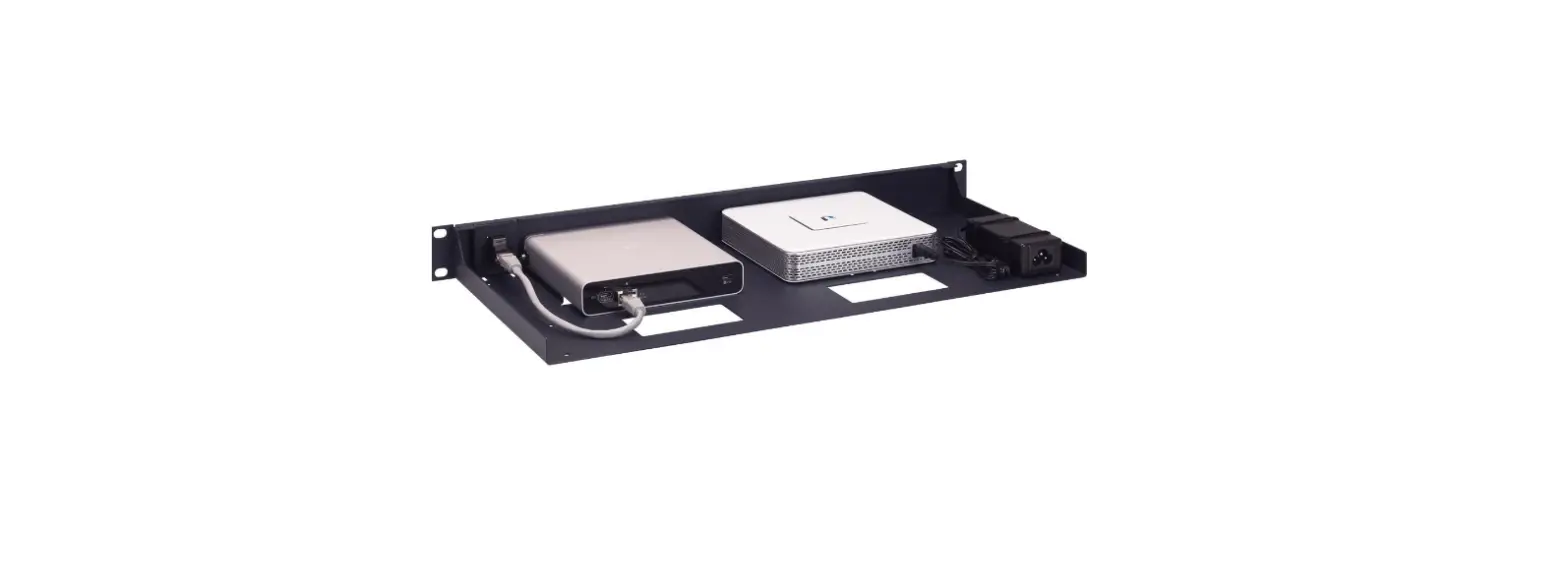
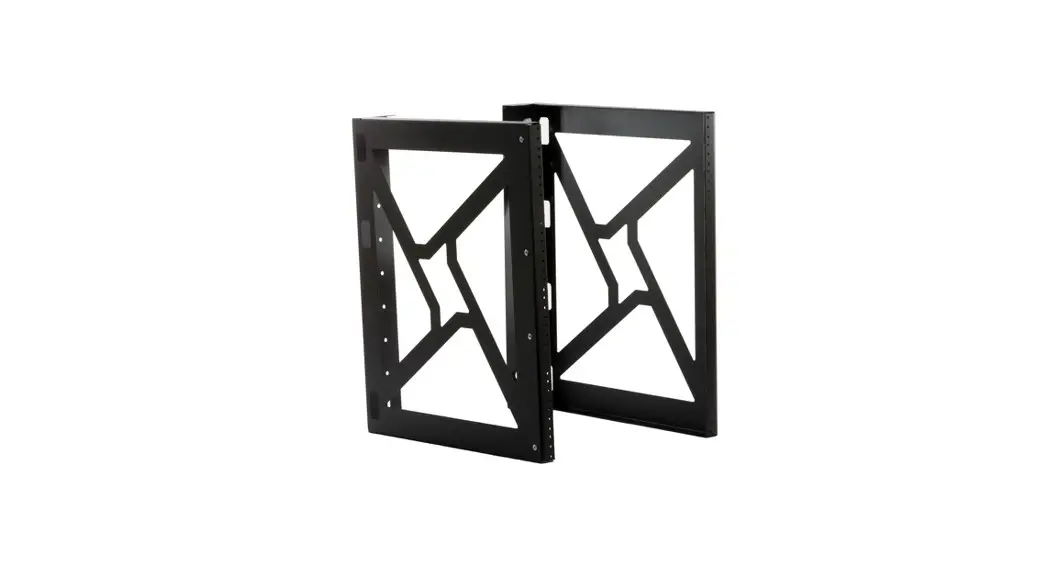
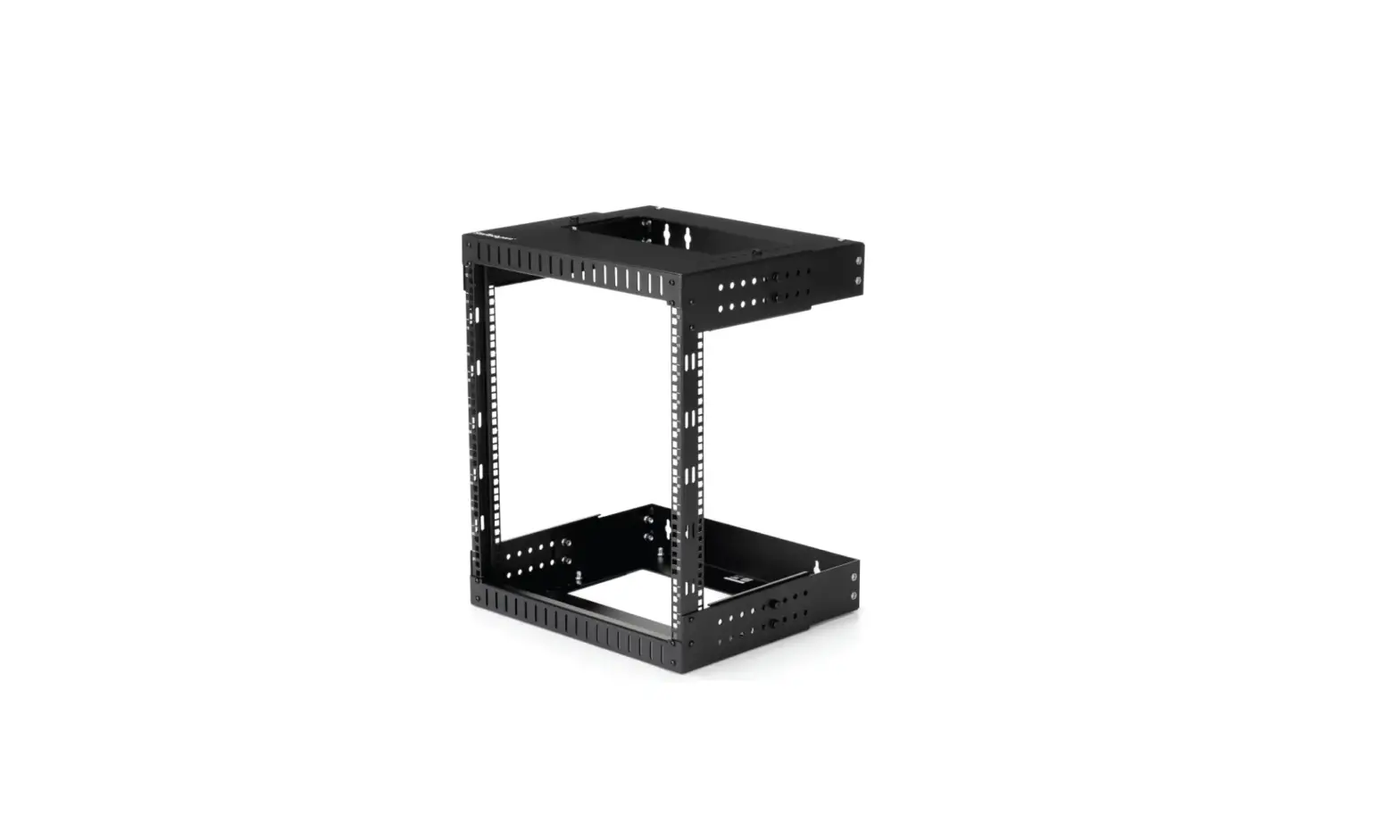
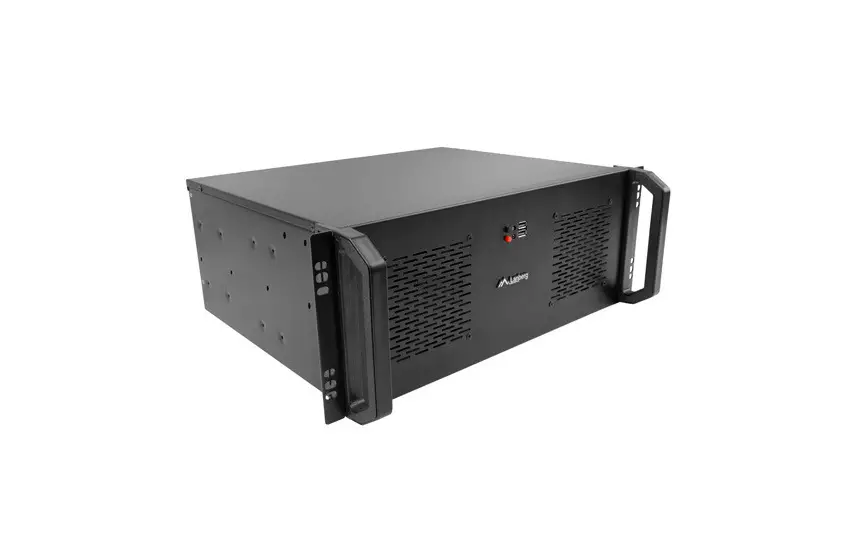
The LANCOM Rack Mount Plus is a mounting adapter designed for
19-inch racks. It allows for the secure installation of LANCOM
devices in a rack setup.
Product Usage Instructions:
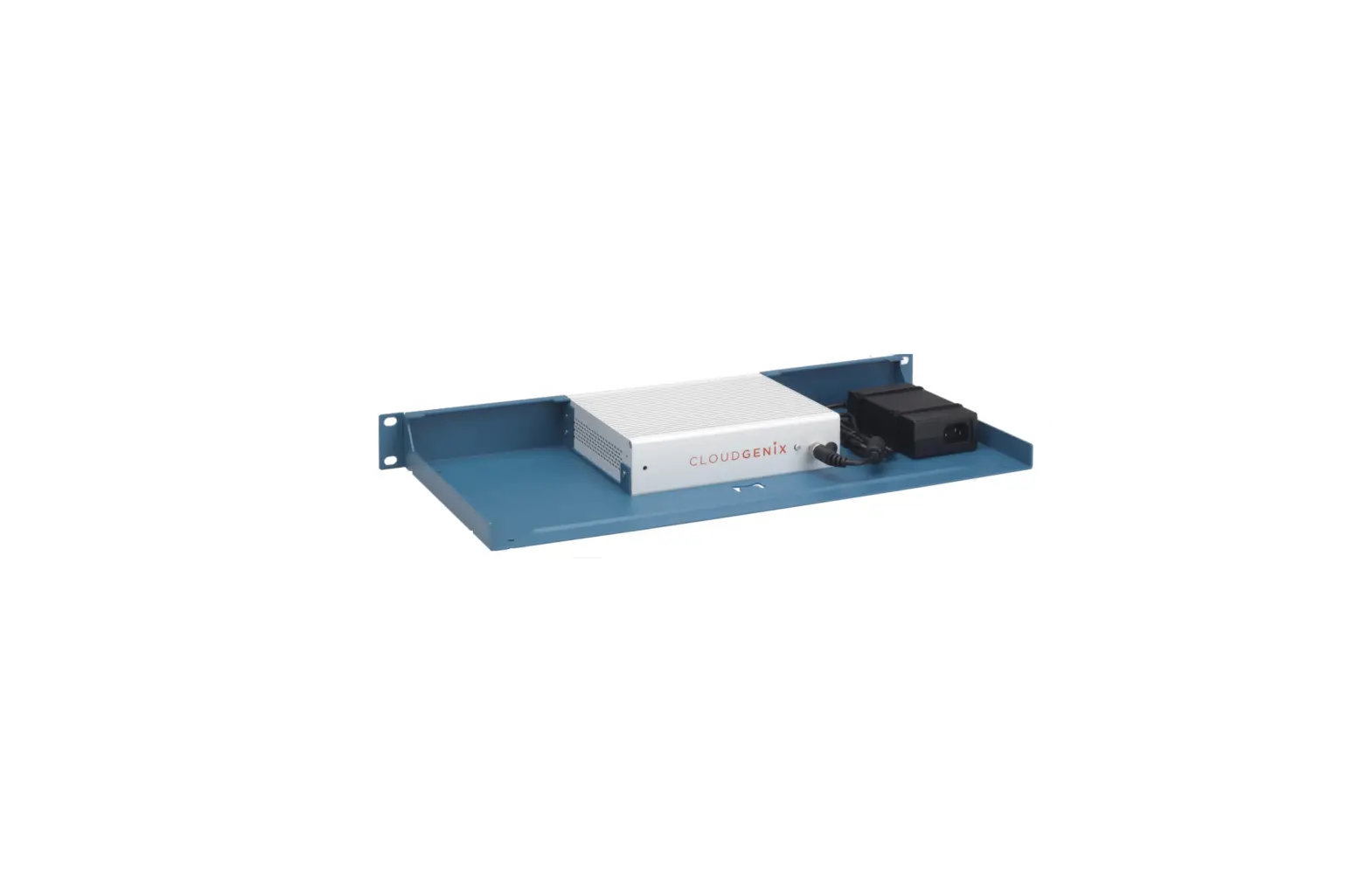
- Use the rear angle brackets provided to fix the LANCOM device
in the mounting adapter. Ensure that the device is securely
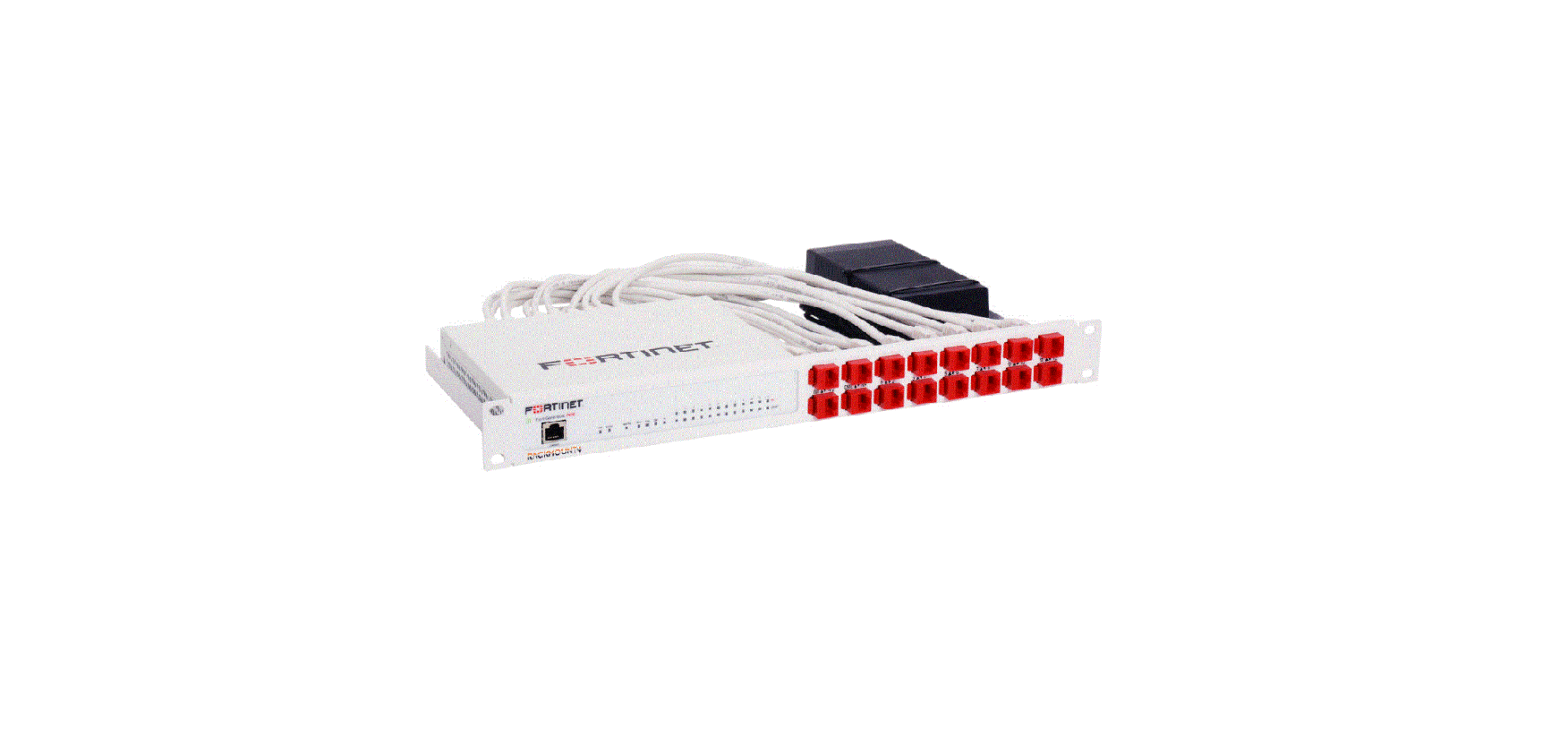
attached. - Connect the ports of the LANCOM device with the corresponding
ports of the Rack Mount Plus using the cables supplied. Make sure
to establish proper connections. - For mounting in a 19-inch rack, use the enclosed screws.
Position the Rack Mount Plus in the desired location within the
rack and secure it firmly. - Ensure that there is sufficient ventilation around the LANCOM
device and leave a distance to other 19-inch devices whenever
possible. This helps prevent overheating and ensures optimal
performance. - Refer to the appropriate product specifications sheet for the
permissible operating temperature range of your LANCOM product.
Adhere to these temperature limits to avoid any potential
issues.
LANCOM Rack Mount Plus
Montageanleitung | Mounting instructions
Erläuterungen Verwenden Sie die beiden hinteren Haltewinkel, um das LANCOM Gerät im
Montageadapter zu fixieren. Nutzen Sie die beiliegenden Kabel, um die Anschlüsse des Gerätes mit den
entsprechenden Anschlüssen des Rack Mount Plus zu verbinden. Verwenden Sie die beiliegenden Schrauben zur Montage in einem
19″-Rack.
Hinweise Achten Sie stets auf eine ausreichende Belüftung und lassen Sie nach Möglichkeit
Abstand zu weiteren 19”-Einschüben. Den zulässigen Temperaturbereich Ihres LANCOM Produktes finden Sie im
entsprechenden Produktdatenblatt.
Explanations Use the rear angle brackets for fixing the LANCOM device in the mounting adapter. Use the cables supplied to connect the ports of the device with the corresponding
ports of the Rack Mount Plus. Use the enclosed screws for mounting in a 19″ rack.
Notes Always ensure sufficient ventilation and leave a distance to other 19” devices, if
possible. The permissible operating temperature range for your LANCOM product can be
found in the appropriate product specifications sheet.
LANCOM Systems GmbH | Adenauerstr. 20/B2 | 52146 Wuerselen | Germany | [email protected] | www.lancom-systems.com © 2022 LANCOM, LANCOM Systems, LCOS, LANcommunity und Hyper Integration sind eingetragene Marken. Alle anderen verwendeten Namen und Bezeichnungen können Marken oder eingetragene Marken ihrer jeweiligen Eigentümer sein. Dieses Dokument enthält zukunftsbezogene Aussagen zu Produkten und Produkteigenschaften. LANCOM Systems behält sich vor, diese jederzeit ohne Angaben von Gründen zu ändern. Keine Gewähr für technische Ungenauigkeiten und / oder Auslassungen. © 2022 LANCOM Systems GmbH, Wuerselen (Germany). All rights reserved. LANCOM, LANCOM Systems, LCOS, LANcommunity and Hyper Integration are registered trademarks. All other names or descriptions used may be trademarks or registered trademarks of their owners. This document contains statements relating to future products and their attributes. LANCOM Systems reserves the right to change these without notice. No liability for technical errors and / or omissions. 111203 10/2022
 Business network solutions "made in Germany": LANCOM Systems GmbH