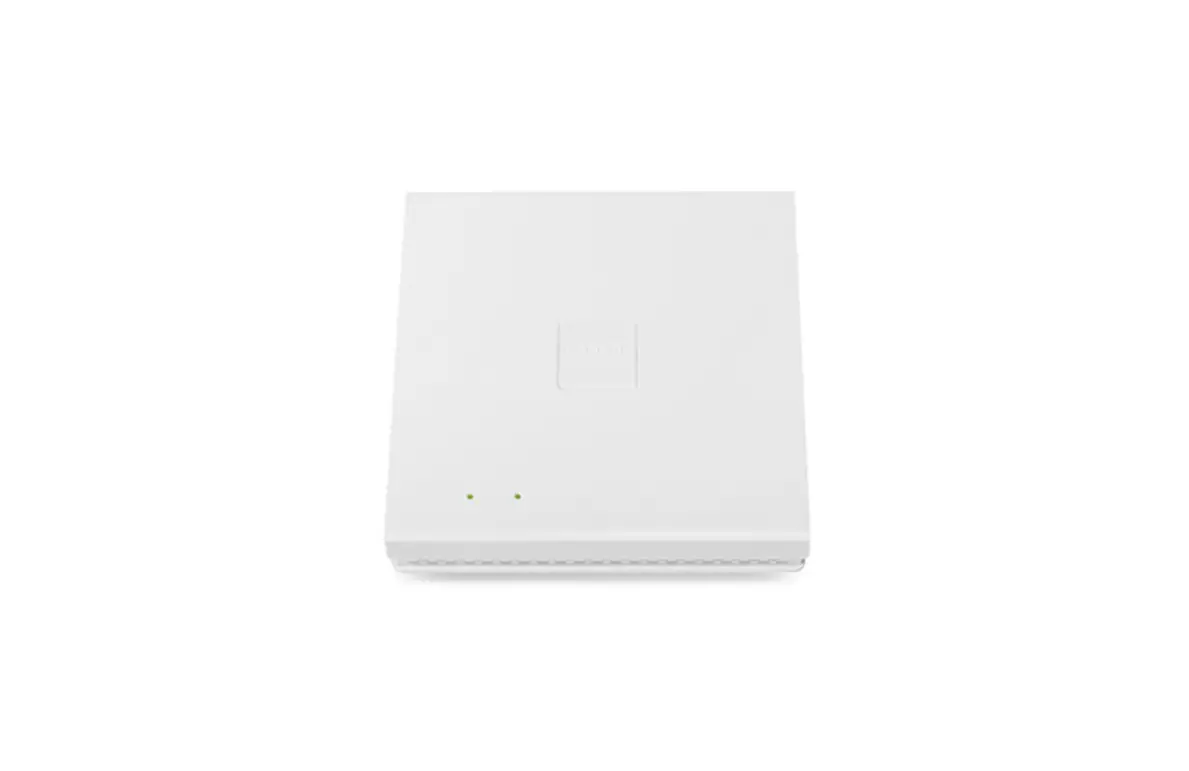
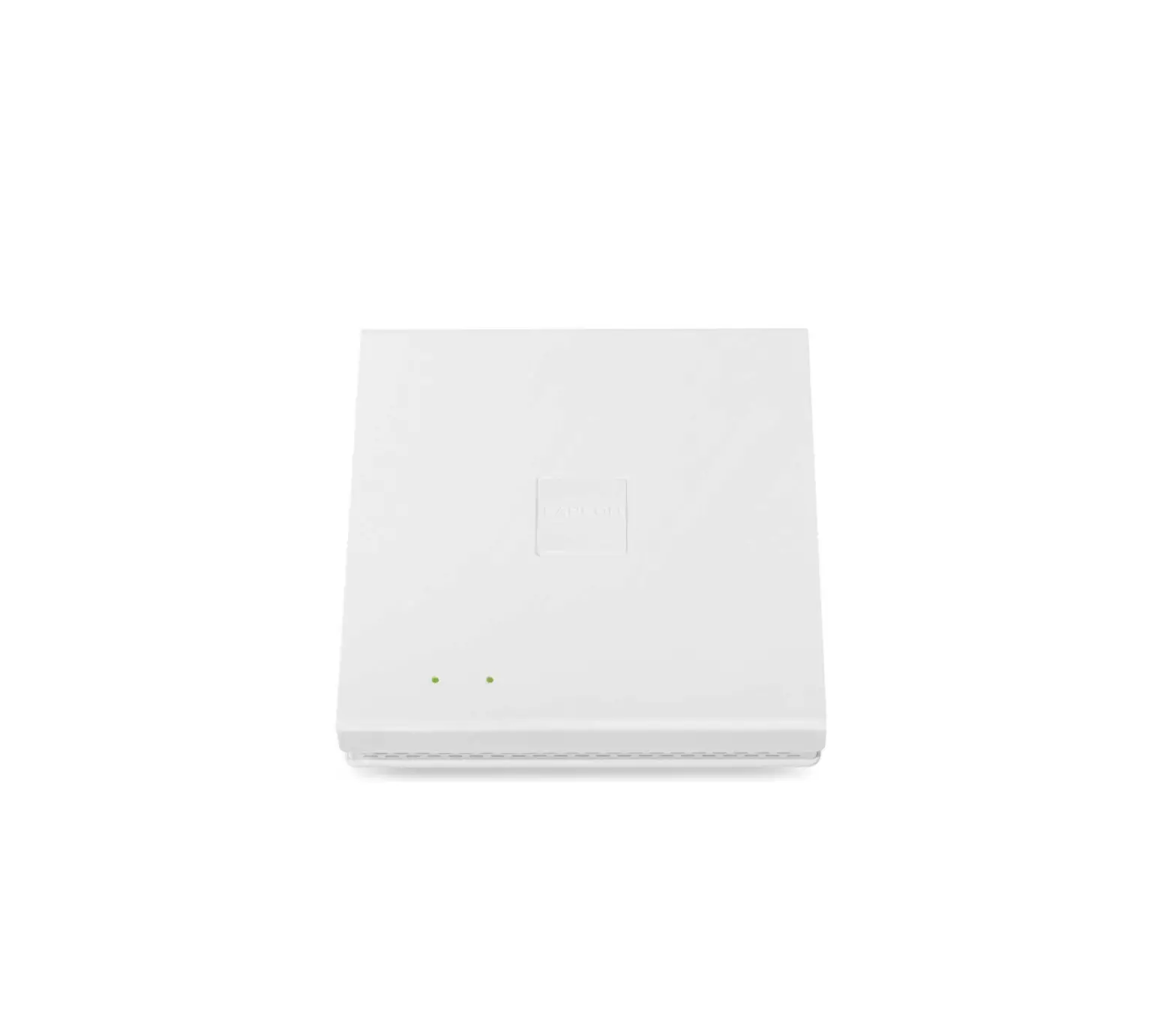
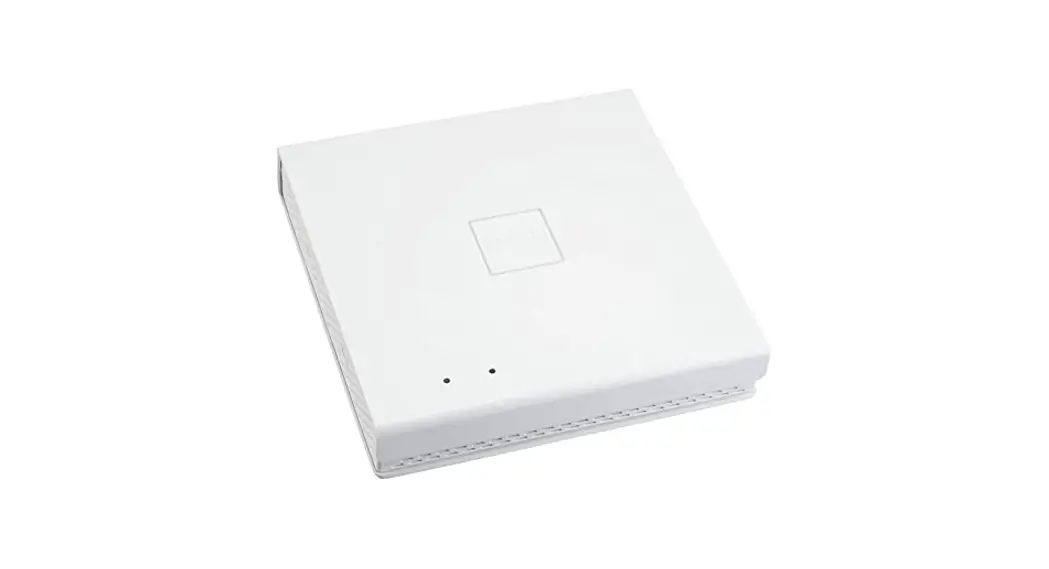
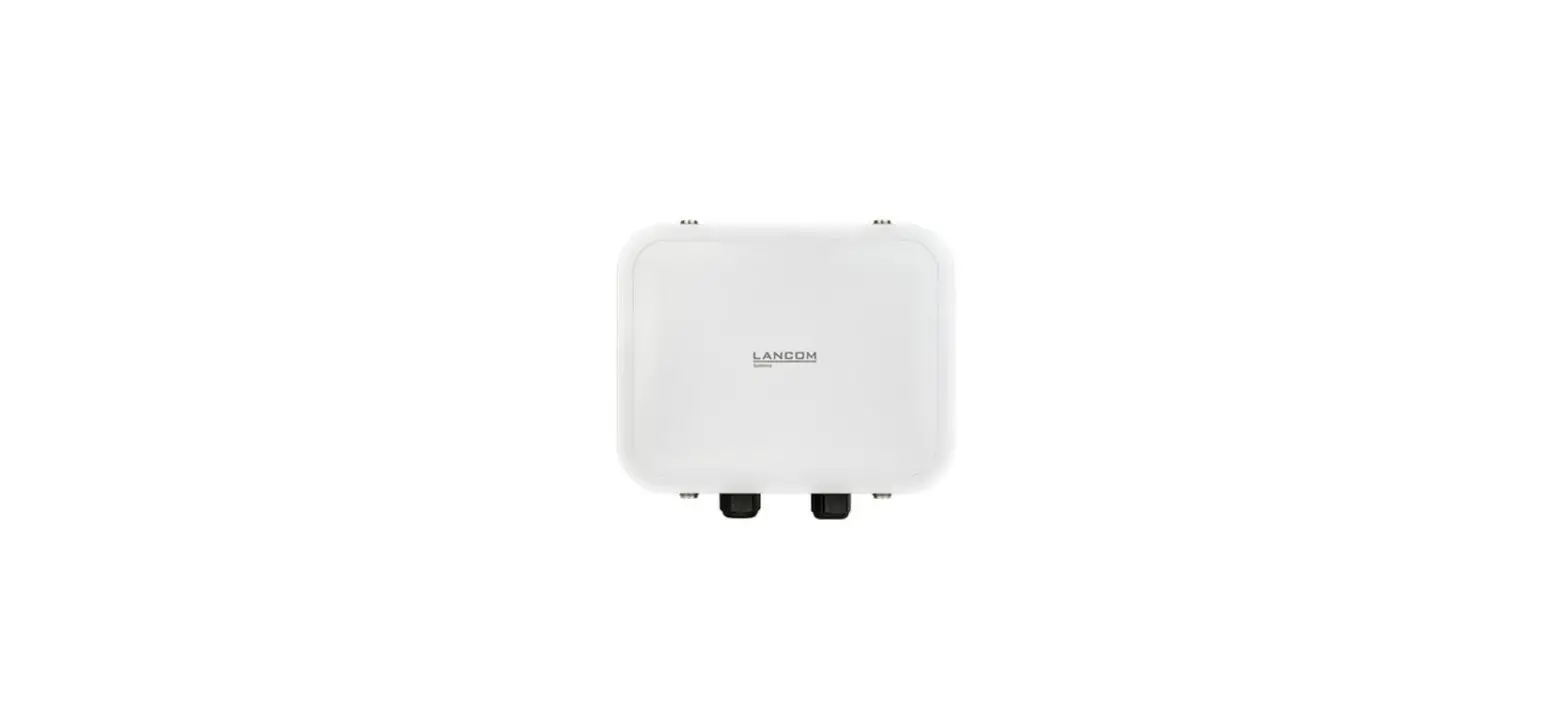
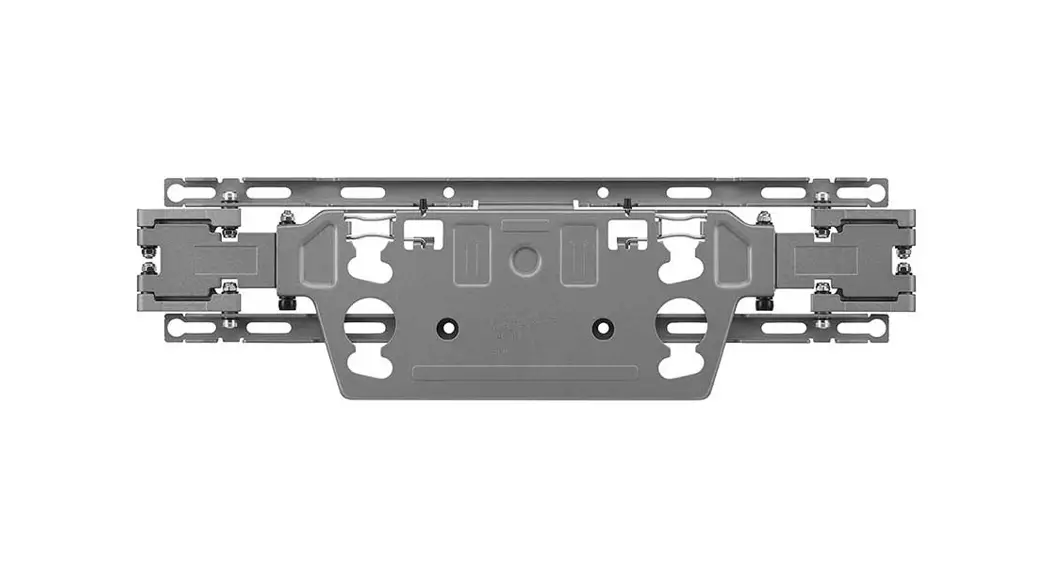
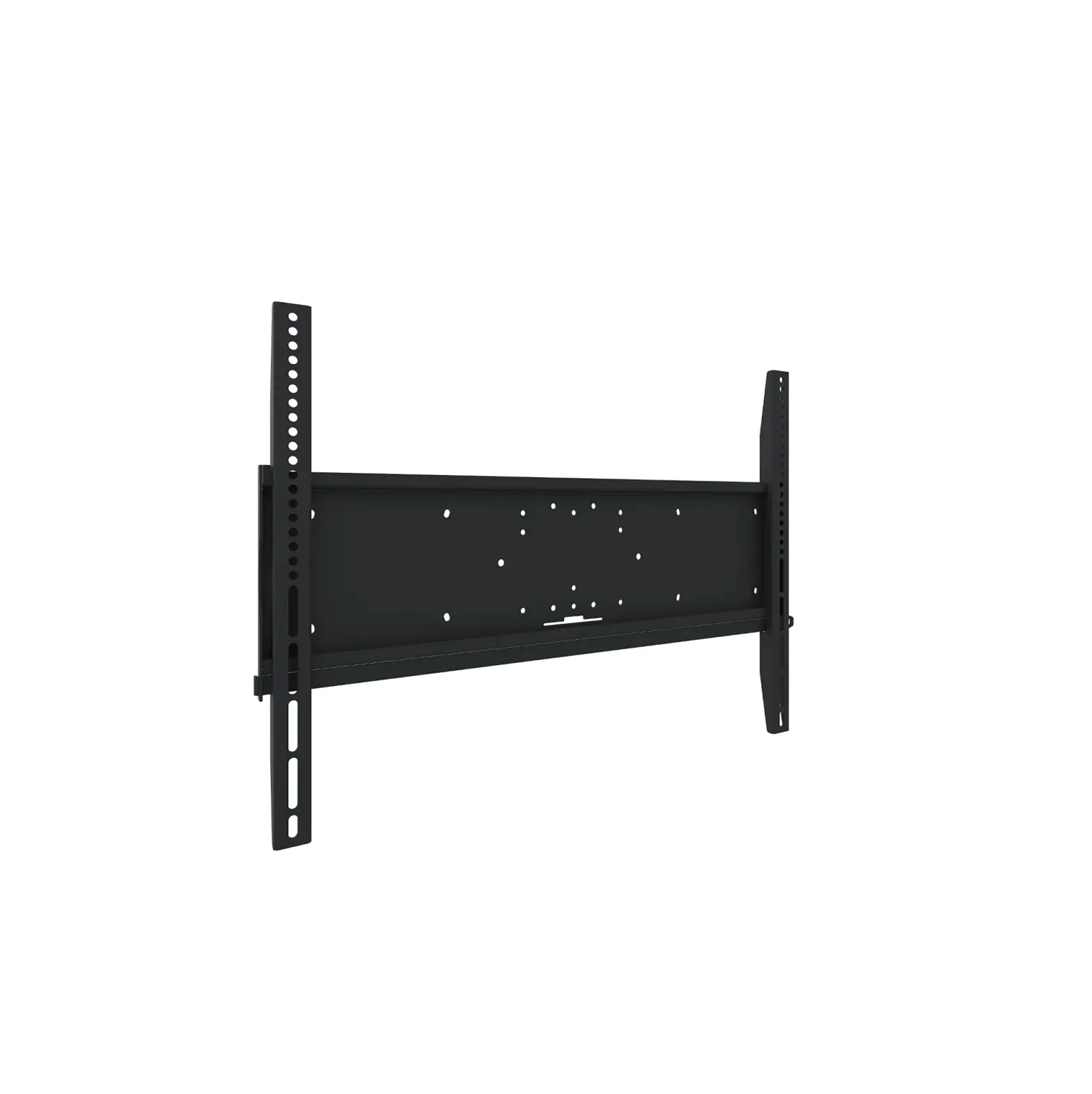
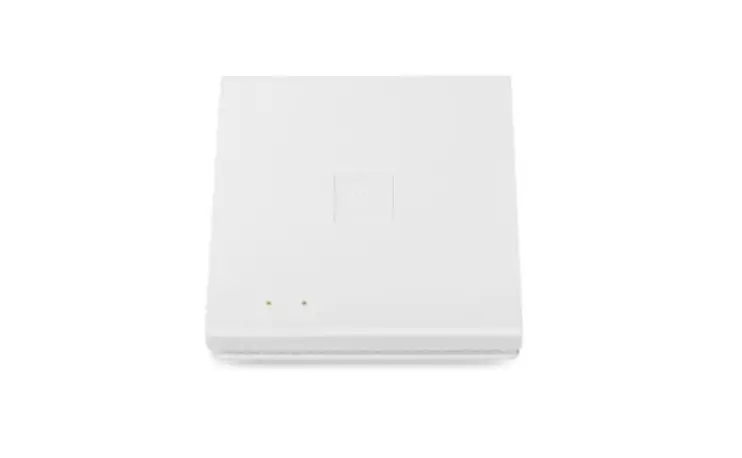
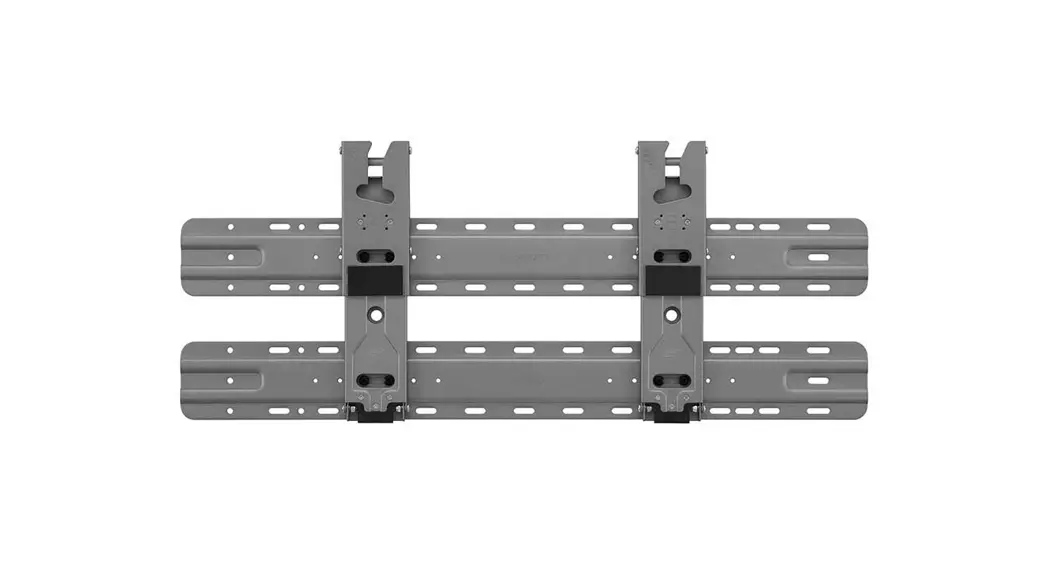
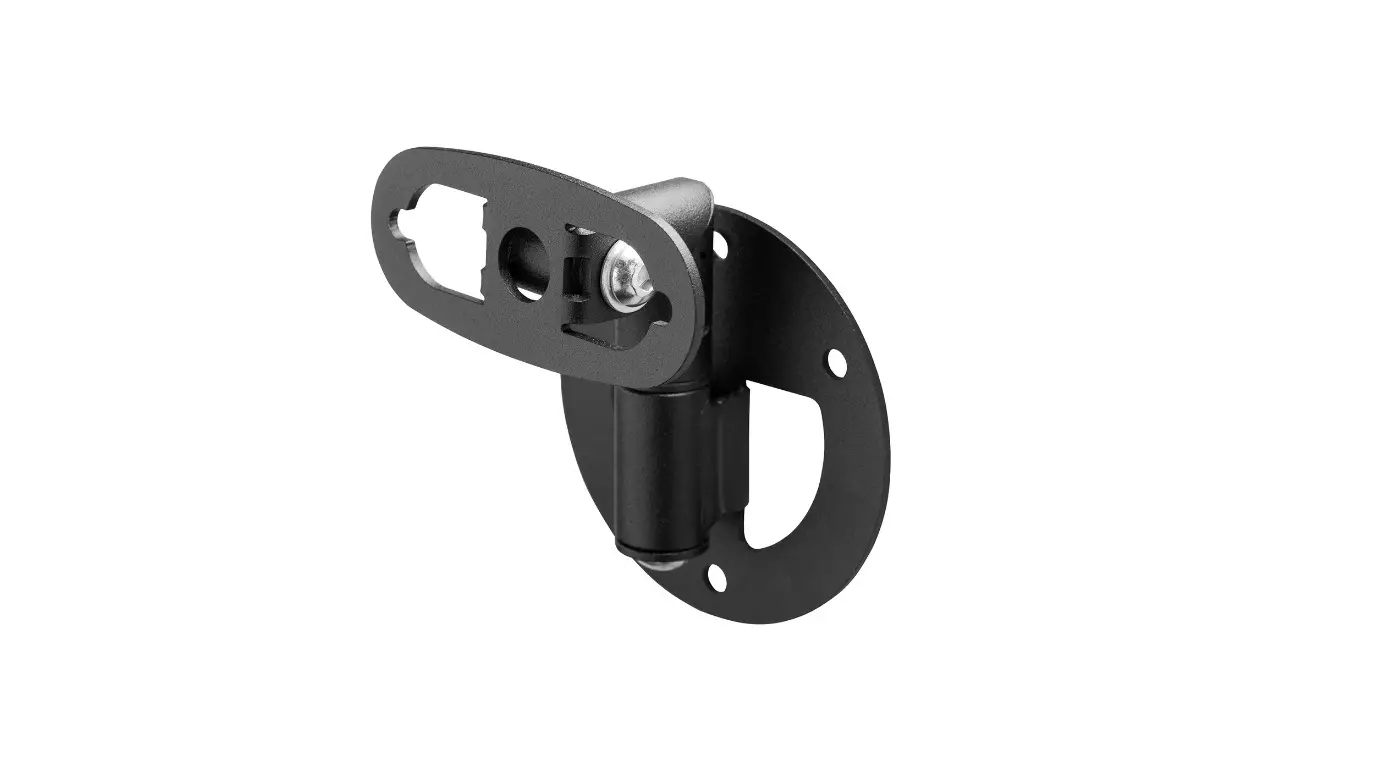
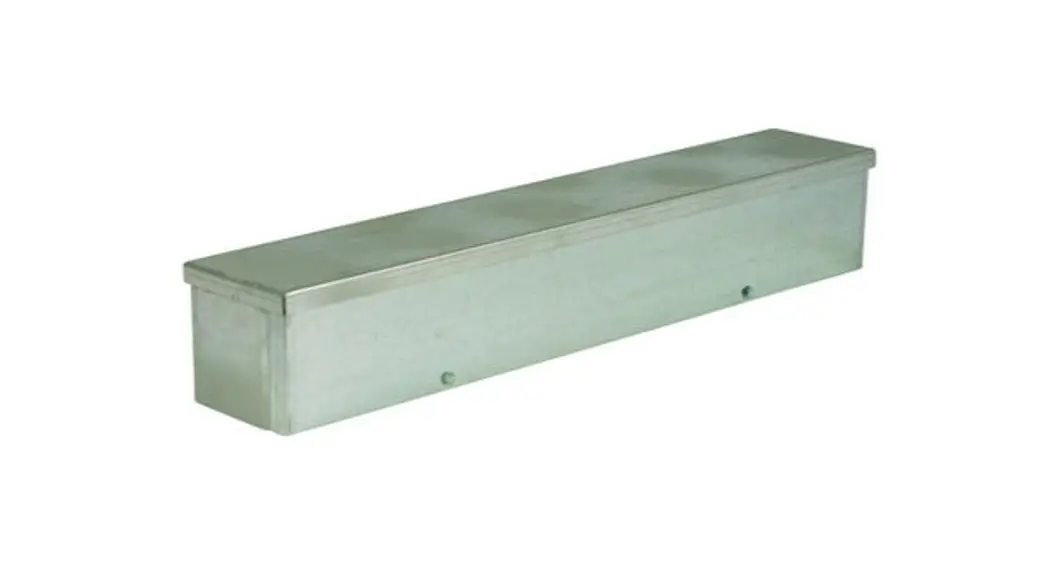
LX-6500E Wall Mount Access Point
Product Information
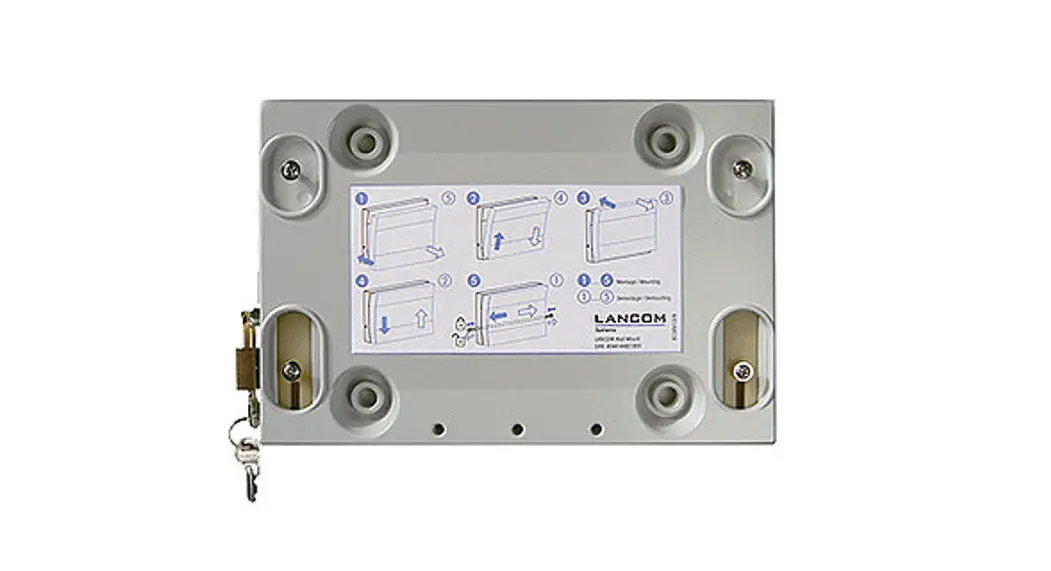
The LANCOM Wall Mount LX-6500(E) is a bracket designed for
mounting a LANCOM LX-6500(E) access point. It can be used for
vertical wall or horizontal ceiling installations.
General Notes:
- The bracket must be mounted on a solid,
non-bendable/non-stretchable surface. - Mounting on (roof) slopes or corrugated roofs, as well as
installation in other mounting directions or angles, is not
permitted or recommended without additional securing of the access
point to the bracket. - The bracket can be fastened using either 4 screws in the
corners or 2 screws on the sides.
For wall mounting, the bracket should be aligned with the
latching spring at the top.
Ceiling mounting requires securing the access point with at
least one separately available Kensington lock and/or LANCOM Lock
and a padlock. When mounting on a flat ceiling, use only the four
outer holes for fastening. When using the LANCOM T-Bar Mount (LN)
on suspended ceilings, only the two outer holes should be used for
mounting.
Product Usage Instructions
1. Use the Wall Mount LX-6500(E) as a drilling template.
2. Select the appropriate mounting holes (based on the mounting
type and location).
3. Attach the access point by guiding the cables upwards out of
the access point housing. Push the access point onto the Wall Mount
LX-6500(E) as far as it will go. Then press the access point down
until it audibly clicks into place.
4. Secure the access point using the separately available LANCOM
Lock and padlock. Insert the locking device into one of the
provided holes when open. Connect the housing and Wall Mount
LX-6500(E) by pressing both halves of the LANCOM Lock together,
ensuring that both holes of the lock are aligned. Finally, secure
the LANCOM Lock with the enclosed padlock.
5. To remove the access point from the Wall Mount LX-6500(E),
remove the padlock and LANCOM Lock first. Release the lock using a
tool (e.g., screwdriver). Push the tool in the direction of the
wall and hold it in this position. Disconnect the Wall Mount
LX-6500(E) by first pushing the access point upwards and then
pulling it off towards the front.
Please refer to the user manual for more detailed information
and safety instructions.
Mounting Instructions
LANCOM Wall Mount LX-6500(E)
Mounting Instructions LANCOM Wall Mount LX-6500(E)
General notes The LANCOM Wall Mount LX-6500(E) is intended exclusively for mounting a LANCOM LX-6500(E) access point in a vertical wall or horizontal ceiling installation.
The bracket must be mounted on a solid, non-bendable / non-stretchable surface.
Mounting on (roof) slopes or corrugated roofs, as well as installation in other mounting directions or angles, is not permitted or recommended without additional securing of the access point to the bracket.
The bracket is fastened using 4 screws in the corners of the bracket or 2 screws on the sides of the bracket.
Preparing the Wall Mount LX-6500(E) for wall mounting For wall mounting, the bracket must be aligned so that the latching spring is at the top.
Preparing the Wall Mount LX-6500(E) for
ceiling mounting
Basically, it is mandatory to secure the access point in
ceiling mounting with at least one separately available
Kensington lock and/or LANCOM Lock and a padlock.
When mounting on a flat ceiling, use only the four outer holes for fastening.
When mounting with LANCOM T-Bar Mount (LN) (e.g. on
suspended ceilings), make sure that only the two outer
holes are used for mounting.
Mounting instructions LANCOM Wall Mount LX-6500(E)
Mounting the Wall Mount LX-6500(E)
Use the Wall Mount LX-6500(E) as a drilling template.
Select the appropriate mounting holes or depending on the mounting type and location.
Attaching the access point When positioning the access point, guide the cables
upwards out of the access point housing.
As shown in the illustration, push the access point onto the Wall Mount LX-6500(E) as far as it will go.
Then press the access point down until it audibly clicks into
place.
Mounting Instructions LANCOM Wall Mount LX-6500(E)
Securing the access point
Secure the access point using the separately available
LANCOM Lock and padlock.
As shown in the illustration, insert the locking device into
one of the holes provided when open. Connect the housing
and Wall Mount LX-6500(E) by pressing both halves of the
LANCOM Lock together. Make sure that both holes of the
lock are aligned.
Finally, secure the LANCOM Lock with the enclosed padlock.
Removing the access point To detach the device from the Wall Mount LX-6500(E), please remove the padlock and LANCOM Lock first. To do this, carry out the previous steps in reverse order.
Release the lock using a tool (e.g. screwdriver). Push the tool in the direction of the wall and hold it in this position. Disconnect the Wall Mount LX-6500(E) by first pushing the access point upwards and then pulling it off towards the front.
Mounting Instructions LANCOM Wall Mount LX-6500(E)
LANCOM Systems GmbH Adenauerstr. 20/B2 52146 Wuerselen | Germany [email protected] www.lancom-systems.com
LANCOM, LANCOM Systems, LCOS, LANcommunity and Hyper Integration are registered trademarks. All other names or descriptions used may be trademarks or registered trademarks of their owners. This document contains statements relating to future products and their attributes. LANCOM Systems reserves the right to change these without notice. No liability for technical errors and/or omissions. 111410 04/23
 Business network solutions "made in Germany": LANCOM Systems GmbH