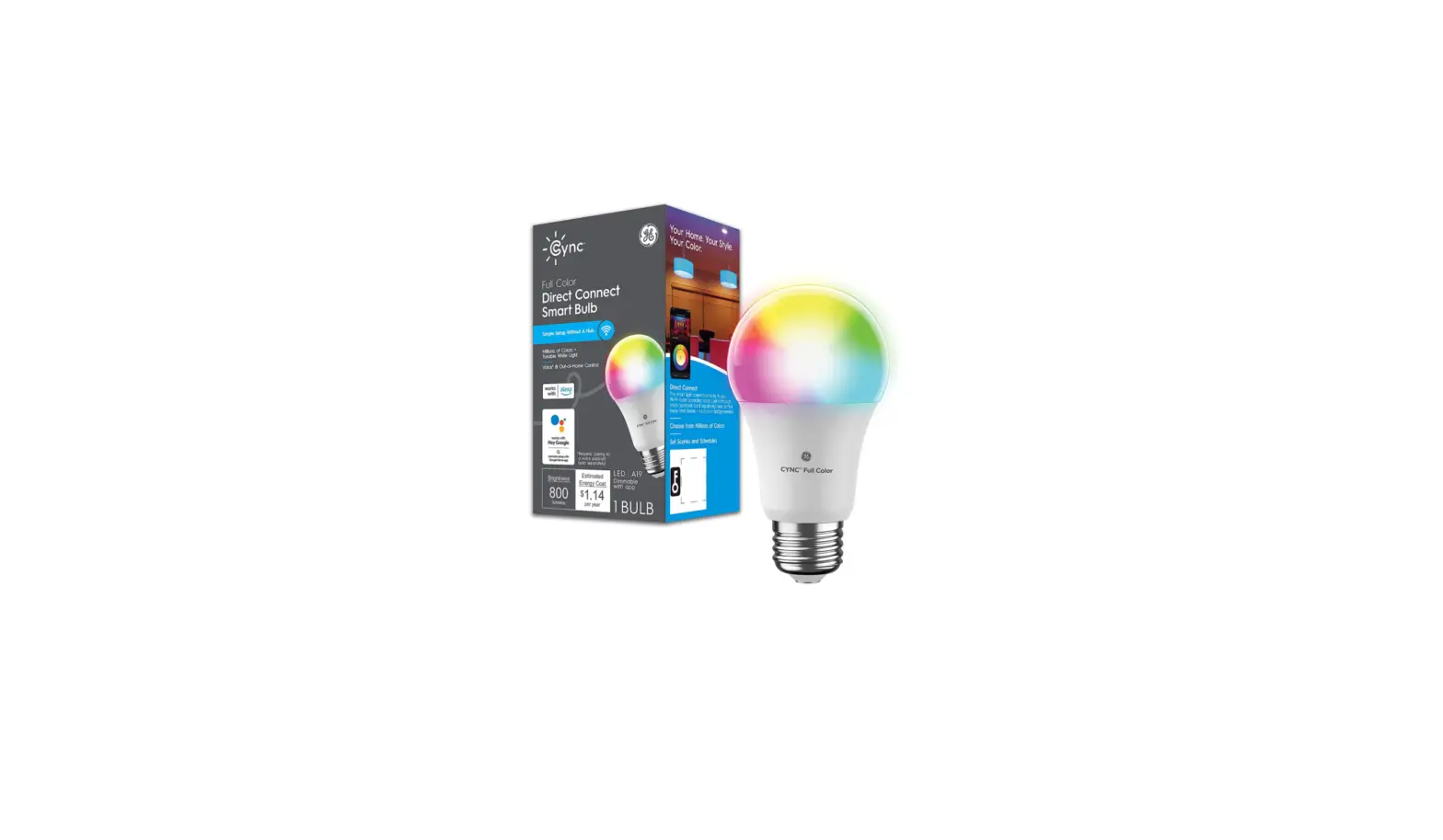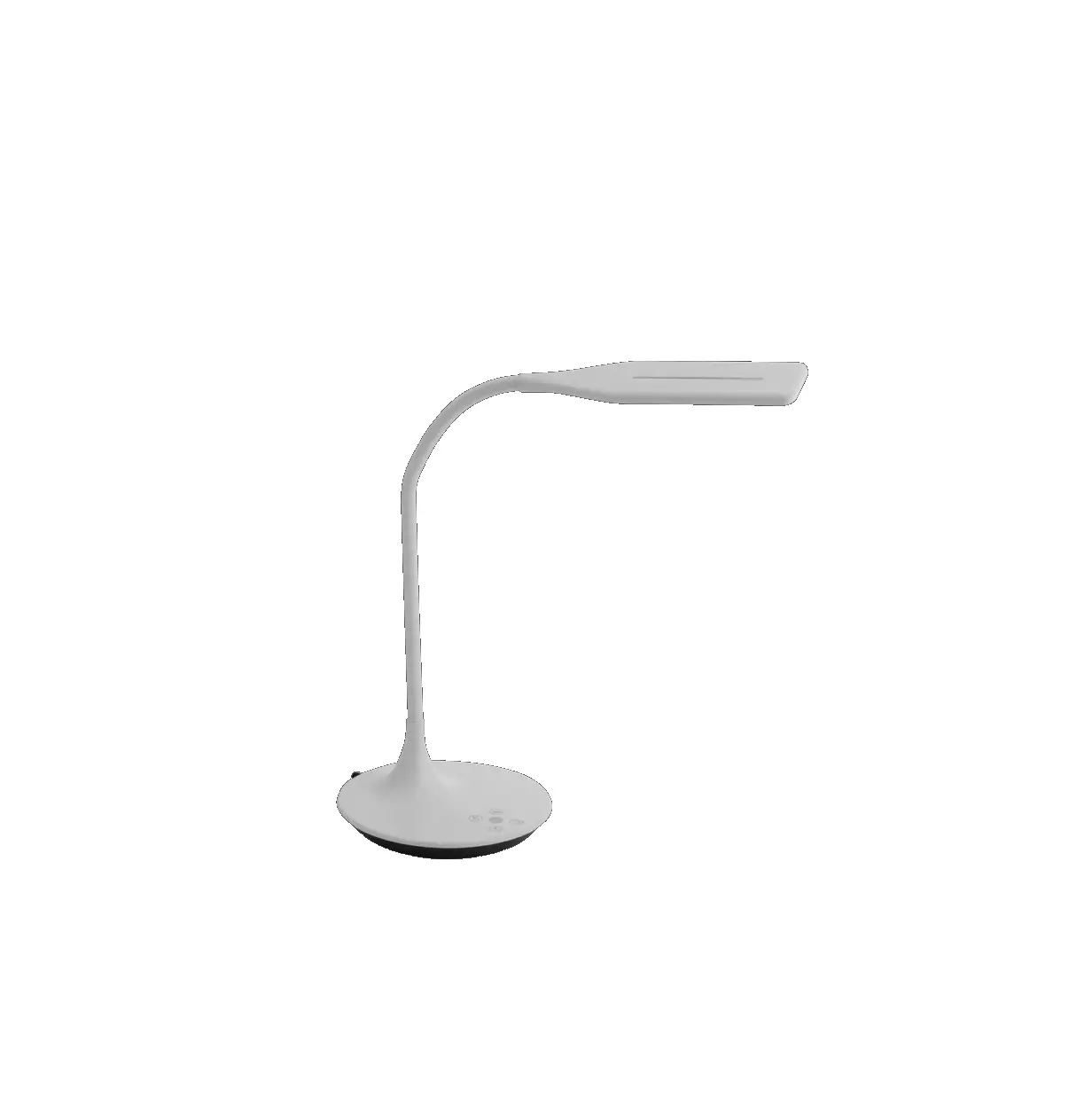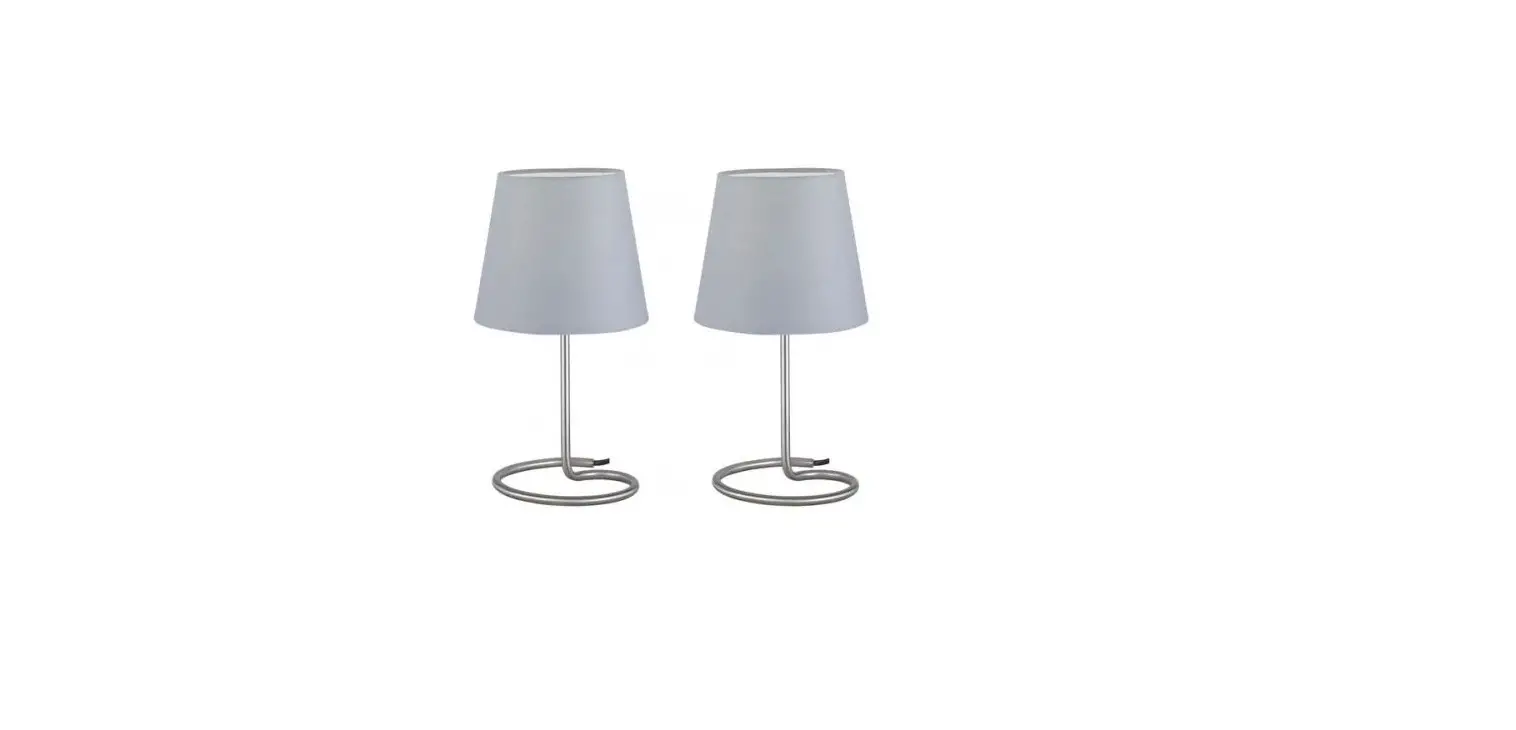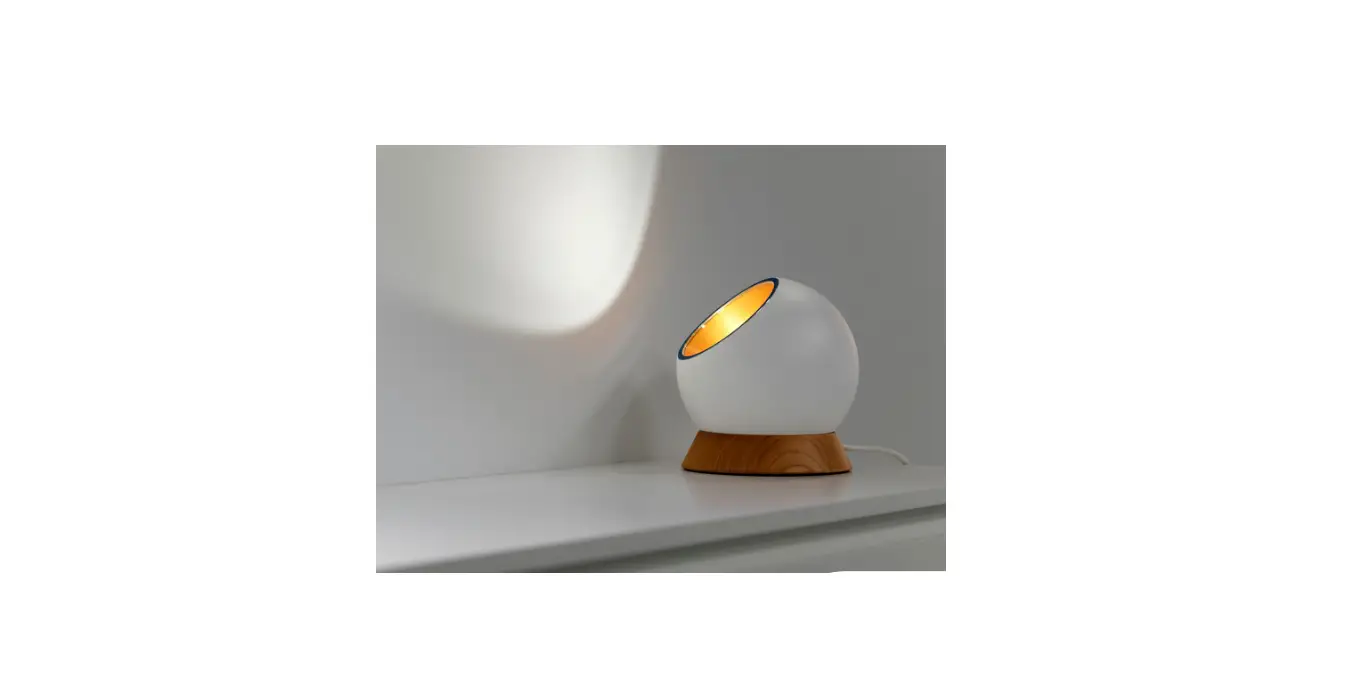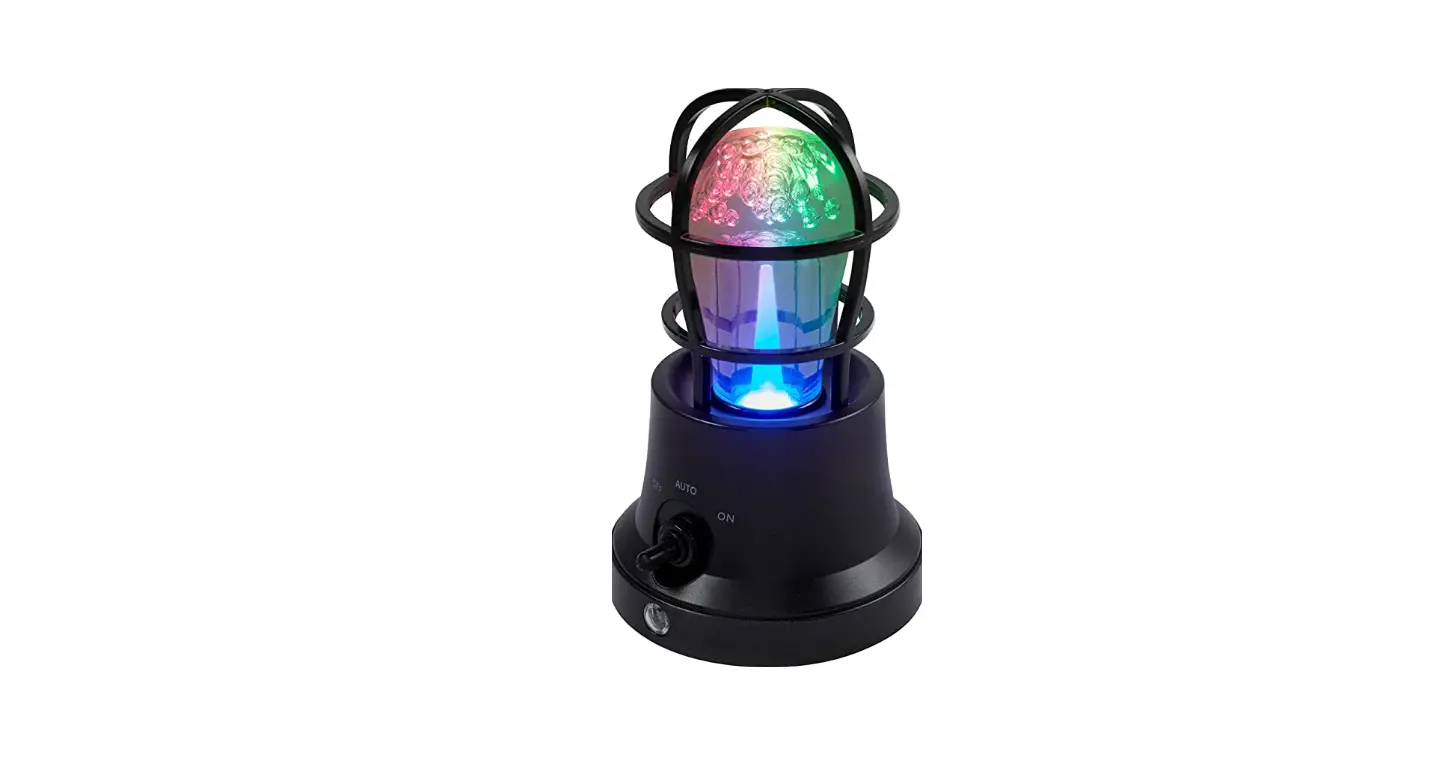

GE Lighting 57299 Vintage Color-Changing Tabletop Lamp
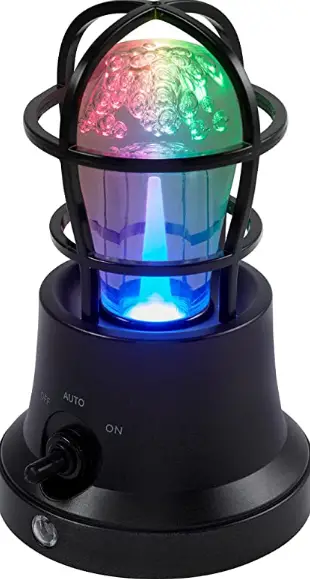
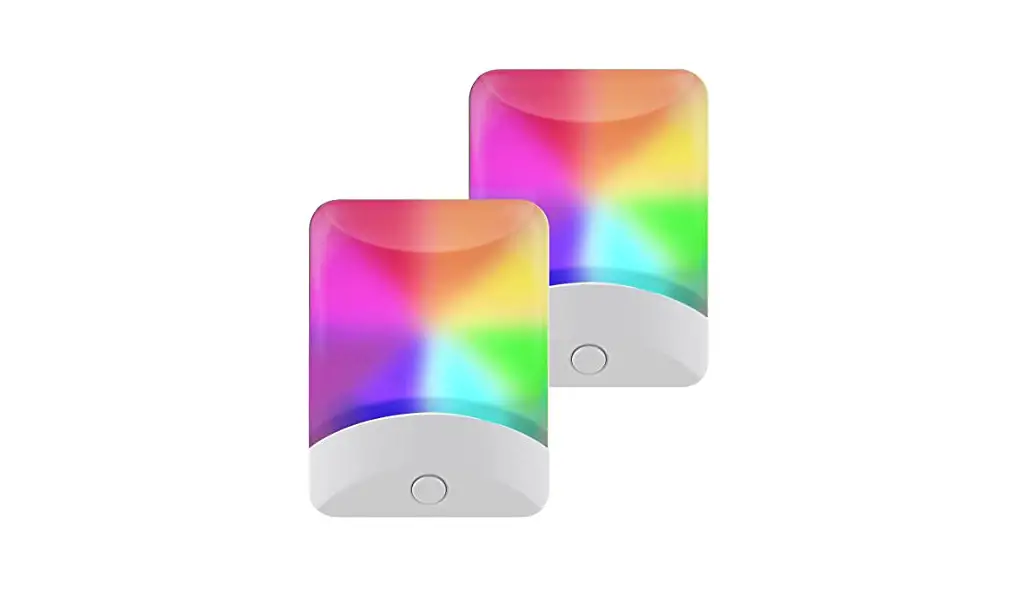
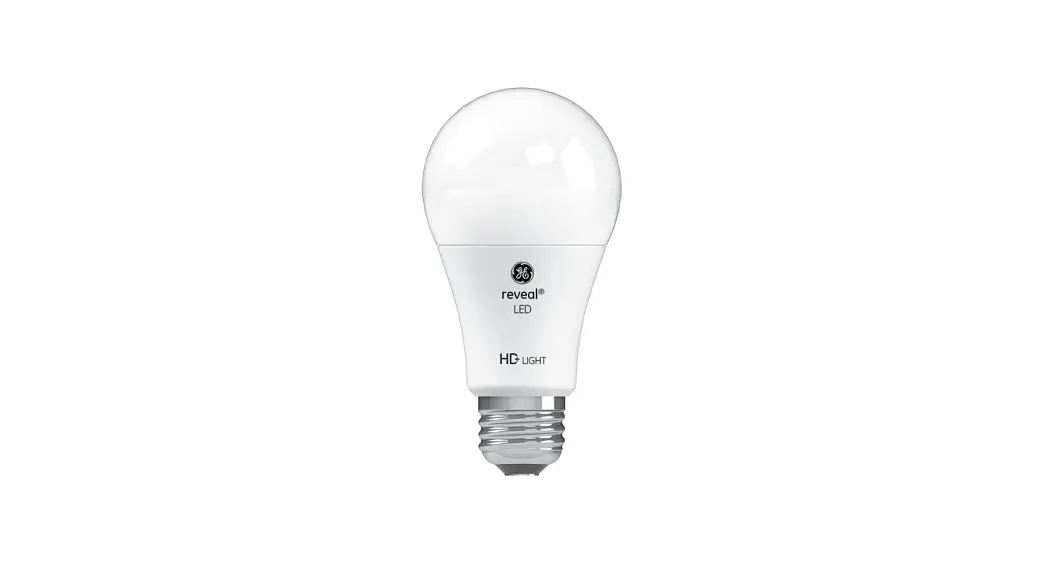
This light-sensing tabletop lamp features a vintage-style bulb, is USB powered and features vivid single colors and preset modes.
USB Power
Insert included 5ft. USB power cable into micro-USB port on lamp’s base. Plug the USB-A end of cable into any standard USB-A receptacle or adapter (not included).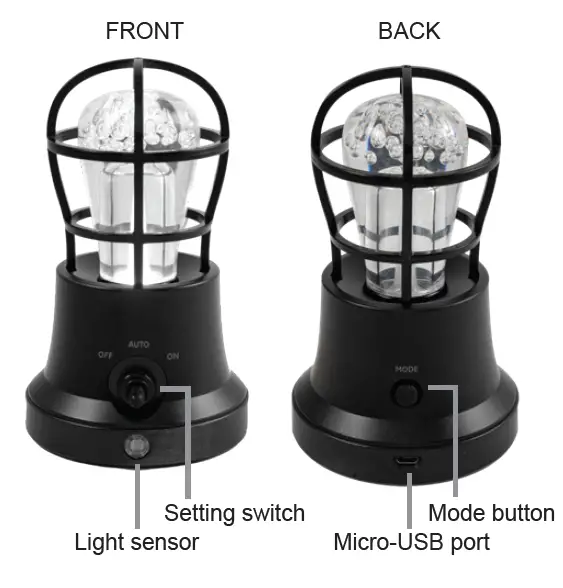
Operation
Use switch on front to activate each setting.
- OFF: Lamp will always be off
- AUTO: Sensor will activate lamp only in low light conditions
- ON: Lamp will always be on
Mode Selection
Press MODE button on back to cycle through each mode.
- High, medium, low white light
- Color-fade mode
- Color-Select™ mode
Color options: red, green, blue, orange, yellow, light green, turquoise, light blue, light purple, dark purple, light pink, deep pink
NOTE: If you turn the lamp OFF and ON again, the lamp will return to the last selected mode.
WARNING
- THIS PRODUCT IS NOT A TOY
- NOT INTENDED FOR USE BY CHILDREN
- USE INDOORS ONLY
- PLUG ONLY INTO USB SAFETY CERTIFIED TYPE A PORT
MADE IN CHINA
- GE is a trademark of General Electric Company and is under license by Jasco Products Company LLC, 10 E. Memorial Rd., Oklahoma City, OK 73114.
- This Jasco product comes with a limited lifetime warranty. Visit www.byjasco.com for warranty details.
- Questions? Contact our U.S.-based Consumer Care at 1-800-654-8483 between 7 AM-8 PM, M-F, Central Time.
- Read instructions or watch the easy-to-follow video. Scan code or visit byjasco.com/57299i
- For deals, to register your purchase and to tell us how we’re doing, simply scan the code or visit byjasco.com/deals
- Discover innovative lighting solutions at www.byjasco.com/lighting
- Like our product? Leave a review on your favorite retailer’s website or amazon.com
- Having problems? Let us know how we can help.
- 1-800-654-8483 between 7 AM-8 PM, M-F, Central Time.
 Product Registration
 Jasco
Jasco