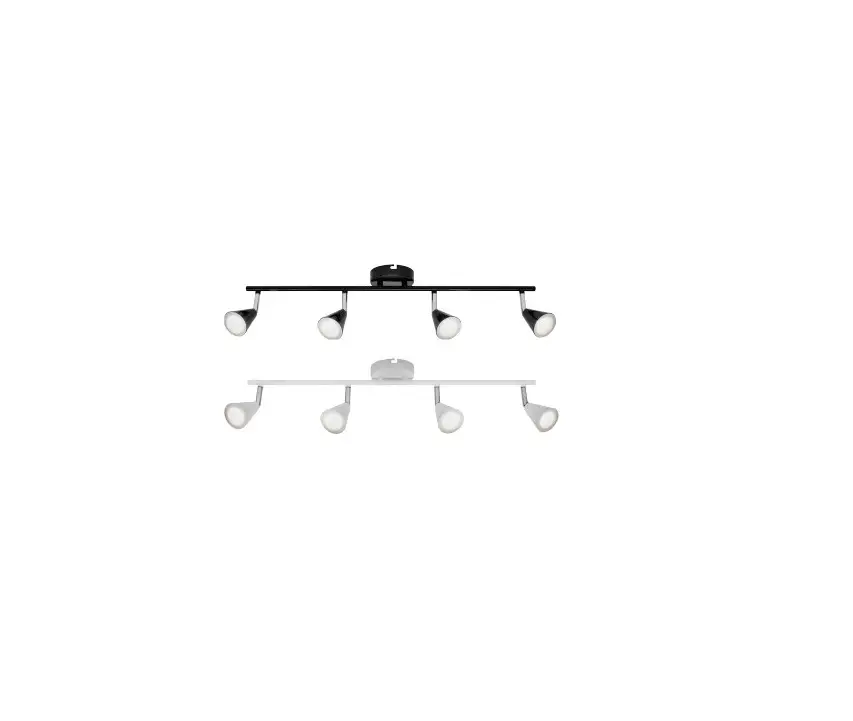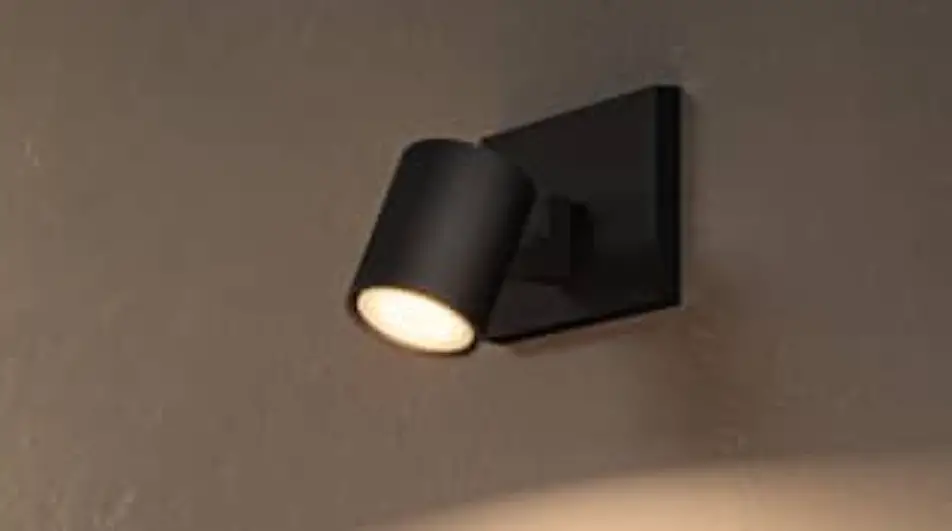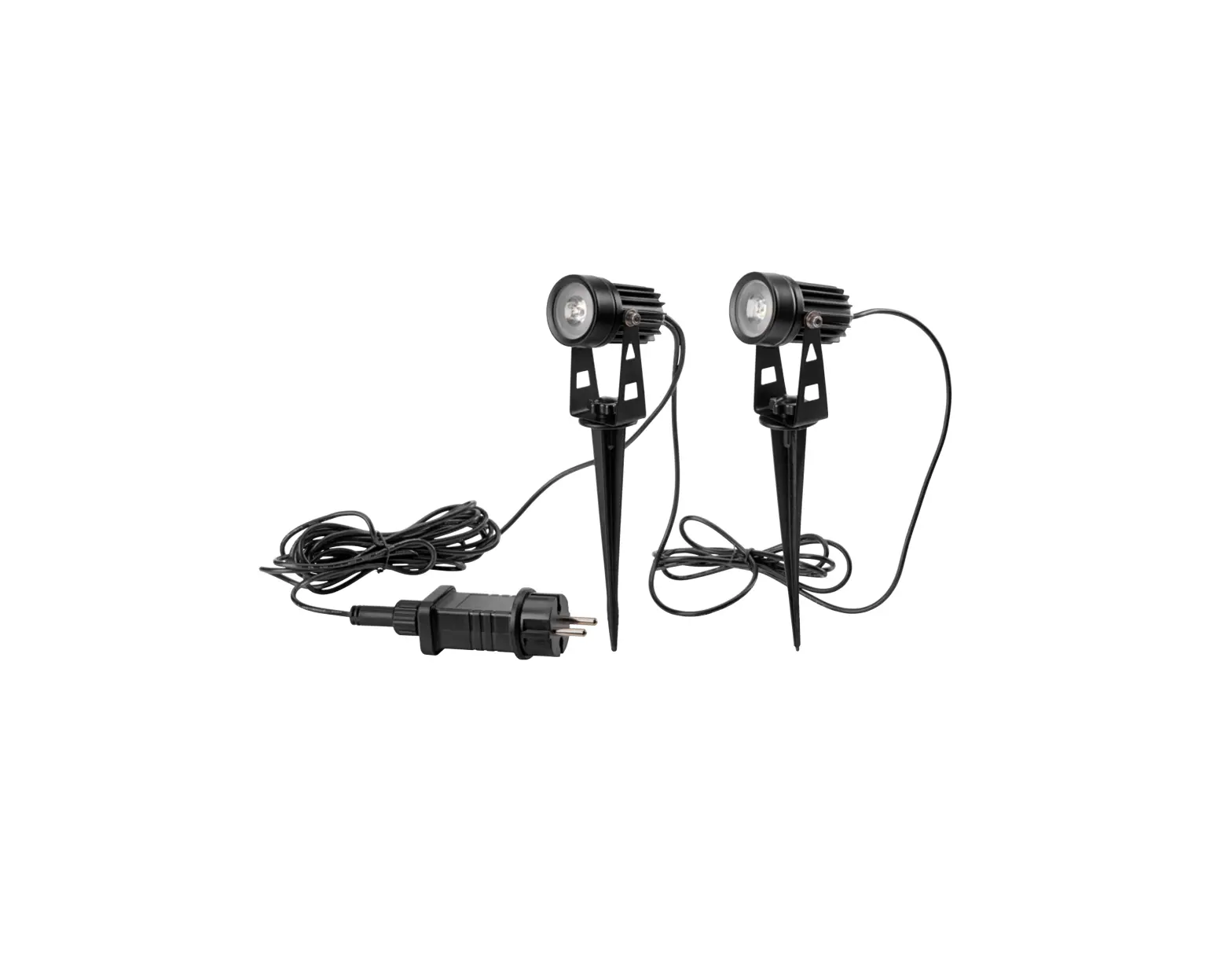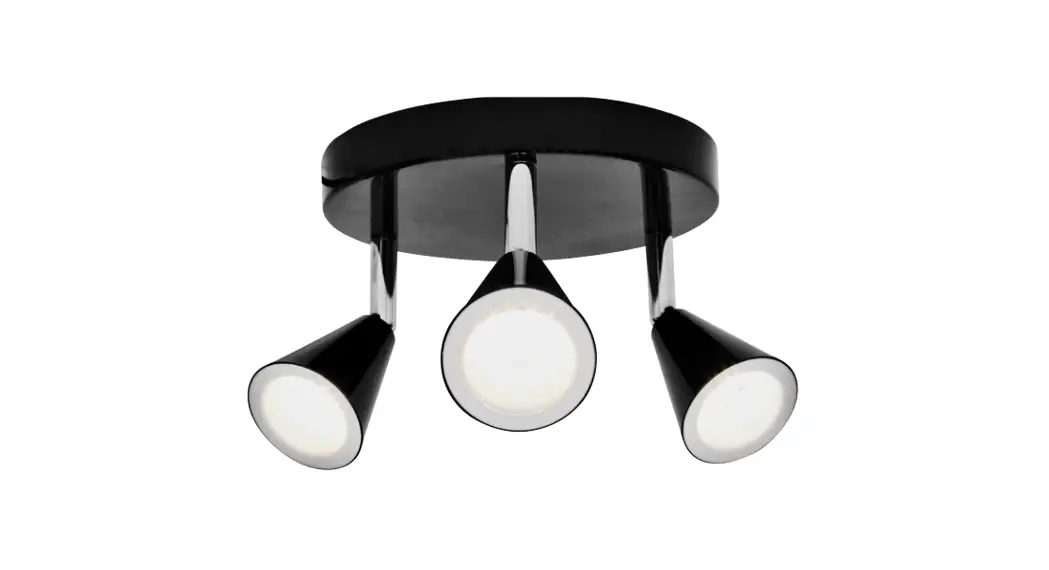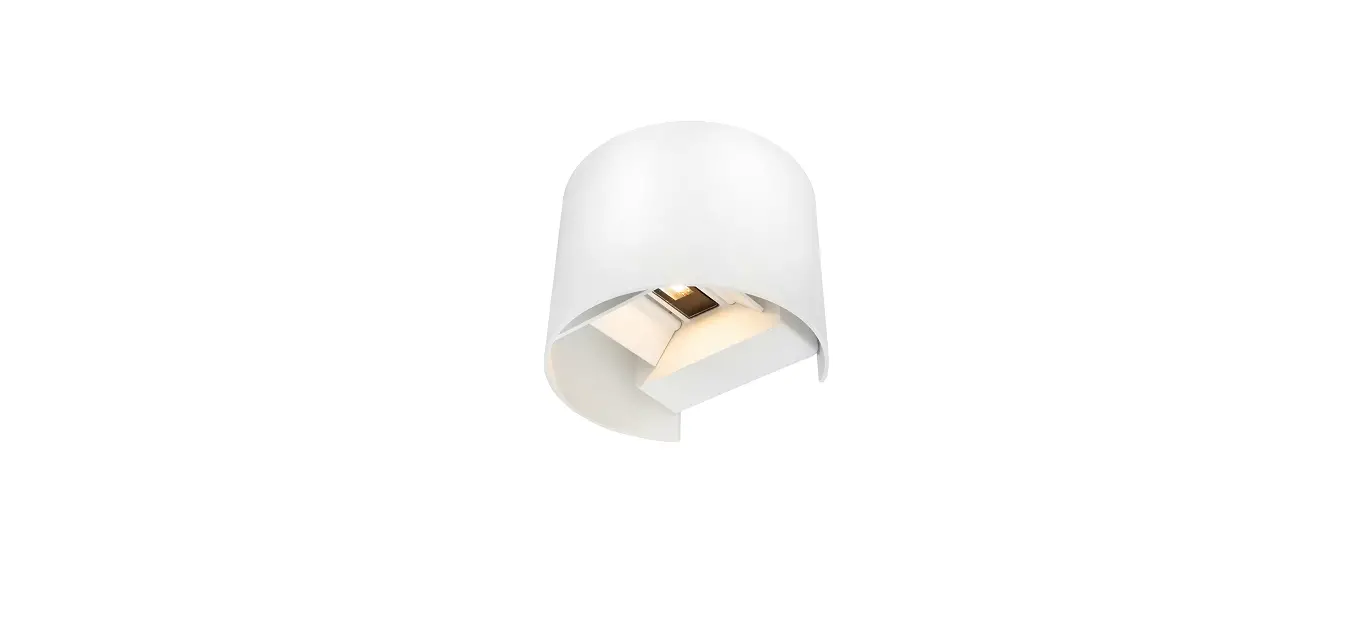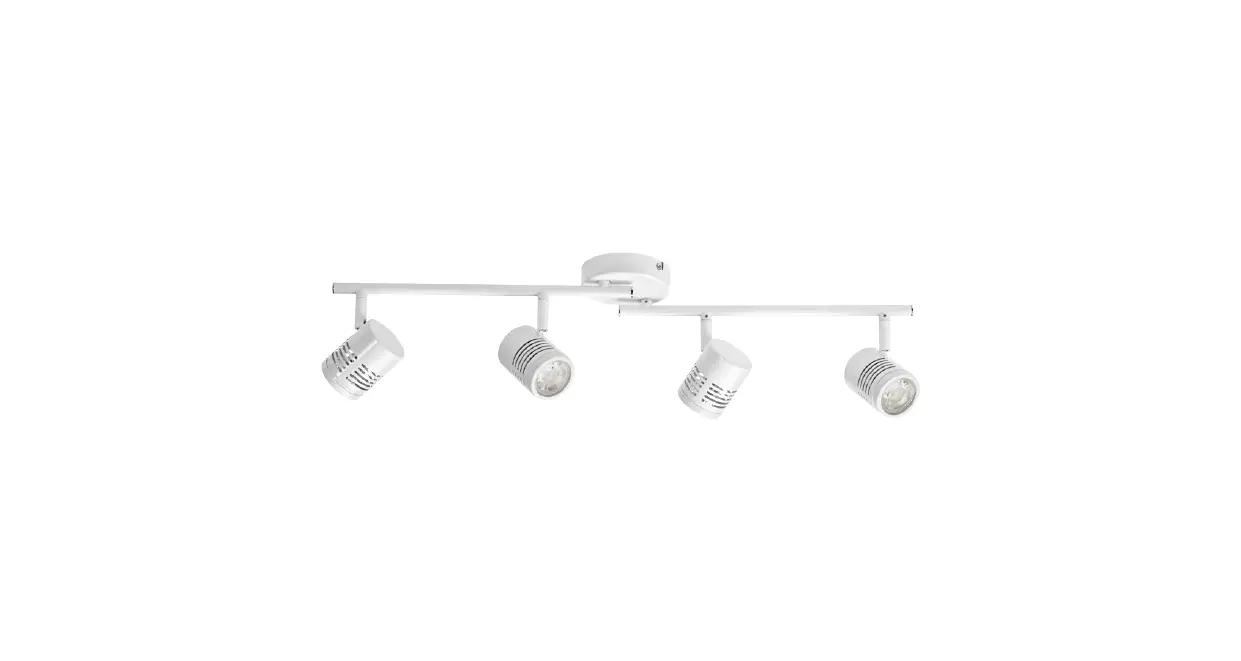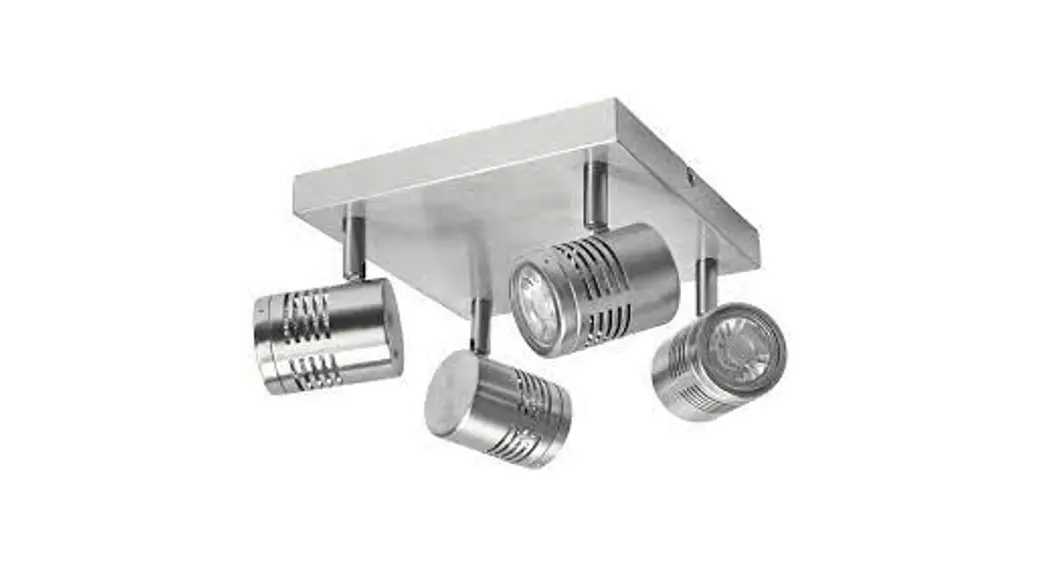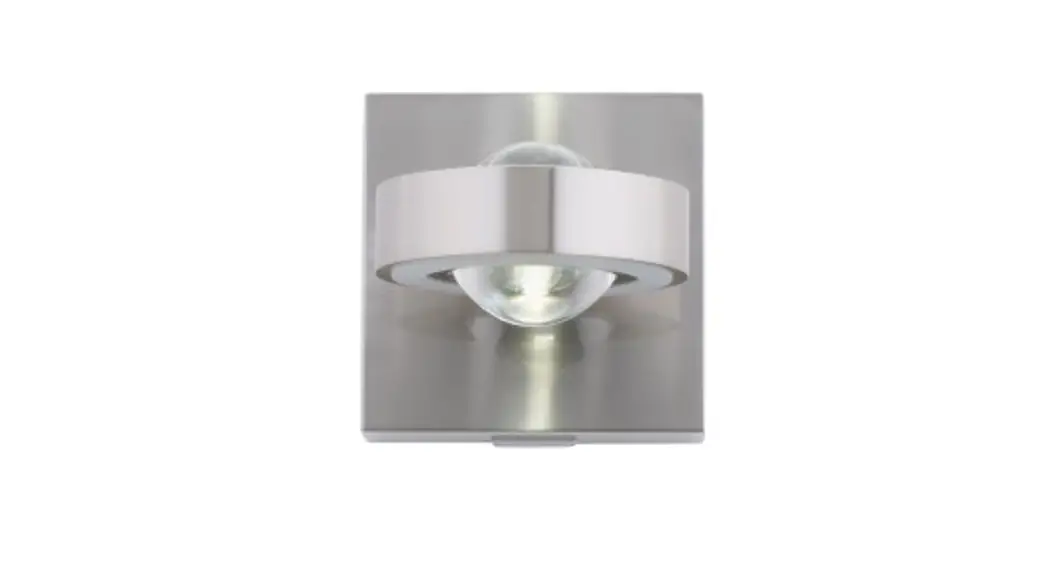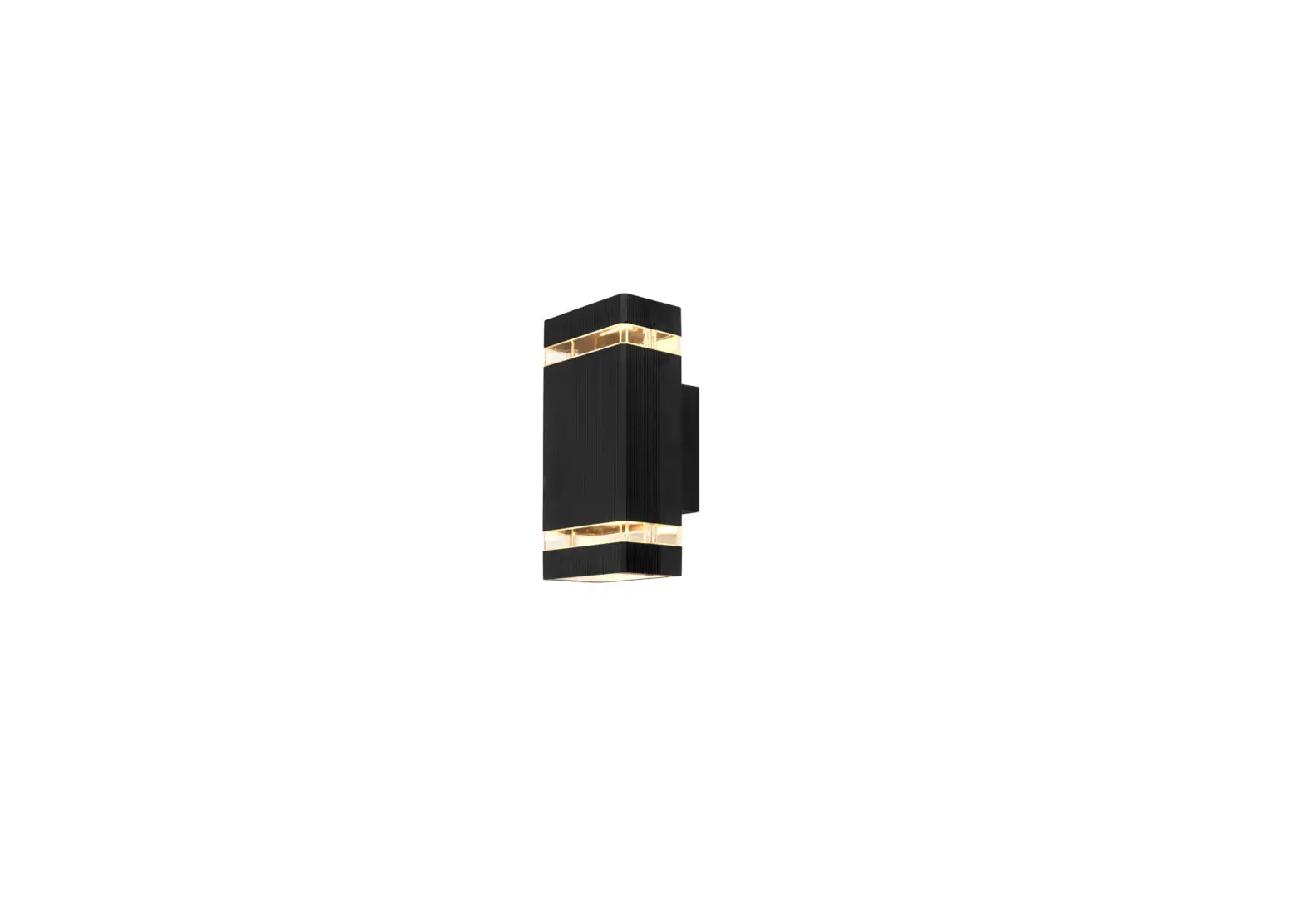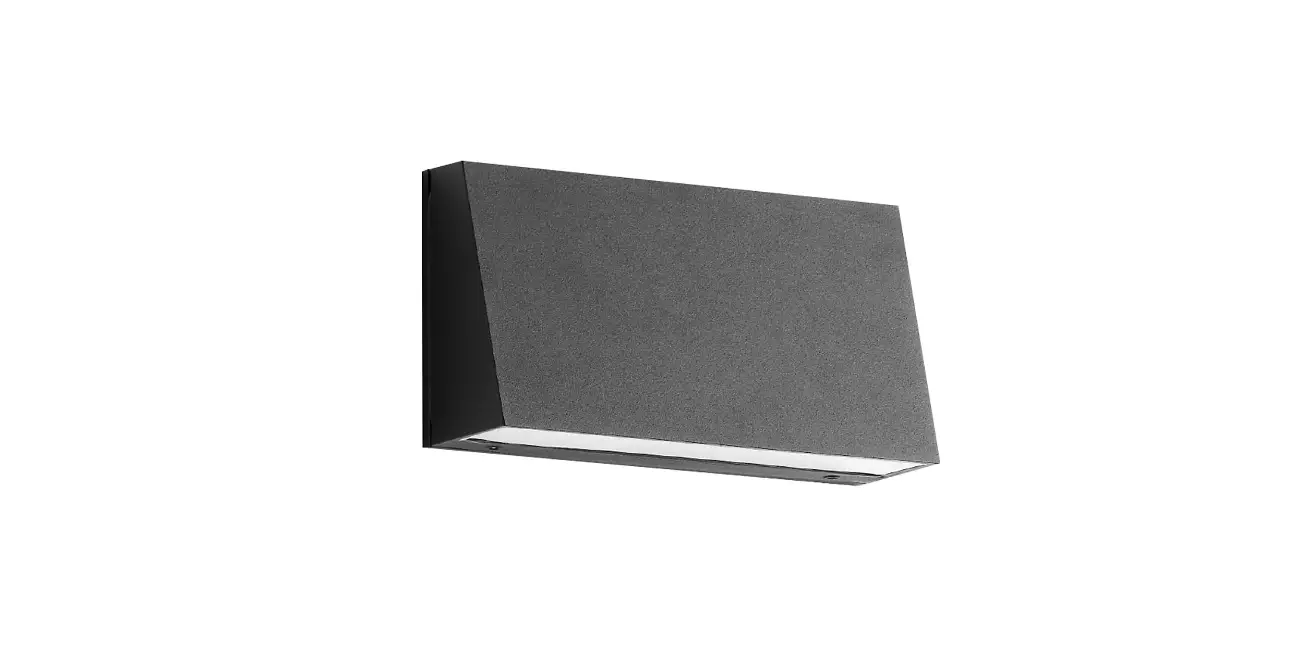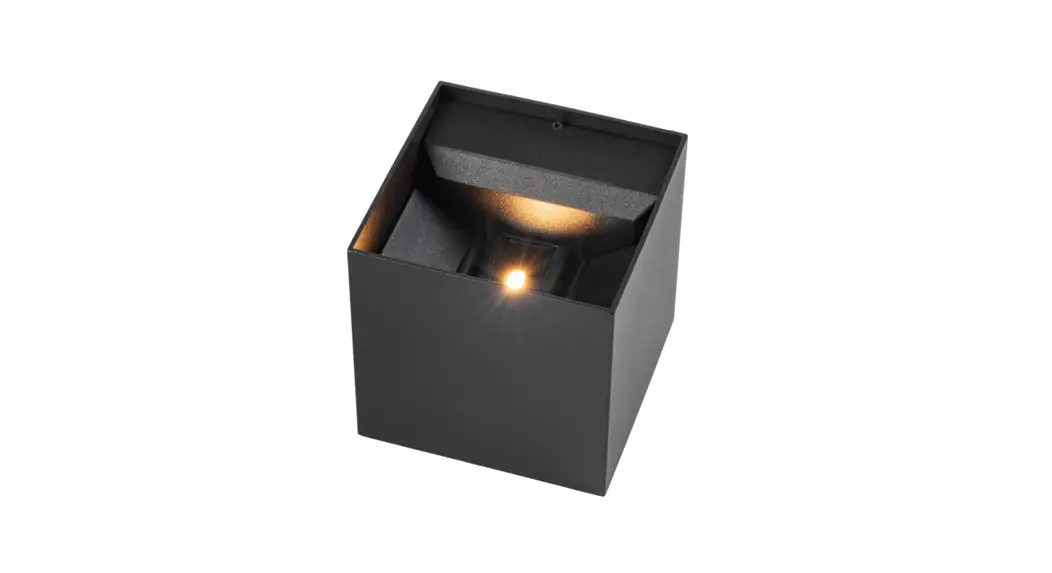
 014844 WALL SPOTLIGHT LED
Instruction Manual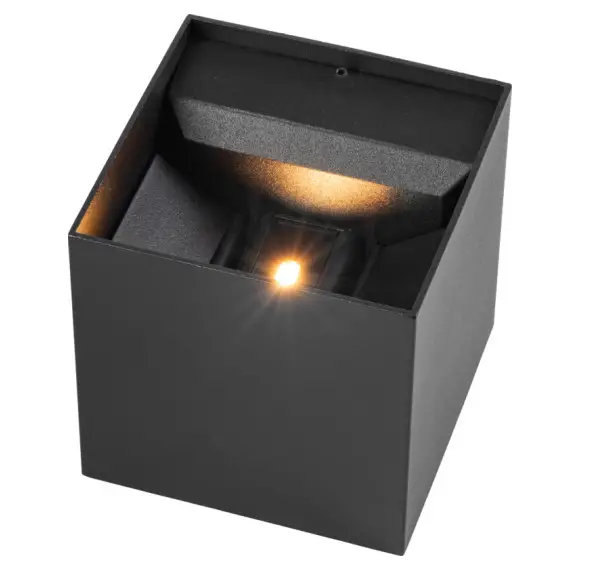
 Item no: 014844, 014845
 Important! Read the user instructions carefully before use. Save them for future reference.
(Translation of the original instructions]
SAFETY INSTRUCTIONS
- For outdoor use.
- The product must be connected to an earthed power supply on installation.
- The electrical installation must comply with local regulations. Consult an authorized electrician if in doubt.
- Always follow the electrical specifications on the product labeling.
- Always disconnect the power supply before installation, connection, and service.
- Never modify the product, this could result in serious personal injury and/or material damage and will invalidate the warranty.
- The product gets hot when it is switched on. Do not touch the product with bare hands.
ELECTRICAL SAFETY
New installations and extensions to existing systems should always be carried out by an authorized electrician. If you have the necessary experience and knowledge (otherwise contact an electrician), you can replace power switches and wall sockets, fit plugs, extension cords, and light sockets.
Incorrect installation can result in fatal injury and the risk of fire.
SYMBOLS
| Read the instructions. |
 | Earth. |
 | Approved in accordance with the relevant directives. |
 | Recycle end-of-life products in accordance with local regulations. |
TECHNICAL DATA
| Rated voltage | 230 V50 Hz |
| Output | 2x3W |
| Protection rating | IP54 |
INSTALLATION
IMPORTANT:
Make sure the mains supply is disconnected before installation.
Check that there are no concealed electrical cables, gas, and/or water pipes where the holes are to be drilled.
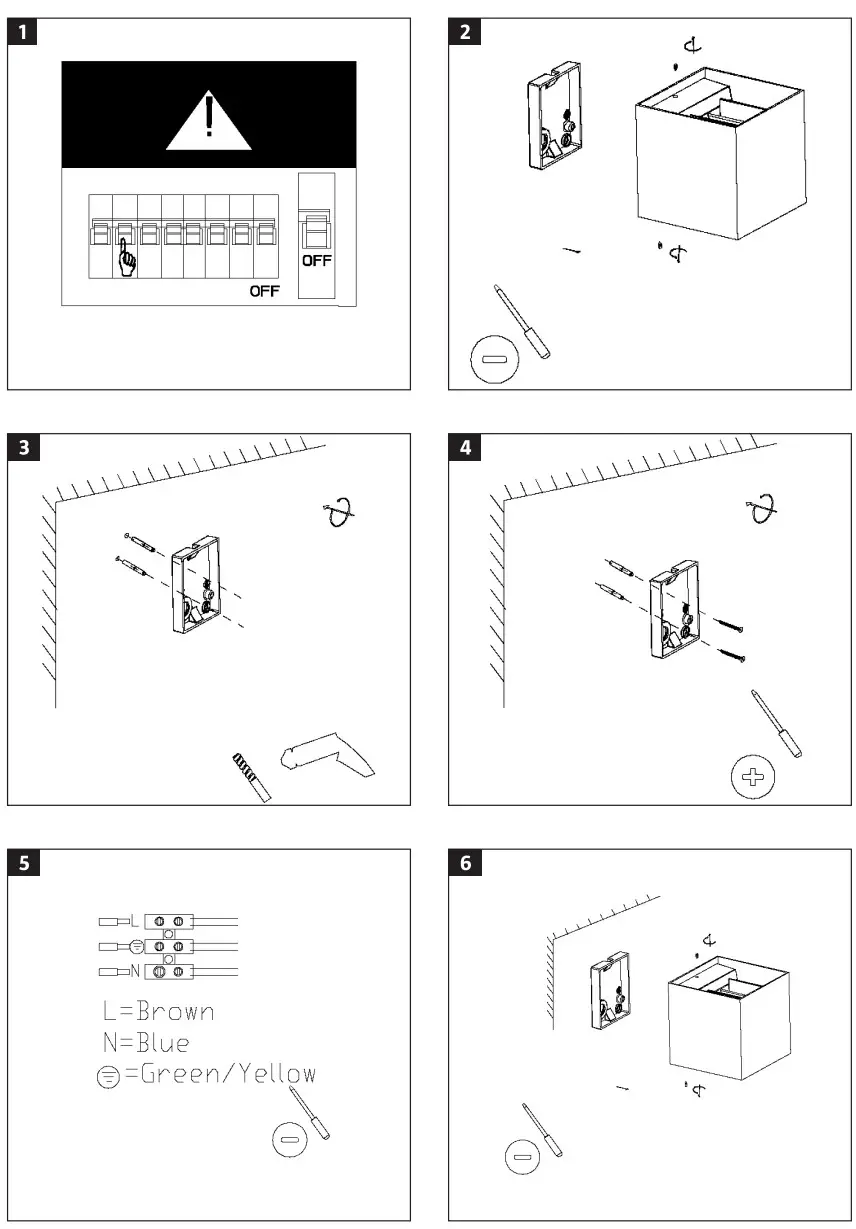
- Switch off the power supply.
FIG. 1 - Undo the screws holding the back of the light.
FIG. 2 - Mark out where to drill the mounting holes.
- Drill the holes and insert expander plugs if necessary.
FIG. 3 - Make a small hole in the entry for the power cord. Insert the power cord through the entry.
- Screw the base plate to the wall.
FIG. 4 - Connect the wires to the terminal block.
– L = Brown
– N = Blue
– Earth = Green/yellow FIG. 5
 - Fasten the light on the base plate.
FIG. 6 - Switch the power supply.
MAINTENANCE
NOTE:
Switch off the power supply before cleaning.
- Switch off the power supply to the light.
- Wipe the light with a dry or slightly damp cloth.
- Wait until the light is completely dry before switching the power supply on again.
NOTE:
Do not use detergents, alcohol, solvents or the equivalent to clean.