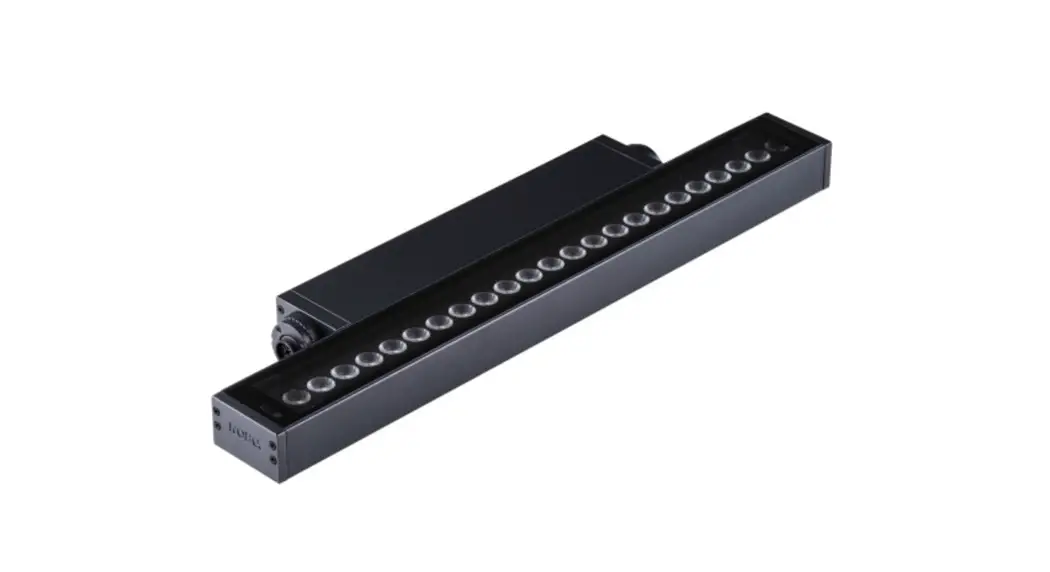
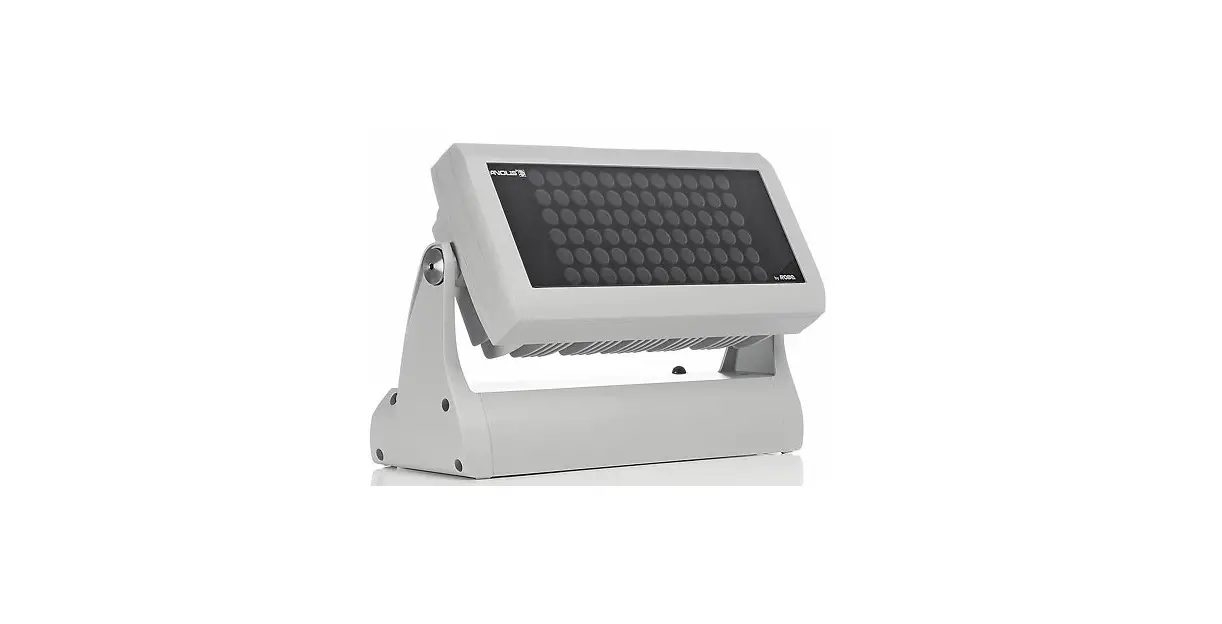
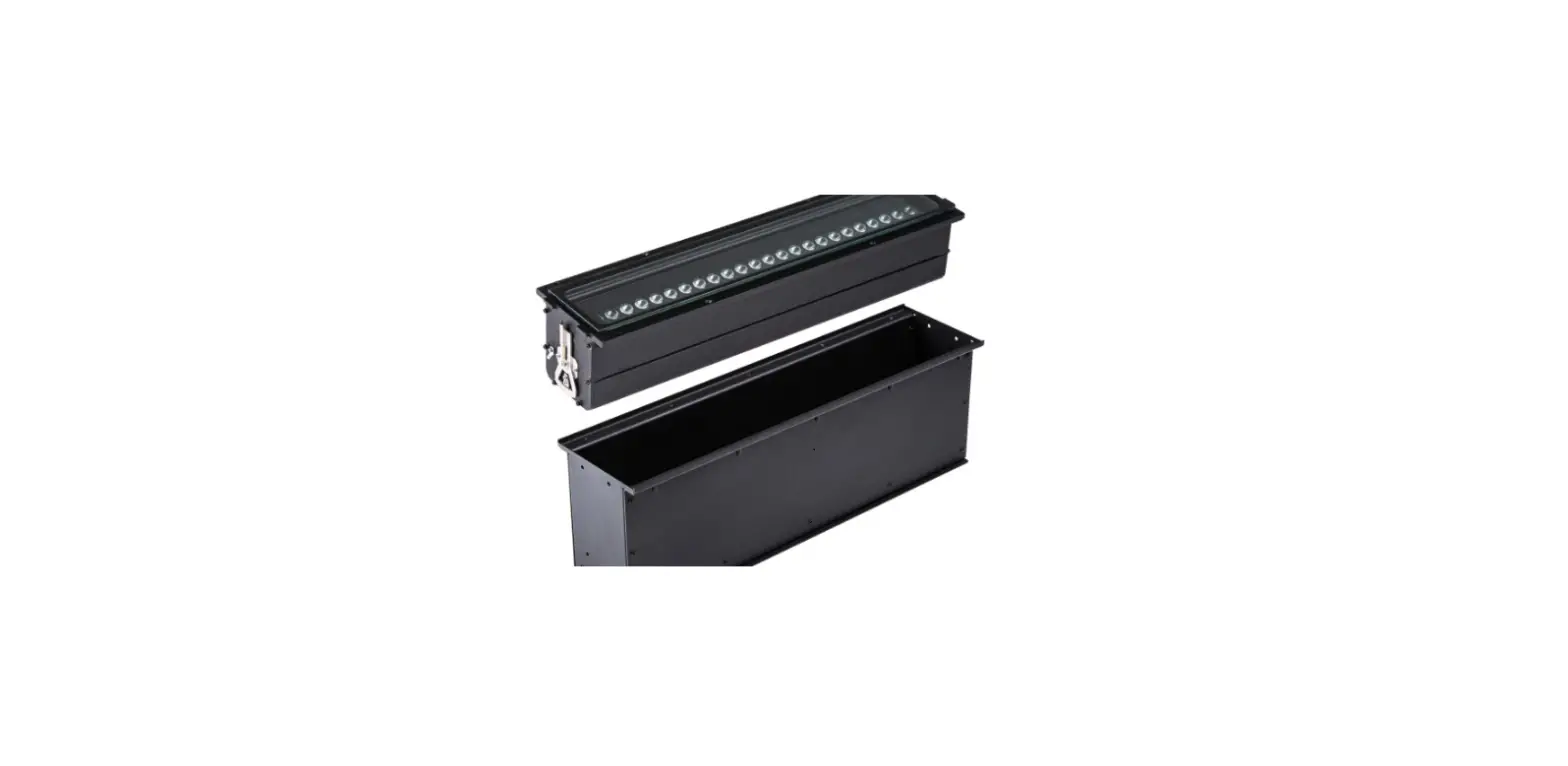
SMARTBV2PLUS Battery Powered Wireless DMX Luminaire
SMARTBVPLUS Battery Powered Wireless DMX Luminarie
User Manual
Table of Content
- Warning
- Safety Instructions
- Rigging
- Battery
- Product Setup
1. Warning
1.1 Safety Instructions
This product guide contains important information about the safe
installation and use of this product. Please read and follow these
instructions carefully and keep this manual in a safe place for
future reference.
- Do not directly look into the led. It can cause harm to your
eyes. Do not look at the LEDs with a magnifying glass or any other
optical instrument that may concentrate the light output. - Do not attempt to dismantle and/or modify the product in any
way. Electrical connection must only be carried out by qualified
personnel. Before charging the fixture, ensure that the voltage and
frequency of power supply match the power requirements of the
product. - Do not directly look into the light beam. It can cause harm to
your eyes. Do not look at the led with a magnifying glass or any
other optical instrument that may concentrate the light
output. - A rechargeable lithium ion battery is built inside this
fixture. Please avoid bumping or plunging, it may cause fire or
explosion. Never store the battery when fully drained. Always
recharge immediately when empty. Make sure to fully charge all
fixtures before storing them. Partially charged batteries will lose
capacity. Fully recharge every 6 months if not used. - Always switch off the fixture when it is not in use or before
cleaning it or before attempting any maintenance work.
IMPORTANT: The manufacturer will not accept liability for any
resulting damages caused by the non-observance of this manual or
any unauthorized modification to the fixture.
1.2 Rigging
Concerning rigging, trussing for this fixture, please follow the
European and national guidelines. Only the qualified technicians
are allowed for the device installation, The fixture must never be
mounted for a possible swinging position, and a safety cord
attached must always be used.
2. Product Introduction
2.1 Items Included in the Package
After receiving the fixture, please carefully unpack the product
and make sure the following parts are all included inside the
package and are all in good condition.
- This fixture x 1 pc
- Infrared remote controller x 1 pc
- This manual x 1 pc
In case the package is damaged from shipping, inform the carrier
right away while keeping the damaged box or flight case for
inspection. Failure to report damage to the carrier immediately may
cause invalidity to your claim. The dealer or manufacture will not
take any responsibilities for the damage.
3. Battery Usage Instructions
- A rechargeable lithium ion battery is built inside this
fixture. - Please avoid bumping or plunging, it may cause fire or
explosion. - Never store the battery when fully drained. Always recharge
immediately when empty. - Make sure to fully charge all fixtures before storing
them. - Partially charged batteries will lose capacity.
- Fully recharge every 6 months if not used.
4. Product Setup Instructions
- Before charging the fixture, ensure that the voltage and
frequency of power supply match the power requirements of the
product. - Only qualified personnel should carry out electrical
connections. - Do not attempt to dismantle and/or modify the product in any
way. - Always switch off the fixture when it is not in use or before
cleaning it or before attempting any maintenance work. - The fixture must never be mounted for a possible swinging
position, and a safety cord attached must always be used.
SMARTBVPLUS
Battery Powered Wireless DMX Luminarie
USER MANUAL
User’s Manual
TABLE OF CONTENT
1. Warning ………………………………………………………………………………………………………………………..2 1.1 Safety Instructions …………………………………………………………………………………………………………..2 1.2 Rigging …………………………………………………………………………………………………………………………..3
2. Product Introduction … … … … … … … … … … … … … … … … … … … … … … … … … … … … … … … … . … … … … … 3 2.1 Items Included in the Package ……………………………………………………………………………………………3 2.2 Product Overview……………………………………………………………………………………………………………..3 2.3 Fixture Temperature …………………………………………………………………………………………………………..6 2.4 Storing the Fixture ………………………………………………………………………………………………………………6 2.5 Mounting ………………………………………………………………………………………………………………………..6 2.6 Specifications………………………………………………………………………………………………………………….. 7
3. Battery ……………………………………………………………………………………………………………………………..8 4. Product Setup…………………………………………………………………………………………………………………..9
4.1 OLED Display Setup …………………………………………………………………………………………………………….9 4.2 Menu Navigation ………………………………………………………………………………………………………………9 4.3 DMX Addressing …………………………………………………………………………………………………………….10 4.4 DMX Fail ………………………………………………………………………………………………………………………….11 4.5 Wireless DMX Setup …………………………………………………………………………………………………………..11
4.5.1 Pairing………………………………………………………………………………………………………………………11 4.5.2 Wireless DMX Reset …………………………………………………………………………………………………11 4.5.3 Wireless DMX Indicator Information ………………………………………………………………………….12 5. Operation …………………………………………………………………………………………………………………………….12 5.1 DMX Control Mode………………………………………………………………………………………………………….12 5.2 Master/Slave Mode … … … … … … … … … … … … … … … … … … … … … … … … … … … … … … … … … … … … … 1 4 5.3 Auto Run Mode ………………………………………………………………………………………………………………14 5.4 Customized Colors…………………………………………………………………………………………………………….15 5.5 IR Remote Control ……………………………………………………………………………………………………………..15 6. Maintenance ……………………………………………………………………………………………………………….16 6.1 General Maintenance ………………………………………………………………………………………………………16 6.2 Fuse Replacement ………………………………………………………………………………………………………….17
1
User’s Manual
1. WARNING
1.1 Safety Instructions
This product guide contains important information about the safe installation and use of this product. Please read and follow these instructions carefully and keep this manual in a safe place for future reference.
When unpacking and before disposing of the carton, check there is no transportation damage before using the product. Should there be any damage caused by transportation, consult your dealer and do not use the apparatus. The product is for indoor use only. Use only in dry locations. Keep this device away from rain and moisture, excessive heat, humidity and dust. Do not allow contact with water or any other liquids. The product is not designed or intended to be mounted directly on to inflammable surfaces. The product is only intended for installation, operation and maintenance by qualified personnel. The product must be installed in a location with adequate ventilation, at least 50cm from adjacent wall surfaces. Be sure that no ventilation slots are blocked.
Do not directly look into the led. It can cause harm to your eyes. Do not look at the LEDs with a magnifying glass or any other optical instrument that may concentrate the light output.
Do not attempt to dismantle and/or modify the product in any way. Electrical connection must only be carried out by qualified personnel. Before charging the fixture, ensure that the voltage and frequency of power supply match the power requirements of the product.
Do not directly look into the light beam. It can cause harm to your eyes. Do not look at the led with a magnifying glass or any other optical instrument that may concentrate the light output.
A rechargeable lithium ion battery is built inside this fixture. Please avoid bumping or plunging, it may cause fire or explosion. Never store the battery when fully drained. Always recharge immediately when empty. Make sure to fully charge all fixtures before storing them. Partially charged batteries will lose capacity. Fully recharge every 6 months if not used.
When charging fixtures in flight case, always charge with the case open. It is recommended to charge at a temperature between 0°C and 35°C. Please make sure the battery will be disposed of properly according to your local law when it runs out of its life, so that to protect the environment. This product is not designed for permanent operation. Consistent operation breaks will ensure that the device will serve you for a long time without defects. If this fixture is operated in any other way other than the one said in this manual, this device may suffer damages and thus the warranty becomes void.
Always switch off the fixture when it is not in use or before cleaning it or before attempting any maintenance work.
2
User’s Manual
IMPORTANT:
The manufacturer will not accept liability for any resulting damages caused by the non-observance of this manual or any unauthorized modification to the fixture.
1.2 Rigging
Concerning rigging, trussing for this fixture, please follow the European and national guidelines. Only the qualified technicians are allowed for the device installation, The fixture must never be mounted for a possible swinging position, and a safety cord attached must always be used.
2. PRODUCT INTRODUCTION
2.1 Items Included in the Package
After receiving the fixture, please carefully unpack the product and make sure the following parts are all included inside the package and are all in good condition.
– This fixture x 1 pc – Infrared remote controller x 1 pc – This manual x 1 pc
In case the package is damaged from shipping, inform the carrier right away while keeping the damaged box or flight case for inspection. Failure to report damage to the carrier immediately may cause invalidity to your claim. The dealer or manufacture will not take any responsibilities for the damage.
In case there are parts missing from the box with a good condition, please contact your dealer or the manufacturer immediately by email or in other written form.
2.2 Product Overview
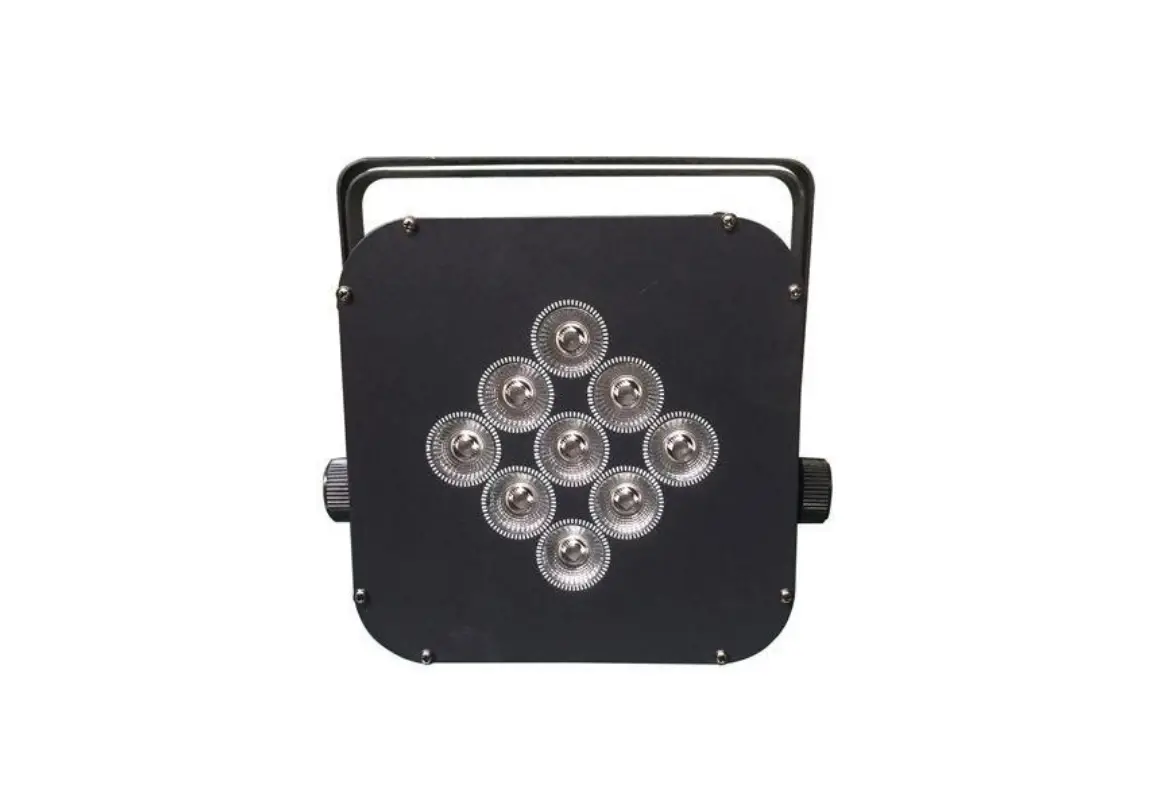
This lighting fixture is an outdoor version battery powered led luminaire with wireless DMX transceiver. This luminaire features 4 super bright RGBW quad color led, and can create more vivid color changing effects besides RGBW color mixing, and wide range of color temperatures.
This lighting fixture has a rechargeable lithium-ion battery that can support 9 hours working at led full-color mode. It can work longer time at ECO mode. The luminaire can continue working 18 hours to run its built-in programs and around 27 hours to run single color. Its battery is fully protected against overcharging to maximize battery life span.
3
User’s Manual
This lighting fixture uses a very stable wireless DMX transceiver from Wireless DMX Solution Sweden. The fixture can also be controlled with infrared remote controller. Please refer to “5.5 IR Remote Control”.
This fixture has a kettle charge socket, and can be charged on charge connector inside flight case. It can also be charged with 100-240V AC power. This highly compact luminaire has very small dimensions that can be used not only as an uplighter but also as truss warmer. Its tilt can manually move 25 degrees when needed. It is absolutely an ideal tool for mobile DJ/Bands, wedding, exhibitions, ball room and hotel banquet halls etc.
2.2.1 Fixture Elements and Connectors
1. Handle 4. Charge Indicator 7. Hole for safety cord 10. DMX Output (IP65) 13. Power Input (IP65) 16. Power switch
2. Wireless DMX antenna 5. Led 8. Threaded hole M10 for clamp 11. Ground 14. Kettle charge base 17. OLED control panel
3. IR sensor 6. Kensington lock 9. DMX Input (IP65) 12. Fuse 15. Adjustable tilt stand
2.2.2 Fixture Control Panel There are 4 touch buttons on the OLED control panel: <MENU>, <ENTER>, <UP> and <DOWN>.
4
User’s Manual
1. MENU 2. ENTER 3. UP 4. DOWN 5. IR 6.
Select the programming functions or exit from current setup Enter the current menu or confirm the current function value Scroll “UP” through menu list to increase value of current function Scroll “DOWN” through menu list to decrease value of current function Infrared control sensor Wireless DMX indictor
2.2.3 Fixture Dimensions
5
User’s Manual
2.3 Fixture Temperature The fixture has temperature protection function. You can easily check fixture temperature via the OLED display information menu. When fixture temperature is higher than 65 degrees, light output will decrease to 80%. When fixture temperature is higher than 65 degrees, light output will decrease to 60%. When fixture temperature is higher than 75 degrees, leds will go off automatically until temperature comes down to 55 degrees.
2.4 Storing the Fixture Make sure to fully charge all fixtures before storing. Partially charged batteries will lose capacity. Fully recharge every 6 months if not used. Always remove battery fuse if fixture will be stored for long time (more than 1 month).
2.5 Mounting The fixture can be mounted in several orientations.
2.5.1 The fixture has a highly compact housing, and can be fit inside 300x300mm truss as truss warmer.
2.5.2 The fixture can sit on even and solid floor and work as an uplight. It also has a built-in adjustable tilt support. By pushing the tile support, the fixture tile can move up to 25 degrees to wash walls or facades.
Make sure that the fixture is always placed on even and strong enough surface, and keep it 0.5m away from projection objects.
6
User’s Manual
2.5.3 The fixture has a M10 threaded hold for clamp, and can be mounted on truss as truss warmer.
When install the fixture to crossbar or truss, always use an extra safety cord (not supplied with the fixture). Users also need to make sure the crossbar is stable or not moving, and can support a weight of 38 kg (fixture net weight 3.8kg).
For the rest of safety installation, please always respect your local regulations.
2.6 Specifications
Electrical
Power input 100-240VAC 50/60Hz
Power consumption 55W
Connectors Power connectors Seetronic power input connector IP65
Kettle charge socket for charging in charge case Data connectors Seetronic DMX input/output IP65
Battery
Battery type Rechargeable lithium-ion battery
Charge time About 7.5 hours Battery life Around 9.0 hours at full color from one full charge
Around 11 hours full color at ECO mode from one full charge 18 hours at running preset programs
27 hours at running single color
7
User’s Manual
Light sources Led 4x12W, RGBW 4-in-1 quad led
Beam angle 15o Field angle 29o Led average life span 50,000 hours Control Control mode DMX512, Master/Slave, Stand Alone; Wireless DMX, IR Remote DMX channel 4/6/10 channel selectable Control panel OLED display with touch buttons Physical & Construction
Housing Rigid metal Housing color Black Fixture dimensions 138 x 144 x 205mm
Net weight 3.8 kg Working temperature -10oC – 45oC Charge temperature 0oC – 35oC
IP rating Top: IP65, base: IP54 Cooling Natural cooling, silent operation
3. BATTERY
The fixture has a rechargeable lithium battery and auto-ranging charger built in. Always store the fixtures with full battery. Depleted batteries must be recharged immediately; otherwise fixture performance will suffer. Battery runtime will decreased time by time. Battery runtime may be slightly shorter than predicted due to different working enviroments.
The fixture has a charging socket in the base, and can be charged in charge case. The charge case has built-in auto-ranging chargers.
When battery capacity is less than 30%, OLED display will start flashing. When this happens, charge the battery immediately till it is 100% fully charged.
To charge the fixture, just put it onto the charge connector in the charge case, and plug the case to the mains. The fixture will start to charge automatically. During charge time, all 4 led will turn on red light around 5% of full brightness. The 4 led will turn on green 5% of full brightnessonce battery is fully charged.
8
User’s Manual
Battery life can be easily seen on the OLED display. It is recommended to charge the fixture at an ambient temperature between 0°C and 35°C.
When charging fixtures in flight case, make sure to always keep the case open. Battery always charges whenever fixture is seated on charge connector.
During charge time, press “MENU” to go back to the last running mode. Note: The battery must be replaced with an original one from the manufacuturer only.
4. PRODUCT SETUP
This fixture has a built-in rechargeable lithium battery. After it is fully charged, switch on the fixture with the power switch at the bottom of the unit, it will start to run and can be controlled with wireless DMX desk or IR controller.
After operation, please switch off the fixture with its power switch.
4.1 OLED Display Protection
OLED display can be set to turn off in 10s, 20s or 30 seconds or “Always On”.
Follow below steps:
– Continue pressing “MENU” till “Screen save” appears.
– Press “ENTER” you will see
, you can scroll “UP”/” DOWN” to set up how many seconds the
OLED display turns off after inactivity, or “Always On”
– Press “ENTER” to save your setting.
4.2 Menu Navigation
9
User’s Manual
4.3 DMX Addressing Each fixture must be given a DMX address so that the correct fixture responds to the correct control signals. This DMX address is the channel number from which the fixture starts to “listen” to the digital control information being sent out from the controller. This fixture has 3 DMX channel modes, 4, 6 and 10 DMX channels. To set up fixture DMX address, first select DMX channel mode. The highest DMX address for this fixture is 512. To set up fixture DMX starting address, follow the steps below:
– Switch on the fixture, press Menu tillChannel” appears; – Press “UP” or “DOWN” button to select 4CH or 6CH or 10CH; – Press “ENTER” to confirm your select. – Press “MENU” repeatedly to come back to “Address 001”; – Set up DMX address by scrolling “UP”/” DOWN” button.
10
User’s Manual
– Press “ENTER” to save your setting.
4.4 DMX Fail
Users can set up the fixture how to operate once DMX signal fails.
Continue pressing “MENU” until “DMX Fail” appears. Now press “UP” or “DOWN” to select “Hold” or “Auto” or “Blackout”. Press the “ENTER” to save the setting. Press “MENU” to exit out of any of the above options.
4.5 Wireless DMX Setup
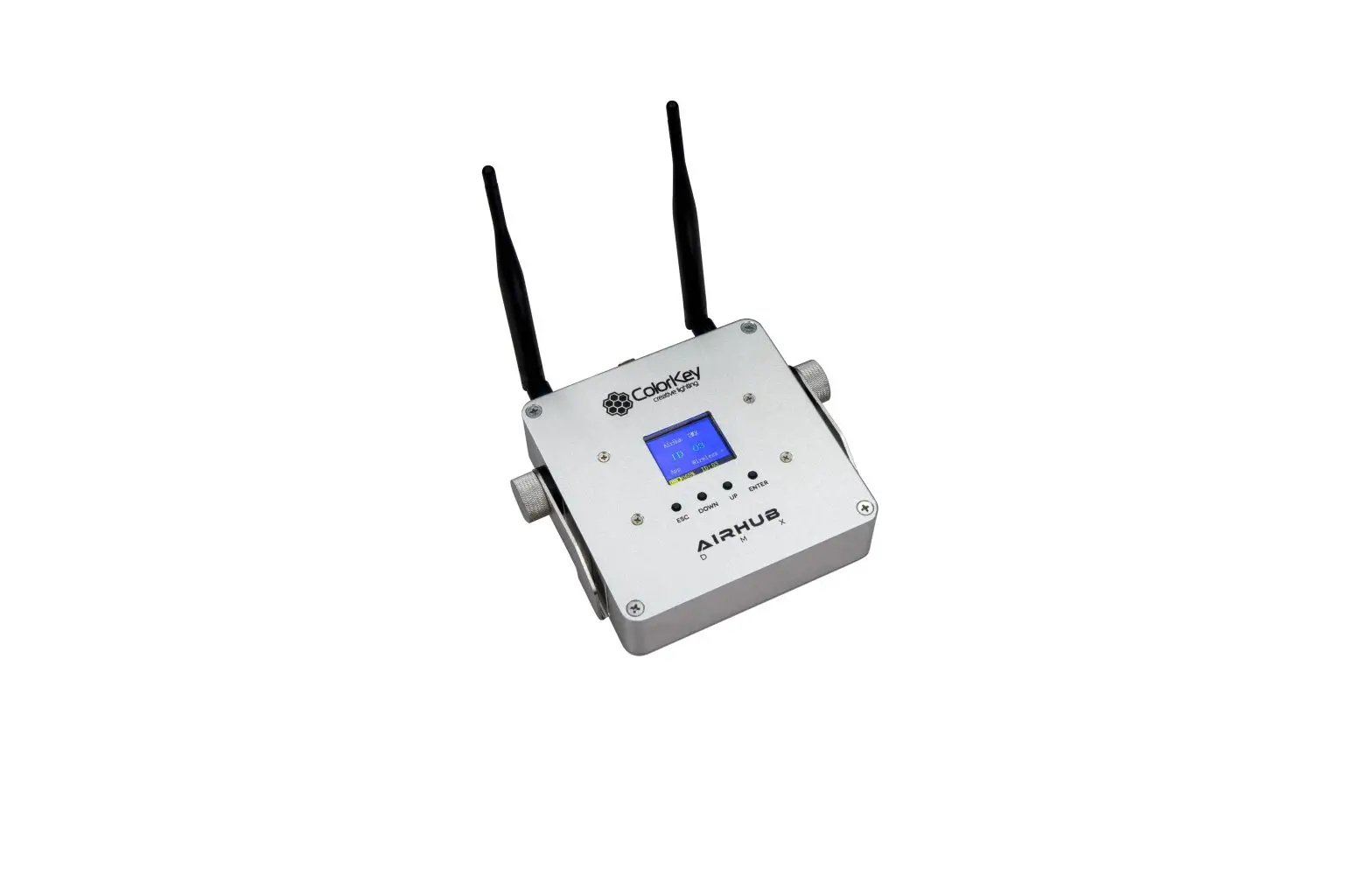
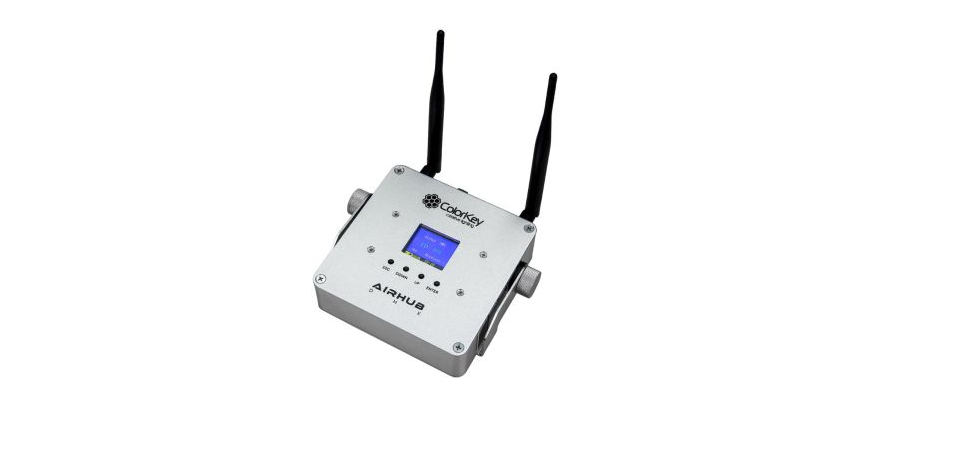
To control the fixture by wireless DMX, users need to pair the fixture to wireless DMX transmitter first.
To pair the firxture and transmitter make sure the wireless DMX indicator is off. To turn wireless DMX on, press the “MENU” button to show “Wireless DMX” on the OLED display. Now use the “UP” or “DOWN” buttons to select “On”. To set the fixture into Wireless DMX receive mode, press “ENTER” again and then press “UP” or “DOWN” to select “Receive”. Press the “ENTER” to confirm the setting.
Press the pair button on the transmitter. The wireless DMX indicator will start flashing fast. Once the pairing succeeds the indicator will turn to yellow.
To turn wireless DMX off, keeping pressing the “MENU” until “Wireless DMX” appears. Now press “UP” or “DOWN” to select “Off”. Press the “ENTER” to confirm the setting. Press “MENU” to exit out of any of the above options.
4.5.1 Clear Wireless DMX Memory
To clear the wireless DMX memory, keep pressing “MENU” until “Wireless DMX” appears. Now press “UP” or “DOWN” to select “Clear (All)” (Transmit mode) or “Clear” (Receive mode). Press “ENTER” to clear the wireless DMX memory. Then Wireless DMX indicator will go off. Press “MENU” to exit out of any of the above options.
When the fixture is in Wireless DMX transmit mode the wireless DMX memory of the Transmitter unit and all receiving units will be cleared (Clear (All)). When in Wireless DMX receive mode the wireless DMX memory of that one receiving unit will be cleared (Clear).
4.5.2 Master and Slave Unit Setup
Continue pressing “MENU” till “Master/Slave” appears, press “ENTER” and scroll “UP” or “DOWN” to select “Transmit”. Press “ENTER” to save the setting. the master unit will start to pair all slave units automatically. Wireless DMX indicator keeps flashing during paring time. Wireless DMX indicator keeps On if pairing succeeds. You now can select and run preset programs.
11
User’s Manual
To set other fixtures as slave units, continue pressing “MENU” till “Master/Slave” appears, press “ENTER” and scroll “UP” or “DOWN” to select “Receive”. Press “ENTER” to save the setting. Now all slave units will operate in sequence with the master unit.
Please note that slave units could have wireless DMX memory. Please follow up the instructions in “4.5.1 Clear Wireless DMX Memory” to erase wireless DMX memory first.
Please ensure that all slave units have been set to the same DMX channel mode as the master unit. To pair master unit with slave units, continue pressing “MENU” of the master unit till “Wireless DMX” appears, press “ENTER” and scroll “UP” or “DOWN” to select “Connect”. Now press “ENTER” to confirm your setting. Then the wireless DMX indicator will start flashing during paring time. The indicator will stay solid yellow once pairing succeeds.
4.5.3 Wireless DMX Indicator Information
There is one wireless DMX indicator near the OLED display. This indicator shows status of wireless DMX connection.
Indicator Status Blue light on Blue light slow flashing
Blue light fast flashing
Blue light off
Description Fixture receiving wireless DMX signal from transmitter. Fixture already connected to transmitter, but no signal coming from transmitter. Fixture no connection to transmitter; fixture keeps. Wireless DMX memory from last pair. Fixture no connection to transmitter, and no any wireless DMX memory.
5. OPERATION
5.1 DMX Control Mode
This function will allow users to control individual fixture with a standard DMX 512 console. Below is fixture DMX Channel Chart.
Channel 4 CH
Channel 1 2 3 4
Function Red Green Blue White
DMX Value 0-255 0-255 0-255 0-255
Setting/Percentage 0-100% 0-100% 0-100% 0-100%
12
6 CH 10 CH 10 CH
User’s Manual
1
Master dimming
0-255
0-100%
2
Red
0-255
0-100%
3
Green
0-255
0-100%
4
Blue
0-255
0-100%
5
White
0-255
0-100%
0-10
No function
6
Strobe
11-255
Strobe from slow to fast
1
Master dimming
0-255
0-100%
2
Red
0-255
0-100%
3
Green
0-255
0-100%
4
Blue
0-255
0-100%
5
White
0-255
0-100%
0-10
No function
6
Strobe
11-255
Strobe from slow to fast
0-9
No function
10-15
White1
16-21
White2
22-27
White3
28-33
White4
34-39
White5
40-45
White6
White balance
46-51
White7
7
&
52-57
White8
Color macro
58-63
White9
64-69
White10
70-75
White11
76-81
White12
82-87
White13
88-93
White14
94-99
White15
100-105
White16
106-110
Color macro 1
111-115
Color macro 2
116-120
Color macro 3
121-125
Color macro 4
126-130
Color macro 5
White balance
131-135
Color macro 6
7
&
136-140
Color macro 7
Color macro
141-145
Color macro 8
146-150
Color macro 9
151-155
Color macro 10
156-160
Color macro 11
161-165
Color macro 12
166-170
Color macro 13
13
User’s Manual
171-175
Color macro 14
176-180
Color macro 15
181-185
Color macro 16
186-190
Color macro 17
191-195
Color macro 18
196-200
Color macro 19
201-205
Color macro 20
White balance
206-210
Color macro 21
7
&
211-215
Color macro 22
Color macro
216-220
Color macro 23
221-225
Color macro 24
226-230
Color macro 25
10 CH
231-235 236-240
Color macro 26 Color macro 27
241-245
Color macro 28
246-250
Color macro 29
251-255
Color macro 30
000-010
No function
8
Color wheel
011-255
Color wheel effects
0-10
No function
11-60
RGB color fade
61-110
RGBW color fade
9
Auto run
111-160
RGB color auto
161-210
RGBW color auto
211-255
Sound control
10
Speed
0-255
From slow to fast
5.2 Master/Slave Mode
The fixture has a built-in wireless DMX transceiver inside. Fixtures can operate Master/Slave mode wirelessly. In Master/Slave mode, one fixture will work as Master fixture, other fixtures in the daisy chain will work in synchronization with the Master fixture.
Please refer to “4.5.2 Master and Slave Unit Setup” on how to set up master and slave units.
5.3 Auto Run Mode
The fixture has preset color mixing and fading programs that can be activated from the OLED control panel for auto running. To access this, follow below steps:
– Press button “MENU” until “Program” appears. – Press “UP” or “DOWN” to scroll up/down to select “Auto”, “Fade”, “Static, and “Sound”;
14
User’s Manual
– Press “ENTER” to confirm your run mode; – Scroll “UP” or “DOWN” to select Auto programs (from 1 – 2), or Fade (from 1 2) or “Color” (from
1-15) or “Sound” (from 1 to 4)
5.4 Customized Colors Users are allowed to program their own color effects and save to your fixture. Follow the steps below:
– Press button “Menu” until “Custom” appears. – Press “ENTER”, you will see R (Red) flashing, this means you now can program red color, press again
“Enter” and scroll “Up” or “Down” to adjust red intensity, press “Enter” again to save your setup.
– To select other colors “UP” or “DOWN” and press “ENTER” to confirm the color you selected. – Then scroll “UP” or “DOWN” to adjust the color intensity, and press “ENTER” to save it.
5.5 IR Remote Control
This operation mode allows users to control the fixture with an
infrared remote controller. The remote controller can help you to achieve almost all functions. To activate IR remote control, press “Menu” until “IR” appears, press “Up” or “Down” button and select “On”. Press “Enter” to save the setting. To control the fixture with this IR remote controller, make sure to point the controller directly to the IR receiving sensors on the product. Make sure there are no objects between the controller and the fixture. 1 – Set the fixture into blackout (LED on/off). 2 – Adjust auto, strobe & fade speed, sound sensitivity, DMX
15
User’s Manual
address, DMX channel, brightness etc. 3 – Run auto mode, use “Speed” button followed by the
buttons to adjust auto speeds.
4 Run sound program, use
buttons to adjust sound sensitivity.
5 Run strobe program, use
buttons to adjust strobe speed.
6 Set auto/fade speed, Press this button followed by 7 Set the fixture into master or slave mode. 8 Run fade mode. Use “Speed” button followed by
buttons to adjust program speed. buttons to adjust fade speed.
9 – Set DMX address. Press this button followed by
to set up DMX address. Press this
button again followed by
to select DMX channel.
10 Set the fixture in full brightness. Press this button followed by brightness.
buttons to adjust
11 Set the fixture in Economy mode. Press this button followed by
buttons to turn
Economy mode on/off. 12 Set static color. This fixture has RGBW led, so “Amber” and “UV” buttons are invalid.
6. MAINTENANCE
6.1 General Maintenance
The operator has to make sure that the safety-related and machine-technical installations are to be inspected by an expert once a year in the course of an acceptance test.
The operator has to make sure that safety-related and machine-technical installations are to be inspected by a skilled person once a year.
The following points have to be considered during the inspection:
– Make sure connections are clean and totally dry before linking equipments or supplying electric power.
– All screws used for installing the fixture or parts of the fixture have to be tightly connected and must not be corroded.
The fixture has optical lenses; users should clean the lenses periodically to optimize light output. The cleaning frequency depends on the environment in which the curtain system is installed. Damp, smoky or particularly dirty surrounding can cause greater accumulation of dirt on the lenses. Even in a clean type of
16
User’s Manual
surroundings, it is suggested to clean the lens and housing at least once a month. It is suggested to use a soft cloth using normal glass cleaning fluid. The following points have to be considered during the maintenance:
– Switch off the fixture before cleaning. – Clean the lens with a mild solution of glass cleaner or isopropyl alcohol, and a soft, lint free cotton
cloth or a lens cleaning tissue. – Gently polish the external glass surfaces until they are free of haze and lint.
6.2 Fuse Replacement The fixture has an internal replaceable fuse built in the base.
In case fuse is blown, you need to replace it. Unplug the fixture from power, remove the 4 screw from the housing to find the fuse holder. Open the fuse holder by turning it anticlockwise; remove the blown fuse from the holder and replace it with the exact same type and rating one. Close the fuse holder by turning it clockwise to tighten it. Screw back the base to the housing. Always replace a blown fuse with another of the same type and rating.
17
User’s Manual
Memo:
______________________________________________________________________________________ ______________________________________________________________________________________ ______________________________________________________________________________________ ______________________________________________________________________________________ ______________________________________________________________________________________ ______________________________________________________________________________________ ______________________________________________________________________________________ ______________________________________________________________________________________ ______________________________________________________________________________________ ______________________________________________________________________________________ ______________________________________________________________________________________ ______________________________________________________________________________________ ______________________________________________________________________________________ ______________________________________________________________________________________ ______________________________________________________________________________________ ______________________________________________________________________________________ ______________________________________________________________________________________ ______________________________________________________________________________________ ______________________________________________________________________________________ ______________________________________________________________________________________ ______________________________________________________________________________________ ______________________________________________________________________________________
18