CRMX Galileo Wireless DMX
Product Information:
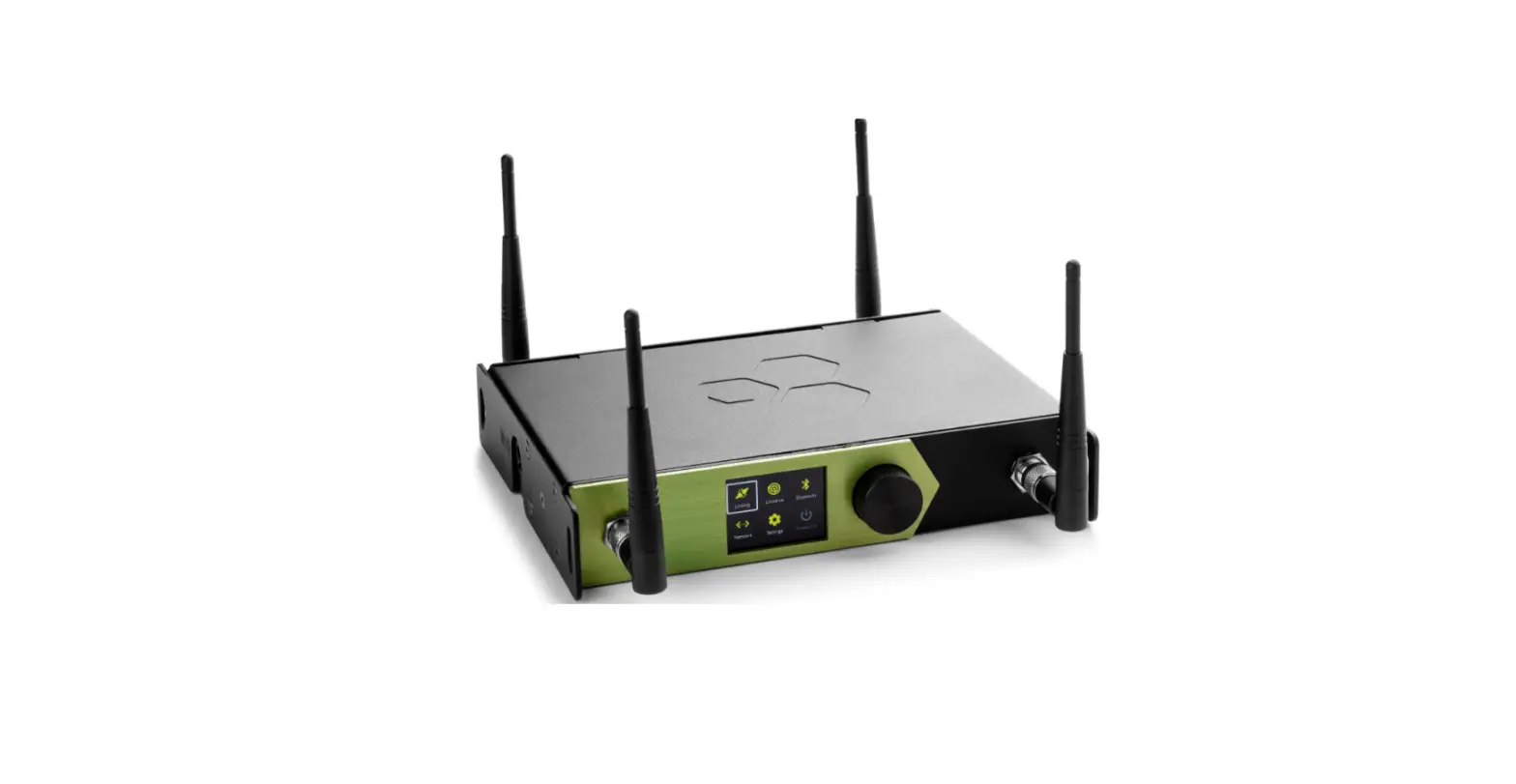
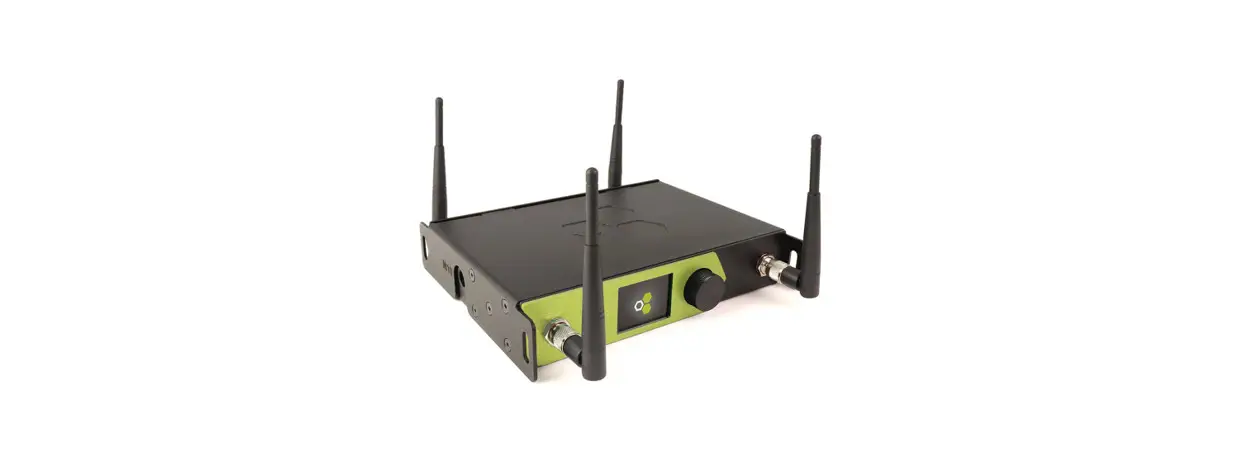
The CRMX Galileo is a wireless lighting control product
manufactured by LumenRadio. It is designed for indoor use and can
also be used outdoors when installed in an IP65 rated environmental
enclosure. The CRMX Galileo replaces the cable in DMX-512A systems
and is compatible with any CRMX compatible device using either CRMX
Classic or CRMX2 modes. It can also be configured to operate in
W-DMX mode and work with W-DMX compatible devices.
The product comes with a warranty, and all warranty claims
should be directed to the local distributor/reseller. However, the
warranty is void if the product is modified, repaired, or altered
without direction from LumenRadio AB, or if the serial number on
the product has been compromised.
The CRMX Galileo system allows for daisy-chaining of DMX data
locally between fixtures that are physically close to each other.
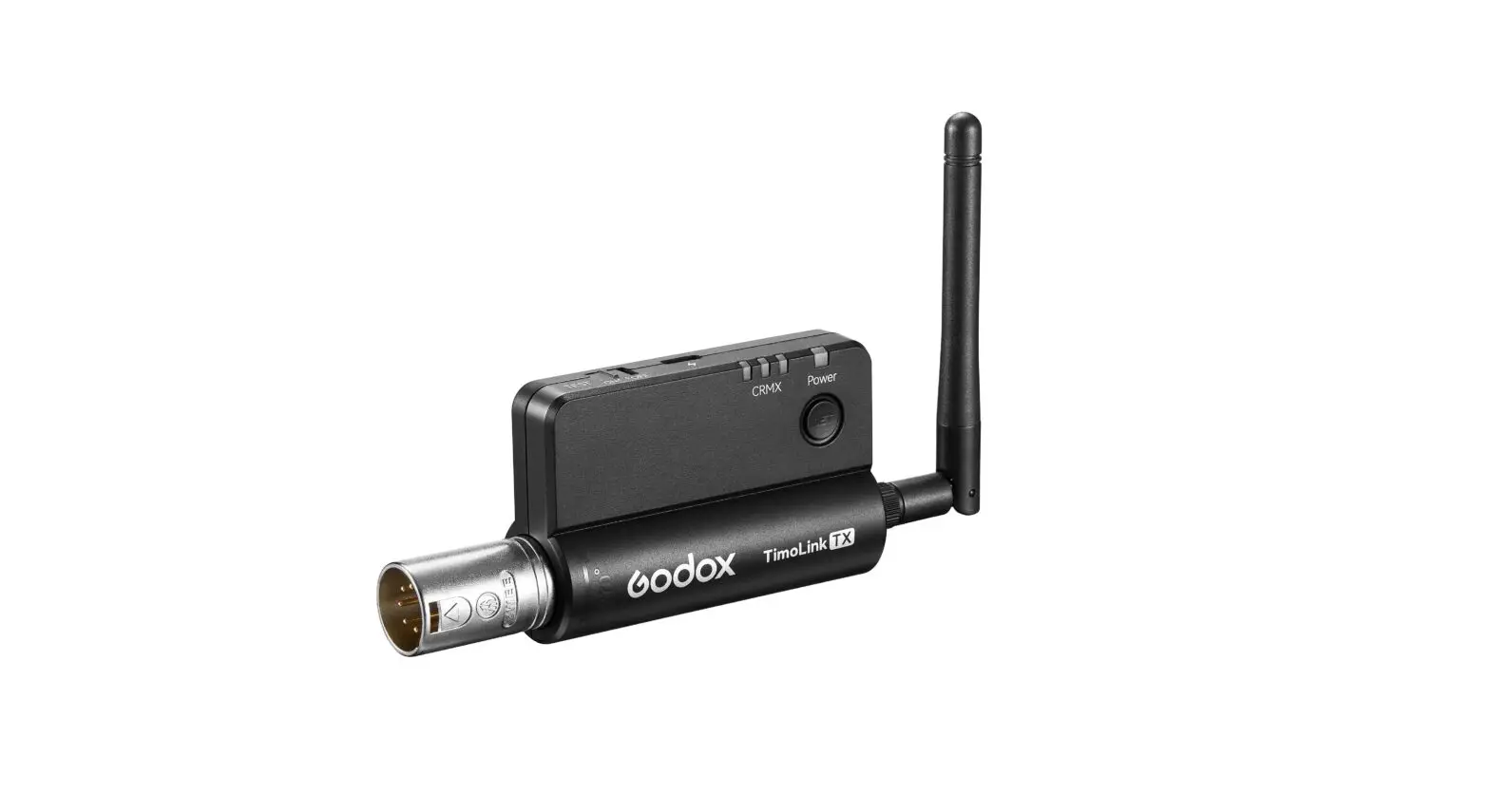
It includes the Galileo TX and Galileo RX units for wireless DMX
transmission and control.
The product box contains 1 CRMX Galileo unit, 1 2pin terminal
plug for power, 1 quick start instruction leaflet, 1 RP-SMA
antenna, and 1 3pn terminal plug for data.
The product specifications include:
- Power supply AC
- Power supply DC
- Max. power consumption
- Self-healing fuse
- Rated wire size
- IP rating
- Dimensions (W x H x D)
- Weight
- Antenna connector
- Operating temp. range
- Storage temp. range
- Humidity
- Frequency range
- Max. RF output power
- Supported protocols
- Supported RF protocols (TX)
- Supported RF protocols (RX)
Product Usage Instructions:
Before using the CRMX Galileo, it is important for all personnel
to familiarize themselves with the instructions provided in the
user manual.
Ensure that the product is not damaged before use. If any damage
is observed, do not use the product.
For additional documentation and information about the CRMX
Galileo, you can scan the QR code on the user manual or visit the
website www.lumenradio.com.
Only qualified electricians or service personnel trained by
LumenRadio should perform installations with this product. Always
follow local electrical codes and regulations.
If using a 24 VAC isolation transformer for installation, ensure
it is performed in accordance with IEC 61558-1.
Do not connect the product directly to main power.
Installation Steps:
- Verify that the product has no physical damage.
- Clip the unit onto a DIN rail. If installing outdoors, ensure
it is done in a suitable IP65 rated environmental enclosure. - If the unit performs a chase with white color on the three
front LEDs at power-on, it indicates that it is starting up.
Legal Information:
The CRMX Galileo is a trademark of LumenRadio AB, and W-DMX is a
trademark of Wireless Solution Sweden AB. Wireless Solution Sweden
AB is a fully-owned subsidiary of LumenRadio AB. DMX-512A and RDM
refer to ANSI national standards developed and maintained by ESTA,
Entertainment Services and Technology Association.
This product utilizes various patents including US patents
7,432,803; 8,457,023; 9,208,680; EU patents EP 2415317, EP 2803248,
China patents CN 102369774, CN 104041189B, and others.
Version of this quick start guide: Version 1 (2023-04-10)
MANUAL CRMX Galileo
LUMENRADIO
APPLICATION AREA
The CRMX Galileo is a wireless lighting control product. It is designed to be used indoors, or outdoors when installed in a IP65 rated envorinmental enclosure. CRMX Galileo replaces the cable in DMX-512A systems. It can be used together with any CRMX compatible device using either CRMX Classic or CRMX2 modes. CRMX Galileo can also be configured to operate in W-DMX mode where it can operate together with W-DMX compatible devices.
GENERAL
All personnel must acquaint themselves with the instructions in this leaflet before using this product. This product must not be used if damaged. For additional documentation for CRMX Galileo, scan the QR code on this leaflet, or visit www.lumenradio.com.
WARRANTY
All warranty claims for this product shall be directed to the local distributor/reseller. Warranty is deemed void if:
(1) The product is modified, repaired or otherwise altered unless it has been directed by LumenRadio AB; or
(2) The serial number on the product (the QR code) has been compromised.
SYSTEM OVERVIEW
A CRMX system replaces the need to use expensive and cumbersome DMX cables. Place one Galileo TX unit in close proximity to the lighting controller and let it wirelessly transmit the DMX and RDM data to Galileo RX units, or other CRMX receivers for instance built-in receivers in wireless-ready fixtures from any of LumenRadio’s partners.
DMX data can locally be daisy chained with cable between fixtures that are physically close to each other.
If range needs to be extended it is possible to operate a Galileo RX unit as a repeater (available as an optional upgrade). A repeater receives the wireless signal and retransmits it for receivers that otherwise would be out of range. A repeater will also output the DMX and RDM data locally on it’s data port just like any receiver would do.
Lights with CRMX
Repeater
Lights
Galileo TX
Lighting control
Lights with CRMX
Lights
Lights
Galileo RX
Wireless DMX DMX Cable
CRMX Galileo by LumenRadio
Scan for additional information
www.lumenradio.com
BOX CONTENT
1 pc. CRMX Galileo unit 1 pc. 2pin terminal plug for power 1 pc. Quick start instruction (this leaflet)
1 pc. RP-SMA antenna 1 pc. 3pn terminal plug for data
SPECIFICATIONS
Power supply AC: Power supply DC: Max. power consumption: Self-healing fuse: Rated wire size:
IP rating: Dimensions (W x H x D): Weight: Antenna connector: Operating temp. range: Storage temp. range: Humidity: Frequency range: Max. RF output power: Supported protocols: Supported RF protocols (TX): Supported RF protocols (RX):
24 VAC +/- 10% 50/60 Hz 12-24 VDC +/- 10% 2.5W Yes 0.2 1.5 mm2 24 16 AWG IP X0 36.5 x 93 x 58.7 [mm] 85 g RP-SMA -20 to +55 °C -30 to +80 °C 0 90% non-condensing 2402 2480 MHz (ISM band) 100 mW (280 mW in US) DMX-512A, RDM CRMX, W-DMX G3 & G4S CRMX, CRMX2, W-DMX G3, G4, G4S & G5
SAFETY
Only qualified electricians or service personnel trained by LumenRadio may perform installations with this product. Always follow local electrical code and regulations.
If installed using a 24 VAC isolation transformer, this must be performed in accordance with IEC 61558-1.
Do not use the product if the product is damaged. Only use cables within the specified conductor sizes. This product may not be connected directly to main power.
INSTALLATION
1. Verify that the product has no physical damage. 2. Clip the unit onto a DIN rail. If installed outdoors, this must be performed in a
IP65 rated environmental enclosure. 3. Mount the antenna, or of installed in an enclosure mount the antenna
coax cable. 4. Connect the power supply in accordance with specified voltage. 5. Connect the DMX cable to the DMX interface. 6. Power on and verify that the unit is powered up correctly Galileo units
performs a chase with white color on the three front LEDs at power-on to make it clearly visible that it is starting up.
Copyright © LumenRadio AB 2023, All Rights Reserved
LEGAL
CRMX is a trademark of LumenRadio AB, W-DMX is a trademark of Wireless Solution Sweden AB. Wireless Solution Sweden AB is a fully-owned subsidiary of LumenRadio AB. DMX-512A and RDM refers to ANSI national standards developed and maintained by ESTA, Entertainment Services and Technology Association.
This product makes use of US patents 7,432,803; 8,457,023; 9,208,680; EU patents EP 2415317, EP 2803248, China patents CN 102369774, CN 104041189B and others.
Version of this quick start guide: Version 1 (2023-04-10)
MANUFACTURER
LumenRadio AB Johan Willins gata 6 416 64 Gothenburg Sweden
LumenRadio Alfred-Herrhausen-Allee 3-5 DE-65760 Eschborn
Germany
FCC ID: XRSTIMOMWAN301 IC ID: 8879A-TIMOMWAN301
E115504 UL62368-1 CSA C22.2 No. 62368-1
www.lumenradio.com
MANUAL CRMX Galileo YOUR GALILEO UNIT
Power in -+
Antenna connector
Status LEDs
Link switch
DMX port
Gnd D- D+
LINK SWITCH FUNCTIONS
The link switch performs the basic link and unlink functions, but combinations of presses can perform some special functions. All functions are listed in the tables below. In the tables below short press is <0.5 s, long press is >3 s.
BASIC FUNCTIONS
Push Short
Long
Function
On transmitter: Link available receivers On receiver: No function On repeater: Link available receivers
On transmitter: Unlink all receivers On receiver: Unlink this receiver On repeater: Unlink all receivers, or unlink this repeater if pressed again within 5 seconds after unlink process.
SPECIAL FUNCTIONS
The special functions are accessed by pressing the button momentarily a number of times, followed by a long press (> 3 s).
Push
2 x short + long 3 x short + long 5 x short + long 7 x short + long
Function
Enable/disable BLE. Galileo TX: Select RF protocol. Galileo RX: Enable/disable repeater (if option is installed) Reset BLE PIN code.
STATUS LEDS
MODE
Transmitter Receiver Repeater BLE enabled BLE connected
DATA
DMX data RDM activity
SINGAL (TX) Transmitting Linking receivers Unlinking receivers
SINGAL (RX) > 70% 30 70% < 30% No link Not linked
IDENTIFY
When connecting via BLE using the CRMX Tooolbox app, or when using RDM, it is possible to identify a device to know what device is accessed. When doing this, all LEDs will flash rapidly.
LUMENRADIO
LINKING
To be able to transmit data through the system, receivers needs to be linked to the appropriate transmitter, or repeater.
1. Make sure the receivers are unlinked and that they are withing communication range.
2. If receiver is already linked, follow the steps in the unlink section. 3. Press the link switch momentarily on the transmitter. 4. Wait for the linking process to finish.
UNLINKING
Unlinking can be done directly from the transmitter, which wil lunlink all currently powered receivers that are within range that is linked to this transmitter. This is done by holding the link switch for >3 s.
Unlinking can also be done on one specific receiver by holding its link switch pressed for >3 s.
USING REPEATERS
When the range needs to be expanded, a receiver can be upgraded to repeaters (software license required). Before a repeater can be linked to receivers it first need to be linked to a transmitter.
To unlink a repeater from a transmitter, its receivers first needs to be unlinked. Repeating the unlink step within 5 seconds after the unlinking process has finished will unlink the repeater from its transmitter.
RDM (REMOTE DEVICE MANAGEMENT)
Galileo supports RDM both as transmitter and receiver (including repeater mode).
llows configuration of RDM capable fixtures, allowing DMX start address and DMX personality to be set among other things. It also allows for monitoring the system, such as detecting if devices goes offline, monitor receivers’ signal levels, and much more.
Available RDM functions varies depending on the controller and the fixtures.
A Galileo TX incorporates an RDM Proxy that needs to be enabled before any downstream devices can be discovered. This can be done either by changing the DMX personality of the transmitter, via the link switch button, or from the CRMX Toolbox app.
BLUETOOTH
Bluetooth, or BLE, is enabled by default. It is recommended to disable the BLE interface after installation has been completed, or to protect the BLE interface by setting a PIN code.
It is possible to send DMX data to the Galileo device via BLE. There are several apps that supports this that can be downloaded from App Store. When sending DMX data to a receiver or a repeater, the DMX data is only forwarded to the local DMX interface. But when DMX data is sent via BLE to a transmitter device, the DMX data will be sent to the entire network.
DMX via BLE is limited in performance due to the limitations of BLE, and is not suitable for fast effects.
FIRMWARE UPDATES
The software in your Galileo device, called firmware, is continuously improved and new functions may be added. It is therefore recommended to make sure you keep the devices up to date. In all cases, make sure you have the latest firmware installed before commissioning a new system.
Firmware can be updated via Bluetooth using the CRMX Toolbox app. The latest firmware is automatically downloaded from LumenRadio’s cloud and pushed to your device when you initiate an update.
INSTALLING REPEATER OPTION
Galileo RX units can have an optional repeater option installed. It is installed using the CRMX Toolbox app and requires you to have an account registered through the app. To purchase this option, reach out to your local reseller.
CRMX TOOLBOX
CRMX Toolbox is an app available from LumenRadio to configure CRMX devices. It is available for iOS and Android and can be downloaded directly from Apple App Store or Google Play Store.
Copyright © LumenRadio AB 2023, All Rights Reserved
www.lumenradio.com
 Home - LumenRadio