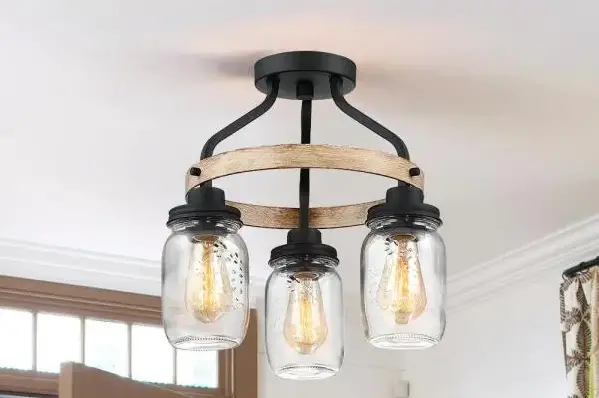
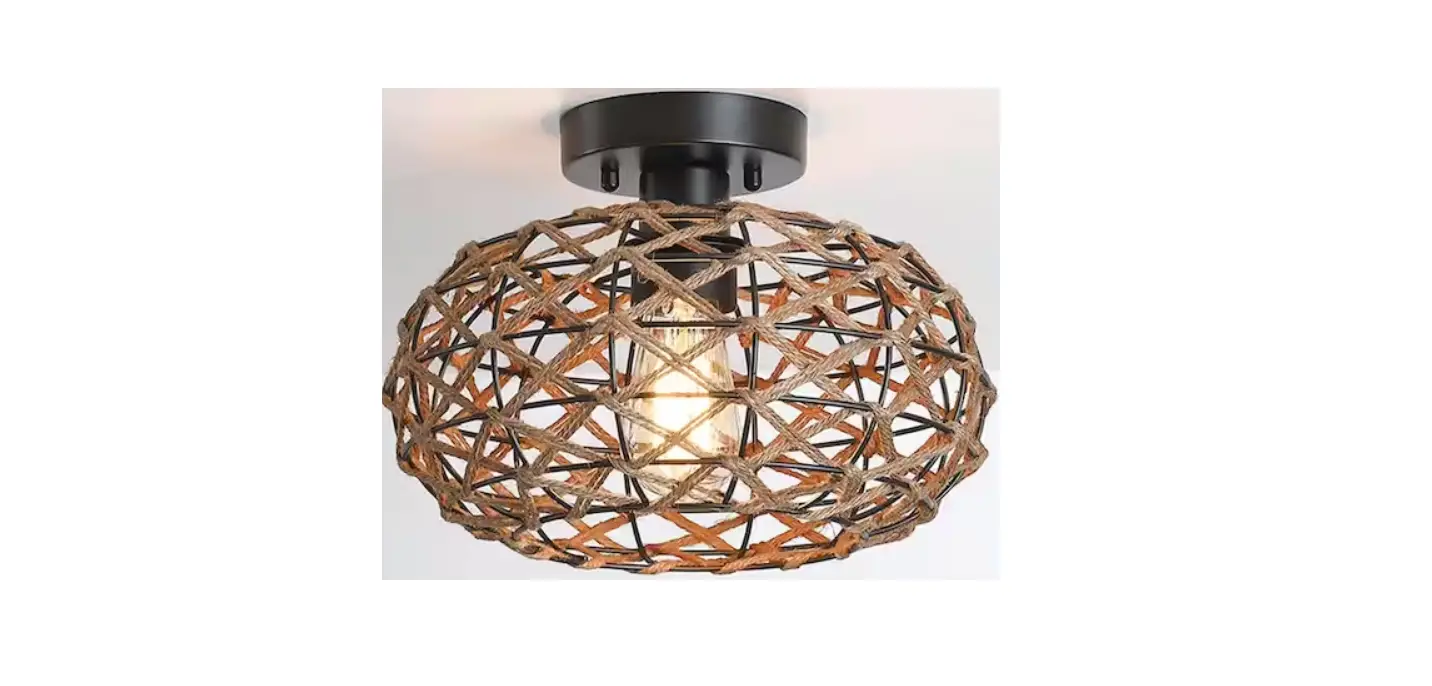
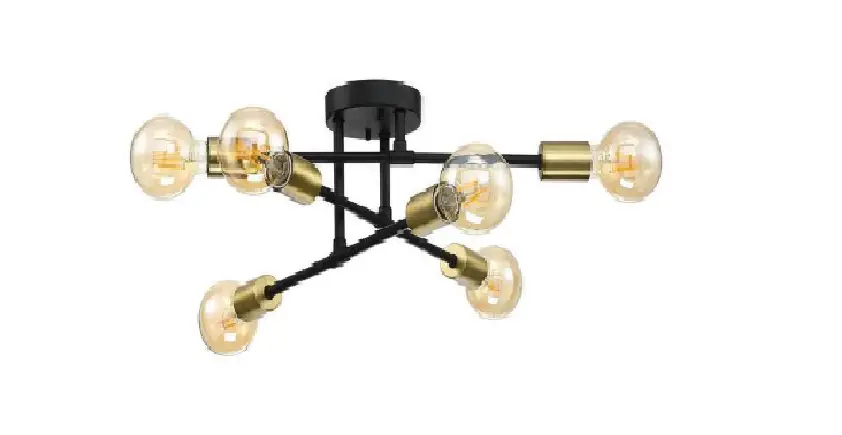
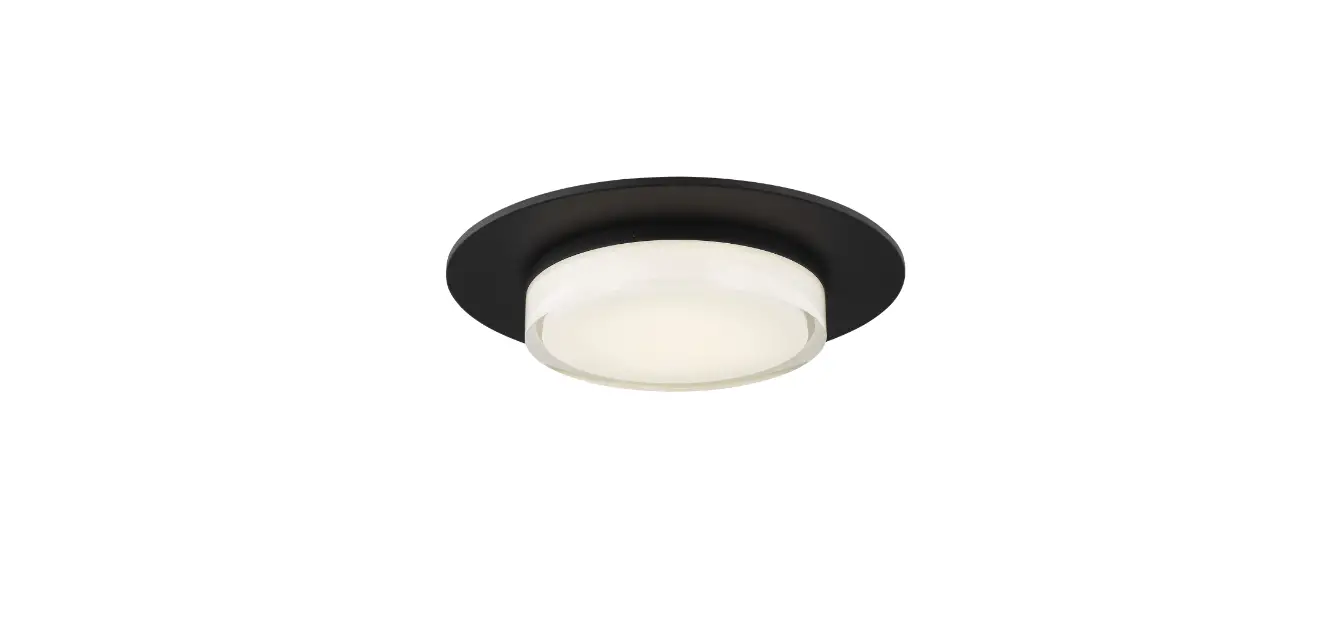
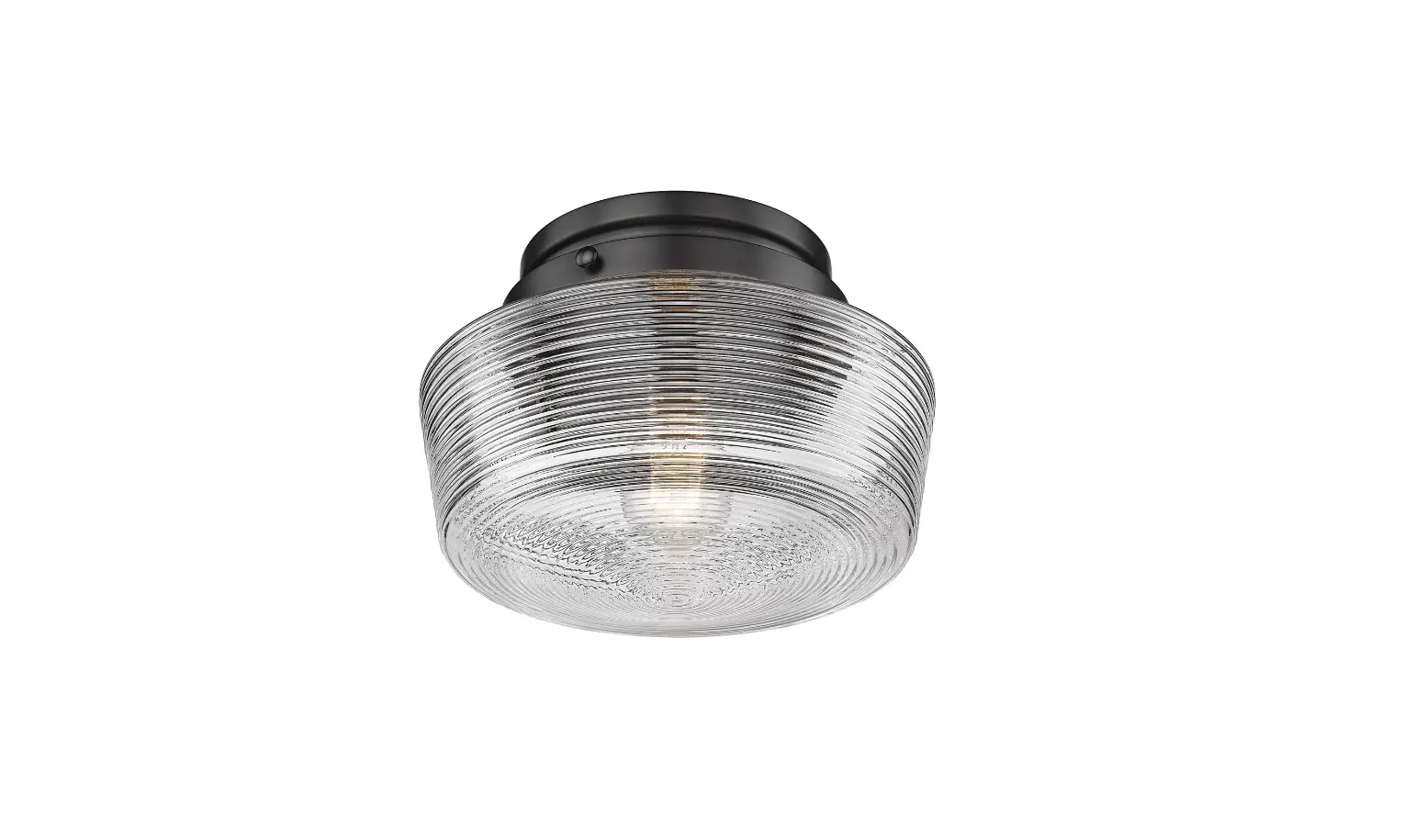
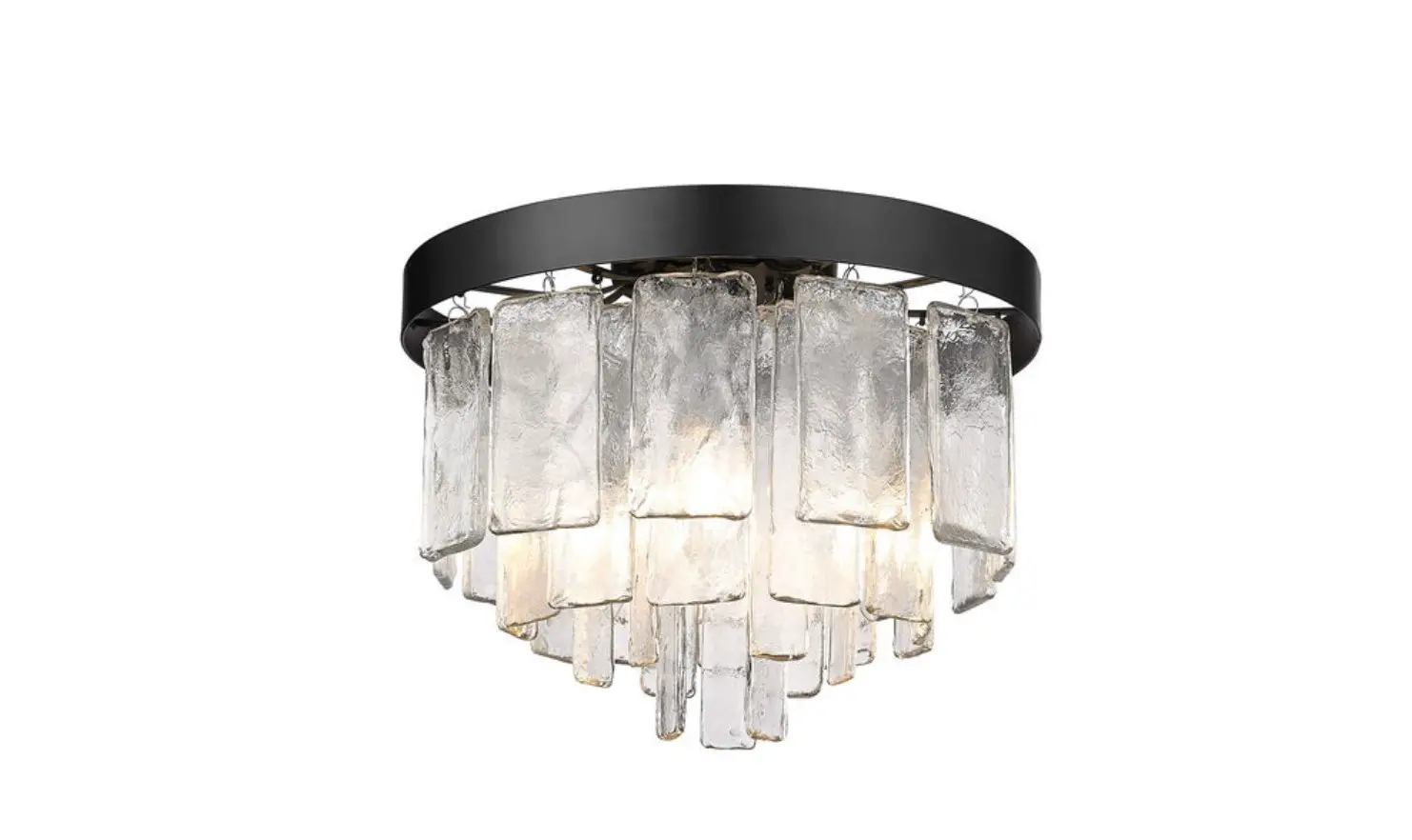
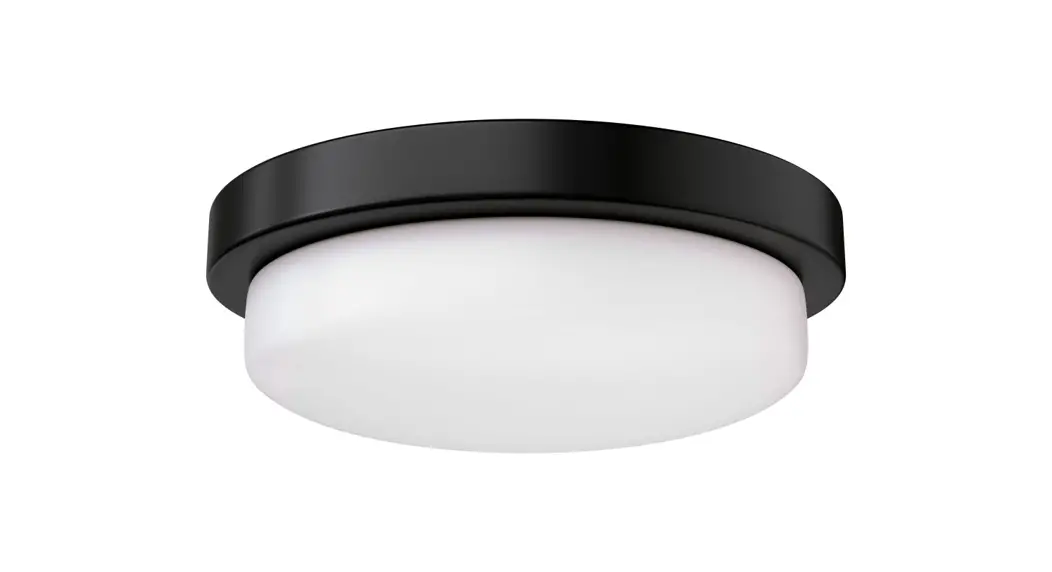
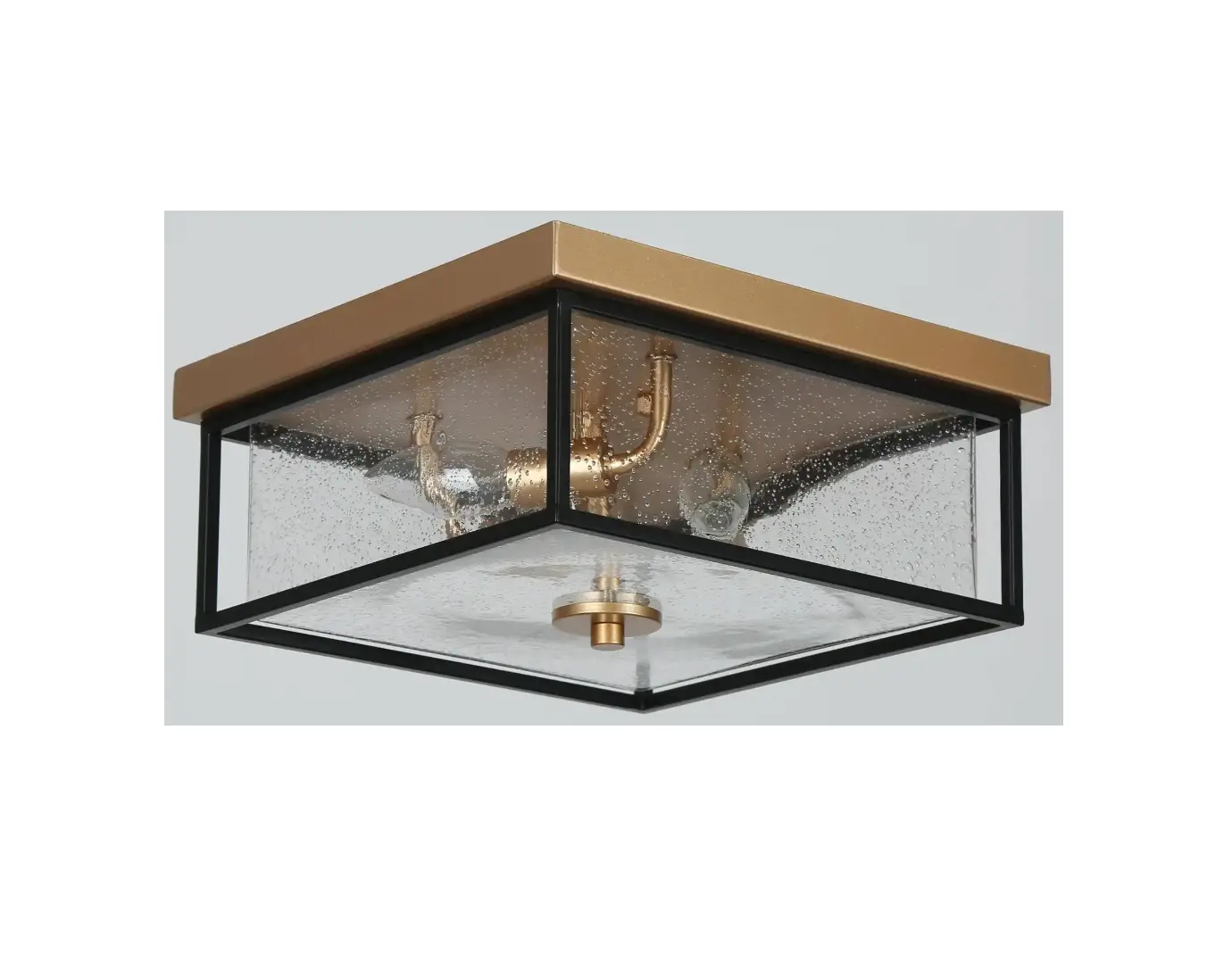
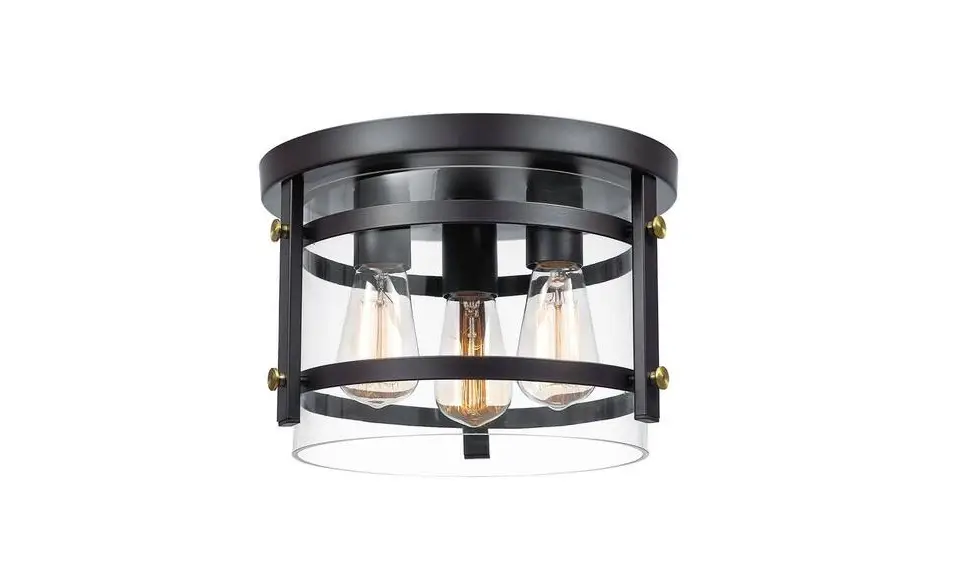
TD10053FL 3 Light Flush Mount Lighting
Product Information
The product is a 3-light flush mount lighting fixture that is
designed to be installed onto an outlet box. The fixture body (A)
supports the glass holder cup (B), socket ring (C), bulb (D), and
glass shade (E). The mounting strap (I) is fixed onto the outlet
box with a screw (H) to secure the fixture in place. The wiring
connections are made using wire nuts (Smooth) to connect the
fixture wires to the wires from the outlet box. The product has a
green grounding screw for grounding purposes.
Product Usage Instructions
- Install the glass holder cup (B), socket ring (C), bulb (D),
and glass shade (E) onto the socket in turn. - Fix the mounting strap (I) to the outlet box with screw
(H). - Connect the wires according to the wiring instructions.
- Fix the canopy (G) to the mounting strap (I) with canopy lock
ring (F). - To wire the fixture, insert the green grounding screw into the
hole with two raised dimples on the mounting bar. Wrap the ground
wire from the fixture (if supplied) around the green grounding
screw, then connect it to ground wire from the outlet box (if not
fixed on the outlet box) using a wire connector(not supplied). If
ground wire from the fixture is not supplied, wrap the ground wire
(if not fixed on the outlet box) from the outlet box around the
green grounding screw and tighten it. NEVER CONNECT GROUND WIRE TO
BLACK OR WHITE POWER SUPPLY WIRES. - Take note of the color of the wire(s) on your fixture. Identify
which group your fixture wire(s) falls into and connect the wires
according to the directions below:- [GROUP A]: Connect to Black House Wire
- [GROUP B]: Connect to White House Wire
- Take your fixture wire(s) from [Group A] and place evenly
against the black wire from the outlet box. Do NOT twist wires
together before using wire connectors. - Fit a wire connector over the wires and screw the connector
clockwise until you feel firmness. - Try gently to pull the connector off the wires. If you can pull
the connector off, carefully re-do steps 3 and 4 as above, and
check again for a firm connection. - Connect the fixture wire from [Group B] to the white wire from
the outlet box in the same manner. Make sure no bare wires can be
seen outside wire connectors.
Product Specifications
The product packaging includes the flush mount lighting fixture,
glass shade, mounting strap, canopy, canopy lock ring, socket ring,
and bulb. The fixture is designed to be cleaned with a soft cloth
and mild soap. Abrasive materials such as scouring pads or powders,
steel wool, or abrasive paper should not be used. The product
should only be installed and serviced by a qualified
electrician.
Safety Information
Always switch off the electricity supply and allow to cool for
10 minutes before changing the light bulbs. If you have any
questions or concerns about the product, please contact the
manufacturer at [email protected].
Instruction Manual
3-light Flush Mount Lighting
Overview
Outlet box Black
Wire nuts Smooth
[GROUP A]
F.Canopy lock ring
Green(Ground)
Bare copper wire(Ground)
White Ribbed
[GROUP B]I.Mounting strap
H.Screw G.Canopy
A.Fixture body
B.Glass holder cup C.Socket ring
D.Bulb(not included)
E.Glass shade
Assembly Instruction
1.Install Glass holder cup (B),Socket ring (C), Bulb (D), Glass shade (E) to the socket in turn.
2.Fix Mounting strap (L) to outlet box with Screw (K). 3.Connect the wires according to the picture above.
(Please refer to the wiring instruction for details ) 4.Fix Canopy (H) to Mounting strap (L) with Canopy lock ring (G).
Wiring Instruction
1. Insert the green grounding screw into the hole with two raised dimples on the mounting bar. Wrap the ground wire from the fixture (if supplied) around the green grounding screw, then connect it to ground wire from the outlet box (if not fixed on the outlet box) using a wire connector(not supplied). If ground wire from the fixture is not supplied, wrap the ground wire (if not fixed on the outlet box) from the outlet box around the green grounding screw and tighten it.
NEVER CONNECT GROUND WIRE TO BLACK OR WHITE POWER SUPPLY WIRES.
2.Take note of the color of the wire(s) on your fixture. Identify which group your fixture wire(s) falls into and connect the wires according to the directions below:
[GROUP A]: Connect to Black House Wire [GROUP B]: Connect to White House WireBLACK
WHITE
*PARALLEL WIRE (round & smooth) *PARALLEL WIRE (square & ridged)
WHITE OR GREY WITH TRACER WHITE OR GREY WITHOUT TRACER
BROWN, GOLD OR BLACK WITHOUT TRACER
BROWN, GOLD OR BLACK WITH TRACER
3.Take your fixture wire(s) from [Group A] and place evenly against the black wire from the outlet box. Do NOT twist wires together before using wire connectors. 4.Fit a wire connector over the wires and screw the connector clockwise until you feel firmness. 5.Try gently to pull the connector off the wires. If you can pull the connector off, carefully re-do steps 3 and 4 as above, and check again for a firm connection.
6.Connect the fixture wire from [Group B] to the white wire from the outlet box in the same manner. Make sure no bare wires can be seen outside wire connectors.
Product Specifications
Input voltage 120V Rated power 60W MAX × 3 Lamp socket E26 Cord Length 7ft.
Product Packaging
Fixture body × 1 Mounting strap × 1 Screw × 2 & Wire nut × 3 Glass shade × 3 & Glass holder cup × 3 Lamp instruction × 1
Cleaning
To clean, wipe fixture with a soft cloth. Clean glass with a mild soap. Do not use abrasive materials such as scouring pads or powders, steel wool or abrasive paper.
Safety Information
Always switch off the electricity supply and allow to cool for 10 minutes before changing the light bulbs.
CONTACT US
E-mail:[email protected]
Print in china
 Digital Services, Technology and Consulting | Reply