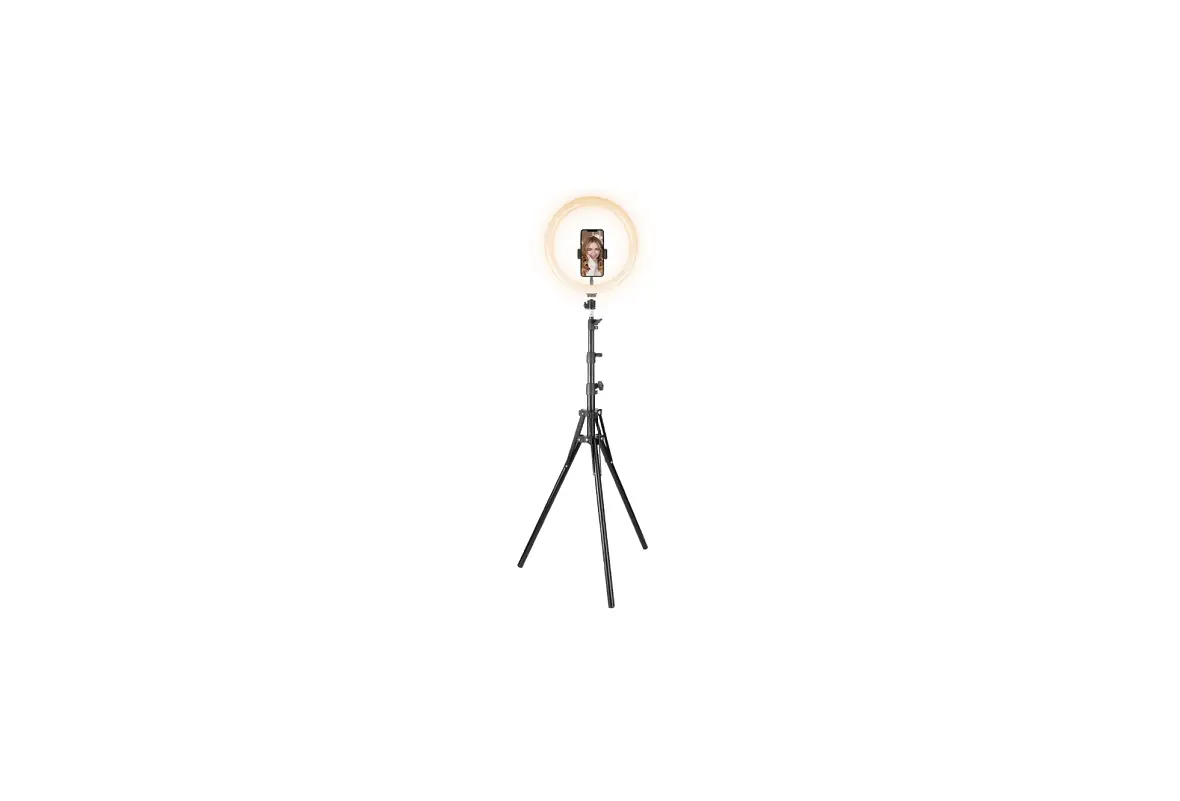
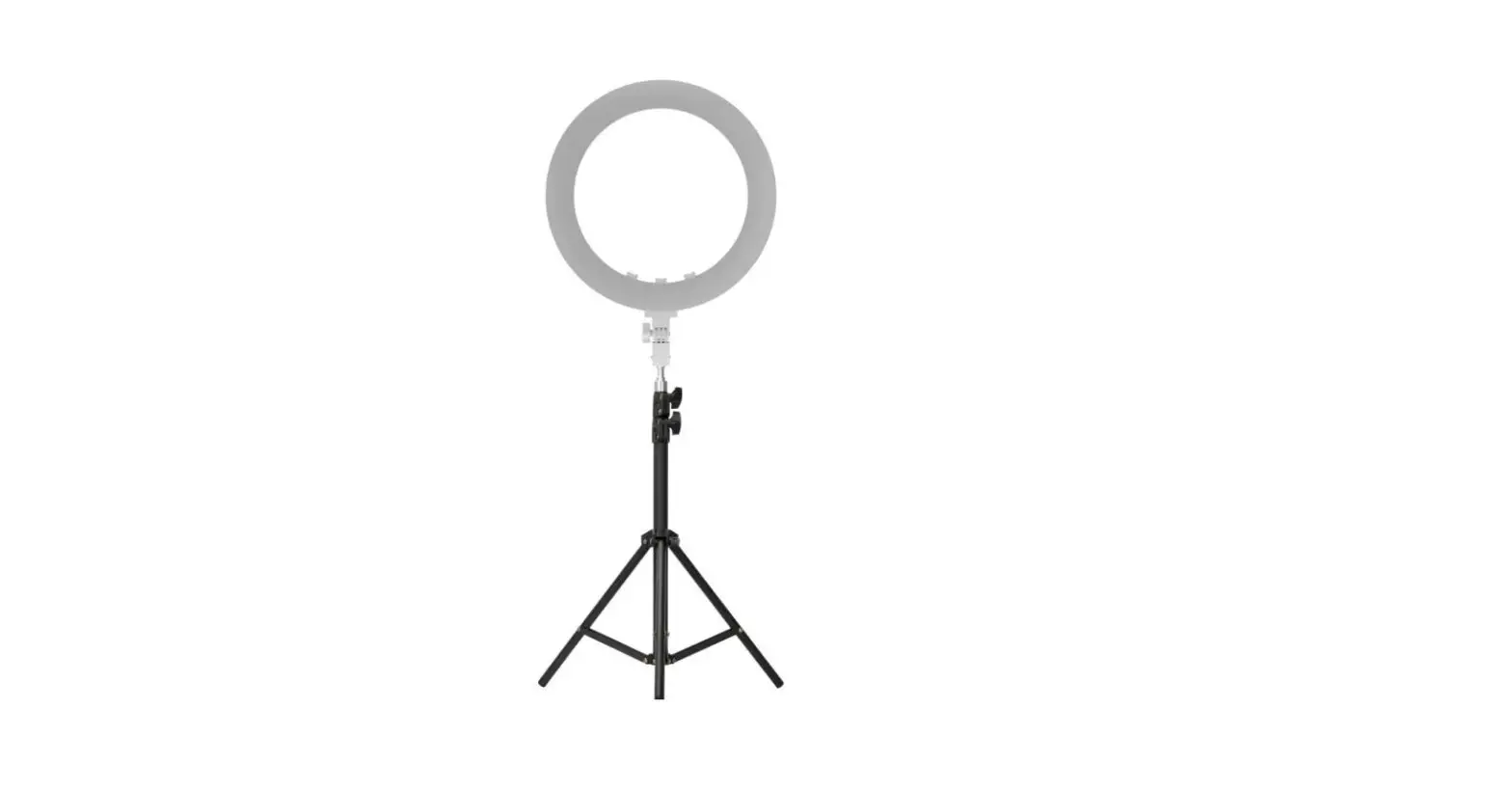
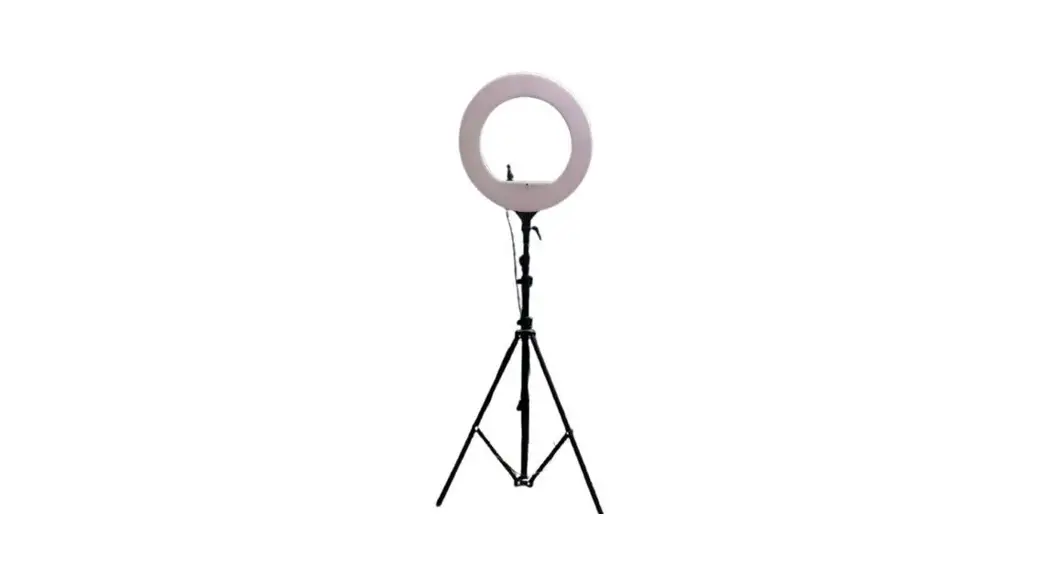
LT-2DP Ring Light
Product Information:
The product includes the following accessories:
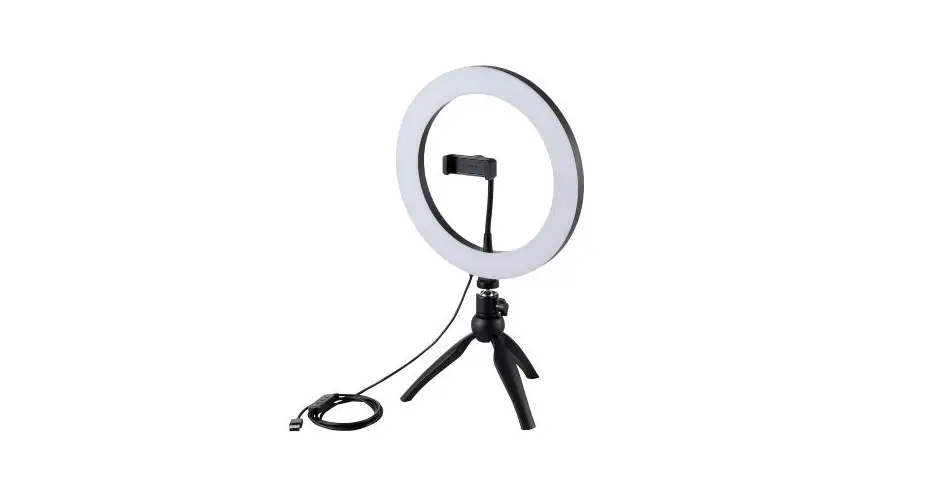
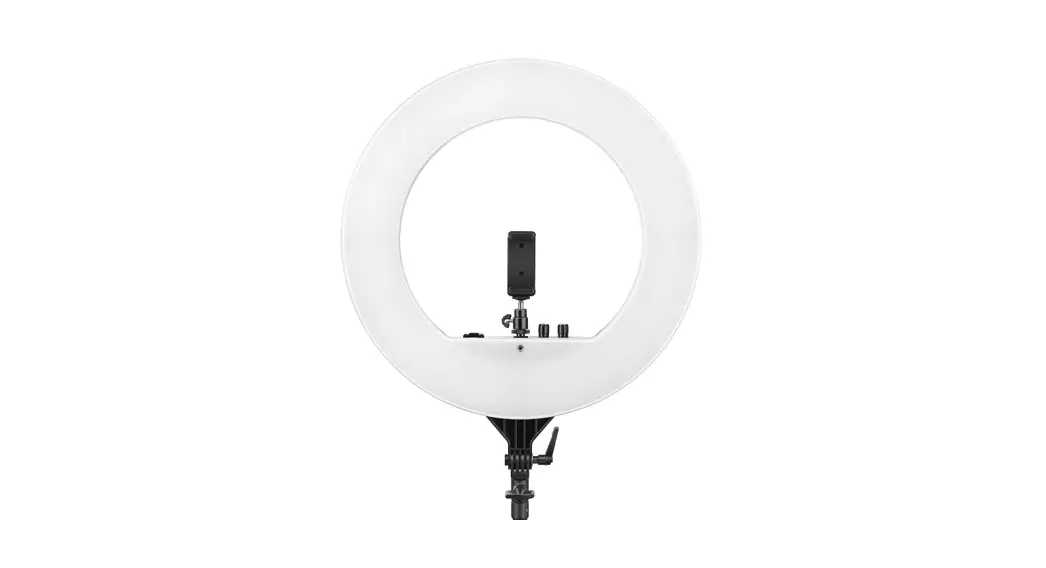
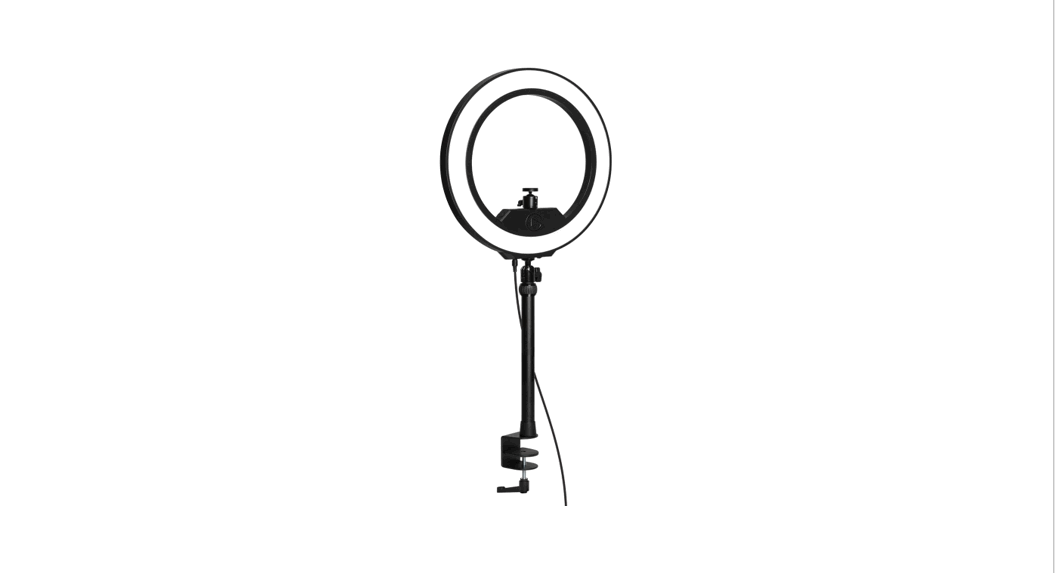
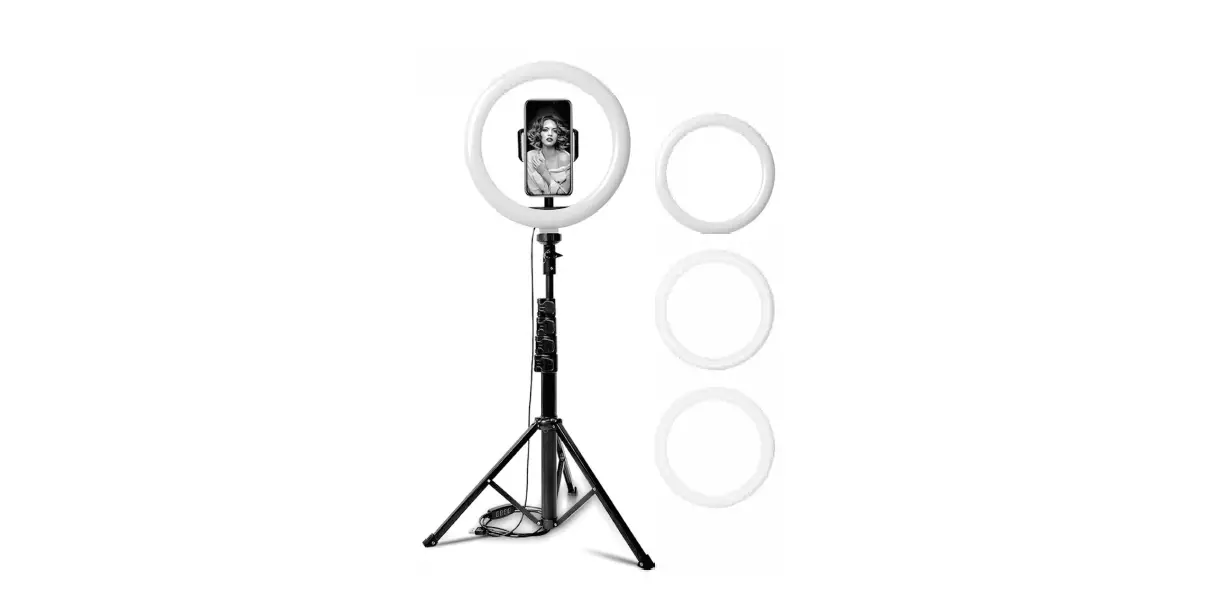
- 1 x 12 Ring Light
- 1 x Main Pole
- 1 x Base
- 1 x Adapter
- 1 x Arm
- 1 x Cellphone Holder
- 1 x Remote Control
- 1 x Power Extension Wire
- 1 x Power Plug Wire
- 1 x Cable Management Ouch
- 1 x Hex Wrench (4/5mm)
- 1 x Screw (M8*20mm)
The product also comes with a warranty service. Customers can
contact Viozon by sending their name and order number to the
following email addresses:
Viozon provides various services to customers, including
installation guide, technical support, new product iteration,
advance purchase of new similar products, promotions, and warranty
service.
Product Usage Instructions:
Battery Installation:
- Rotate the lid by hand until it opens.
- Place the battery with the positive side facing up in the
battery bay. - Rotate the lid by hand until it closes.
- Caution: Installing the cover incorrectly may render the remote
control unusable.
Bluetooth Pairing:
- Start pairing: Press and hold the camera/Bluetooth button on
the remote control to put the product in pairing mode. - Turn on Bluetooth on your cellphone and find the device
“TAOTRONICS Selfie” to start pairing. - Open the camera on your cellphone and press the
camera/Bluetooth button on the remote control to take video or
photo.
Ring Light Control:
The ring light can be controlled using the following
buttons:
- Brightness+: Tap to increase brightness (10 levels
adjustable). - Brightness-: Tap to decrease brightness (10 levels
adjustable). - Color mode switch: Press and hold to turn on the light. Press
to switch between different color modes (cold, warm, natural).
Press and hold again to turn off the light.
Adapter Installation:
- Release the knob on the adapter.
- Install the adapter to the main pole and fasten the knob.
Cable Interface:
To connect the product to power, follow these steps:
- Connect the power connector to the product.
- Plug the power plug into an appropriate socket.
- Connect the USB output port to charge your device.
Pole Extension:
- Install the cable management ouch.
- Release the fasten collar on the pole and pull out to extend it
to the proper length. Make sure to fasten the collar after
extending.
Base Installation:
To install the base, follow these steps:
- Use the screw (M8x20mm) to connect the base and the main
pole. - Tighten the screw using the hex wrench.
Ring Light and Cellphone Holder & Arm Installation:
- Take apart the adapter and fix the arm on it. Fasten the
screw. - Install the cellphone holder.
Note: The arm can be extended to 16 inches.
Feedback:
If you have any feedback or questions, you can contact Viozon
through their Facebook page or email:
- Facebook: Viozon
- US: [email protected]
- EU: [email protected]
You can also visit their website at www.vio-zon.com.
ACCESSORY LIST
X 1 12″ Ring Light
X 1 Main Pole
REMOTE DESCRIPTION Color temperature-
Brightness+ Color mode switch
Color temperature+ BrightnessPower button
Bluetooth pairing / Photograph
BATTERY INSTALLATION
WARRANTY SERVICE
Never worried when you choose viozon products We offer the best after-sale service to our customer, it only takes a few minutes.
Just send your name and order number to
US [email protected] EU [email protected]
And then you will get a complete service like The installation guide, Technical support, New product iteration, buy New similar products in advance , promotions, and warranty service from Viozon.
X 1 Base
X 1 Adapter
X 1 Arm
X 1 Cellphone Holder
X 1
X 1
X 1
Remote Control Power Extension Wire Power Plug Wire
X 1 Cable Management
Ouch
X 1 Hex Wrench
(4/5mm)
X 1 Screw (M8*20mm)
Rotate the lid by hand until the ” ” opens
Place the battery with the positive side facing up in the battery bay
Rotate the lid by hand until the ” ” closes
Open
Close
Caution: Installing cover incorrectly may render the remote control unusable
BLUETOOTH PAIRING
1. Start pairing Press and hold camera/Bluetooth button, product goes into the pairing status.
2. Turn on Bluetooth
Turn on Bluetooth on cellphone, find device “TAOTRONICS Selfie” and start pairing.
Settings
Bluetooth
Bluetooth
MY DEVICES TAOTRONICS Selfie
3. Take video/photo
Open camera on cellphone, press the camera/Bluetooth button on remote control.
FEEDBACK
Share it? Let us know with a customer review.
Viozon is focus on high-standard product, we believe Customer drive our product upgrades. And write a review that sharing your experience will help other customers , and this will give us great encouragement and confidence.
And if you have any questions, please feel free to contact us without hesitate.
FOR HELP PLEASE CONTACT US:
Facebook: Viozon
US [email protected] EU [email protected]
www.vio-zon.com
RING LIGHT CONTROL
Brightness+
ADAPTER INSTALLATION Release the knob on adapter
Color mode switch
Brightness-
Install the adapter to the main pole and fasten the knob
Color mode switch: Press and hold to turn on the light. Press to switch from different color modes: cold, warm, natural. Again, press and hold to turn off the light.
Increase brightness: Tap ” ” to increase brightness, 10 levels adjustable.
Decrease brightness: Tap ” ” to decrease brightness, 10 levels adjustable.
CABLE INTERFACE
Connect to power connector
Plug into an appropriate socket plug
USB Output Port Connect USB output port to charge your device.
POLE EXTENSION
Install the cable management ouch Release the fasten collar on the pole, pull out and extend the pole to proper length, and insure you have fastened the collar..
BASE INSTALLATION
Screw M8x20mm
Connect the base and the main pole with screw, and then tighten the screw with the hex wrench.
RING LIGHT INSTALLATION
Cellphone holder with goose neck
360°
CELLPHONE HOLDER & ARM INSTALLATION
Take apart the adapter and fixed the arm on it, fasten the screw. Install the cellphone holder.
Arm Instruction
Arm can be extended to 16 inch.
 viozon
 zon.com