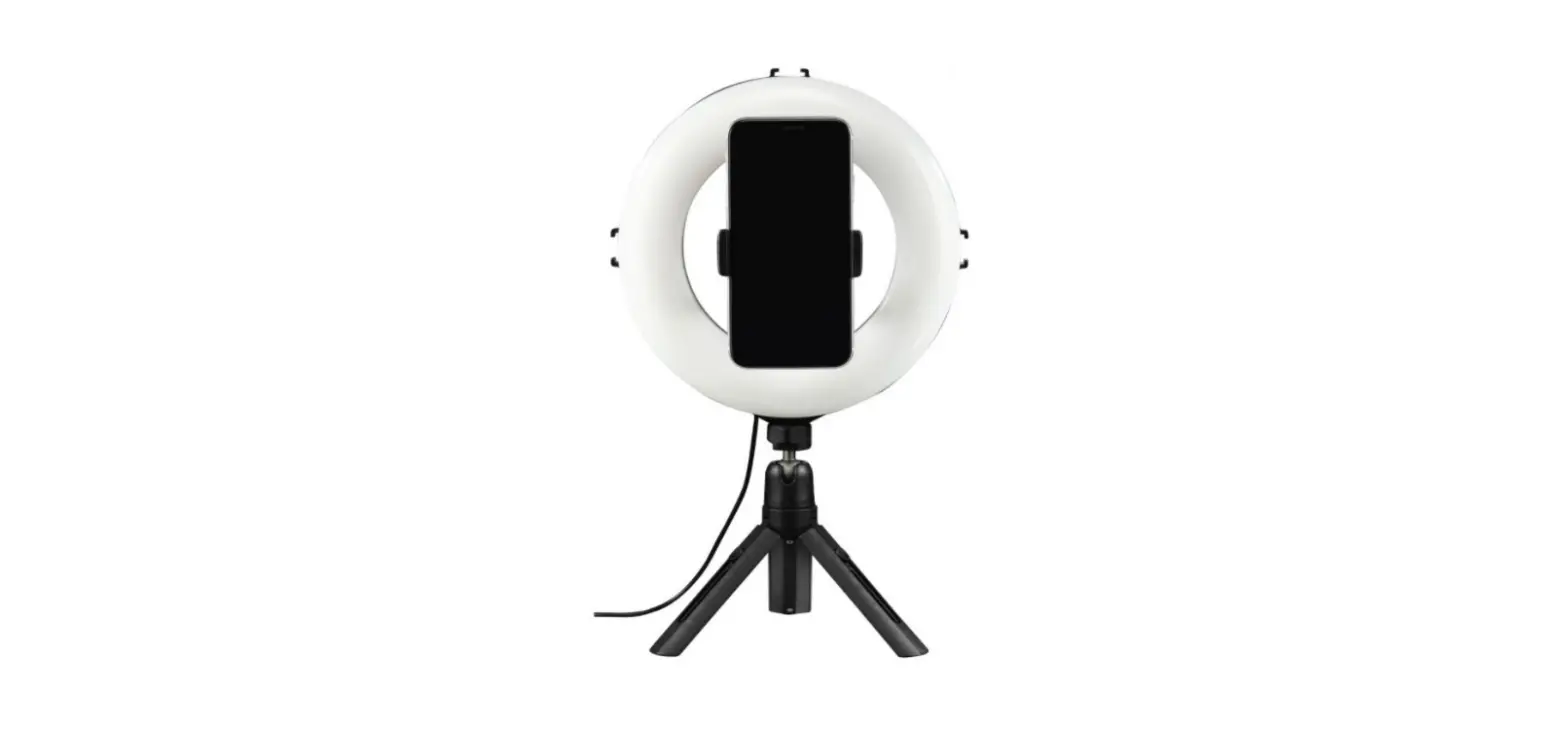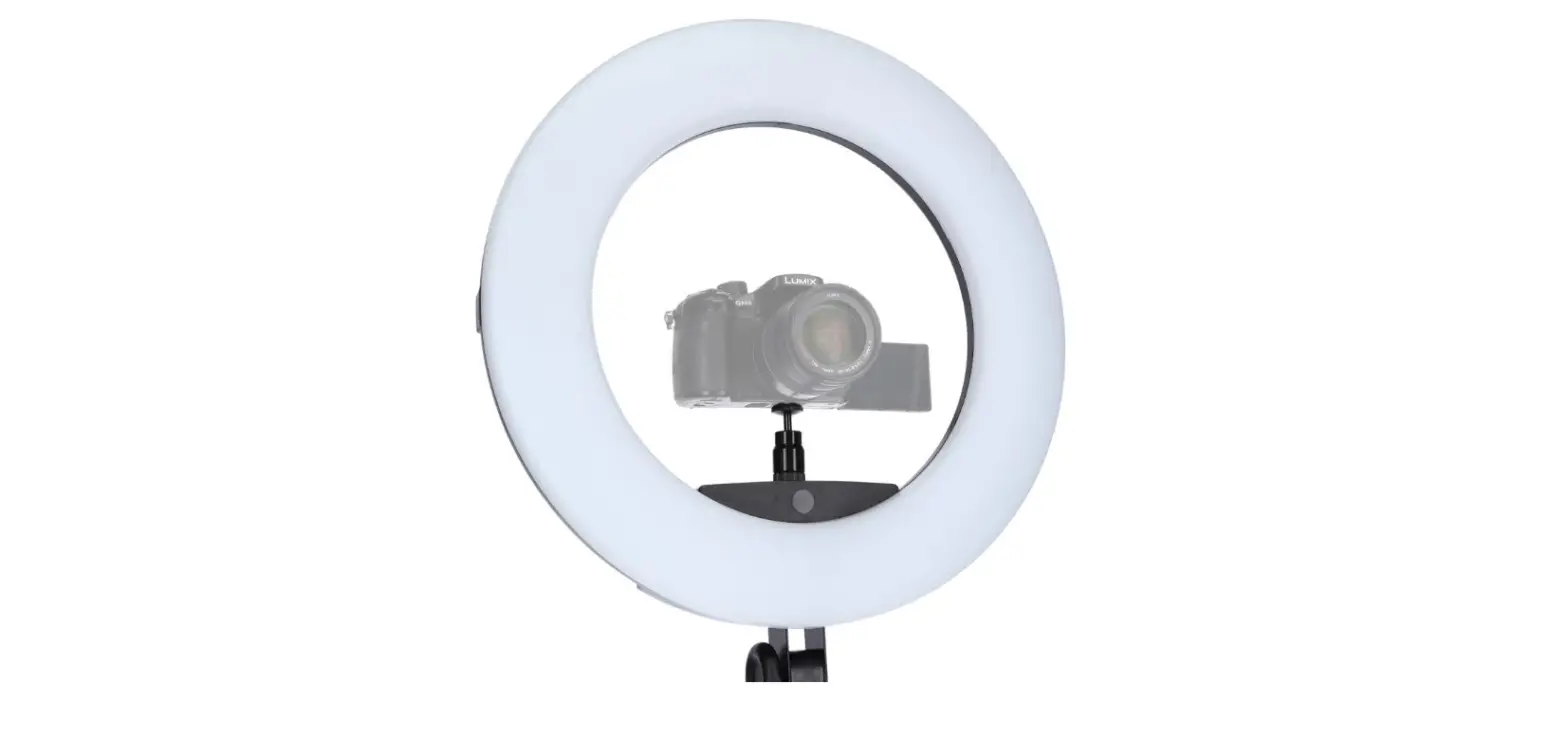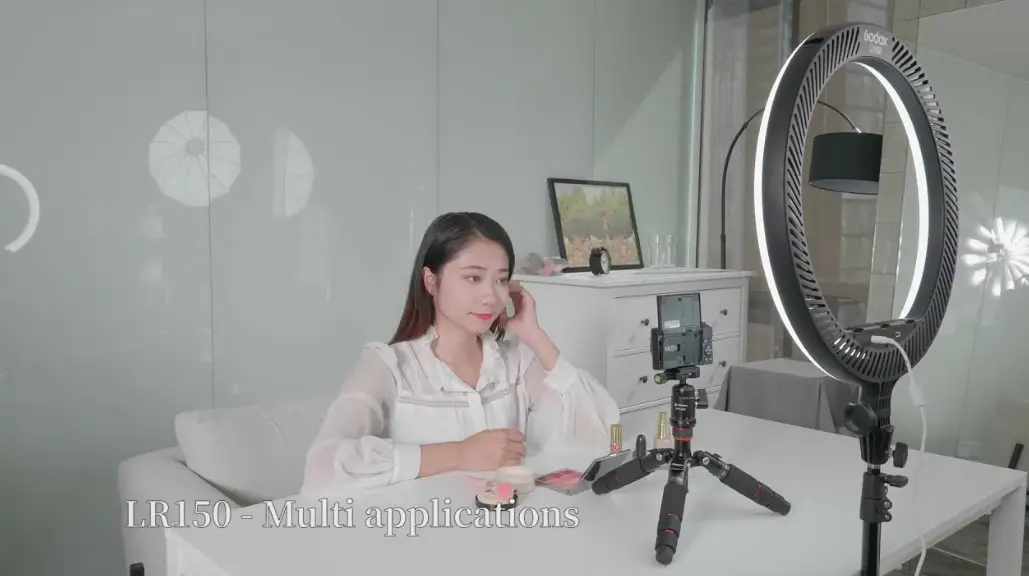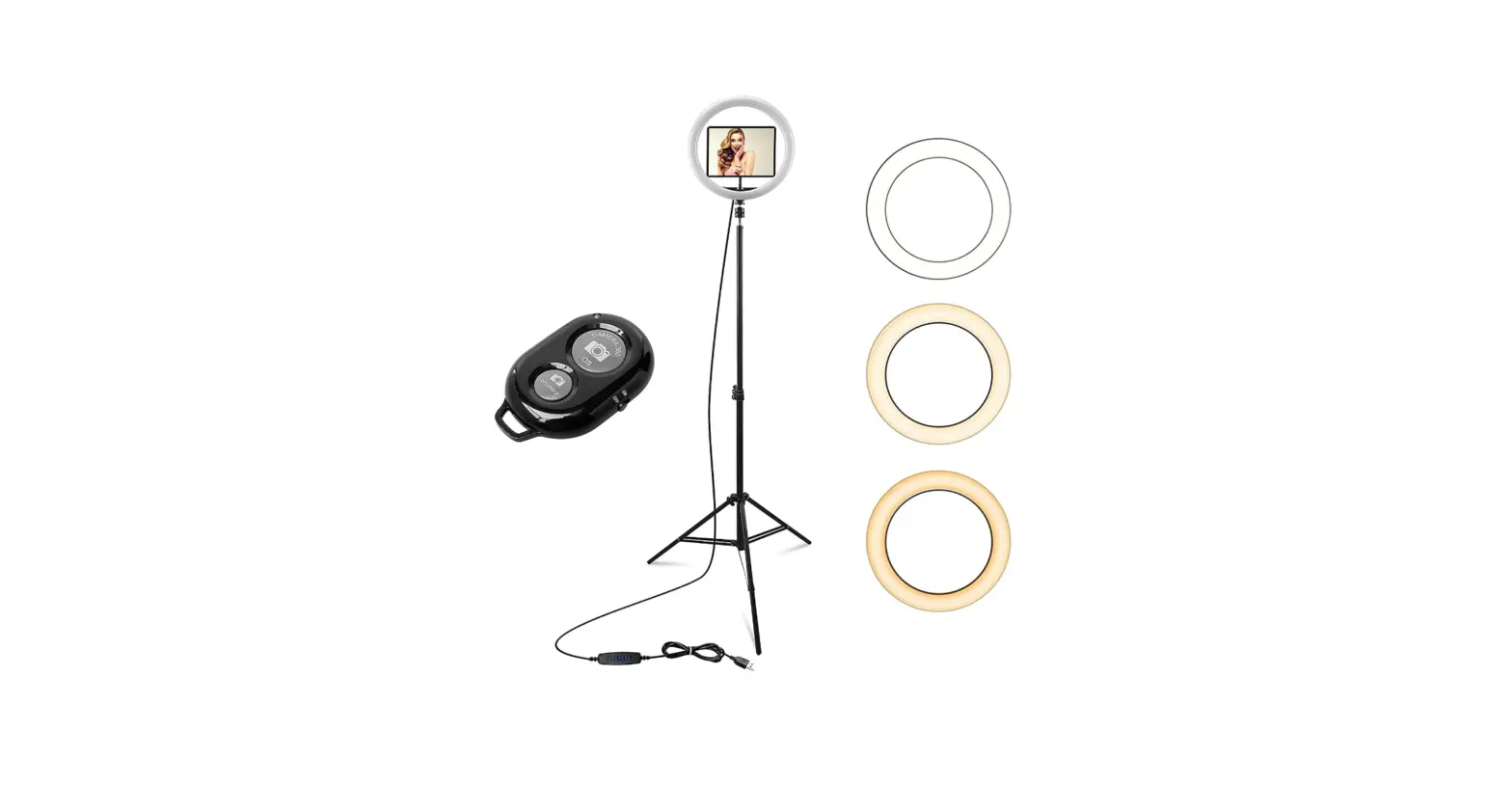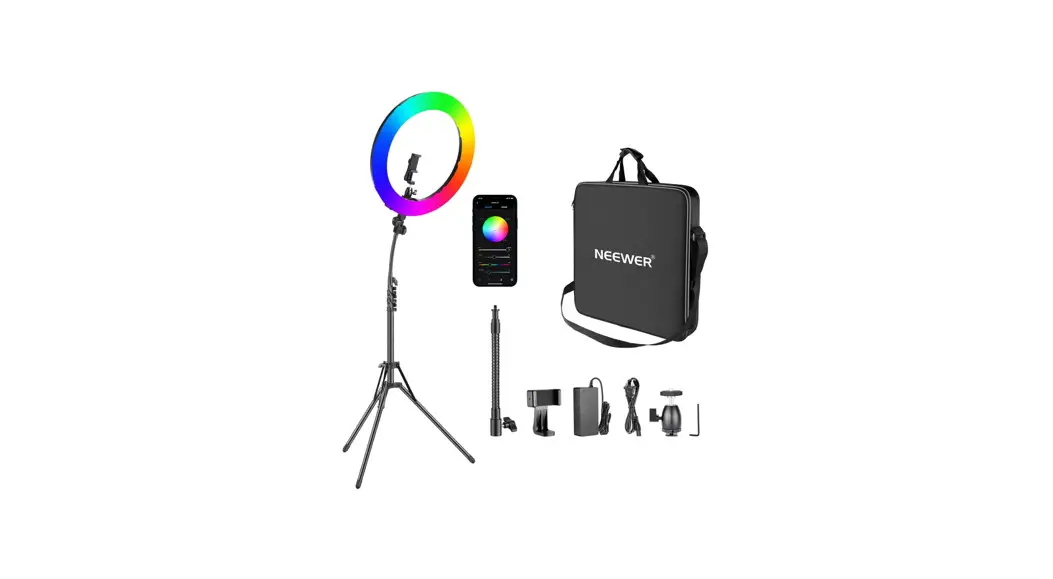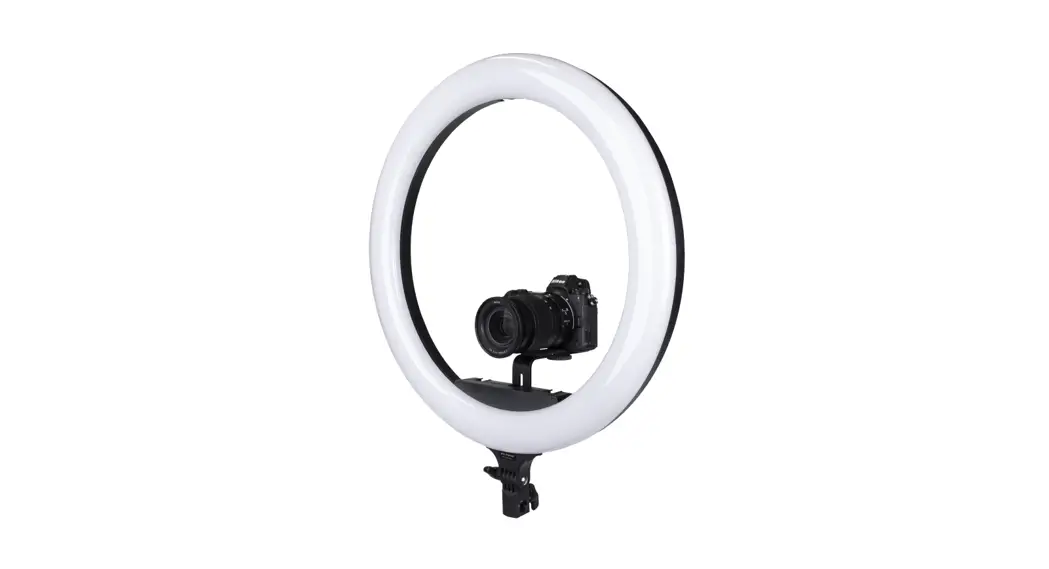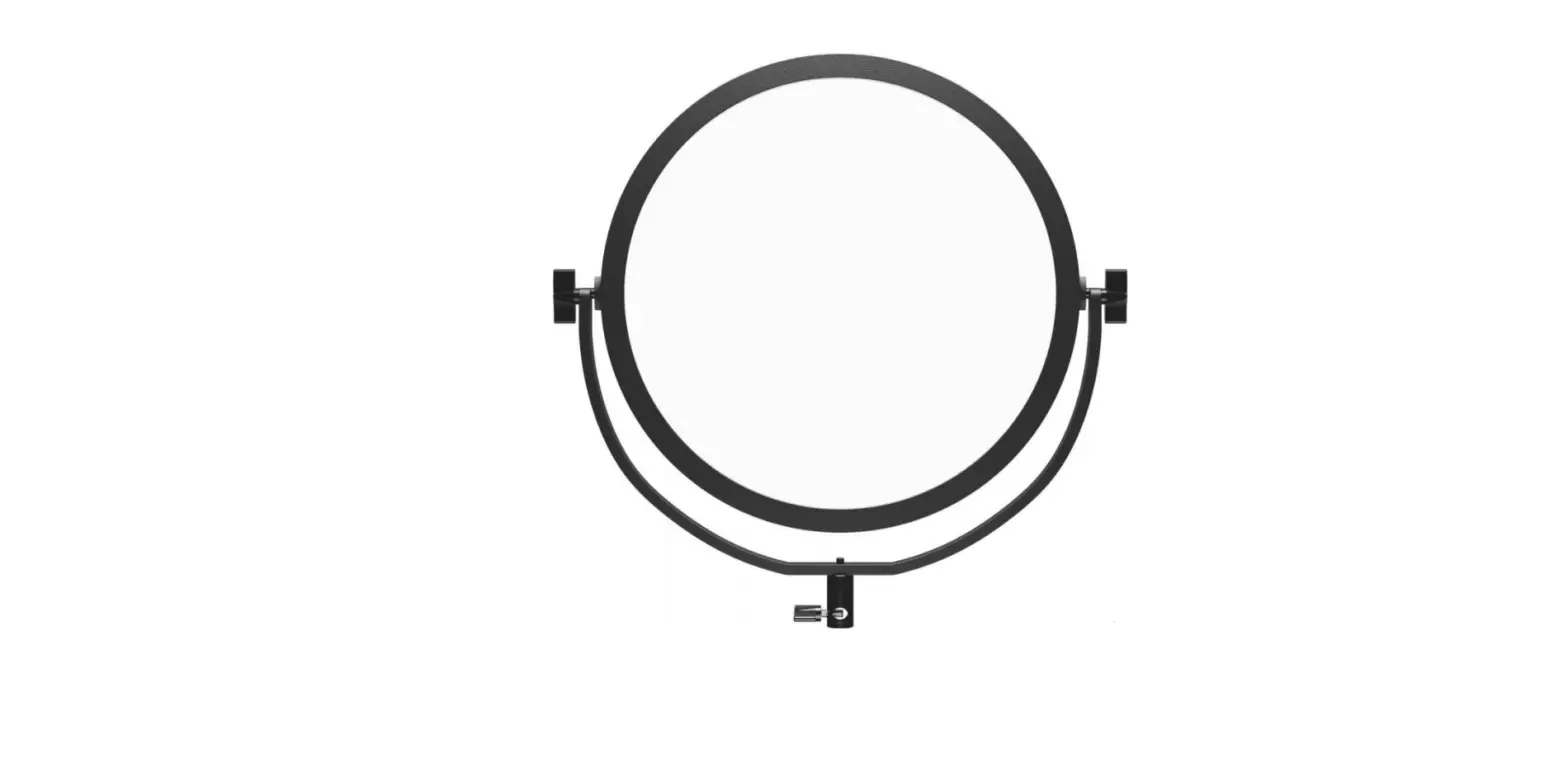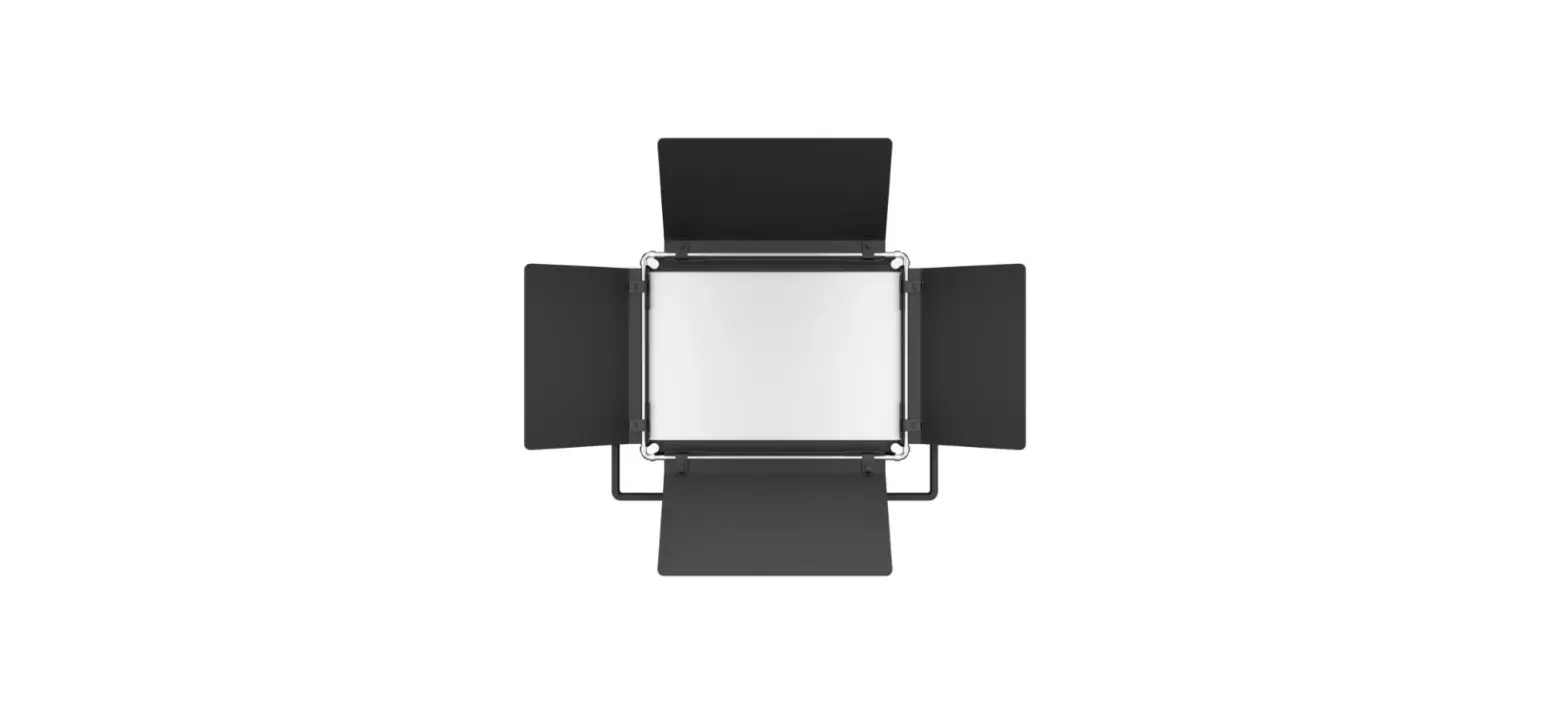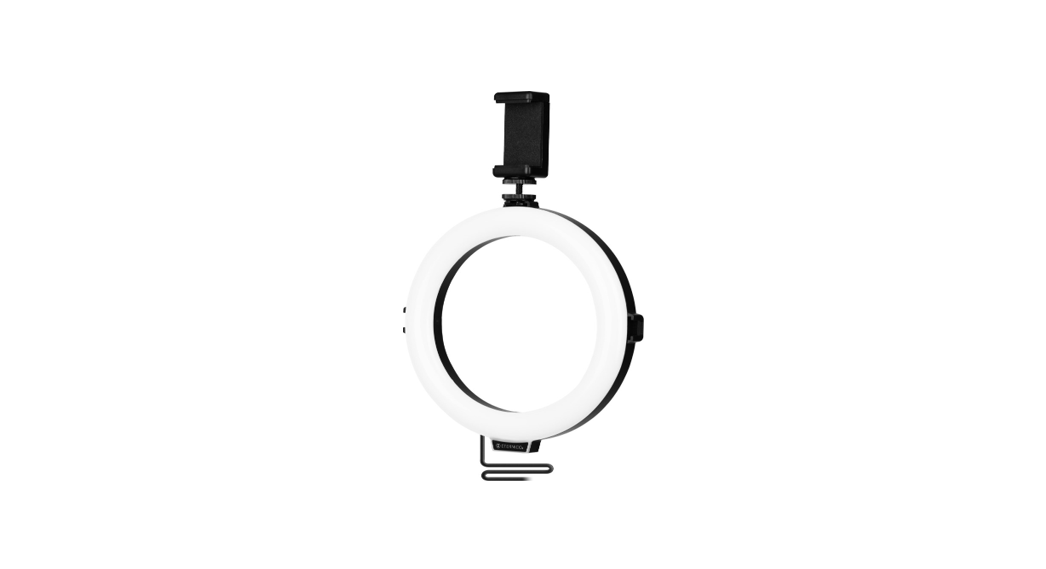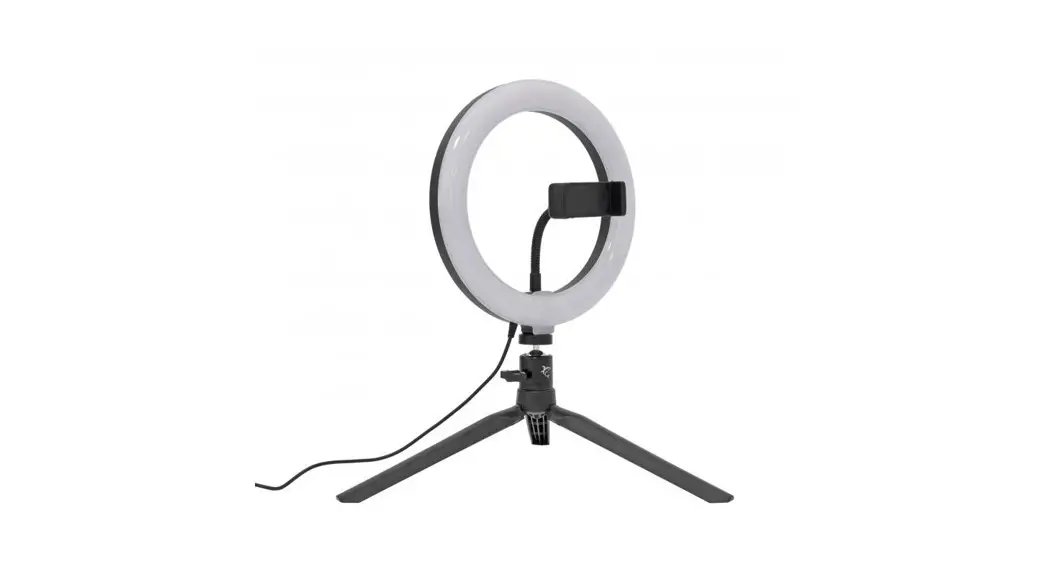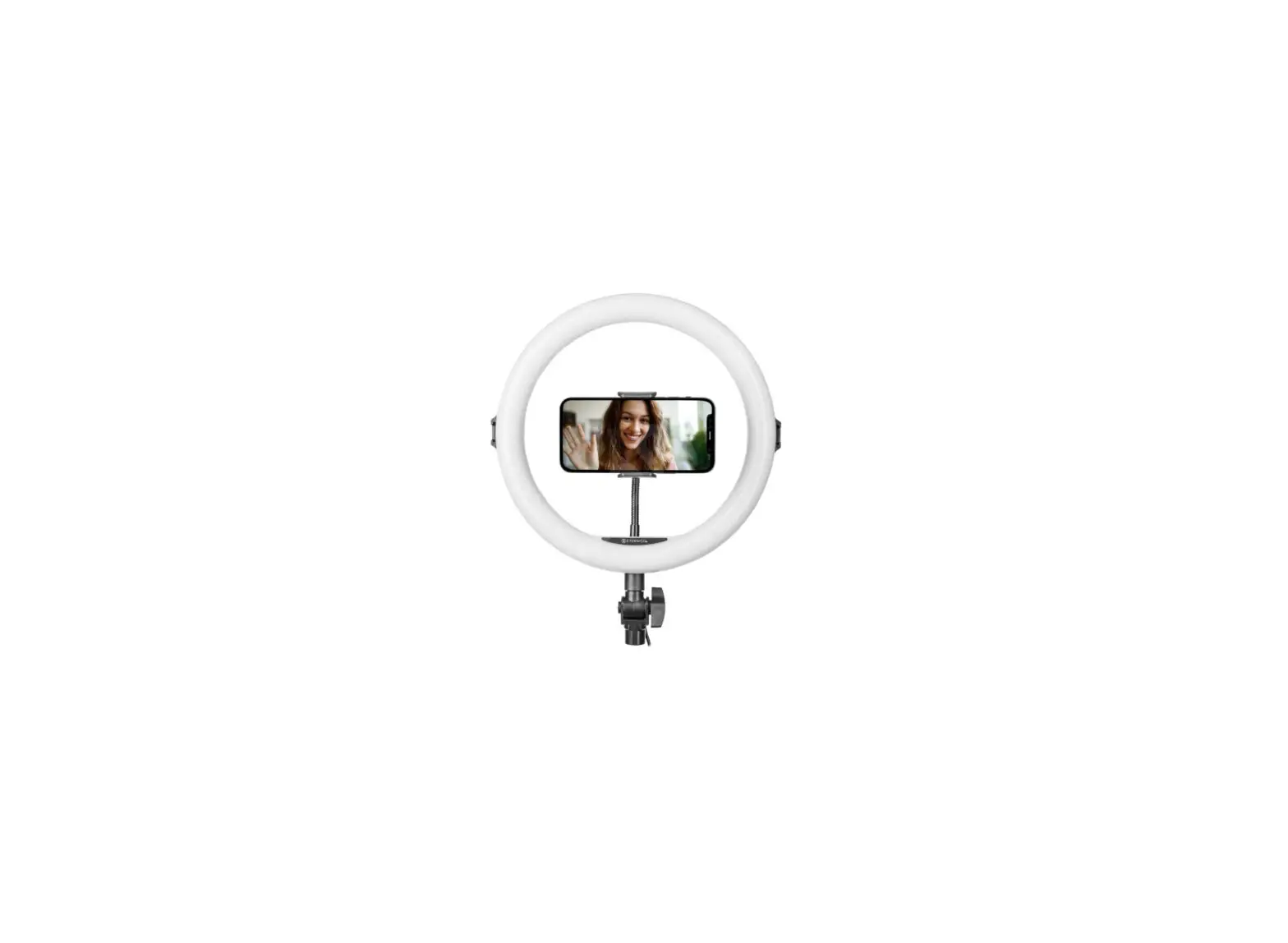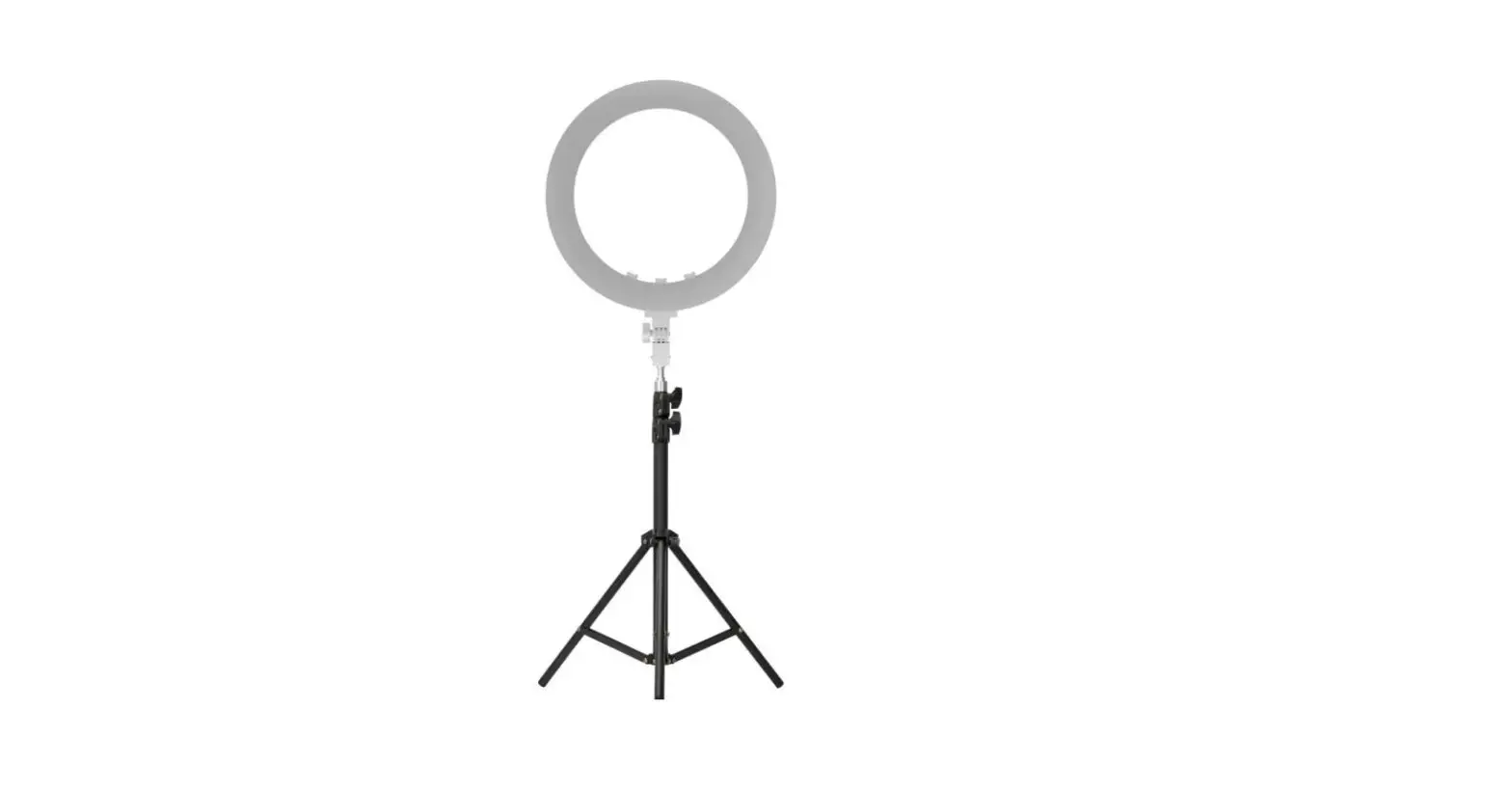
 Newell RL-18A LED Ring Light

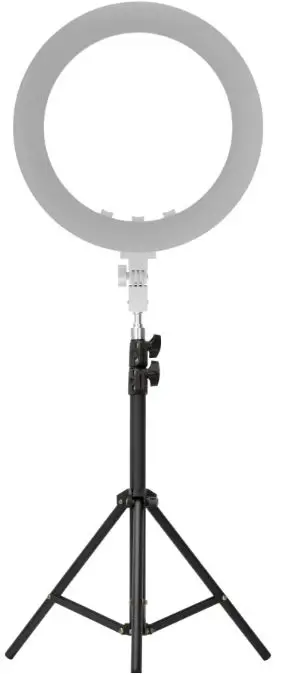
SAFETY INSTRUCTIONS
Before using the product, please read the following instruction manual carefully and keep it for future reference. When transferring the product to a third party, it is advisable to include the instructions.
- The lamp is a precision device. Do not drop, hit, crush or expose to any shock.
- The unit is not dustproof or waterproof. Store in a dry, cool and ventilated place. Do not expose to water or other sources of moisture.
- Do not use near-flammable materials and solvents.
- Do not use the lamp too close to objects. Do not cover the ventilation holes. Do not insert metal parts into the lamp. Do not touch the electrical parts with conductive materials.
- The lamp can operate in a temperature range of o•c – 40°C.
- The lamp will heat up slightly, but it is normal.
- Do not stare directly at the LED panel that is turned on, it may cause eye damage.
- Do not use the LED outside in direct sunlight for a long time.
- Disconnect the power supply for storage or transportation.
- Allow the unit to cool down before placing it in the package.
- For use by adults.
- If you notice smoke or a strange smell coming from the device, immediately disconnect the power. Do not disassemble. Disassembling the unit will void the warranty. If there are problems with the lamp, bring it to an authorized service center.
Maintenance
Use a dry and soft cloth to clean the unit. Do not clean with water. A little neutral detergent on the cloth to remove stubborn dirt. Do not use strong detergents such as thinner, benzine or alcohol as they may damage the protective coatings.
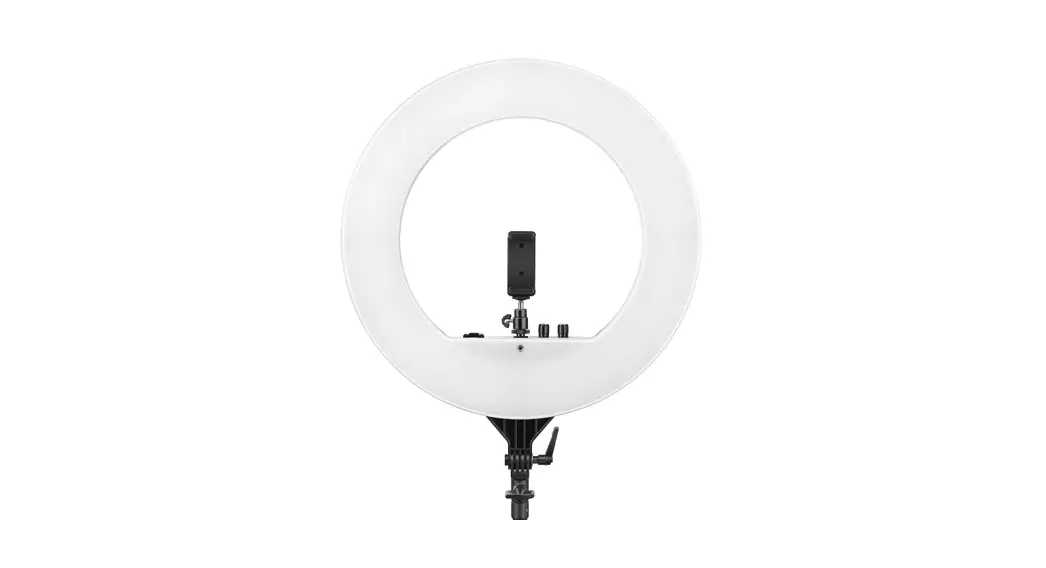
CONSTRUCTION
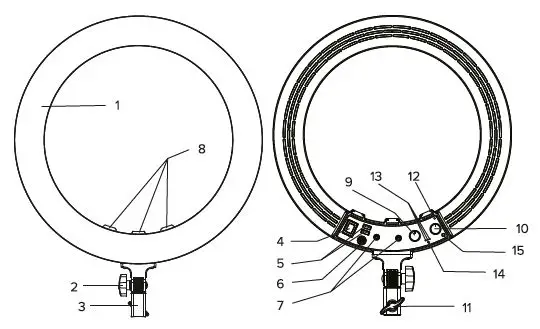
- Light panel
- Light angle adjustment knob
- Tripod holder
- Power switch
- Double USS-output ports
- DC power supply socket
- Double 1/4 screw-holes
- Three sets of hot-shoe slots
- Brightness adjustment knob
- Color temperature adjusting knob
- Lock knob
- Power indicator
- Channel indicator
- Channel switch button
- Infrared receiver port
USAGE
Switch On /Off
Connect the adapter to the power supply and insert the output plug of the adapter into the DC power socket of the product. Turn the power switch of the product to the ON, the power indicator light will be on, and the product will start. Turn the power switch to the “OFF”, the power indicator is off, and the product is shut down.
Adjustment modes
Color temperature adjustment When the product is on, turn the dial to change the color temperature range. Turn the dial clockwise to decrease the color temperature (cold hue). If you turn
the dial counterclockwise, the color temperature will increase (warm hue).
Brightness adjustment
When the product is on, turn the brightness control knob clockwise and the brightness of the light will increase. The maximum brightness will be reached when the knob is turned to the endpoint. Turn the brightness control knob counterclockwise, the brightness will decrease, and the lamp will go out when it is turned to the starting point.
USB Output
When the product is powered on, connect the product to the device to be charged with a USB cable, and then the device can be charged. The maximum output current is 5V 2.4A. The lamp does not have to be switched to ON for the device to charge. If the DC adapter is connected properly, the device that needs to be charged can be charged.
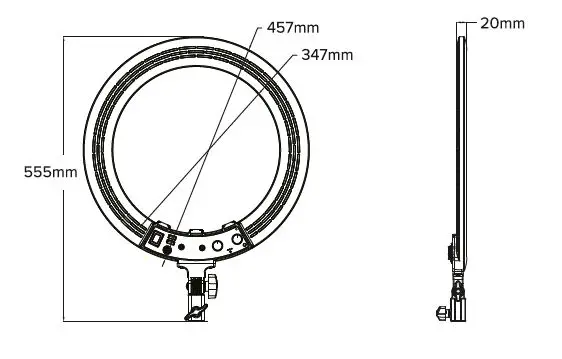
PRODUCT SIZE
INFRARED REMOTE CONTROL
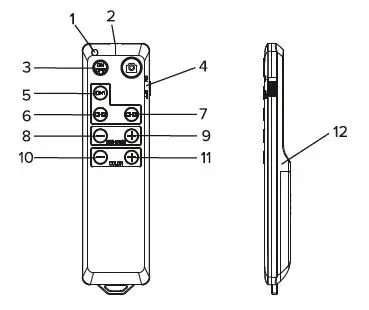
Function description
| Status indicator | Indicates the key status of the remote control | |
| 2 | Infrared emission tubs | It is used to transmit infrared signal to control fill lamp |
| 3 | ON/OFF button | Turn On /Off the LED light |
| 4 | Power switch | The power switch of remote control |
| 5 | CH1 | It Is used to switch to the channel 1 remote control |
| 6 | CH2 | It Is used to switch to the channel 2 remote control |
| 7 | CH3 | It is used to switch to the channel 3 remote control |
| 8 | Brightness settings | Changing brightness(-) |
| 9 | Brightness settings | Changing brightness (+) |
| 10 | Color temperature settings | Changing color temperature(-) |
| 11 | Color temperature settings | Changing color temperature(+) |
| 12 | Battery compartment | Exit the battery compartment cover and put in the “AA/JI.’ battery to supply power to the remote control |
| 13 | Size | 129 x 35 x 13 mm |
Channel switching
When the product starts up, press the “CH” button and the channel LED on the product will switch between channels: CH1, CH2, and CH3. When 1-3 channels are selected and the LED lights up, the selected channel is now operated.2.
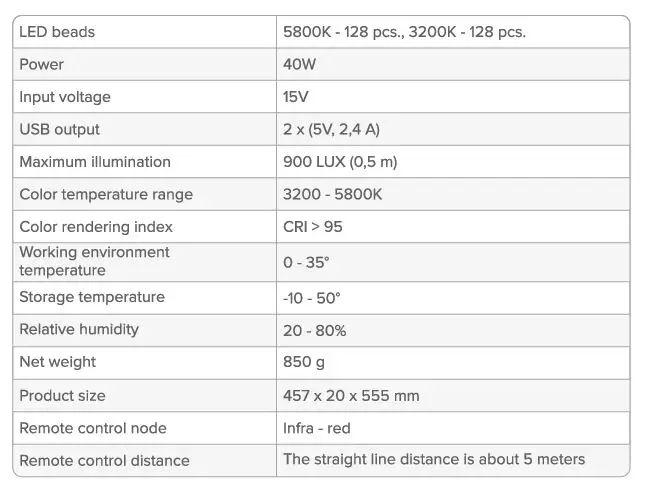
SPECIFICATION
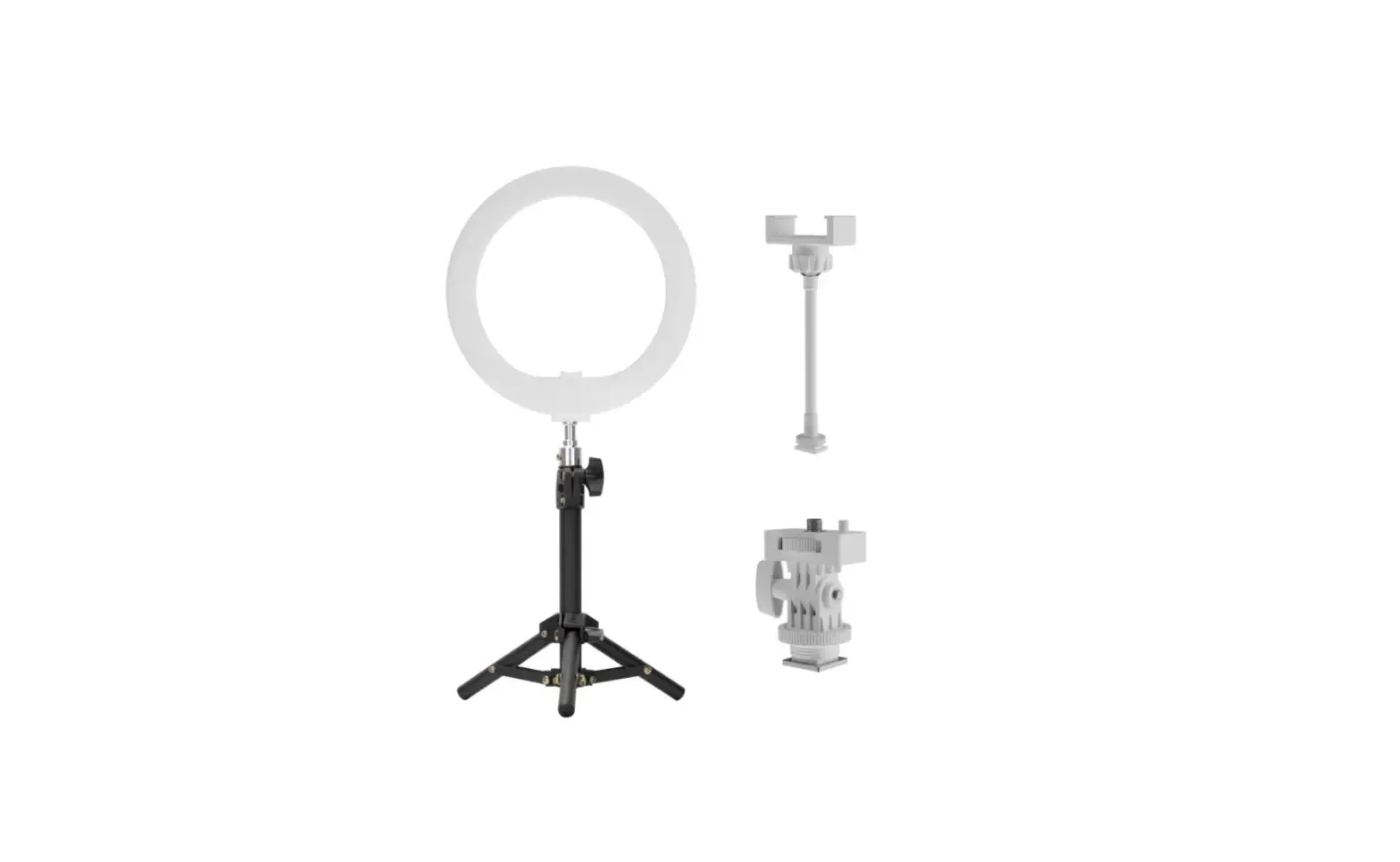
KIT CONTENTS
| NAME | QUANTITY |
| Newell RL-18A LED lamp | 1 PC |
| smartphone holder | 1 PC |
| tripod | 1 PC |
| remote control | 1 PC |
| DC 15V power adapter | 1 PC |
| power cord | 1 PC |
*The manufacturer reserves the right to change the information contained in this manual without prior notice.
WASTE MANAGEMENT
The crossed-out trashcan symbol means that waste electrical and electronic, batteries, and packaging must not be placed with other household waste. They must be handed over to a separate waste collection system.
WARRANTY
Newell products are covered by a 40-month manufacturer’s warranty.