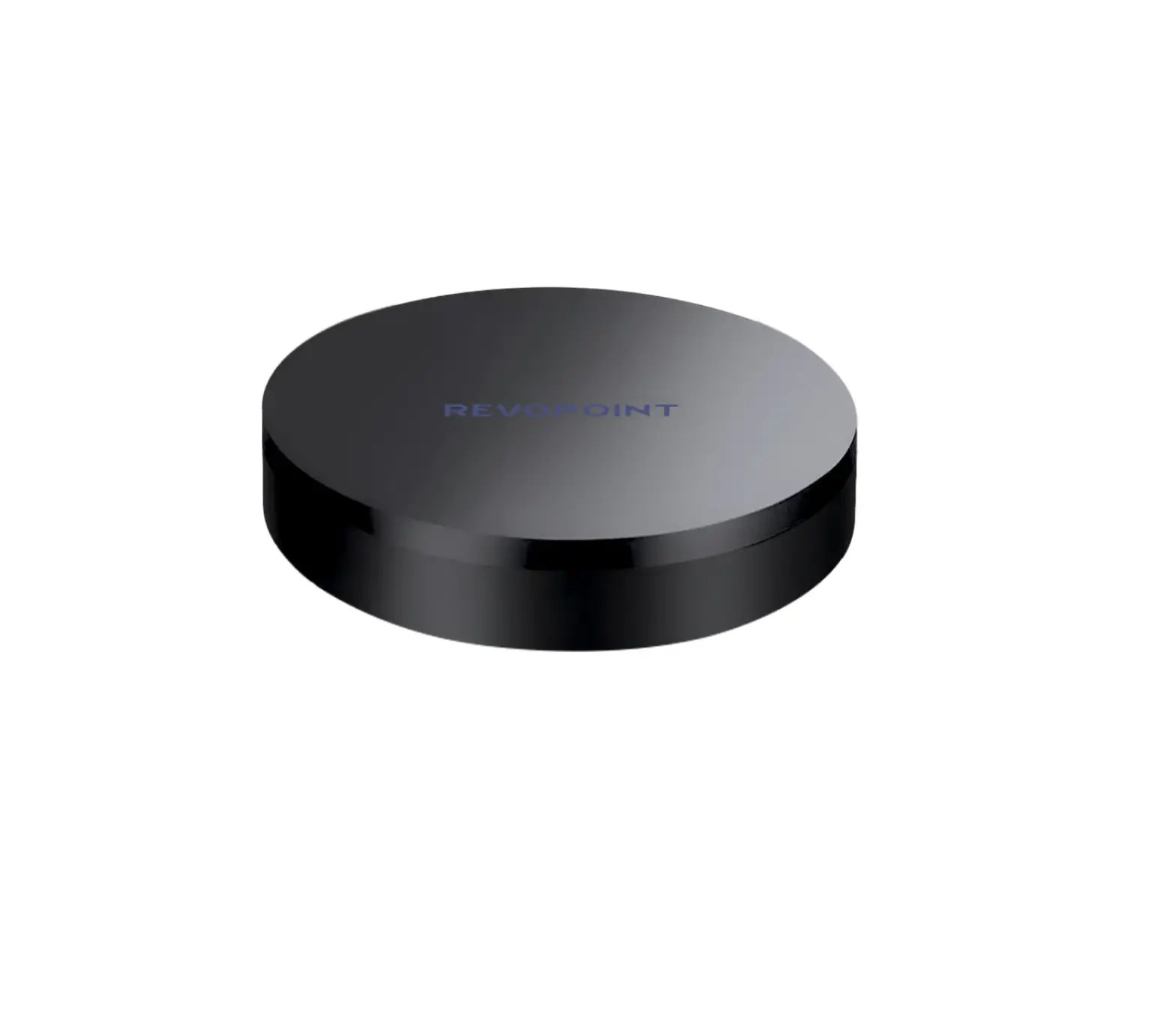
 Revopoint Large Turntable
User Manual
V 1.0 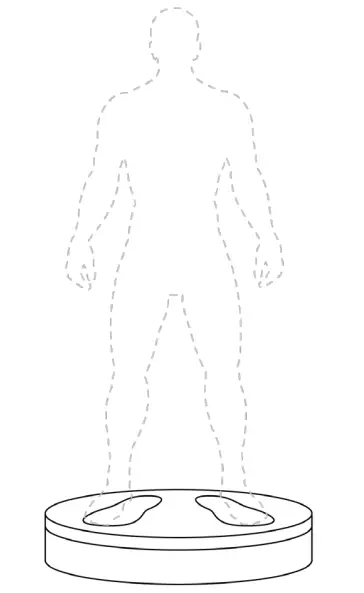
What’s in the Box?
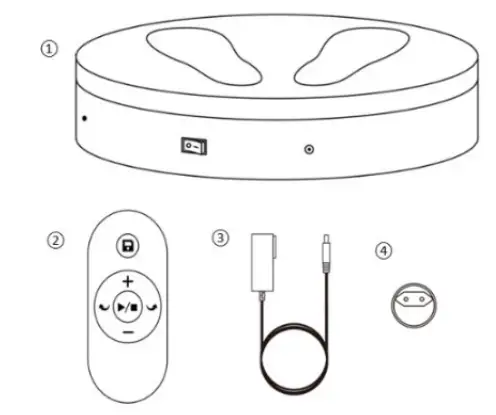
- Large Turntable
- Remote Controller
- Power Cable
- Adapter *
*Four adapters (US/EU/AU/GB) are provided, get the one as required.
Large Turntable Introduction
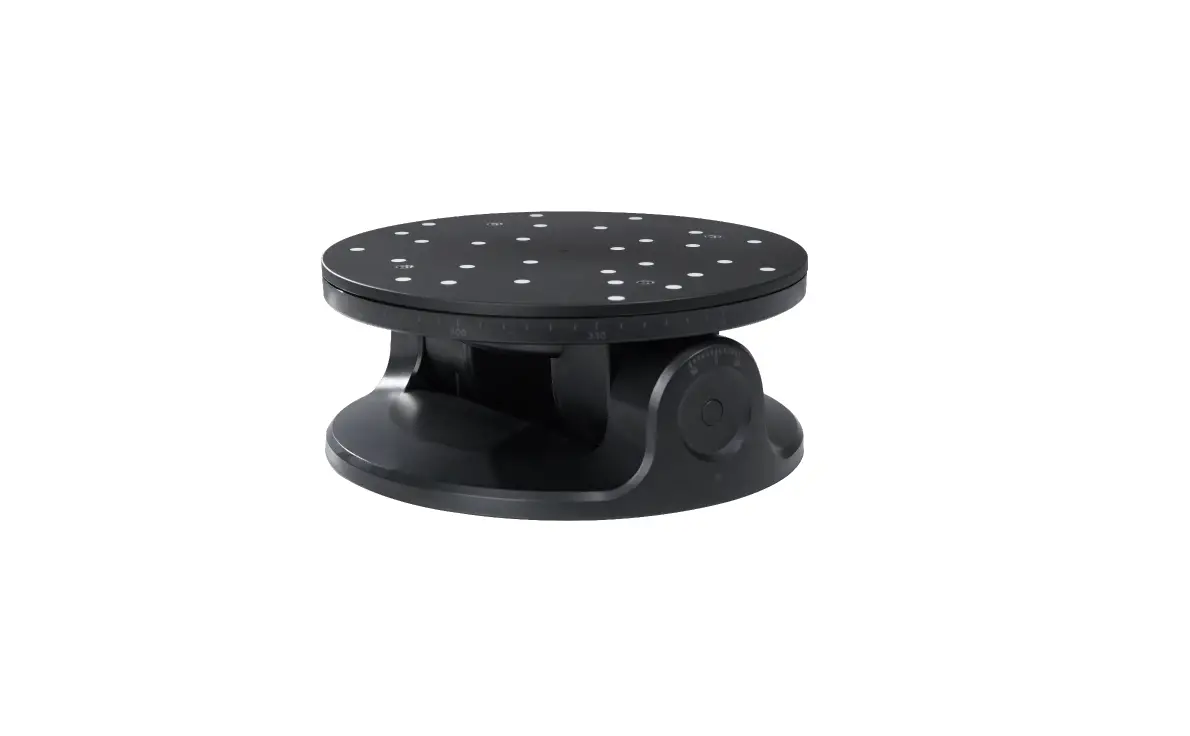
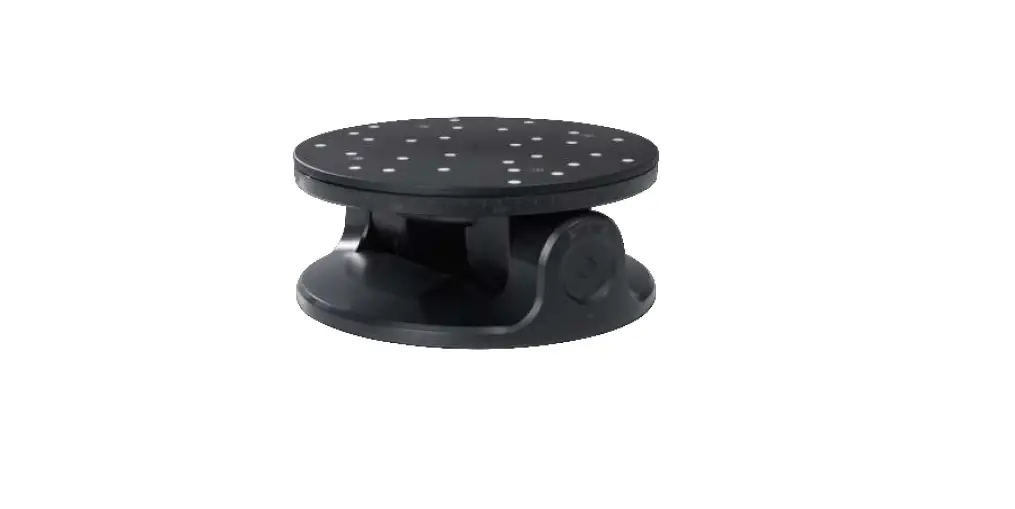
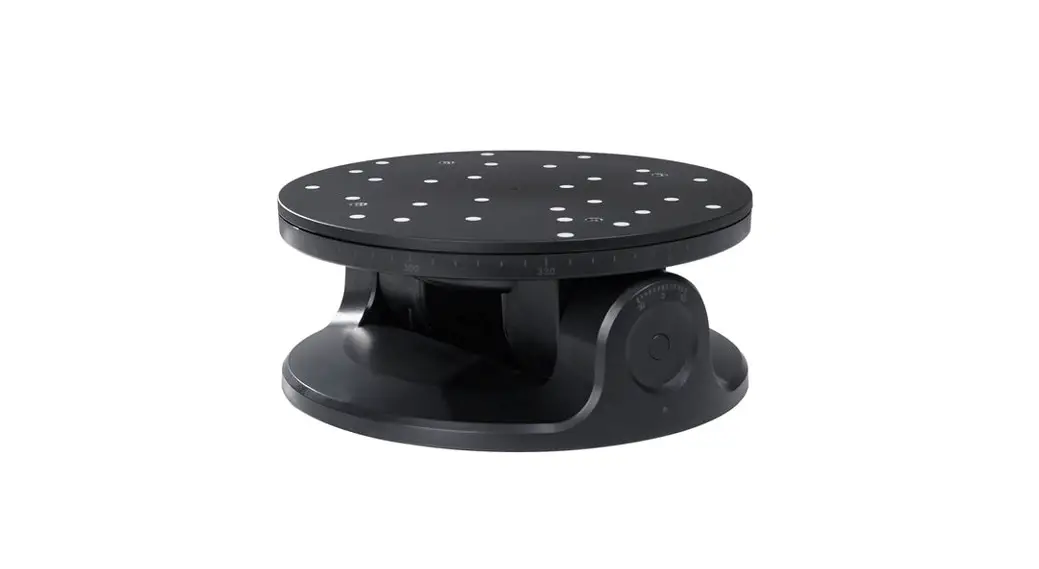
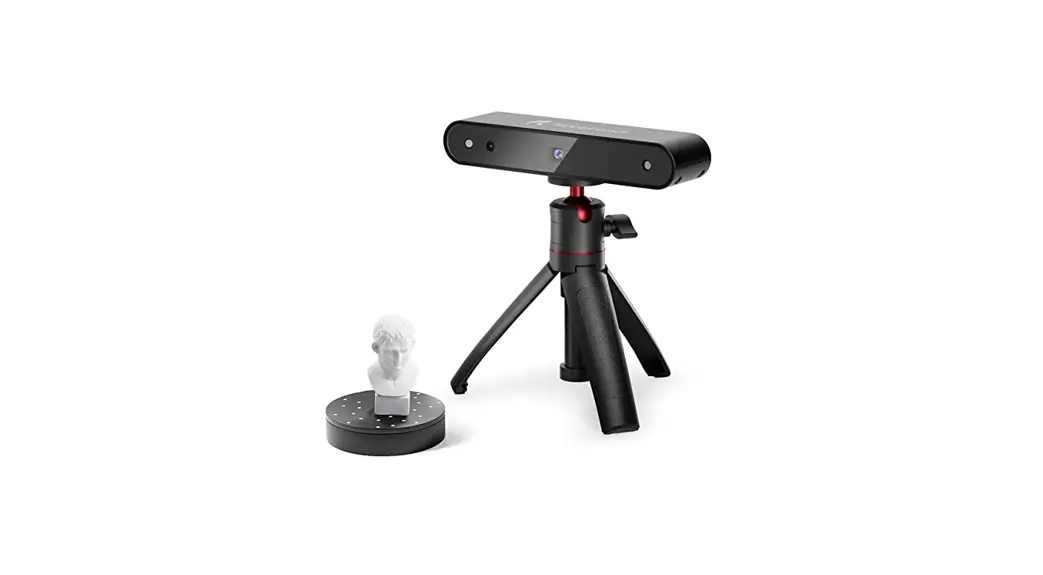
The Revopoint Large Turntable is specially designed for large objects and people scanning. It can support up to 200kg, and its speed and rotation direction can be adjusted via the remote controller, making body and large object scanning faster and more convenient. 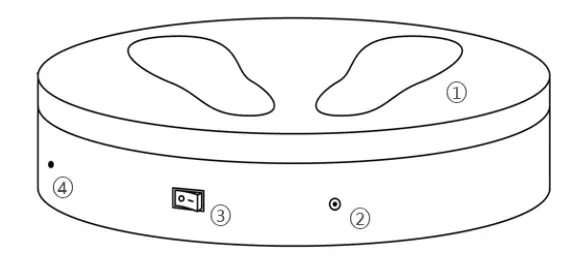
- Load Bearing Surface
- Power Port
- On/Off Switch
- IR Sensor
Remote Controller Introduction
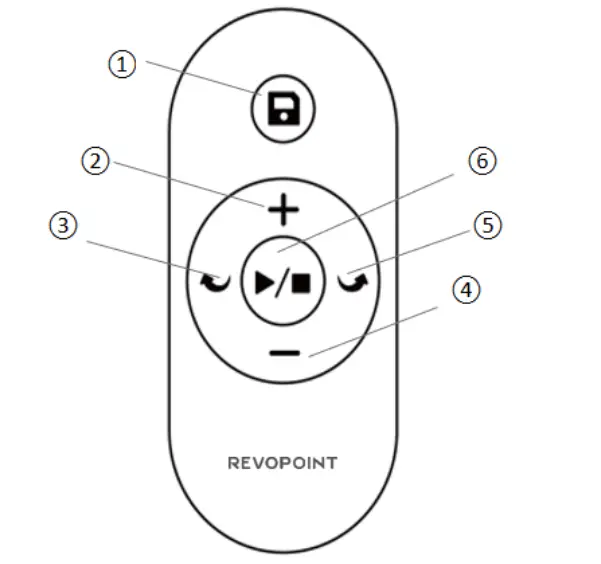
- Save the Large Turntable’s current settings (rotation direction and speed).
- Increase the Large Turntable’s rotation speed.
- Change the Large Turntable’s rotation to clockwise.
- Decrease the Large Turntable’s rotation speed.
- Change the Large Turntable’s rotation to anti-clockwise.
- Start/Stop the rotation of the Large Turntable.
Note: A CR2025 button battery is used to provide power for the Remote Controller.
Specifications
| Product Name | Large Turntable |
| Compatible Scanners | POP, POP 2, MINI and RANGE |
| Power Output | 24V/3A |
| Dimensions | (H) 100mm X (D) 502mm |
| Speed | 35 – 90 Seconds per Rotation |
| Max Load | 200kg |
| Product Gross Weight | 7kg |
| Control Method | Via Remote Controller / APP |
| Rotation Control | Direction, Speed, and Start/Pause |
| Noise | (55 (db) |
| Main Materials | ABS+PC |
Setting Up the Large Turntable
Step 1: Connect the Power Cable to the Adapter.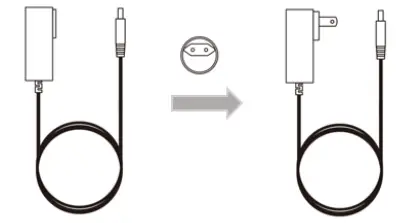
Large Turntable User Manual
Step 2: Plug the Power Cable into a socket and Large Turntable.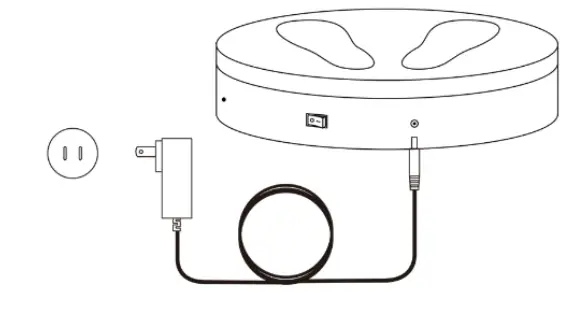
Step 3: Turn on the Large Turntable. 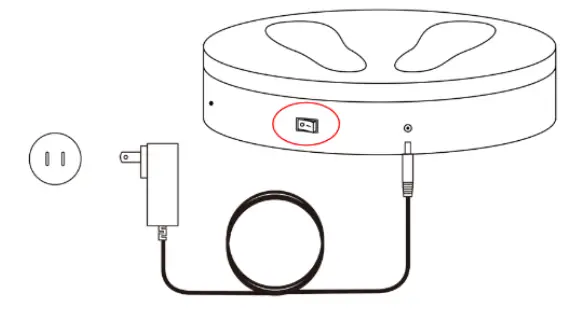
Step 4: Target the IR sensor with the Remote Controller to control the Large Turntable. 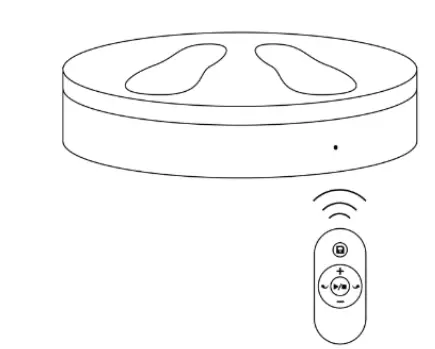
4 ©2022 REVOPOINT 3D ALL RIGHTS RESERVED