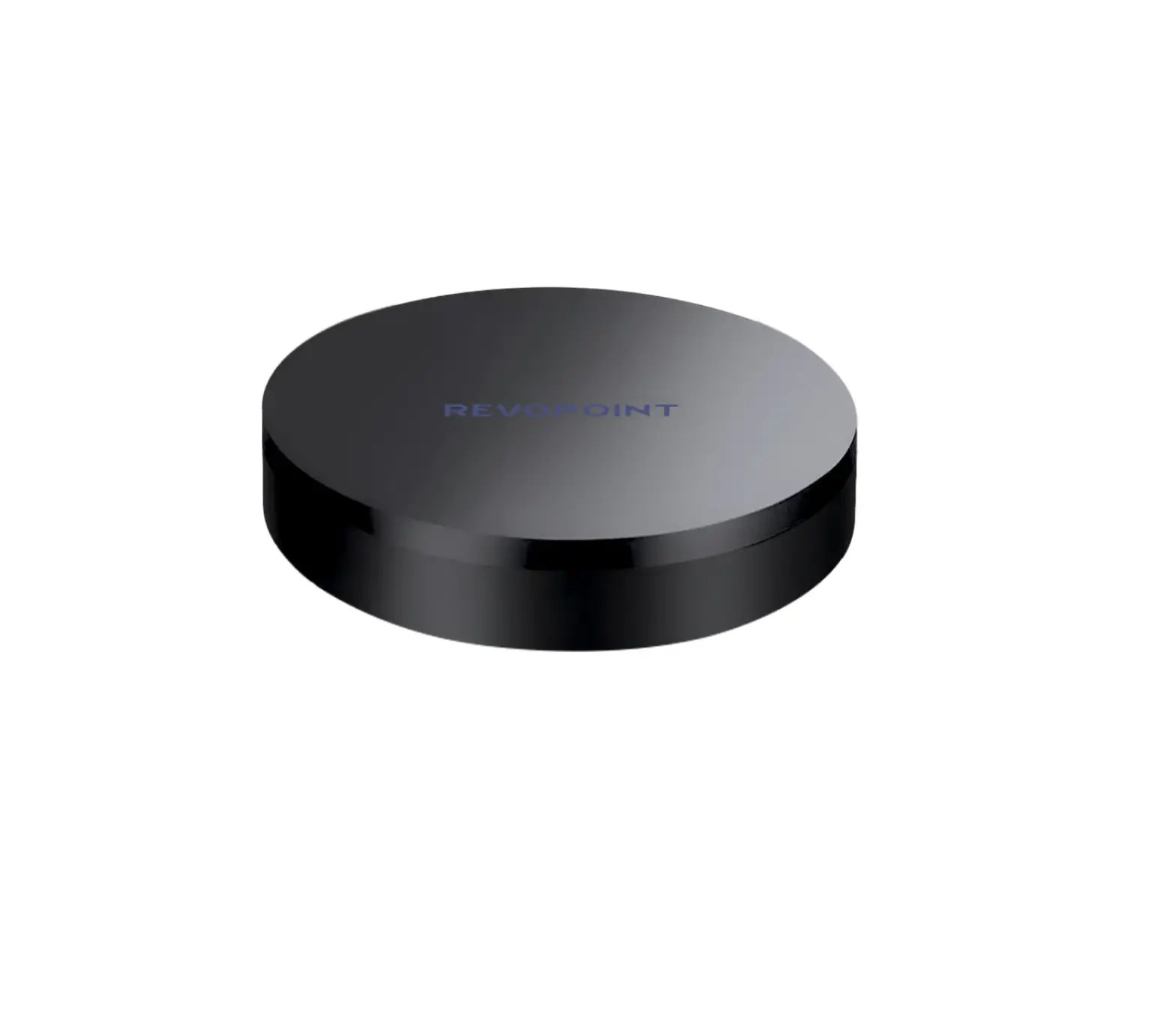
REVOPOINT TA500 Large Turntable
What’s in the Box?
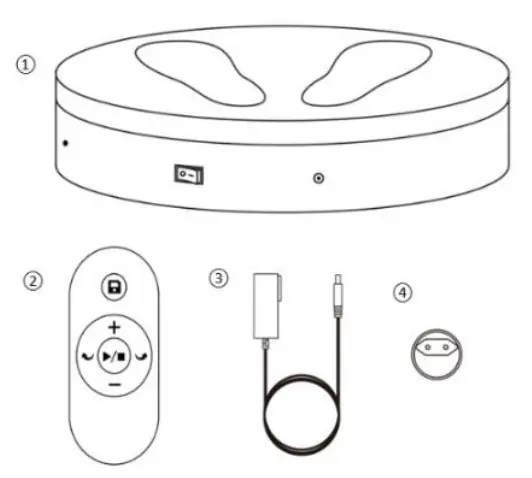
➀ Large Turntable
➁ Remote Controller
➂ Power Cable
➃ Adapter*
*Four adapters (US/EU/AU/GB) are provided, get the one as required.
Large Turntable Introduction
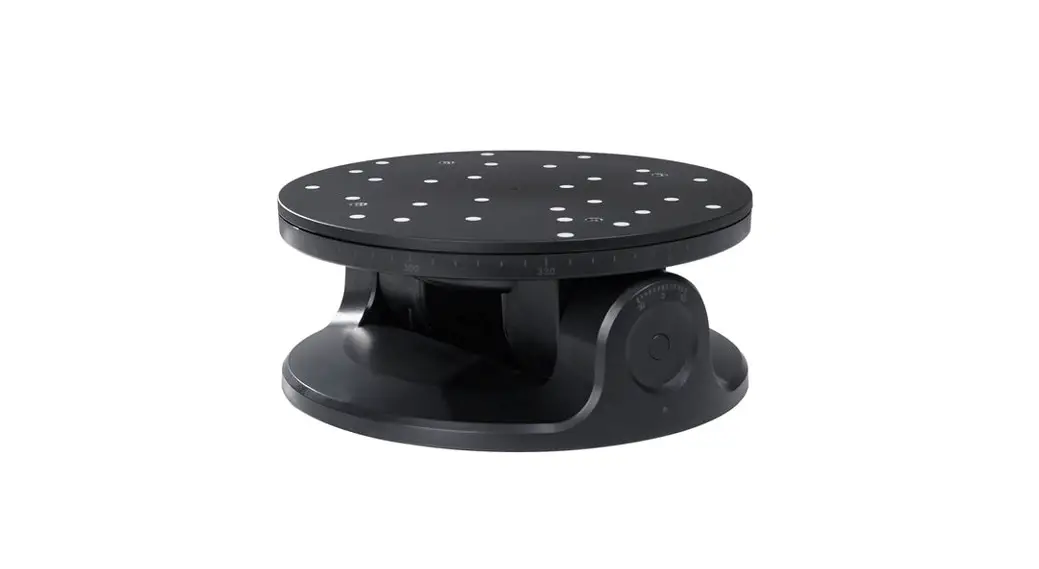
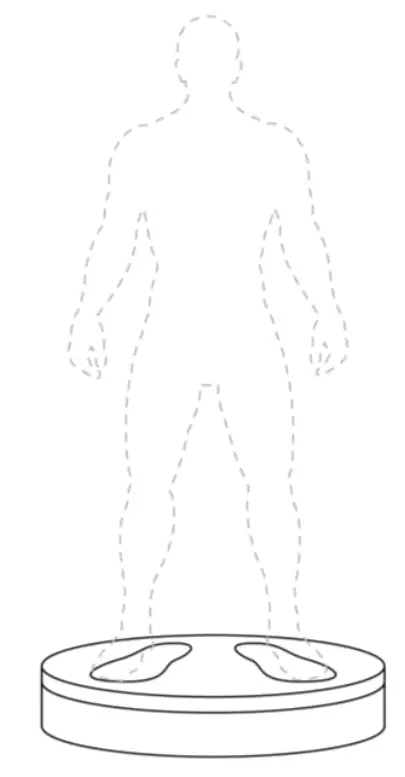
The Revopoint Large Turntable is specially designed for large objects and people scanning. It can support up to 200kg, and its speed and rotation direction can be adjusted via the remote controller, making body and large object scanning faster and more convenient.
➀ Load Bearing Surface
➁ Power Port
➂ On/Off Switch
➃ IR Sensor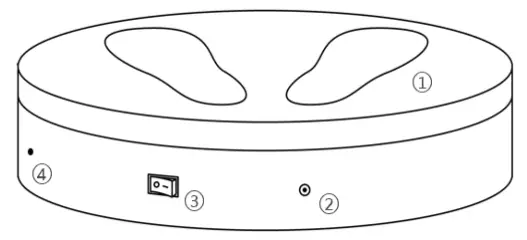
Remote Controller Introduction
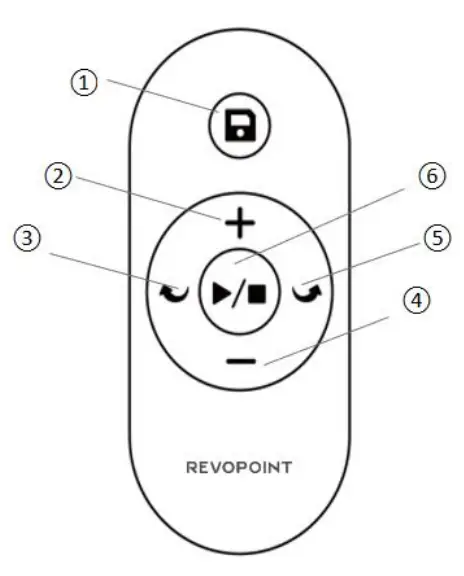
➀ Save the Large Turntable’s current settings (rotation direction and speed).
➁ Increase the Large Turntable’s rotation speed.
➂ Change the Large Turntable’s rotation to clockwise.
➃ Decrease the Large Turntable’s rotation speed.
➄ Change the Large Turntable’s rotation to anti-clockwise.
➅ Start/Stop the rotation of the Large Turntable.
Note: A CR2032 button battery is used to provide power for the Remote Controller.
Specifications
| Product Name | Large Turntable |
| Compatible Scanners | POP, POP 2, MINI and RANGE |
| Power Output | 24V/3A |
| Dimensions | (H) 100mm X (D) 502mm |
| Speed | 35 – 90 Seconds per Rotation |
| Max Load | 200kg |
| Product Gross Weight | 7kg |
| Control Method | Via Remote Controller / APP |
| Rotation Control | Direction, Speed and Start/Pause |
| Noise | 55 (db) |
| Main Materials | ABS+PC |
Setting Up the Large Turntable
Step 1: Connect the Power Cable to the Adapter.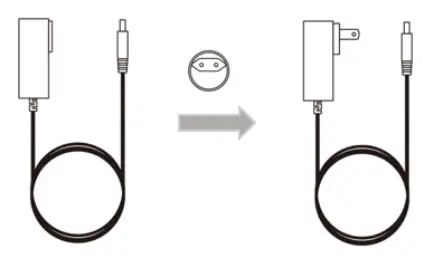
Step 2: Plug the Power Cable into a socket and Large Turntable.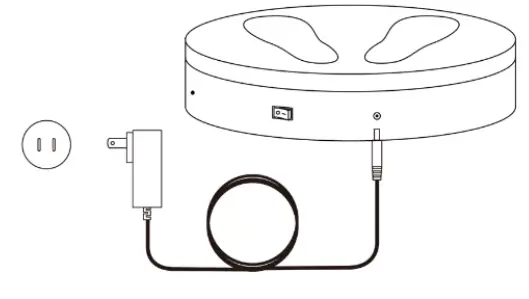
Step 3: Turn on the Large Turntable.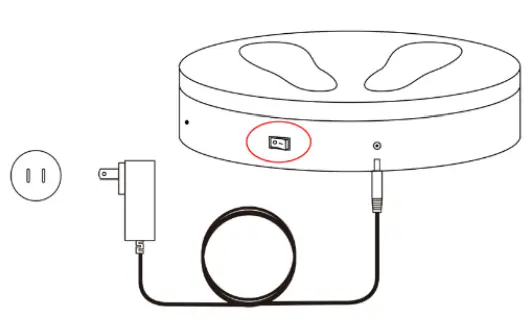
Step 4: Target the IR sensor with the Remote Controller to control the Large Turntable.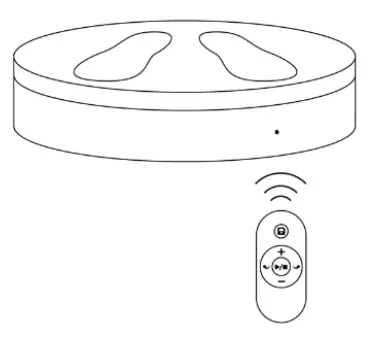
FCC STATEMENT :
This device complies with Part 15 of the FCC Rules. Operation is subject to the following two conditions:
(1)This device may not cause harmful interference, and
(2)This device must accept any interference received, including interference that may cause undesired operation.
Warning: Changes or modifications not expressly approved by the party responsible for compliance could void the user’s authority to operate the equipment.
NOTE: This equipment has been tested and found to comply with the limits for a Class B digital device, pursuant to Part 15 of the FCC Rules. These limits are designed to provide reasonable protection against harmful interference in a residential installation. This equipment generates uses and can radiate radio frequency energy and, if not installed and used in accordance with the instructions, may cause harmful interference to radio communications. However, there is no guarantee that interference will not occur in a particular installation. If this equipment does cause harmful interference to radio or television reception, which can be determined by turning the equipment off and on, the user is encouraged to try to correct the interference by one or more of the following measures:
Reorient or relocate the receiving antenna.
Increase the separation between the equipment and receiver.
Connect the equipment into an outlet on a circuit different from that to which the receiver is connected.
Consult the dealer or an experienced radio/TV technician for help.
FCC Radiation Exposure Statement:
This equipment complies with FCC radiation exposure limits set forth for an uncontrolled environment.
Contact Us
Tel (US): Toll-free +1 (888) 807-3339
Tel (China): +86 18124196779
Live Chat: https://www.revopoint3d.com
Email: [email protected]
Skype: +1 323 892 0859
This content is subject to change.
If you have any questions about this document, please feel free to contact us!
©2023 REVOPOINT 3D ALL RIGHTS RESERVED

 revopoint3d.com