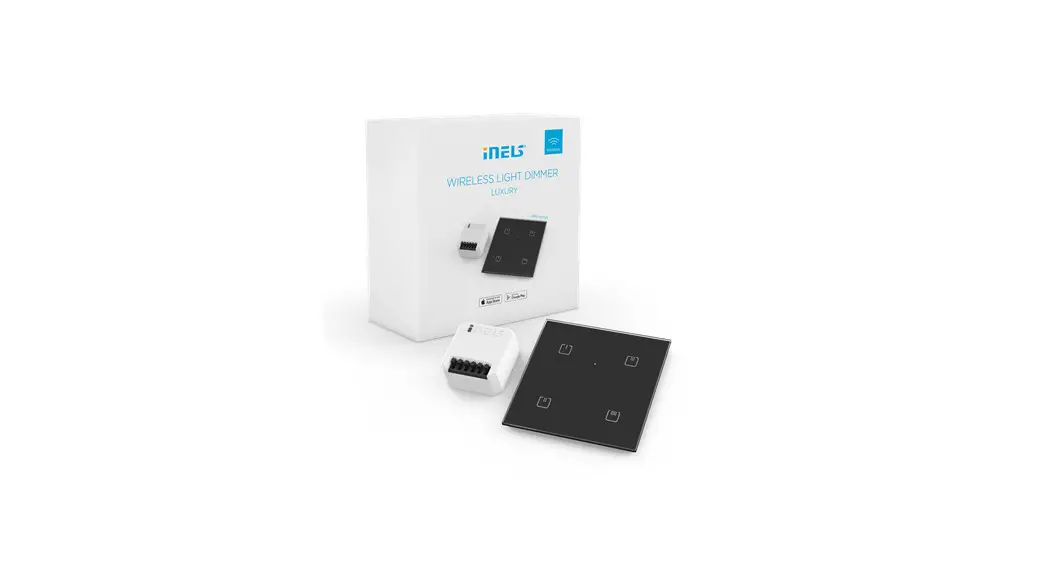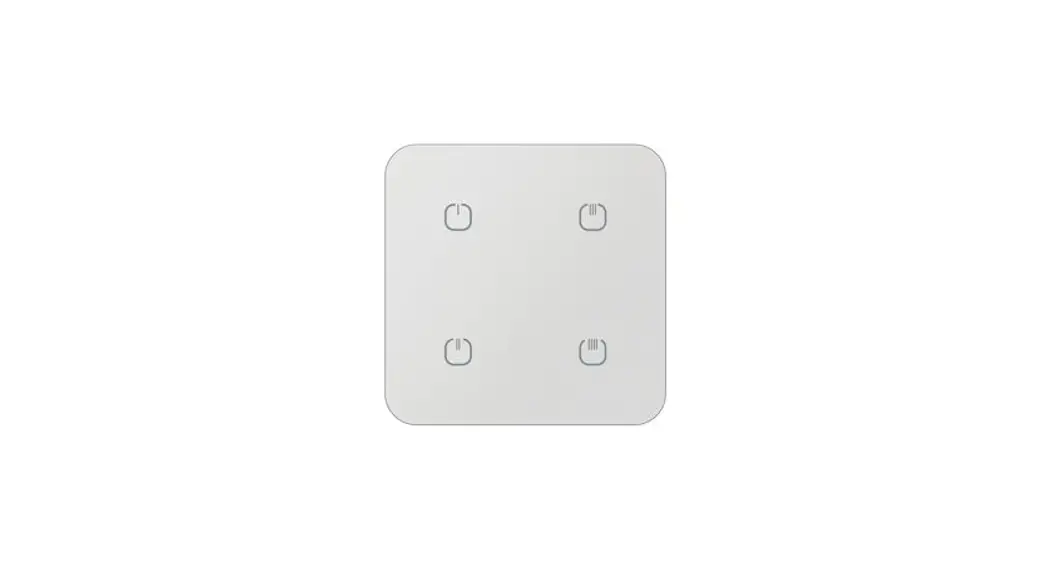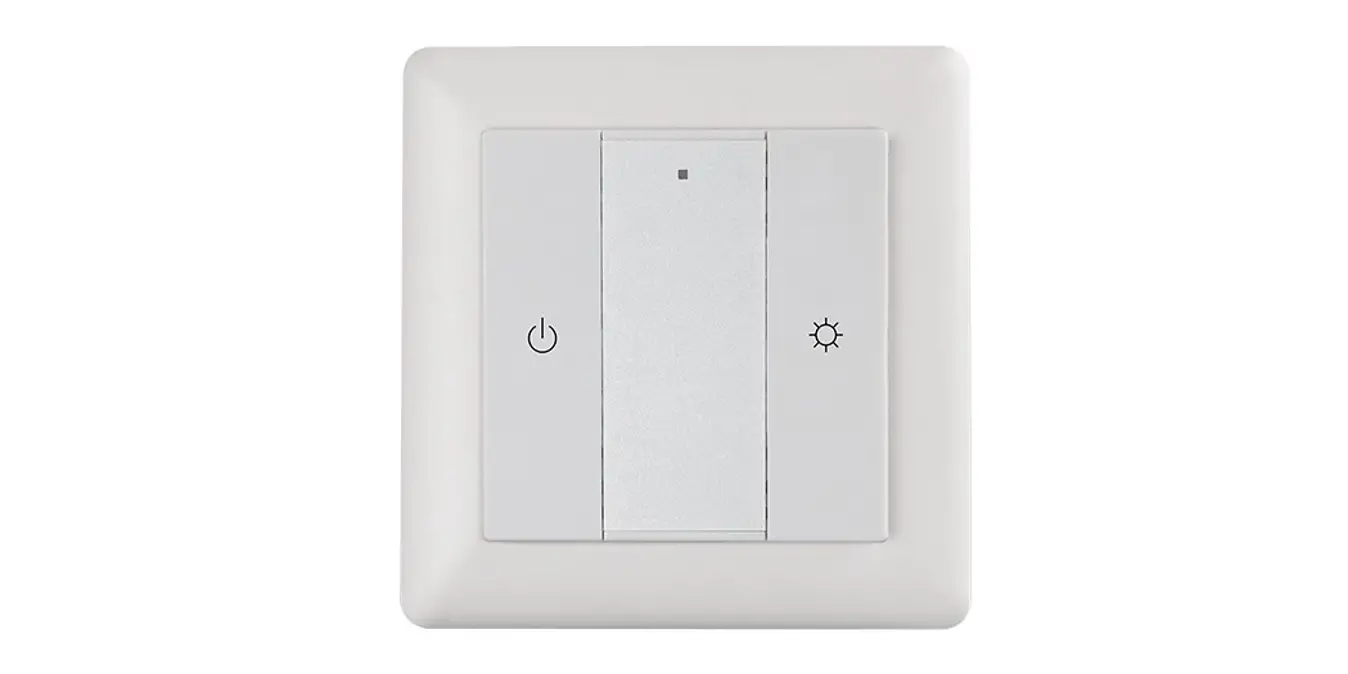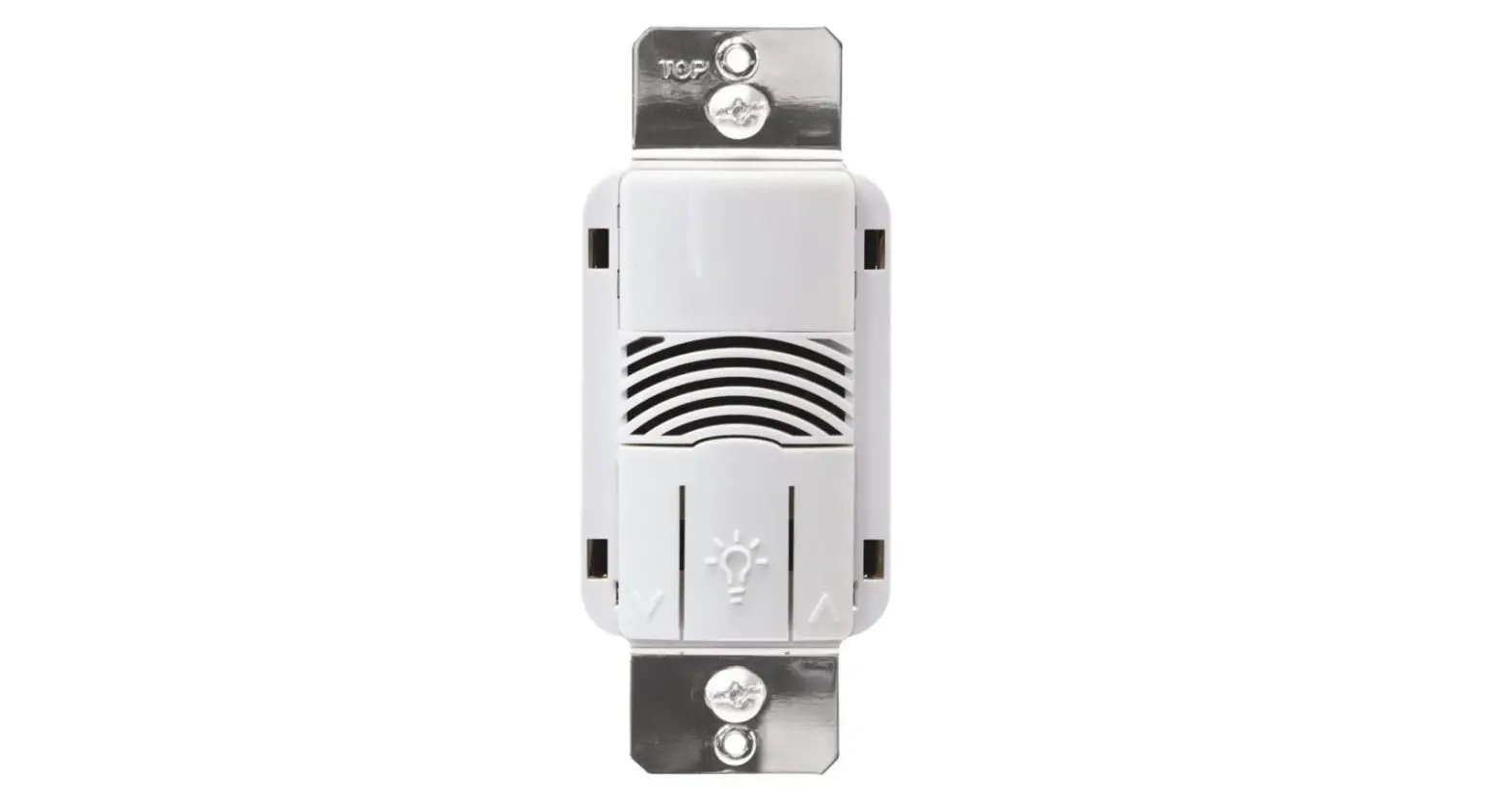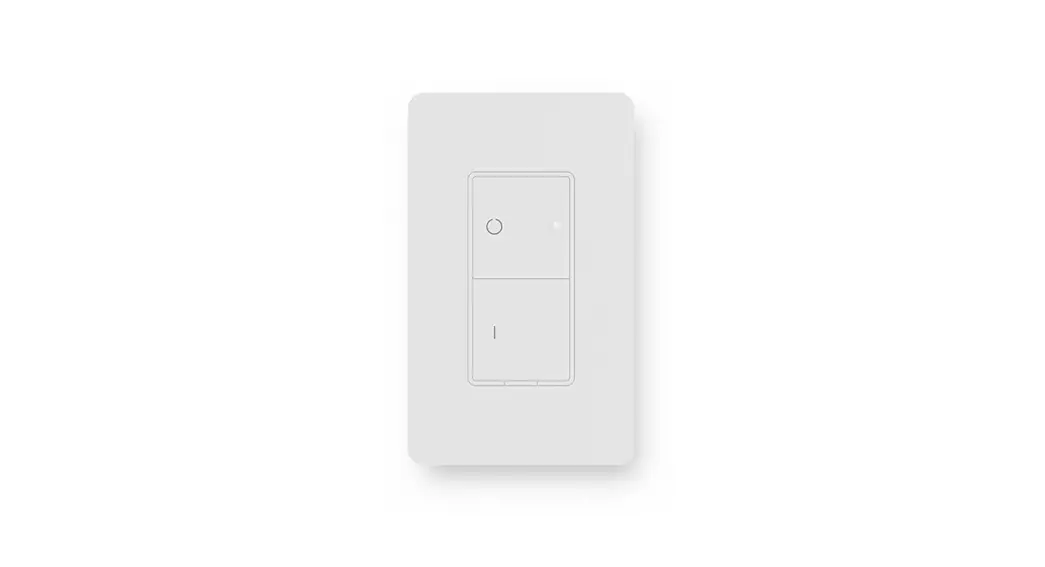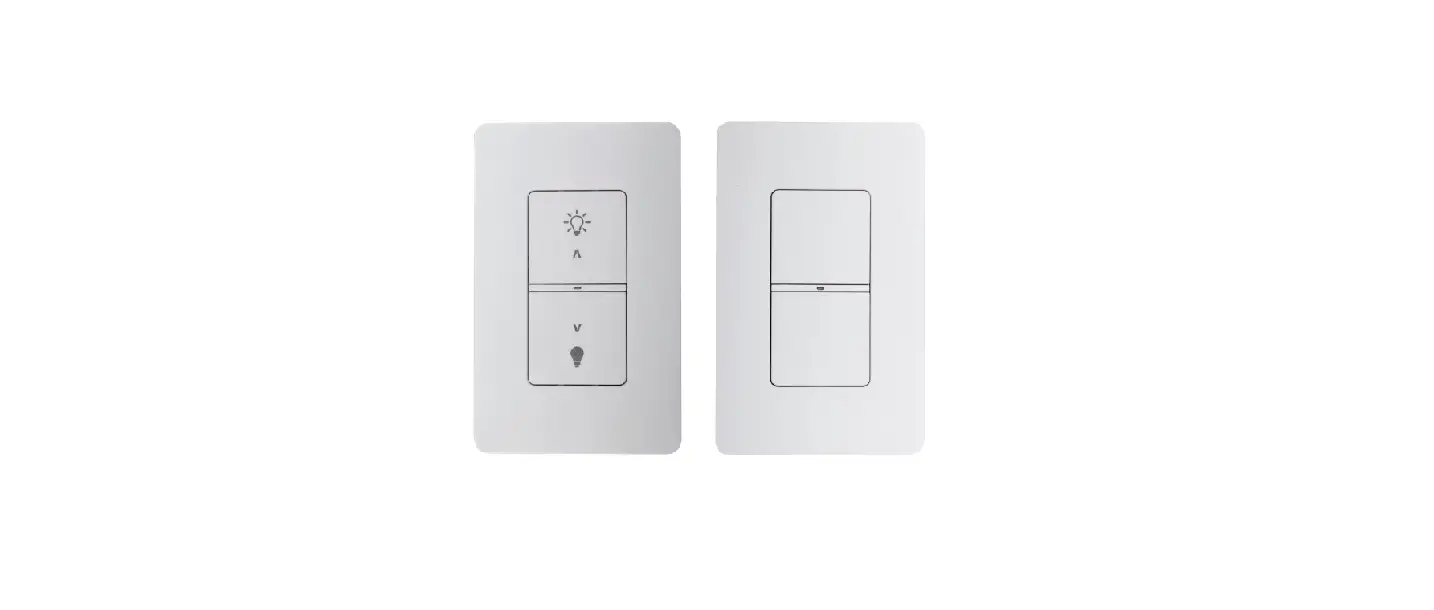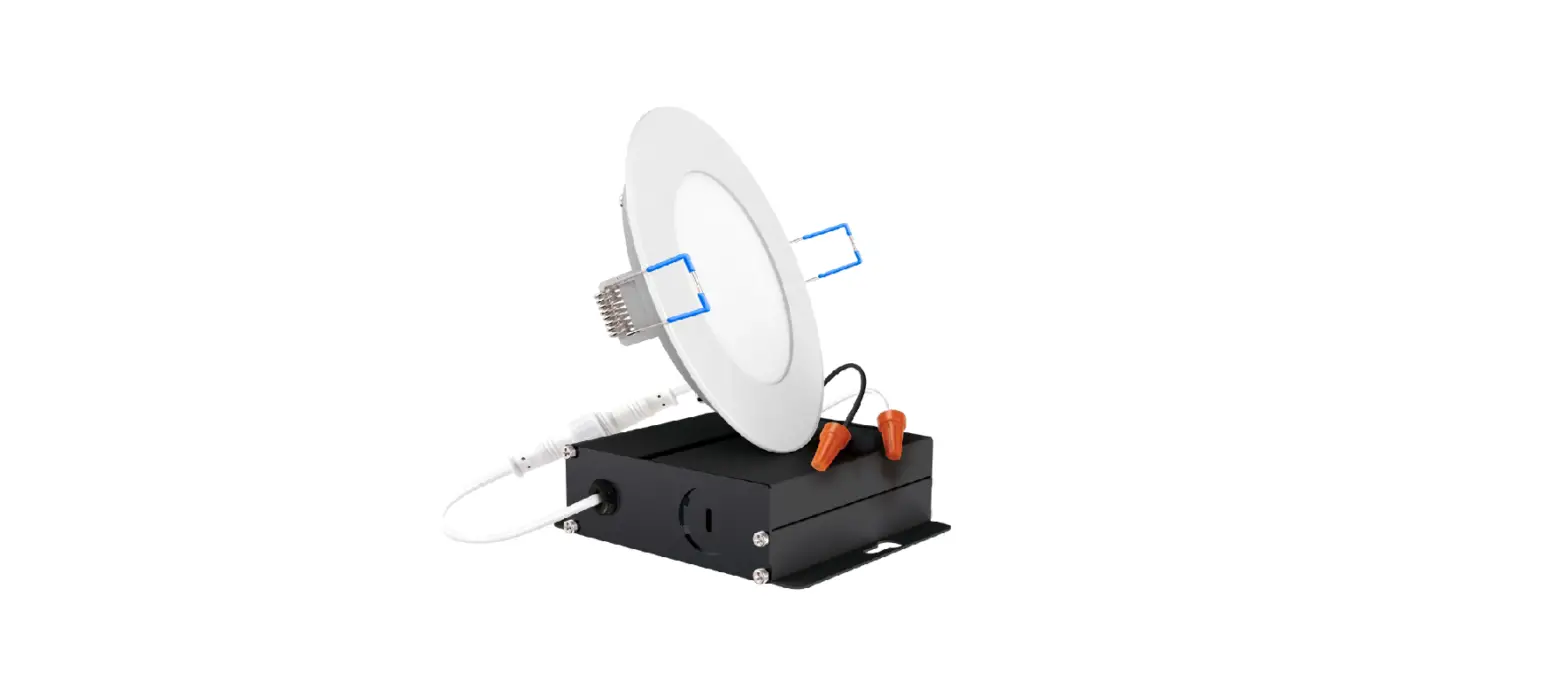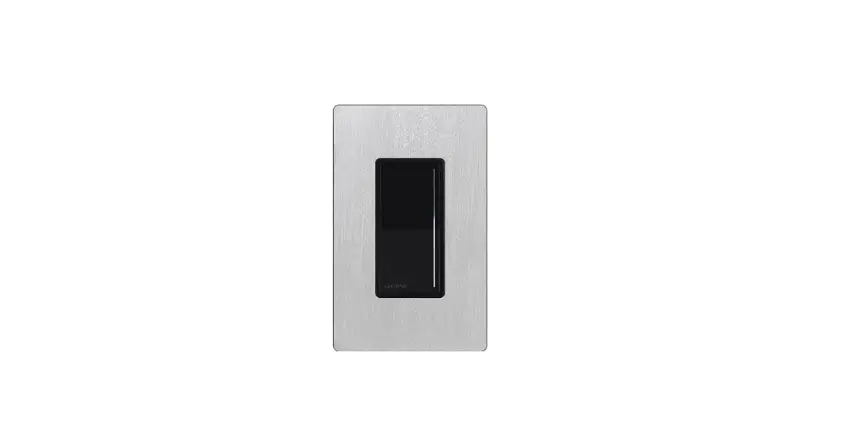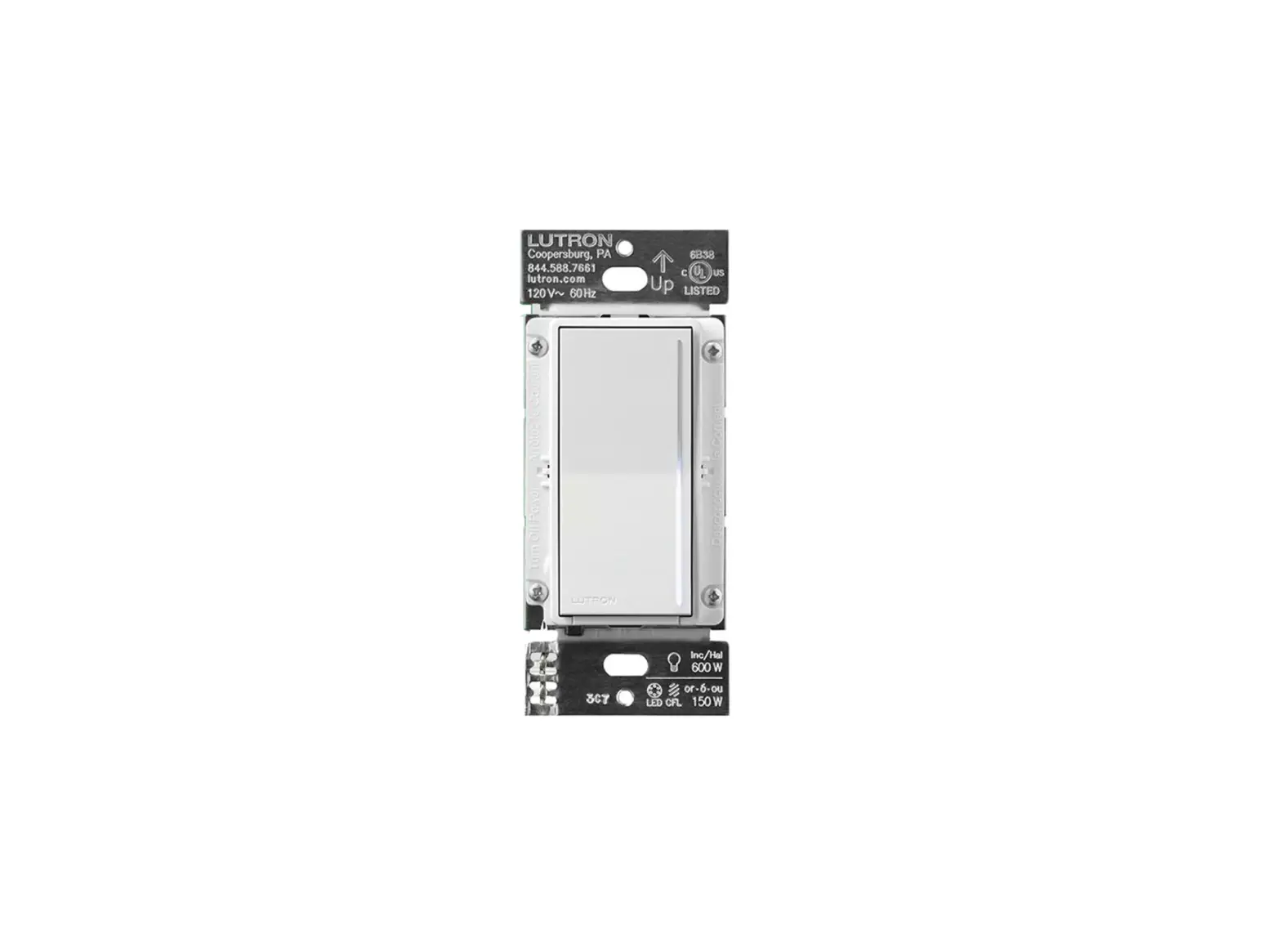

Sunco Lighting 89355 Wireless Wall Dimmer
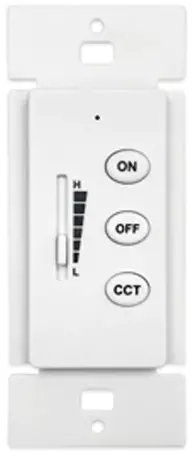
OPERATING INSTRUCTIONS
- Batteries not included.
- Requires 2 – AA.
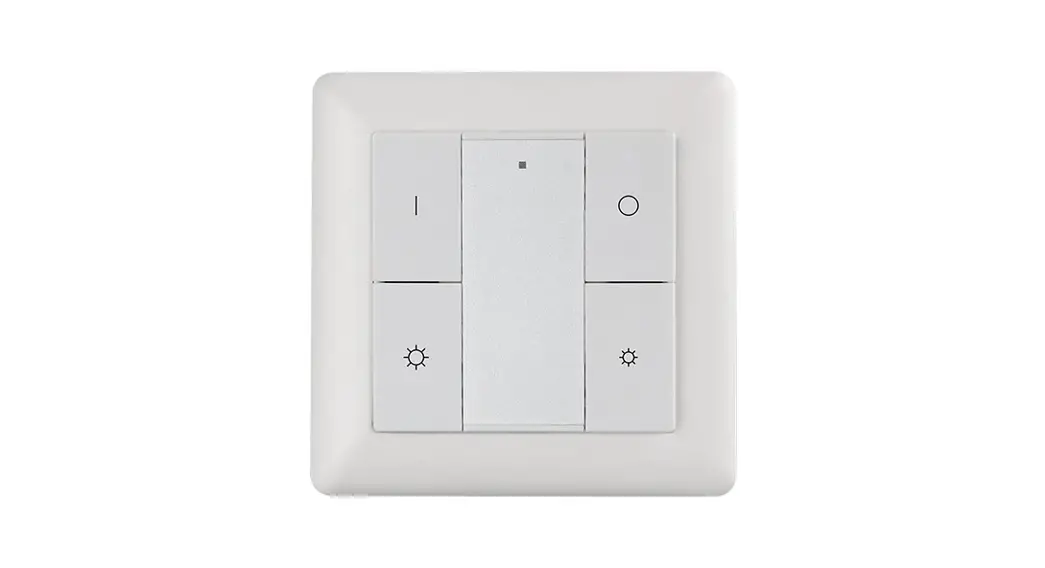
| NO OFF | ON | Turn ON | OFF | Turn OFF |
| Wall-type remote controller cannot be used directly as the only on-off switch. The fixture needs to be turned off for the night with a standard hard-wired wall switch (or at the breaker panel). | ||||
| ON | Press and hold (6-9 seconds) the “ON” button until the light goes out, the current brightness and color temperature are automatically saved. Turn off lights then turn on, the last saved brightness and color temperature will be displayed by default. | |||
| OFF | Turn off the light to save the current color temperature then turn on the light, the last saved color temperature will be displayed by default. | |||
| ON + OFF | LIGHT CODE COMBINATION MATCHING BUTTON Pressing the ‘ON + OFF’ buttons simultaneously will keep the remote controller’s indicator on, turn on the light and release the buttons after the light has been on for 2s completing the matching process. Matching code for several lights together is available. If you need to use both hand-hold controller and wall controller for the same light, please don’t use this function, directly use the following copy function. | |||
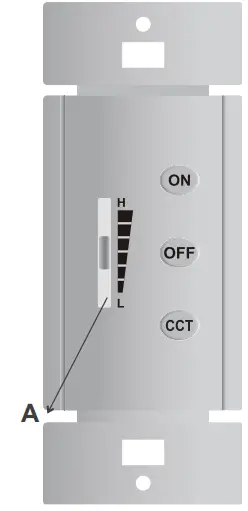
| A | BRIGHTNESS SLIDER | |||
| CCT | RELEASE THE CODE AND DISCONNECT LIGHT FROM REMOTE CONTROLLER Press the ‘CCT’ button, the color temperature will cycle between 3000K/3500K/4000K/5000K. After shutting down/turning off the current color temperature will be saved. | |||
The matching method of hand held remote controller and wall-type remote controller, the wall controller can copy some of the functions of the hand held controller by the following method.
| NO. | GROUPING | HAND-HOLD CONTROLLER | WALL-TYPE CONTROLLER |
| 1 | 1 | 1 + ID | ON+CCT |
| 2 | 2 | 2 + ID | ON+CCT |
| 3 | 3 | 3 + ID | ON+CCT |
| 4 | 4 | 4 + ID | ON+CCT |
| 5 | ALL | ID | ON+CCT |
After 10s of each operation the controller will enter standby power saving mode. If you need to make adjustments, simply press the “ON” button, the indicator will flash to show it is working. (If the controller is under working mode, the indicator will flash no matter which button is pressed.) Power the light off then power it on, the last saved brightness (which is saved by the button “ON”) and the last saved color temperature (which is saved by the button “ON” or “OFF”) will be displayed by default. The defaulted factory setting of the light is 100% brightness and 4000K. Specifications subject to change without notice. Photos and line drawings may not be to scale and are for general reference only.