
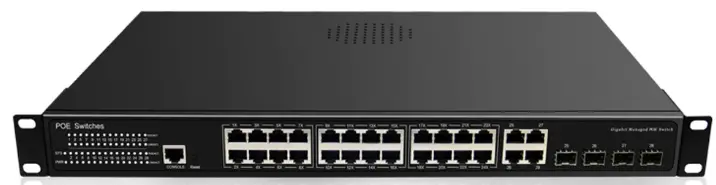
airlive SNMP-GSF12M Managed Multi Gigabit Fiber Switch
Installation Steps
A. Desktop installation
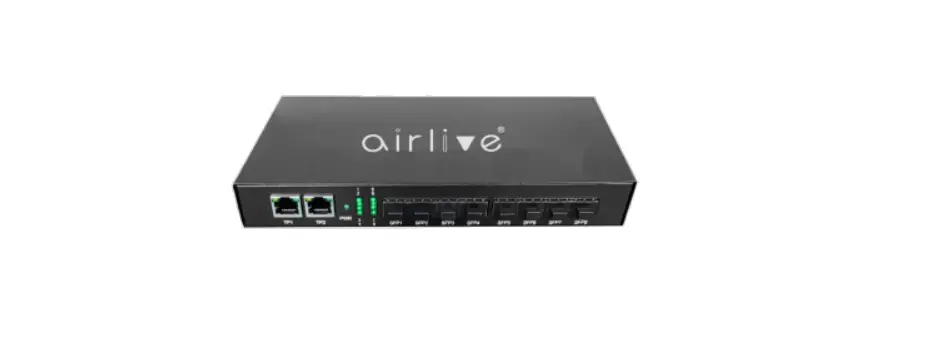
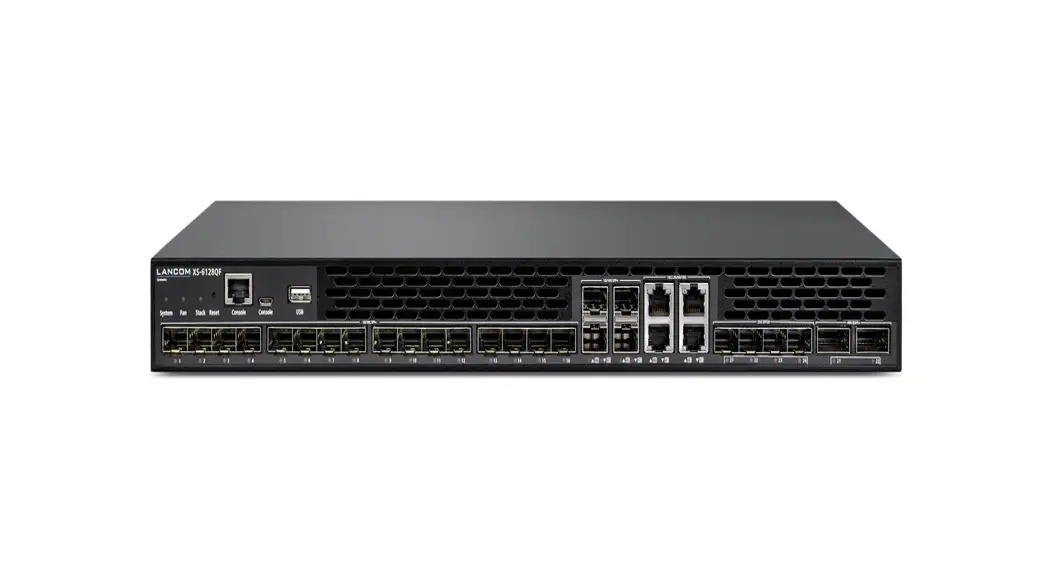
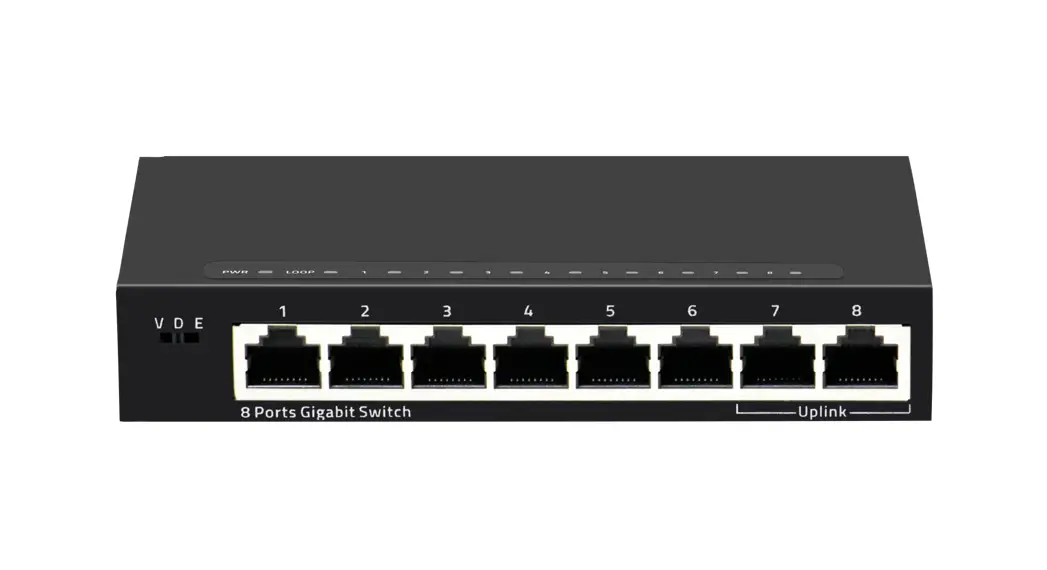
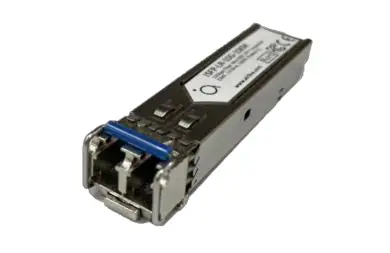
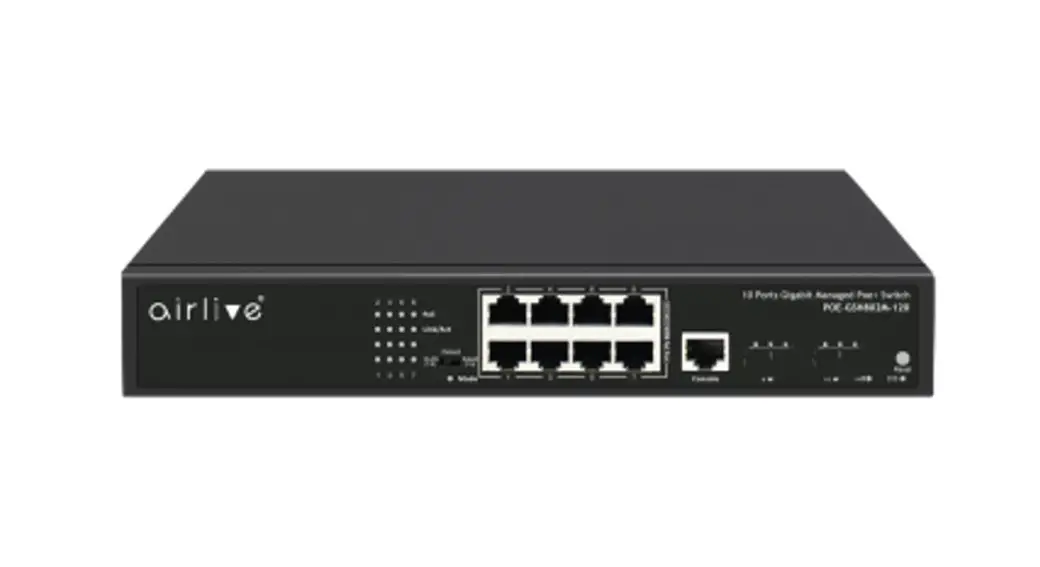
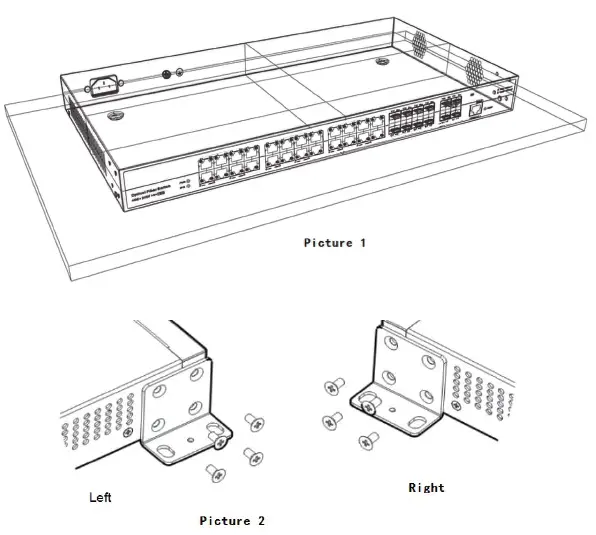
Step 1: As shown in picture 1, lay the switch flat on the desktop, and ensure that at least 10cm of space is reserved on both sides of the vent of the switch so that the switch can
be well-ventilated and cooled.
Wall-mounted installation
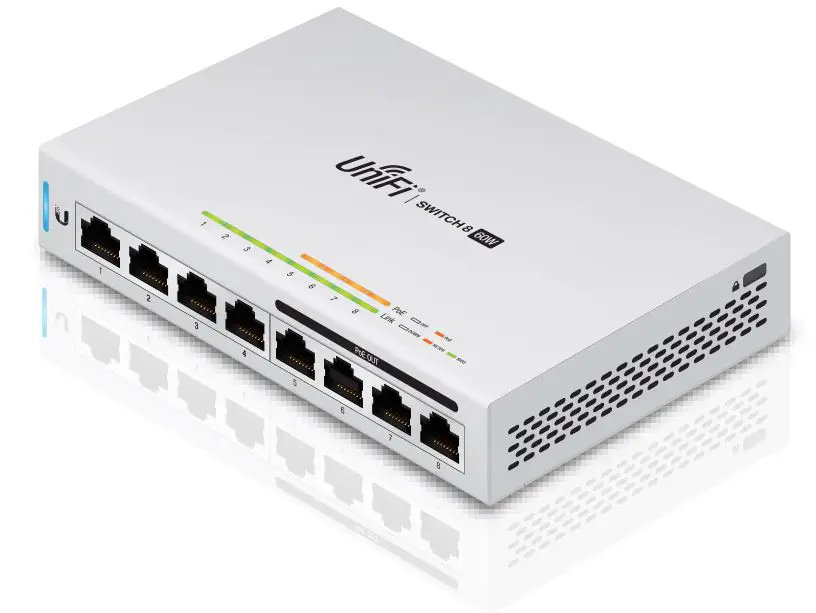
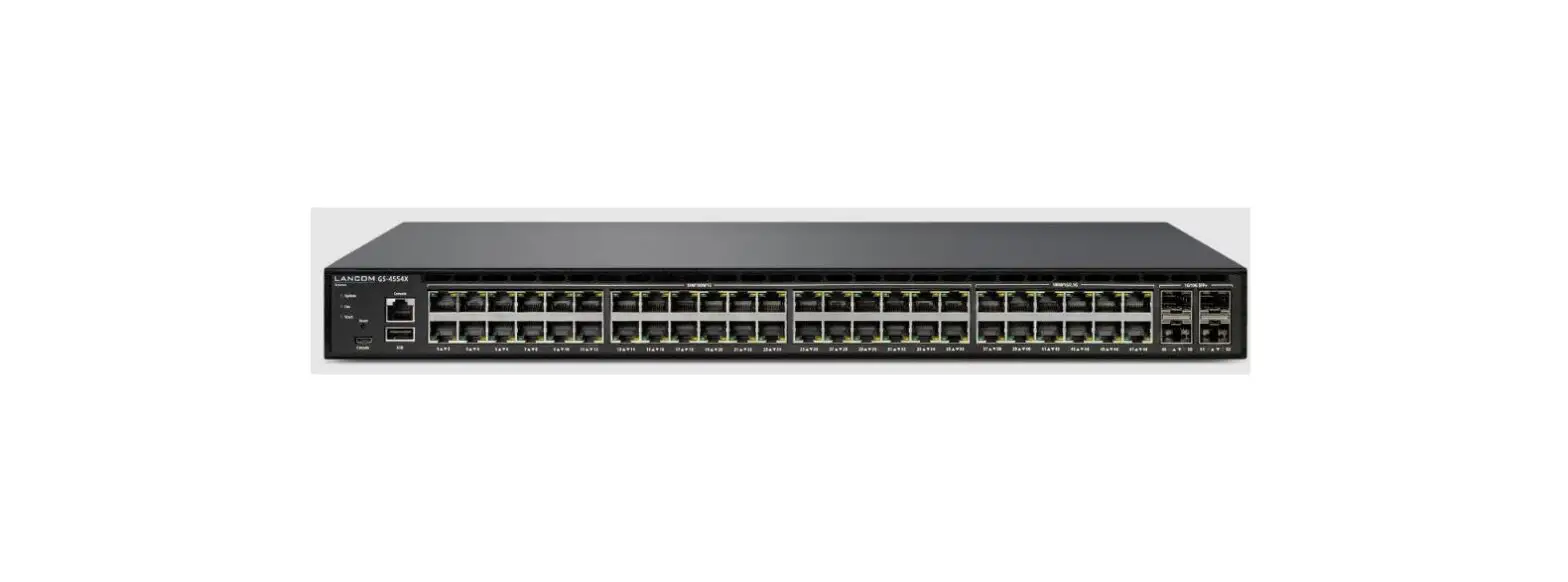
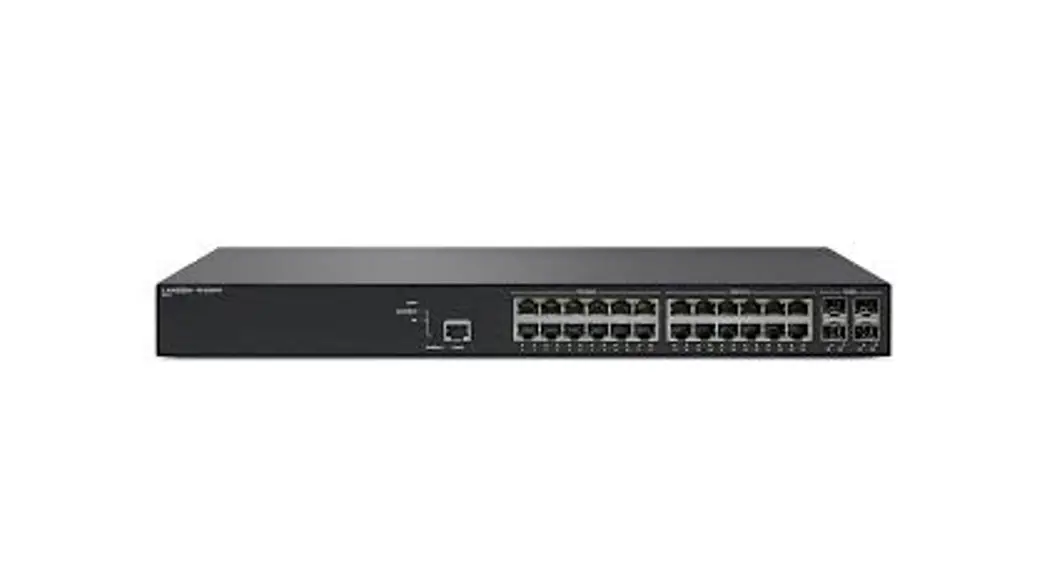
Step 1: As shown in picture 2, find the mounting ears and screws from the accessory bag of the machine, then place the switch upright, place the mounting ears to the installation position, and see if the screw holes are aligned properly After confirming the match, use a screwdriver to fix the hanging ears on both sides of the machine with screws.
B. Rack installation
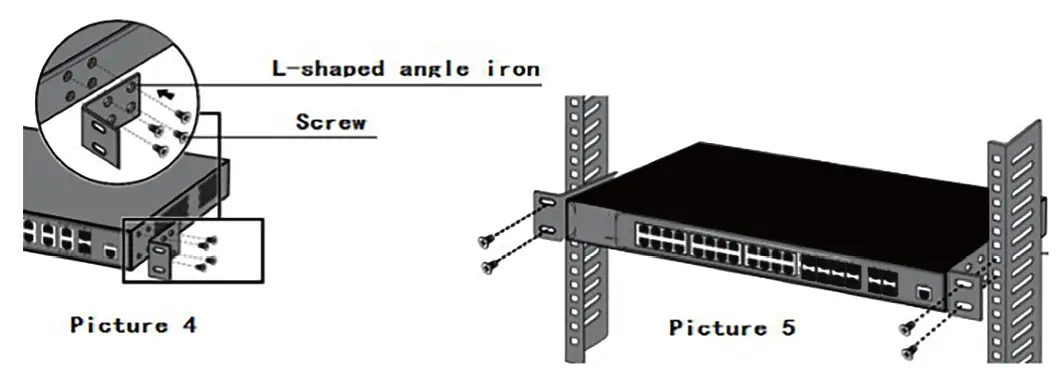
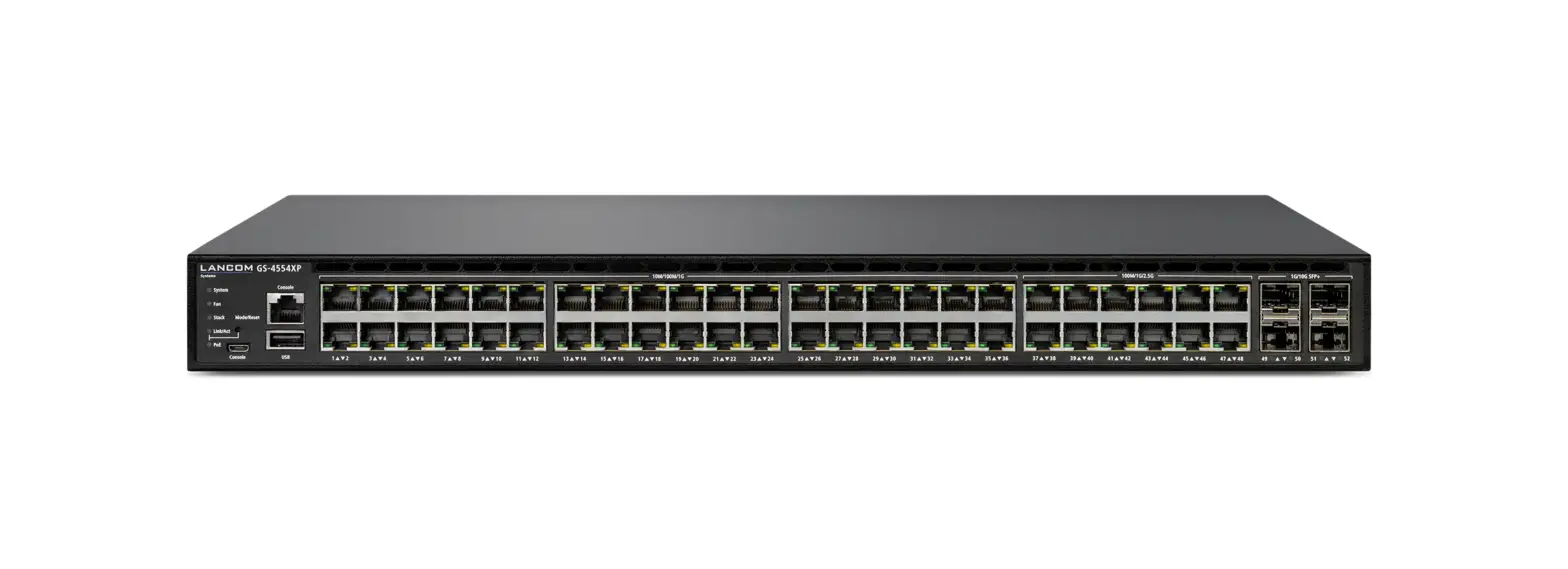
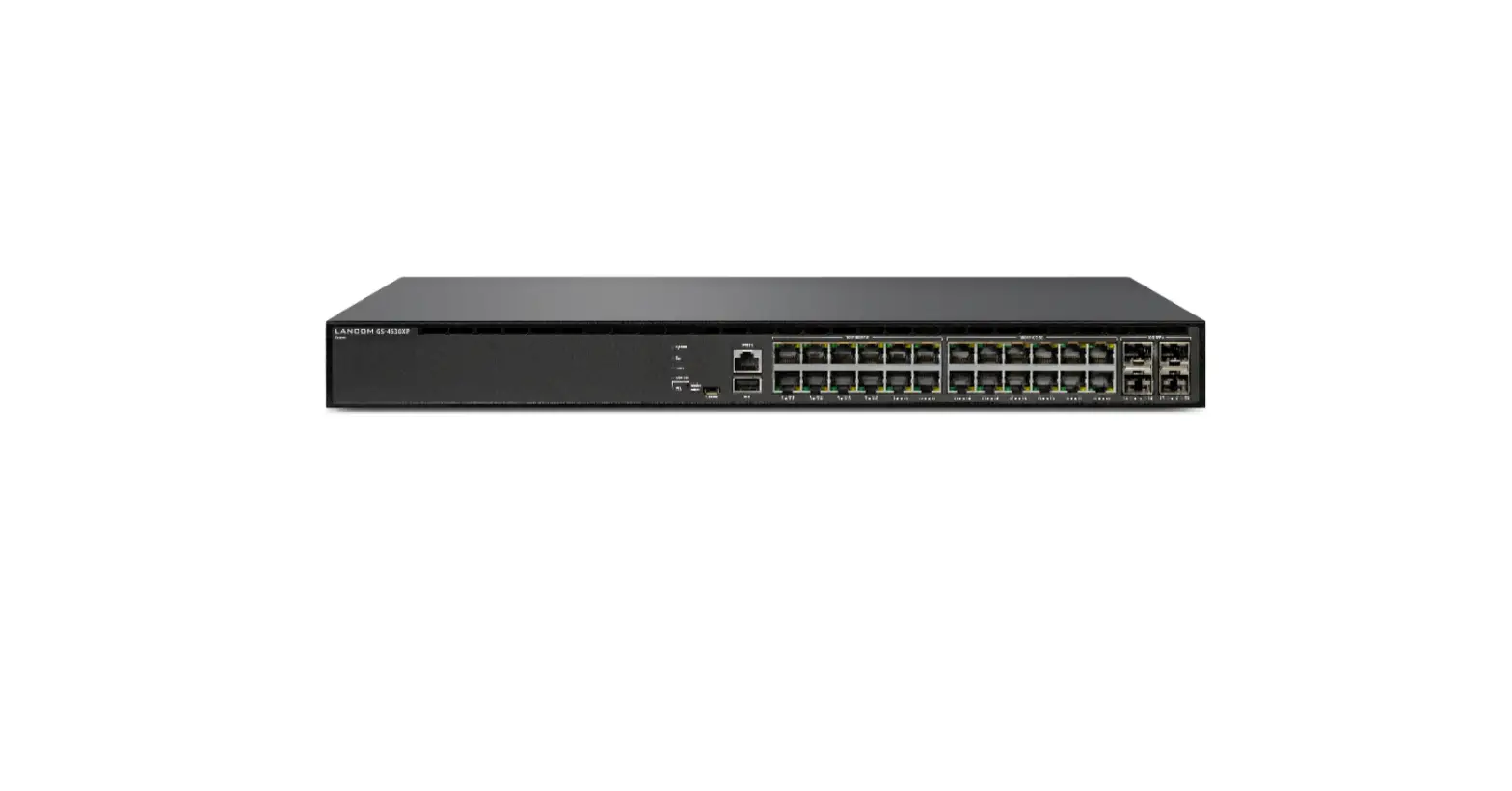
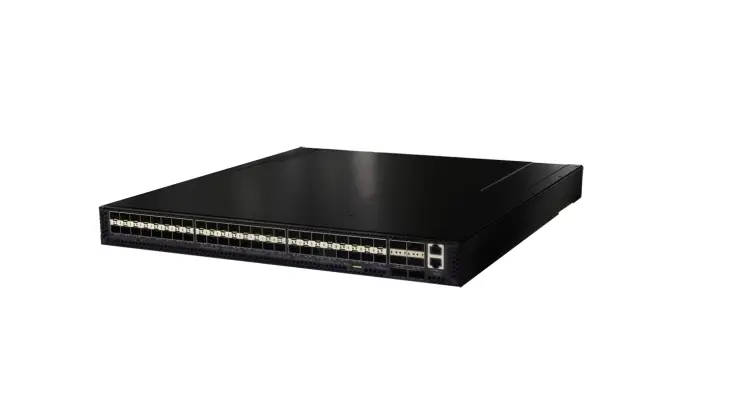
Step 1: As shown in picture 4, first fix the brackets on both sides of the machine with the screws. This is the same as with the Wall-mounted installation.
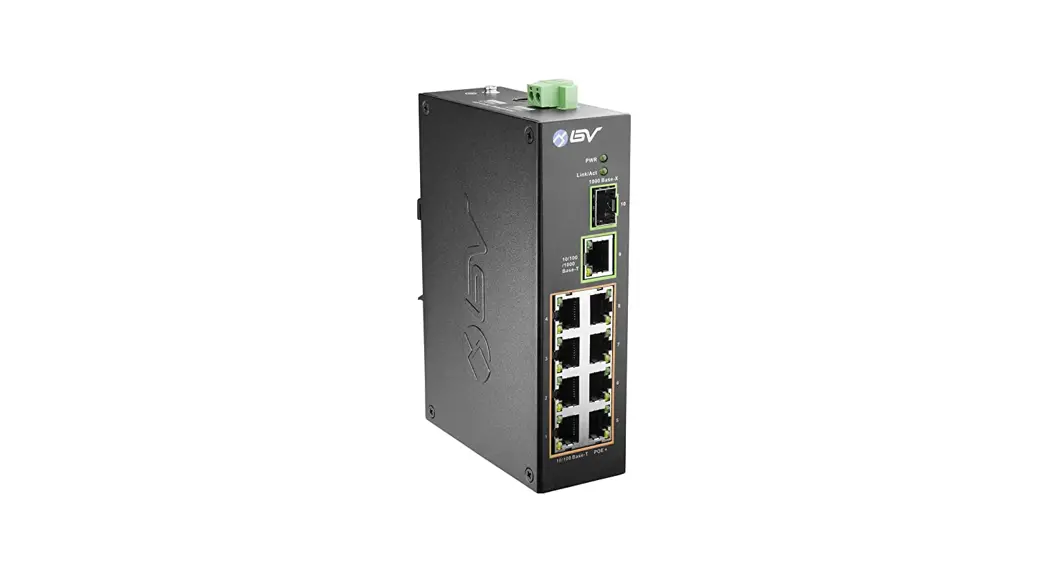
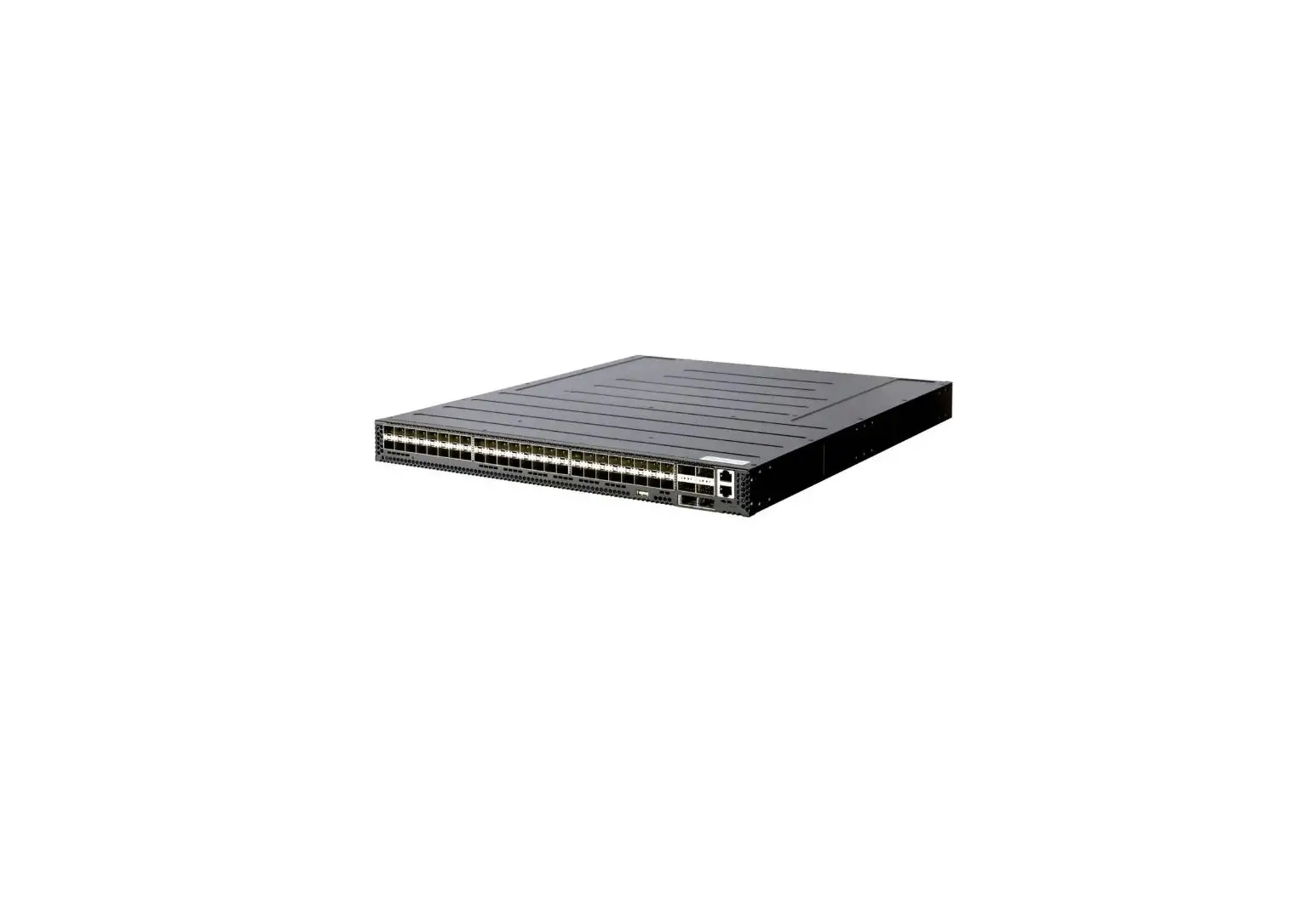
Step 2: As shown in picture 5, put the machine into a suitable position in a standard 19-inch cabinet, and then fix it on the rack.
C. Power Connection
- Connect the powercord to the back of the Switch and turn the power switch on.
Important Information
- The default IP address: is 192.168.0.1
- The default username / password is admin
- The content of the user’s guide and associated software can be downloaded from the website (www.airlive.com)
Installation Step:
- Connect your device’s PoE port to the switch’s POE port
- Your PoE device should get the power from the switch now. If you want to change settings via web management. Please follow the instructions below.
- Set your PC’s IP address to 192.168.0.50.
- Open your web browser and enter “192.168.0.1” to get into the switch’s web management.
- Enter “admin” for username, “admin” for password.
 wifi6 MESH Router|AirLive|Managed Switch|5G|Your best choice of Smart Network Solution