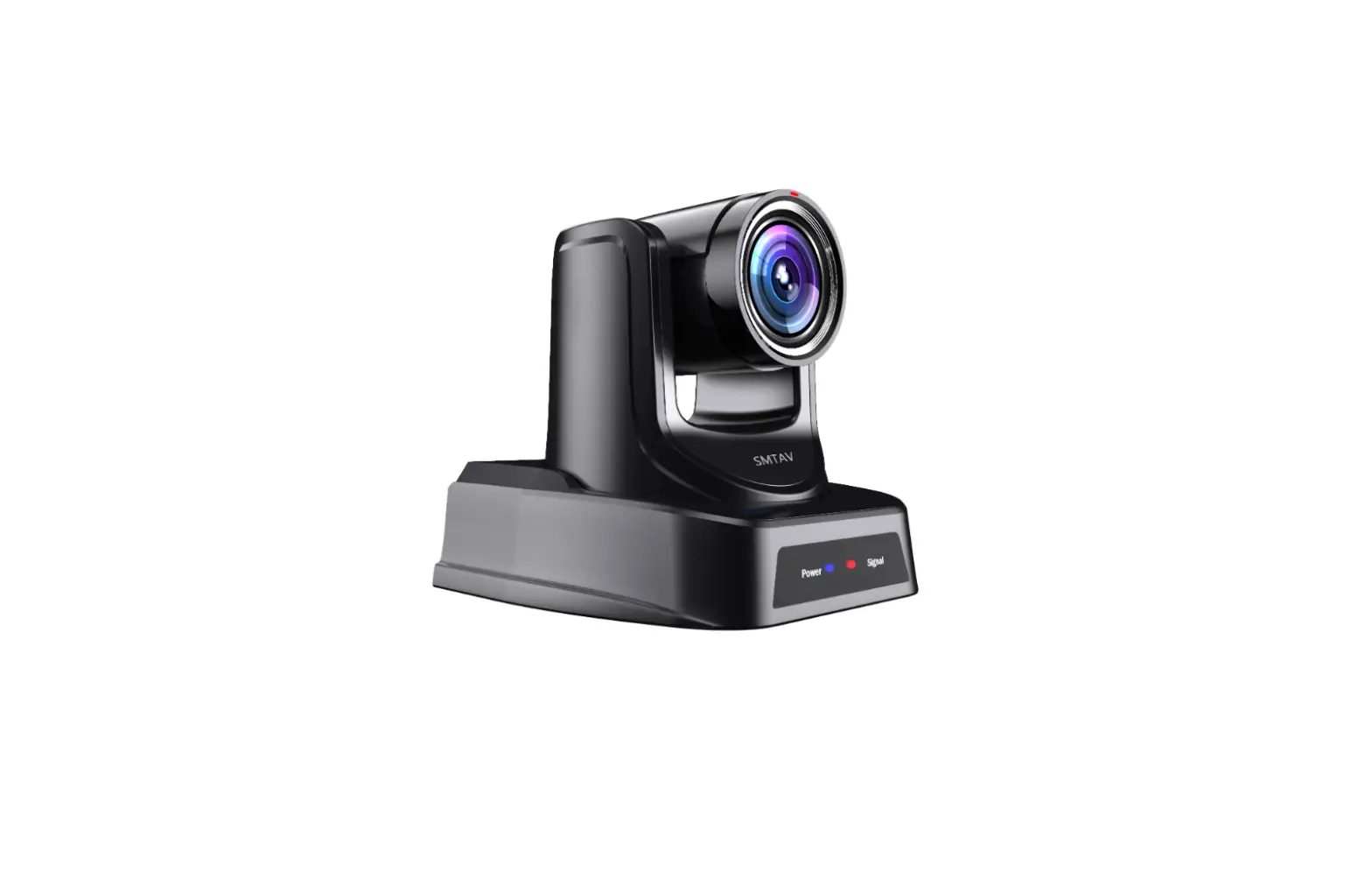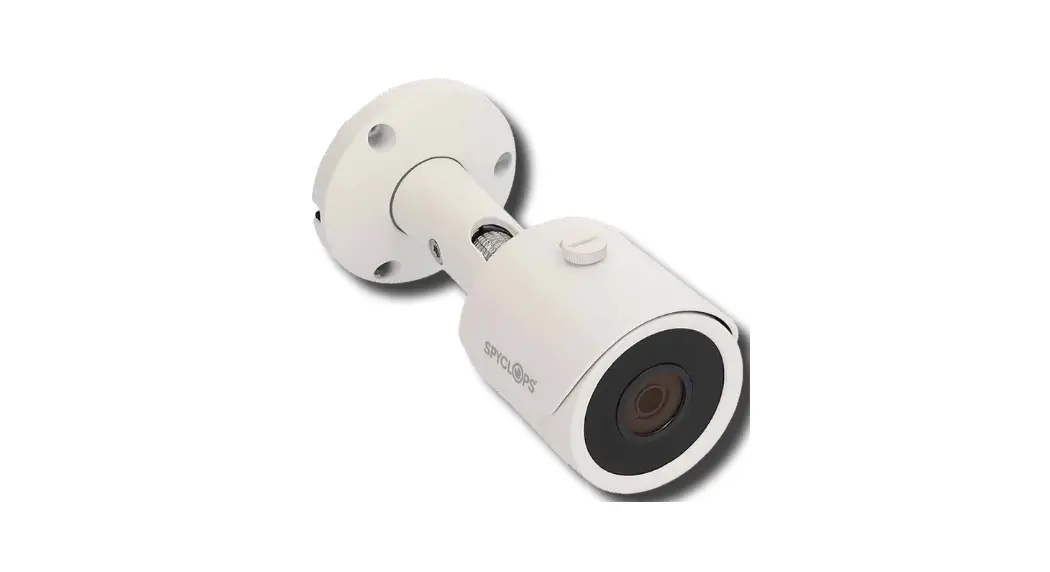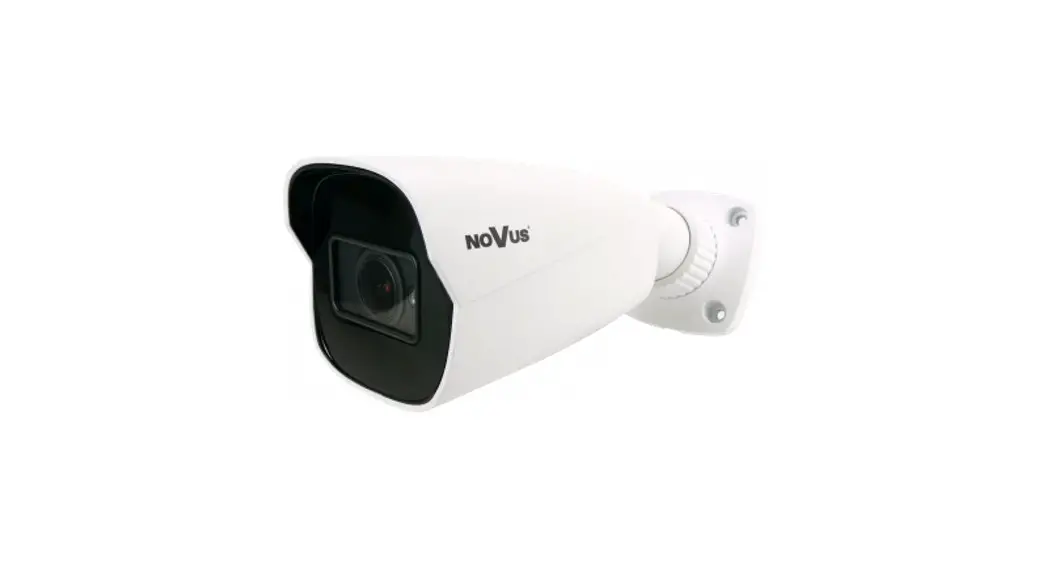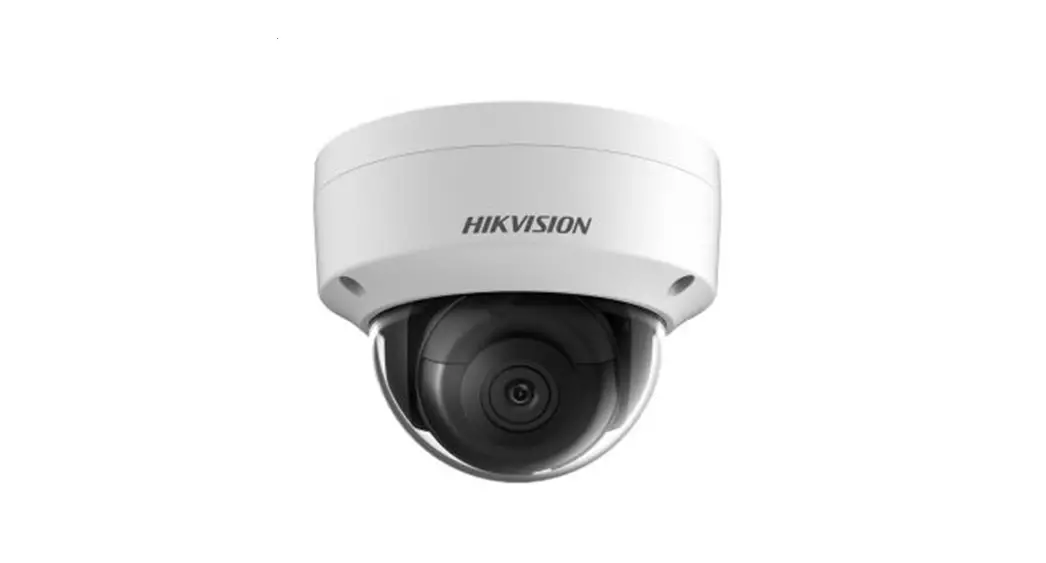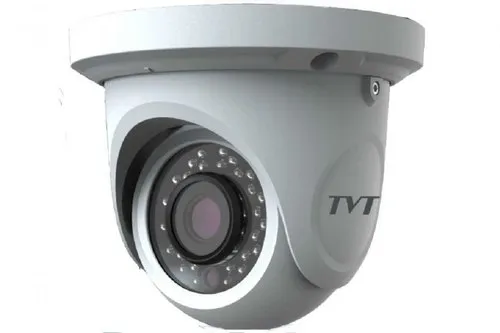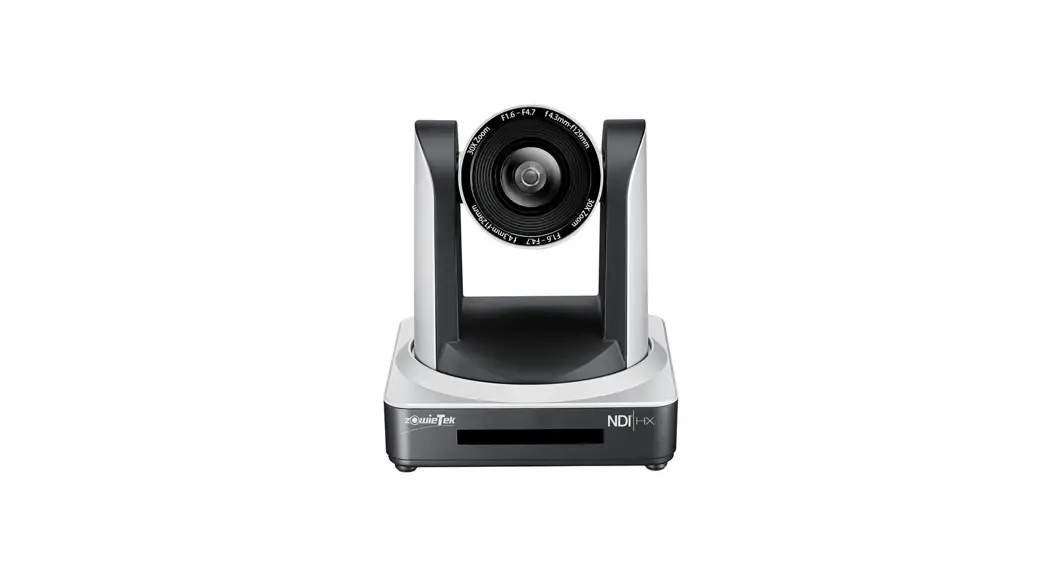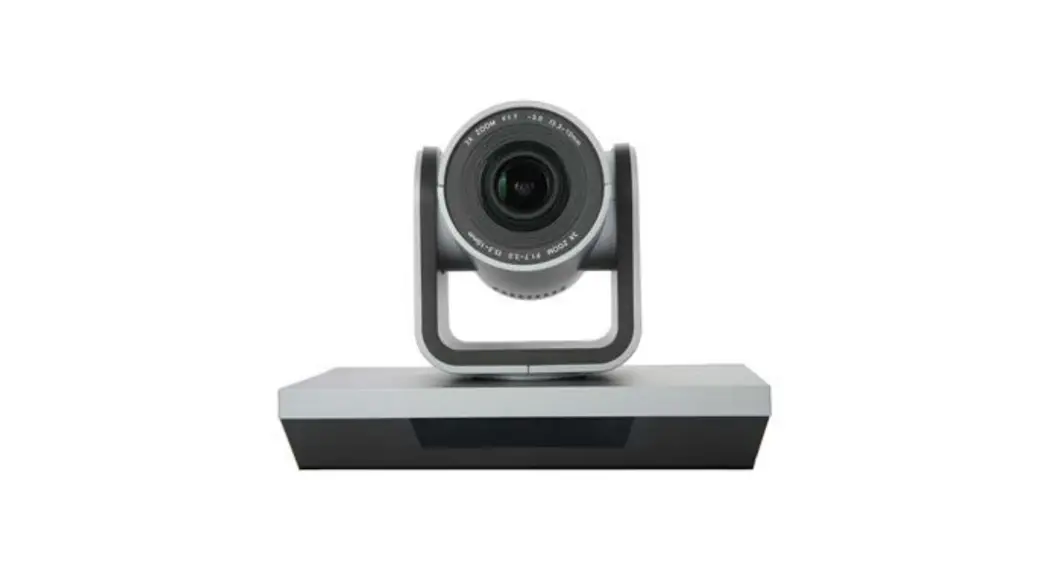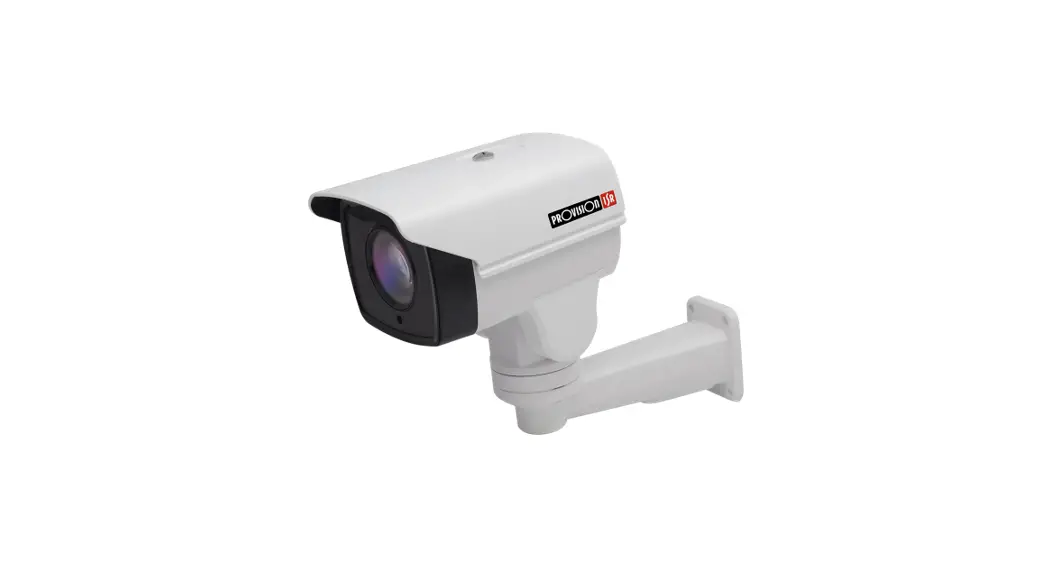
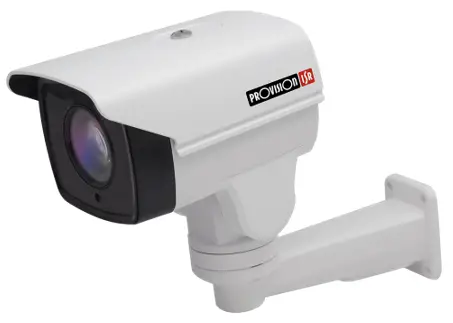
 390AX4/X10 1080p 4in1 Bullet Mini Ptz Camera
User Manual
Summary
This document describes the correct installation and operation methods of I5PT-390AX4/10 Models.
1.1 Important Safety Notes:
Please read this manual carefully before installing and operating the camera.
- Please refer to the technical specs to confirm you are using a suitable power supply. Do not use power supply with higher/lower rating than specified.
- Do not attempt to disassemble the camera; in order to prevent electric shock, do not remove any screws or covers.
- There are no user-serviceable parts inside. Please contact the nearest service center if there is any technical failure.
- Avoid incorrect operation, shock vibration or heavy weight pressing which can damage the camera.
- Do not use corrosive detergent to clean the camera. If necessary, please use a soft dry cloth to wipe dirt. For tough contamination, use neutral detergent. Any cleanser for high grade furniture is applicable.
- Avoid aiming the camera directly towards extremely bright objects such as the sun, as it may permanently damage the image sensor.
- Please follow the installation instructions.
- Do not operate the camera in environments that exceeds the specified temperature, humidity or power.
- Keep away from any heat sources such as radiators, heat registers, stoves, etc.
- Do not expose the product to the direct airflow of an air conditioner.
Box Contents
| ITEM | QUANTITY |
| I5PT-390AX4/10 Camera | 1 |
| Camera Bracket | 1 |
| User Manual | 1 |
| Installation Screws | 4 |
Structure
3.1 Camera Cable
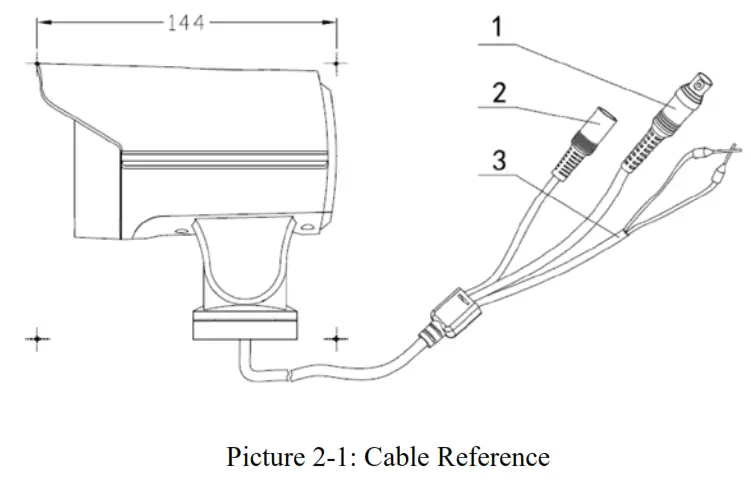
Please find cable description below. You can also refer to Figure 2-1. There might be some differences among different serial products.
| S/N | ITEM | QUANTITY |
| 1 | Video Connector | 4in1 1080P Video Output |
| 2 | Power Connector | 12V DC Power Input (2A Recommended) |
| 3 | RS-485 Connector | Orange: RS-485A, Yellow: R -485B |
Device Installation
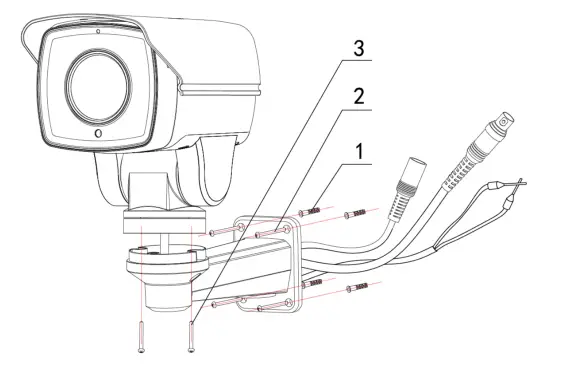
The camera is designed for a wall installation only! Please refer to the installation instructions below.
Important:
- The installation surface should be able to hold at least triple the weight of the ssembled camera.
- The camera default output is PAL system, for NTSC, please call preset 68
Step 1: Install the camera’s bracket to the wall:
For cement wall:
- Mark the holes locations on the wall.
- Drill into the marked holes
- Use the supplied screw anchors
- Fix the bracket to the wall using the supplied screws.
For wood wall:
- No need to drill the wall or use screw anchors.
- Fix the bracket to the wall using the supplied screws.
Step 2: Install the camera:
- Pass the camera’s cable through the installed bracket.
- Secure the camera to the bracket using the supplied screws.
- Make all connections (Connect Power source last)
Step 3: Connect the camera to a controller:
- Connect the camera to a controlling device such as RS-485 keyboard or DVR (By CoC/RS-485).
- If required, adjust corresponding address and baud rate. Make sure you can control the device.
Warnings:
- Do not adjust the camera’s orientation manually. This might damage the device.
- Do not hang anything form the camera’s bracket as it is not designed to hold overloads.
Camera Settings & Preset Commands:
If you are using CVI, use the 2 In this camera, the CoC commands divides to 2. If you are using AHD/TVI/CVBS, Please use the 1st table.
AHD/TVI/CVBS Command
| Shortcut Key | Function (Set Preset) | |||
| Set #84preset | Proportional PIT OFF | |||
| Set #85preset,Call N | Set video signal type | N=1 | AHD | 1080P |
| N=2 | TVI | 1080P | ||
| N=3 | CVI | 1080P | ||
| N=4 | CVBS | |||
| Set #87preset,Call N | N is address(N=1,2,3…… 254) | |||
| Set #88preset,Call N | N is baud rate(1. 2400; 2.4800; 3.9600 ) | |||
| Set # 89preset | Delete all presets | |||
| Set #90 preset | Set left limit Position | |||
| Set #9lpreset | Set right limit Position | |||
| Set #92 preset | Delete left/right limit | |||
| Set #93preset | Dome restart | |||
| Set #94 preset | Restore Factory Setting | |||
| Set #95preset | Open main menu | |||
| Set #96 preset | 0S Park time ON |
| Set #97 preset | 60S Park time ON |
| Set #98preset | 120S Park time ON |
| Set #99 preset | scan and tour scan speed is automatic |
| Set #100 preset | scan and tour scan speed is high, 15°/ s e c |
| Set #101preset | scan and tour scan speed is middle, 10°/ s e c |
| Set #102preset | scan and tour scan speed is low, 5°/ s e c |
| Set #103 preset | Record Pattern scan 1 |
| Set #104 preset | Record Pattern scan 2 |
| Set #105 preset | Record Pattern scan 3 |
| Set #106 preset | Record Pattern scan 4 |
| Set #111 preset | Set color-to-black function |
| Set #112 preset | the preset-dwell: 0S |
| Set #113preset | the preset-dwell: 5S |
| Set #114preset | the preset-dwell: 10S |
| Shortcut key | Function (Call preset) |
| Call #67 preset | Change system to PAL |
| Call #68 preset | Change system to NTSC |
| Call #69 preset | Open Advanced Settings menu |
| Call #70 preset | Preset Error Correction |
| Call #71 preset | Proportional P/T ON |
| Call #72 preset | Start Cruise scan and switch the cruise scan |
| Call #73 preset | Start Pattern 1 |
| Call #74 preset | Start Pattern 2 |
| Call #75 preset | Start Pattern 3 |
| Call #76 preset | Start Pattern 4 |
| Call #77 preset | Call cruise 1 (default number 1~16 preset) |
| Call #78 preset | Call cruise 2 (default number 17~32 preset) |
| Call #79 preset | Call cruise 3 (default number 33~48 preset) |
| Call #80preset | Call cruise 4 (default number 49~64 preset) |
| Call #81 preset | Camera IR-CUT switch |
| Call #82 preset | Call all valid presets cruise |
| Call #83 preset | Call 250°scan |
| Call #95preset | Open main menu (Same response as “Set”) |
CVI Command
| Shortcut Key | Function (Set Preset) | |||
| Set #50preset,Call N | Set output model | N=1 | AHD | 1080P |
| N=2 | TVI | 1080P | ||
| N=3 | CVI | 1080P | ||
| N=4 | CVBS | |||
| Set #51preset | Proportional P/T OFF | |||
| Set #52preset,Call N | N is address(N=1,2,3……254) | |||
| Set #53preset,Call N | N is baud rate(1. 2400; 2.4800; 3.9600 ) | |||
| Set # 54preset | Delete all presets | |||
| Set #55 preset | Restore Factory Setting | |||
| Set #56 preset | 0S Park time ON | |||
| Set #57 preset | 60S Park time ON | |||
| Set #58preset | 120S Park time ON | |||
| Set #59preset | scan and tour scan speed is high, 15°/sec | |||
| Set #60preset | scan and tour scan speed is middle, 10°/sec | |||
| Set #61preset | scan and tour scan speed is low, 5°/sec | |||
| Set #62preset | Set color-to-black function | |||
| Set #63preset | the preset-dwell: 0S | |||
| Set #64preset | the preset-dwell: 5S | |||
| Set #65preset | the preset-dwell: 10S | |||
| Shortcut key | Function (Call preset) |
| Call #50 preset | Camera IR-CUT switch |
| Call #51preset | Call all valid presets cruise |
| Call #52preset | Open main menu (Same response as “Set”) |
| Call #53 preset | Open Advanced Settings menu |
| Call #54 preset | Preset Error Correction |
| Call #55preset | Proportional P/T ON |
| Call #56 preset | Start Cruise scan and switch the cruise scan direction |
| Call #57 preset | Start Pattern 1 |
| Call #58preset | Start Pattern 2 |
| Call #59preset | Start Pattern 3 |
| Call #60 preset | Start Pattern 4 |
| Call #61 preset | Call cruise 1 (default number 1~16 preset) |
| Call #62preset | Call cruise 2 (default number 17~32 preset) |
| Call #63 preset | Call cruise 3 (default number 33~48 preset) |
| Call #67 preset | Change system to PAL |
| Call #68 preset | Change system to NTSC |
Note: Sequence default includes preset 1-preset 10 with parking time of 10sec.
Camera Specs:
| Model | I5-PTZ | ||
| I5PT-390AX10 | I5PT-390AX4 | ||
| CCD | 1/3″ CMOS | ||
| Resolution | HD Analog | 2MP (AHD / CVI / WI – 1920×1080) | |
| Analog | 700TVL | ||
| Optical Zoom | x10 (5.1-51mm) | 1 x4 (2.8-12mm) | |
| Digital Zoom | No | ||
| Minimum Focus Distance | 13M | ||
| Horizontal Angle of View | H: 50.4°(Wide) to 5.4°(Tele) V: 29.7°(Wide) to 3°(Tele) | 81.2°(Wide) to 22.6°(Tele) 1 51.5°(Wide) to 12.8°(Tele) | |
| Sync System | Internal | ||
| Min. Illumination | 0.01Iux (0 Lux with IR On) | ||
| Day & Night | Auto/Day/Night (ICR) | ||
| S/N Ratio | >50dB | ||
| Focus | Auto/Manual | ||
| [Auto Gain | Auto/Manual | ||
| Wide-D | No | ||
| White Balance | ATW/Manual/Outdoor/Indoor | ||
| BLC | On/Off | ||
| [-Shutter Speed | 1/50-1/10000 | ||
| Sense Up | No | ||
| Noise Reduction | 3D-DNR | ||
| Stabilizer | No | ||
| Flip | On/Off | ||
| Picture Freeze | No | ||
| Iris | Auto | ||
| Flikerness | No | ||
Pan/Tilt Specification
| iPan tilt Range | 250° Pan/ 65° Tilt |
| Pan tilt Speed | Max Preset Speed: 12°/Sec Manual: 0.5°-12°/Sec (Proprtional to Zoom) |
| I Preset | 255 |
| Pattern | Up to 4 |
| Auto Scan | Yes |
| Group | 4 Groups (Non-Configurable) |
| Schedule | No |
| Privacy Zone Masking | No |
| Park Function | Yes (Preset 1 Only) |
Communication Specification
| Data Type | CoC* (Control over Coax), RS-485 |
| Protocols | CoC / Pelco-D |
| Baud Rates | 2400 |
| Camera ID | 1 – 255 |
| Alarm I/O | No |
| On Screen Display | OSD menu, Camera position |
Machanical
| IR Distance | 50m IR LED Array |
| Fan / Heater | No |
| Sunshield | Yes |
| Humidity range | <90% |
| Power Supply | 12VDC/2A (Not supplied) |
| Operation temperature | -20°C-+50°C |
| Dimensions | 225175*94mm |
| Ingress Protection | IP66 |
| Weight | 920gr |
*CoC must be supported on the controlling unit as well
*CoC not supported in CVBS mode