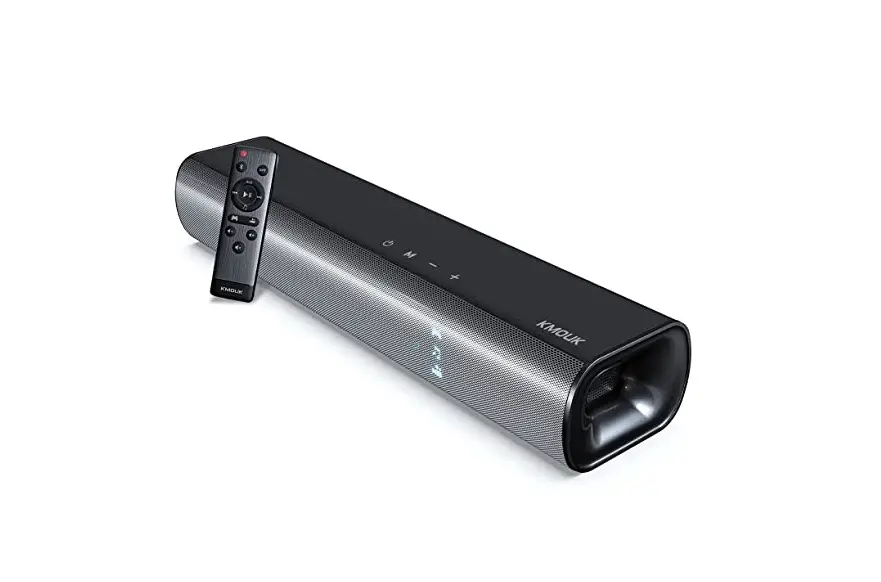
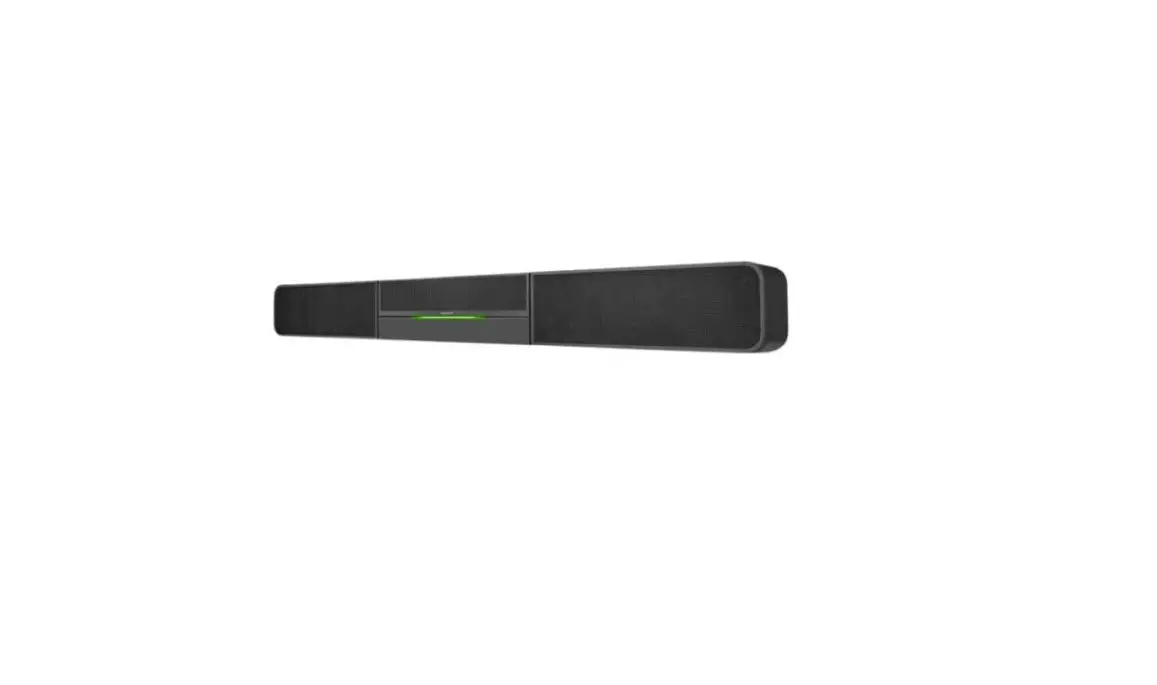
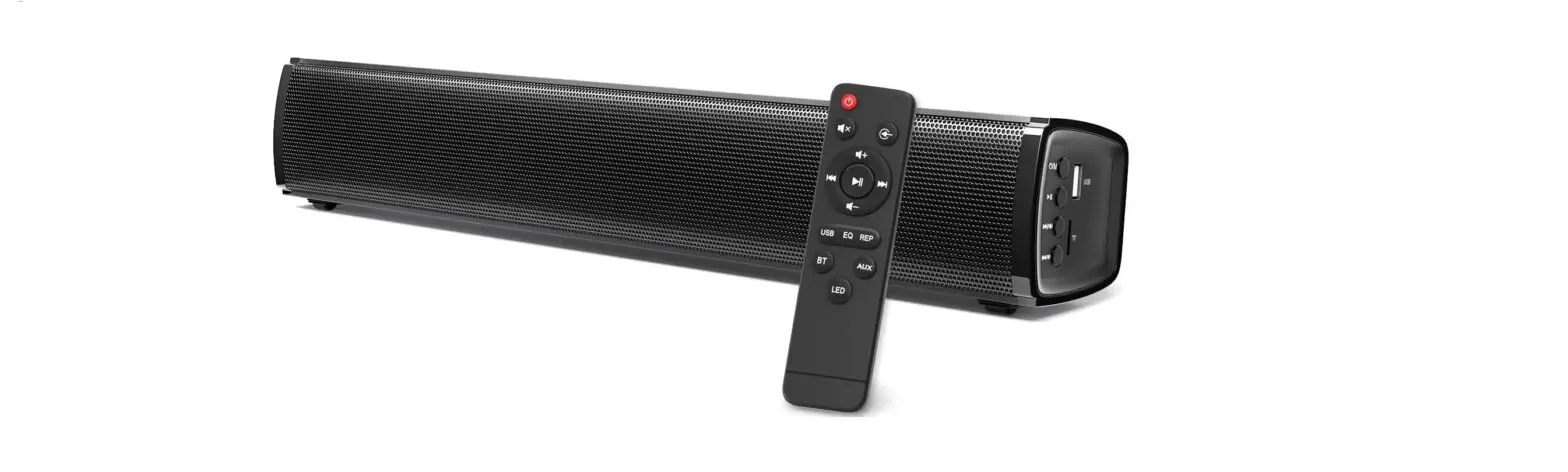
IKON 150 Video Soundbar
Product Information
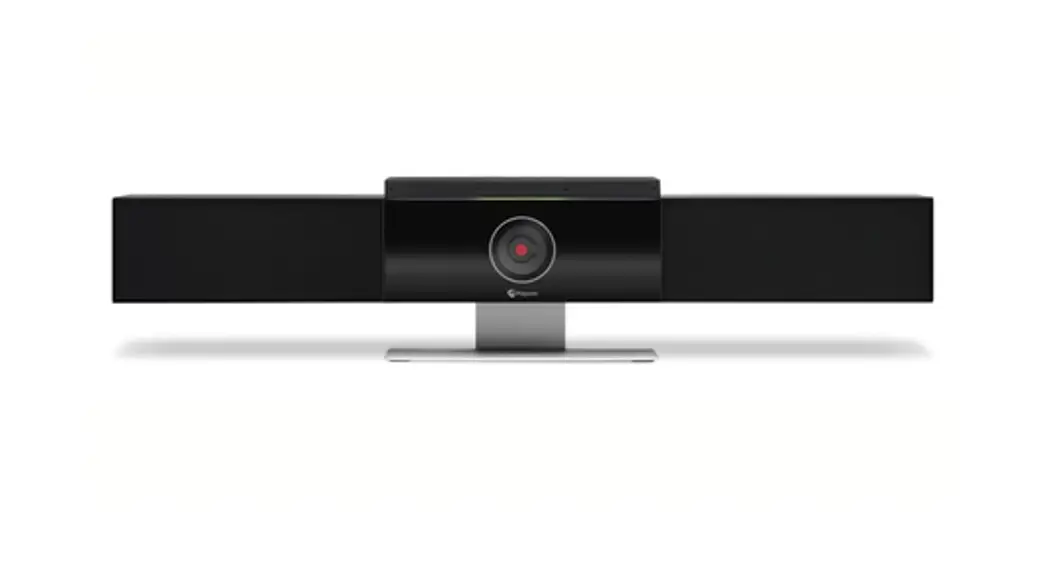
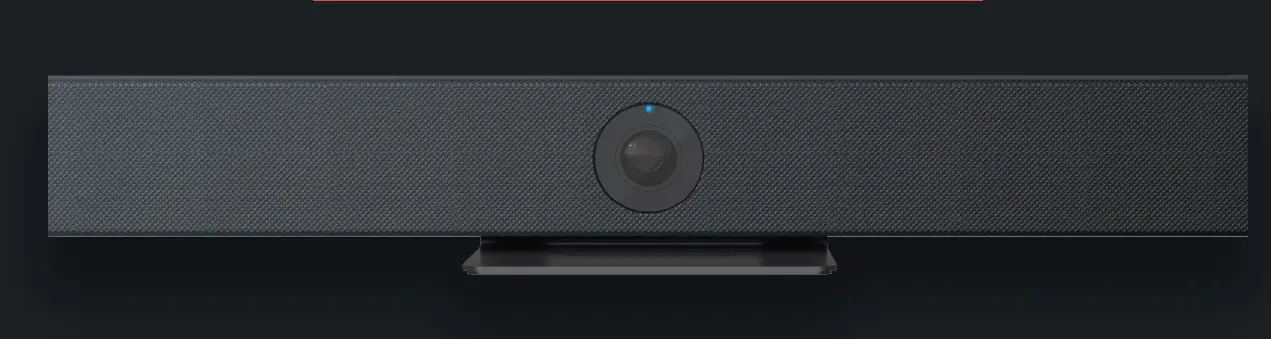
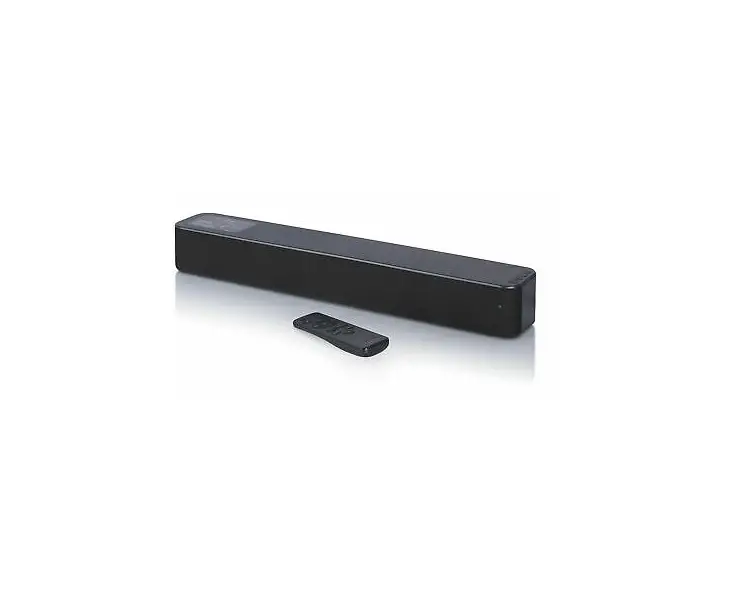
The IKON 150 Video Soundbar is a high-definition audio and video
conferencing solution designed for small conference rooms or
executive offices. It combines a full HD camera with powerful
speakers and microphones to provide a complete collaboration
system. The soundbar features auto framing technology, which allows
the camera to track attendees and focus on people in the room. With
a wide-angle view of 120 degrees and a field of view of 1200, it
ensures that all participants fit into the frame.
The IKON 150 is equipped with a 4-microphone array for clear
audio capture, and it also supports USB plug and play for easy
connectivity. The soundbar comes with built-in intelligence and
features like echo cancellation, dynamic noise reduction, auto gain
control, and full duplex HD call capabilities. It has a speaker
output of 5W and a frequency response range of 100Hz – 24000Hz.
The IKON 150 is designed and manufactured in India.
Product Usage Instructions
- Connect the IKON 150 Video Soundbar to your computer or video
conferencing system using the provided USB 3.0 Type-C or USB Type-A
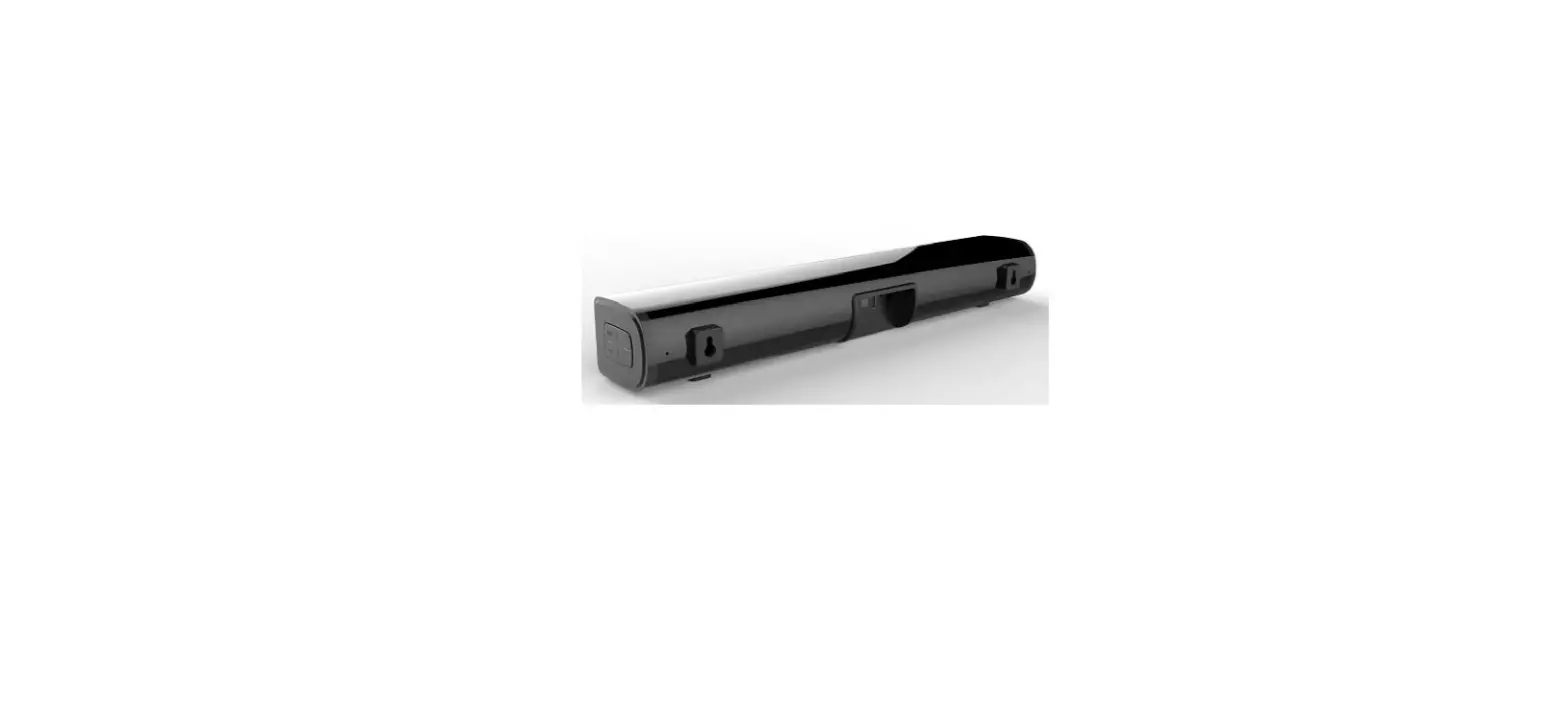
interface. - Ensure that the soundbar is securely mounted on either a
display mount or a table top support. - Connect the power supply to the soundbar using the DC power
supply cable. - Power on the soundbar using the DC12V power supply.
- Adjust the soundbar’s position to capture the entire room by
utilizing its wide-angle view of 120 degrees. - Start your video conferencing software or application on your
computer. - The soundbar’s auto framing function will automatically focus
on the people in the room and eliminate blank spaces. - During the conference, utilize the built-in high sensitivity 4
microphones array for clear audio pickup. - If needed, you can expand the microphone range by connecting an
optional expansion microphone. - After the conference, power off the soundbar and disconnect it
from the power supply.
https://www.atnetindia.net/
IKON 150
Video Soundbar With Auto Framing
4K ULTRA HD
FOV 120o
120o
4 Mic Array
AUTO FRAMING
USB PLUG & PLAY
Add Intelligence to Your Collaboration System
The IKON 200 combines a full HD camera with powerful speakers and microphones that makes it a complete solution for any small conference room or executive office Built-in intelligence Auto framing enables the camera to track the attendees anywhere in the room.
Huddle Room | Board Room | Conference Room
Simplify your video collaboration
Experience Clarity Like Never Before
Wide Angle View
1200 Field of view ensures all persons in the room fit into the frame so you don’t miss out on the group
Auto Framing
Auto framing function automatically focuses on he people in the room and eliminates blank spaces
MAKE IN INDIA
IKON 150
S P E C I F I C AT I O N
Video
Image Sensor IRIS Focal Length Digital Zoom FOV Video Output Format Min Focus Distance Min Illuminaon Exposure White Balance Digital Noise Reducon Image Flip Intelligent Funcon Integrated Audio
Speaker Microphone Expansion Mic Frequency Response Sensivity SNR Other Features
Interfaces
USB Power General
Mounng Opons Power Power Consumpon Relave Temperature Working Humidity Storage Temperature Dimensions Net Weight Color
SONY IMX 415-8MP F2.2 f=2.1mm 6X & ePTZ support 120° 4K@30/25, 1920×1080@30, 1280×720@30,640×360@30 50cm 50Lux Auto, Manual, Shuer Priority Auto, Manual, Trigger 2D, 3D Flip, Mirror Auto Framing
5W Speaker Output Built-in High Sensivity 4 Microphones Array Yes (Oponal) 100Hz – 24000Hz 96dB SPL@1 KHz 65dB Echo Cancellaon, Dynamic Noise Reducon, Auto gain control, Full Duplex HD call, 180 Degree Pick-up Range and Inbuilt DSP Audio Processing
USB 3.0 Type-C & USB Type-A DC Power Supply
Display Mount & Table Top support DC12V <8W 0°C + 40°C 10% 90% -20°C +60°C 500 mm × 81 mm × 55 mmL×W×H 1450g Black
*OPTIONAL ACCESSORIES – WALL MOUNT, CEILING MOUNT, CABLES
CONNECTING YOU ACROSS SPACE AND TIME