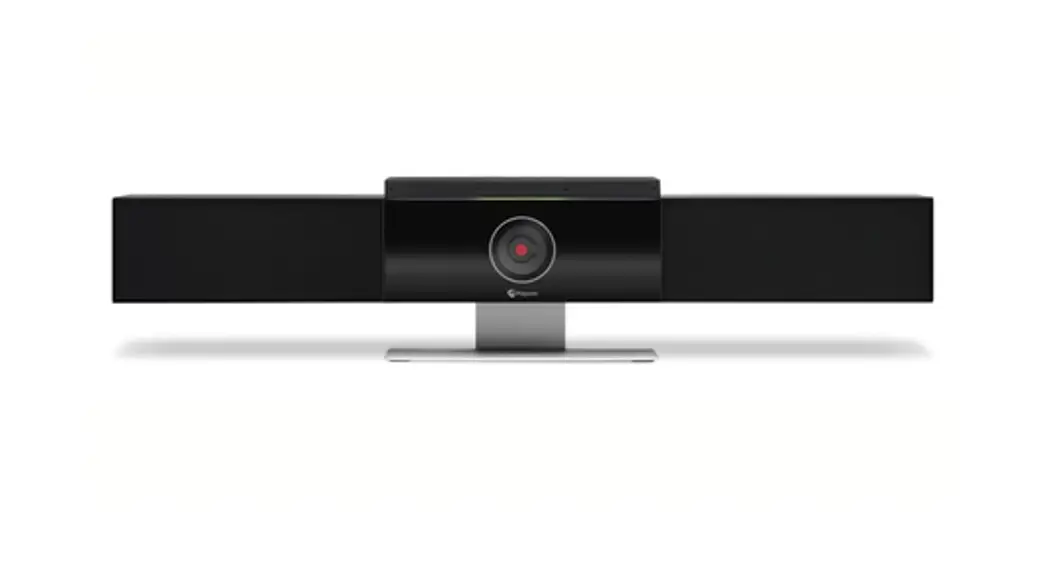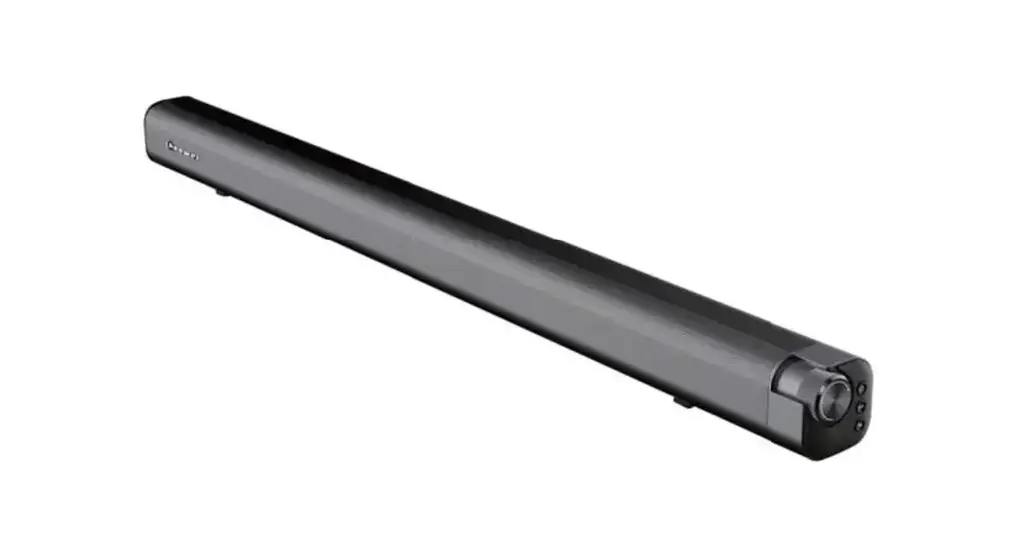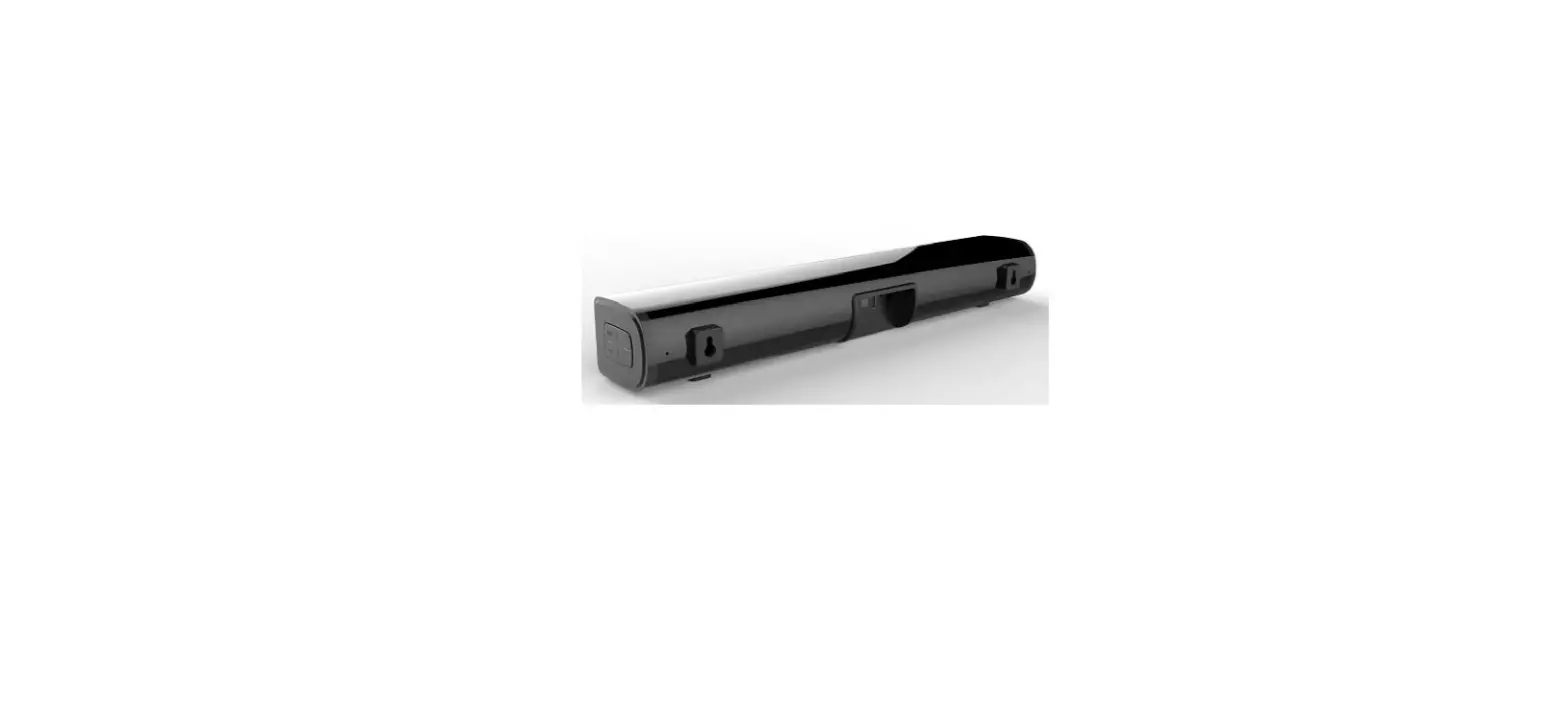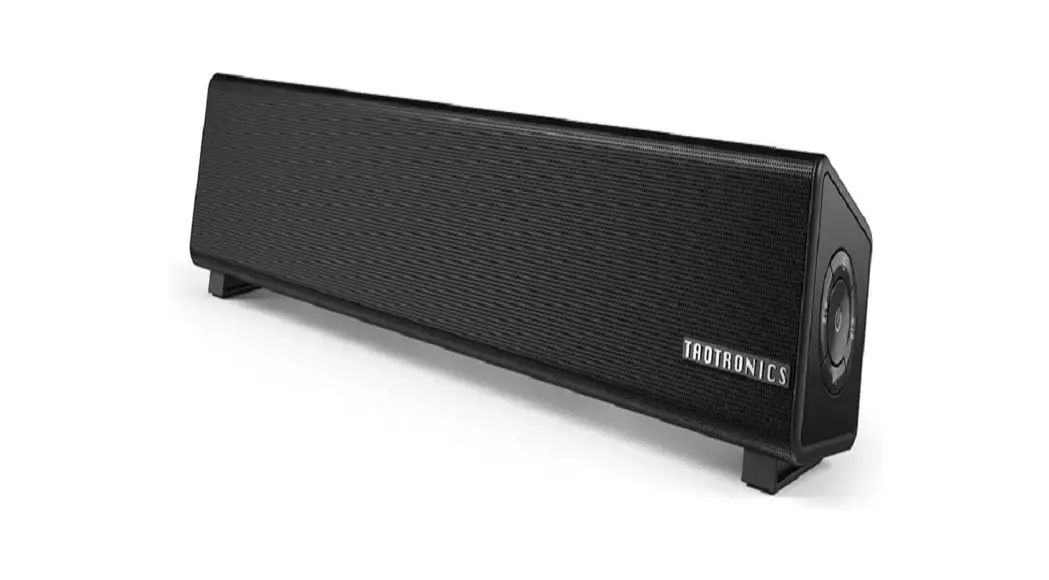

A T IKON 200 Video Soundbar with Speaker Tracking

Featured
Product Information
| Product Name | IKON 200 |
|---|---|
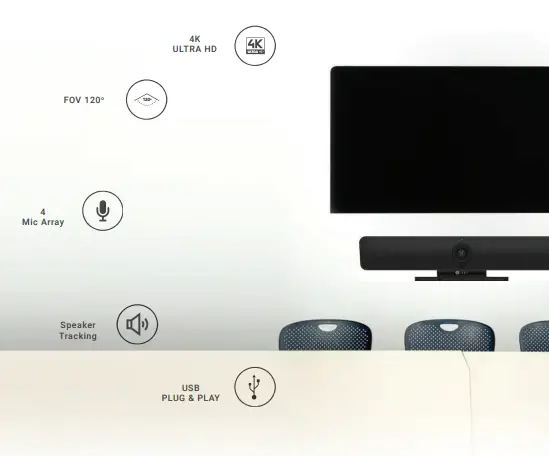
| Features | Video Soundbar with Speaker Tracking, 4K Ultra HD, FOV 120°, 4 Mic Array, USB Plug & Play |
| Intended Use | Small conference room, executive office, huddle room, board room, conference room |
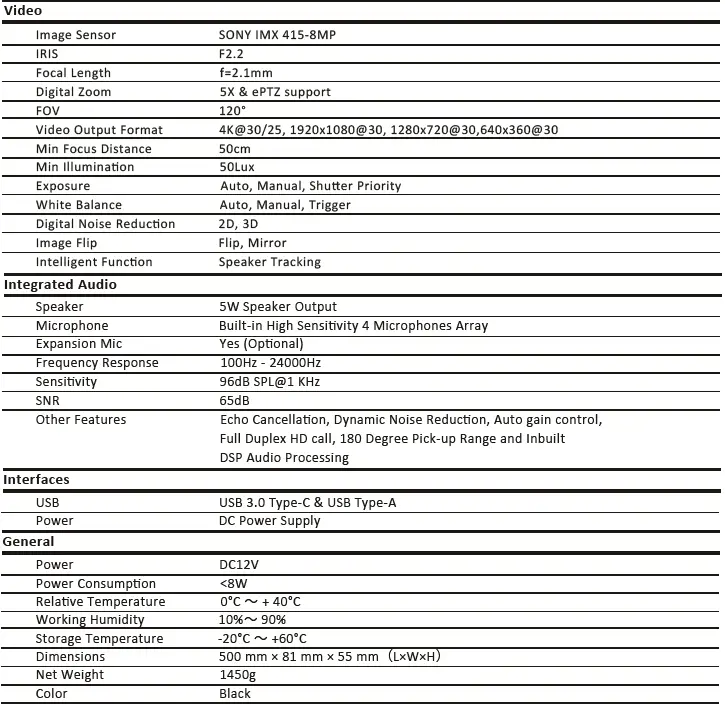
| Speaker Output | 5W |
| Microphone | Built-in High Sensitivity 4 Microphones Array |
| Expansion Mic | Optional |
| Frequency Response | 100Hz – 24000Hz |
| Sensitivity | 96dB SPL@1 KHz |
| SNR (Signal-to-Noise Ratio) | 65dB |
| Other Audio Features | Echo Cancellation, Dynamic Noise Reduction, Auto Gain Control, Full Duplex HD Call, 180 Degree Pick-up Range, Inbuilt DSP Audio Processing |
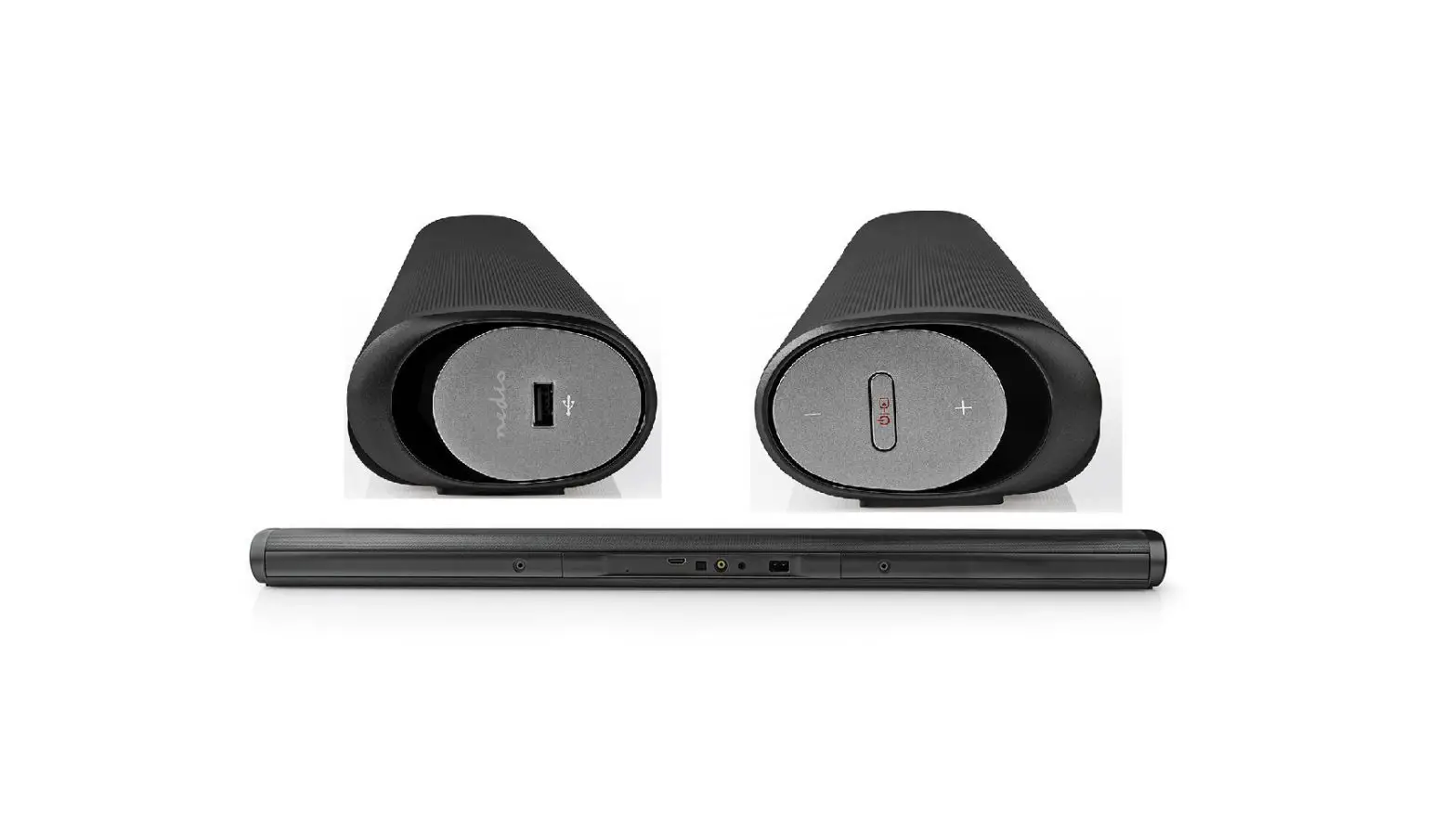
| Interfaces | USB 3.0 Type-C & USB Type-A |
| Power Supply | DC12V |
| Power Consumption | Not specified |
| Relative Temperature | Not specified |
| Working Humidity | Not specified |
| Storage Temperature | Not specified |
| Dimensions | Not specified |
| Net Weight | Not specified |
| Color | Not specified |
Product Usage Instructions
To use the IKON 200 Video Soundbar with Speaker Tracking, please follow these steps:
- Ensure that the IKON 200 is properly connected to your video collaboration system or device.
- Place the IKON 200 in the desired location, such as a small conference room or executive office.
- Power on the IKON 200 using the provided DC power supply (DC12V).
- If desired, connect the optional Expansion Mic to enhance microphone coverage.
- Configure your video collaboration software or application to recognize the IKON 200 as the audio and video input/output device.
- During a video conference or collaboration session, ensure that the IKON 200 is positioned to capture all persons in the room by utilizing its wide-angle view (120° field of view).
- The Speaker Tracking feature will automatically focus on the speaker whenever they speak, ensuring clear audio and video communication.
- Experience enhanced audio clarity with the built-in high sensitivity 4 microphones array and additional audio features such as echo cancellation, dynamic noise reduction, auto gain control, full duplex HD call, 180-degree pick-up range, and inbuilt DSP audio processing.
- Disconnect the IKON 200 and power off when not in use.
Add Intelligence to Your Collaboration System
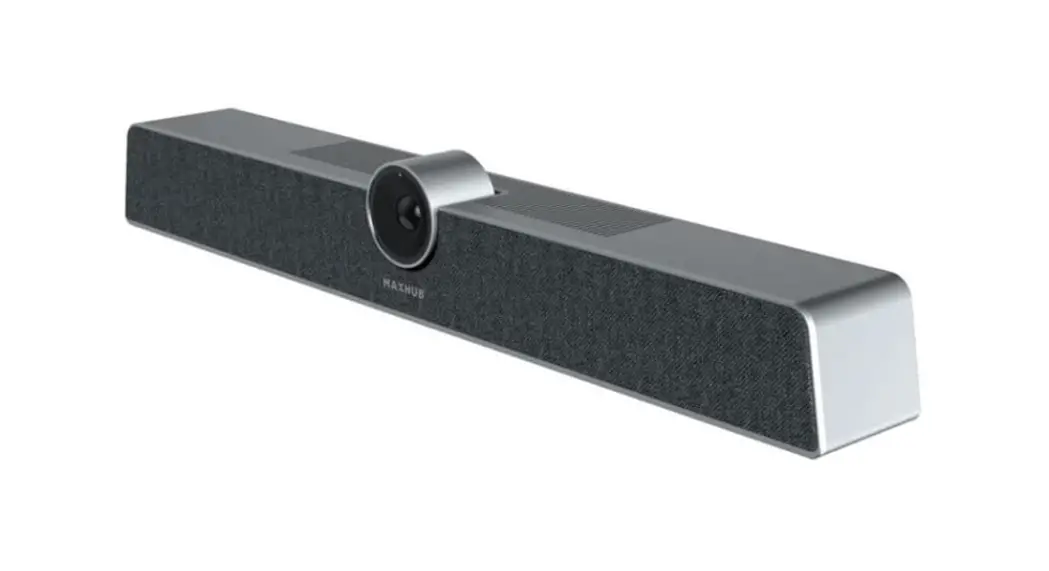
The IKON 200 combines a full HD camera with powerful speakers and microphones that makes it a complete solution for any small conference room or executive office Built-in intelligence Speaker Tracking enables the camera to track the Speaker in the room.
Simplify your video collaboration
Experience Clarity Like Never Before
Wide Angle View: 1200 Field of view ensures all persons in the room fit into the frame so you don’t miss out on the group

Speaker Tracking: Speaker Tracking function automatically focus on the speaker whenever they speaker
OPTIONAL ACCESSORIES – WALL MOUNT, CEILING MOUNT, CABLES
Contact
- +91 452 4392222
- [email protected]
- www.atnetindia.net
CONNECTING YOU ACROSS SPACE AND TIME