
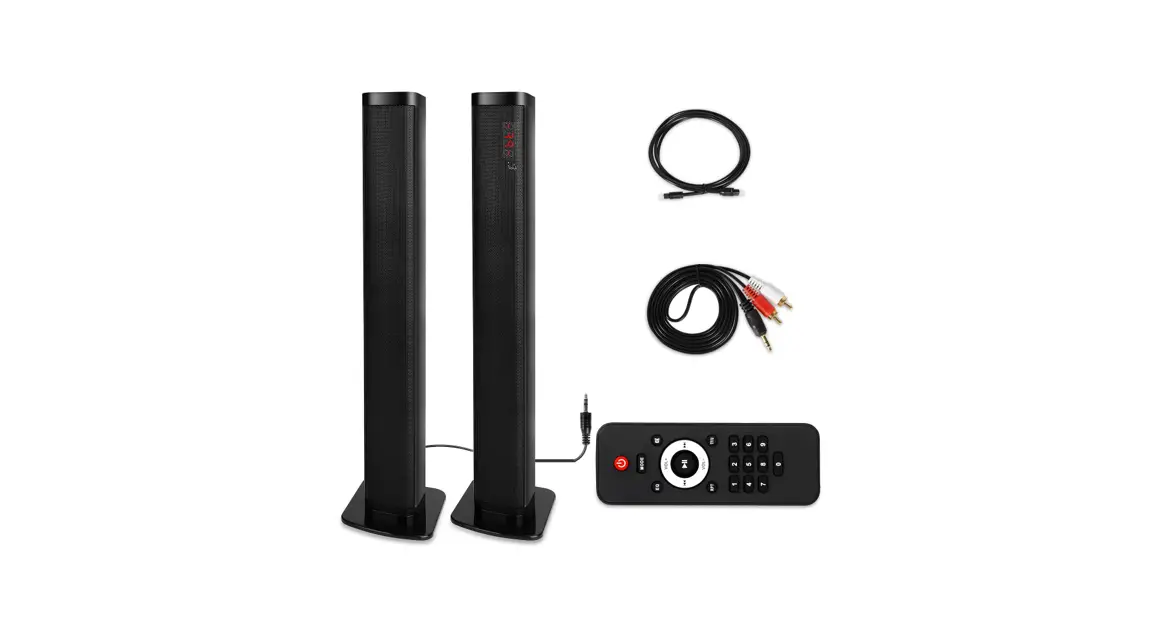
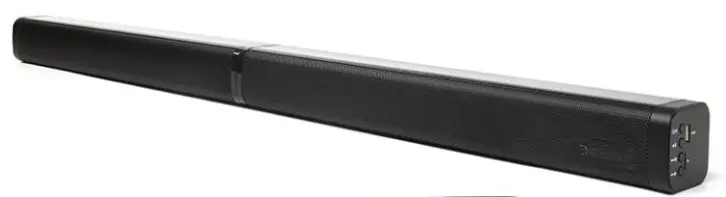
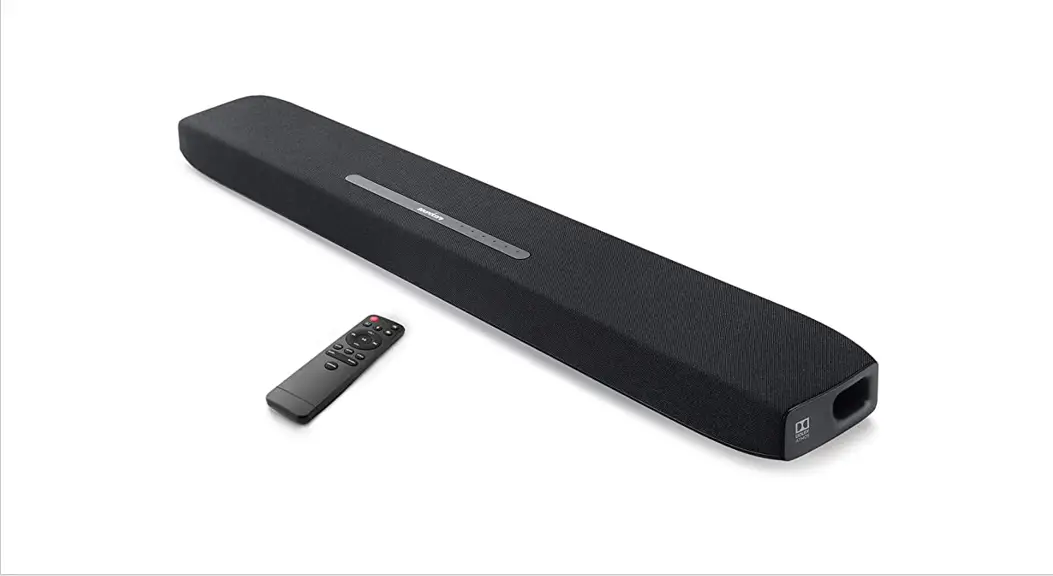
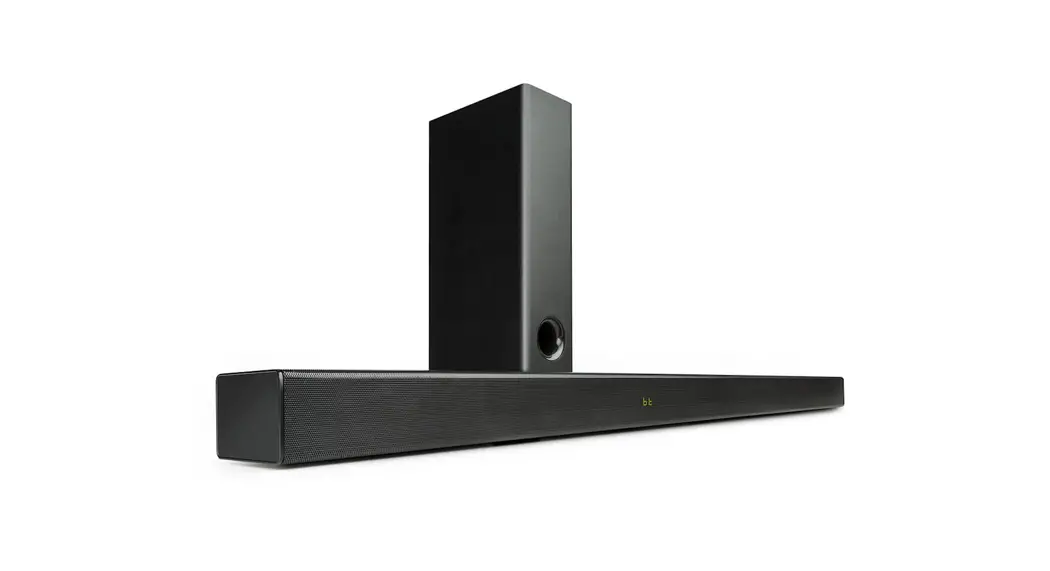
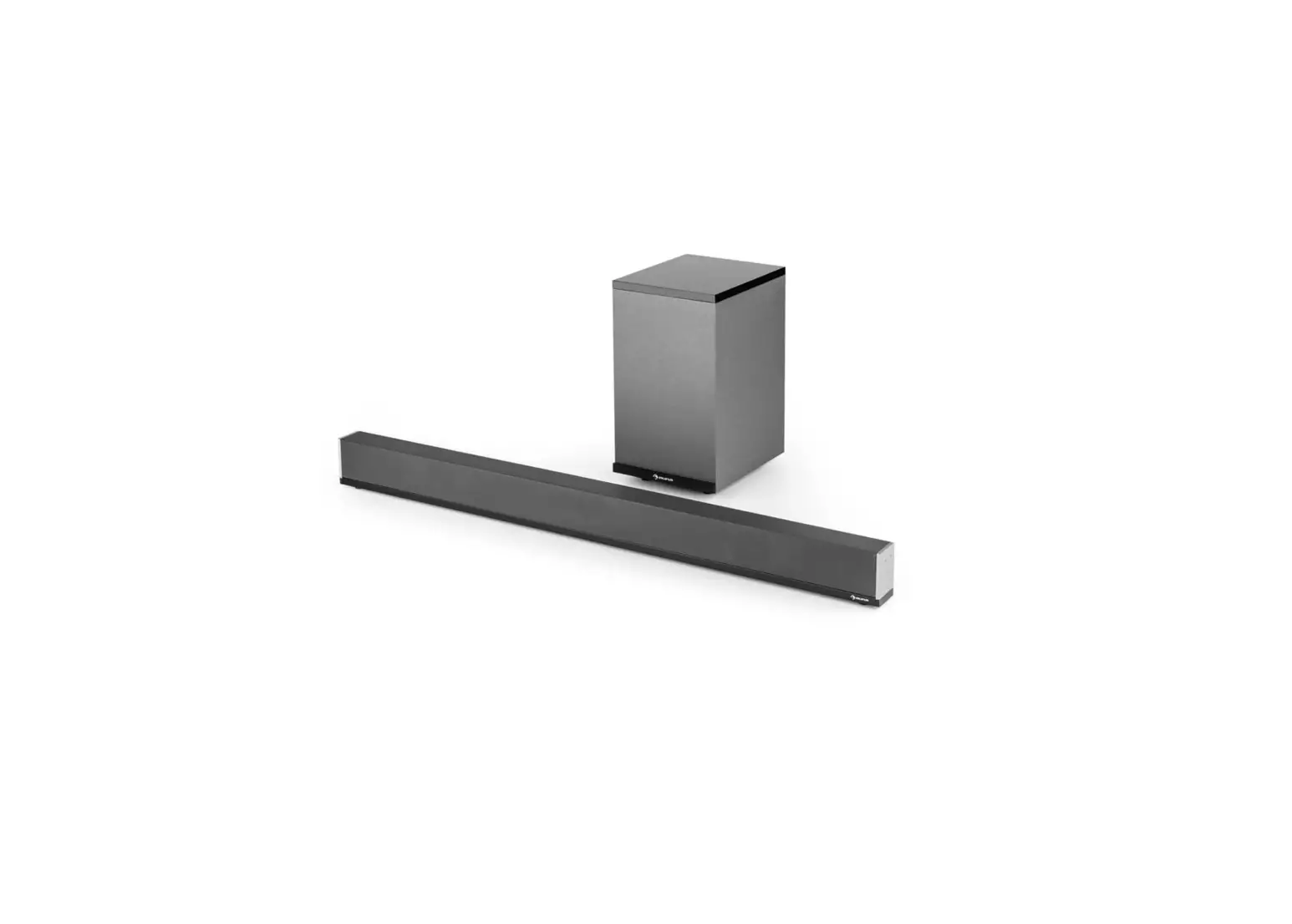
BKS-60 TV Soundbar User Manual
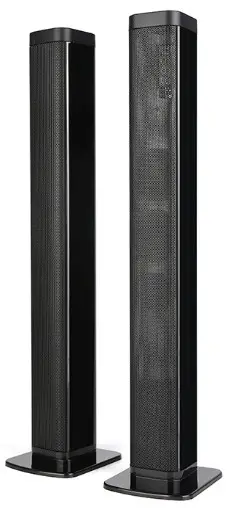
- Thank you very much for purchasing our company’s products this time.
- Be sure to read the instruction manual and use it correctly before using it.
- After reading, be sure to keep it where the user can see it everywhere.
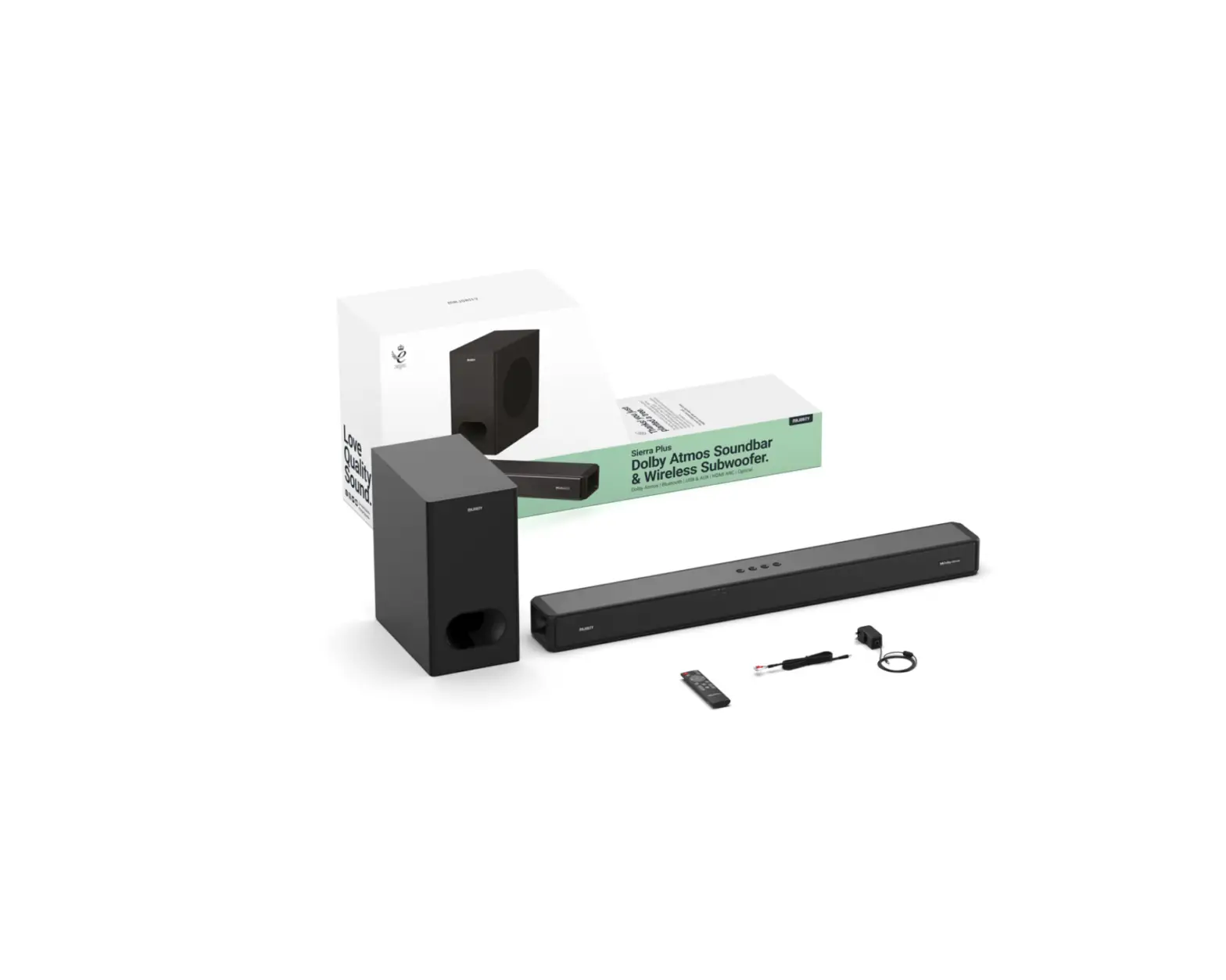
Product List
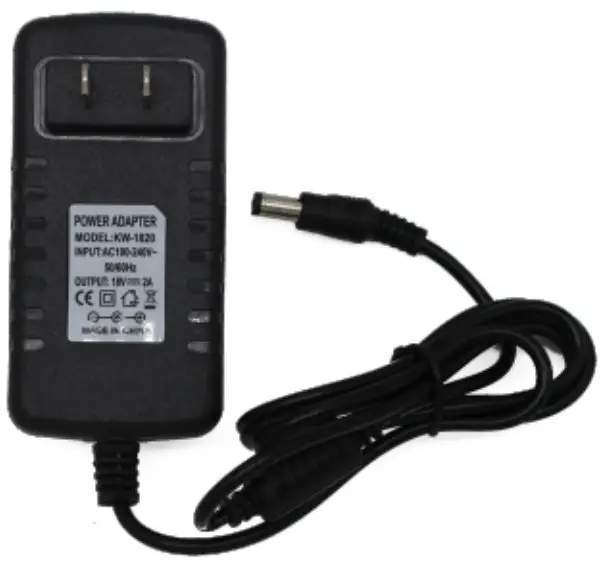
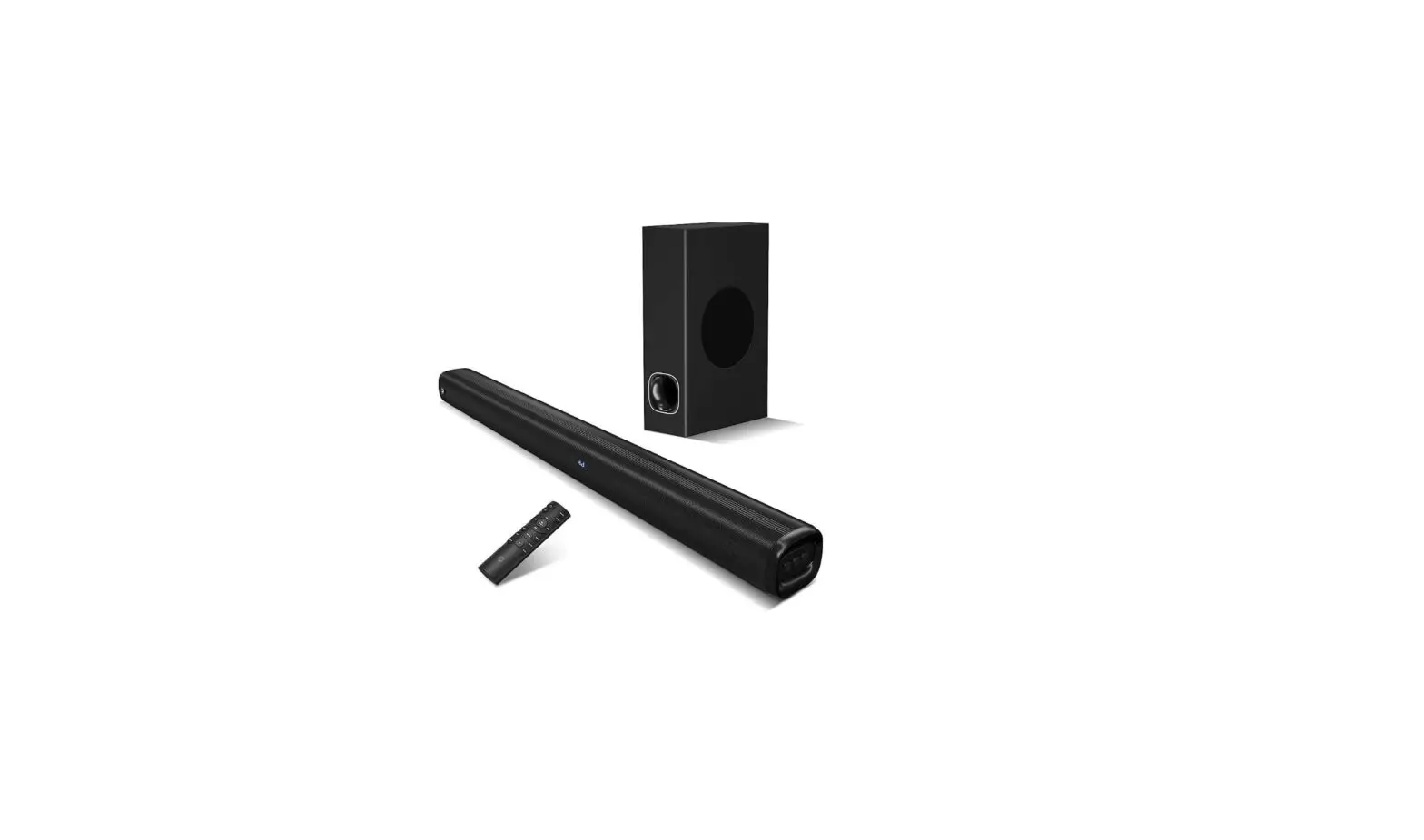
Charging adapter
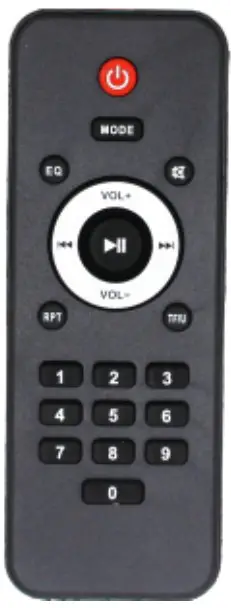
Remote control
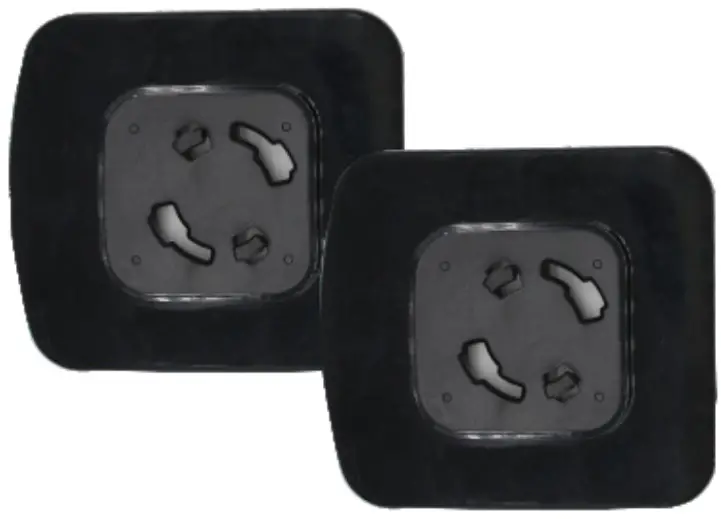
Base plates
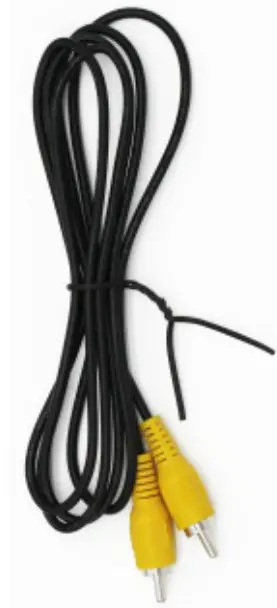
RCA
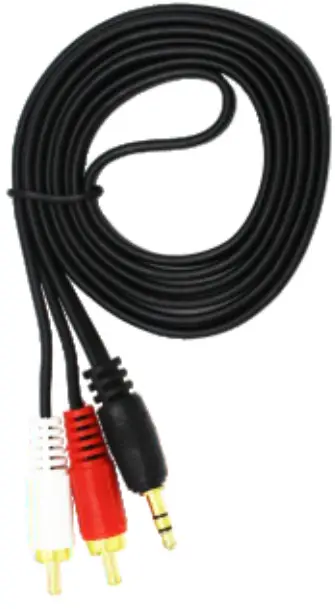
RCA to AUX cable
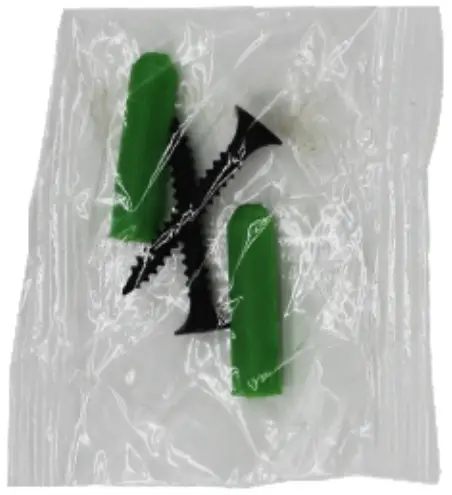
screws
AUX cable
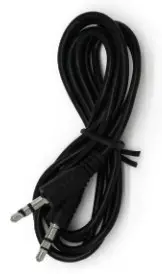
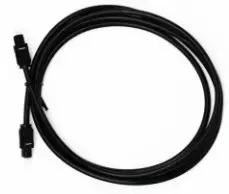
optical cable
Function Description
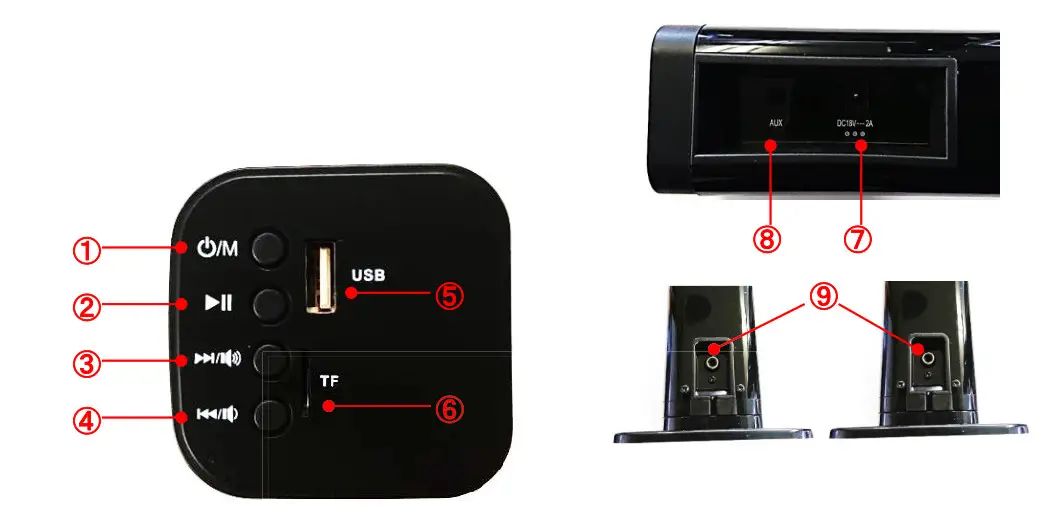
| No. | Name | Show | Function |
| 1 | Switch/Mode |  | when insert in adapter, long press to turn on or turn the offshore press to change BT, TF, USB, Optical mode (attention: with inserting into card or USB) |
| 2 | Play/Pause |  | short press to play/pause songs |
| 3 | Next/Vol+ |  |  short press to the next song short press to the next songlong press to increase the volume |
| 4 | Previous/Vol- |  |  short press to the previous song short press to the previous songlong press to decrease volume |
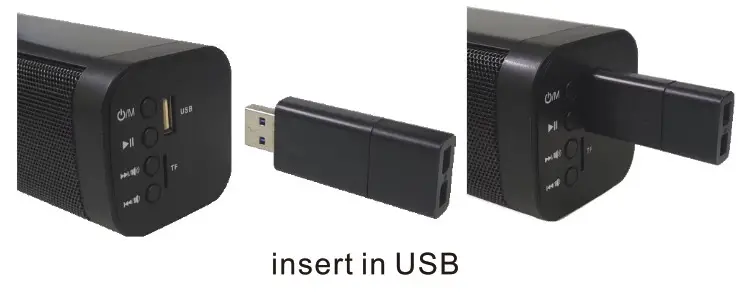
| 5 | USB Port | USB | insert in USB to play mp3 music |
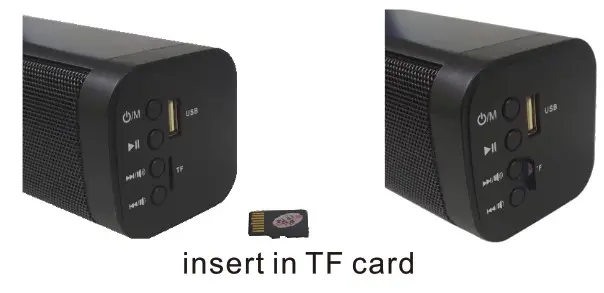
| 6 | MicroSD Port | TF | insert in TF card to play mp3 music |
| 7 | Adapter Port | DC1 8V 2A | insert in DC 18V2A adapter to connect the machine |
| 8 | Aux Port | AUX | insert in Aux-in the cable to connect between machinery |
| 9 | Port RCA Po | RCA | use a connector cable to connect two machines to play music together |
Remote Control Function
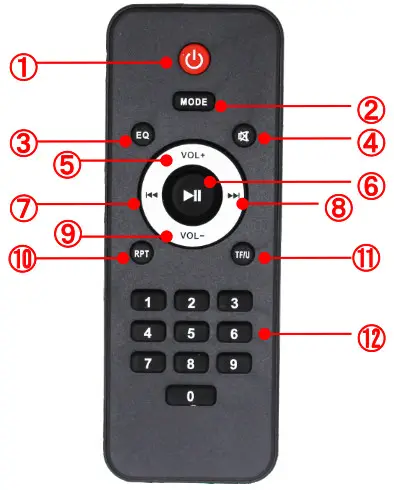
No. | Name | Show | Function |
| 1 | power supply |  | short press to turn on or turn of |
| 2 | mode | MODE | short press change BT,TF,USB ,Optical mode ( attention:with inserting inTF card or USB) |
| 3 | EQ | EQ | select the set of frequency characteristics ROCK • POPS • CLASSIC • JAZZ • LIVE • FLAT |
| 4 | silence |  | short press to keep silence |
| 5 | volume+ | VOL + | increase volume |
| 6 | play/pause | | short press to play/pause songs |
| 7 | previous song | | short press to the previous song |
| 8 | next song | | short press to the next song |
| 9 | volume — | VOL – | short press to decrease volume |
| 1 0 | repeat | RIP | repeat songs |
| 1 1 | switch | TF/U | switch to microSD/USB |
| 12 | selection | 1∼0 | select the recording order by number |
Function Show
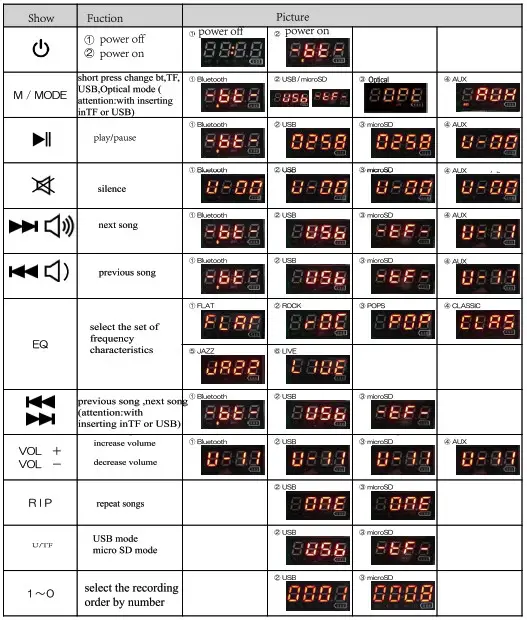
- The digital display screen may exist in the net cover, so it may be different from the actual one.
Connecting TV Operational Guidance:4 Steps
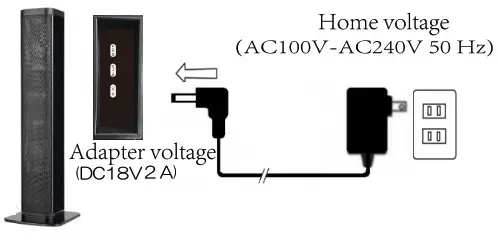
STEP ONE: When turning on TV Soundbar, the America adapter on one side need to be inserted in home input voltage ACIO0V-AC240V 50Hz, other side be inserted in DC 18V 2A machine hole.
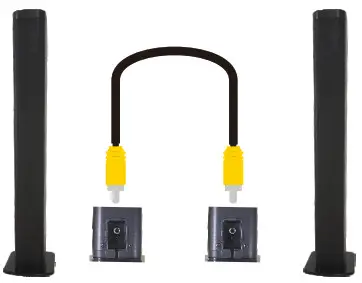
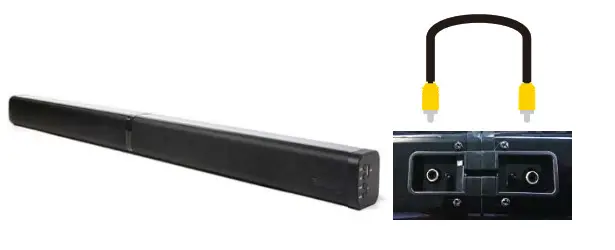
STEP TWO: use connector cable to connect two single machines like the right picture
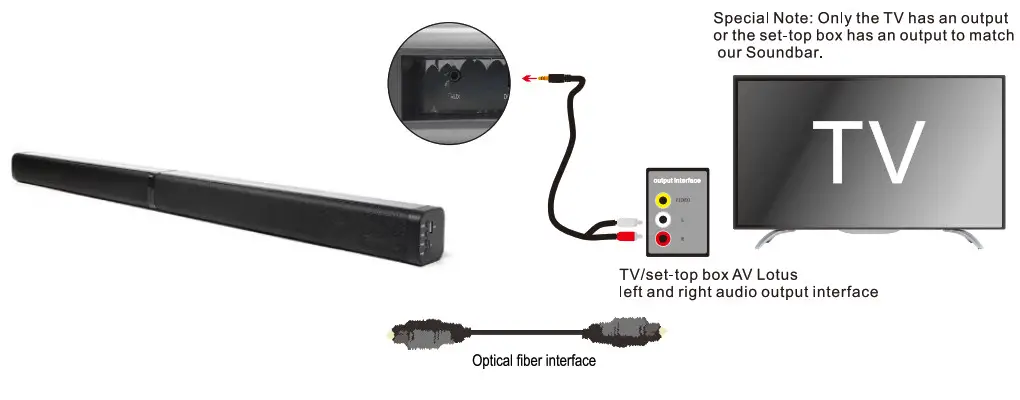
STEP THREE:3.5 audio input into the soundbar 3.5 audio input interface, AV lotus terminal is inserted into the TV / set-top box AV Lotus left and right audio output interface au
STEP FOUR: Soundbar switching mode to AUX mode, TV/set-top box should be set to connect external audio equipment
 Bluetooth Connection
 Bluetooth Connection
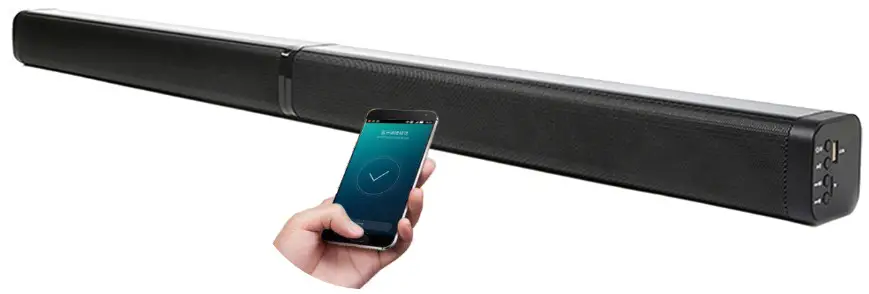
Turn on the Soundbar when the power is plugged in and enter Bluetooth mode by default. Turn on Bluetooth on the phone, just search”BKS-60″ connection. When we connect successfully, we can play music.
TF card Mode
When insert in TF card and soundbar changed as TF mode, we can play music.
USB Mode
When insert in USB and soundbar changed as USB mode, we can play music.

Standing assembly
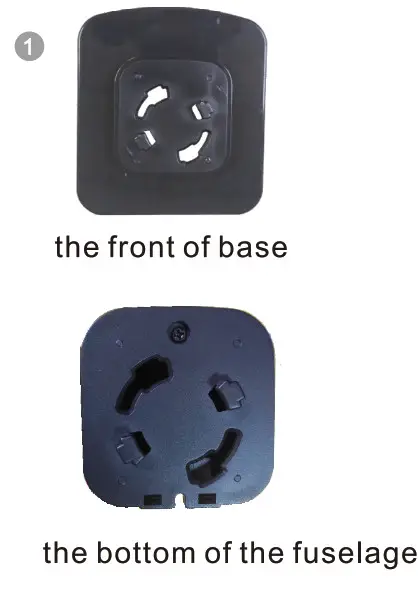
- Combine the base and the bottom of the fuselage
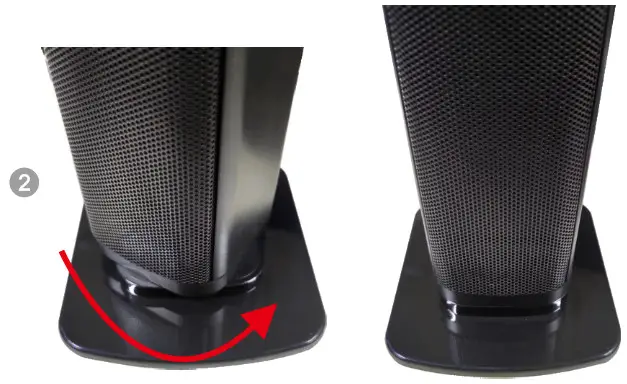
- Squeeze the base and rotate the body counterclaim wise
- Confirm whether it is fixed
- Combination of main and auxiliary machine
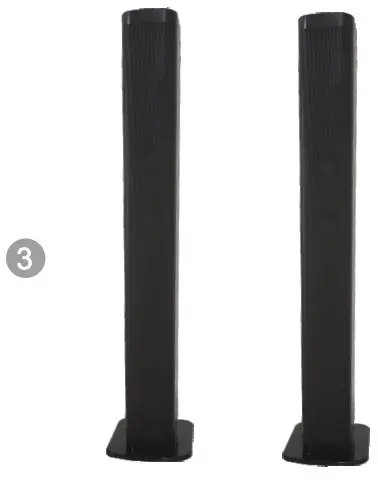
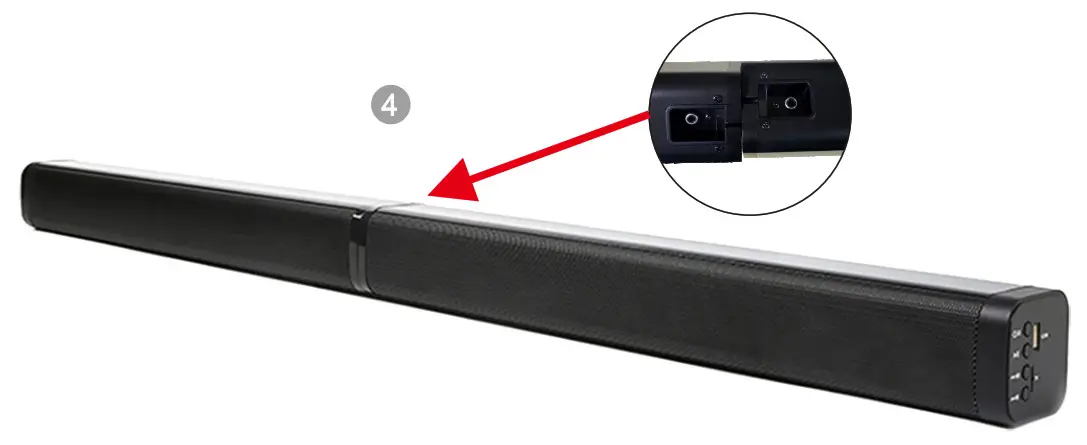
Combination of main and auxiliary engines
Steps to install Soundbar on the wall
First measure the distance fixed by the Soundbar screw Then fix the screws on the wall (make sure it is secure) Finally, you can hang up the machine.
Mounting screw/hook on the back of the fuselage

Specification

| Feature: Dual Stereo, Bluetooth, U disk(MP3, WMA), TF card Channel 2.0, Aux line-in, 4 driver speakers, TV Optical Output: 40W Speaker: Full frequency speaker:2″10W*4, BASS membrane*2 SNR>80dB Voltage: 18V.2A Bluetooth:5.0+EDR Bluetooth distance:10m Shell Material: PVC+metal grill Color:Polished balck |
Attention
- BKS-60 is divided into the main speaker and sub-speaker. They can be combined by rotating the middle port.
- Use the power cord to provide working power, plug, and play.
- Regardless of merging or splitting to use bar speakers, please use a yellow RCA cable to connect the two RCA interfaces on the back of the speakers so that they can emit sound at the same time, otherwise, only one speaker will work.
- Before connecting the TV, please make sure that your TV has 3.5mm RCA, AUX, Optical connection jacks and is connected correctly.
- The remote control does not contain batteries, you need to purchase two 7th batteries.
- Bluetooth, Aux, TF, USB mode conversion, each time you need to press the M key.
- According to the data, 20% of the buyers will not be able to use the audio normally due to incorrect connection, resulting in audio noise and no sound. Please follow the instructions again.
If you have any questions, please contact our after-sales team email: [email protected]. We will be the fastest, the best service for you to solve.


![Yamaha Sound Bar [sr-c20a] User Manual](https://static-data1.manualsee.com/1/img/163/57372/2021/02/Yamaha-Sound-Bar-SR-C20A-Featured.jpg "Yamaha Sound Bar [sr-c20a] User Manual")