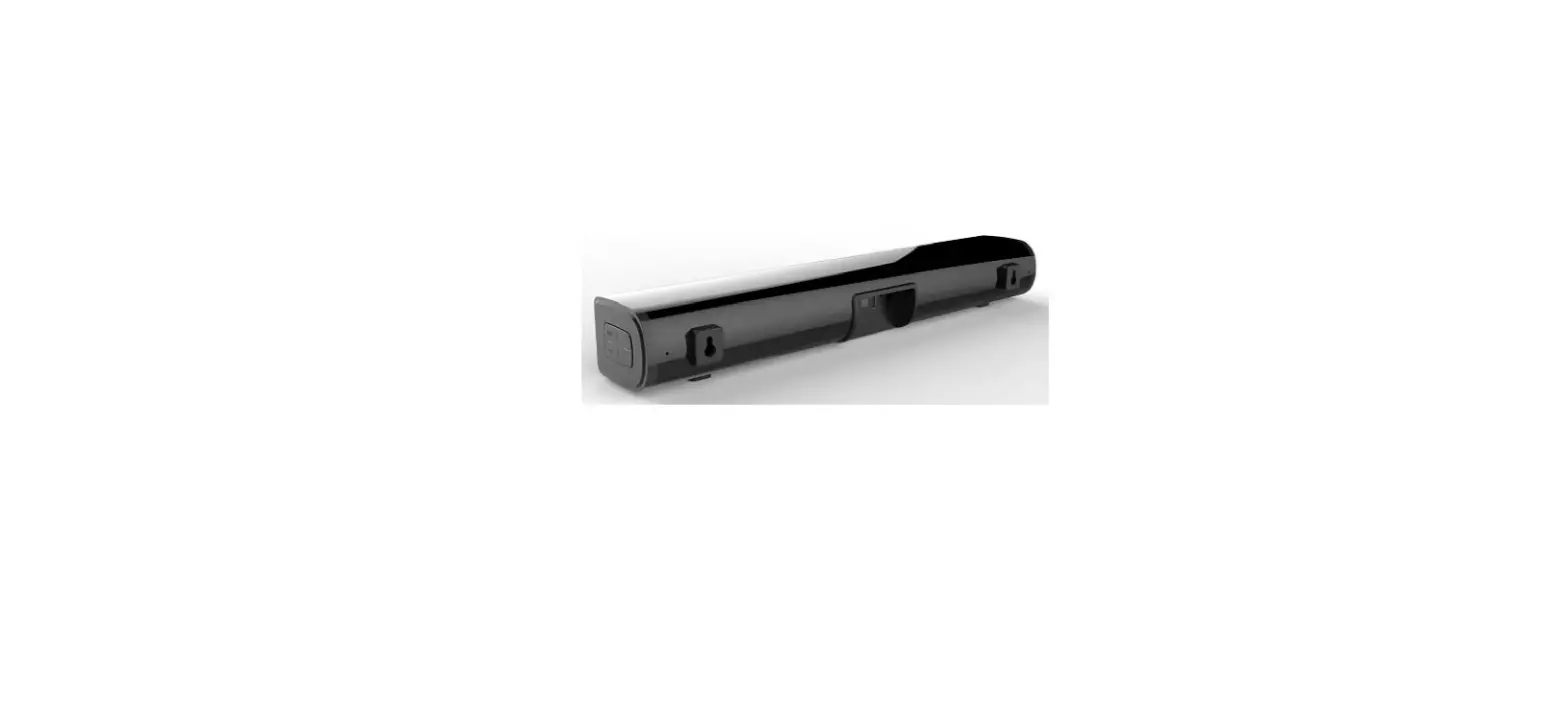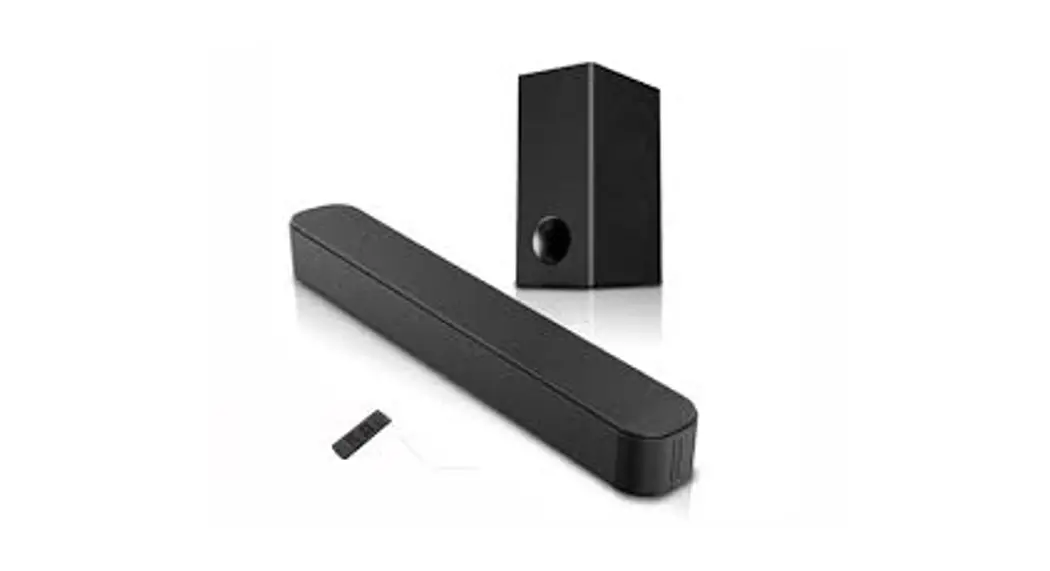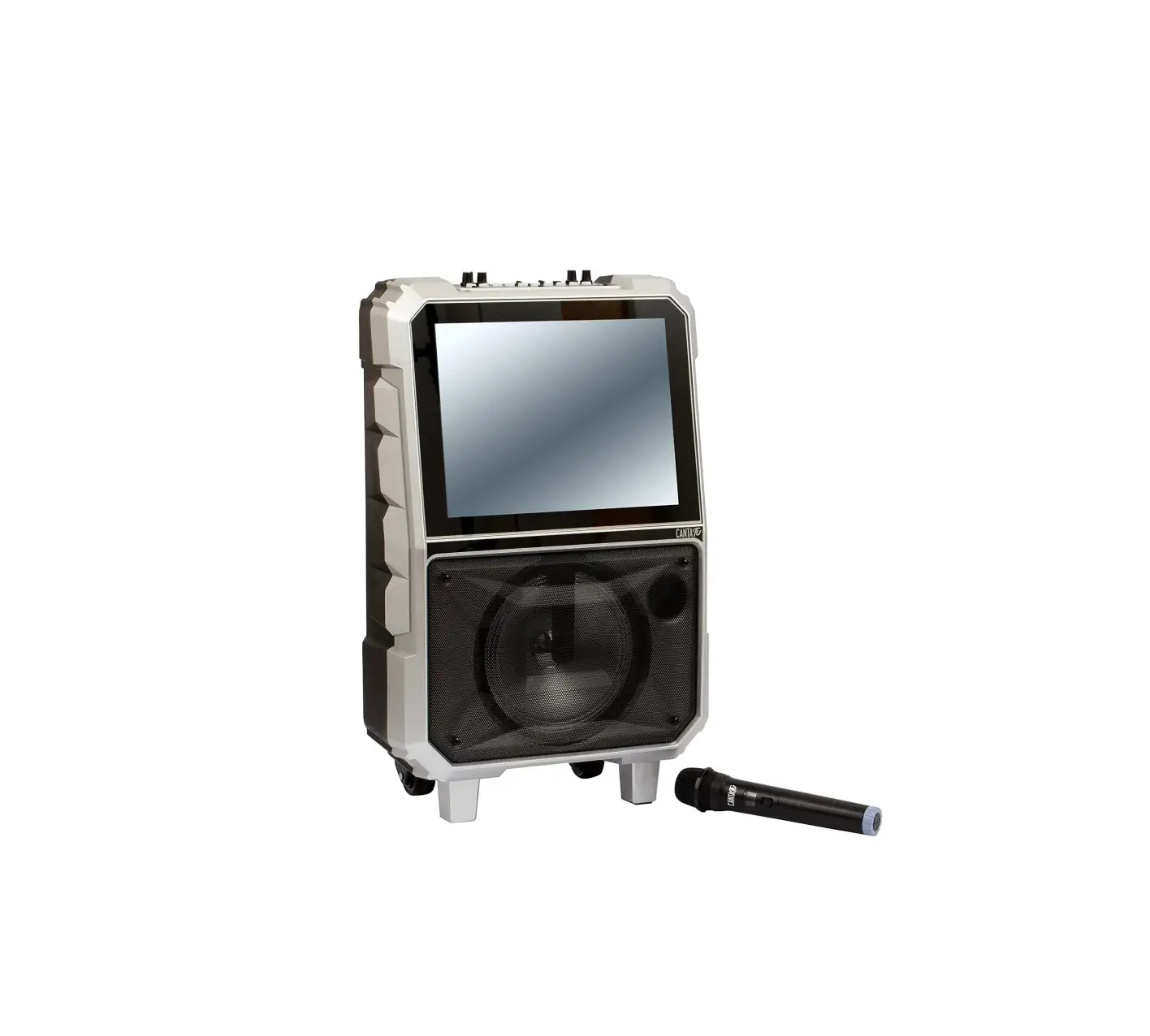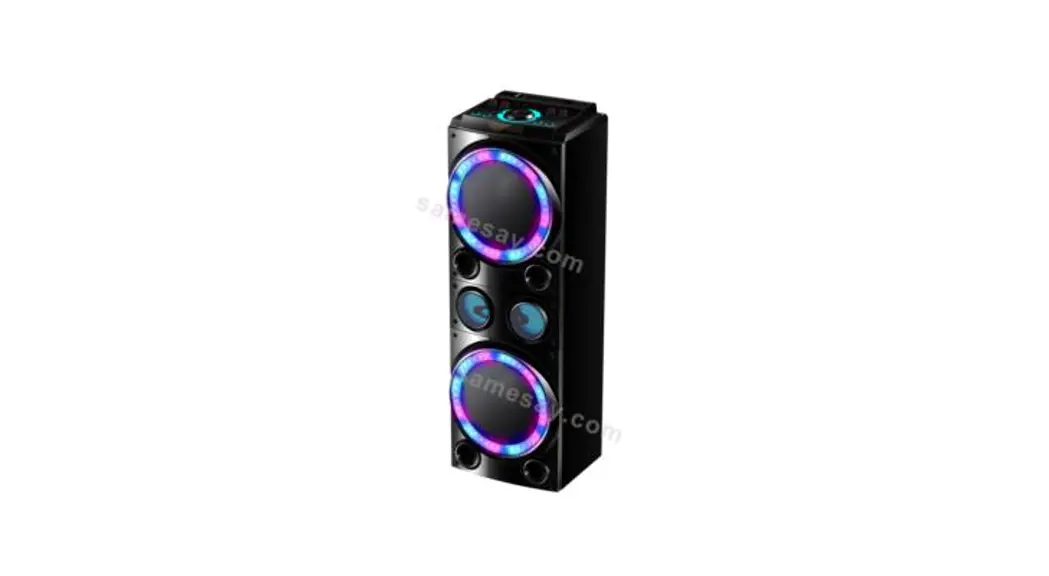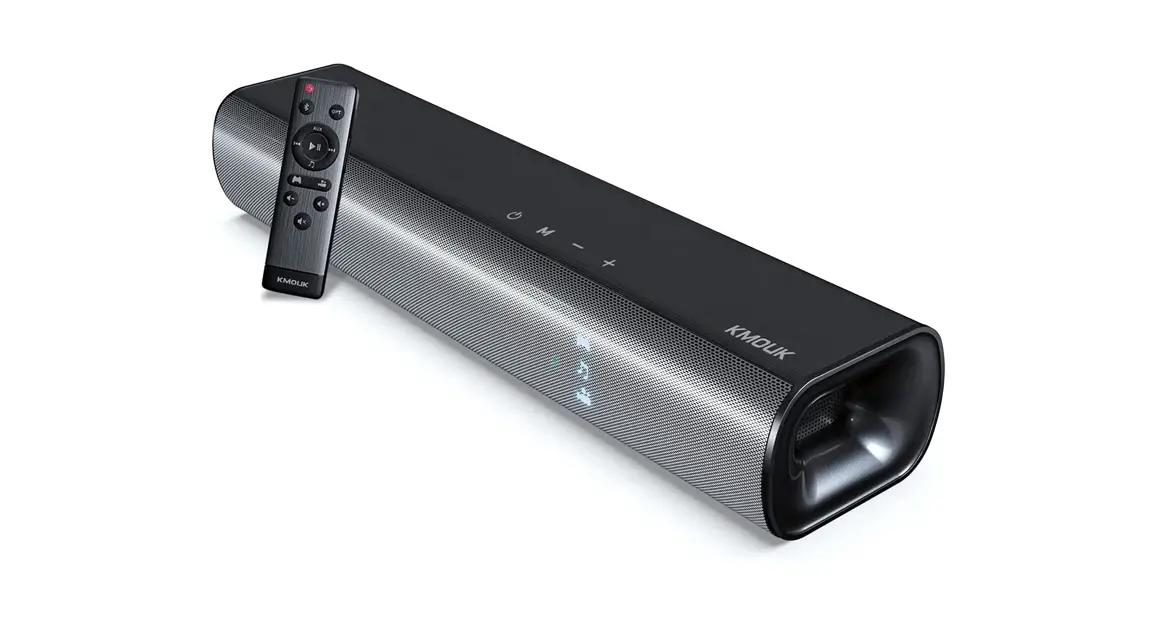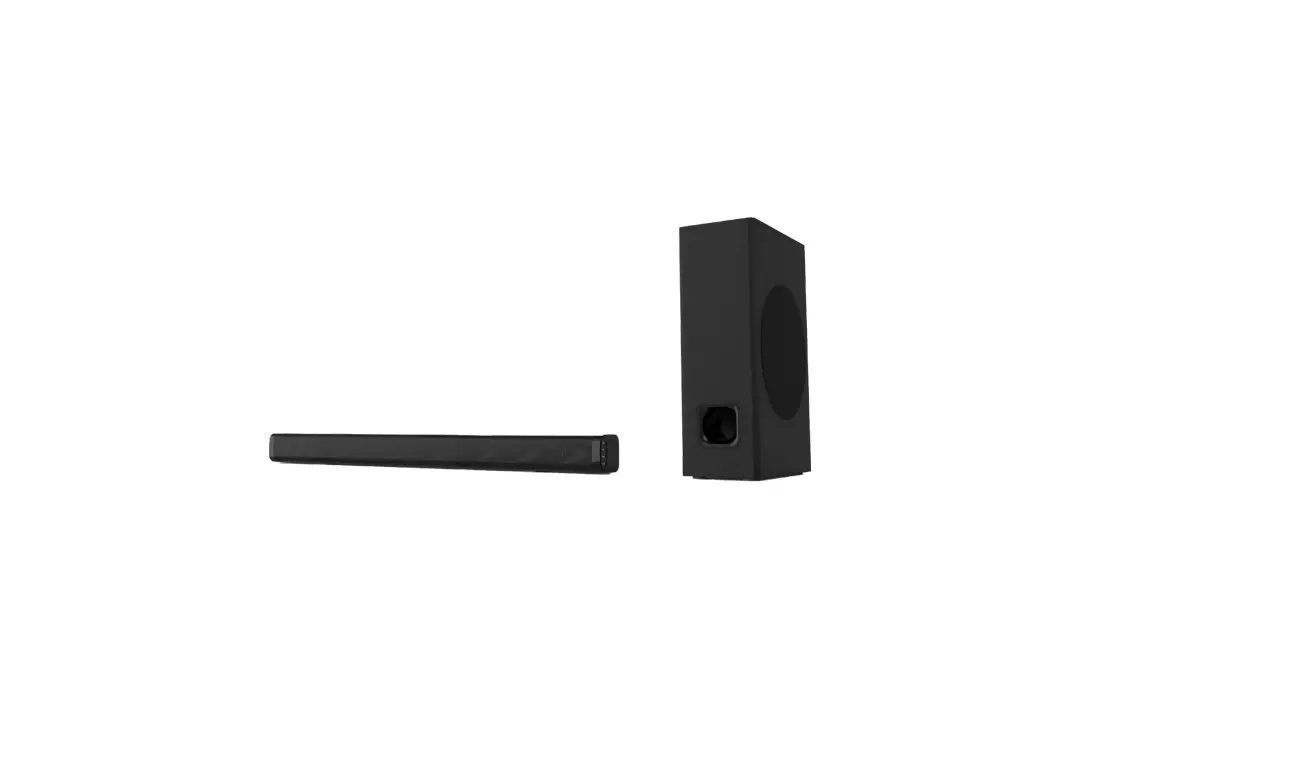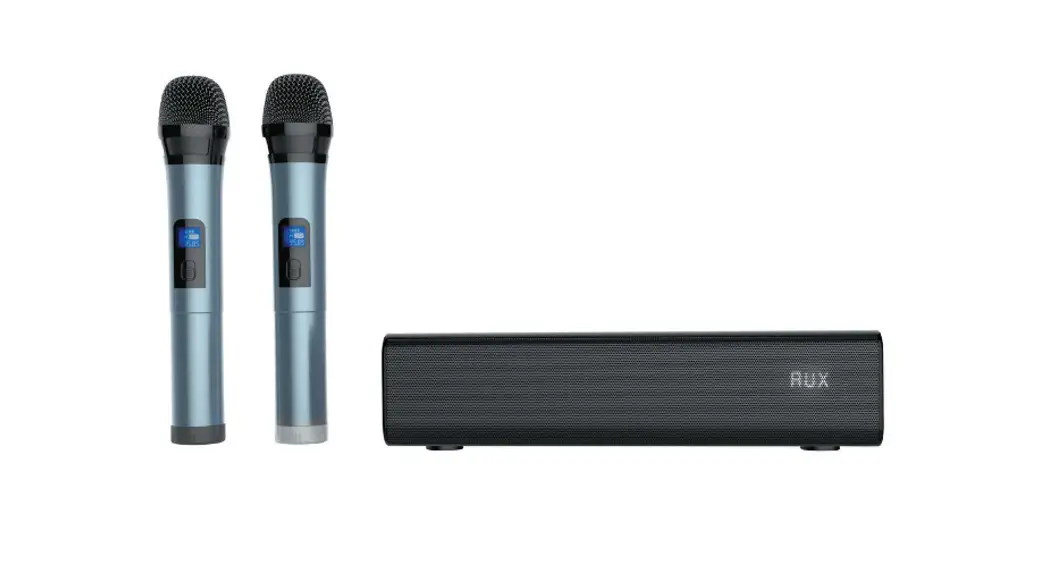
 Portable Karaoke Soundbar
Sing-Bar
Instruction Manual
DESCRIPTION
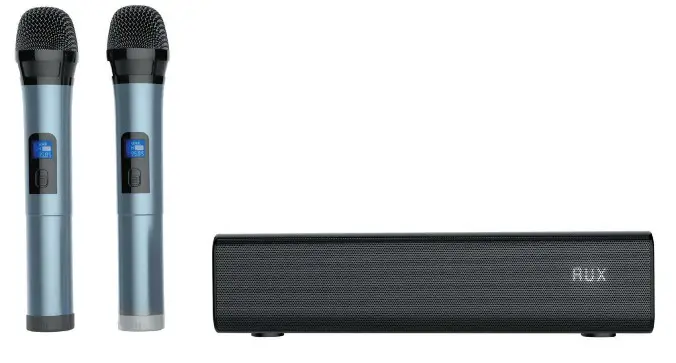
– Great power and sound quality In a compact size.
– Elegant design, can blend Into any space.
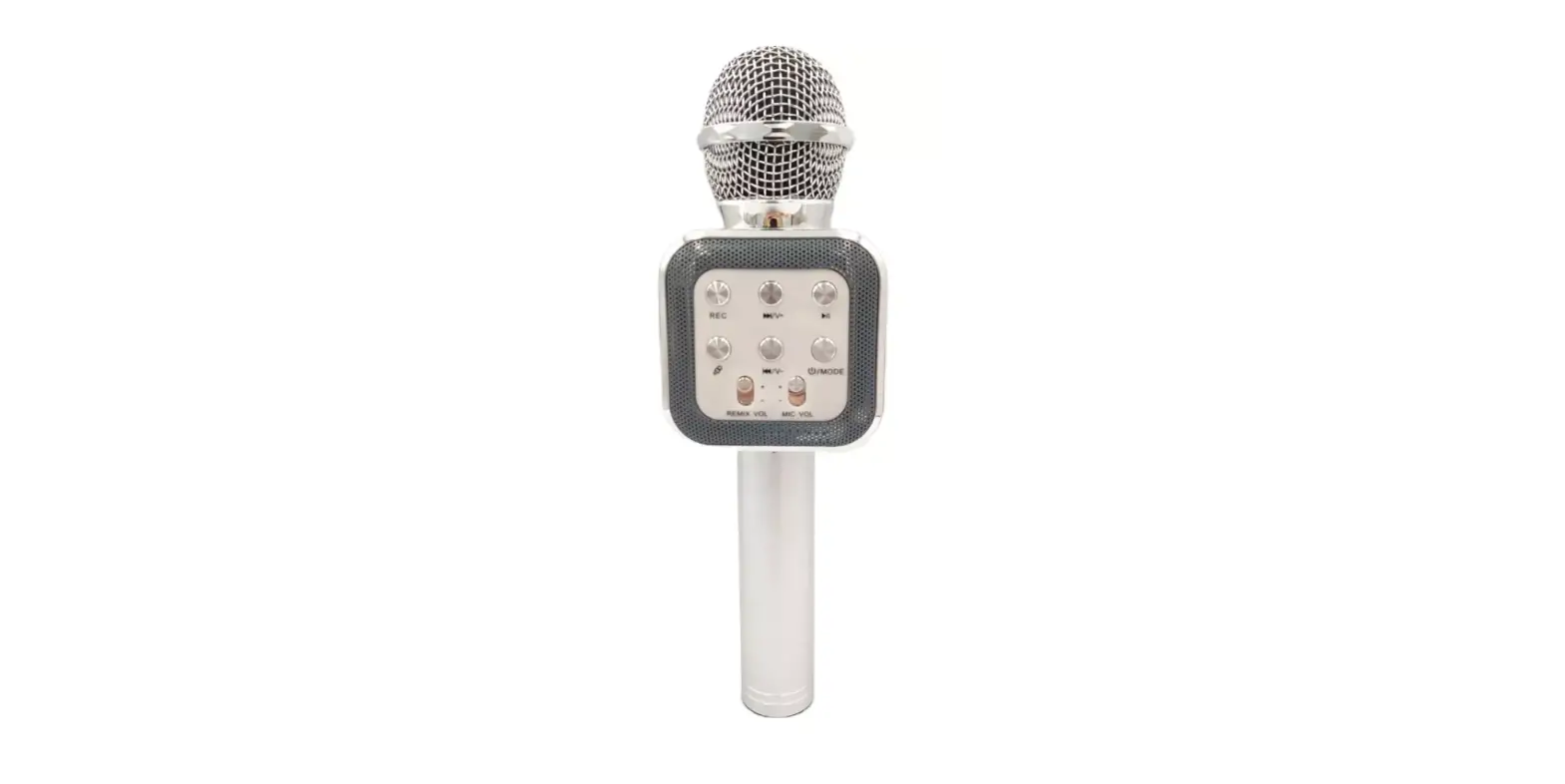
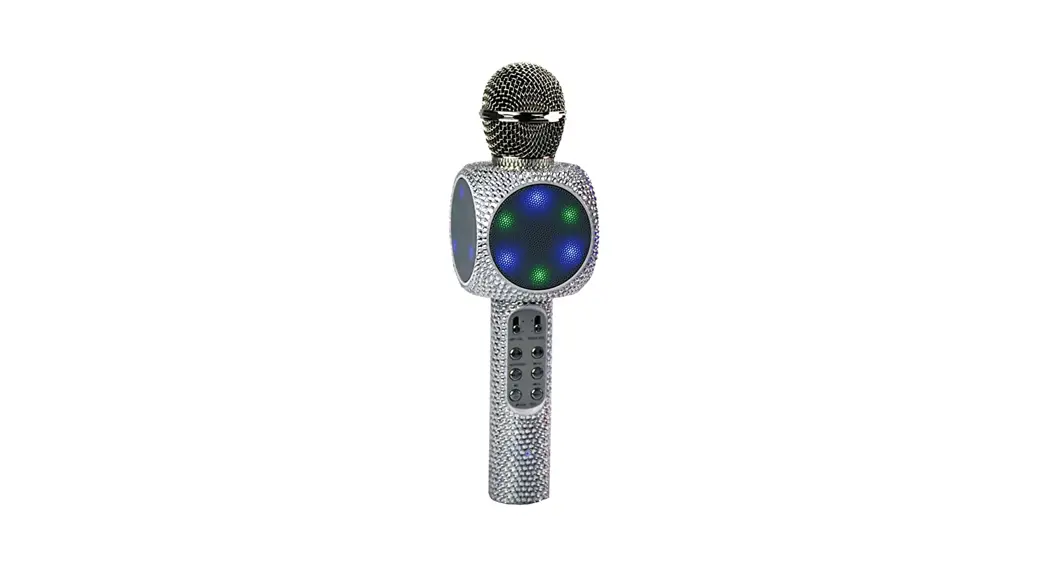
– Sing with your partner thanks to its karaoke function with echo effect and Its 2 wireless microphones.
– USB/MP3 player.
– Portable, versatile and adaptable to multiple uses thanks to its rechargeable long-lasting battery.
– Remote control unit.
CONTROLS AND FUNCTIONS
FRONT PANEL
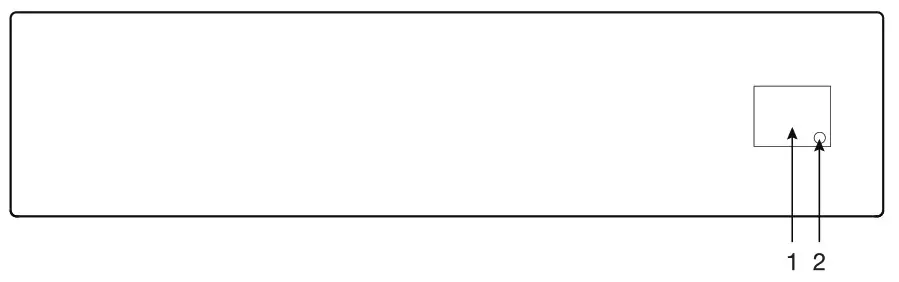
- Information screen.
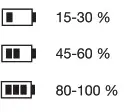
- Battery charge status.

- SIDE PANEL
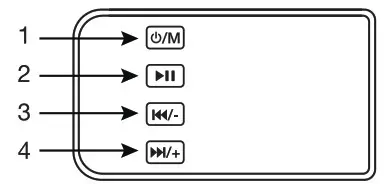
 /M: a long press of this button turns the speaker on/off. Short presses of this button enable you to change the operating mode.
 : enables you to resume/pause playback On auxiliary mode it has no function).
 : a short press of these buttons enables you to skip to the previous audio track On auxiliary mode it has no function). A long press on these buttons decreases the volume of the player.
 : a short press on these buttons enables you to skip to the next audio track On auxiliary mode it has no function). A long press on these buttons increases the volume of the player.
 /M: a long press of this button turns the speaker on/off. Short presses of this button enable you to change the operating mode.
 : enables you to resume/pause playback On auxiliary mode it has no function).
 : a short press of these buttons enables you to skip to the previous audio track On auxiliary mode it has no function). A long press on these buttons decreases the volume of the player.
 : a short press on these buttons enables you to skip to the next audio track On auxiliary mode it has no function). A long press on these buttons increases the volume of the player.
REAR PANEL
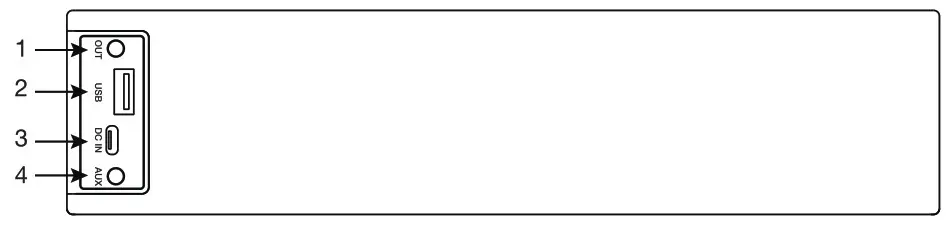
- AUX OUT: stereo line-level output, 3.5 mm stereo jack connector.
- USB: USB storage device connection port.
- DC IN: power input, USB type C connector.
- AUX IN: line-level stereo auxiliary input, 3.5 mm stereo jack connector.
MICROPHONE
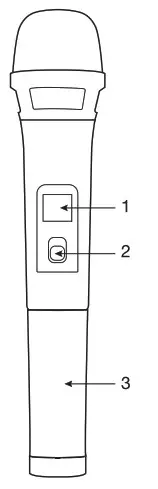
- Information screen: Displays the band, channel, and frequency on which the microphone is transmitting.
- On/Off button.
- Battery holder for 2 AA batteries.

MOTE CONTROL
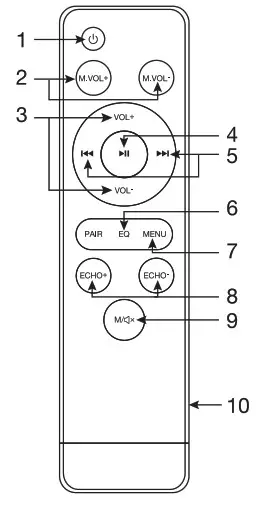
- turns the loudspeaker on/off.
- M.VOL+/M.VOL-: volume controls for the wireless microphones.
- VOL -/+: volume controls for an MP3 player.
- : resumes/pauses the playback (in the auxiliary mode it has no function).
- /: enables you to skip to the next/previous audio track (in the auxiliary mode it has no function).
- EQ: enables you to select between the different existing equalizations (Normal/Classic/Pop).
- MENU: enables manual equalization of BASS and TREBLE and volume control. Press this button repeatedly to access the different configuration options and use the VOL+NOL- volume buttons to modify the value. To exit the MENU just wait for a few moments without pressing any button.
- ECHO+/ECHO-: controls the echo effect applied to the microphone audio.
- M/x: short press of this button enables you to change the operating mode. A long press activates/ deactivates the MUTE function. 10.- Battery holder for 2 AAA batteries.
INSTRUCTIONS FOR USE
- Check the condition of the microphone batteries and the loudspeaker battery.
- Switch on the loudspeaker
- Connect the audio source you wish to play, select the operating mode and adjust the volume. Turn on and adjust the volume of the microphones.
- Finally, set the echo effect of the microphones and the equalization to your liking.
NOTE: perform proper maintenance of the lithium battery of the loudspeaker following the general rules that exist for this type of battery.
TECHNICAL SPECIFICATIONS
| SING-BAR | |
| FEATURES | Wireless portable soundbar with USB/MP3 player and 2 UHF wireless microphones. High power and sound quality in a compact size. Karaoke function, with echo effect and independent volume control of music and microphones. Compatible with karaoke apps. USB/MP3 player. Auxiliary input to listen to music from external devices. Audio output. BASS REFLEX bass boost. Equalizer with manual adjustment and 3 selectable presets. Remote control. |
| POWER | 30 W |
| SPEAKERS | 2 x 2′ |
| POWER SUPPLY | Rechargeable Li-ion battery, 2, 200 mAh, 7.4 V Battery life: up to 6 h’ Charge time: 4 h ‘Battery life with volume at 50%. Depending on the type of music and the volume, the battery life may be reduced. Wireless microphones: 2 x LR6-AA batteries |
| DIMENSIONS | 250 x 60 x 95 mm depth |
| ACCESSORIES | USB to USB Type-C charging cable 3.5 mm stereo jack to 3.5 mm stereo jack audio cable Batteries included |
FCC Warning
This device complies with part 15 of the FCC Rules. Operation is subject to the following two conditions:
(1) This device may not cause harmful interference, and (2) this device must accept any interference received, including interference that may cause undesired operation. Any changes or modifications not expressly approved by the party responsible for compliance could void the user’s authority to operate the equipment.
Note: This equipment has been tested and found to comply with the limits for a Class B digital device, pursuant to part 15 of the FCC Rules. These limits are designed to provide reasonable protection against harmful interference in a residential installation. This equipment generates uses and can radiate radio frequency energy and, if not installed and used in accordance with the instructions, may cause harmful interference to radio communications. However, there is no guarantee that interference will not
occur in a particular installation. If this equipment does cause harmful interference to radio or television reception, which can be determined by turning the equipment off and on, the user is encouraged to try to correct the interference by one or more of the following measures:
-Reorient or relocate the receiving antenna.
-Increase the separation between the equipment and receiver.
-Connect the equipment into an outlet on a circuit different from that to which the receiver is connected.
-Consult the dealer or an experienced radio/TV technician for help.
This equipment complies with FCC radiation exposure limits set forth for an uncontrolled environment.
This equipment should be installed and operated with a minimum distance 5mm between the radiator & your body.