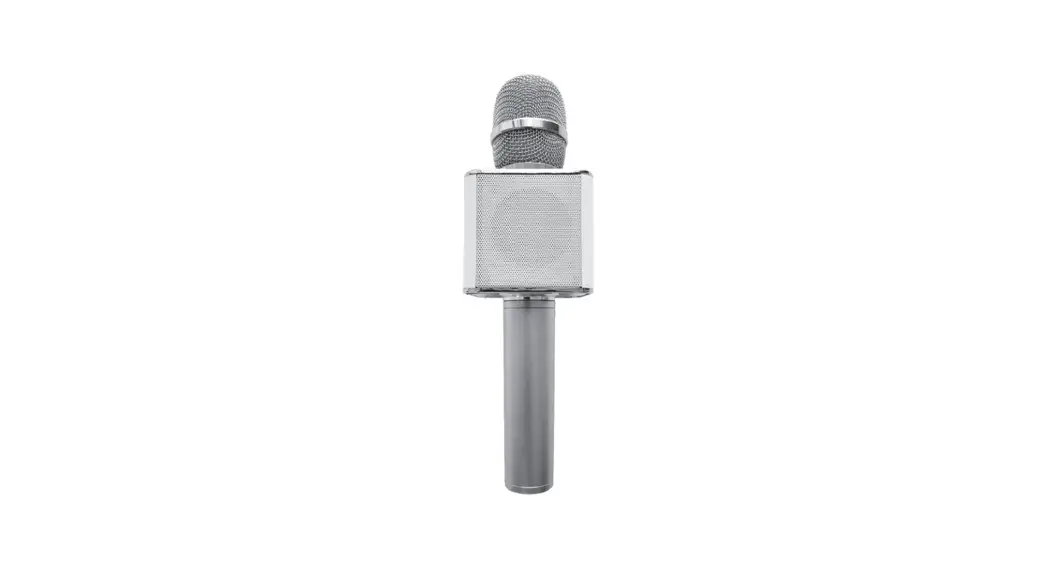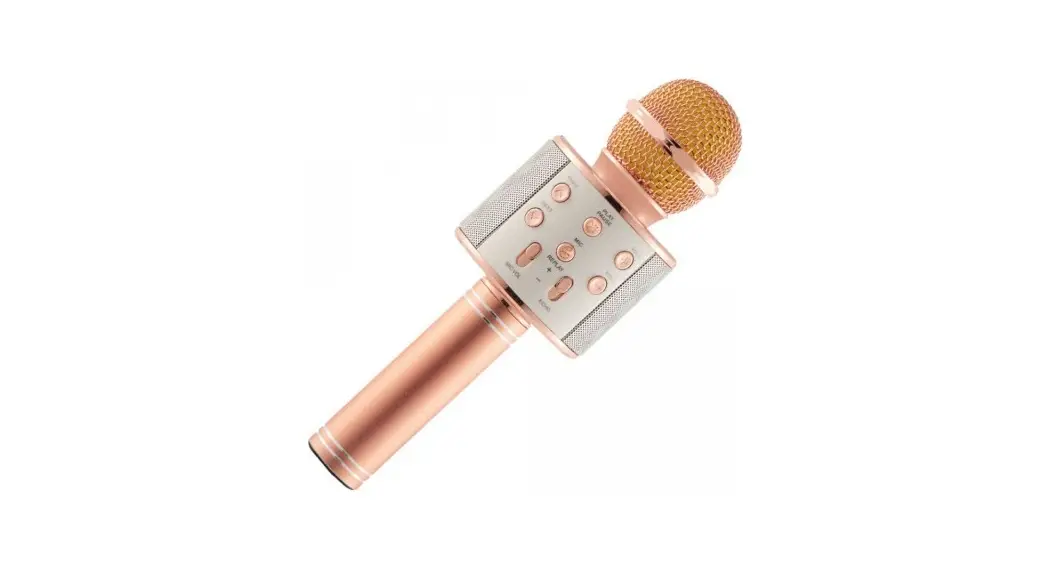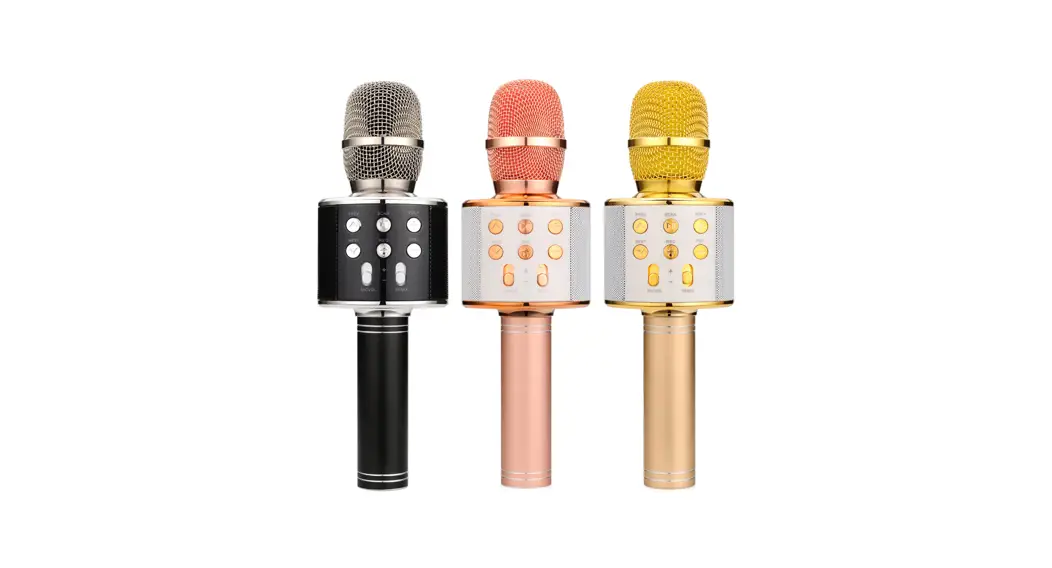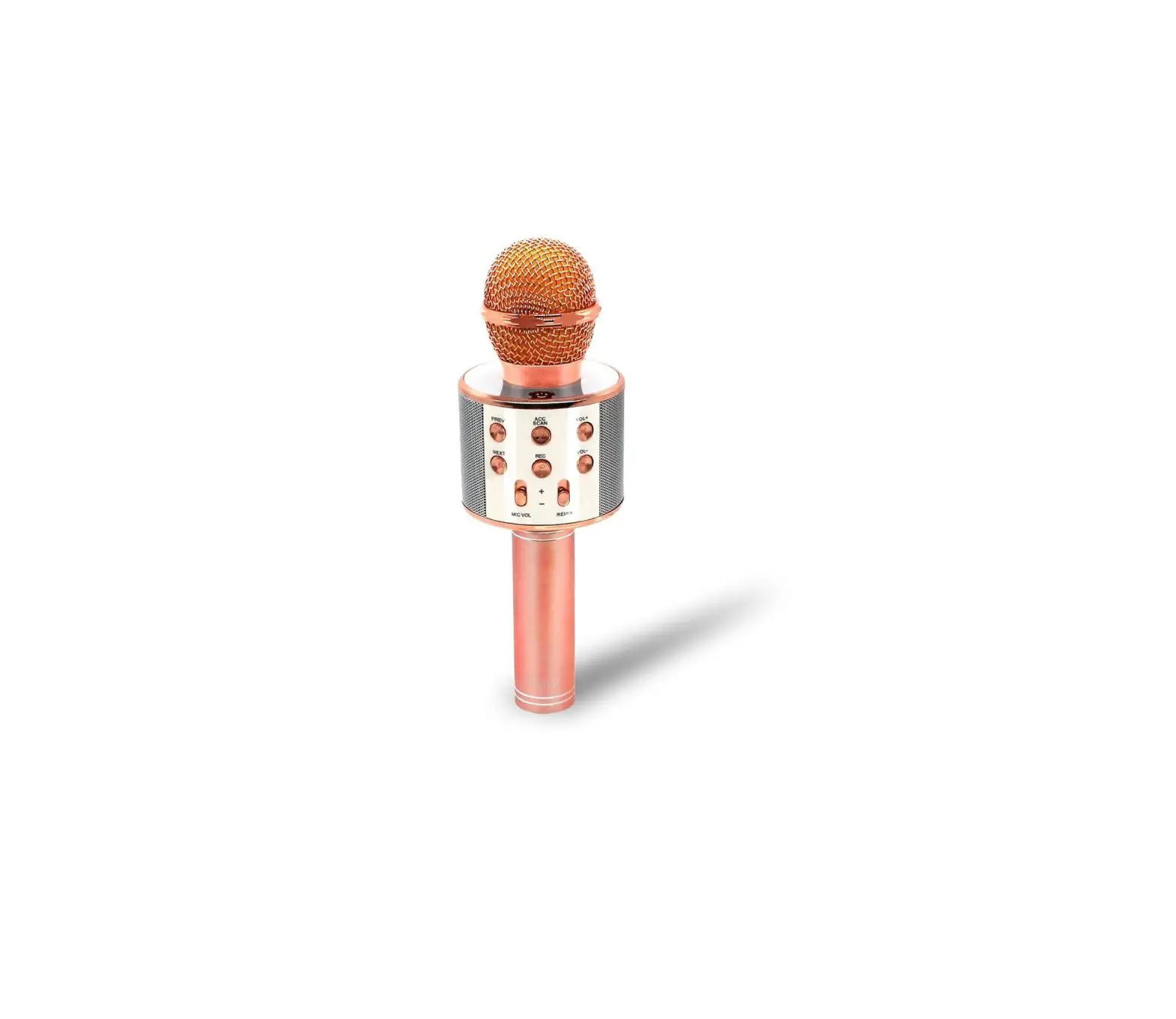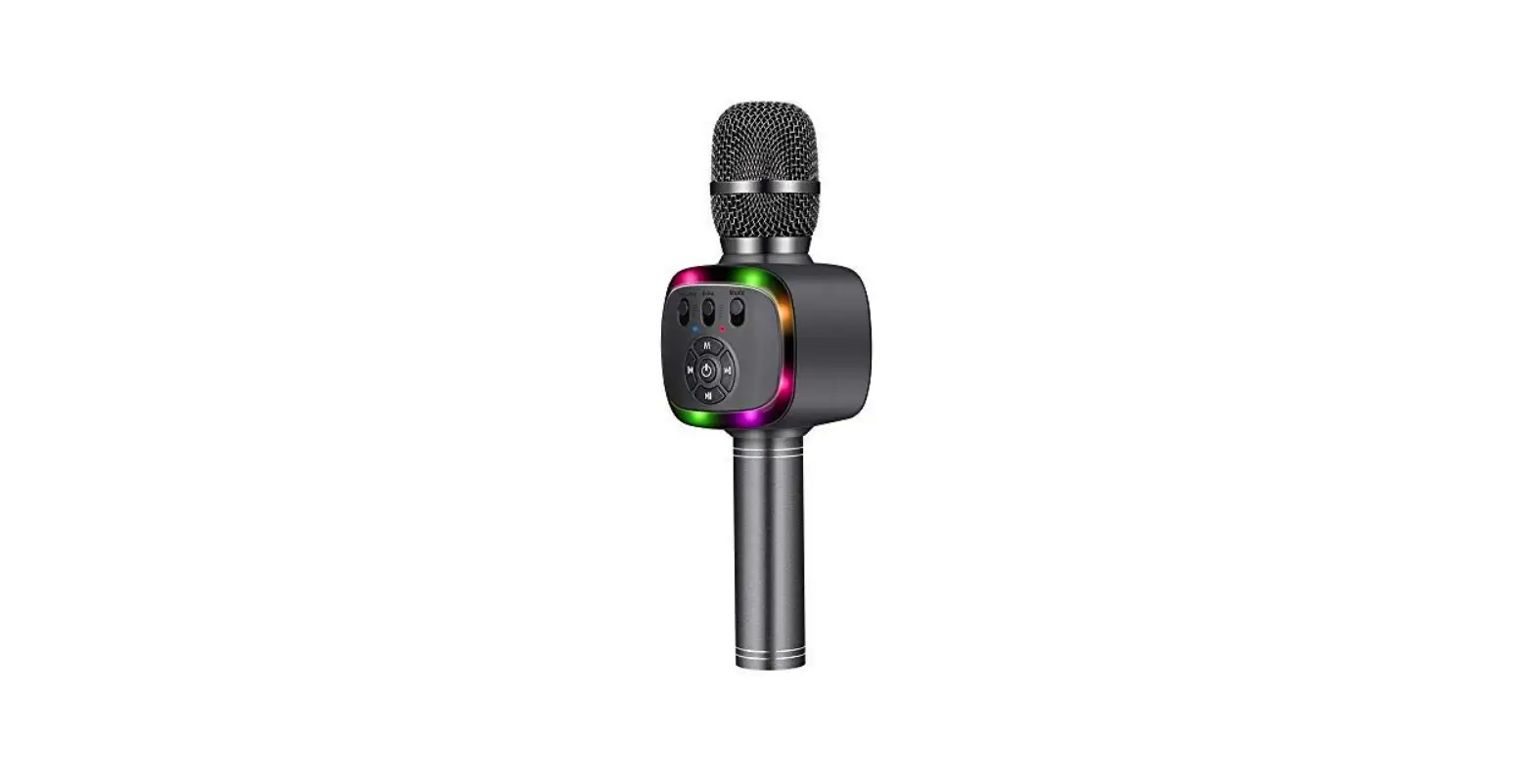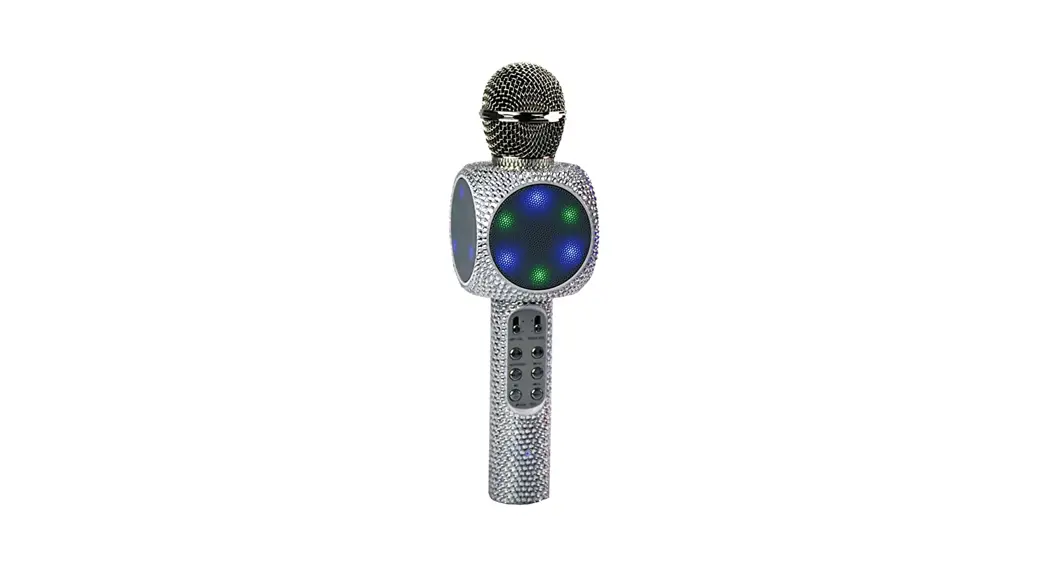

MVMT B07HFHWKJK Bling Bling Karaoke Microphone and Speaker
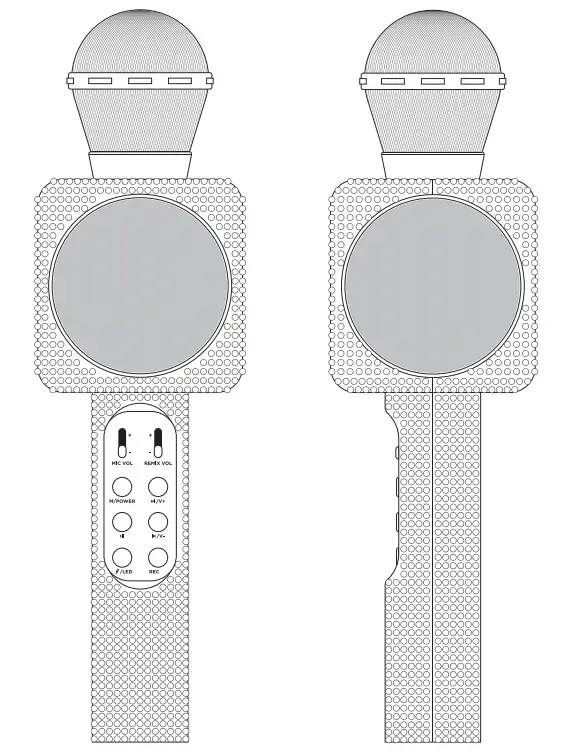
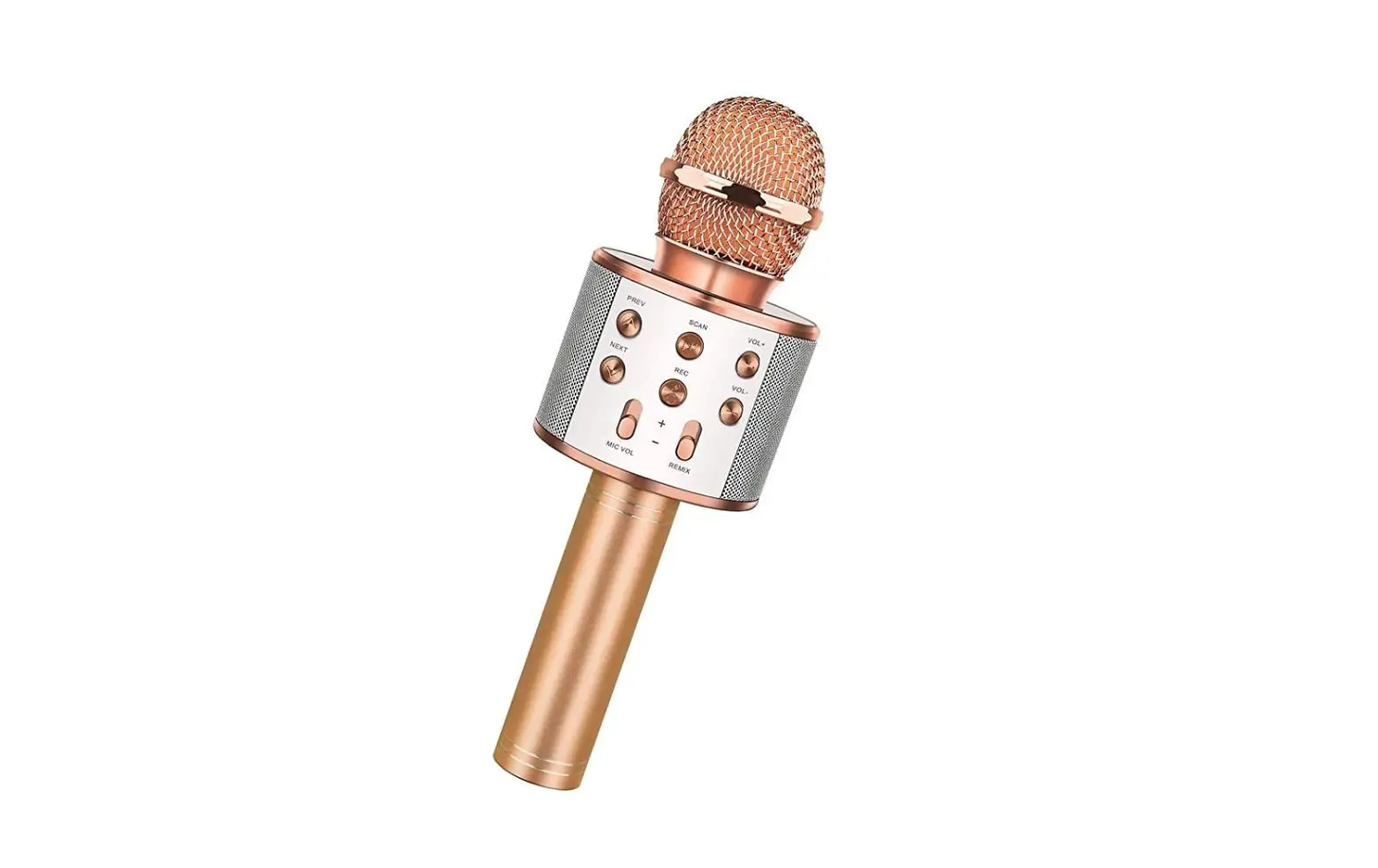
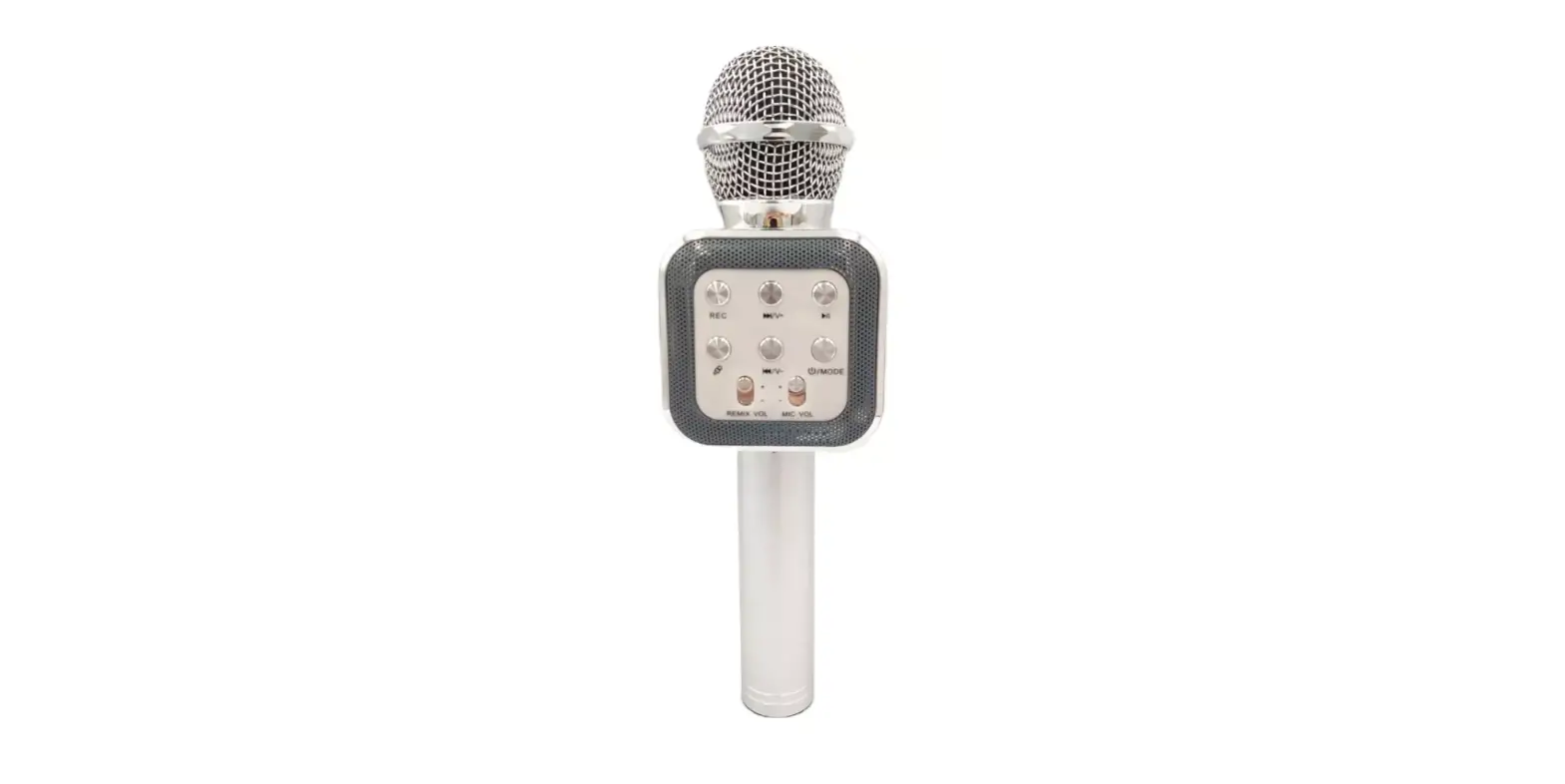
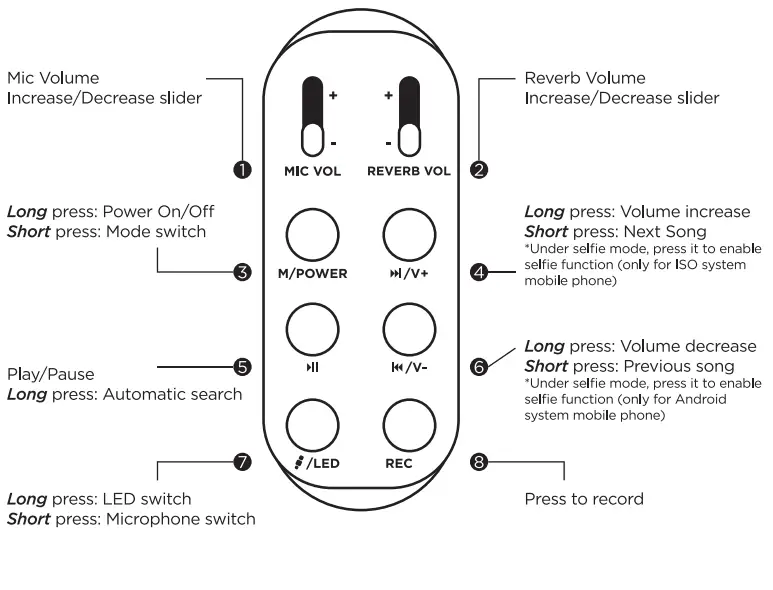
CONTROL PANEL

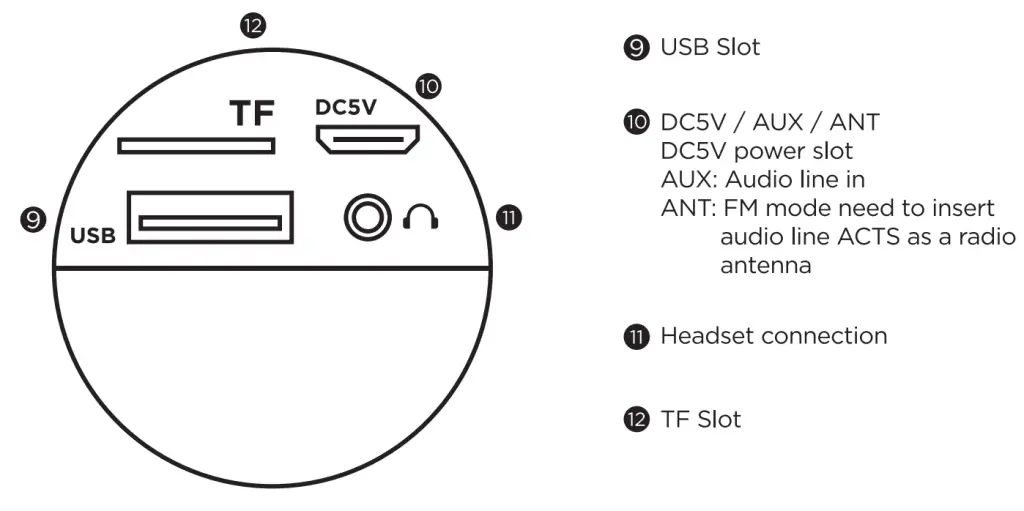
WIRELESS KARAOKE
- Make sure the unit’s battery is charged. Hold the M/POWER button to start the product.
- Wireless connection: Enable Bluetooth from your mobile device, connect to the microphone. A prompt tone will notify you of a successful connection.
- Adjust sound: Use the Mic Volume / Reverb Volume slider to adjust the volumes to a suitable level.
- Start Karaoke.
RECORDING WITH MOBILE PHONE
- Connect the recording wire: Insert the MICRO USB plug of the recording wire Into the MLCEI Interface of Karaoke Treasure and 3.0mm Interface into the earphone lack of the mobile phone.
- Open the Karaoke software on the mobile phone (or other recording Apps), select your favorite song, record the song using the method mentioned above.
- Test and save the song; Operate according to the Instructions of Karaoke software.
SELFIE FUNCTION
- Press the M/POWER button to switch from wireless mode to self* mode.
- Enable wireless from your mobile device and search “Shutter, click connect.
- Open the photograph interface of your mobile device, press the isi/v+ or er/v-button to take photos.
Note: 422 or higher version for Android system, 6.0 or higher version for the iOS system, It does NOT support other versions temporarily. It doesn’t support the mobile phone which has an independent and physical photograph button.
TECHNICAL PARAMETERS
| OUTPUT POWER | 3W |
| FREQUENCY RANGE | 100HZ – 10KHZ |
| MAX SOUND PRESSURE LEVEL | >115 DB 1KHZ <1% |
| REVERBERATION MODE | SOUND EFFECT REVERBERATION |
| POWER SUPPLY | BUILT-IN Li-Battery |
| BATTERY CAPACITY | 1800 mAh |
| FM RADIO | 87.5 – 108MHz |

©2021 Argento SC. All Rights Reserved. MVMT and MVMT logo are registered trademarks of Argento SC. Apple, the Apple logo, and (Phone are trademarks of Apple Inc., registered in the U.S. and other countries. App Store is a service mark of Apple Inc., registered in the U.S. and other countries. Google Play and the Google Play logo are trademarks of Google Inc. Other trademarks and registered trademarks are the property of their respective owners.
Because of continuous improvements, the images and the specs on the packaging may differ slightly from the actual product.
Warning: The artwork and design of this package are protected by United States Copyright law and may not be reproduced, distributed, displayed. Published, or used for any purpose without prior written permission. You may not alter or remove any trademark or copyright notice from this package.
Warning: Cancer & Reproductive Harm — www.P65WamIngsta.gov
FCC ID: 2A 20A -ASCKAR A
FCC Caution
Any changes or modifications not expressly approved by the party responsible for compliance could void the user’s authority to operate the equipment. This equipment complies with FCC radiation exposure limits set forth for an uncontrolled environment. This device complies with part 15 of the FCC Rules. Operation is subject to the following two conditions:
- This device may not cause harmful interference. and
- this device must accept any interference received, including interference that may cause undesired operation.
IMPORTANT NOTE:
This equipment has been tested and found to comply with the limits for a Class B digital device, pursuant to part IS of the FCC Rules. Those limits are designed to provide reasonable protection against harmful interference in a residential installation. This equipment generates. uses and can radiate radio frequency energy a W not installed and used in accordance with the instructions. may cause harmful interference to redo communications. H1MWMI. there is no guarantee that interference will not mos in a particular installation. If this equipment does cause harmful interference to radio or television reception, which can be determined by turning the equipment off and on, the user is encouraged to try to correct the interference by one or more of the following measures:
- Reorient or relocate the receiving antenna
- Increase the separation between the equipment and the receiver.
- Connect the equipment into an outlet on a circuit different from that to which the receiver is connected.
- Consult the dealer or an experienced radio/TV technician for help.

FAQS
Yes, they are a common charging cord it’s called a “micro USB”cable and can be purchased every where. CVS, Walgreens, 7-11, Amazon most every where sells them and should cost less than $5.00
It Doesn’t come with a separate case for storing, We recommend storing it in the box it came in, it’s a very durable box and great for storing.
The microphone comes with a micro USB cable to charge it. The smaller end connects to the smaller port on the bottom of the mic handle. The larger tip you plug into a usb charger. Most people use there phone charging block.
There are a lot of free apps, we recommend going to you tube, type in the artist name with the word “Karoke” and the words will come on the screen and you can do karoke that way. It works great
It will also work by itself, you would only sync Bluetooth if you wanted to have the music come through the speakers.
If your kindle is Bluetooth it will work
Fully charged the battery last 2 hours
The battery is built into the microphone and comes with a charger
this device cannot be hooked up to an external speaker. It is a speaker itself so the microphone will need to be hooked up with a source that will play music Mobile phone, tablet, iPad , anything that is Bluetooth and will stream music.
Turn down the echo control.
No, you won’t be a able to use 2 microphones at the same time if you are syncing them up to a Bluetooth device. Yo will be able to use them if you are NOT syncing them too a Bluetooth device
If your MP3 is on a USB drive you can plug it into the button of the mic where the usb slot is
You won’t be able to sync both microphones together. Each one will have to be used on it’s own
You have to lower the echo feature on the mic