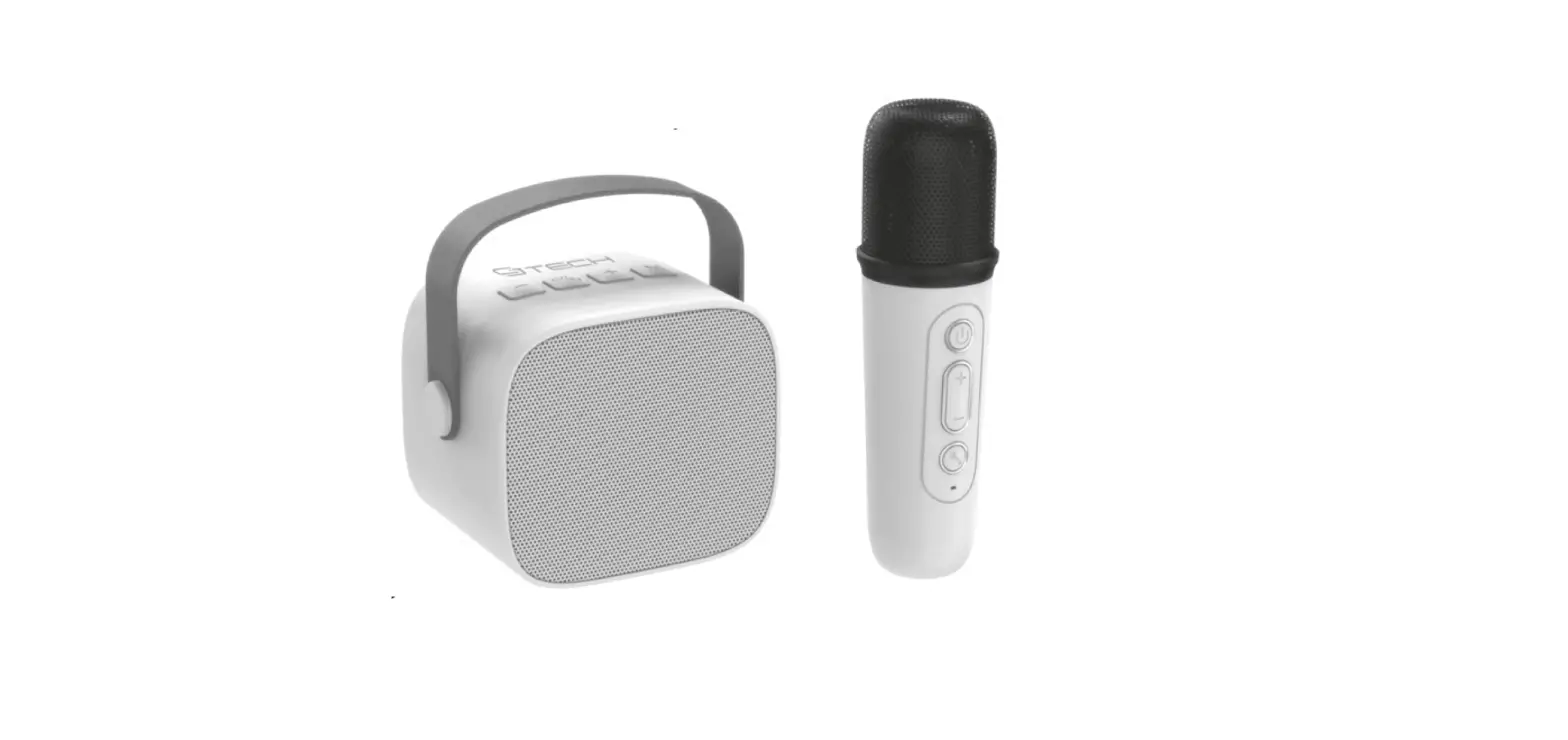
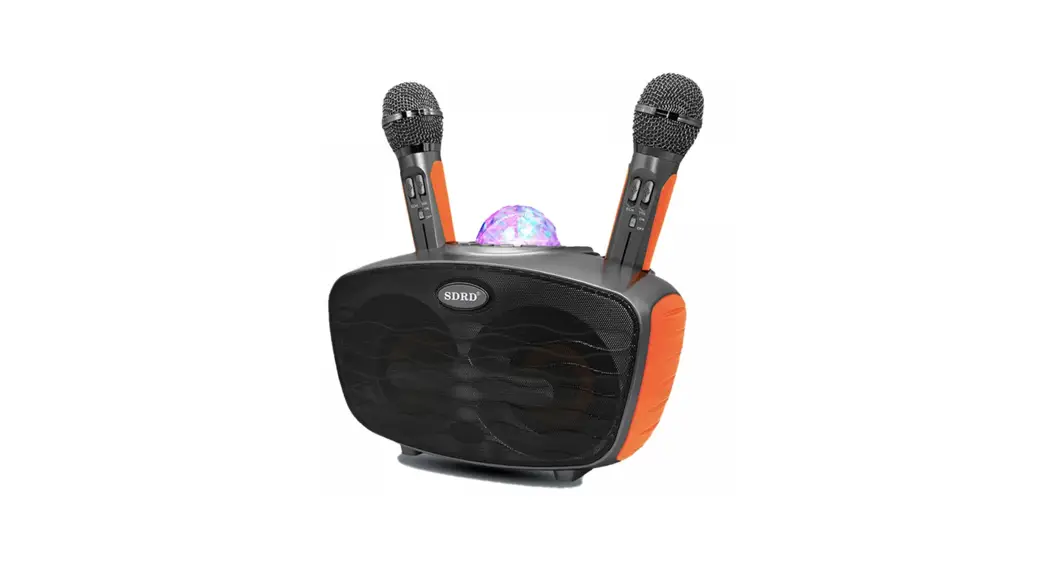
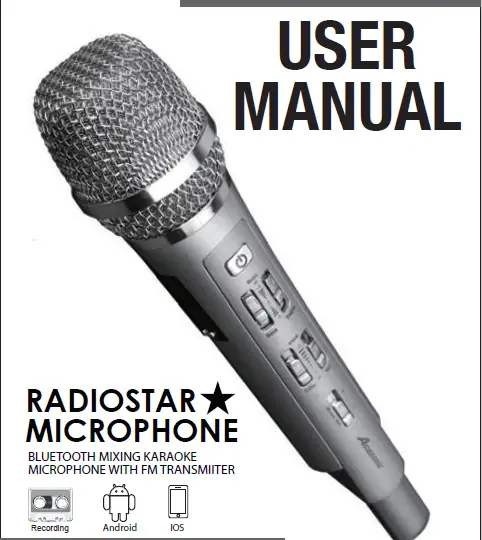
71577-DI Karaoke Speaker and Microphone
Product Information
Product Name: Karaoke Speaker & Microphone
– White
Product Model: 71577-DI
Product Type: Wireless Speaker & Wireless
Microphone
Speaker Device Layout

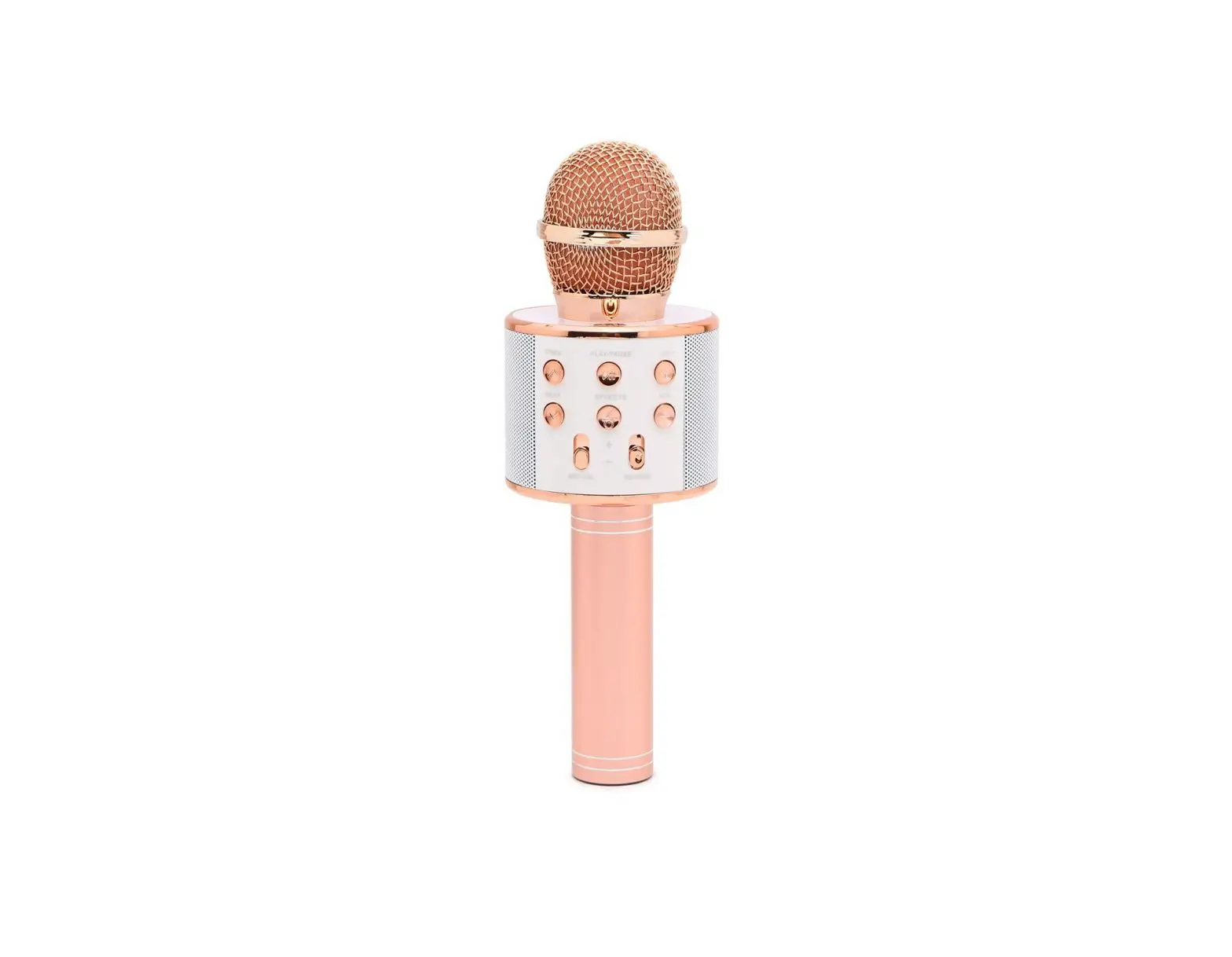
Microphone Device Layout

Package Contents
- 1 x Wireless Speaker
- 1 x Charging Cable for Speaker
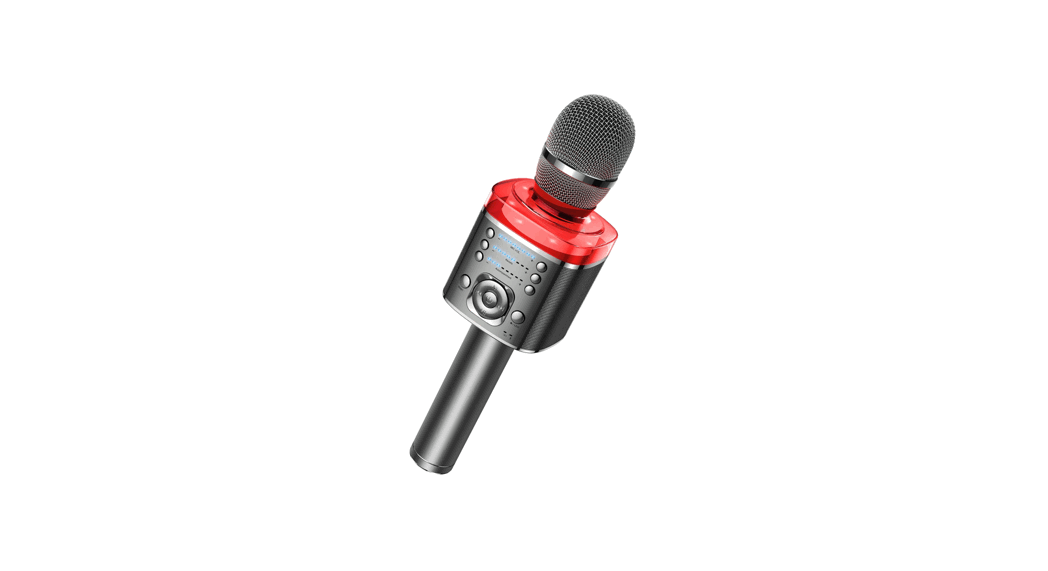
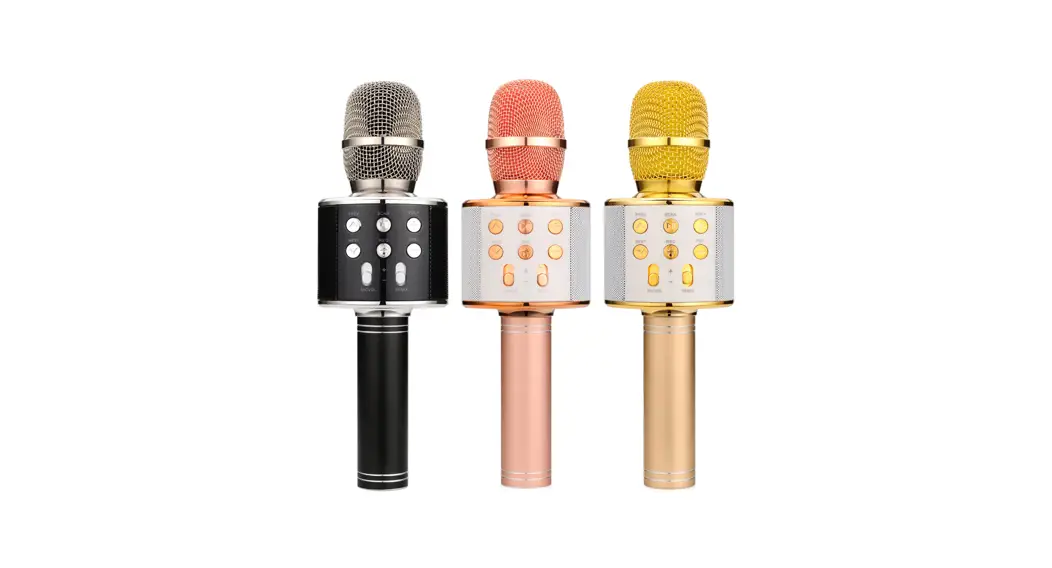
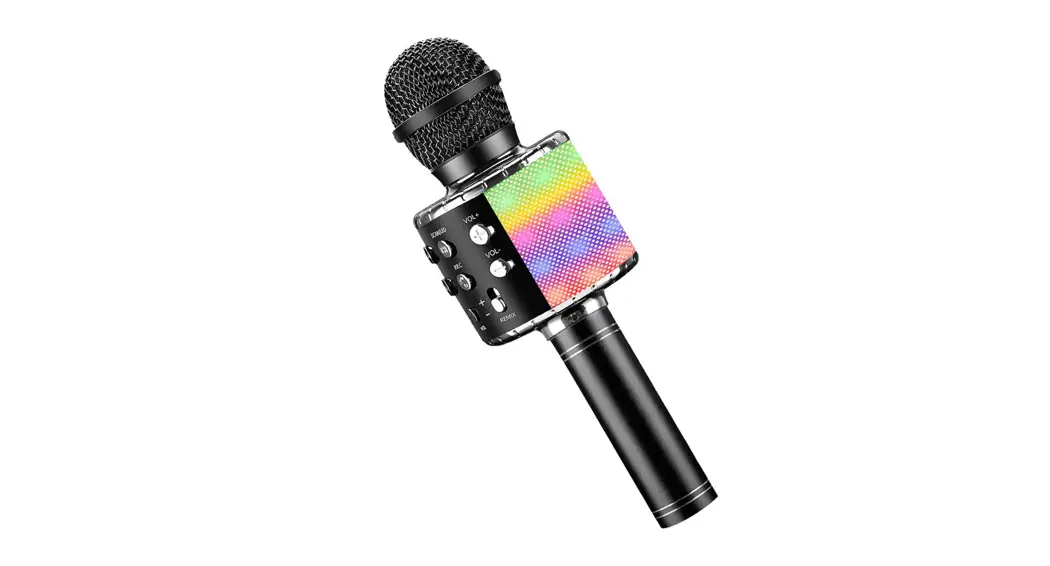
- 1 x Wireless Microphone
- 1 x Charging Cable for Microphone
Speaker Specifications
- Horn Diameter: 57mm
- Horn Power: 5W
- Working Voltage: 3.7V
- Frequency Range: 20Hz-20kHz
- Input: DC5V 1A
- Battery: 1200mAh
- Charging Time: approximately 2.5 hours
Microphone Specifications
- Working Voltage: 3.7V
- Working Distance: 10cm
- Frequency Range: 20Hz-20kHz
- Input: DC5V 1A
- Battery: 500mAh
- Charging Time: approximately 2 hours
- Latency: 40ms
Important Note: Do not leave either of these
devices charging overnight. These devices are not toys and
therefore keep away from children. To clean, make sure the power
supply is disconnected from both devices. Do not disassemble or
expose these devices to moisture or heat sources. Avoid placing the
devices in direct sunlight, damp or moist environments, dusty or
dirty environments, excessively cold or overheated environments,
which may cause equipment failure or abnormal operation. Please do
not put any objects into the devices to avoid short circuit or
circuit damage.
Product Usage Instructions
Bluetooth Pairing & Connecting the Wireless Microphone to
the Speaker
- Make sure both the speaker and microphone are turned off.
- Turn on the speaker by pressing and holding down the speaker’s
power button. - Enable Bluetooth on your device and search for available
devices. - Select the speaker from the list of available devices to pair
and connect. - Turn on the microphone by pressing and holding down the
microphone’s power button. - The microphone will automatically connect to the speaker once
it is turned on.
- Power Button: Press and hold down this button
to turn ON and OFF the speaker. - – Button: Short press this button to go back
to the previous song. Long press this button to decrease the
volume.
- Power Button: Press and hold down this button
to turn ON and OFF the microphone. Press this button to switch
microphone volume mode and echo effect mode. Double press this
button to play or pause the music you are streaming. - + Button: Short press this button to increase
microphone volume and echo effect. Press and hold this button to
move to the previous song. - – Button: Short press this button to decrease
microphone volume and echo effect. Press and hold this button to
move to the next song. - Microphone Button: Short press this button to
move between the 5 microphone voice mode options. Double press to
turn ON and OFF the music voice.
Charging & Power for Speaker and Microphone
- Charge both the wireless speaker and wireless microphone for 3
hours. Do not leave charging overnight. - Turn on the wireless speaker by pressing the power button on
top of the speaker. - Turn off the wireless speaker by pressing the power button on
top of the speaker. - Turn on the wireless microphone by pressing the power button on
the microphone. - Turn off the wireless microphone by pressing the power button
on the microphone.
Made in China
71577-DI – Karaoke Speaker & Microphone – White
Karaoke
Wireless Speaker & Wireless Microphone
Thank you for purchasing the CJ Tech Karaoke Wireless Speaker & Wireless Microphone. Enjoy the karaoke bar experience in the comfort or your own home or anywhere your feel like singing! The microphone will automatically connect to the speaker wirelessly and all you need to do is pair the speaker to your smartphone. Then select a song from your smartphone or stream music from any APP or website. Sing along to the song while the music plays through the portable wireless speaker. Select from 5 customizable microphone voice modes to best suit your audience. Connect your headphones to the speaker if you prefer to listen to music in private.
SPEAKER DEVICE LAYOUT
User Manual
ITEM 71577-DI
1. “M” Button 2. “+” Button 3. “Power/Play/Pause” Button 4. “-” Button 5. Headphone Connector 6. TF Card Slot 7. Type-C® Charging Port 8. LED Indicator
M
12 3 4
5 6
7 8
BLUETOOTH PAIRING & CONNECTING THE
WIRELESS MICROPHONE TO THE SPEAKER
Turn ON the Wireless Speaker and you will hear a voice prompt that the Bluetooth® device is ready to pair. Make sure the Bluetooth® is turned ON in your smartphone settings and search for “CJ Tech Karaoke” and select it. You will then hear a voice prompt that the Wireless Speaker is connect successfully and you can start to play music wirelessly from your smartphone! The flashing blue LED light will turn solid blue once paired. Once the speaker and microphone are turned ON they will automatically connect to each other. The white LED light on the microphone will also turn solid white once they are connected. Stream music from your phone through the wireless speaker and sing along to your favourite tunes! Note: You can also use this Wireless Speaker and Wireless Microphone set as a PA speaker with no music. Just power on the speaker and microphone and they will connect to each other. Once you speak into the microphone you will hear your voice through the speaker.
SPEAKER BUTTON CONTROLS
1. Short Press the “M” button to switch between Bluetooth® mode, Headphone mode and TF card mode. 2. “+” Button: Short press this button to move to the next song. Long press this button to increase the volume. 3. “Power” Button: Short press the Power Button to Play/Pause the current song you are listening too.
Press and hold down this button to turn ON and OFF the speaker. 4. “-” Button: Short Press this button go back to previous song. Long press this button to decrease
the volume.
MICROPHONE BUTTON CONTROLS
1. “Power” Button: Press and hold down this button to turn ON and OFF the microphone. Press this button to switch Microphone volume mode, echo affect mode. Double press this button to play or pause music you are streaming.
2. “+” Button: Short press this button to increase microphone volume and echo affect. Press and hold this button to move to the previous song.
3. “-” Button: Short press this button to decrease microphone volume and echo affect. Press and hold this button to move to the next song.
4. “Microphone Button”: Short press this button to move between the 5 microphone voice mode options. Double press ON and OFF the music voice.
PACKAGE CONTENTS
1 * Wireless Speaker & Charging Cable 1 * Wireless Microphone & Charging Cable
SPEAKER SPECIFICATIONS
Horn Diameter: 57mm Horn Power: 5W Working Voltage: 3.7V Frequency Range: 20Hz-20kHz Input: DC5V 1A Battery: 1200mah Charging Time: approximately 2.5 hours
MICROPHONE SPECIFICATIONS
Working Voltage: 3.7V Working Distance: 10cm Frequency Range: 20Hz-20kHz Input: DC5V 1A Battery: 500mah Charging Time: approximately 2 hours Latency: 40ms
NOTE Do not leave either of these devices charging overnight. These devices are not toys and therefor keep away from children. To clean, make sure the power supply is disconnected from both devices. Do not disassemble, expose these devices to moisture or heat sources. Do not place either devices in the direct sunlight or in damp or moist environments and avoid dusty
or dirty environments. Do not place the devices in excessively cold or overheated environment, which may cause the
equipment to fail or not operate normally. Please do not put any objects into the devices to avoid short circuit or circuit damage.
130*140mm / 390*280mm
MICROPHONE DEVICE LAYOUT
1. “Power” Button 2. “+” Button 3. “-” Button 4. Microphone Voice Modes 5. LED Indicator 6. Type-C® Charging Port
-+
1 2
3
4 5
6
CHARGING & POWER FOR SPEAKER AND MICROPHONE
1. Using the included Type-C® USB charging cables, connect the Wireless Speaker and connect the Wireless Microphone to a USB Power Source 5V up to 3.0 Amps (not included). A red LED light will turn ON when charging the Wireless Speaker and the Wireless Microphone. When the battery is fully charged the red LED light will turn OFF.
2. Charge both Wireless Speaker and Wireless Microphone for 3 hours. Do NOT leave charging overnight. 3. Turn ON the Wireless Speaker by pressing the POWER button on top of the speaker.
Turn OFF the Wireless Speaker by pressing the POWER button on top of the speaker. 4. Turn ON the Wireless Microphone by pressing the POWER button on the microphone.
Turn OFF the Wireless Microphone by pressing the POWER button on to of the microphone.
FCC STATEMENT This device complies with part 15 of the FCC Rules. Operation is subject to the following two conditions: (1) This device may not cause harmful interference, and (2) this device must accept any interference received, including interference that may cause undesired operation. Note: This equipment has been tested and found to comply with the limits for a Class B digital device,pursuant to part 15 of the FCC Rules. These limits are designed to provide reasonable protection against harmful interference in a residential installation. This equipment generates, uses and can radiate radio frequency energy and, if not installed and used in accordance with the instructions, may cause harmful interference to radio communications. However, there is no guarantee that interference will not occur in a particular installation. If this equipment does cause harmful interference to radio or television reception, which can be determined by turning the equipment off and on, the user is encouraged to try to correct the interference by one or more of the following measures:
· Reorient or relocate the receiving antenna. · Increase the separation between the equipment and receiver. · Connect the equipment into an outlet on a circuit different from that to which the receiver is connected. · Consult the dealer or an experienced radio/TV technician for help. Note: The Grantee is not responsible for any changes or modifications not expressly approved by the party responsible for compliance. such modifications could void the user’s authority to operate the equipment. FCC Radiation Exposure Statement
The device has been evaluated to meet general RF exposure requirement. The device can be used in portable exposure condition without restriction. The Bluetooth® word mark and logos are registered trademarks owned by the Bluetooth SIG, Inc. and any use of such marks by CJ Global is under license. Other trademarks and trade names are those of their respective owners.
USB Type-C® and USB-C® are registered trademarks of USB Implementers Forum.
MADE IN CHINA