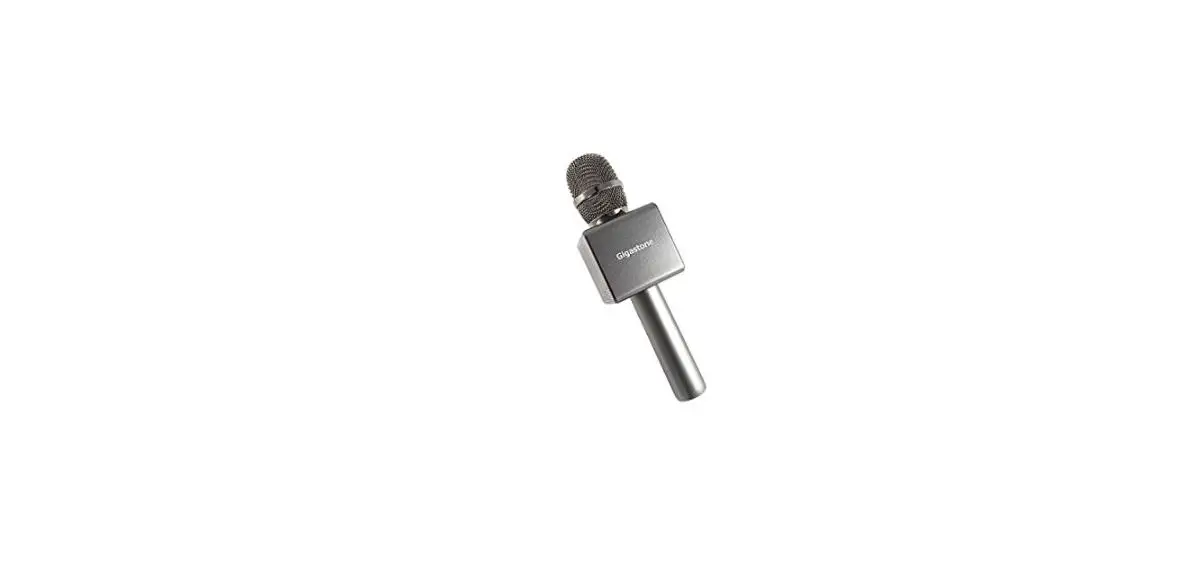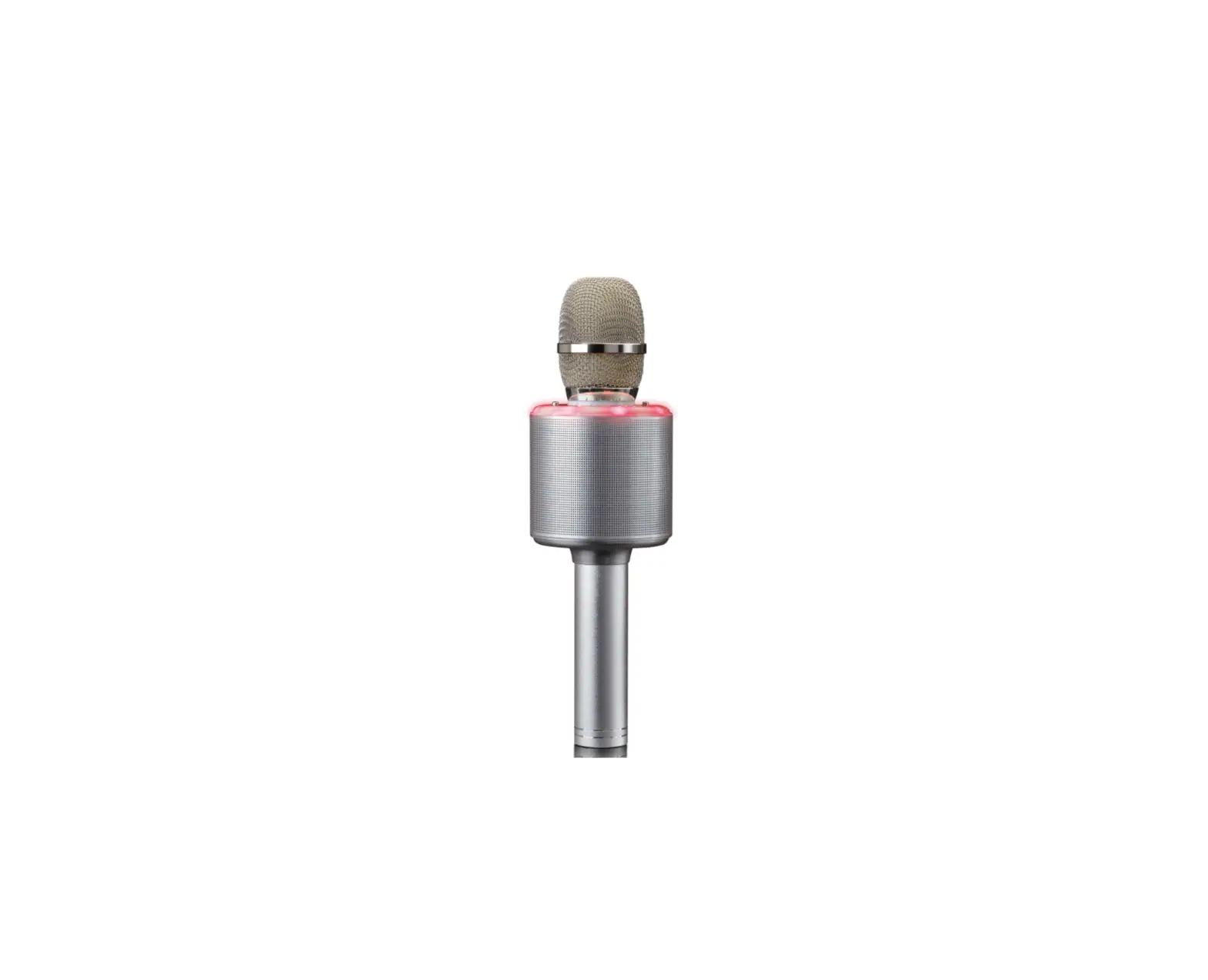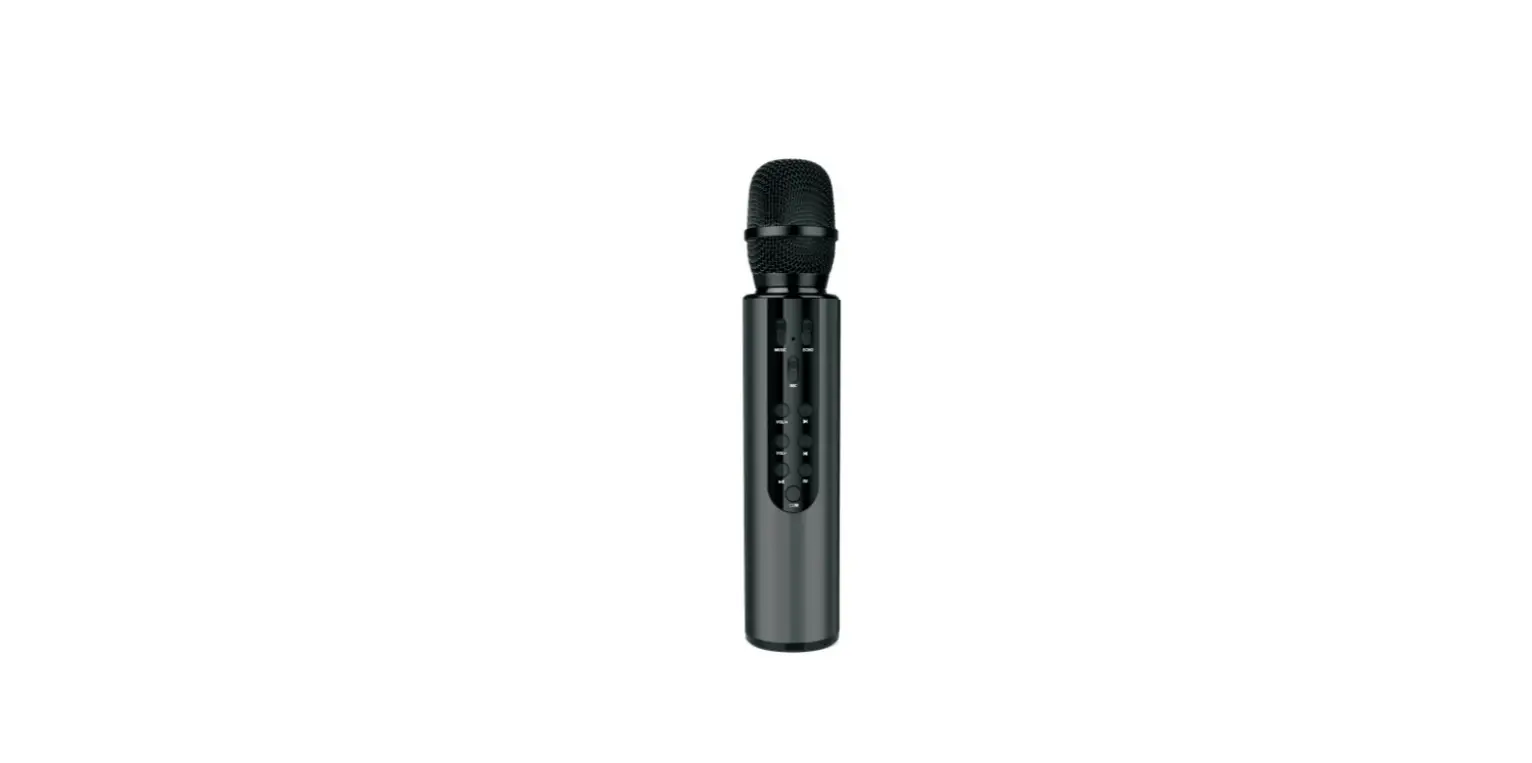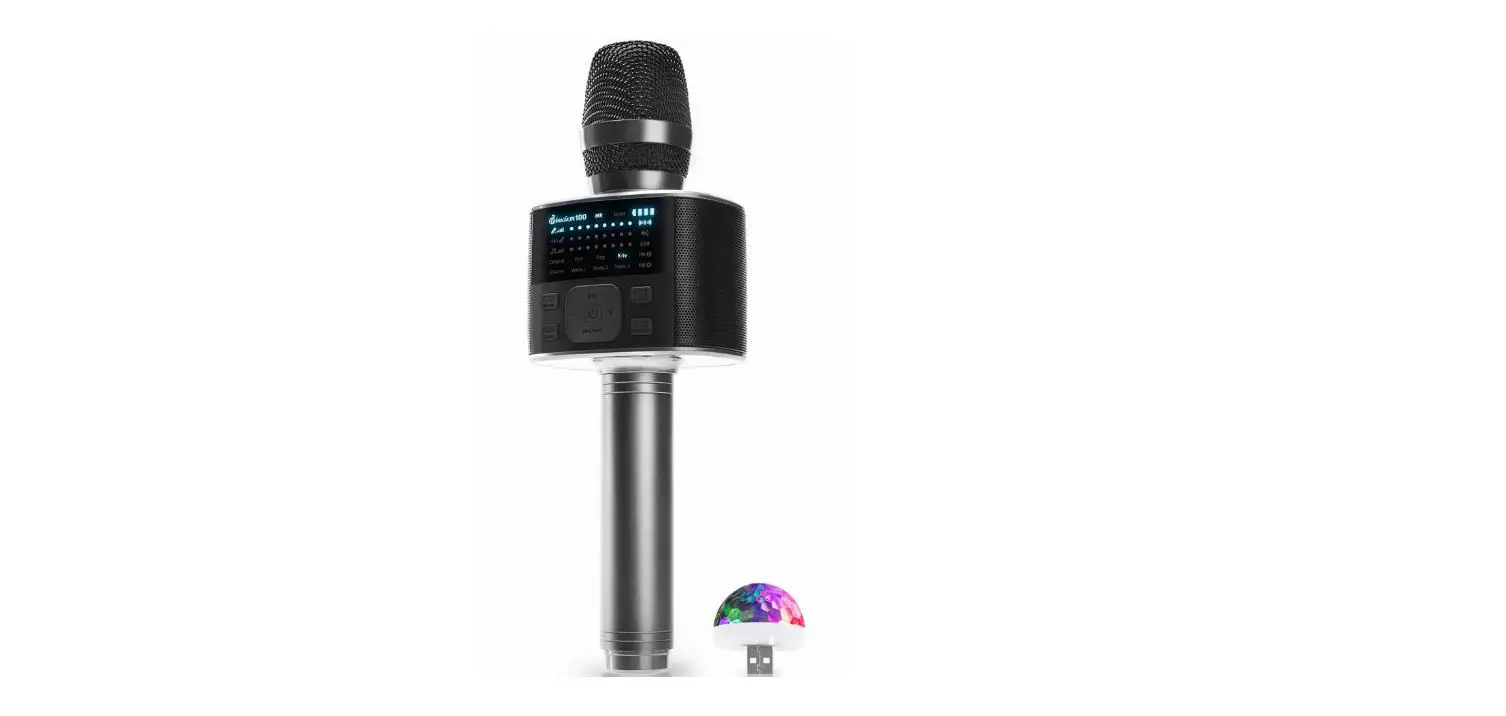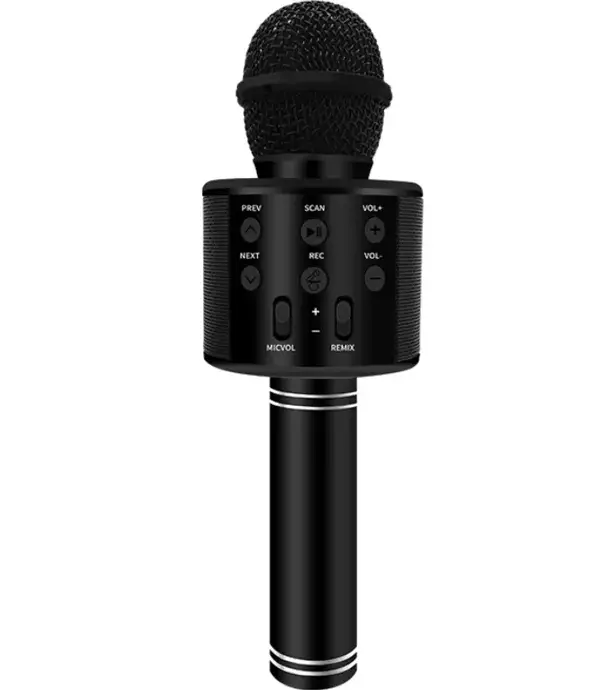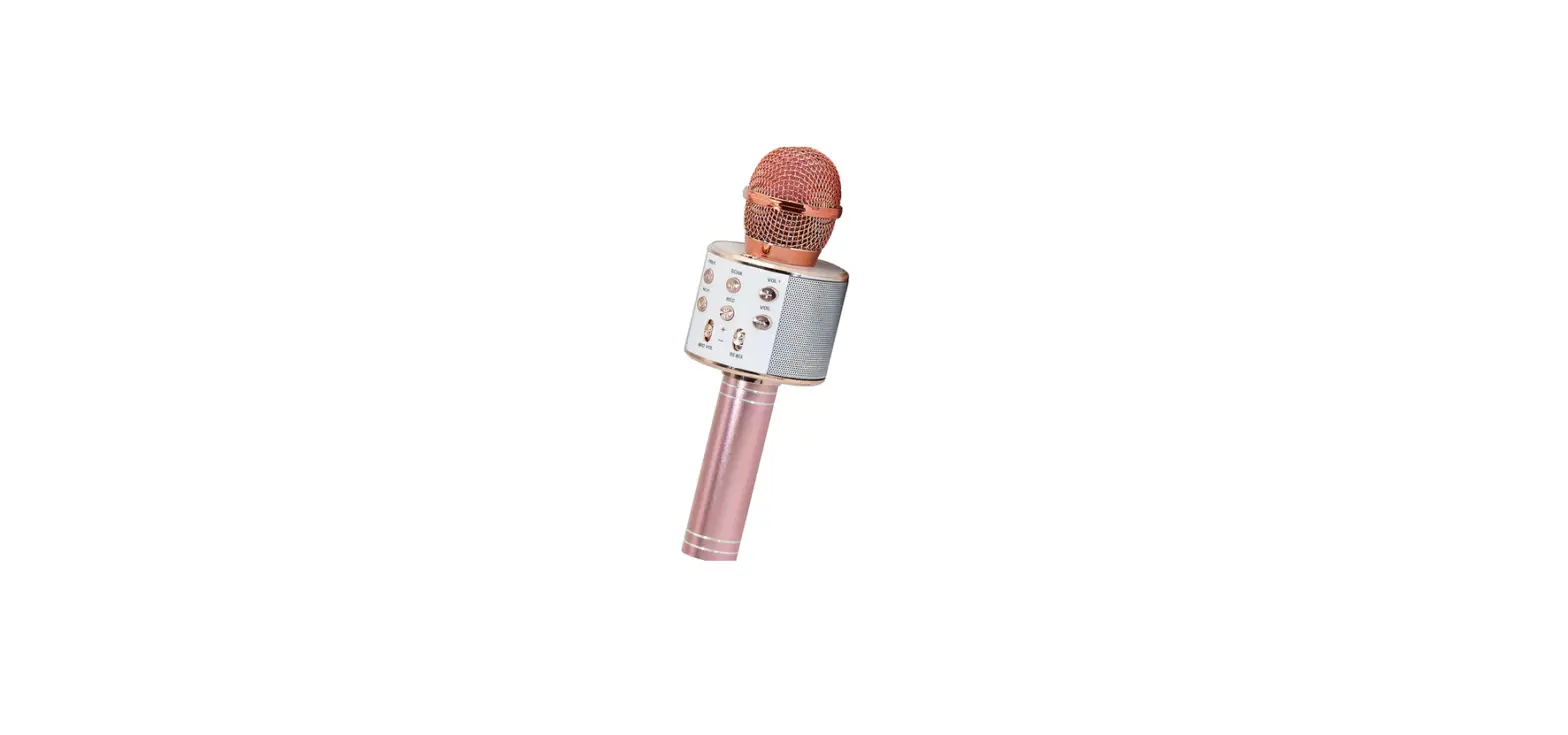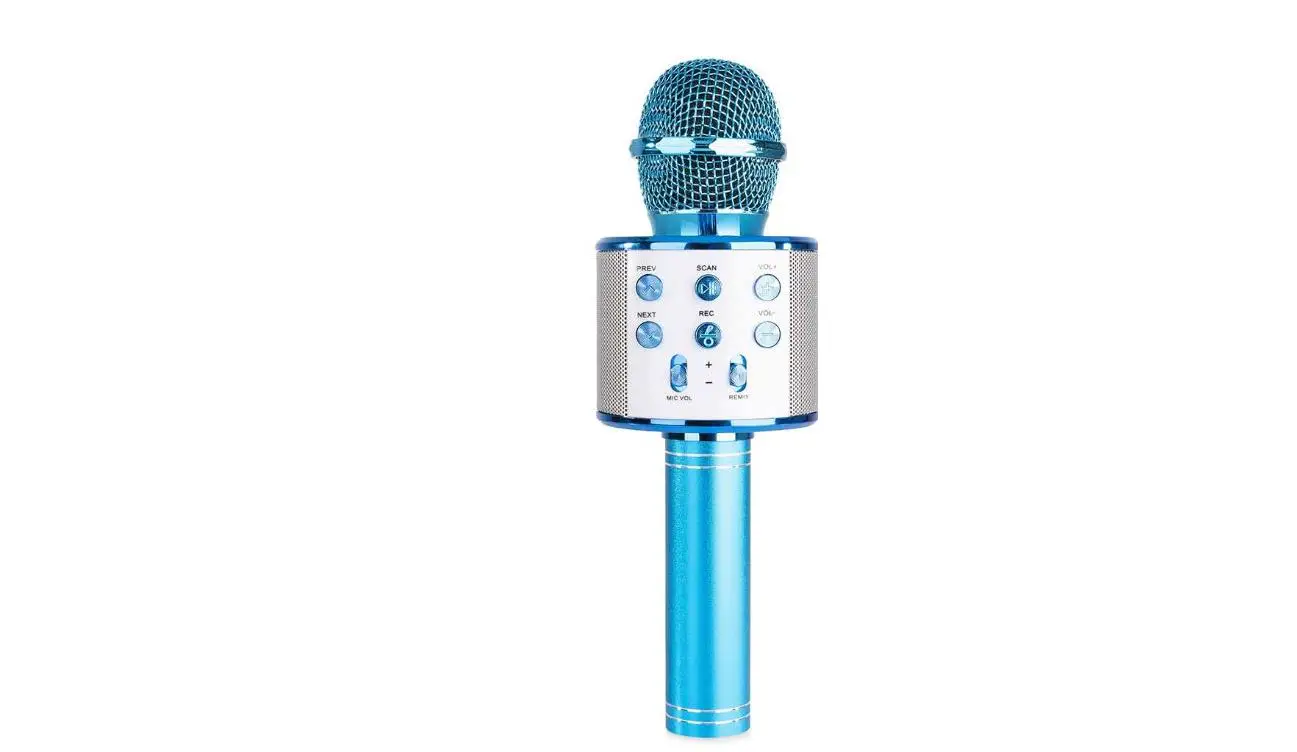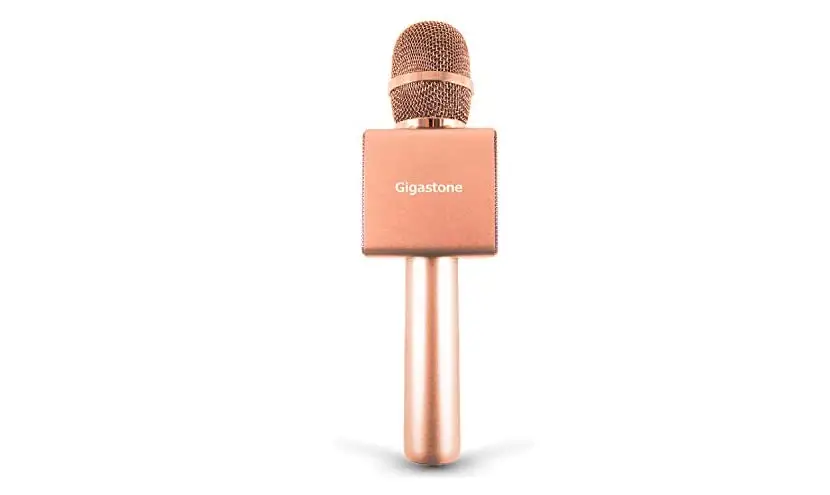

Gigastone KM-8500 Bluetooth Karaoke Microphone Instruction
Features
- Stable and low–latency Bluetooth corw1ect1on.
- TWS function, rwo karaoke microphones can be connected at the same ume,cap.:Jble ol di.Jet Singing.
- Otrfetent sceoefuncuon (oistdoor mode, studio room roode, karaGJ:e room mode, or191nal).
- voice change function (man, woman, l1d)
- vocal cut function
- Auto mide wlll aotomaucaty reduce the accompaniment voice and your voice dearer.
- Equipped With recording function. Able to hear Slnglngm m:ire dear when plug an earphone th.rough the 31.do Jack.
- SUppon micro SO card.{mn1mum 64GB)
- levels for 5″1gl.ng volume. echo effect a.nd tooSIC volume.
- fluency LED display.
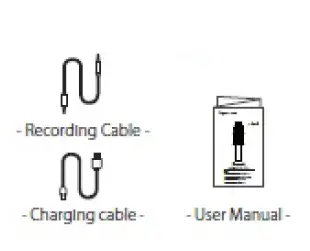
Package Contents
- Karaoke Microphone x 1
- Chargbg Cable x 1
- Audio Cable x 1
- Oser Manual x 1
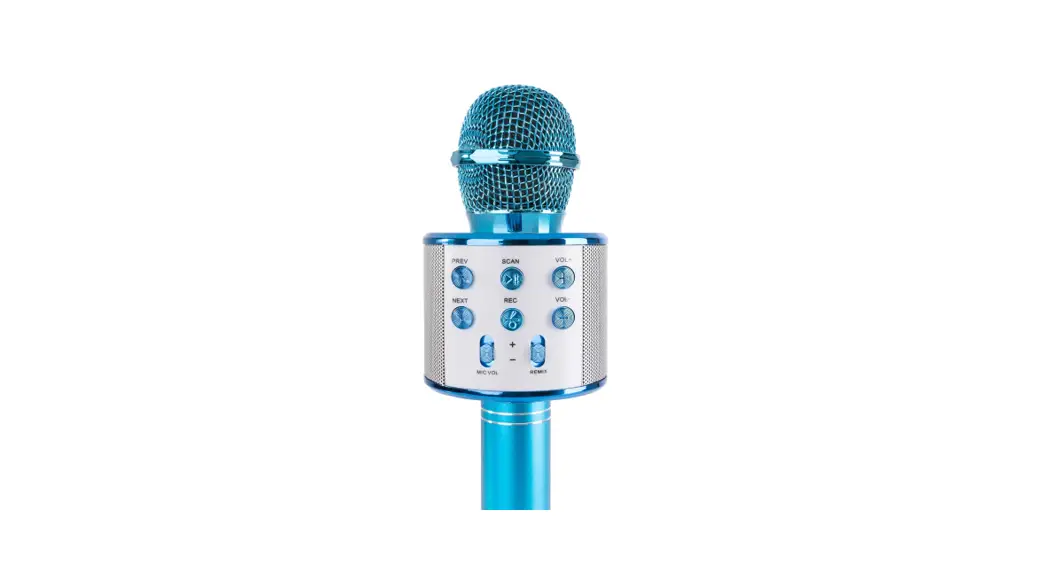
Structure Diagram 

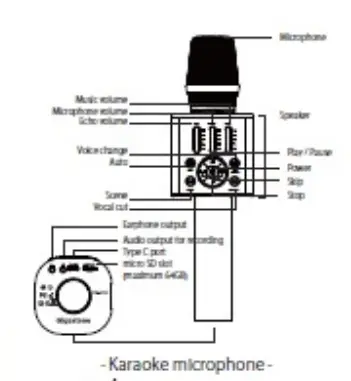
Instruction
Charging
- Use the standard USB cable and adapter to charge when )’Ou is charging, a red light appears.
- The charging time lasts 3-4 hours. Y; hen h Is fully charged, a red light becomes a green lt.
- Power on/ off
When power n.ns on, a blue llght appears. - Bluetooth connection
Select 1CM-8SOO” from the device’s Blue tooth settings. lf Blue tooth connection ts successful, you wtl heat• Bluetooth connected”. - micro SD
Please Insert the macro SO into the micro SD slot, the MP3 music or the micro SO card will be played. - Auto mode
Auto mode W1II automatically reduces the accompaniment volume and your voice clear. - Voice change function
- Veloce change fin:Union can change you VOlcetoman’s.woman·sort1dsV01ce.
- Press and hold for 3 seconds to hear the clapping sound.
- Scene
- Different scene funalon (outdoor mode, studio room mode, karaoke room mode, Oflgl’\al).
- Press and hold for 3 seconds to hear a cheering sound
- Vocal cut
Cut the vocal pan or the sOU\d source. - Two microphones can be connected
- Turn on the power, or the two microphones and keep them close to each other.
- Nightly press the power button on the main body of one microphone.
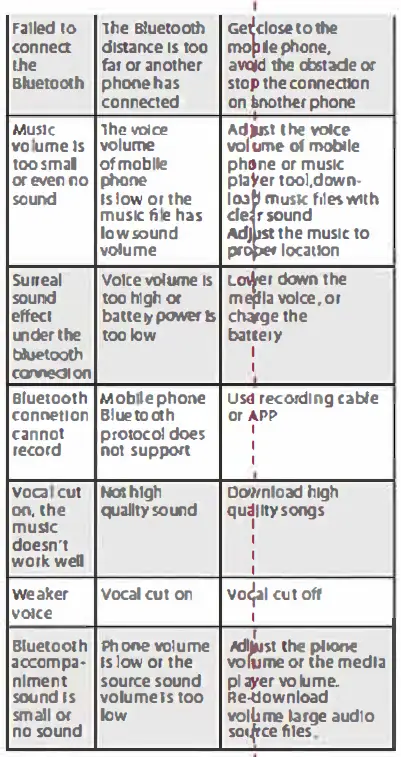
TroubleShooting
| Issues Power llght | Reason tow battery or | Solutions |
| wdooerksn‘t NoVOk:e | wait for dhccoflnanrgelcntigon cable D dn‘t turn on or | Cha,ge correctly c, contender:cttihoen part or a charging cable Turn on the |
| for microphone | avdojlusmt ethe voice D dn‘ | the evicted case DV oac!must |
| Neffoeecctflo | the ecthaodjust volume Mobile phone | A.vodlJuumstethe echo |
| faReicleodrding
sNinOlgseinwg hen | sduopepsonrot,taudio p,peorcfoesrmstanngccehIisp weak nEnovislreoomr ebnatdal smigonballle phone | Change phone
place atondqluei deep wtht ethdmis to abniclee phone |
| MnUteSrruIC ption u8nJudeetoor ththe conoectton | diBlsuteanctooetIhs toofar horaans cootnhnerecptheond e | moMoblveJedphoosenetoand avoid the obstacle |
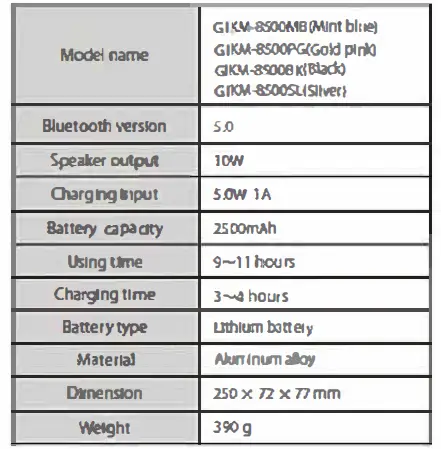
Specification
Speclfiutlon Bluetooth Karaoke Microphone
FCC Statement
This device complies with Part 15 of the FCC rules. Operation is subject to the following two conditions: 1) this device may not cause harmful interference, and 2) this device must accept any interference received, including interference that may cause undesired operation.
This equipment has been tested and found to comply with the limits for a Class B digital device, pursuant to Part 15 of the FCC rules. These limits are designed to provide reasonable protection against harmful interference in a residential installation. This equipment generates, uses and can radiate radio frequency energy and if not installed and used in accordance with the instructions, may cause harmful interference to radio communications. However, there is no guarantee that interference will not occur in a particular installation. If this equipment does cause harmful interference to radio or television reception, which can be determined by turning the equipment off and on, the user is encouraged to try correct the interference by one or more of the following measures:
- Reorient the receiving antenna.
- Increase the separation between the equipment and receiver.
- Connect the equipment into and outlet on a circuit different from that to which the receiver is connected.
- Consult the dealer or an experienced radio/TV technician for help.
Changes or modifications not expressly approved by the party responsible for compliance could void your authority to operate the equipment.