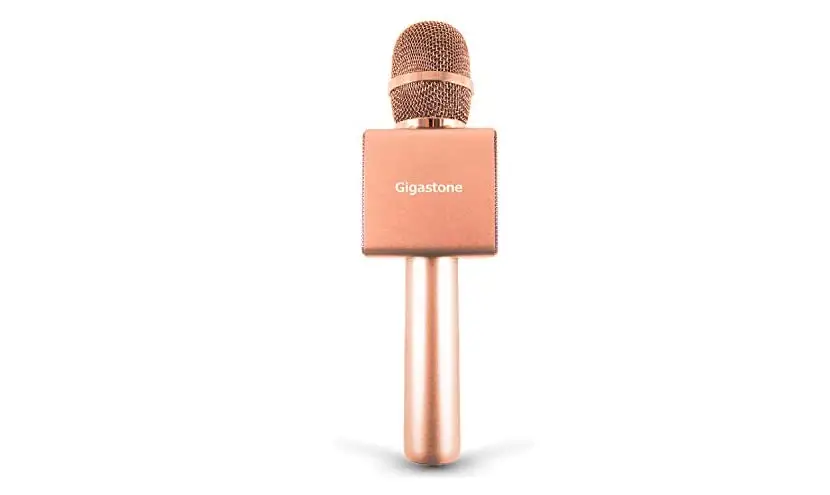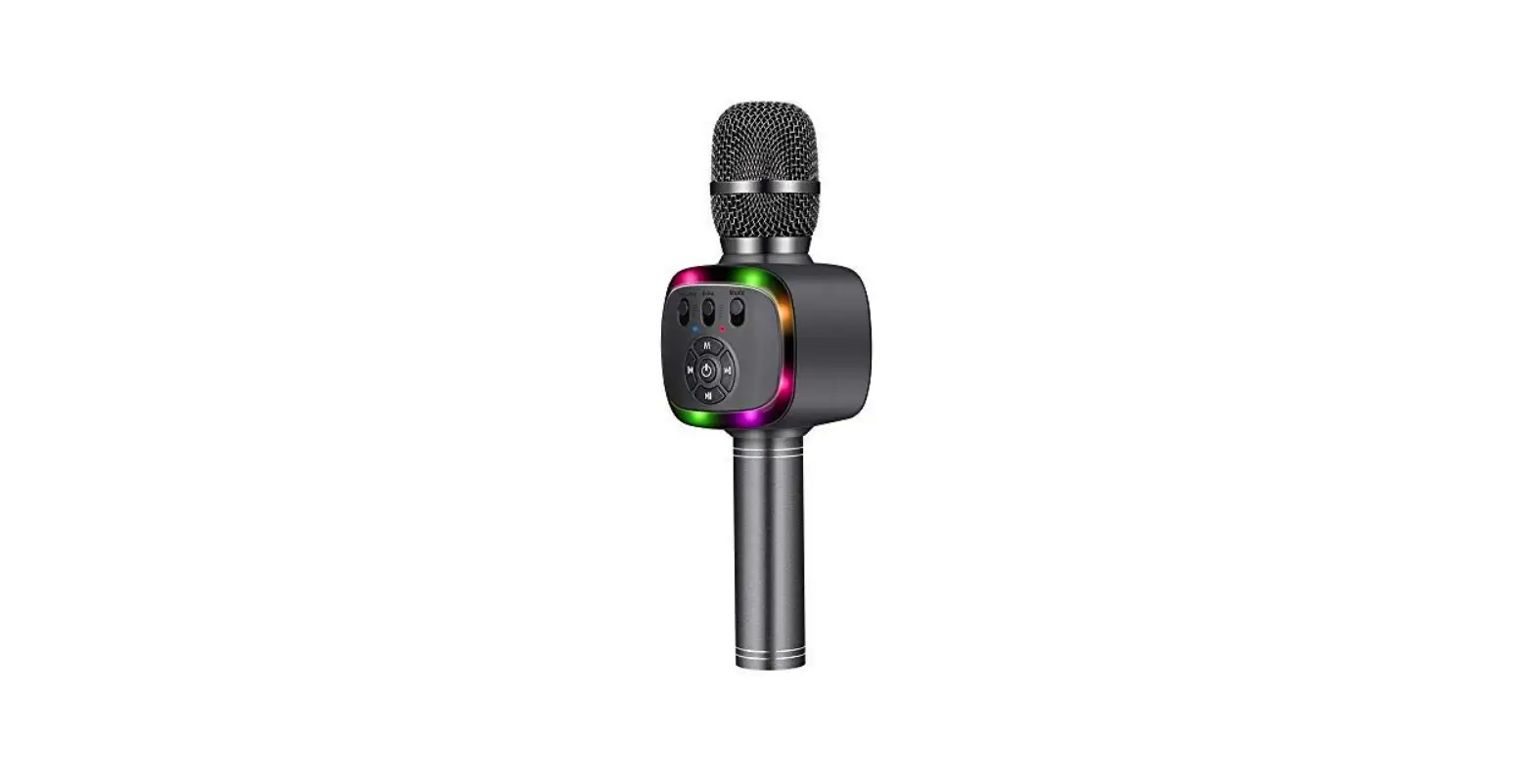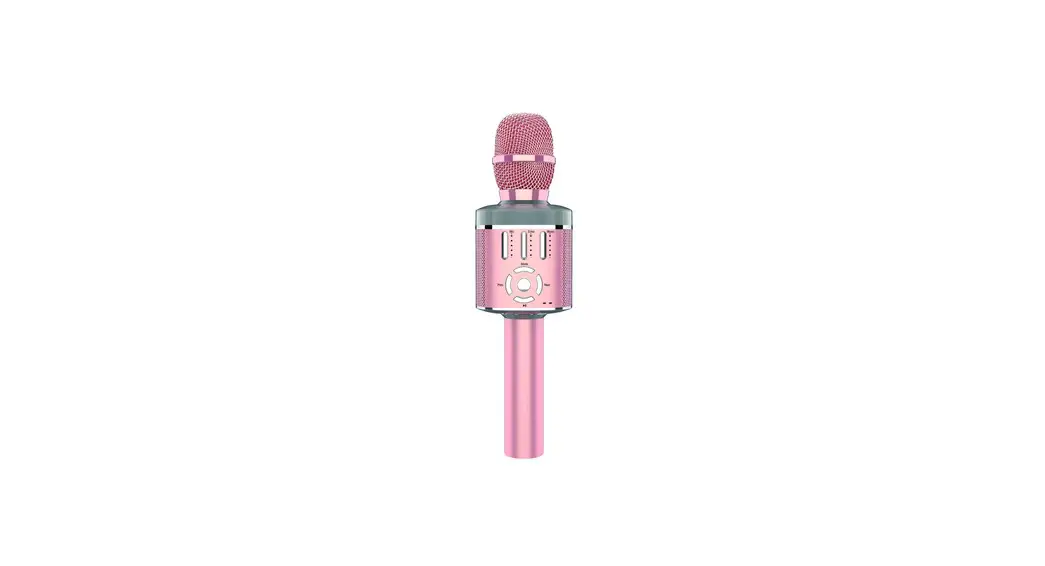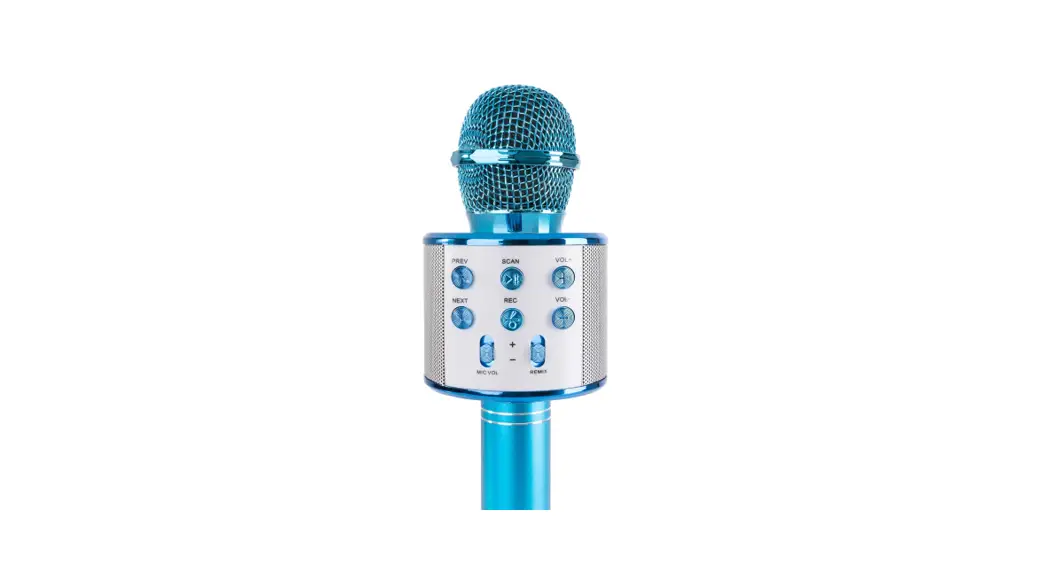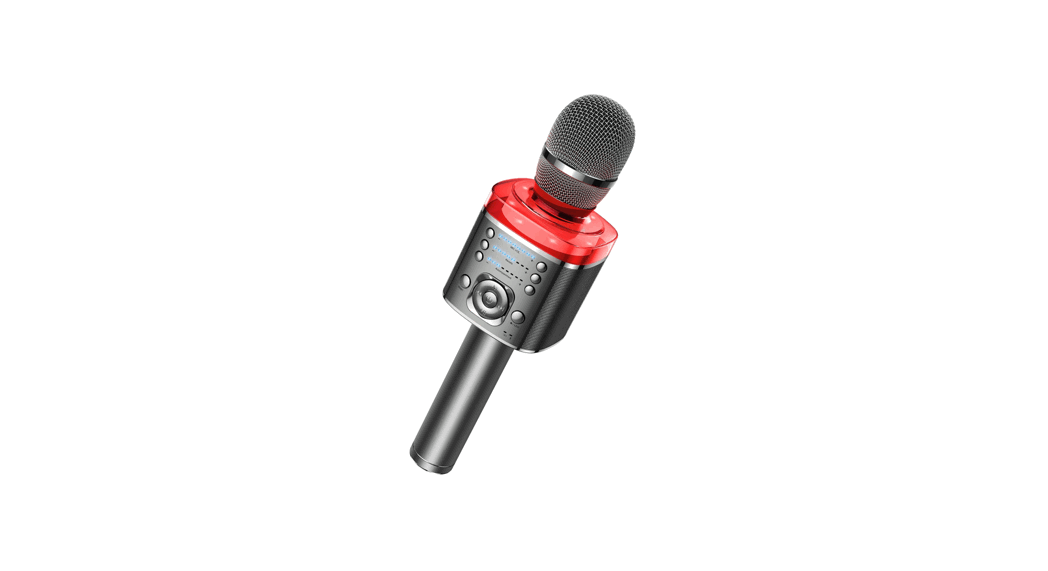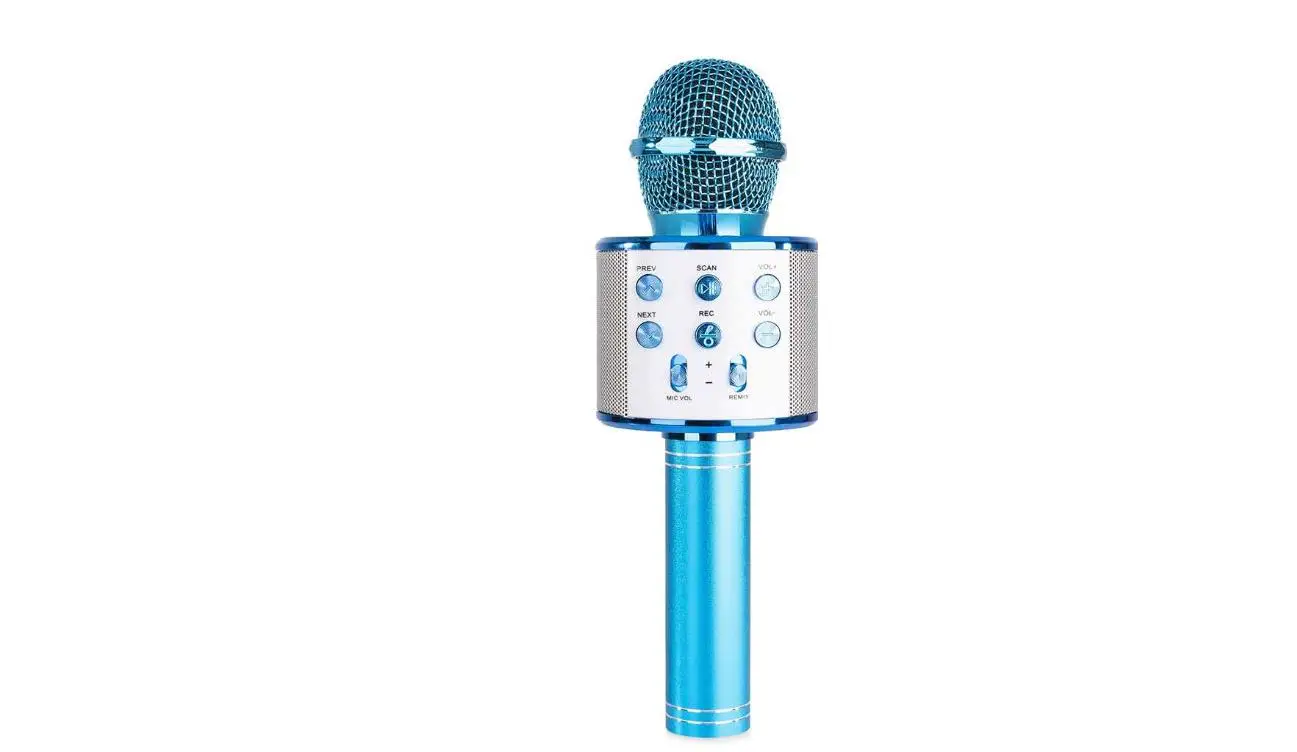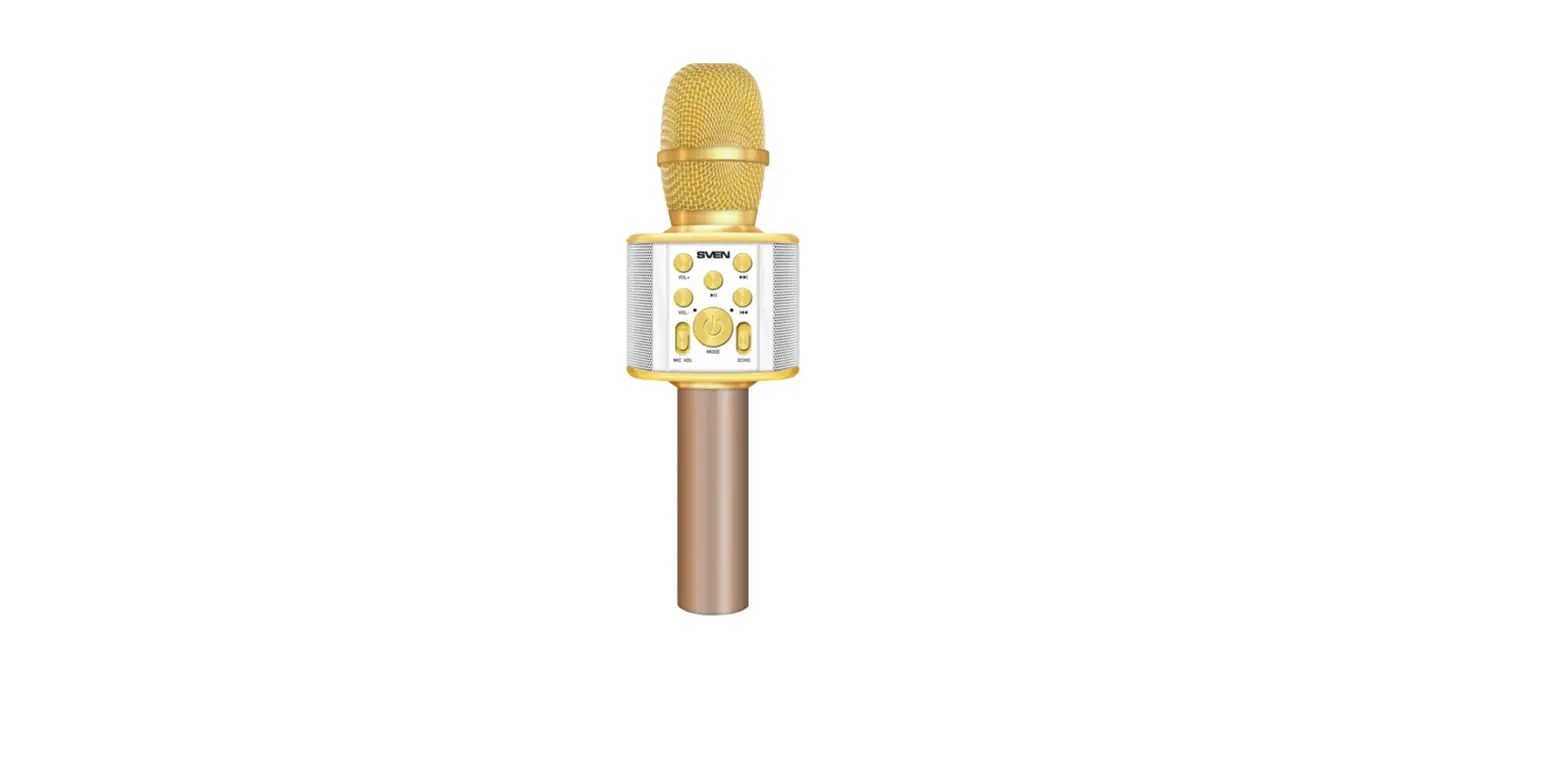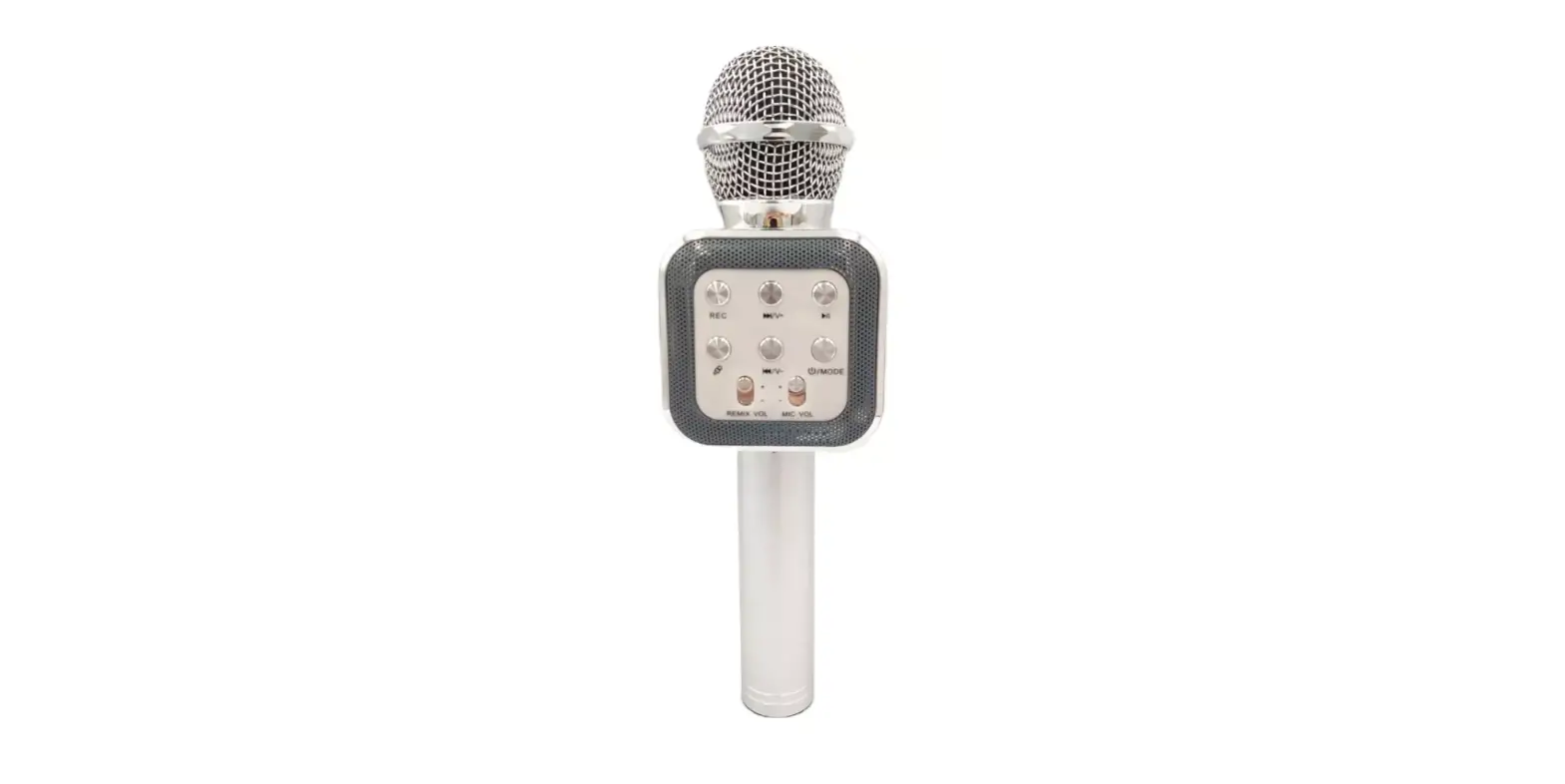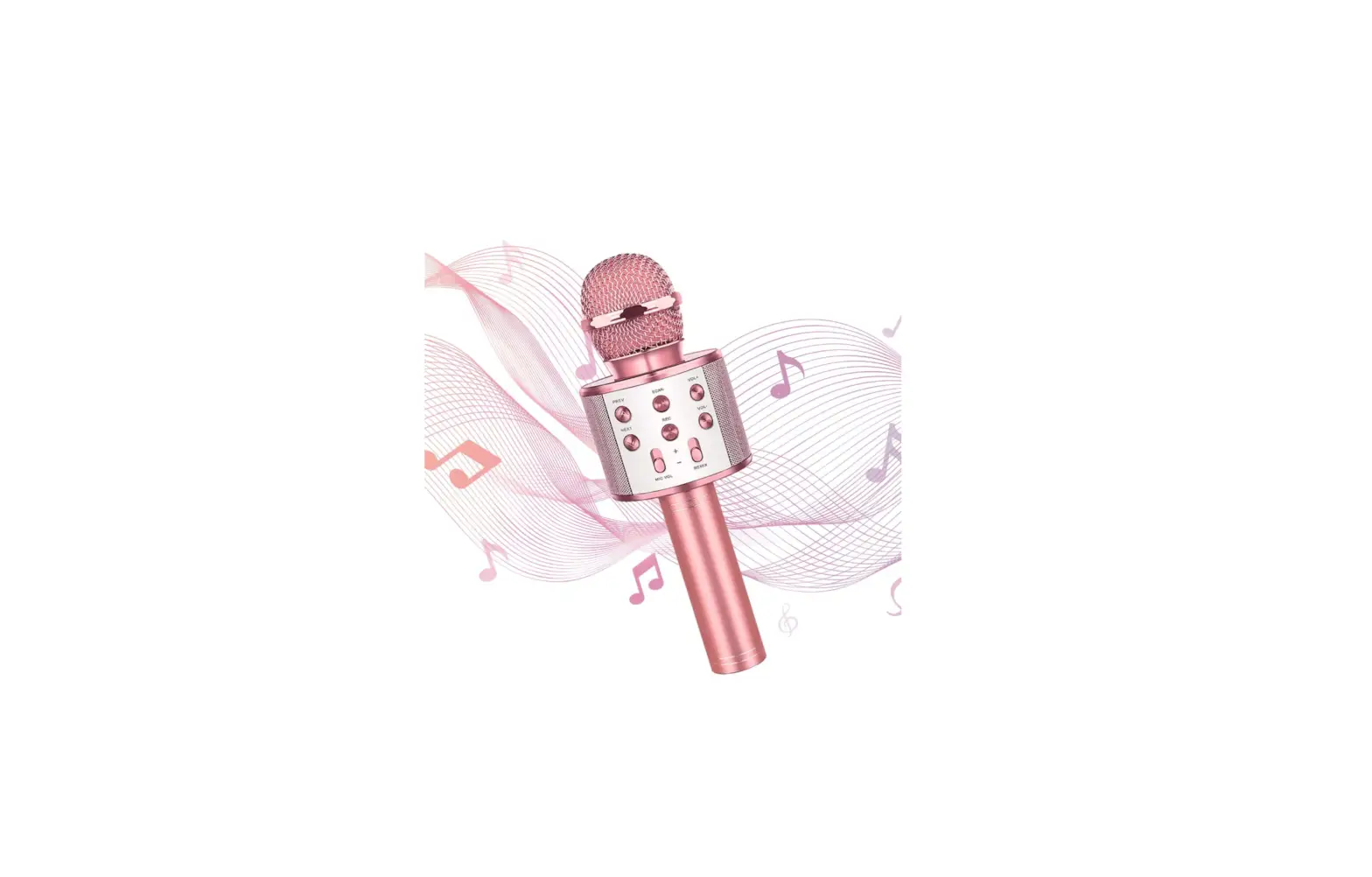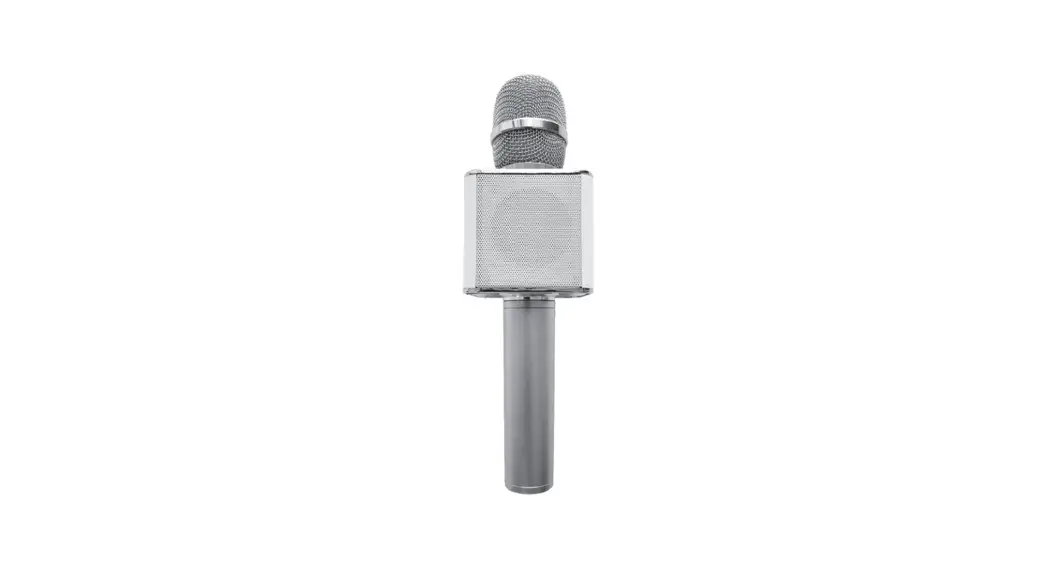

Gigastone KM-7500 Karaoke Microphone
Features
Karaoke Microphone for Smartphone
- Contain Lithium Battery 2200mAh, and it can work up to 8-1 O hours
- 5W Dual speaker and stereo-sound effect
- Supports one button silencer
- Supports Karaoke Apps
- BSMI & NCC certification
Package Contents
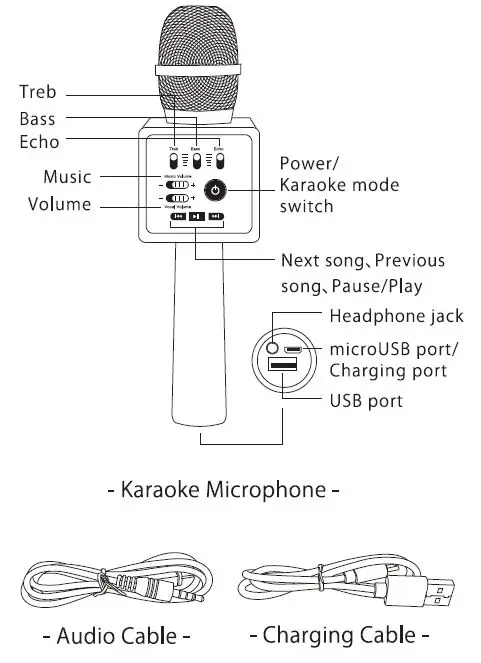
- Karaoke Microphone ……………………………………… x 1
- Charging Cable ……………………………………………….. x 1
- Audio Cable …………………………………………………….. x 1
- User Manual… …………………………………………………. x 1
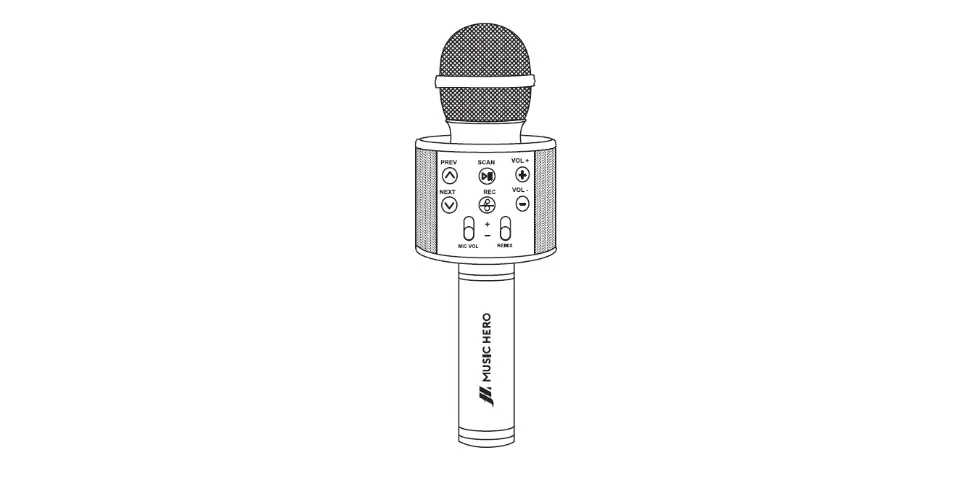
Structure Diagram
Instruction
Charging
- When the battery is low, the device shuts down automatically.
- Use the standard USB cable and adapter to charge when you are charging, a red light appears.
- The charging time lasts 3-4 hours. When it is fully charged, the red light disappears.
Wireless Karaoke Instruction
- Press the power button for 3 seconds to turn on or turn off, when it is on, the blue light will show up.
- Bluetooth Connection: Turn on the Bluetooth on your phone and search ‘Gigastone KM-7500″ to connect. When you are connected, the karaoke microphone will display a tone.
- Adjust the settings on the functional platform t □ achieve the most demanding effect.
- Start: When you sing, all the operations such as play/pause/ previous/ next song can be done on your mobile phone or microphone.
Note:
Once the device is connected with your mobile phone, you do not need to connect again the next time you use. It automatically connects. If you want to disconnect the device, you can operate it using the Bluetooth on your mobile phone to disconnect. If you only want to listen to music, you can lower the microphone volume.
Play Songs Through USB
- Plug-in USB to the USB port, the microphone detects musical files (MP3 format) in the USB and plays the music. You can se lect buttons to pause or switch the songs
- When you are playing music through USB, you can control the volume by adjusting the volume button.
- The music button helps to adjust the music volume.
Trouble Shooting
| Issues | Reason | S olu t ions |
| Po wer light | Low bat tery or | Charge correctly |
| doesn’t | bad connectio n | , check the |
| work | with charg ing | conne ction pa rt |
| cab le | or charg ing cable | |
| No voice from microphone | Did n’ t tu rn on or adjust the voice volume | Turn on the device and adjust the voice volume |
| No reverb effect | Mixer butt on did n’ t op en | Adjust th e mixer to app rop reate loca t ion |
| Noise when singin g | Envi rom ental no ise or bad | Move to quite pl ace and keep |
| mobile phone | the distance | |
| sig nal | wi th mobile | |
| p ho n e | ||
| Music | Bluetooth | Move close to |
| interruption | distance is too far | mobile phone and |
| unde r the | or another phone | avoid tl1e obstac le |
| bluetooth | has con ne cted | |
| connection | ||
| Music volume is | The voice volume o f mo b il e phone | Adju st the voice volume of mobile |
| too small or even no sound | is low or the music file l1as low sou nd volum e | phone or music player tool, do wnload music files with clear sound Adju st t he m u sic to proper location |
| Failed to | The bluetoo th | Get close to the |
| connect | distance is to o | mobile phone, |
| the | far or ano t h er | avoid the obstacle or |
| b lu etoo th | ph on e has | st o p the conne ction |
| connected | on ano ther phone | |
| Su rr eal | Voice volume is | Lower down the |
| sound effect under the | too high or batt ery power is too low | media voice, or charge the battery |
| bluetoo th | ||
| connection | ||
| Under the | Not high qualit y | Download high |
| music | sound | quali ty son gs |
| mode, the mus ic doesn’t | ||
| work well | ||
| Weaker Voice | M u sic mode on | Music mode off |
Specification
| Model Name | KM -750 0 |
| PN | KM-75DOG |
| Bluetooth | Version 5.0 |
| Out put | SW X 2 |
| Inpu t | 5.0V 0.8A |
| Batt ery Capacity | 2200mAh |
| Frequency Resp on se Range |
60Hz~20KHz |
| Bat tery Life | 8~ 10h |
| Charging Time | 3~ 4h |
| Batt ery | 18650Polymer Lithium Batt ery |
| Ma terial | Space Aluminum |
| Size | 67 x 68 x 242 mm |
| Weight | 4029 |
| Warranty | 1 year |
Notice:
- This product has a built-in battery, please keep it away from fire.
- This product is not waterproof, please keep away from water to avoid short-circuiting to the product.