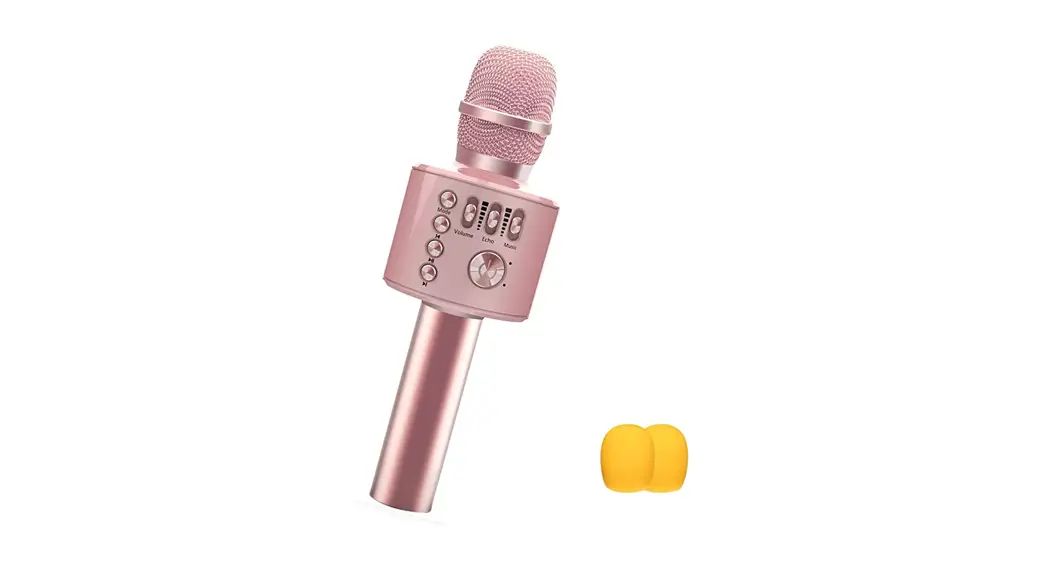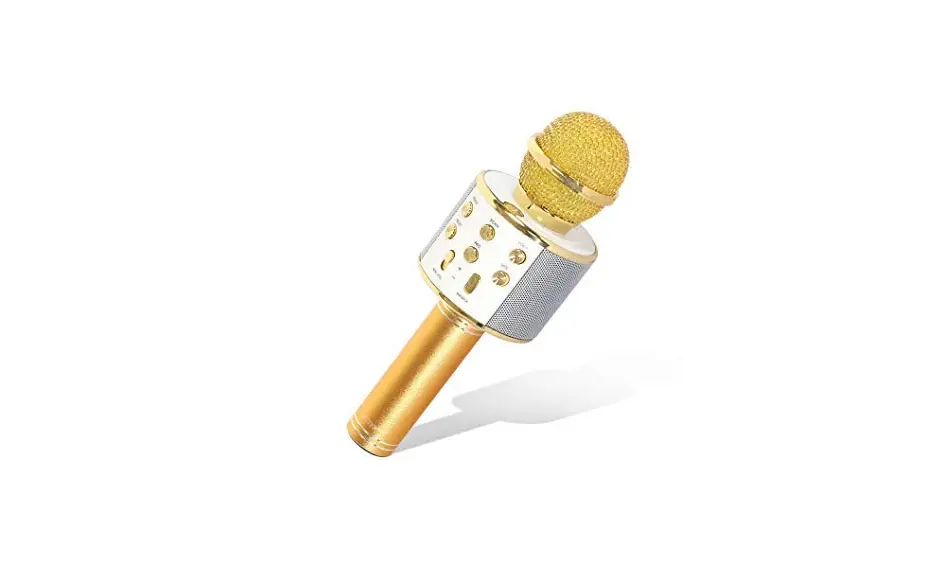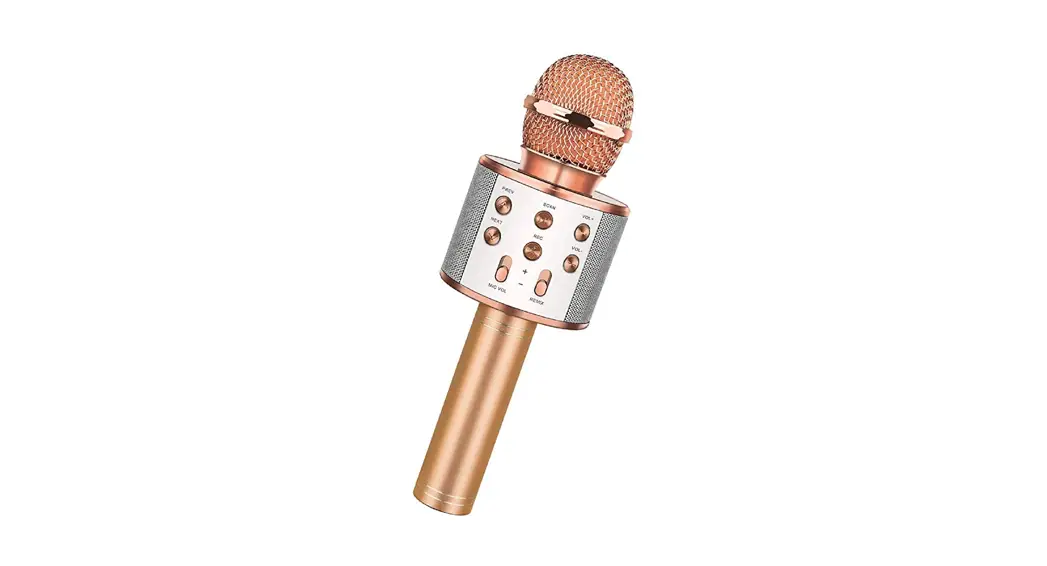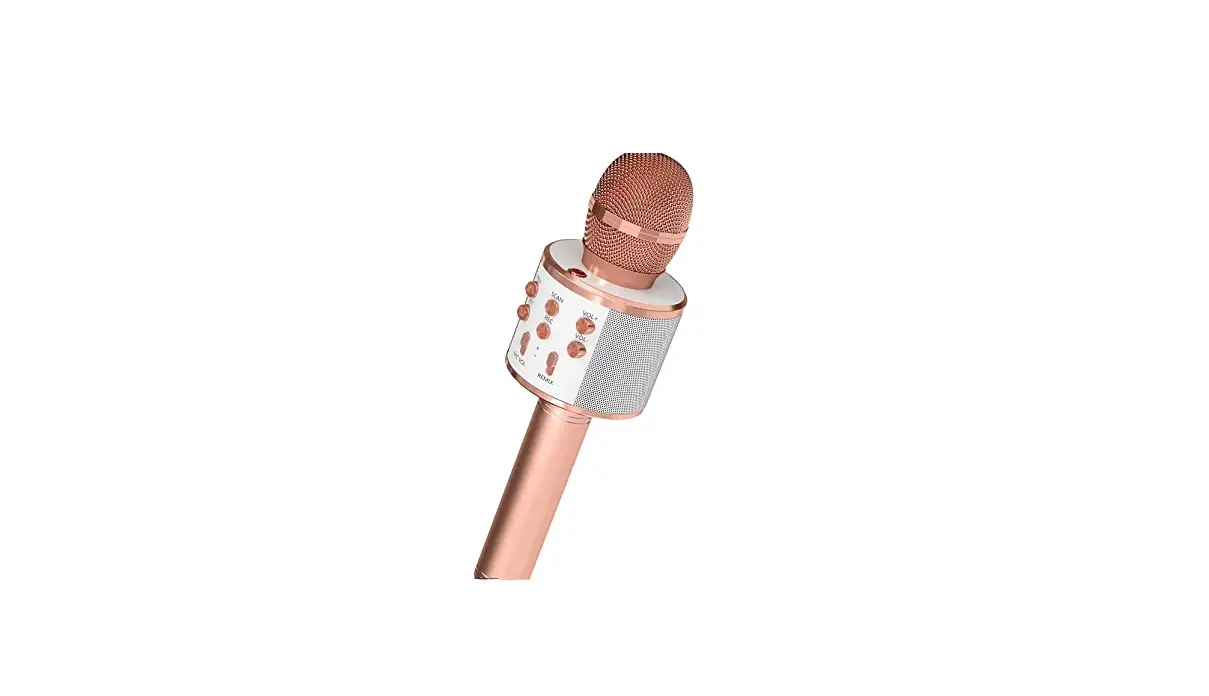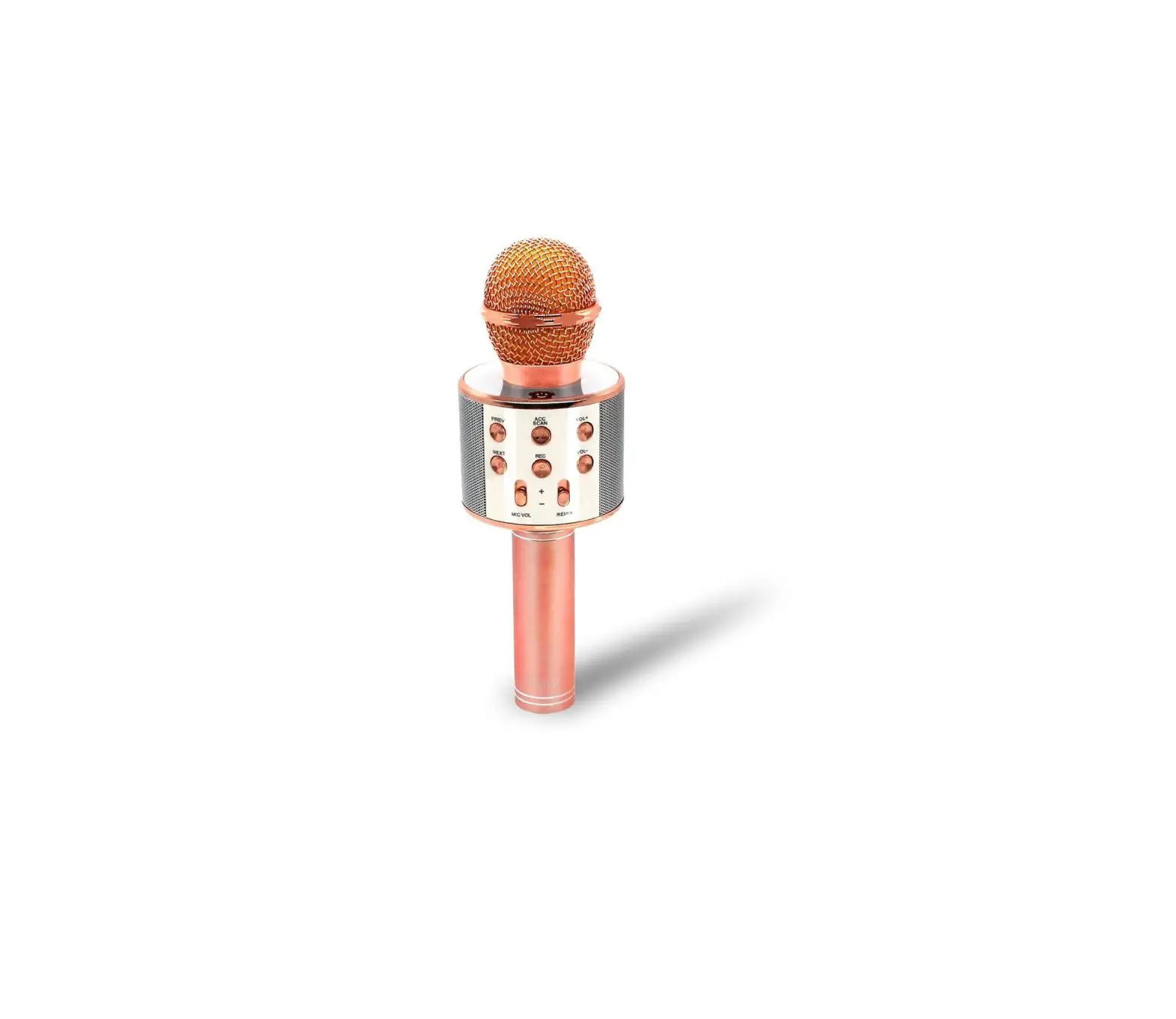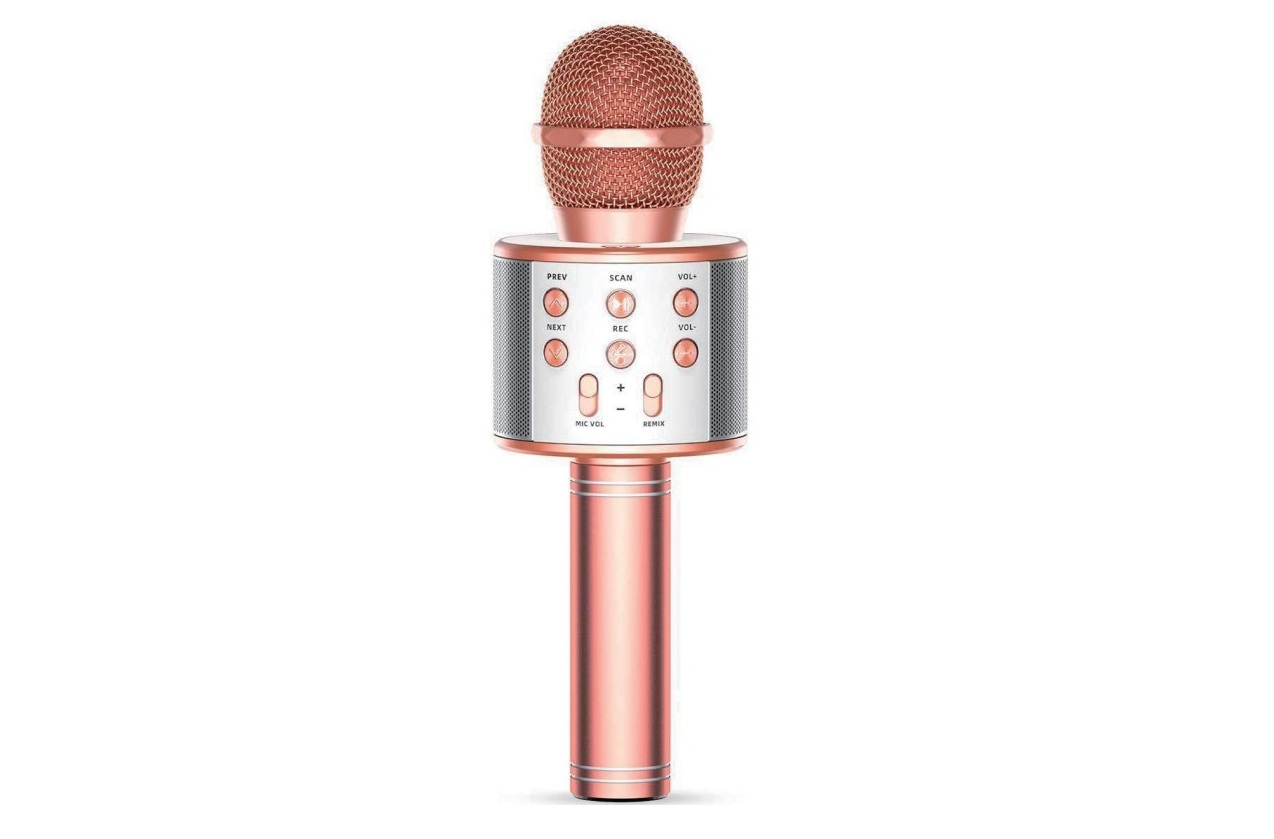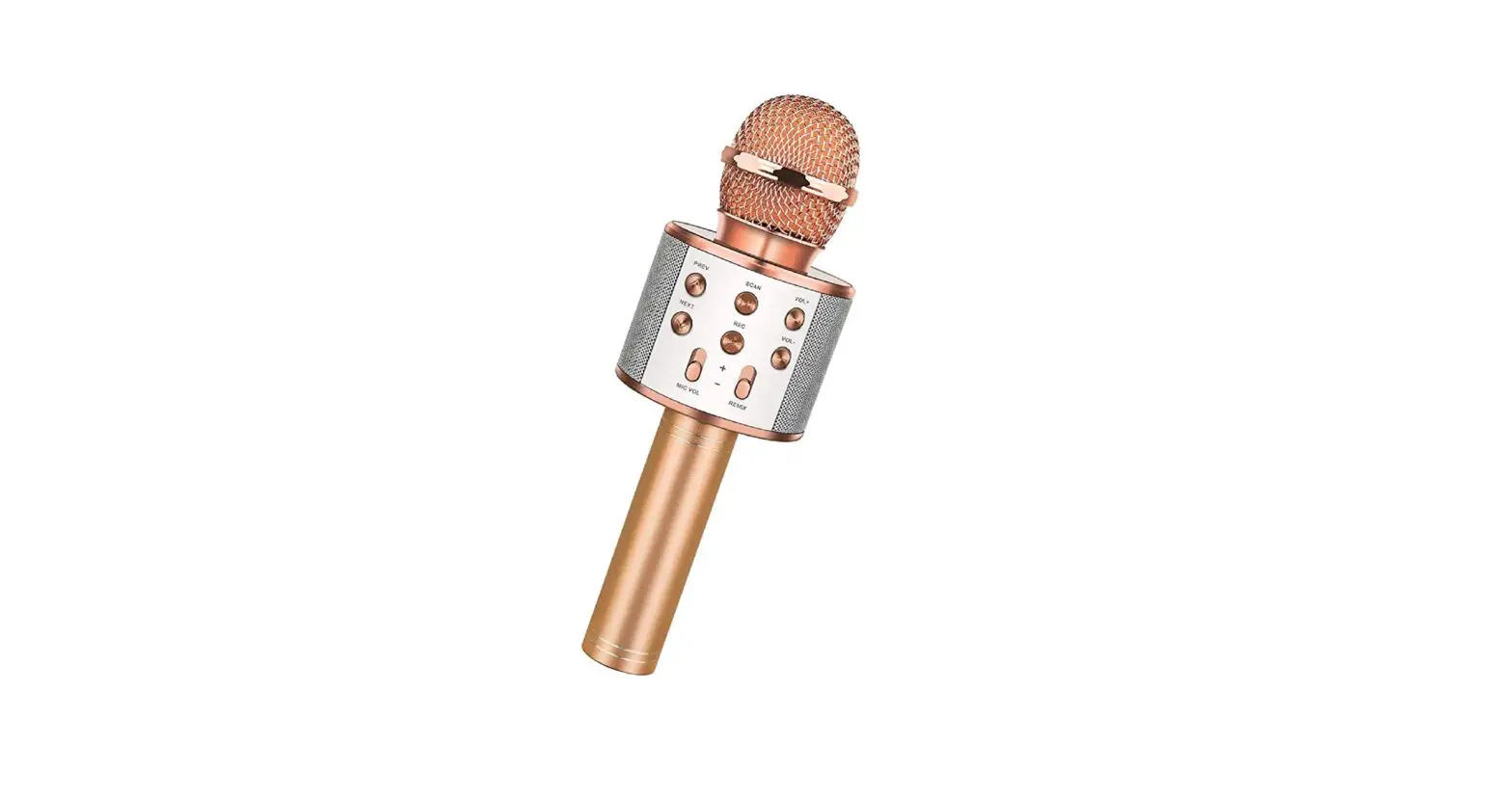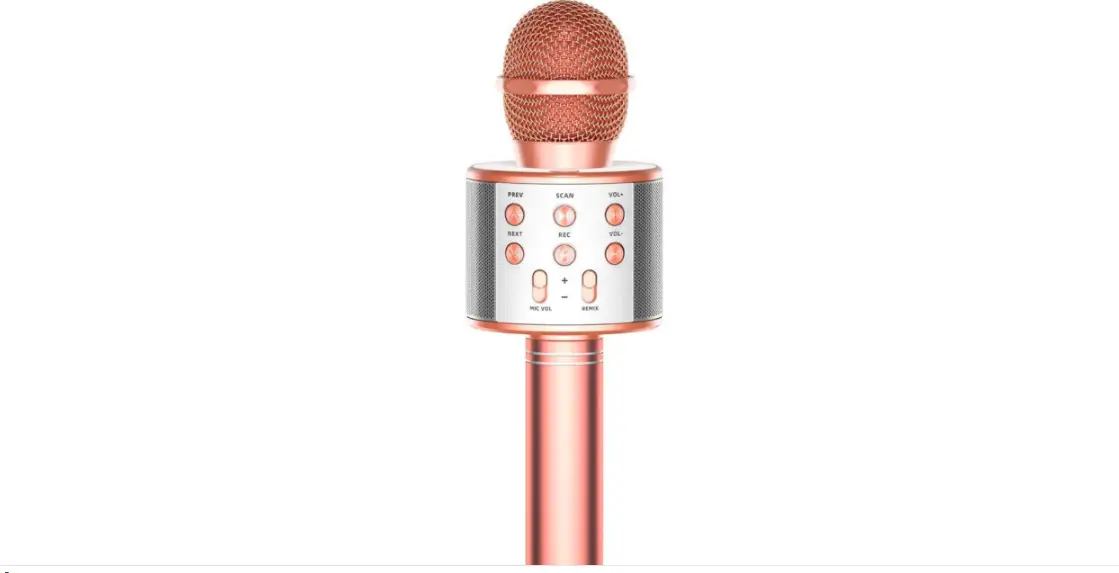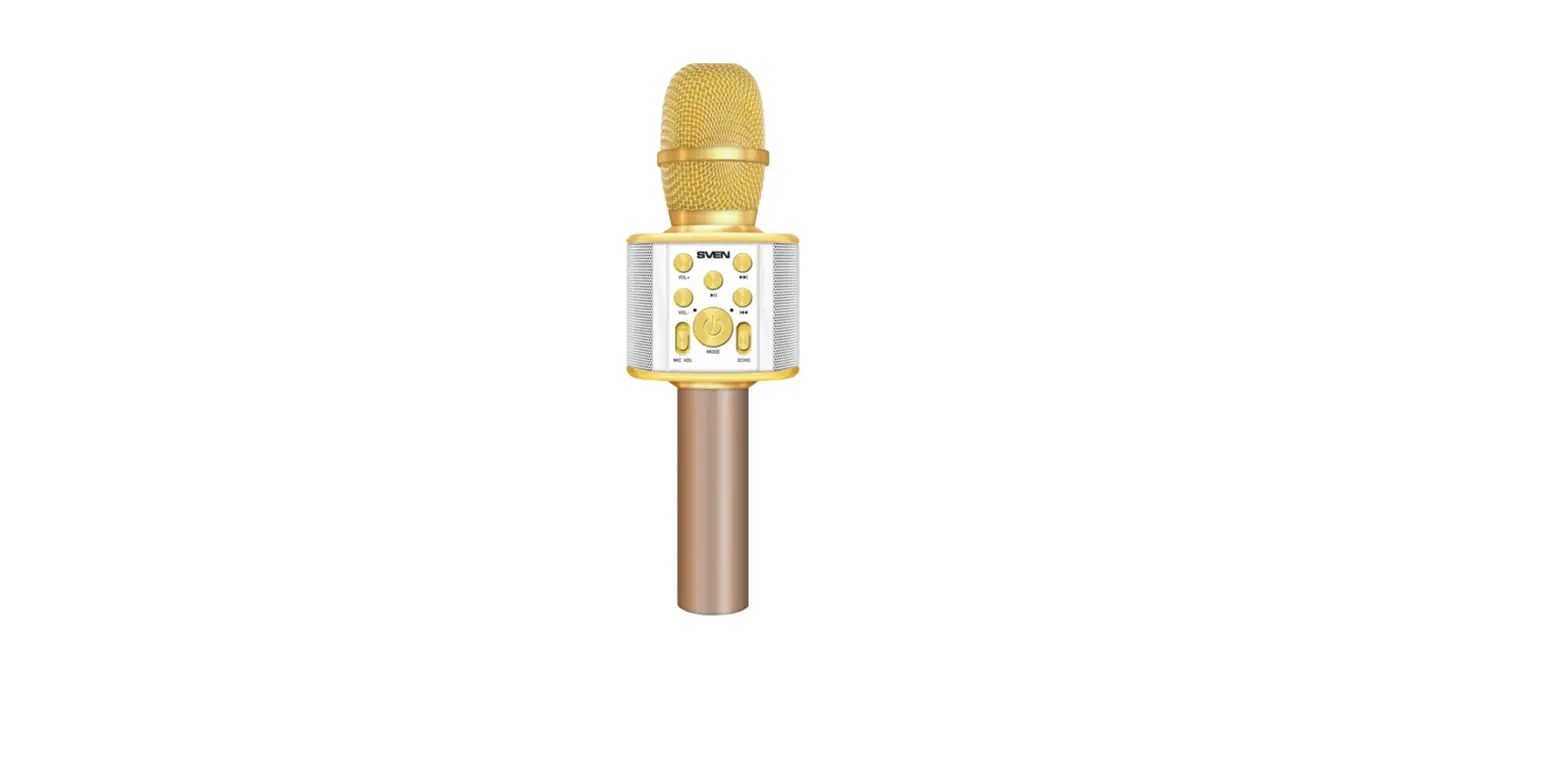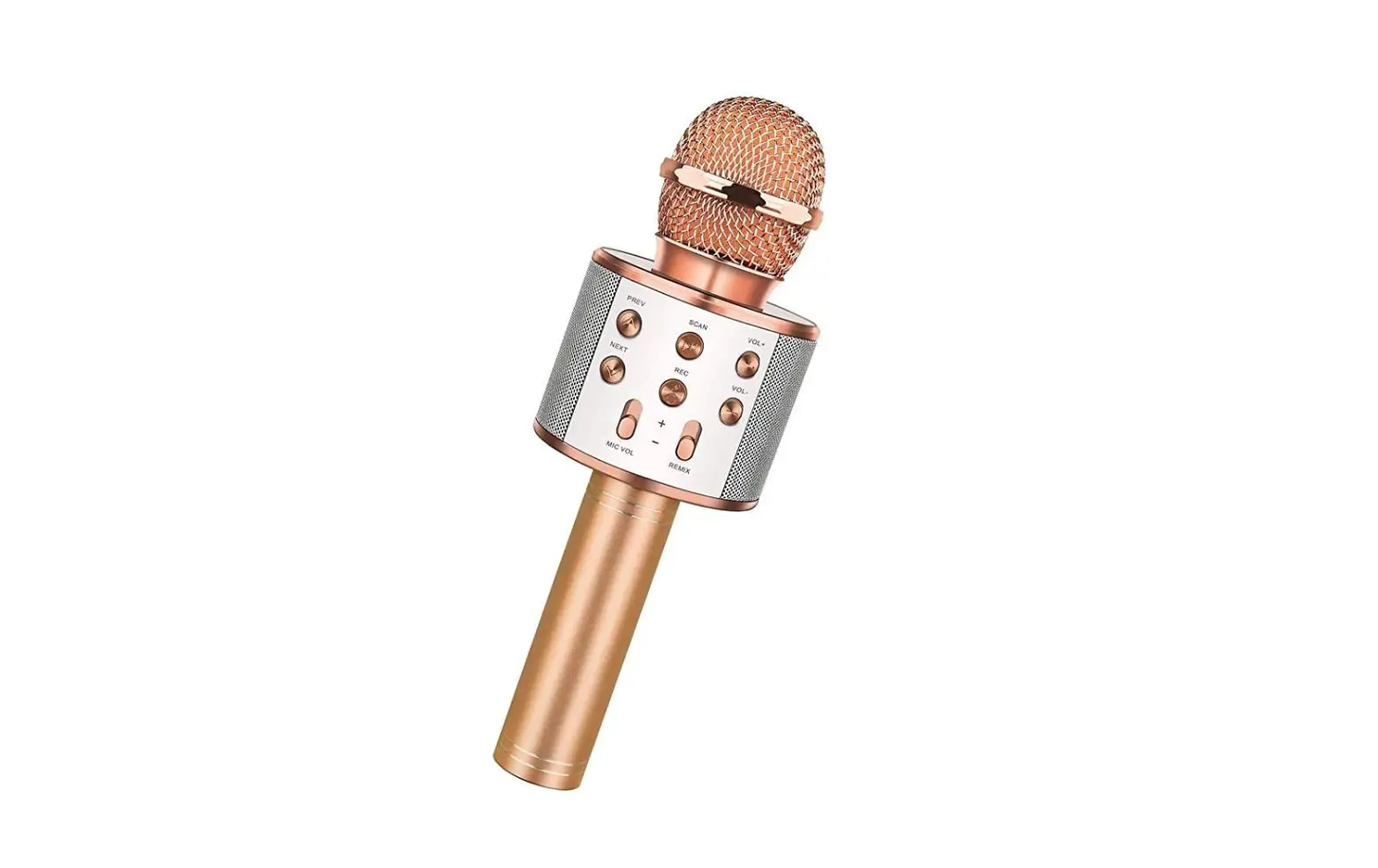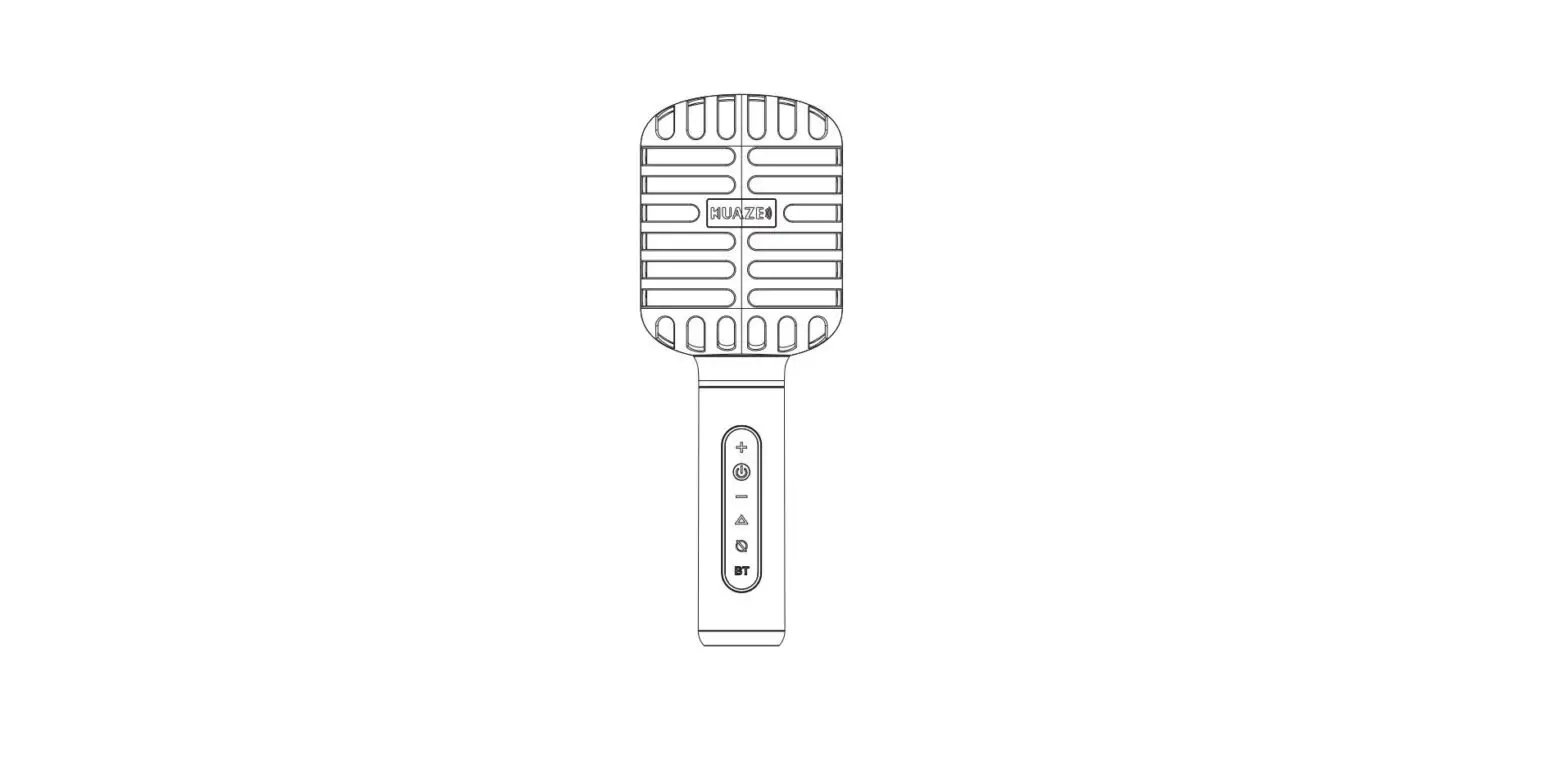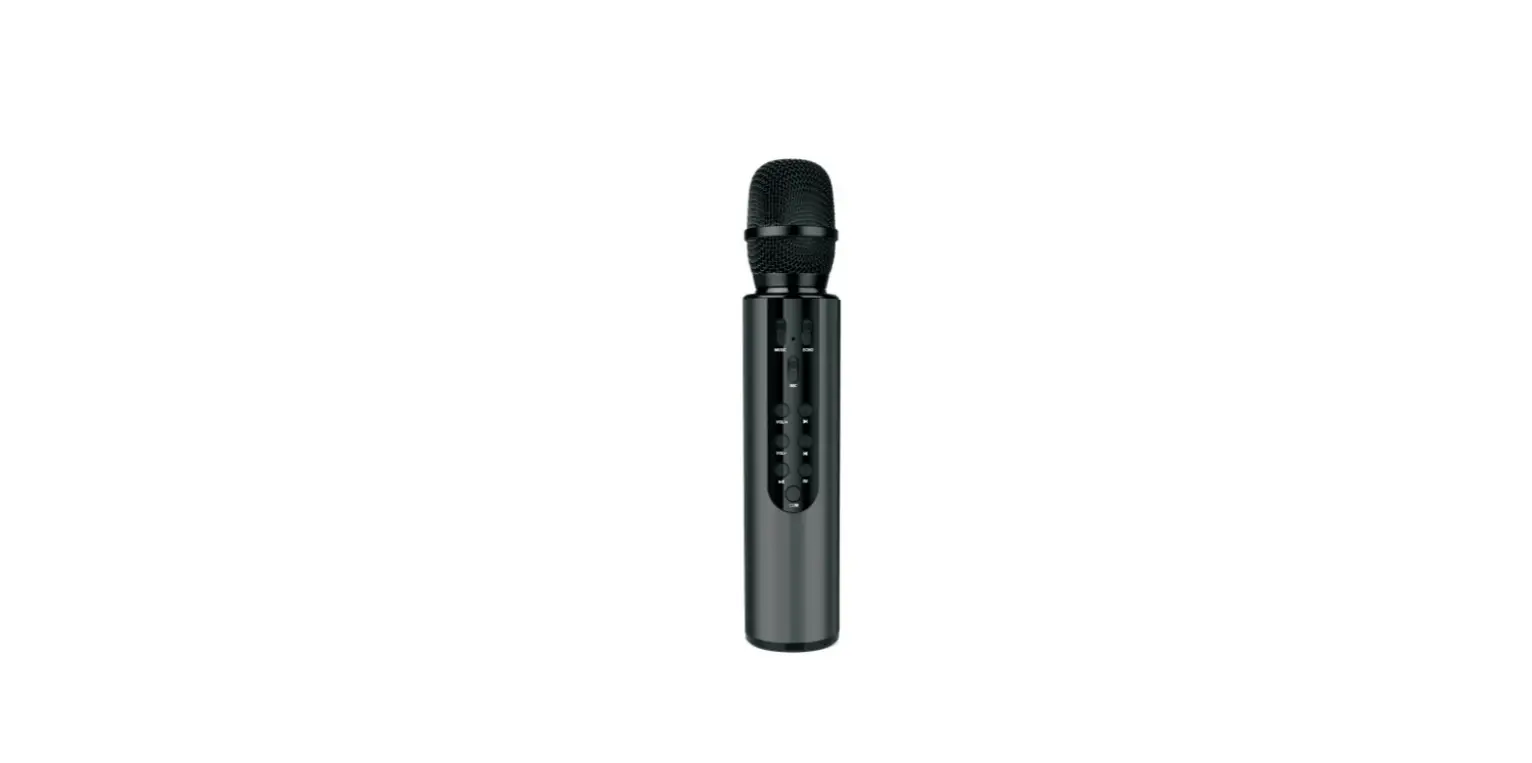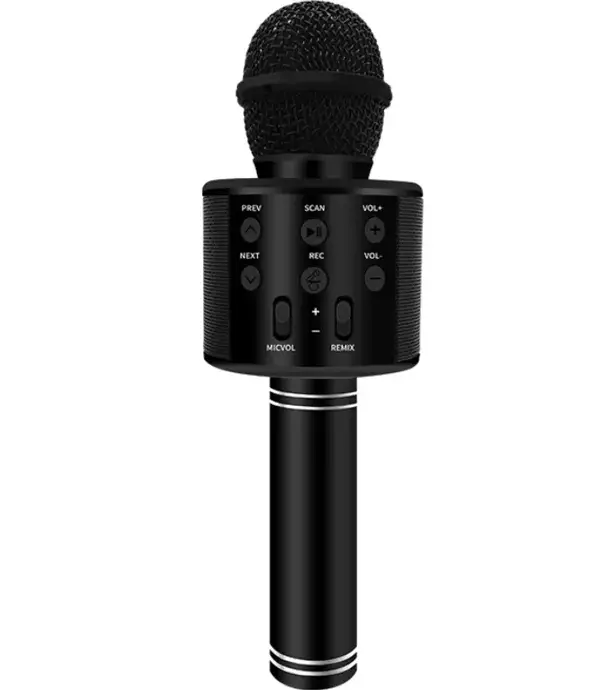

Dongguan WS858L Bluetooth Karaoke Microphone
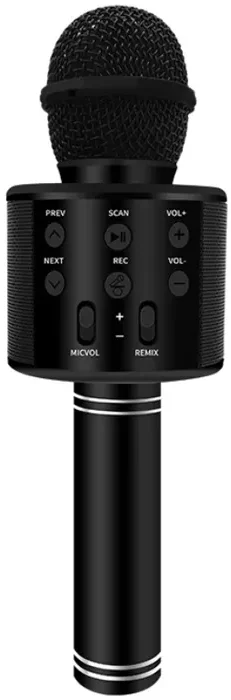
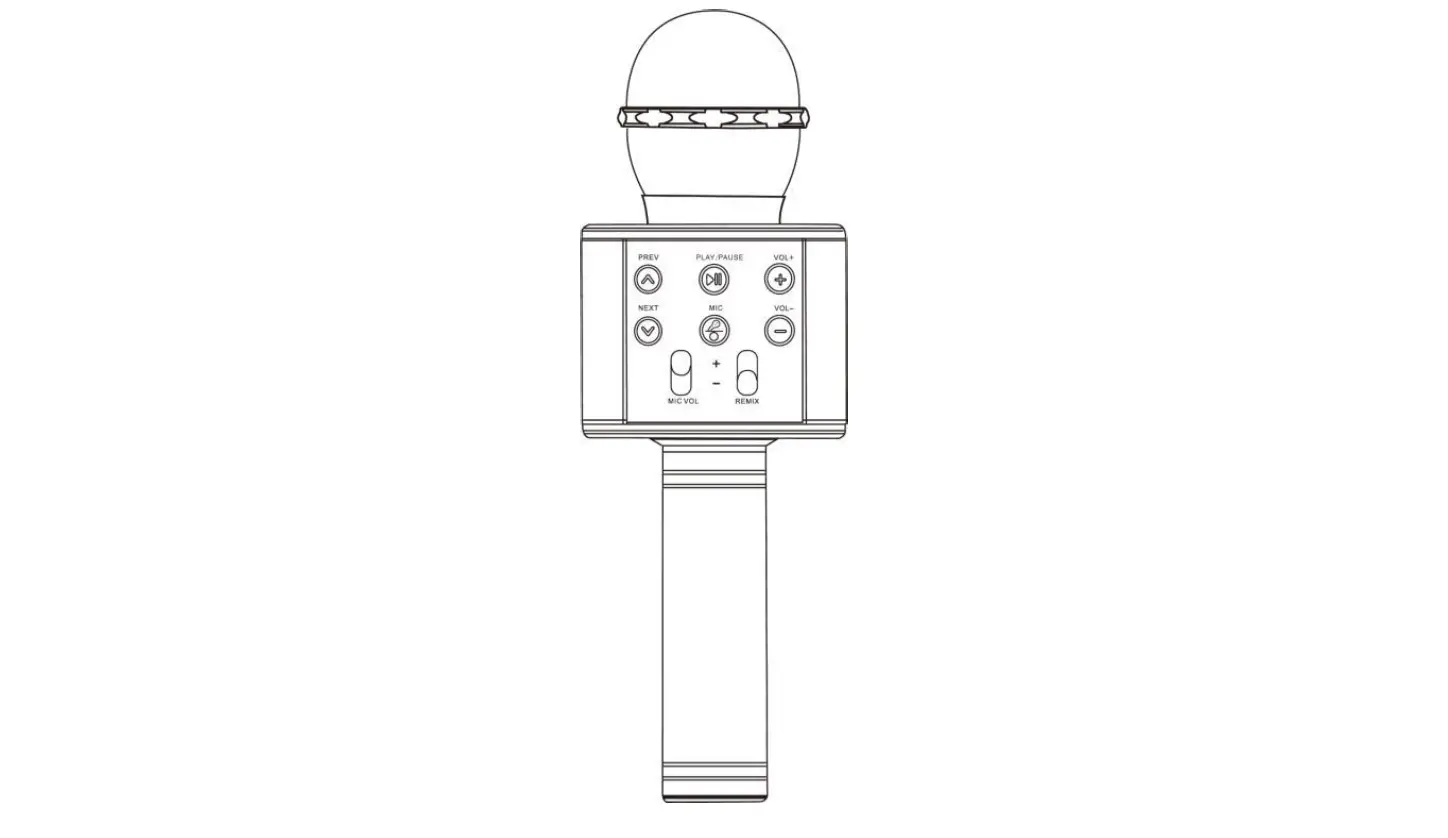
- . Basic Button Operation
Long Press :ON/OFF
Short Press: Mode switching 
Press: the previous song
Press: the next song
Short Press: Play/Pause.
Short Press: Mic ON/OFF
Long Press: change different magic sounds (Under karaoke mode).- “VOL +”
Increase music volume - “VOL –“
Decrease music volume - MIC+”and “MIC.
Gradually push to adjust the sound of mic - REMIX
Gradually push to make your voice better


Multi-function Operation
Wireless Karaoke
- Turn on the power: long press power button
 to turn on the microphone.
 - Bluetooth connection: Open the Bluetooth of the mobile phone, click it to connect “WS-858L”, and the prompt sound appears to indicate successfully connection.
- Tun on the music on your phones or Pads. (Don’t need to download a special App, just use some normal audio software, such as Spotity, iTunes,YouTube etc.)
- Start Karaoke and adjust some setting according the Basic Button
 to turn on the microphone.
Operation
Bluetooth Speaker Function
- Plug the TF card with music and play music, the microphone can be used as a Bluetooth speaker.
- Short press to switch the music modes (Original sing Accompaniment ).
Recording with mobile phone
- Connect the recording wire: Insert the Micro cable of the recording wire into the Micro interface of microphone, and plug the 3.5mm jack into the earphone jack of the mobile phone.
- Open the Karaoke software with recording function in the mobile phone, record the song according to the the instructions of Karaoke software, then select your favorite song and star singing,
- Test and save the song: According to the instructions of Karaoke software.
Selfie function
- Short press the button to switch from Bluetooth mode to selfie mode.
- Connect the Bluetooth in the mobile phone, search Bluetooth “shutter”, click it for connection.
- Turn on the camera of the mobile phone, press the button or to take photos.
Note: This microphone can support both Android mobile phone(Above Android 4.2.2) and IPhone 1OS system(Above 10S 6.0). It doesn’t support the mobile phone which has a separate physical button to take photos.
Radio Mode
- Short press the button to switch from selfie mode to Radio mode.
- Long press the button to search FM Channel automatically.
Technical Parameters
- Output Power: 5W
- Frequency Range: 10OHZ-10KHZ
- Max Sound Pressure Level: 115DB 1KHZ TDH<1%
- Reverberation Mode: sound effect reverberation
- Power Supply: Built-in 18650 Li-Battery
- Battery Capacity: 2400mAh
- Charging Power: DC 5v