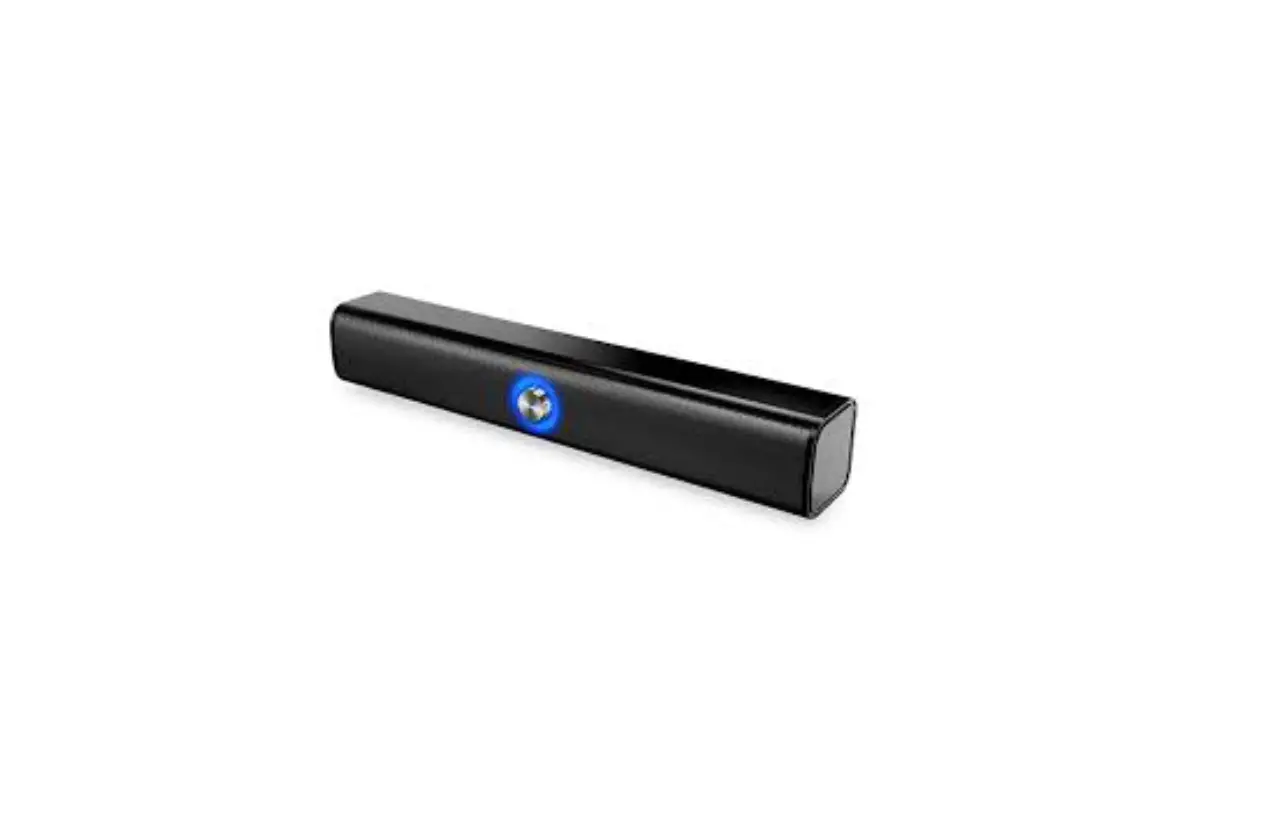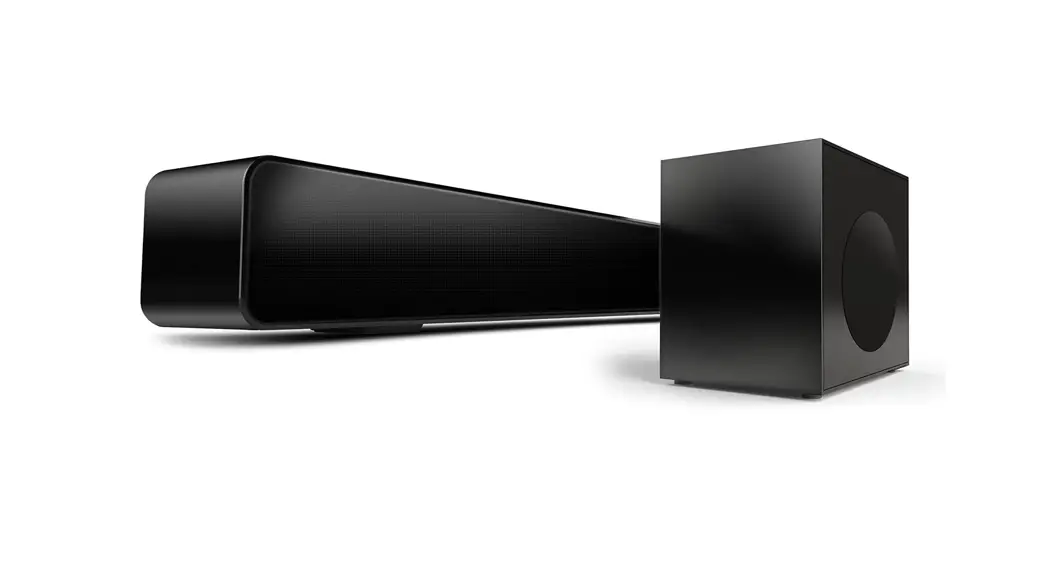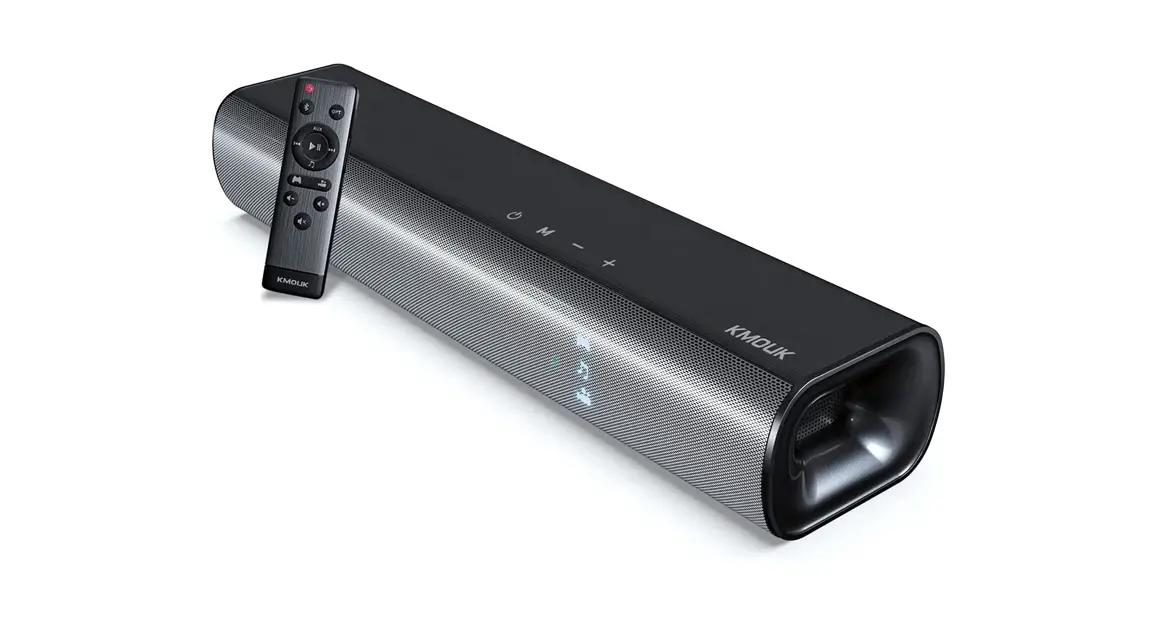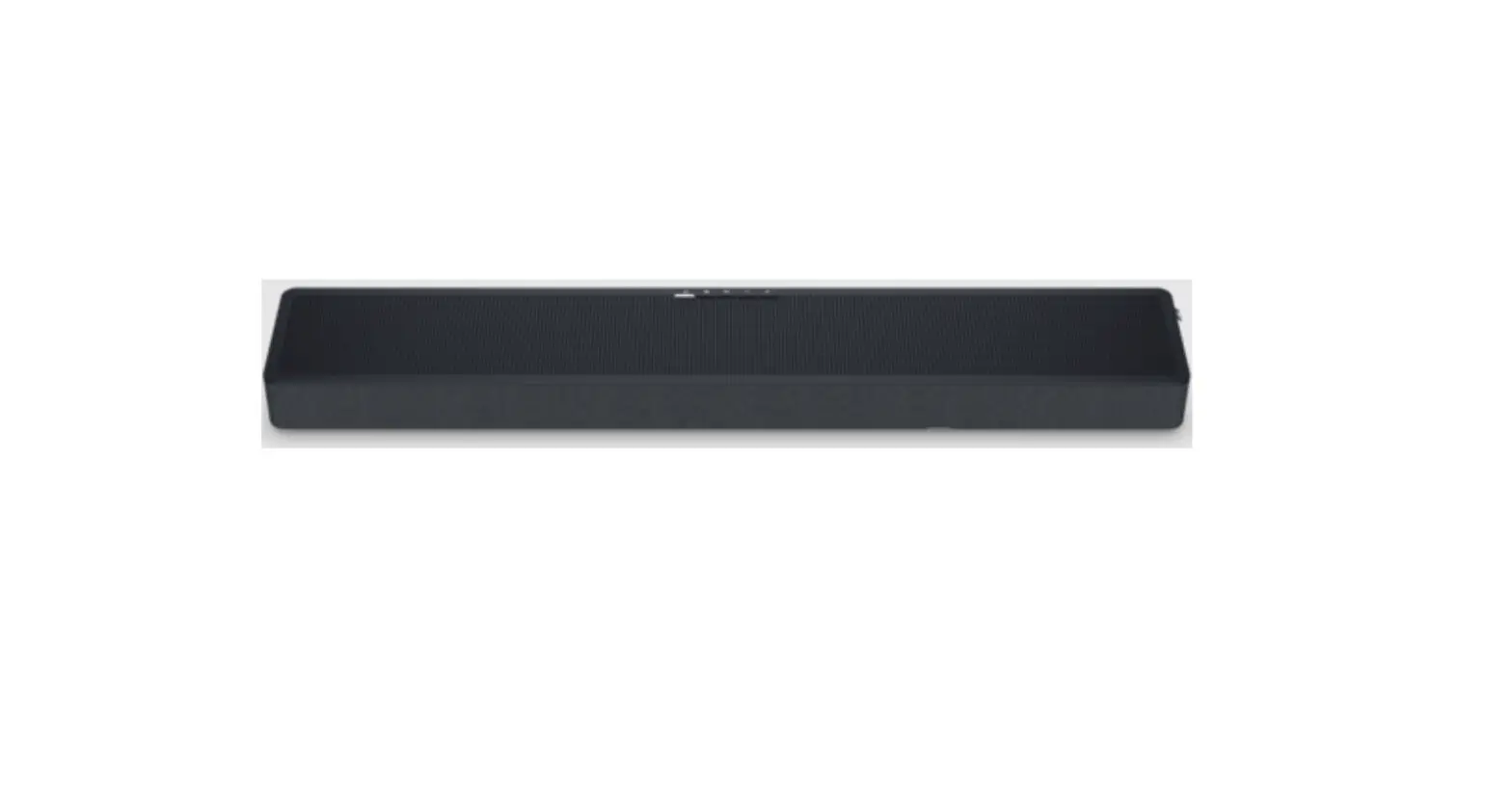
 Sound Bar User Manual
Model: B1
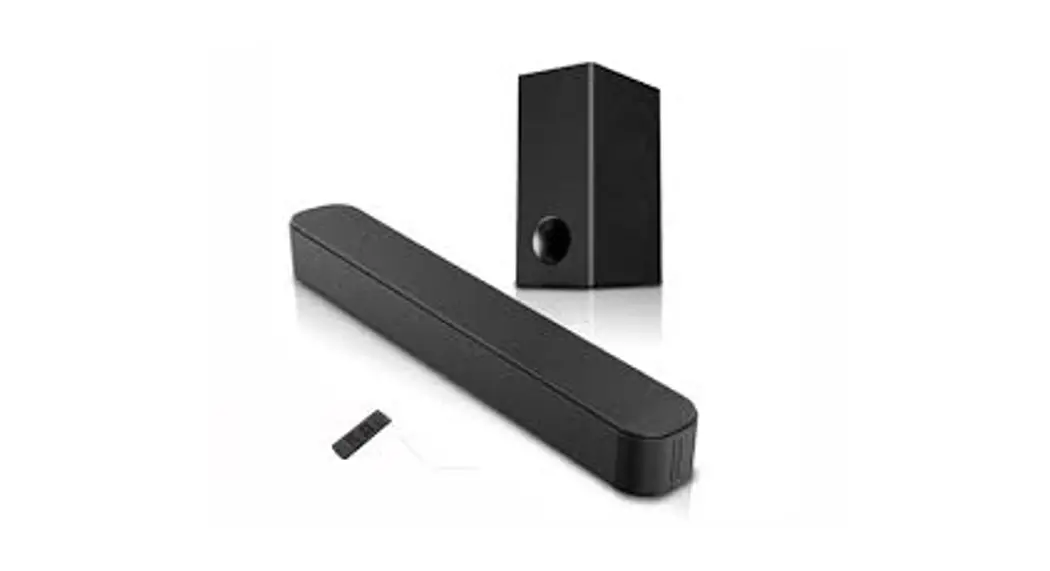
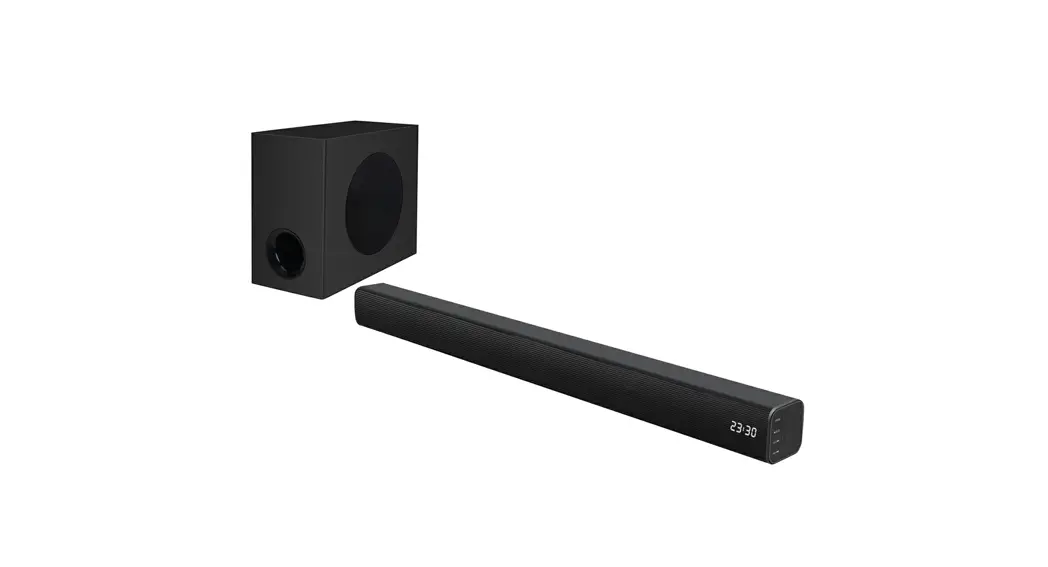
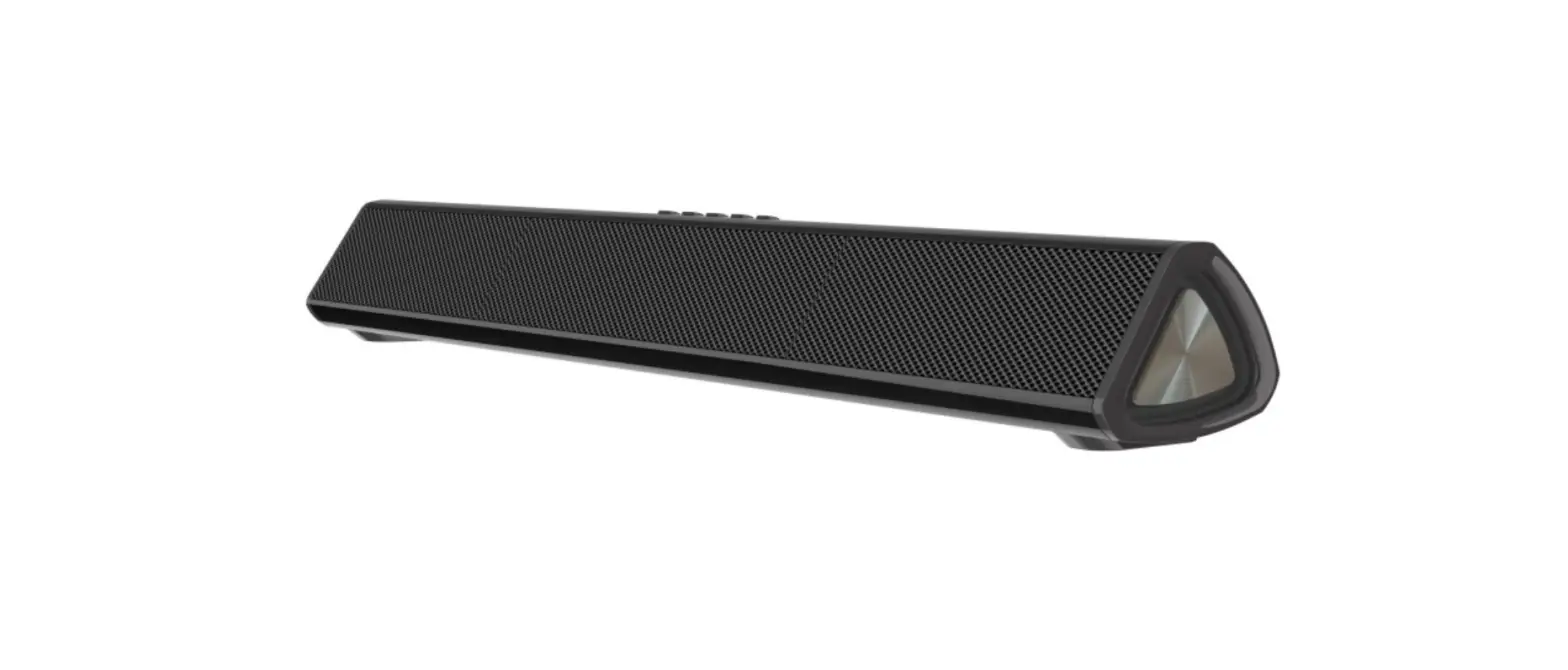
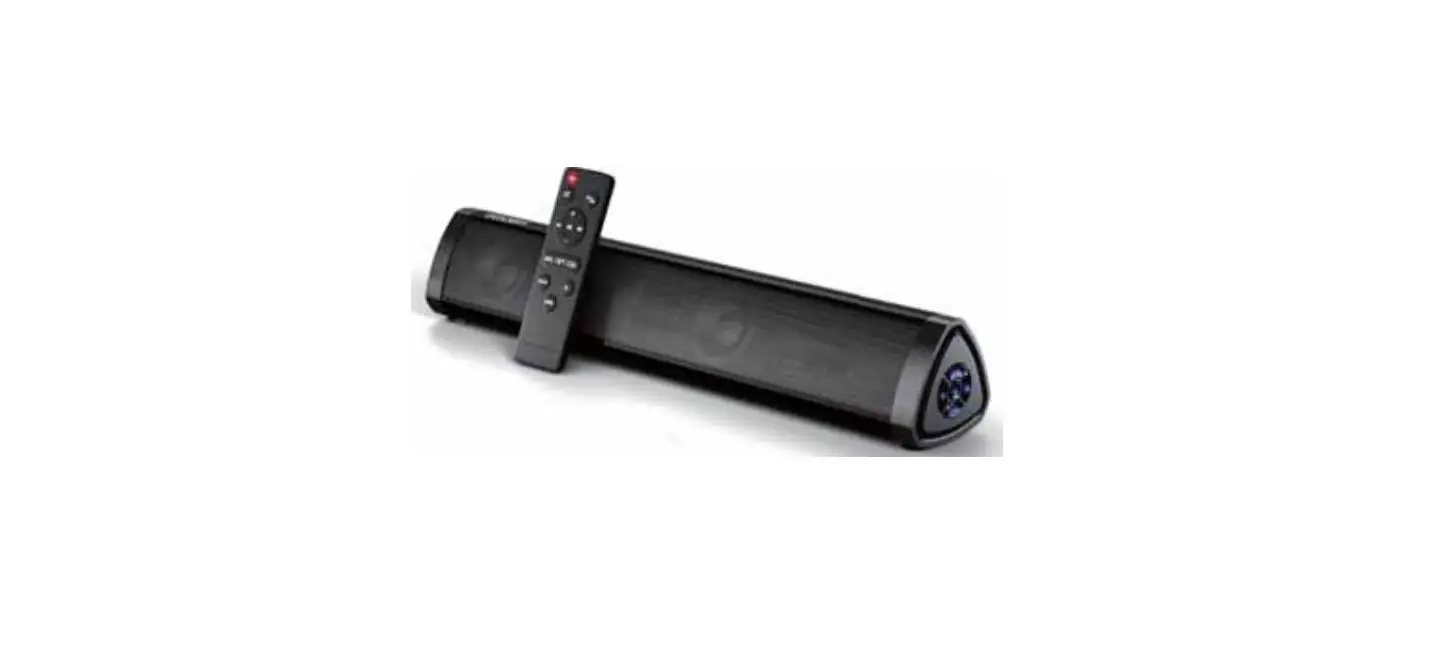
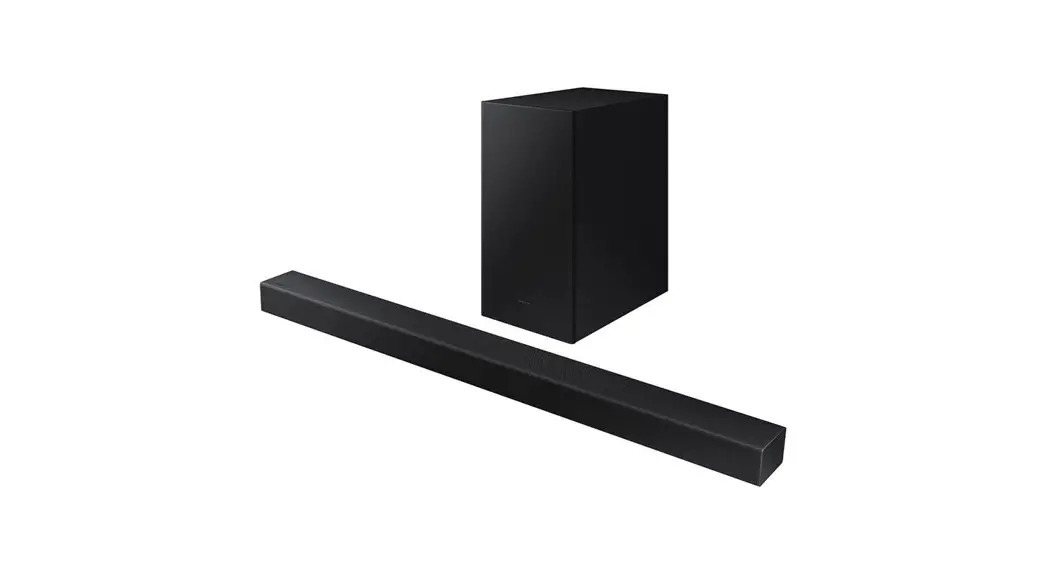
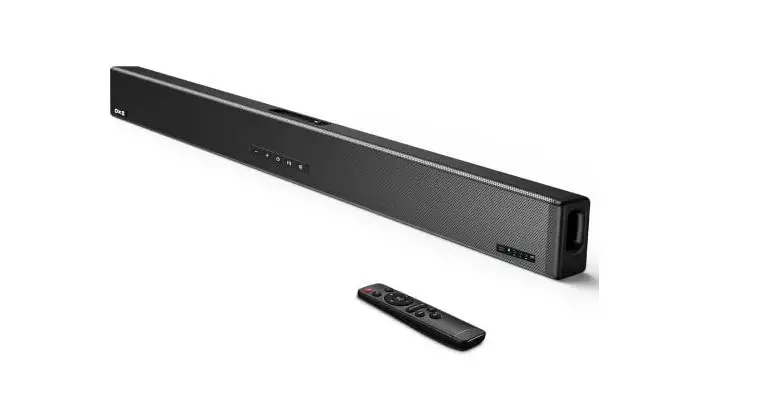
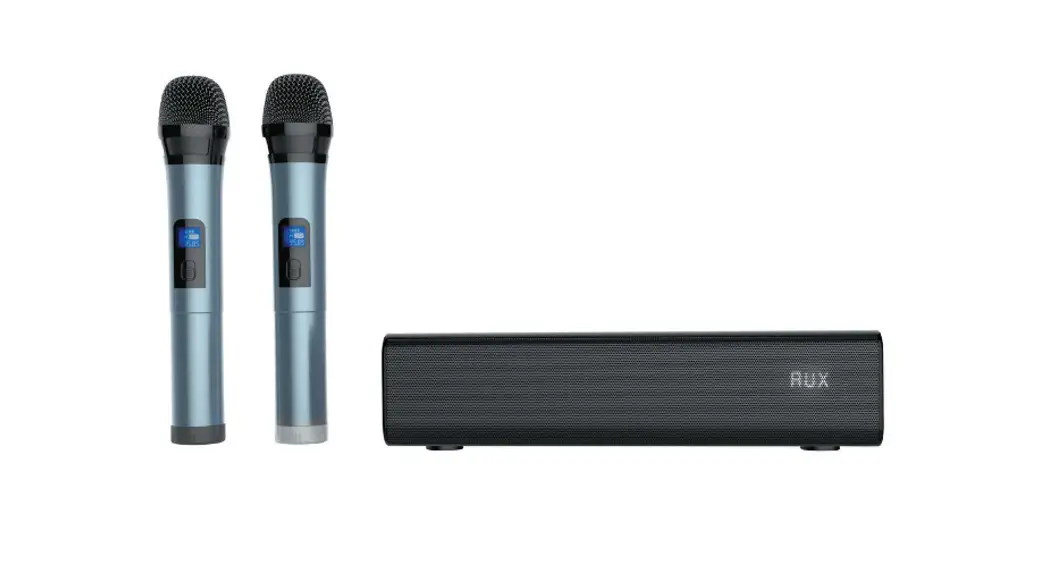
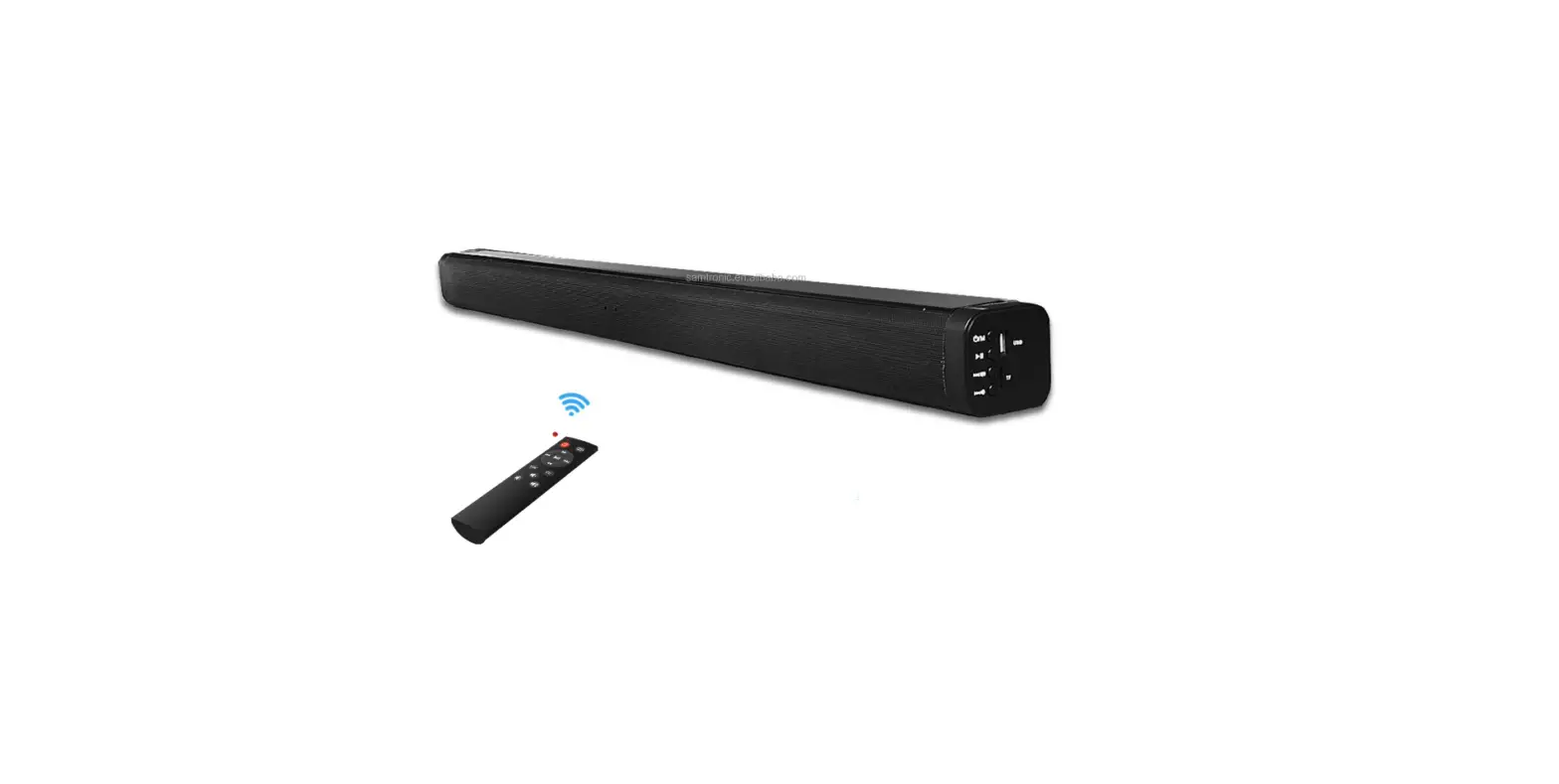
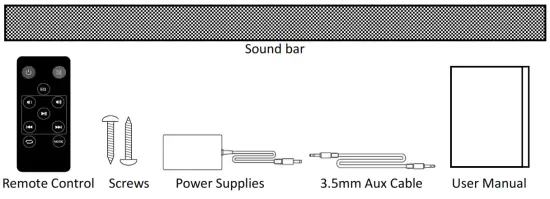
What’s in the Box
Connecting Your Sound Bar to Your TV or other sources:
Illustration of the Soundbar connectors for different connections:
| EN | EN |
| HDMI-ARC | HDMI-ARC |
| OPTICAL | OPTICAL |
| LINE IN | LINE IN |
| DC IN | DC IN |
- a. Is an HDMI input jack on your TV labeled “ARC”?
 ♦ Use HDMI cable (V1.4 above) to connect the sound bar to the TV ARC socket.
♦ Use Optical cable to connect the sound bar to the TV, DVD player or set top box.
1b. Don’t have ARC or Optical output available on your TV? Connecting the sound bar identified LINE IN to the TV with the provided AUX cable.
NOTE: All cables what you needed should be plugged in before Power Supplies connected. - Connect the Power Supplies to Sound Bar then power Insert Power Supplies to an AC outlet.

- Turn on your sound bar. Placing the Soundbar on a flat and solid surface. Hold the Power button (M) on the sound bar or Press RED key on the remote control to turn it on. Selecting Mode (input source) as the following instruction to enjoy your powerful sound. When the Soundbar is switched to standby, the red dot is turned on.
NOTE:
1. RESET: Hang up is solved by disconnecting and reconnected the power supplies.
2. It will be standby within 10 munities if no signal from Line In, BT, USB, ARC and Optical inputs. It also will be standby if the low sound from Line In need to be heard within about 15cm distance.
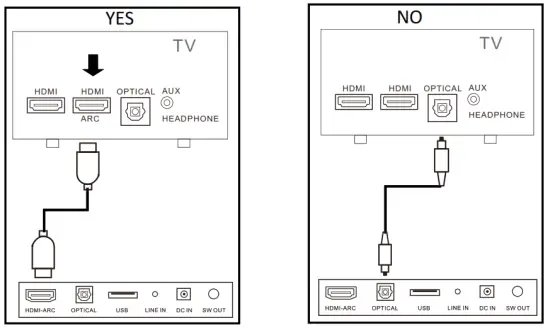 ♦ Use HDMI cable (V1.4 above) to connect the sound bar to the TV ARC socket.
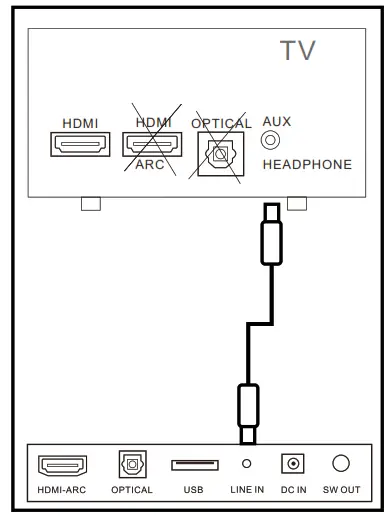 Connecting the sound bar identified LINE IN to the TV with the provided AUX cable.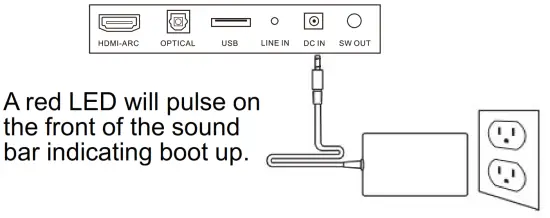
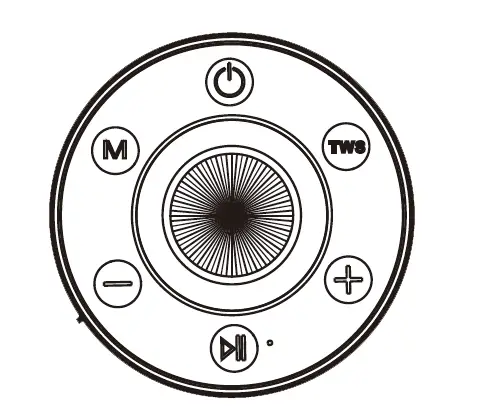
The control panel on the Soundbar:
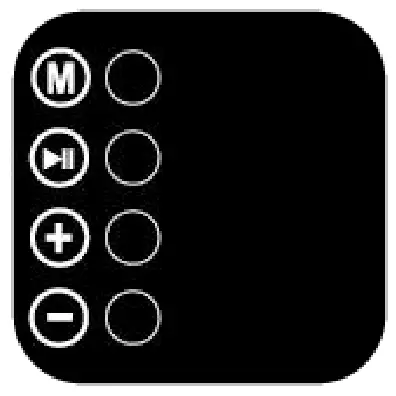
Symbol | Operation | |
| Hold | Press | |
 | Power On/ Standby | Toggle the Mode change: LINE IN 3 Bluetooth 9 USB Drive 9 ARC 3 Optical |
 | Pause/Play (USB/Bluetooth Mode) Mute / No Mute | |
 | Volume up | Next USB Drive/Bluetooth Song |
 | Volume down | Next USB Drive/Bluetooth Song. |
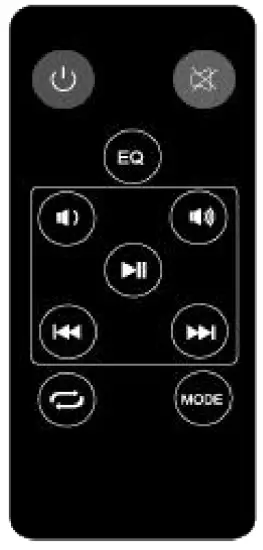
 | Switch the product on or to standby |
 | Mute or restore volume |
| Equalizer: Eq0: Normal, Eql: Rock, Eq2:Pop, Eq3:Classic, Eq4: Jazz, Eq5: Country, q6: Country |
 | Skip to previous USB/BT audio file |
 | Pause or play USB/BT audio file |
 | Skip to next USB/BT audio file |
| Volume up |
| Volume down |
| Repeat (USB drive audio) |
MODE | Input audio mode * |
 +
+
*MODE (source) selection shown on the LED display and light.
 | Line In source when plugging in |
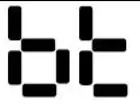 | Bluetooth source
|
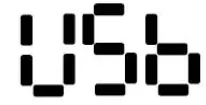 | USB drive source when plugging in |
 | HDMI-ARC source |
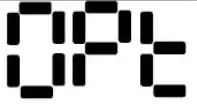 | Optical In source |
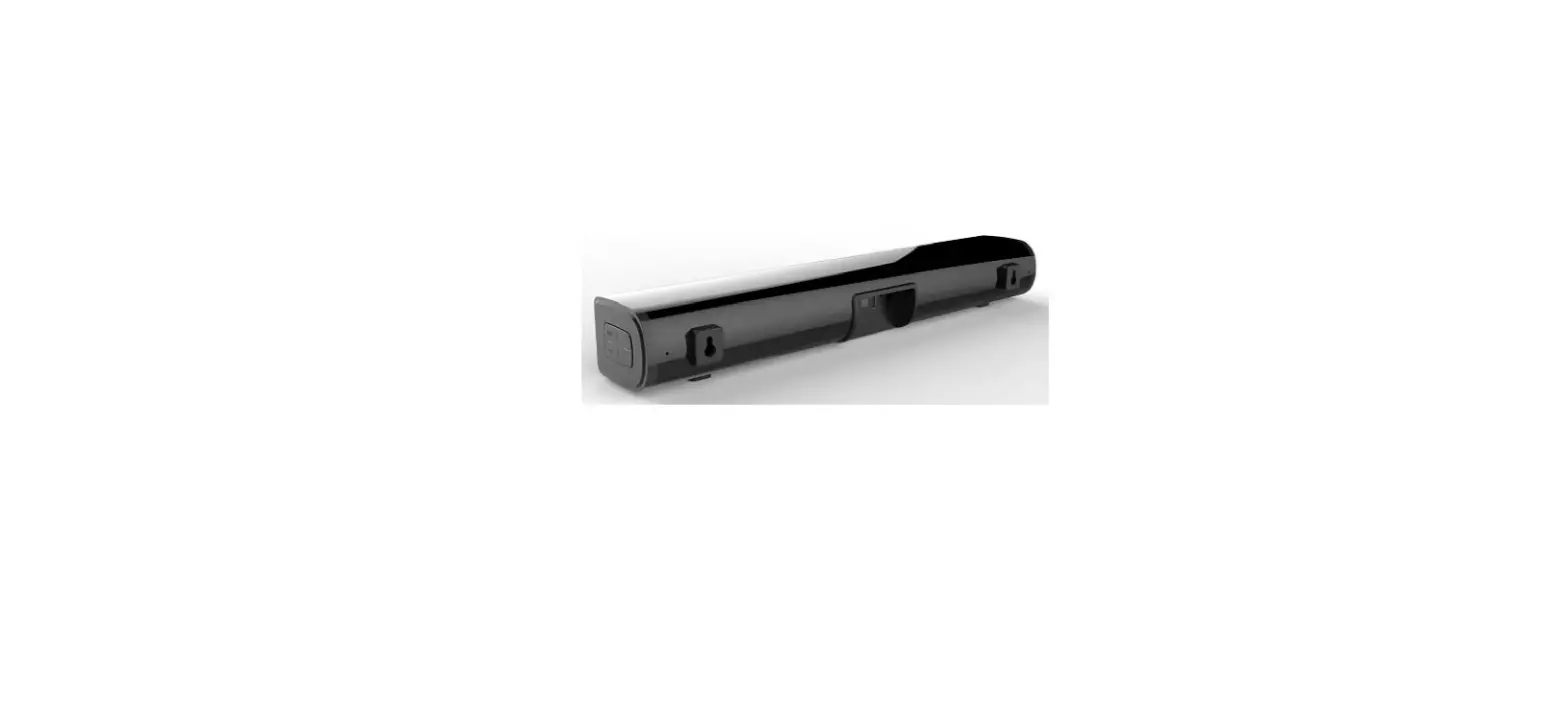
Importance Notice for soundbar mounting on the wall:
- Wall-mounted installation must be carried out by qualified personnel only. Incorrect assembly can result in severe personal injury and property damage! (If you intend to install this product yourself, you must check for installations such as electrical wiring and plumbing, which may be hidden inside or behind the wall.)
- It is the installer’s responsibility to verify and confirm that the wall will safely support the total load of the unit and wall brackets.
- Additional tools (not included) are required for the installation.
- Do not overtighten screws. 5) Use an electronic stud finder to check the wall type before drilling and mounting
- The proposed height on the wall is 1.0~1.5meters
- The strain relief (<23mm) of HDMI cable is recommended for more space during mounting.
Technical Specifications
Soundbar and Amplifier Section:
| Bluetooth name: | QUZOC |
| Bluetooth version: | 5.1 |
| Operating frequency range: | 2402-2480Mhz |
| Soundbar measurement: | 50cm * 10cm * 6.5cm |
| Working temperature: | 0~35°C |
| Power consumption: | 36W |
| Max output power: | 40W |
| Standby consumption: | 0.5W or less |
| Power Supplies Section: | |
| Manufacturer: | SHENZHEN FIT-POWER TECHNOLOGY CO., LTD. |
| Commercial registration number: | 91440300577672653M |
| Address: | 201, NO.7 RIFU ROAD, EAST DISTRICT, BAISHIXIA COMMUNITY, FUYONG, BAOAN SHENZHEN FIT-POWER |
| Trade mark Model: | TP04-180200U |
| Input voltage: | 100-240V~ |
| Input AC frequency: | 50/60Hz |
| Output voltage: | DC18V |
| Output current: | 2.0A |
| Output power | 36W |
| Max output power: | 54W |
| Average active efficiency: | 87% |
| Efficiency at low load (10%): | 82% |
| No-load power consumption: | 0.1W or less |
This device complies with Part 15 of the FCC Rules. Operation is subject to the following two conditions: (1) this device may not cause harmful interference, and (2) this device must accept any interference received, including interference that may cause undesired operation
NOTE: This equipment has been tested and found to comply with the limits for a Class B digital device, pursuant to Part 15 of the FCC Rules. These limits are designed to provide reasonable protection against harmful interference in a residential installation. This equipment generates, uses and can radiate radio frequency energy and, if not installed and used in accordance with the instructions, may cause harmful interference to radio communications. However, there is no guarantee that interference will not occur in a particular installation.
If this equipment does cause harmful interference to radio or television reception, which can be determined by turning the equipment off and on, the user is encouraged to try to correct the interference by one or more of the following measures:
- Reorient or relocate the receiving antenna.
- Increase the separation between the equipment and receiver.
- Connect the equipment into an outlet on a circuit different from that to which the receiver is connected.
- Consult the dealer or an experienced radio/TV technician for help.
Warning: changes or modifications not expressly approved by the party responsible for compliance could void the user’s authority to operate the equipment