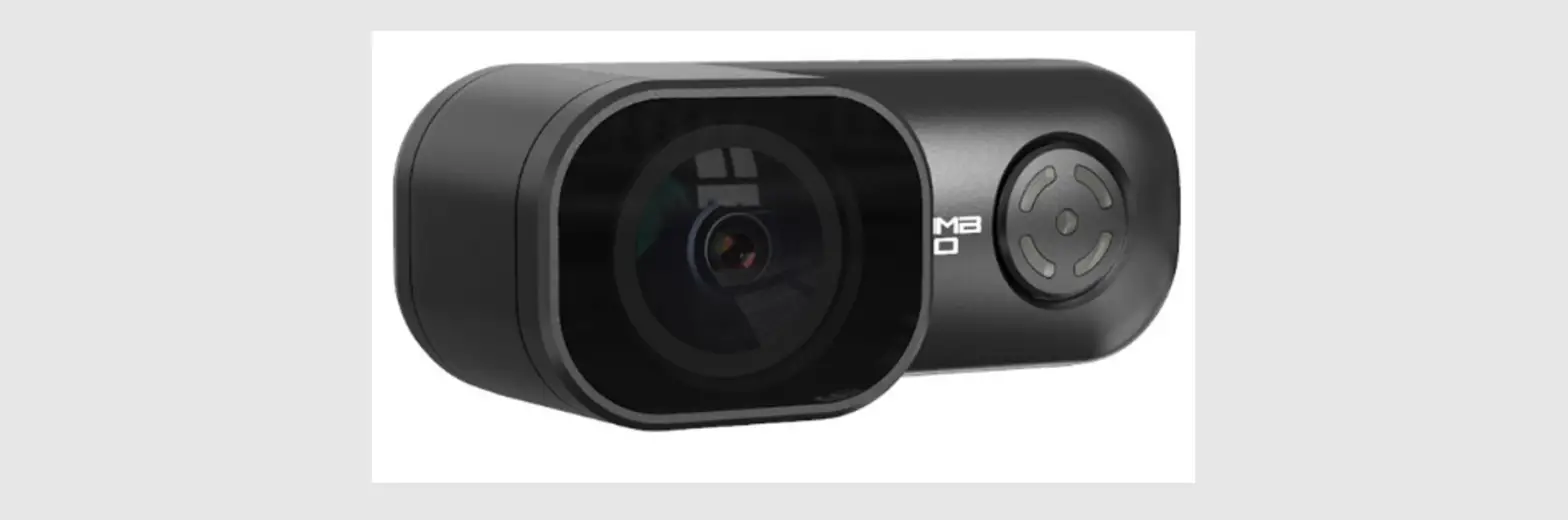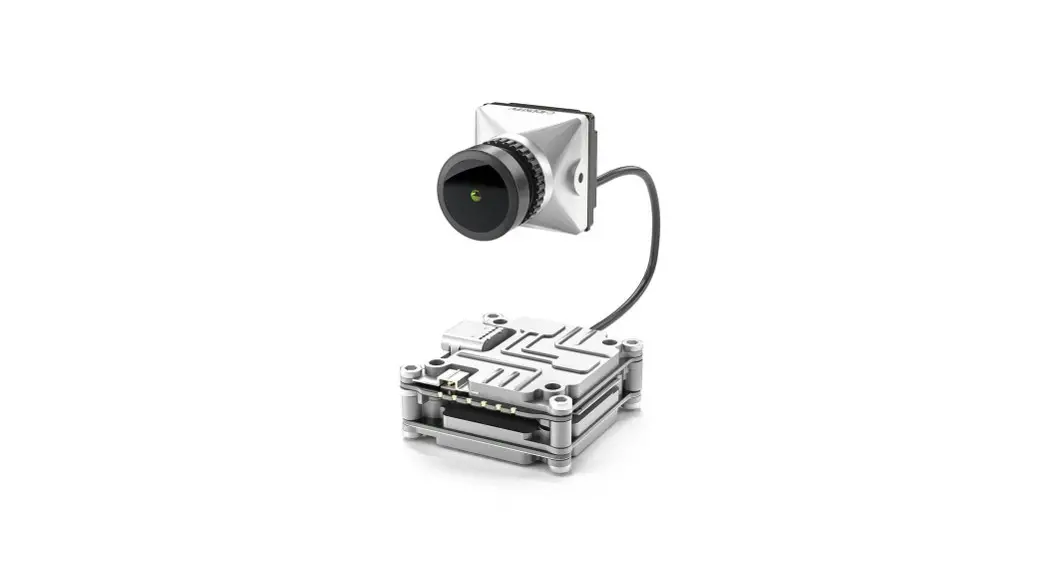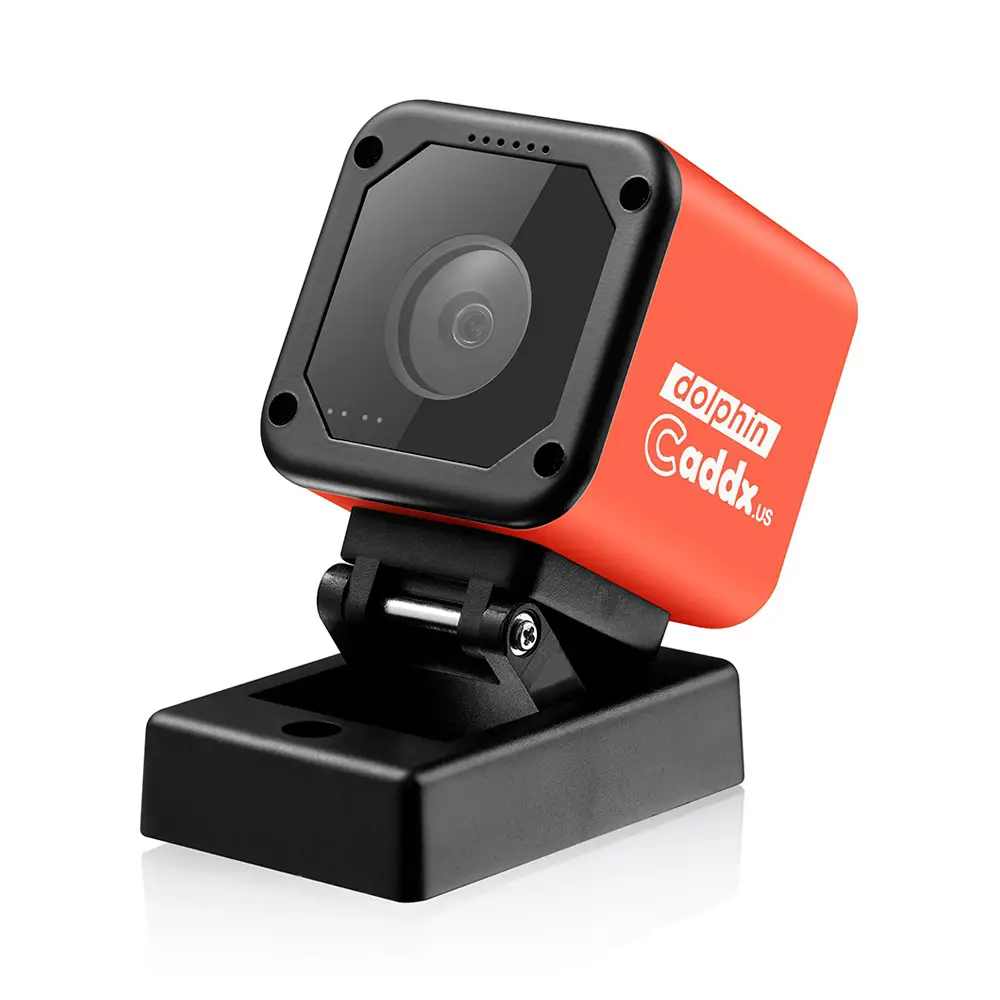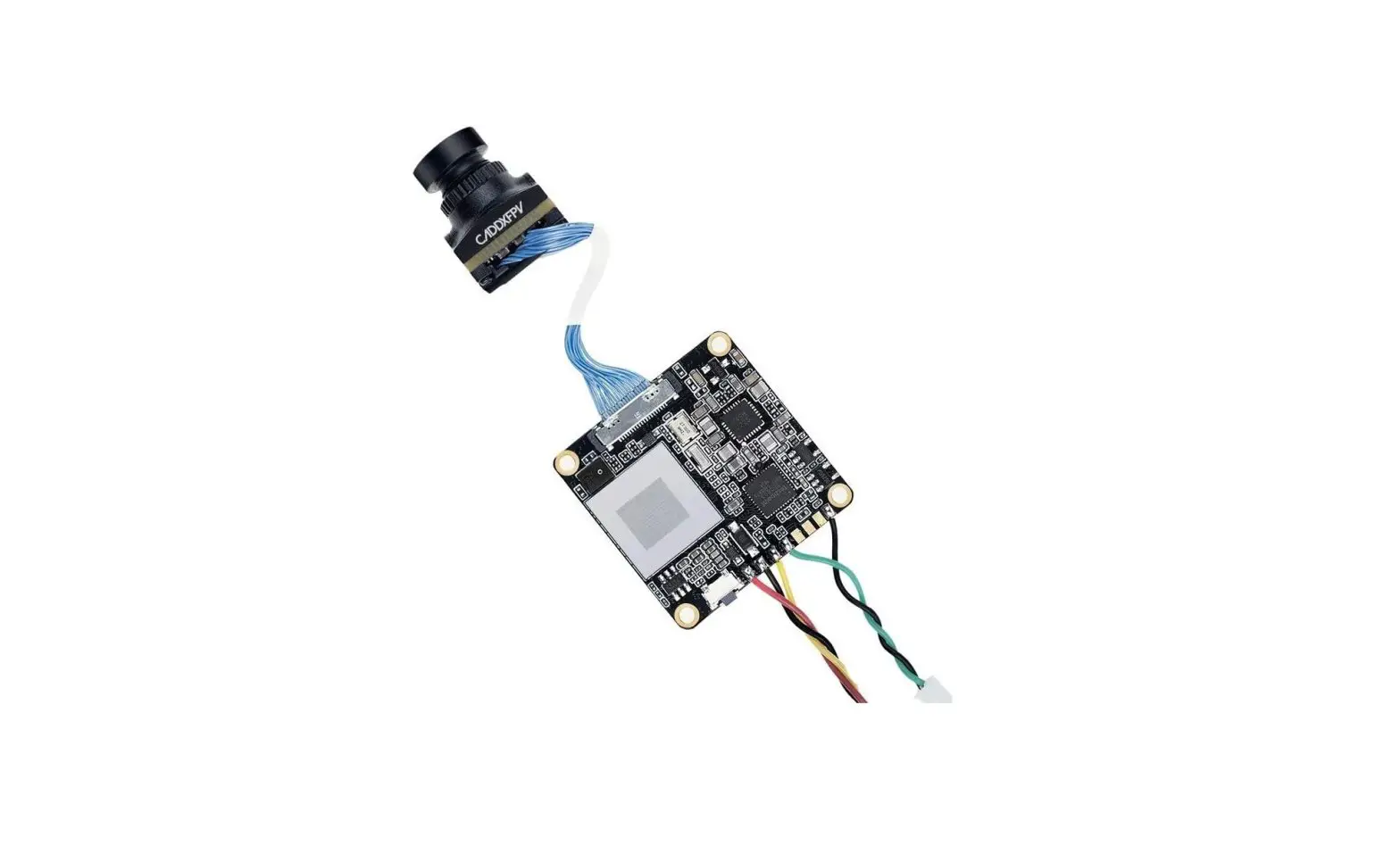
CADDXFPV LORIS 4K FPV Camera User Guide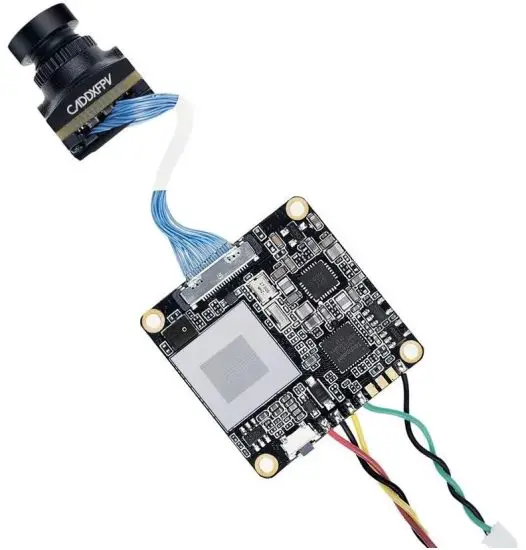
PACKING LIST
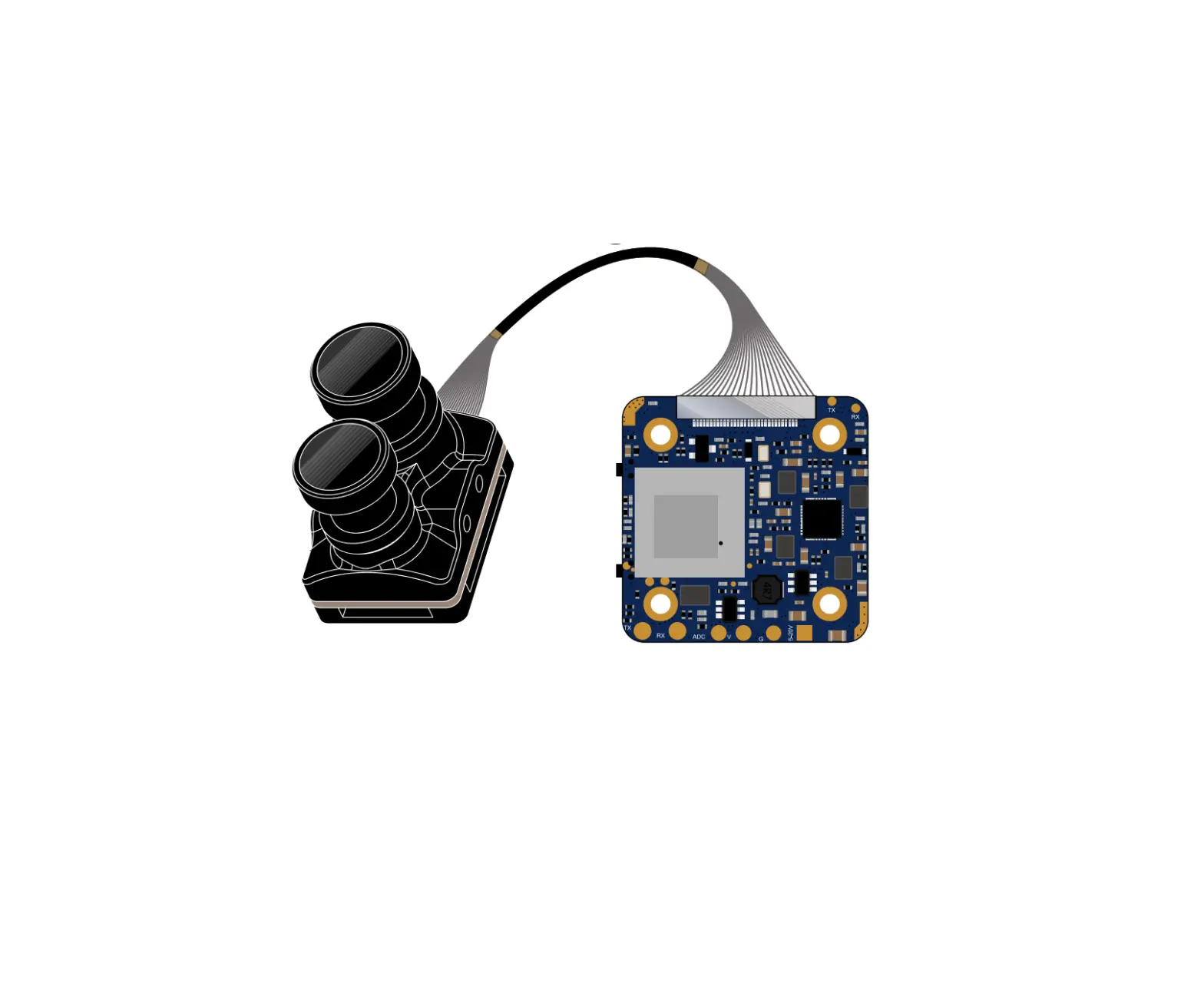
- Loris Camera xl
- 5D-OSD menu board xl
- FPV silicone cable (2pin plug for both sides) xl
- Adapter 20x2Omm mounting plate xl
- Screws xl
- 14mm-19mm adapter xl
- Warranty card xl
PRODUCT DESCRIPTION
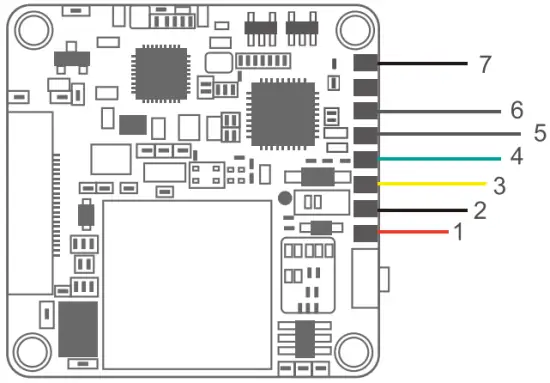
- VCC
- GND
- VIDEO
- MENU
- RX
- TX
- AGND
OPERATING INSTRUCTION
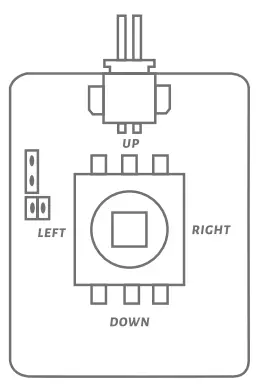
- RIGHT BUTTON
Press the RIGHT button for 3s-5s to activate video recording in the meanwhile the light on the lower right corner will flicker. - LEFT BUTTON
Press the LEFT button for 3s-5s to stop video recording. - MIDDLE BUTTON
The MIDDLE button is menu button.
Specifications
| MODEL | LORIS |
| Horizontal Resolution | 800TVL |
| Video Resolution | 1080P/60FPS 1080P/ 90FPS 2.7WSOFPS 4100FPS 41<160FPS(RE&L 3.6&/60FPS) |
| FPV/Recording FOV | 165° |
| Lens | 1.8mm lens |
| FPV latency | 40ms |
| TV System | NTSC & PAL (changeable) |
| Audio | Digtal MIC |
| Miniluminabon | 0.01 LUX |
| WDR | DWDR |
| FLY OSD | Yes |
| Video Files | MOV |
| Electronic Shutter | PAL:1150-100,000;NTSC:1/60-100990 |
| Video Output | CVBS |
| Power Input | DC 5-20V |
| DNR | 3DNR |
| Work Temperature | -20°C – +60°C |
| Weight | 10.2g |
| Dimensions | DVR board: 28-29mm / Camera 1414mm (can be extended into 19’19mm) |
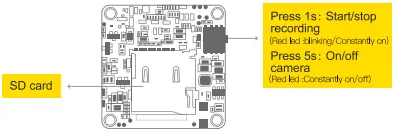
 Please use the micro SD card with high temperature resistance: Poor-quality micro SD card may cause video lagging or frame drop Need to use SD card above U3 for 4k recording Please use the micro SD card with high temperature resistance: Poor-quality micro SD card may cause video lagging or frame drop Need to use SD card above U3 for 4k recording | |