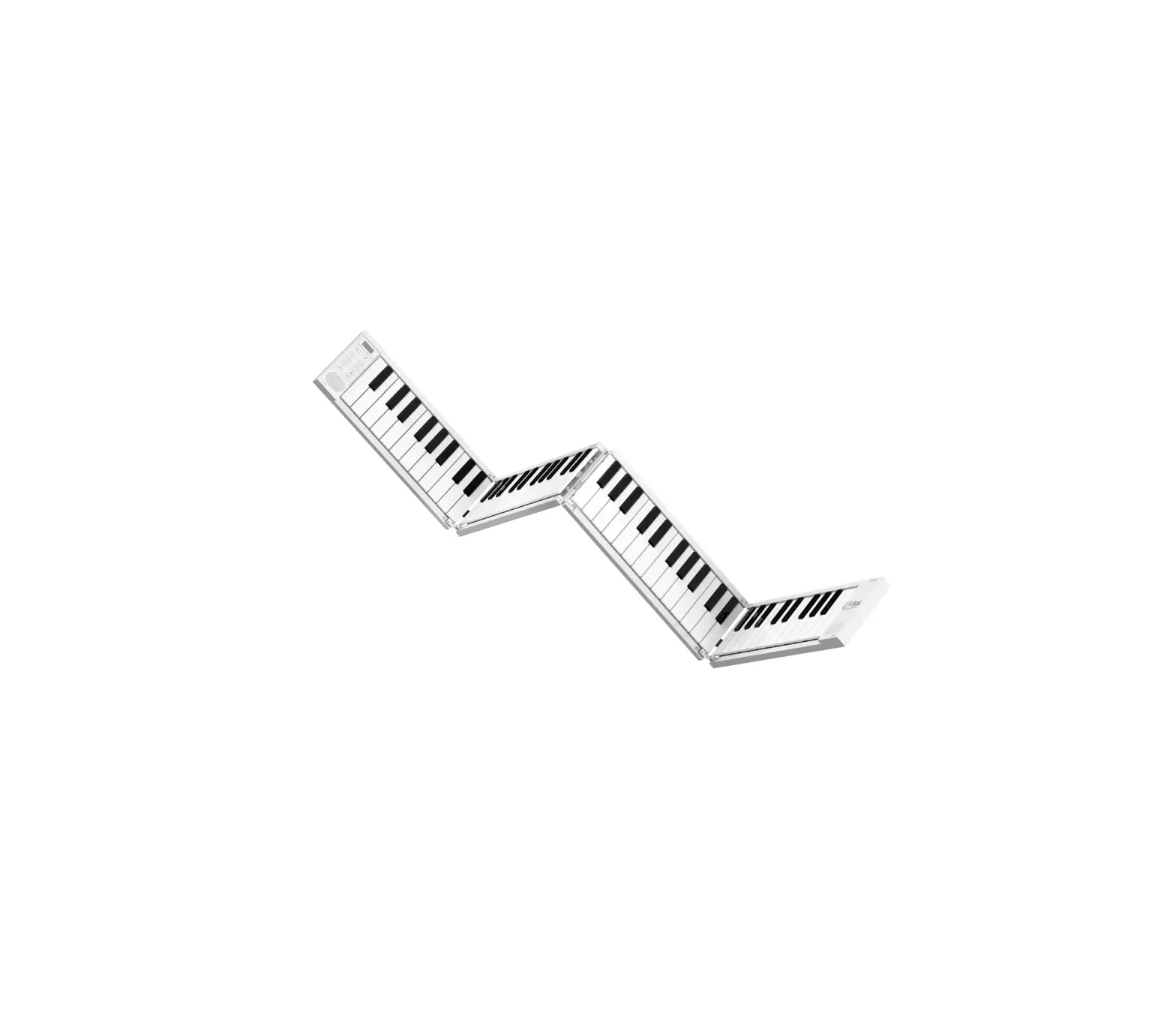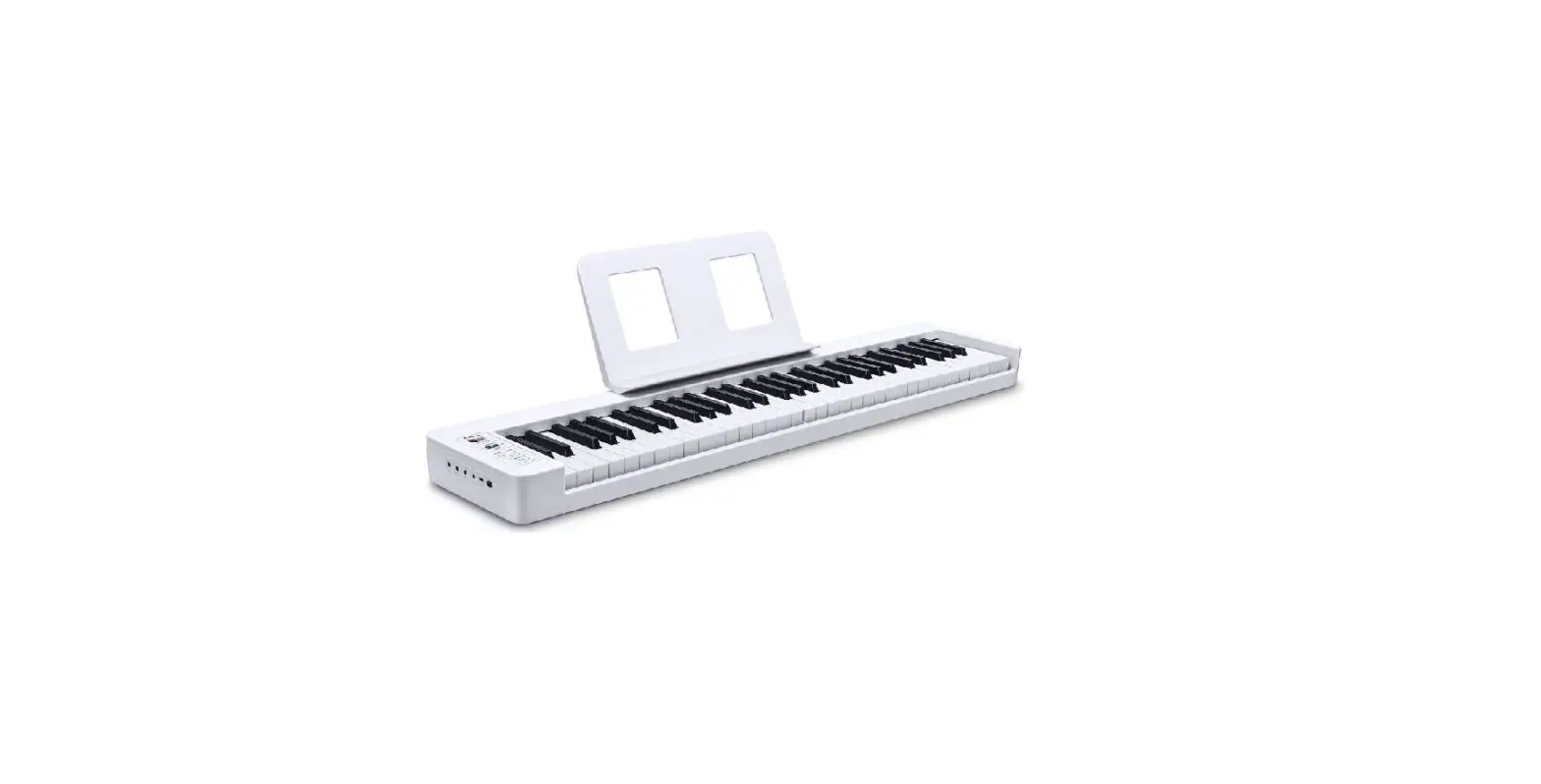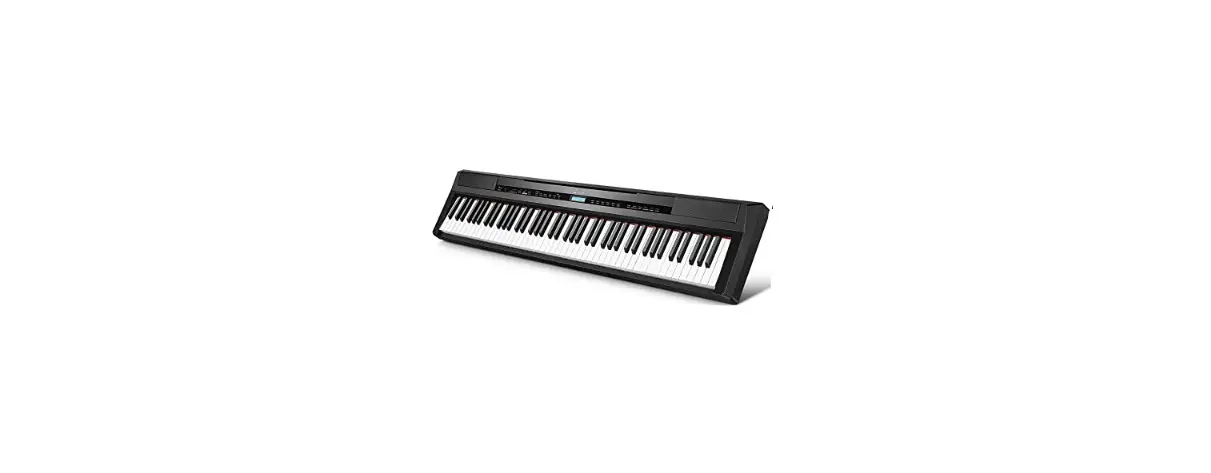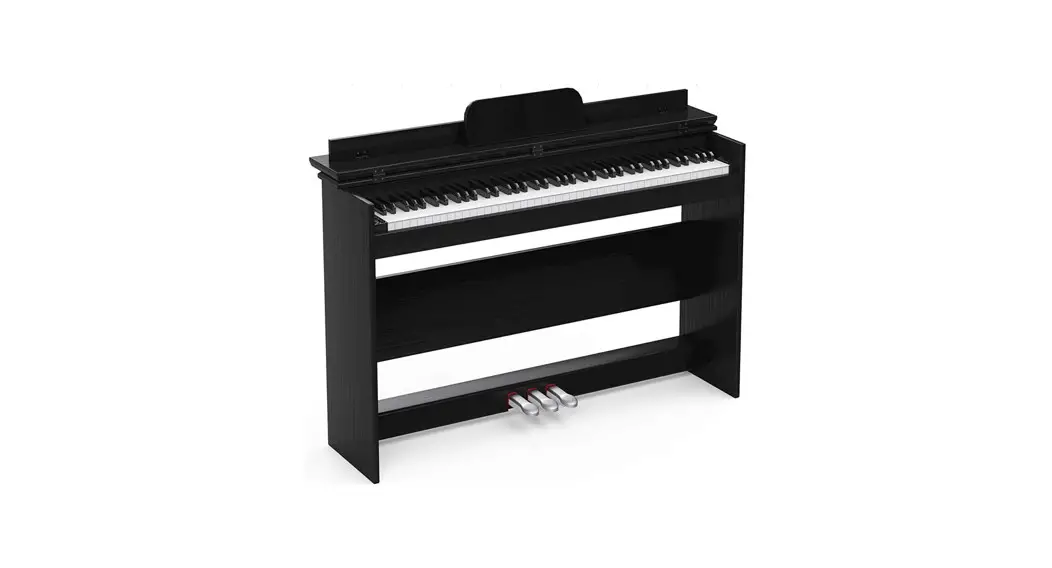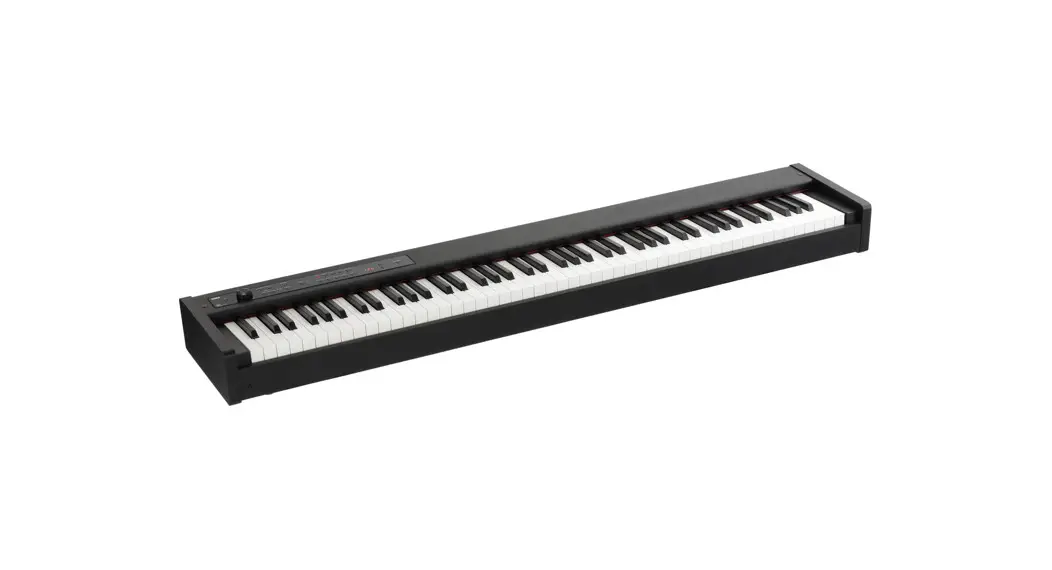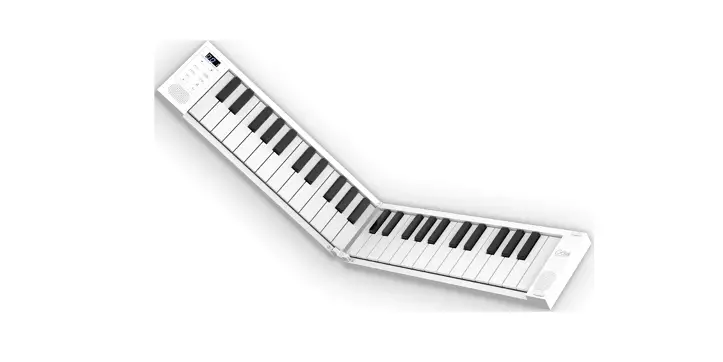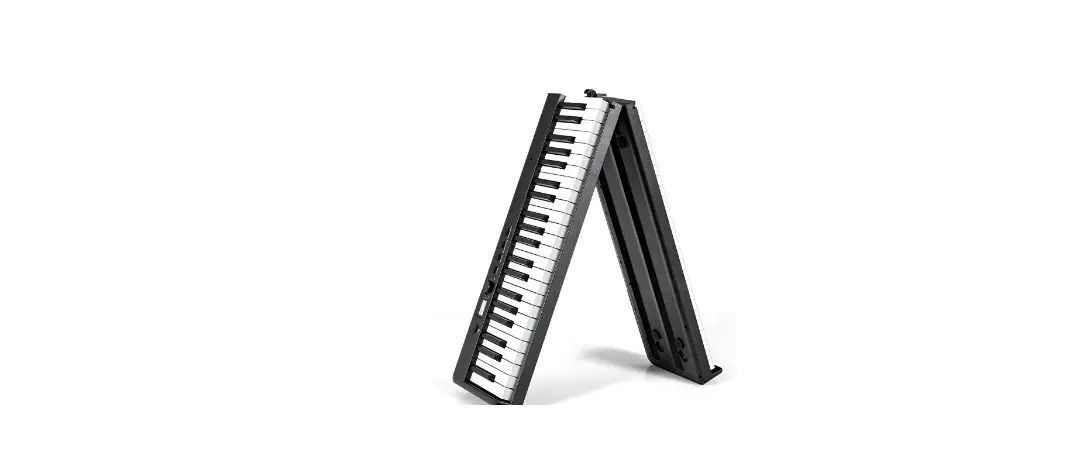

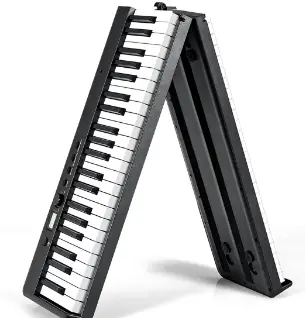
SONART MU10079US 88 Key Foldable Electronic Piano Keyboard 
Before You Start
Please read all instructions carefully and keep it for future reference.
WARNING
Attention: The Product is not suitable for the children under 3 years
Danger: Keep all small parts and packaging materials for this product away from babies and children, otherwise they may pose a choking hazard.
General Warnings:
- The product must be installed and used under the supervision of an adult.
- Read through each step carefully and follow the proper order.
- Remove all packaging, separate and count all parts and hardware.
- Please ensure that all parts are correctly installed, incorrect installation can lead to a danger.
- We recommend that, where possible, all items are assembled near the area in which they will be placed in use, to avoid moving the product unnecessarily once assembled.
- Ensure a secure surface during installation, and place the product always on a flat, steady and stable surface.
Product function introduction
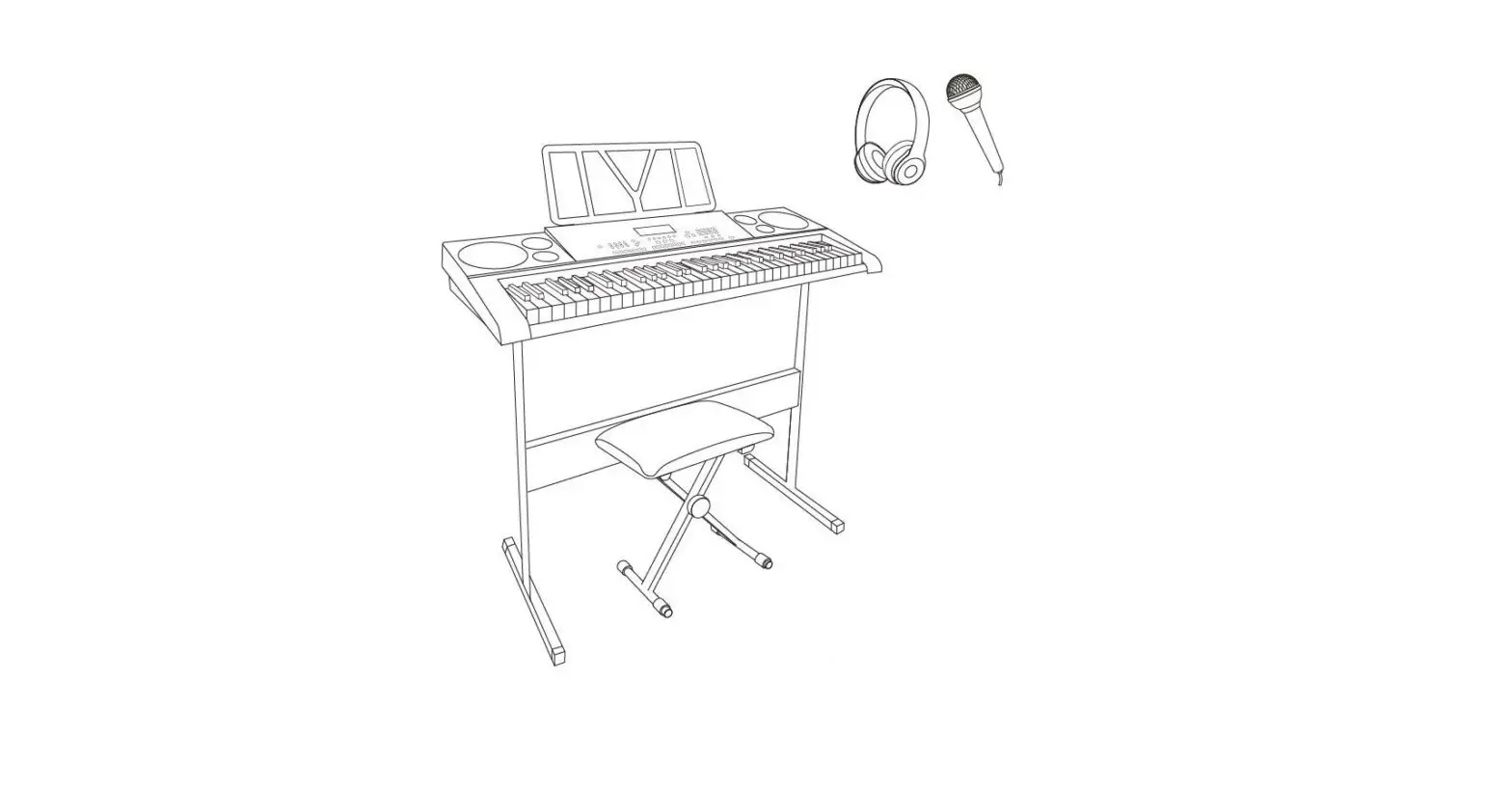
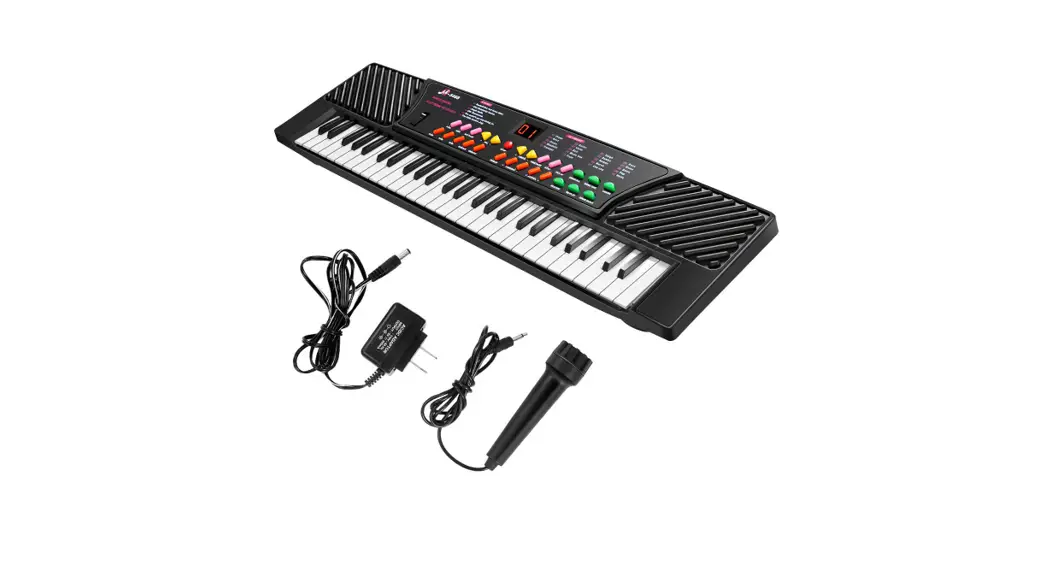
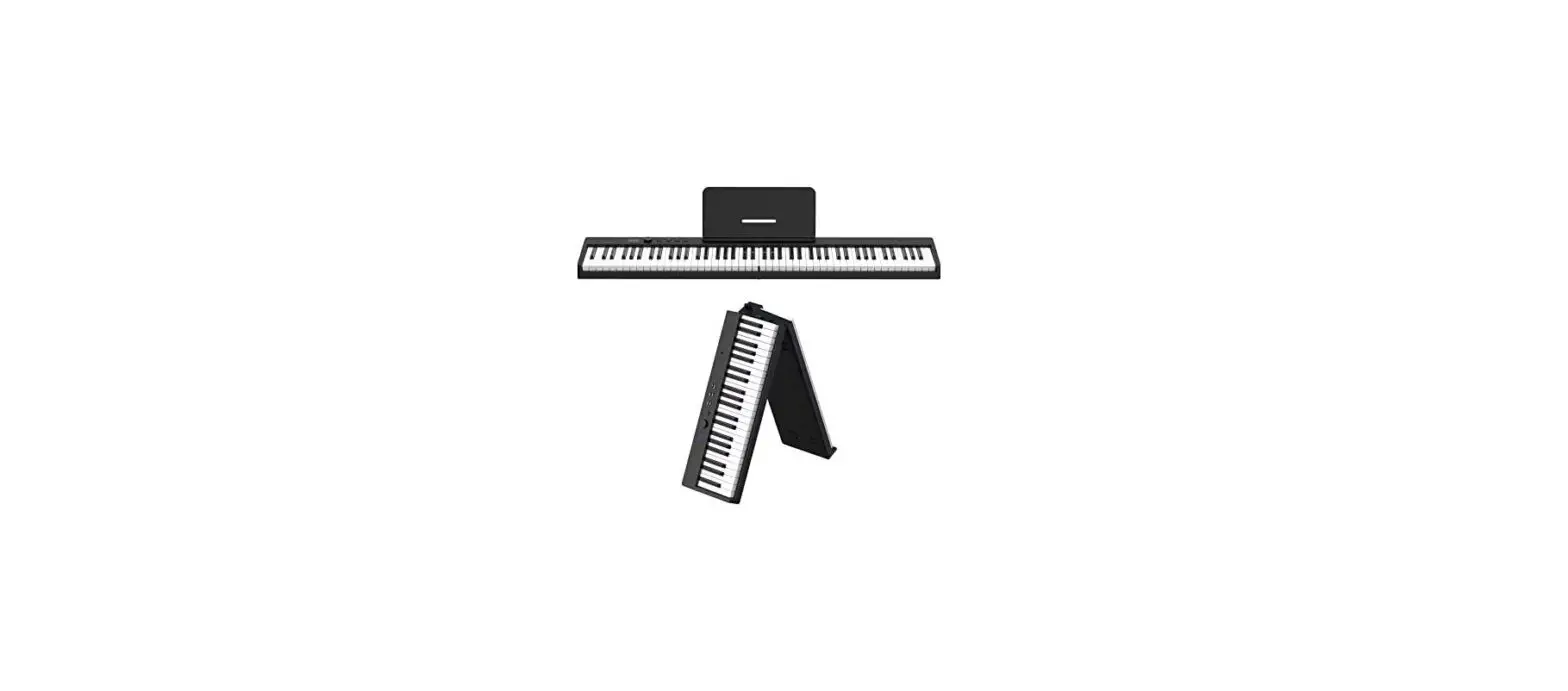
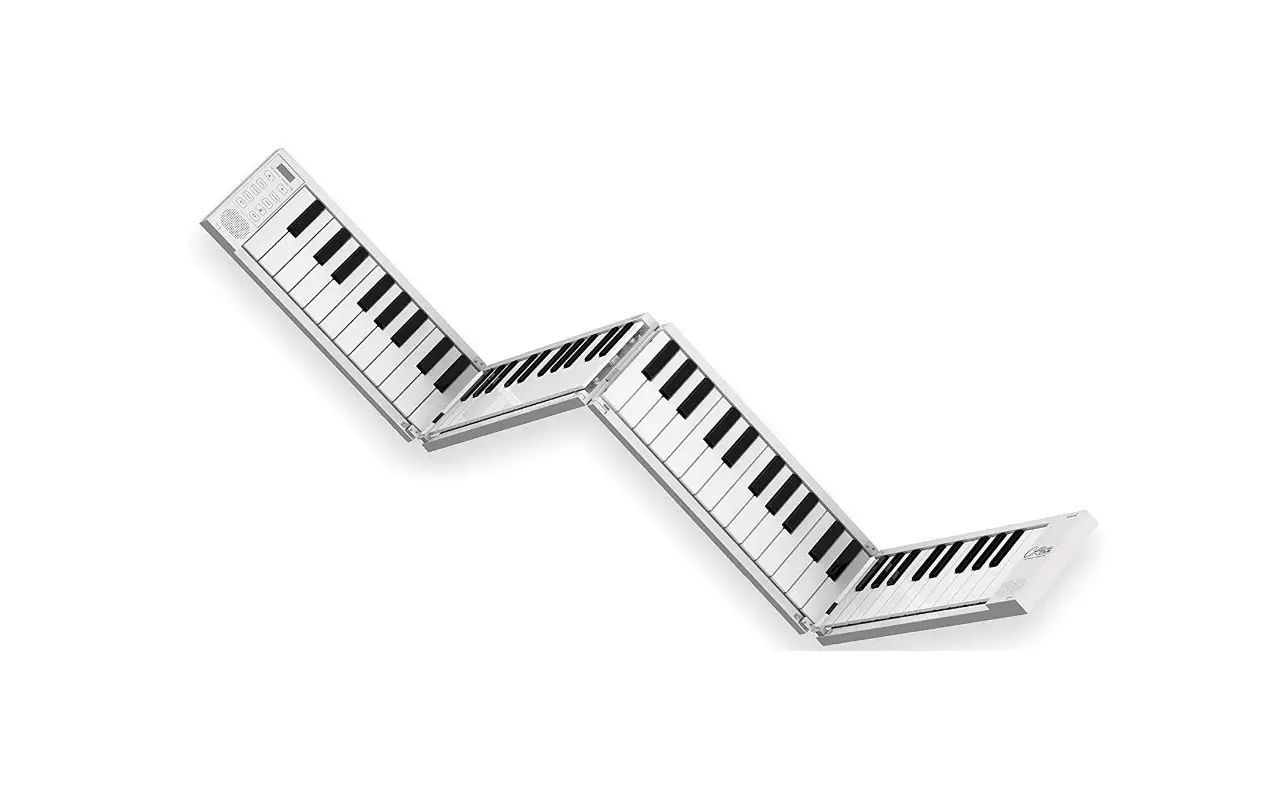
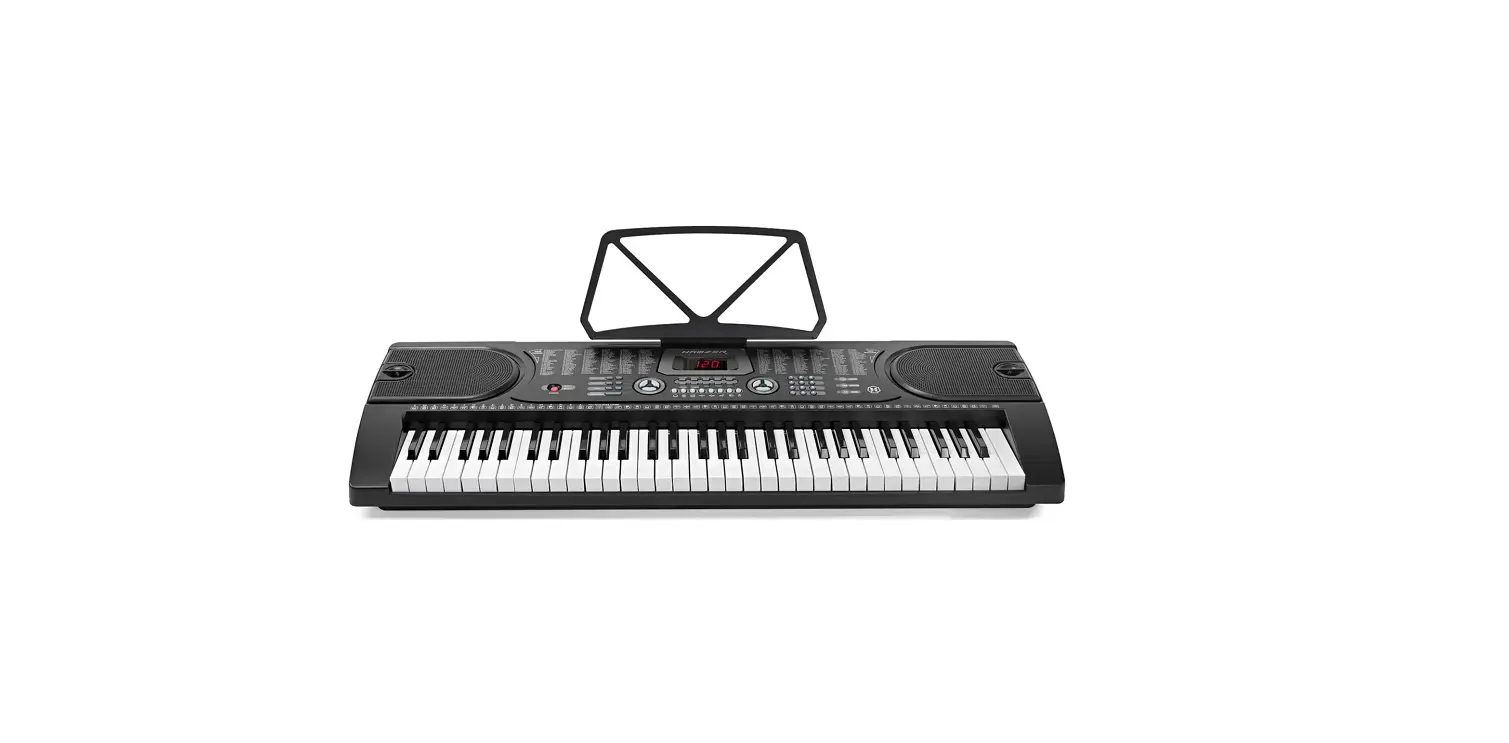
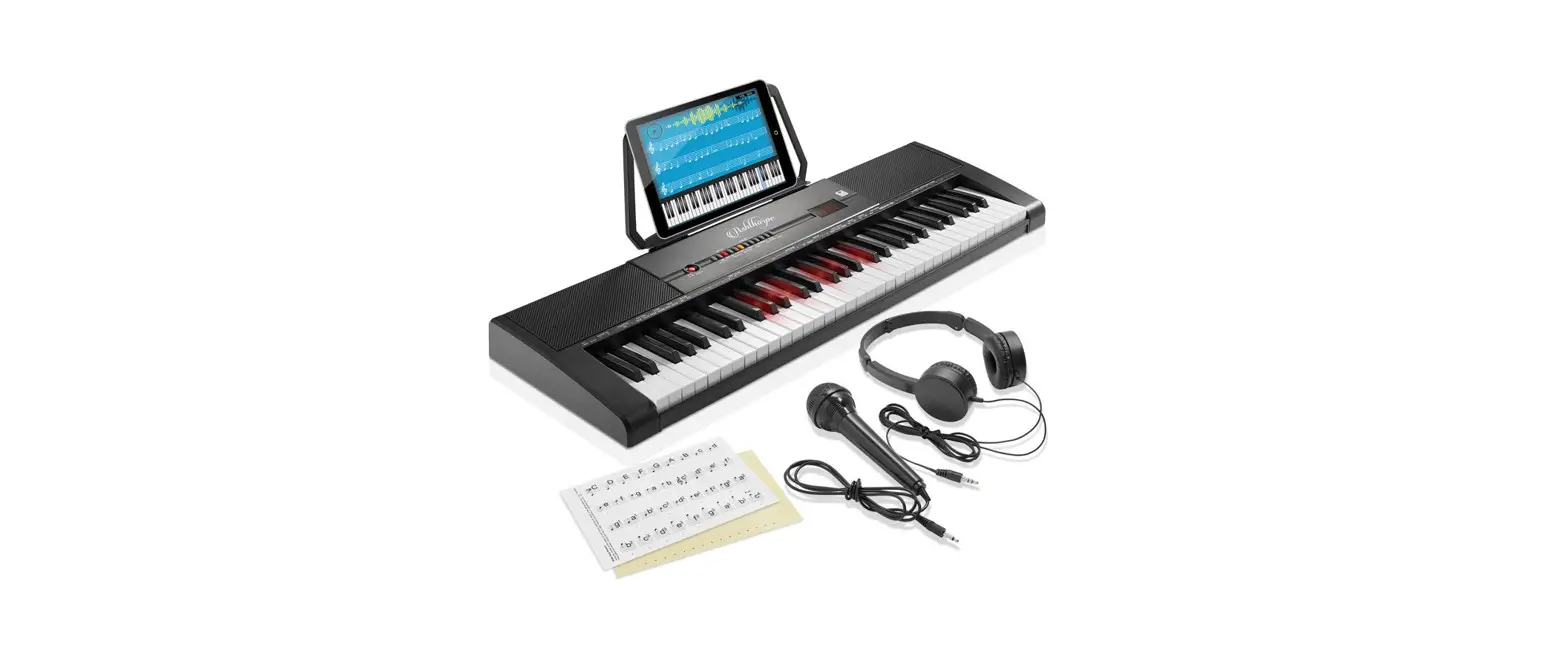
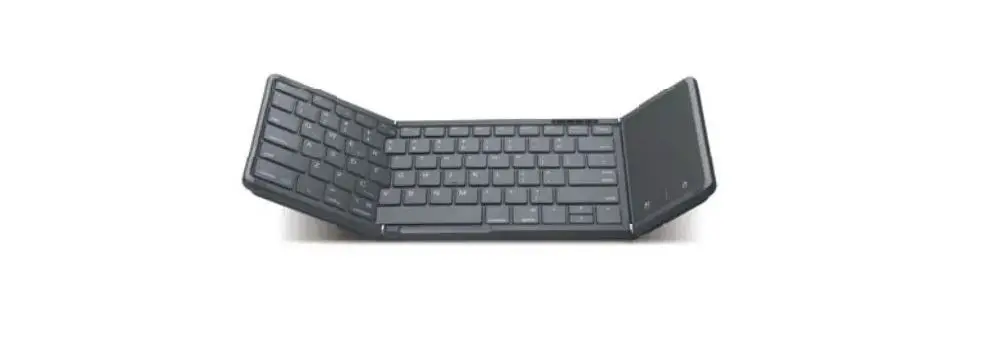
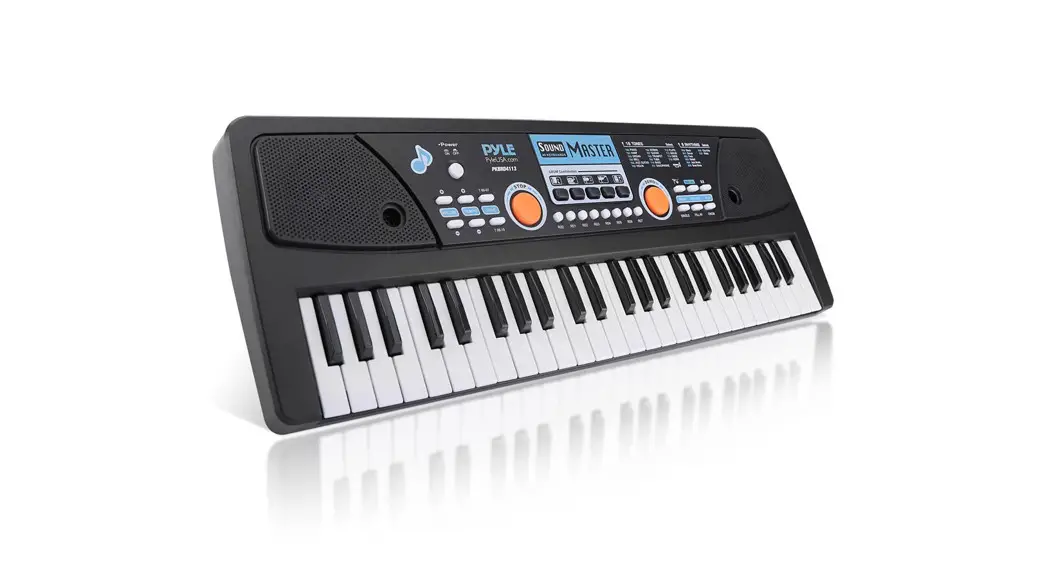
- Foldable electronic piano
- 88 standard keys includes black keys
- Tone:128 tones
- Rhythm:128 rhythms
- Demo:20 demos
- RHY function
- Demo function
- Metronome function
- Knob button function
- Sleeping function
- Chord function
- Dual keyboard function
- Dynamic function
- LED display
- Sustain pedal
- Blue-tooth MIDI
- Blue-tooth audio function
- Power supply: 1. Built-in battery 3.7V/1800mAh
- USB 5V/1A supply
Function button description

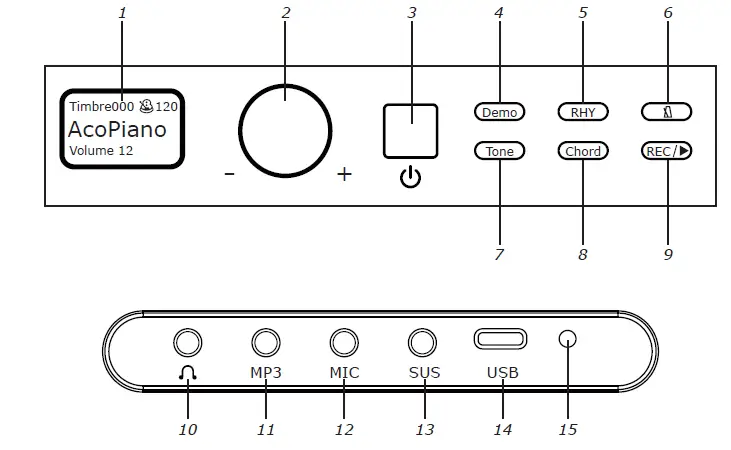
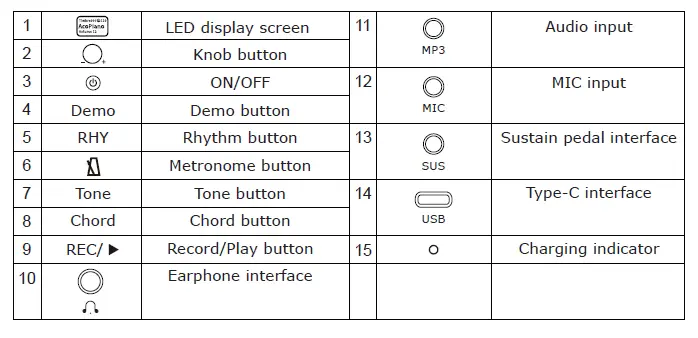
Product function description
ON/OFF button
Press this button about 0.5 seconds to turn on the power,repress to turn off.
Knob button(Volume adjustment)
- The power-on defaults is the volume adjustment mode,rotate left and right to select the volume level.
- The volume can be selected from 0-16 level,the default is 12 level.
- Press “Knob”button to enter the menu,rotate “Knob”button left and right to enter the selection function,firstly press to enter the menu setting,repress to enter the function confirmation. Return to volume mode without any operation for 3 seconds.
- Under any mode,press”Knob”button for 2 seconds,the system restores to the default state.
Demo button
Press “Demo”button to play demo songs,repress “Demo”button to stop,rotate “Knob”button left and right to select the different demo.No any operation for 3 seconds will return to volume mode.
RHY button
Press “RHY” button to play rhythm, repress “RHY” button to stop,rotate “Knob” button left and right to select the different rhythm. No any operation for 3 seconds will return to volume mode.
button
Press “ ” button to play,repress “ ” button to stop,rotate “Knob” button left and right to select the different beat. No any operation for 3 seconds will return to volume mode.
Tone button
Press “Tone” button,rotate “Knob” button left and right to select the different tone. No any operation for 3 seconds will return to volume mode.
Chord button
Press “Chord” button to open or close this function. No any operation for 3 seconds will return to volume mode.
button (Firstly press for recording,repress for playing)
Press and hold the ” “button for 1 second to enter recording mode; finish recording, short press ” playback.to playback; short press it again to stop
Tempo
- Press “Knob” button, rotate “Knob” button left and right to select the different tempo.
- Press “Knob” button, rotate “Knob” button left and right, the tempo can be selected from -240 to +240, the default is 0, means the tempo is quick or slow. No any operation for 3 seconds will return to volume mode.
Trans
- Press “Knob” button, rotate “Knob” button left and right to select the transposition.
- Press “Knob” button, rotate “Knob” button left and right, the transposition can be selected from -6 to +6, the default is 0. No any operation for 3 seconds will return to volume mode.
keyboard
- Press “Knob” button, rotate “Knob”button left and right to select dual keyboard.
- Press “Knob” button, rotate “Knob” button left and right to select dual keyboard open or close. No any operation for 3 seconds will return to volume mode.

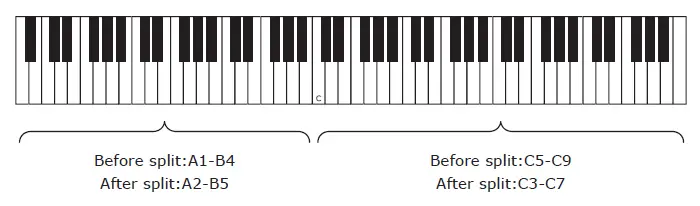
Teaching
- Press “Knob”button, rotate “Knob”button to select teaching.
- Press “Knob”button, rotate “Knob”button to select teaching mode(A-Mode,B-Mode,teaching off), No any operation for 3 seconds will return to volume mode.
- Mode: Select the different demo,press “Demo”button to enter A-Mode. Play any key to play the main melody of the demo song.
- Mode: Select the different demo,press “Demo”button to enter B-Mode.The user presses the right key to make a sound, press the wrong key to make no sound.
Sustain
- Press “Knob” button, rotate “Knob” button to select sustain.
- Press “Knob” button, rotate “Knob” button left and right to select sustain open or close,Turn on the sustain function to make the sound with sustain effect during performance. No any operation for 3 seconds will return to volume mode.
Vibrato
- press “Knob”button,rotate “Knob”button to select vibrato.
- Press “Knob”button,rotate “Knob”button to select vibrato open or close. Turn on the vibrato function to make the sound produce a vibrato effect during performance. No any operation for 3 seconds will return to volume mode.
Keyboard Drum
- Press “Knob” button, rotate “Knob” button to select the keyboard drum.
- Press “Knob” button, rotate “Knob” button to select keyboard drum open or close. When the keyboard drum is turned on, all keys are turned on to become the percussion sound. When the keyboard drum is turned off, the percussion sound is turned off. No any operation for 3 seconds will return to volume mode.
Dynamic
- Press “Knob” button,rotate “Knob” button to select dynamic.
- Press “Knob”button,rotate “Knob”button to select dynamic open or close. When the dynamic switch is selected to be on, the sound played out is louder. The default is on.No any operation for 3 seconds will return to volume mode.
Sleep-mode
- Press “Knob”button,rotate “Knob” to select the sleep-mode.
- Press “Knob”button,rotate “Knob”left and right to select sleep-mode open or close.
- After the sleep mode is turned on, there is no action for ten minutes, and it enters the shutdown state. At this time, you need to press the power button to restart.
- The sleep mode is on by default.
- No any operation for 3 seconds will return to volume mode.
LED indicator
The red indicator light is the charging indicator. When the built-in lithium battery is not fully charged, plug in the USB 5V power supply to charge. The red LED indicator light is green when the battery is fully charged.
Blue-tooth MIDI function
Through Bluetooth, you can wirelessly connect to piano learning apps on iphones or ipads, such as GarageBand, Tan 8 and Perfect Piano and other professional apps. Specific connection (take GarageBand as an example): Download GarageBand software on your iPhone or tablet, Open the software, select the “Settings” icon on the top right to enter the column, select “Advanced”, select the Bluetooth MIDI device, select MIDI-Piano in the Bluetooth MIDI device, and click connect and you can use it normally (if it fails to connect, please Restart the electric piano)
(Only applicable to the version with Bluetooth MIDI)
Blue-tooth audio function
After booting, the Bluetooth function is automatically turned on and there is a prompt tone. Bluetooth is turned on and waiting for the connected mobile phone to play accompaniment or music. The mobile phone searches for Music-Piano to connect. After the connection is successful, there will be a prompt tone. Volume increase or decrease or music selection needs to be performed on the mobile phone. (Only applicable to the version with Bluetooth audio)
Accessory one: lists of demo
| NO | name | NO | name |
| 000 | Croatian Rhapsody | 010 | Bandari |
| 001 | By Alice | 011 | Castle in the Sky |
| 002 | A comme amour | 012 | Song of Joy |
| 003 | Green Sleeves | 013 | Edelweiss |
| 004 | Dream Wedding | 014 | Dance of fireflie |
| 005 | Romance De Amor | 015 | My soul |
| 006 | Dancing Girl | 016 | CSIKOS POST |
| 007 | CrystlLake | 017 | Rhythm Of The Rain |
| 008 | Les premiers sourires de Vanessa | 018 | The Maiden’s Prayer |
| 009 | Snowdreams | 019 | The Blue Danube |
Accessory two: lists of tone
| NO | name | NO | name |
| Piano | 029 | Overdriven Guitar | |
| 000 | Piano 1 | 030 | Distortion Guitar |
| 001 | Piano 2 | 031 | Guitar Harmonics |
| 002 | Piano 3 | Bass | |
| 003 | Honky-Tonk Piano | 032 | Acoustic Bass |
| 004 | Rhodes Piano | 033 | Electric Bass(finger) |
| 005 | Chorused Piano | 034 | Electric Bass(pick) |
| 006 | Harpsichord | 035 | Fretless Bass |
| 007 | Clavinet | 036 | Slap Bass 1 |
| Percussion | 037 | Slap Bass 2 | |
| 008 | Celesta | 038 | Synth Bass 1 |
| 009 | Glockenspiel | 039 | Synth Bass 2 |
| 010 | Music Box | String Solo | |
| 011 | Vibraphone | 040 | Violin |
| 012 | Marimba | 041 | Viola |
| 013 | Xylophone | 042 | Cello |
| 014 | Tubular Bells | 043 | Contrabass |
| 015 | Santur | 044 | Tremolo Strings |
| Organ | 045 | Pizzicato Strings | |
| 016 | Hammond Organ | 046 | Orchestral Harp |
| 017 | Percussive Organ | 047 | Timpani |
| 018 | Rock Organ | Chorus | |
| 019 | Church Organ | 048 | String Ensemble 1 |
| 020 | Reed Organ | 049 | String Ensemble 2 |
| 021 | Accordion | 050 | SynthStrings 1 |
| 022 | Harmonica | 051 | SynthStrings 2 |
| 023 | Bandoneon | 052 | Choir Aahs |
| Guitar | 053 | Voice Oohs | |
| 024 | Acoustic Guitar (nylon) | 054 | Synth Voice |
| 025 | Acoustic Guitar(steel) | 055 | Orchestra Hit |
| 026 | Electric Guitar (jazz) | Brass instrument | |
| 027 | Electric Guitar (clean) | 056 | Trumpet |
| 028 | Electric Guitar (muted) | 057 | Trombone |
| NO | name | NO | name |
| 058 | Tuba | 089 | Pad 2 (warm) |
| 059 | Muted Trumpet | 090 | Pad 3 (polysynth) |
| 060 | French Horn | 091 | Pad 4 (choir) |
| 061 | Brass Section | 092 | Pad 5 (bowed) |
| 062 | Synth Brass 1 | 093 | Pad 6 (metallic) |
| 063 | Synth Brass 2 | 094 | Pad 7 (halo) |
| Reed instrument | 095 | Pad 8 (sweep) | |
| 064 | Soprano Sax | Synthetic effects | |
| 065 | Alto Sax | 096 | FX 1 (rain) |
| 066 | Tenor Sax | 097 | FX 2 (soundtrack) |
| 067 | Baritone Sax | 098 | FX 3 (crystal) |
| 068 | Oboe | 099 | FX 4 (atmosphere) |
| 069 | English Horn | 100 | FX 5 (brightness) |
| 070 | Bassoon | 101 | FX 6 (goblins) |
| 071 | Clarinet | 102 | FX 7 (echoes) |
| Wind instrument | 103 | FX 8 (sci-fi) | |
| 072 | Piccolo | Tribal instrument | |
| 073 | Flute | 104 | Sitar |
| 074 | Recorder | 105 | Banjo |
| 075 | Pan Flute | 106 | Shamisen |
| 076 | Bottle Blow | 107 | Koto |
| 077 | Skakuhachi | 108 | alimba |
| 078 | Whistle | 109 | Bagpipe |
| 079 | Ocarina | 110 | Fiddle |
| Synthetic tonic | 111 | Shanai | |
| 080 | Lead 1 (square) | Percussion | |
| 081 | Lead 2 (sawtooth) | 112 | Tinkle Bell |
| 082 | Lead 3 (calliope lead) | 113 | Agogo |
| 083 | Lead 4 (chiff lead) | 114 | Steel Drums |
| 084 | Lead 5 (charang) | 115 | Woodblock |
| 085 | Lead 6 (voice) | 116 | Taiko Drum |
| 086 | Lead 7 (fifths) | 117 | Melodic Tom |
| 087 | Lead 8 (bass+lead) | 118 | Synth Drum |
| Synthetic soft tone | 119 | Reverse Cymbal | |
| 088 | Pad 1 (new age) | ||
| NO | name | NO | name |
| Sound effects | 124 | Telephone Ring | |
| 120 | Guitar Fret Noise | 125 | Helicopter |
| 121 | Breath Noise | 126 | Applause |
| 122 | Seashore | 127 | Gun shot |
| 123 | Bird Tweet | ||
Accessory three: lists of rhythm
| NO | name | NO | name |
| 000 | Beguines Wing | 026 | Char |
| 001 | Beguine_2 | 027 | Samba_1 |
| 002 | Beguine_3 | 028 | Samba_2 |
| 003 | Pop hit | 029 | Ubminimal |
| 004 | Pop | 030 | 8Bit_1 |
| 005 | Pop Malay | 031 | 8Bit_2 |
| 006 | Bossa nova | 032 | 16Bit_1 |
| 007 | Disco _1 | 033 | 16bit_2 |
| 008 | Disco_2 | 034 | Ballad_16T |
| 009 | Blue grass disco | 035 | Country_16T |
| 010 | Waltzl_1 | 036 | Tango_1 |
| 011 | Waltzl_2 | 037 | Tango _2 |
| 012 | True ballad waltz | 038 | Polka_1 |
| 013 | Bossa Waltz | 039 | Polka _2 |
| 014 | Easy Waltz | 040 | Pop Swing |
| 015 | Shuffle Waltz | 041 | Easy Swing |
| 016 | Reggae Waltz | 042 | Soft Swing |
| 017 | Rumba Waltz | 043 | Rock_1 |
| 018 | March_1 | 044 | Rock_2 |
| 019 | March_2 | 045 | Rock_3 |
| 020 | Rumba _1 | 046 | Airy Rock |
| 021 | Rumba_2 | 047 | Heart Rock |
| 022 | Slow_1 | 048 | Rock & Roll |
| 023 | Slow_2 | 049 | Urban Rock |
| 024 | Disco cha cha | 050 | Ballad |
| 025 | Guala cha | 051 | Jazz Ballad |
| NO | name | NO | name |
| 052 | C.Ballad | 086 | R.roll_2 |
| 053 | J.Ballad | 087 | Fast Beat |
| 054 | 60s Slow Ballad | 088 | Quick Beat |
| 055 | Piano Ballad | 089 | Smooth Beat |
| 056 | 50s Ballad | 090 | Square Beat |
| 057 | Snake Base | 091 | Euro Beat |
| 058 | Happy Blues | 092 | Alpha Dance |
| 059 | Old Blues | 093 | Beta Dance |
| 060 | Blue Gras | 094 | Dream Dance |
| 061 | Boodie_1 | 095 | Dance_1 |
| 062 | Boodie_2 | 096 | Dance_2 |
| 063 | Boodie_3 | 097 | Dance_3 |
| 064 | Shuffle_1 | 098 | RAP |
| 065 | Shuffle_2 | 099 | The Country |
| 066 | Dream Shuffle | 100 | Country Shuffle |
| 067 | Country Shuffle | 101 | Electric Keys |
| 068 | Quick Shuffle | 102 | Dark Keys |
| 069 | Reggae Shuffle | 103 | Easy Walk |
| 070 | R&B | 104 | Destiny |
| 071 | Reggae_1 | 105 | Comedy |
| 072 | Reggae_2 | 106 | Drive |
| 073 | Reggae_3 | 107 | Liquid Nova |
| 074 | Salsa _1 | 108 | Indonesian folk |
| 075 | Salsa_2 | 109 | Absolute Music |
| 076 | Salsa_3 | 110 | Jamaica |
| 077 | Tecno_1 | 111 | Synthesis |
| 078 | Tecno_2 | 112 | Feel |
| 079 | Funky_1 | 113 | Accelerate |
| 080 | Funky_2 | 114 | Beach Night |
| 081 | Dixie_1 | 115 | Irish |
| 082 | Dixie_2 | 116 | Tarantella |
| 083 | Foxtrot_1 | 117 | Big band |
| 084 | Foxtrot_2 | 118 | Dan |
| 085 | R.roll_1 | 119 | Fusion |
| NO | name | NO | name |
| 120 | Horse | 124 | New age |
| 121 | Canon | 125 | Slow rc |
| 122 | Latin | 126 | Soul |
| 123 | Mambo | 127 | Twist |
Protection of electric piano
- The electric piano can be cleaned with a clean soft towel.
- Store the electric piano after use. Do not store the electric piano in a hot and humid place.
Precautions for using electronic piano
- Do not split any part of the electric piano.
- Do not place the electric piano in a hot or humid place.
- Do not put it in a place with strong electric waves, so as not to affect the function.
Simple troubleshooting:
- If the sound is abnormal or the keys fail, please turn off the power and restart the machine to restore the original settings.
 demo.no is parked