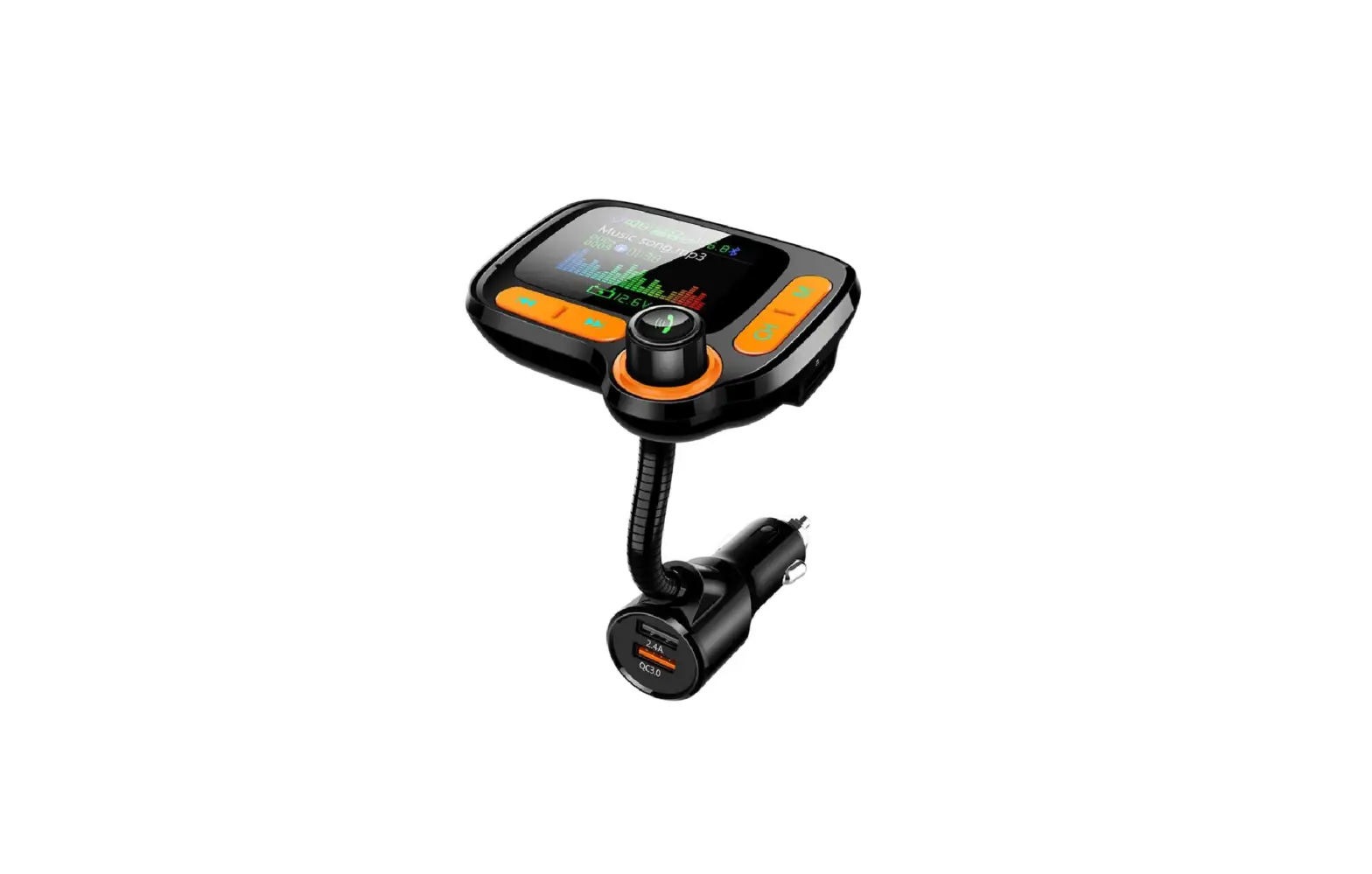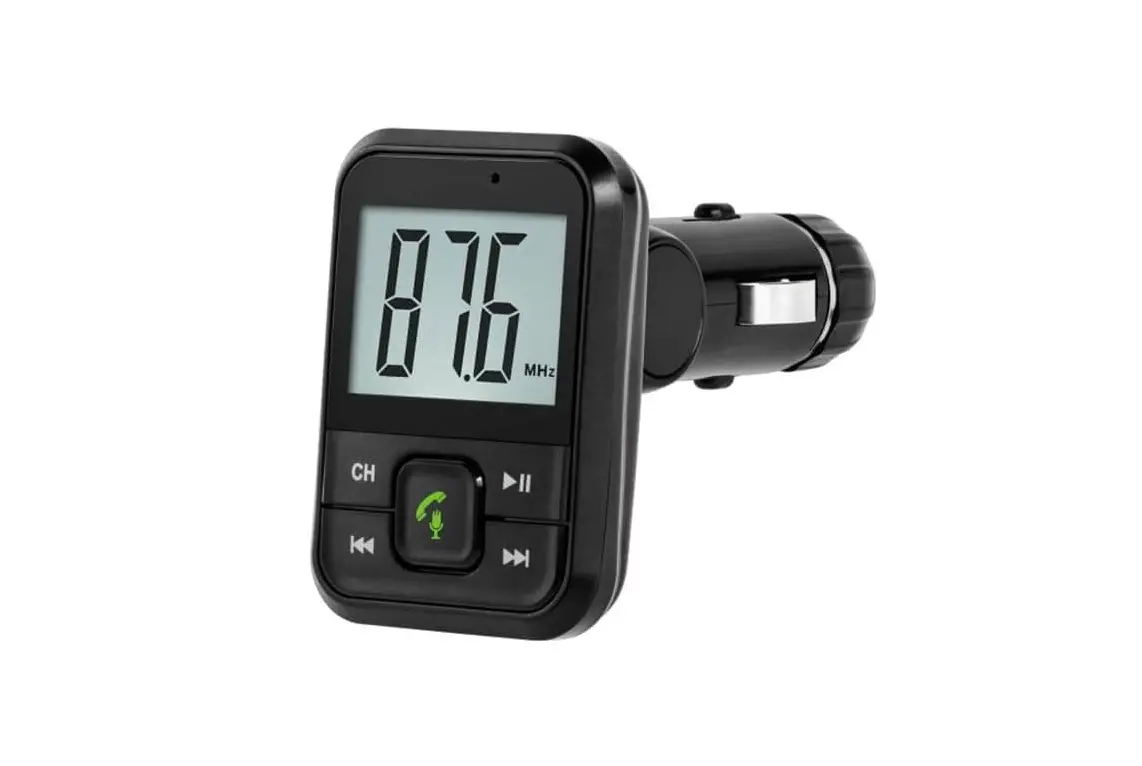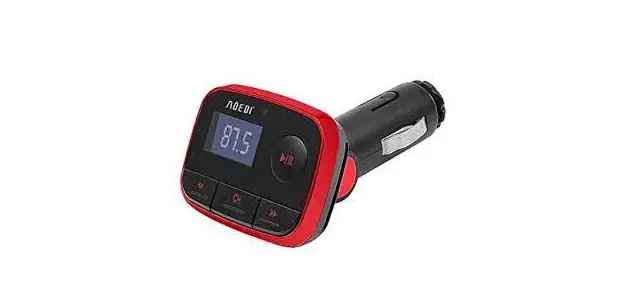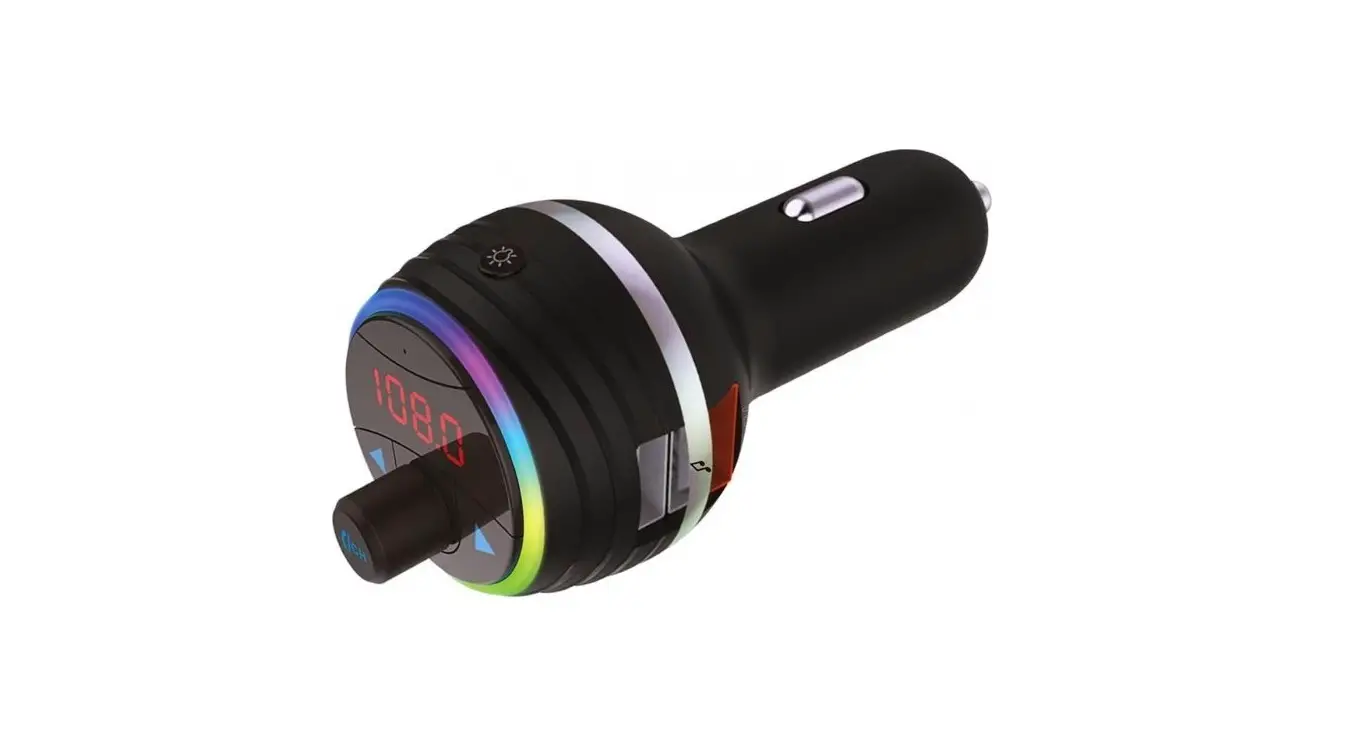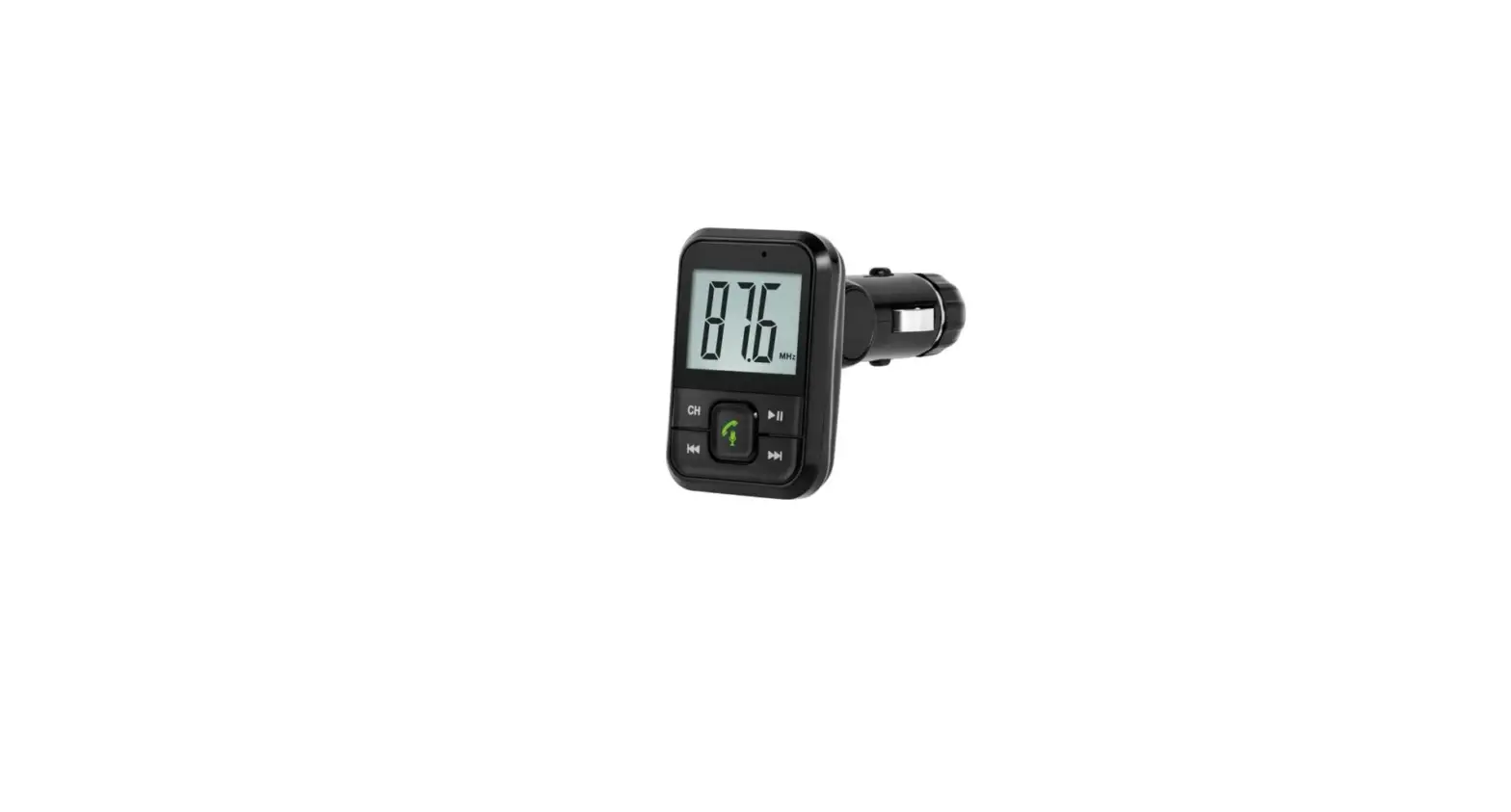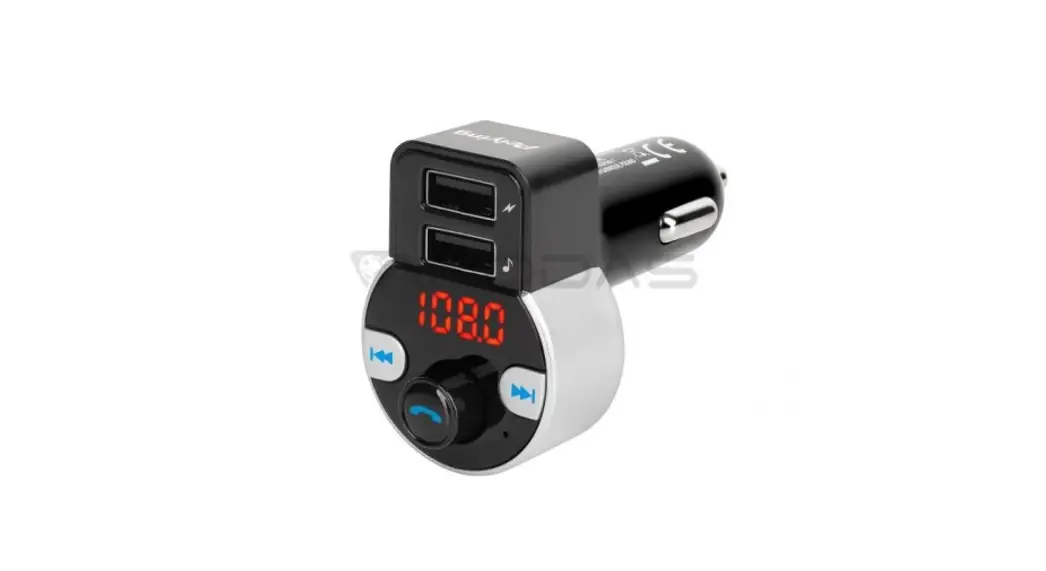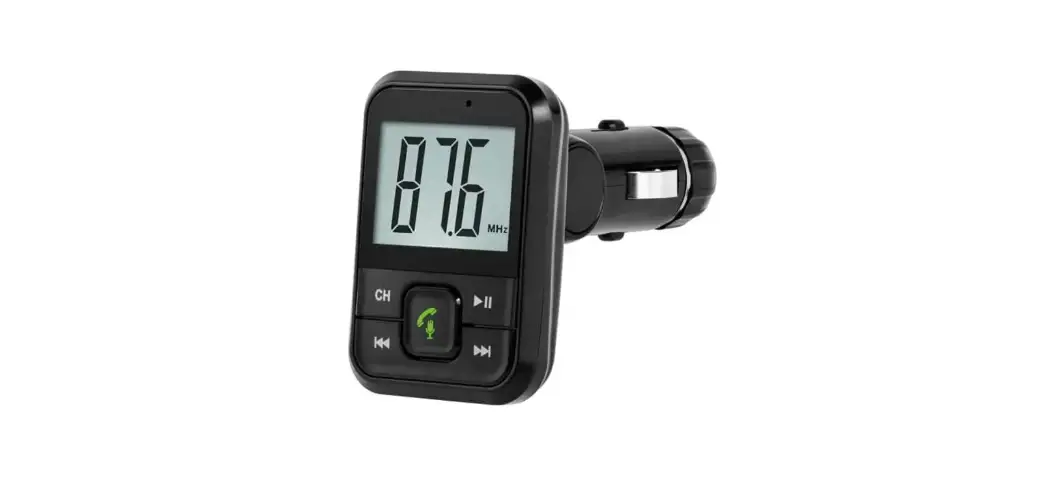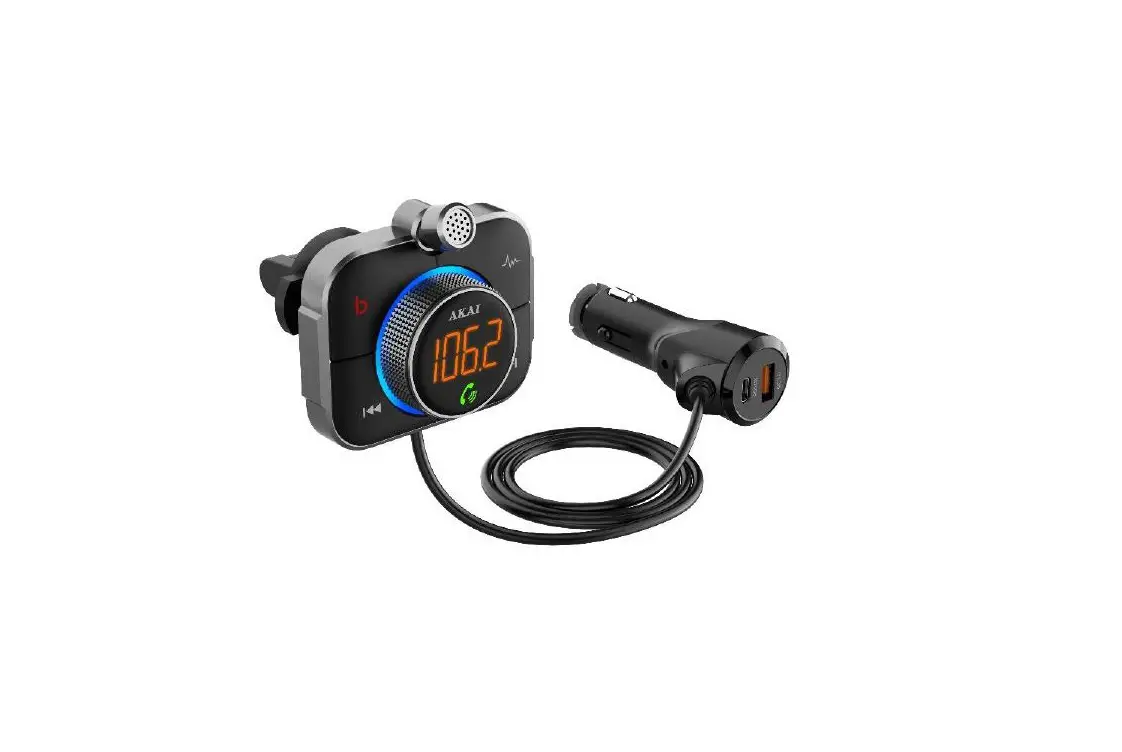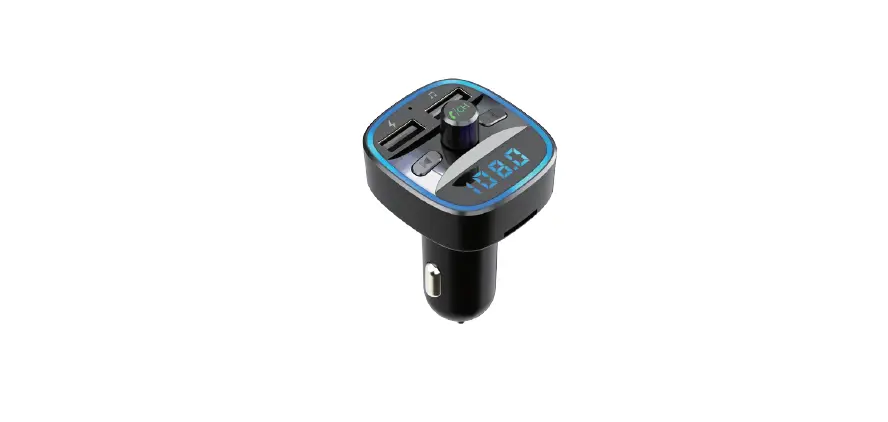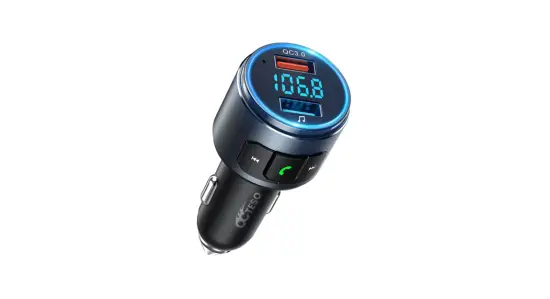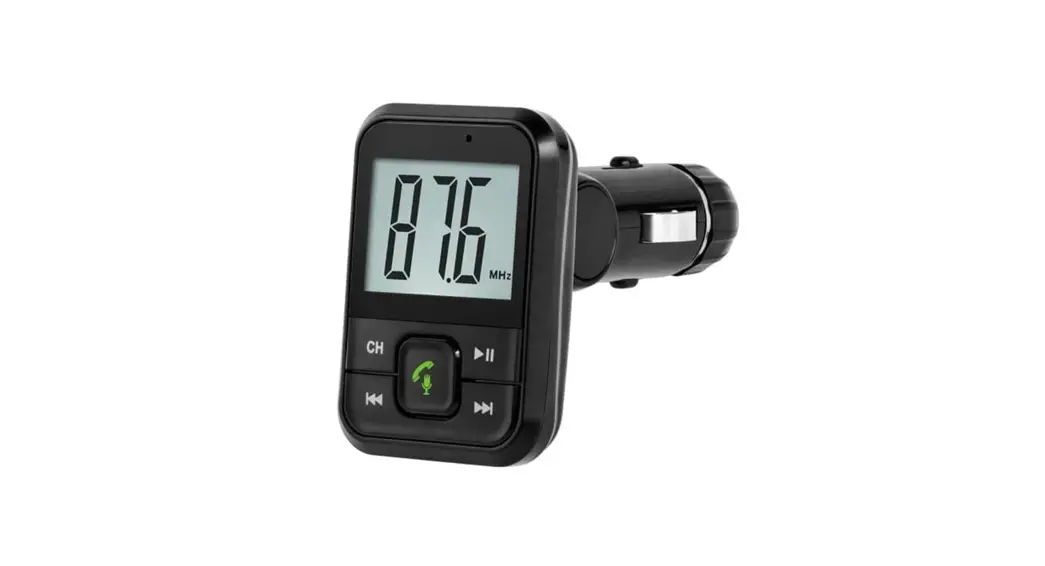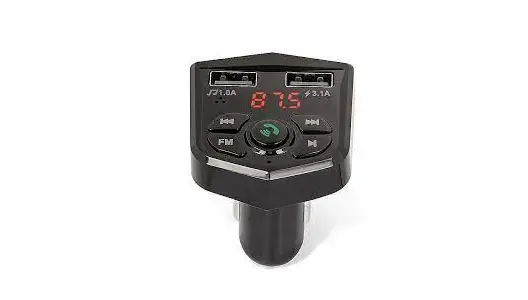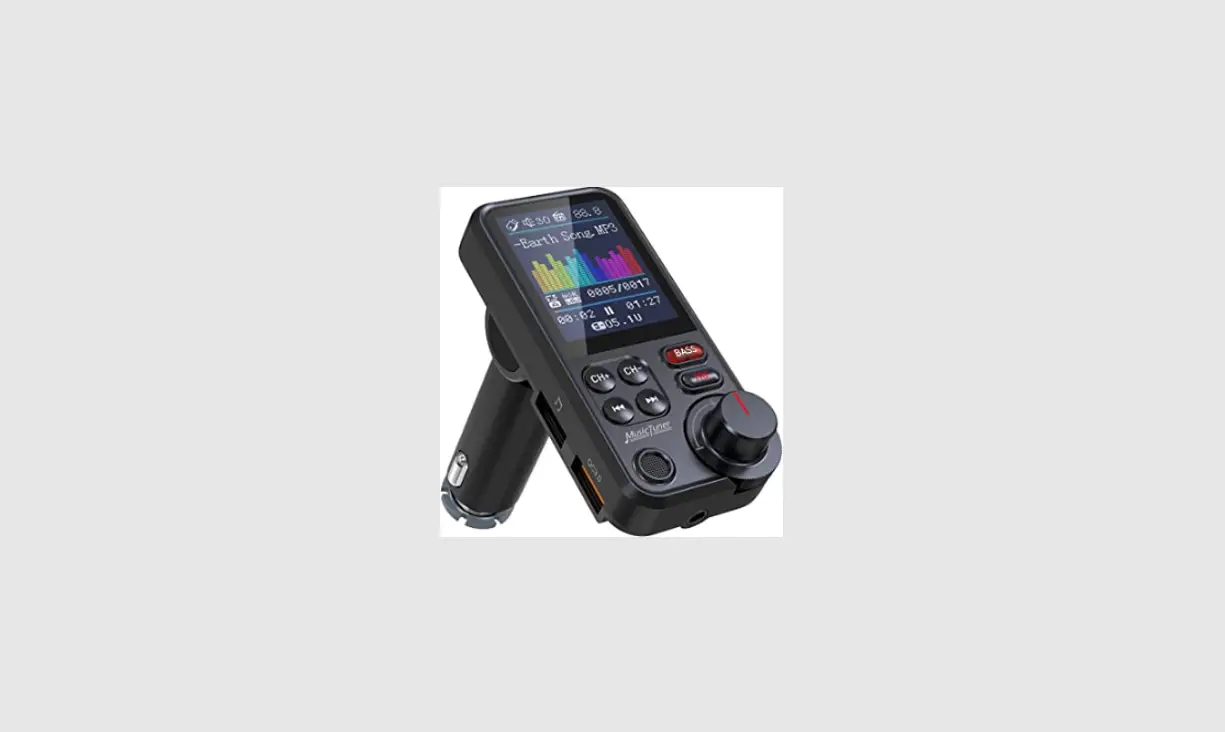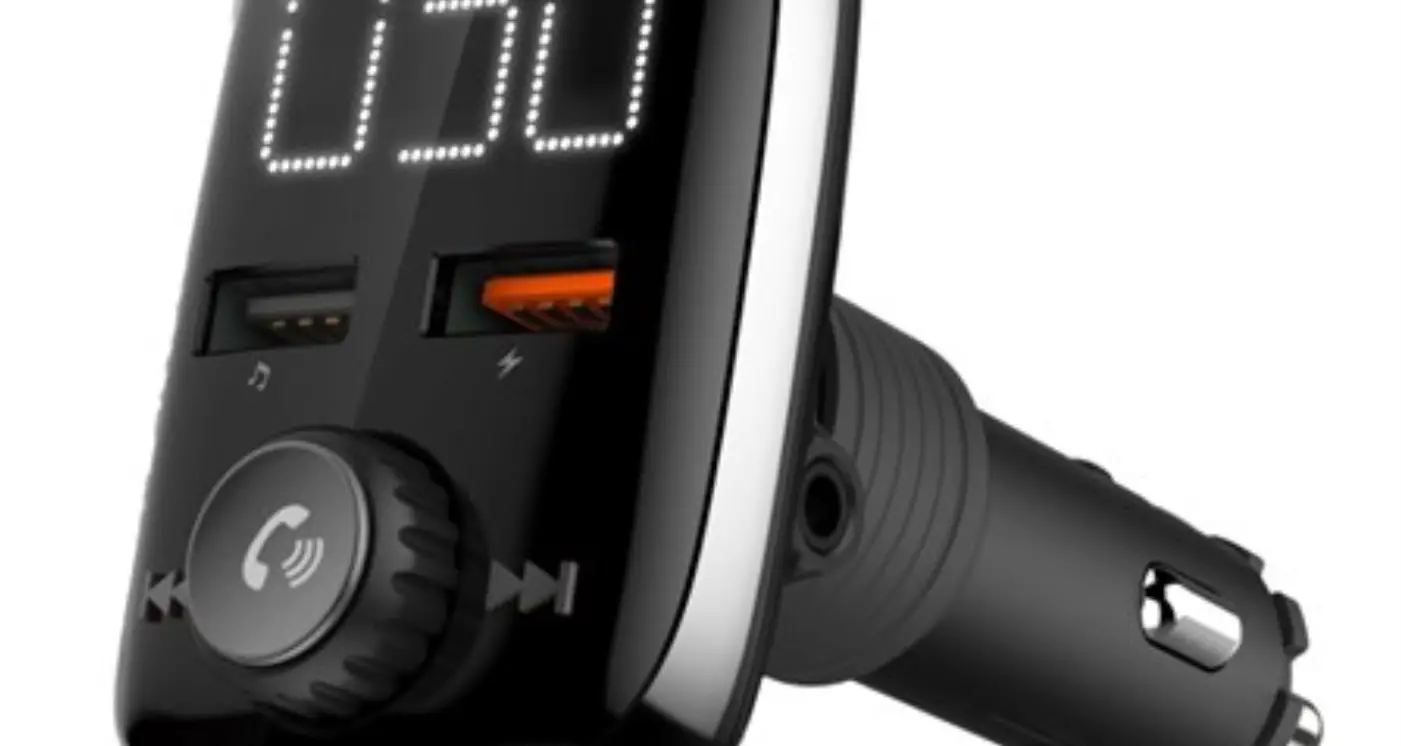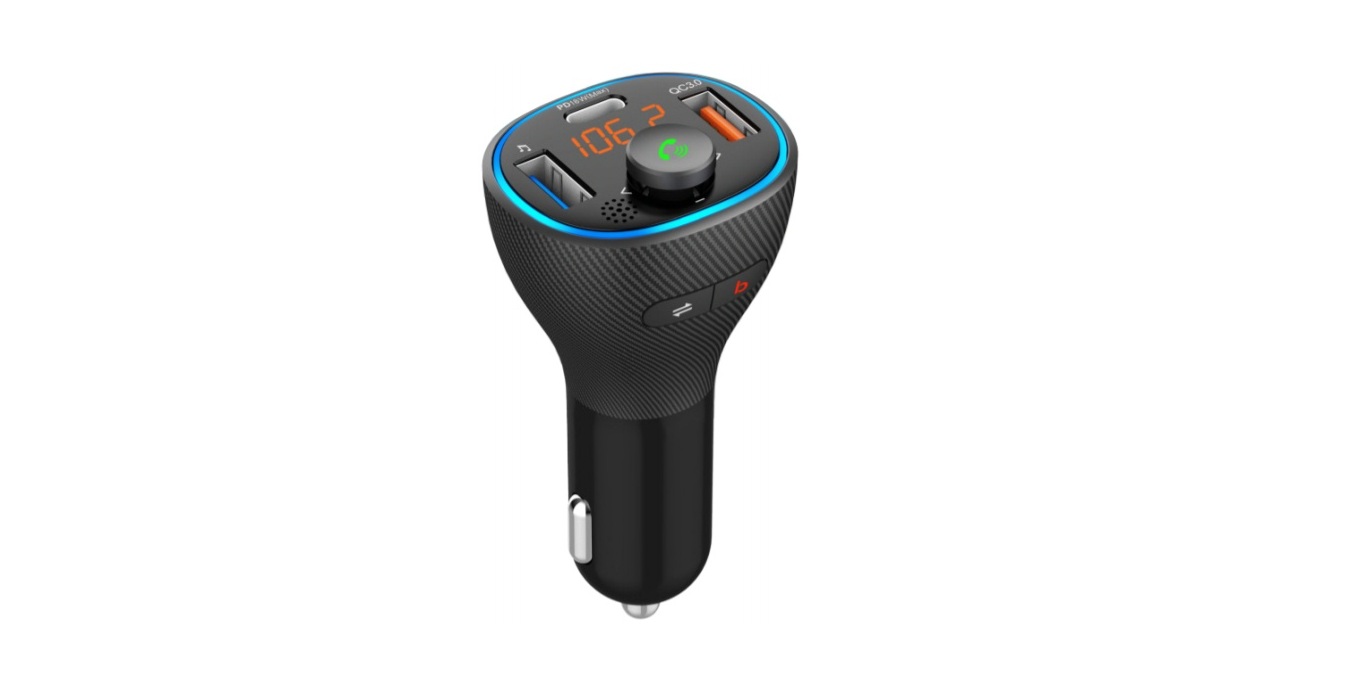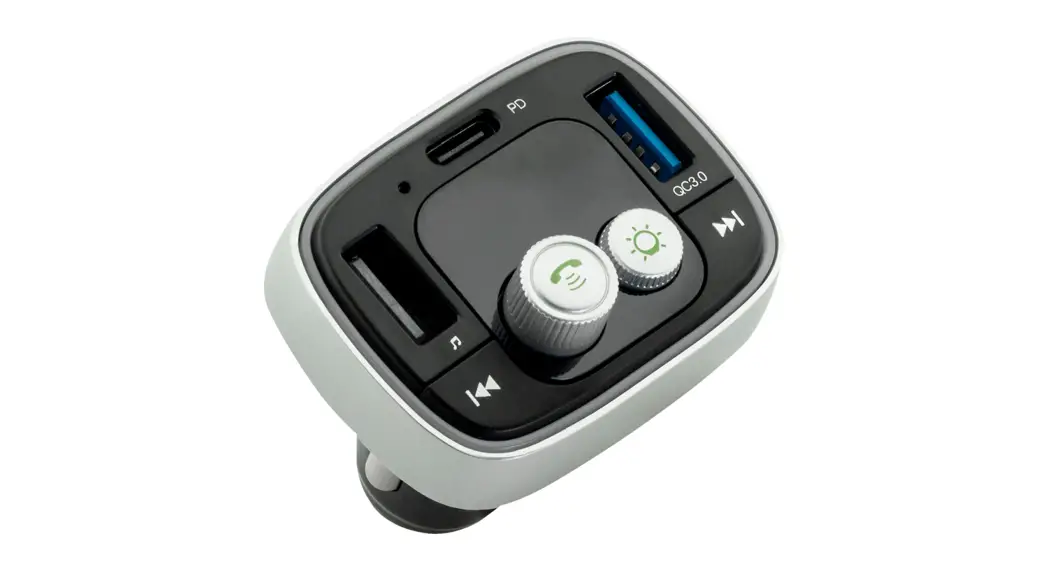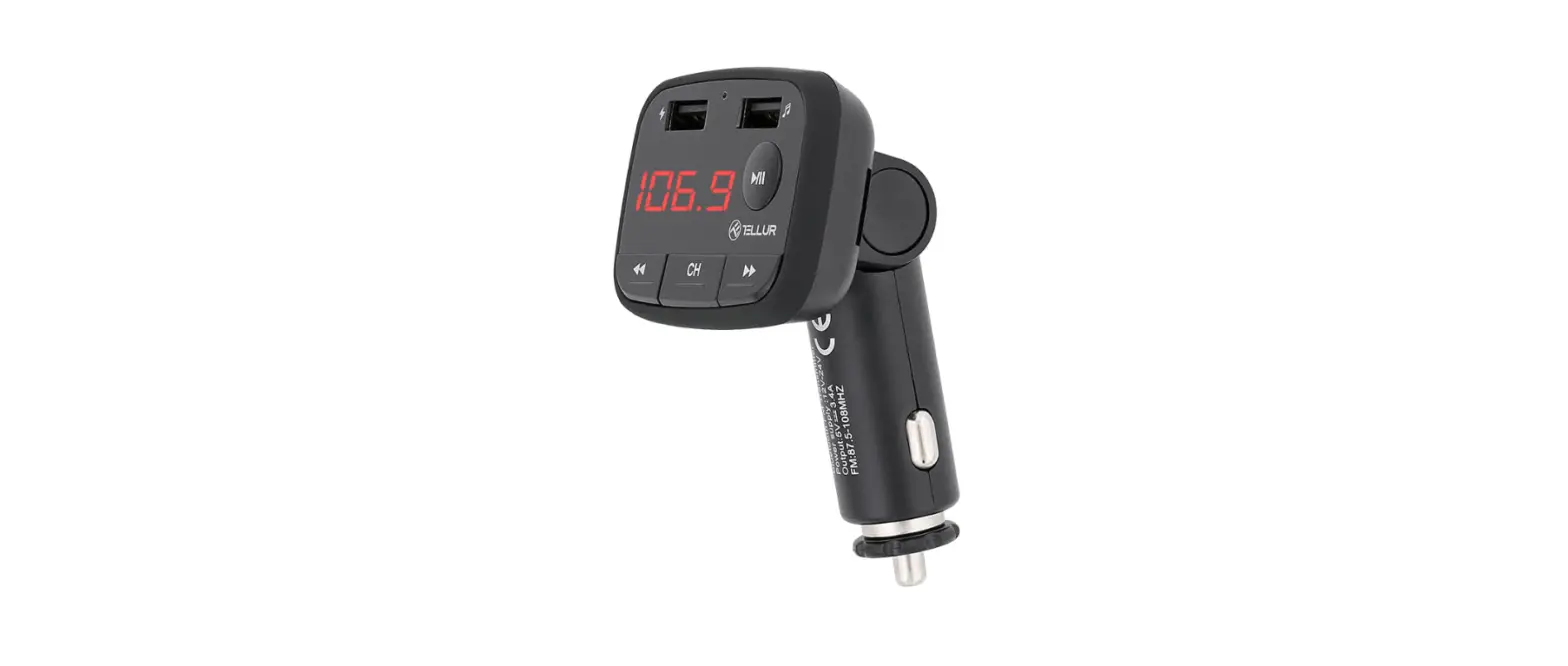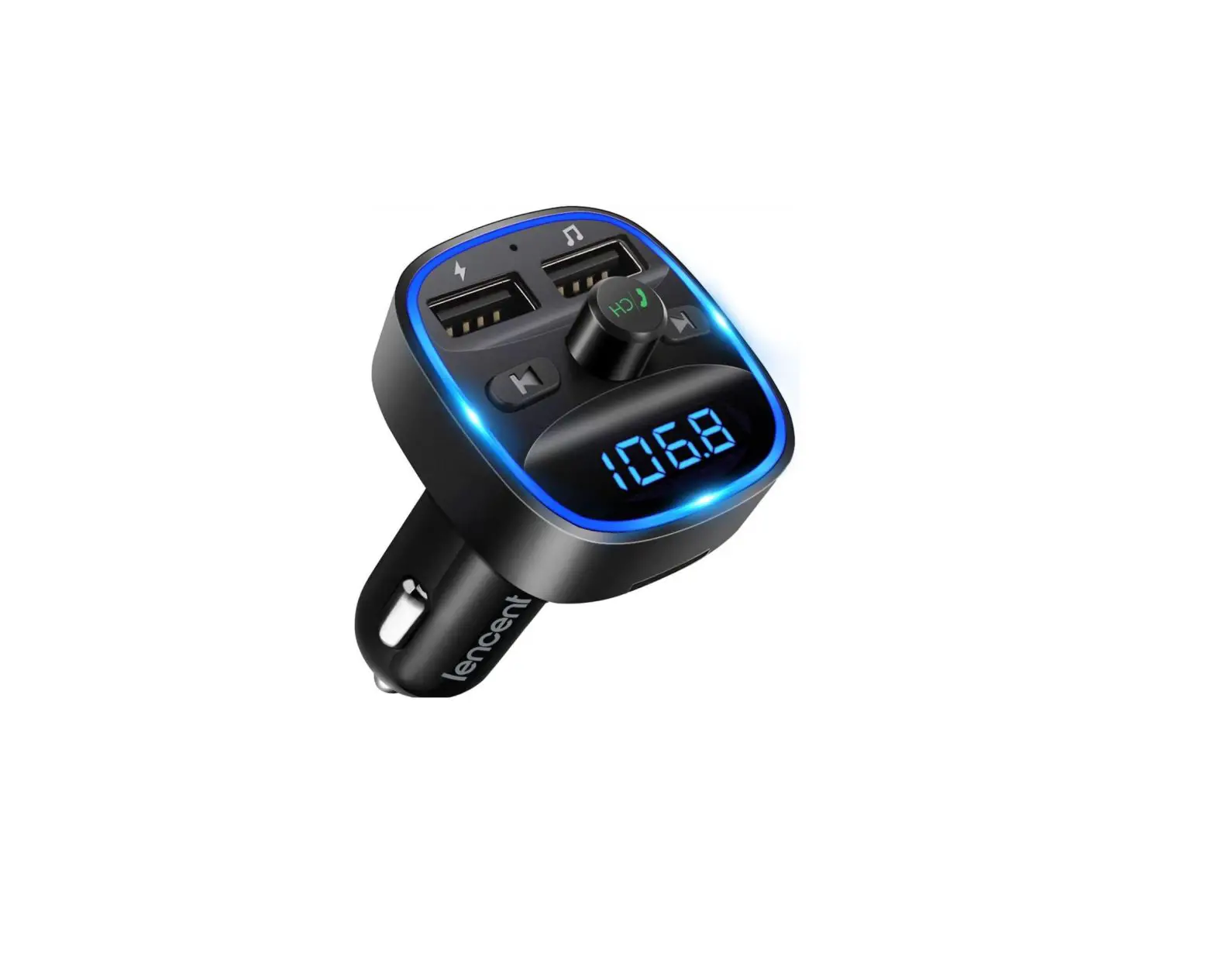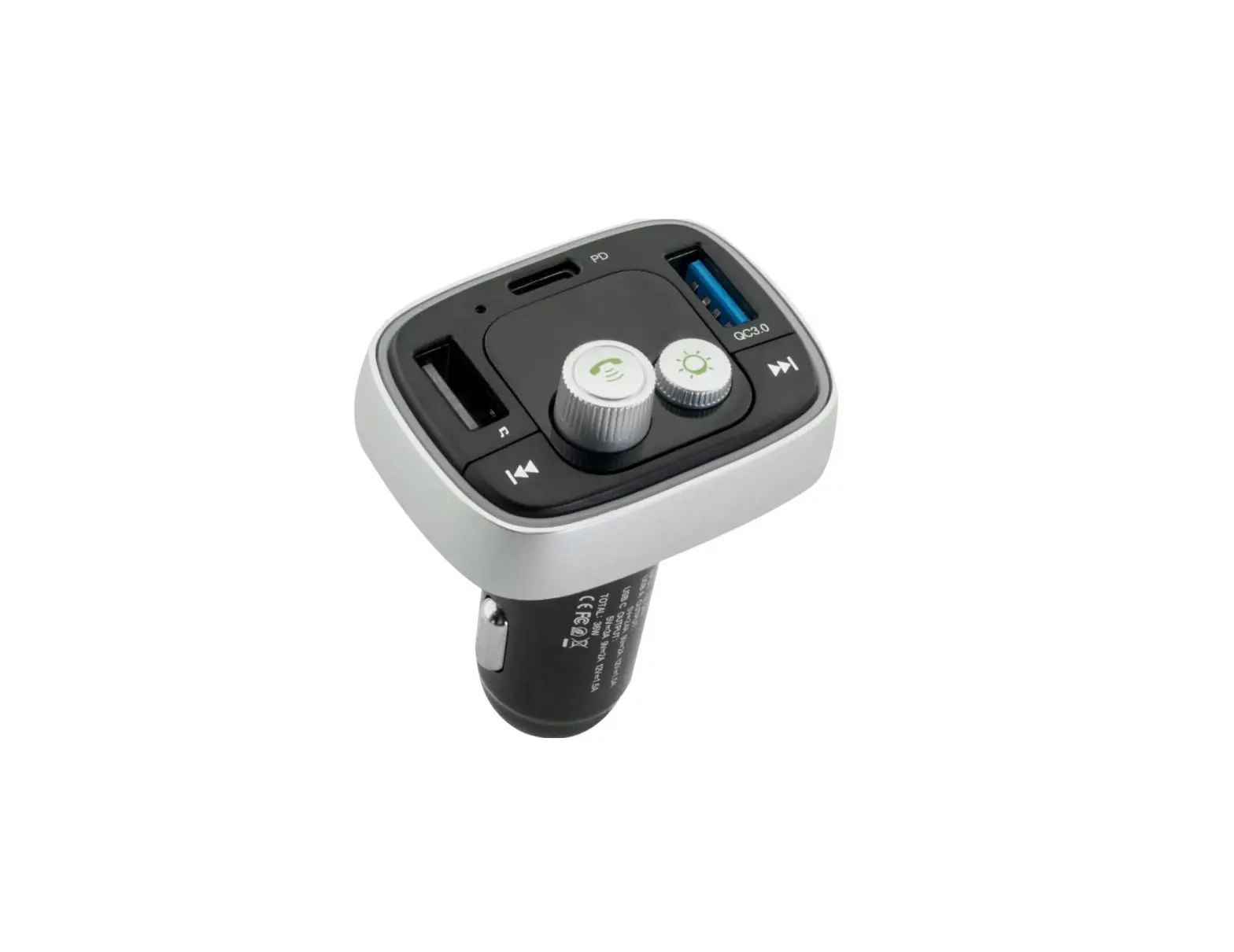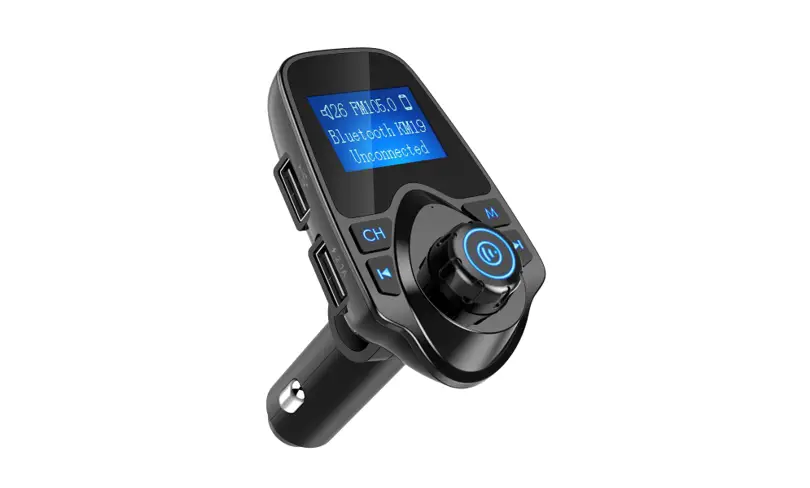
 T19Car Bluetooth FM Transmitter
User guide
Product Introduction
This device is a Bluetooth MP3 player developed for car use which is equipped with a professional high-performance Bluetooth module and MP3 decoder chip.
It can play and transmit the music from TF card to car stereo Oa FM radio signal. It can transmit your mobile phone’s music to the car stereo via Bluetooth.
It can also be used as a hands-free car kit during driving.
This device transmits signals by wireless method, no need to modify anything in the car. It can be used both as a music player for entertainment purposes and a hands-free car kit for safety purposes during driving.
Product Introduction
- Support Bluetooth hands-free phone calling via its built-in microphone.
- Noise and wind suppressed by CVC technology to create full duplex sound quality.
- Support mobile’s A2DP function. Music will be played directly while the mobile phone is connected.
- Mobile phones can be connected automatically when the device turns on.
- Support an external TF card, can play music files in MP3IWMA format.
- Integrated car charger of output 5V — 2100mA. is available for charging handheld devices in the car.
Operating Instructions
Device Power-on
- The device turns on automatically when plugging its integrated car charger into car cigarette lighter power.
- Tune the car FM radio to a blank FM station.
- Then tune the FM transmitter into the same frequency with the car FM radio.
Frequency and Volume Adjustment
- This device supports a frequency of 87.5-108.0MHz which can be adjusted by the key of
 and
and .
. - Adjust the volume by rotating the button and press to quit.
Playing Music from TF card/U-disk
- Insert the TF card into the device. it will automatically detect and play the MP3/WMA format music in the TF card/U-disk.
- Music selection: press buttons and to select your favorite songs.
Connection to Bluetooth Devices:
- This device is equipped with a built-in Bluetooth chip. can connect to other handheld Bluetooth devices.
- The pairing function will be activated automatically when the device is power on. And search the Bluetooth name of “TVARA T19* by your phone to connect.
- This device has a memory function. It will automatically connect once paired successfully the first time when power on.
Playing Musk from Mobile Phone:
- After successfully connecting the mobile phone to the device via Bluetooth, play music from a mobile phone, the device will wirelessly transmit the signal to the car stereo.
- You can operate music playing of Volume/Play/ Pause/Previous/Next on mobile phone, or on the device.
Switching Music File Sources
- It can play the music from TF card/U-disk and also can play the music of the device by Bluetooth. If there have 2 or 3 devices connected at the same time, it will default the Bluetooth or the latter takes precedence.
MakelAnswer a Call:
- This device can make or answer a call when it is connected to your phone by Bluetooth.
- Press
 the button to answer an incoming call and press the button to end the call.
 - Double click the button to activate redialing of the last number.
Part Description
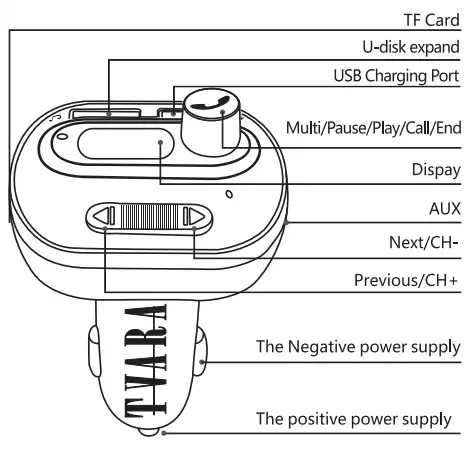
| Operation Instruction | Instruction FM |
| 1. How to pair mobile | Plug the device to cigarette lighter power and power on, and then search the Bluetooth name of -NARA T19* by your phone |
| 2. How to play and pause | Press the button to play, press again  to pause to pause |
| 3. How to adjust the volume | Long tap to up the volume Long tap to up the volume Long tap to down the volume to down the volume |
| 4. How to select frequency | long press 2S enter the main mem Rotate the knob to adjust .click to confirm Tap to increase frequency Tap to reduce the frequency. |
| 5. How to select music | Press the button to play the next song Press button to play the previous song. |
| 6. How to answer and end a call | Press the button to answer an incoming call. Press button to end the call Click to reject the incoming call Double click ® to redial |
Bluetooth:
Bluetooth Version: V4.1 + EDR
Frequency: 20 h – 20 KHz
Sensitivity: A2 db+ 13 db 380
Voltage: 5 v +1-0.5
Working Current 45mA (Max)
Stand-by Current: 25mA (Max)
Frequency: 2.402 – 2.480 GHz
Effective Range: 5 meters
Sensitivity: -92 dBm
RF Output: 4 dBm
Frequencies:
FM:87.5MHz — 108.0MHz
Transmitted Power: 87 dBuv 1107 dBuv
Effective Range: 5 meters
 Note: This device is compatible with most mobile phones. except for a few mobile phones that are not available to use parts of the above functions. Product features will be upgraded without any notice.
From the house of: