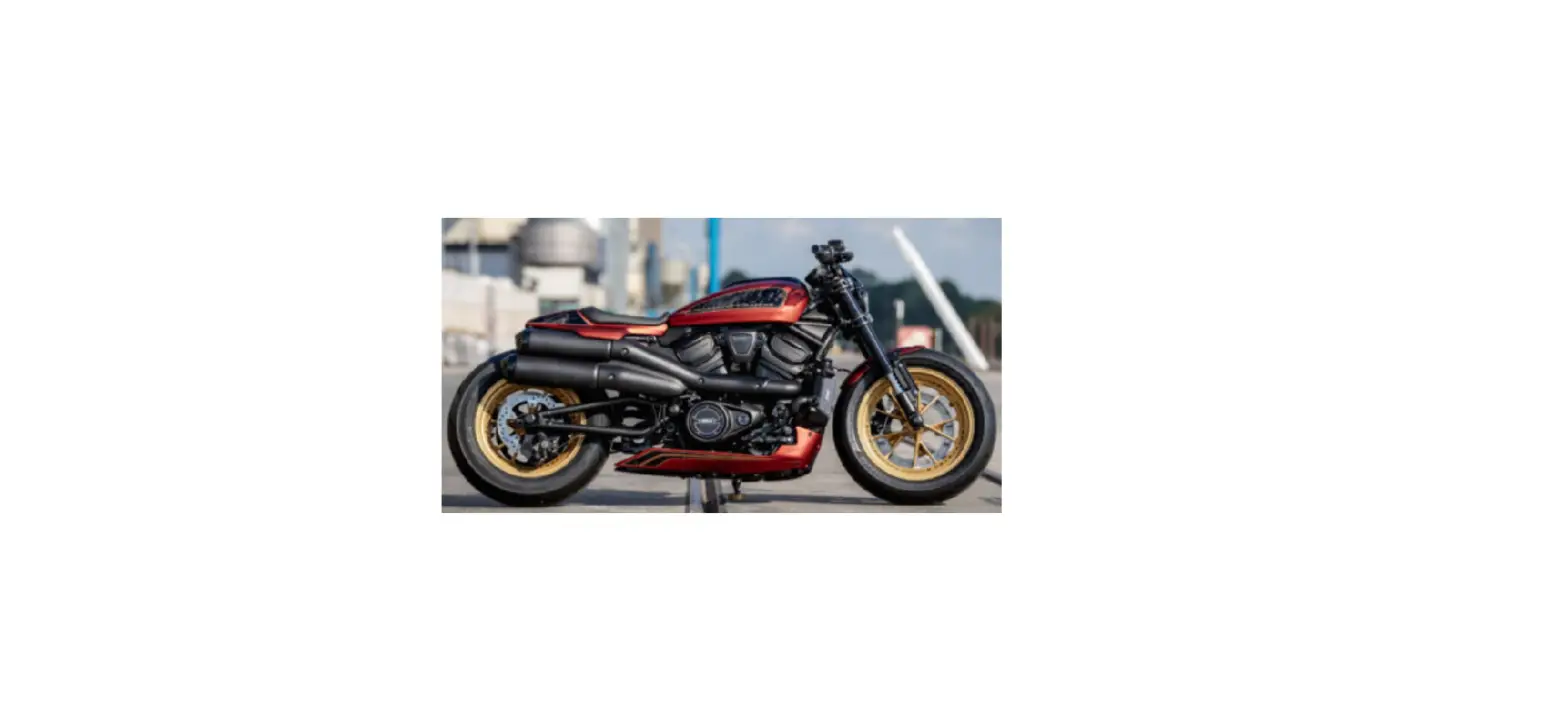

THUNDERBIKE CUSTOMS 22-85-070 Harley-Davidson Revolution Max

PACKING LIST
| Amount | Item |
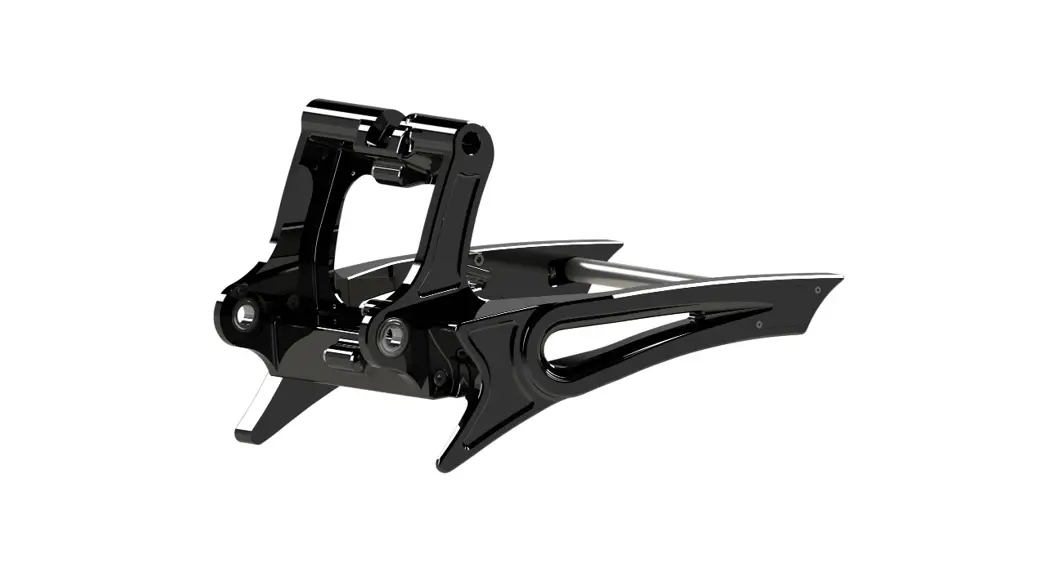
| 1 | Timer cover |
| 2 | Allen head screw M4*16 |
| 2 | Brass dowel |
MOUNTING INSTRUCTIONS
- Remove the oem timer cover using a plastic pry tool.
- Tip: Heating the cover a bit will help to loosen the backside glue easier.
- Stick the included brass dowels into the holes of the primary cover.
- Install the new TB timer cover using the included Allen head screws.
- Tighten the screws carefully and crossed until the brass dowels spread into the primary cover and the timer cover is tight.
- Check the bolted connections after a test ride!
- The Thunderbike team wishes you fun with your new parts.
- Have a nice and safe ride!
Thunderbike
- Güterstrasse 5
- D-46499 Hamminkeln
- relefon: (0049) 2852 – 6777 -33
- Telefax: (0049) 2852-5444
- [email protected]