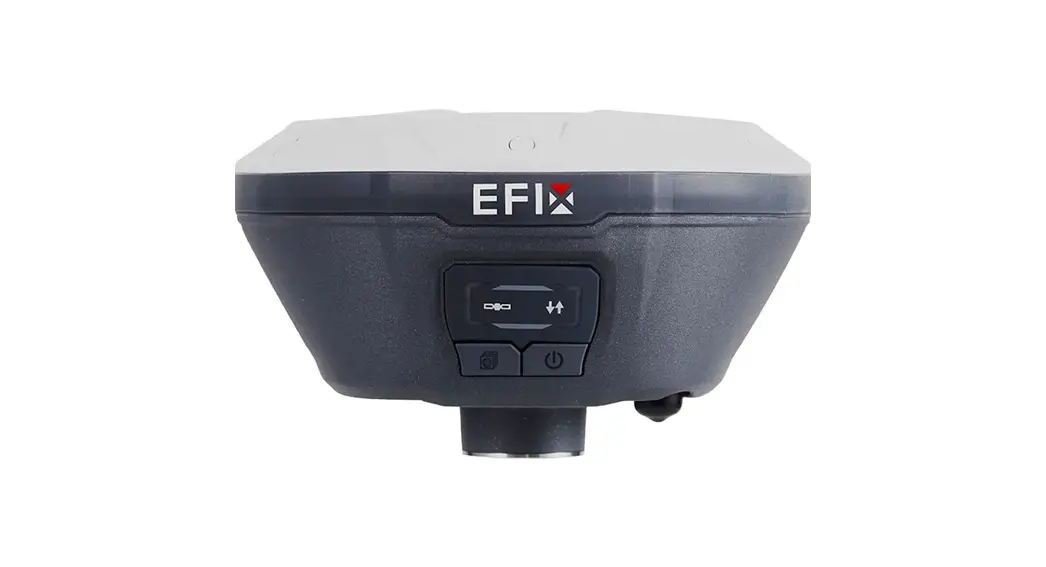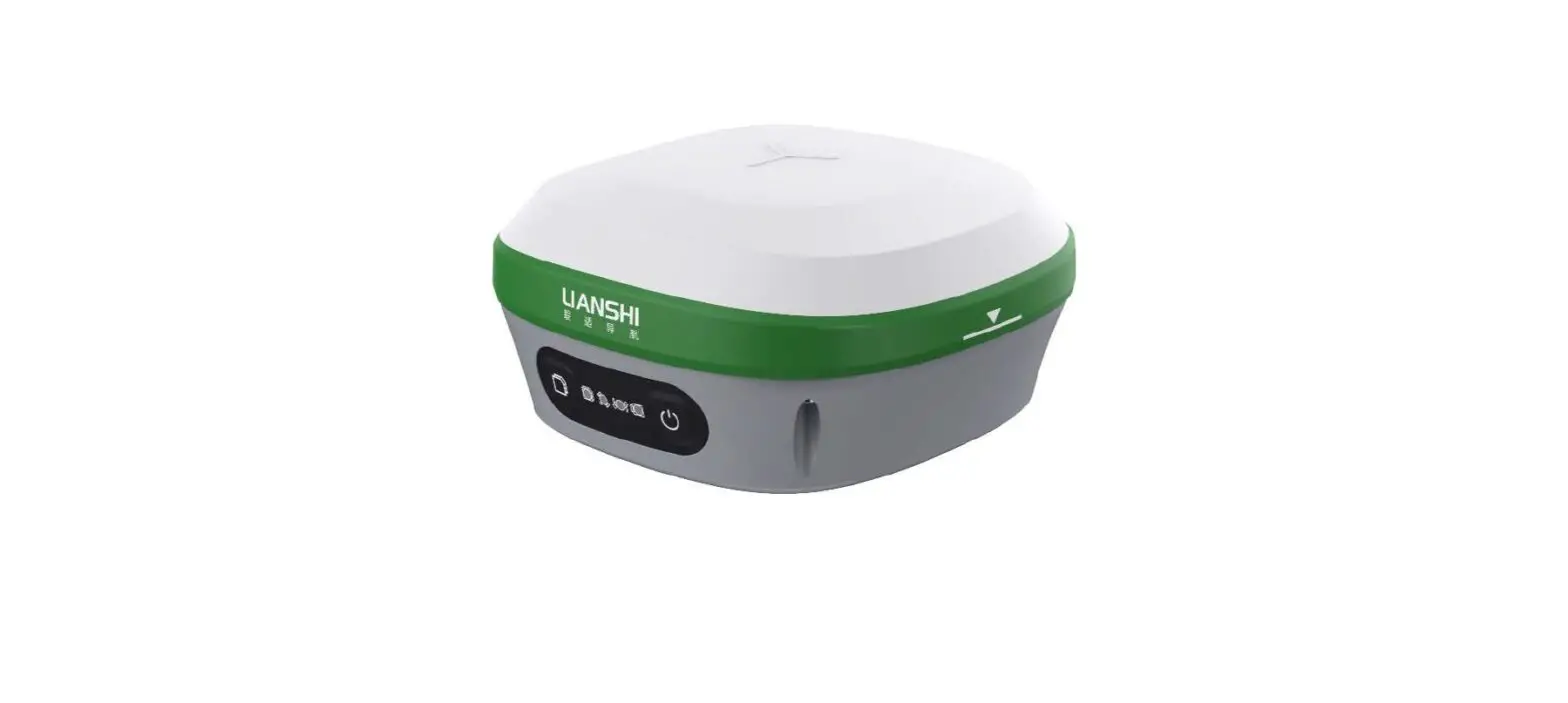

Stonex S580 GNSS Receiver
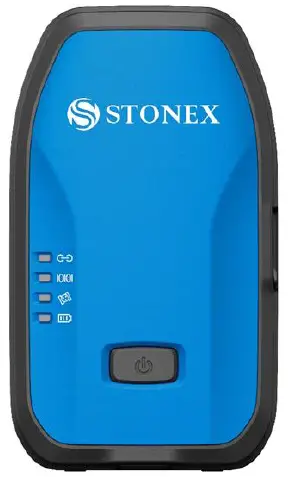
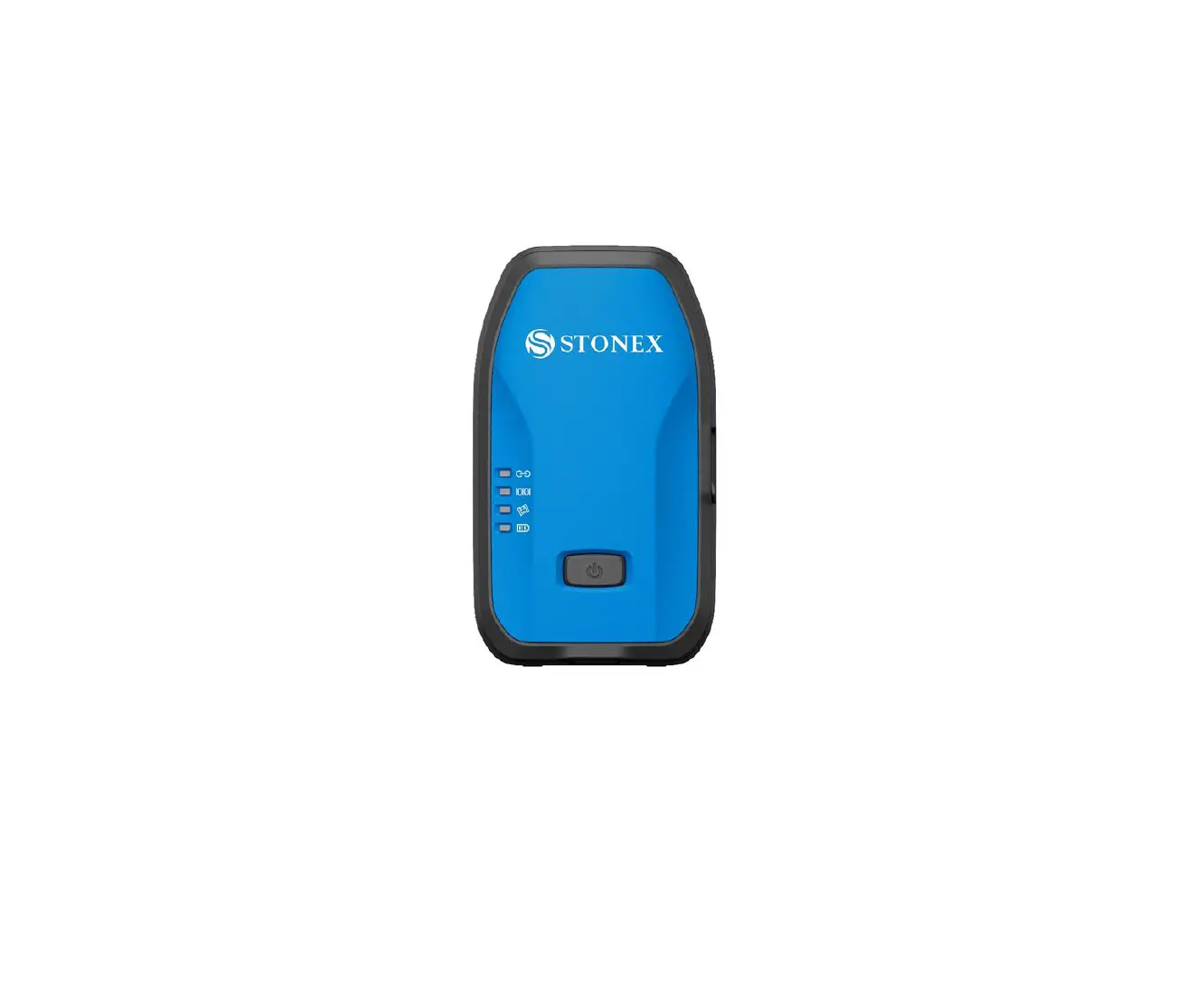
Interface Description
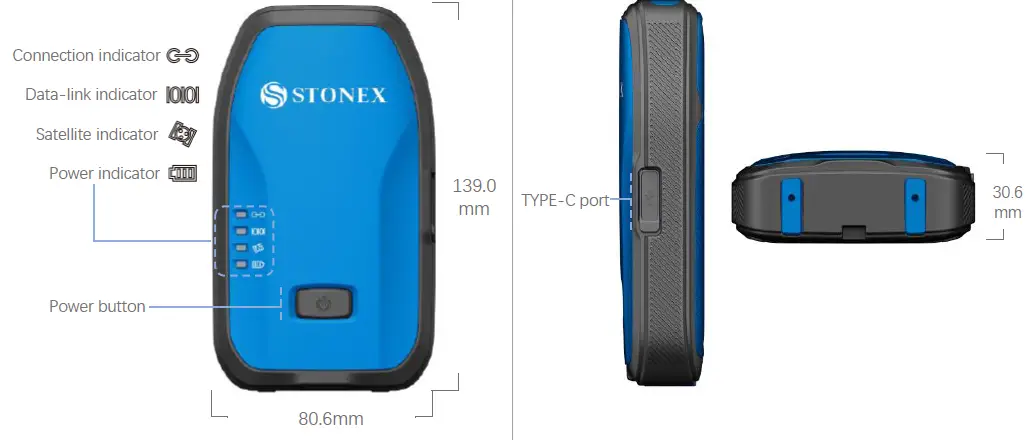
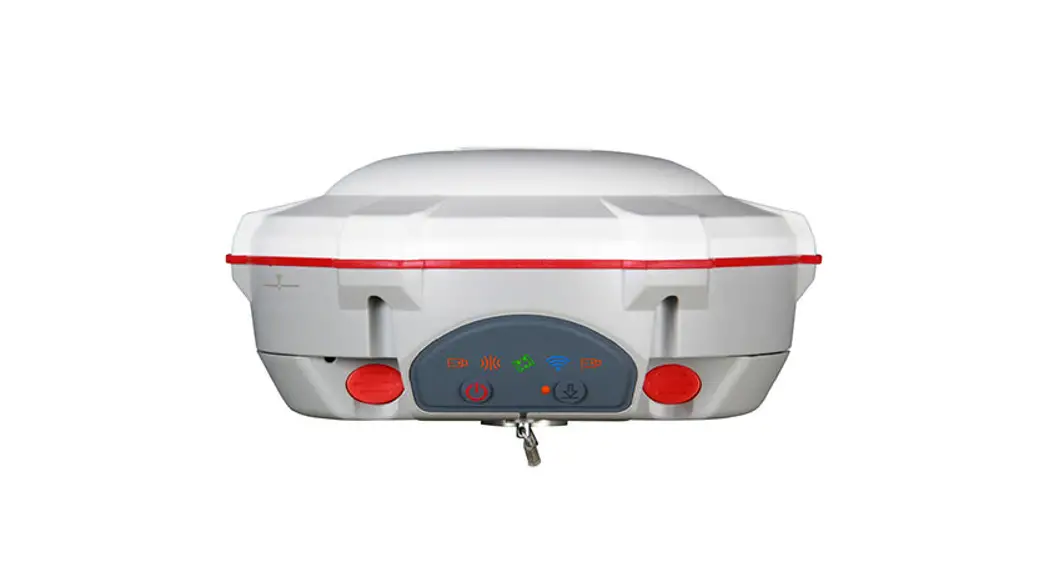
| Connection indicator | Flash when Bluetooth connected |
| Data–link indicator (Green) | Flash when differential data transmitting |
| Satellite indicator (Green) | Flash according to number of stars tracked |
| Power indicator (Red-Green) | Green always on when normally operating Red flash with warning beep: power <10% Charging: red always on in charging; green on when charging finished |
| TYPE–C port | TYPE C port supports USB 2.0;No OTG; |
| Voice Broadcasting | TTS voice broadcasting |
Technical Data
| Channels | 184 |
| Signal Tracking | GPS L1C/A L2C, GLO L1OF L2OF, GAL E1B/C E5b, BDS B1I B2I, QZSS L1C/A L2C |
| Update Rate | 10Hz |
| Battery | Internal non-replaceable battery 3.85V/6120mAh |
| Working Time | 12 hours at room temperature |
| Input Voltage | DC input 5V-2A |
| Single(RMS) | Horizontal 1.5m Vertical 3m |
| SBAS(RMS) | Horizontal 0.4m Vertical 0.8m |
| RTK(RMS) | Horizontal 1cm±1ppm, Vertical 1.5cm±1ppm |
| Time Accuracy | 20ns |
| Speed Accuracy | 0.03m/s |
| Operating System | Android 7.0 |
| Internal Memory | 512M DDR3 |
| Bluetooth | BT4.2 |
| WiFi | 2.4GHz 802.11b/g/n (HT20/HT40) |
| Dimension | 139mm×80.6mm×30.6mm |
| Weight | 330g |
| Operating Temperature | -30℃ ~ +65℃ |
| Storage Temperature | -40℃ ~ +80℃ |
| Waterproof/Dustproof | IP67 |
| Shock Resistance | Designed to endure to a 2 m pole drop and 1.2 m free drop on concrete floor with no damage |
| Humidity | Relative humidity 95% (non-condensation) |
Operation
Power on/off Reset Charging
 Press and hold for 3s to switch on/off device. Press and hold for 12s to reset device.
Use the standard charger and type-c data cable to charge. Red always on in charging; green on when charging finished.
How to connect mobile phone
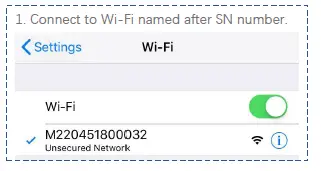
Open the browser on the phone and enter the following address:192.168.10.1
User: admin
Password: password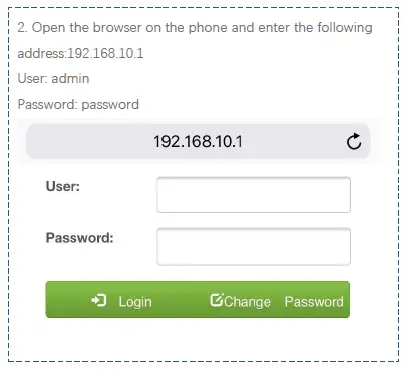
How to connect Handheld
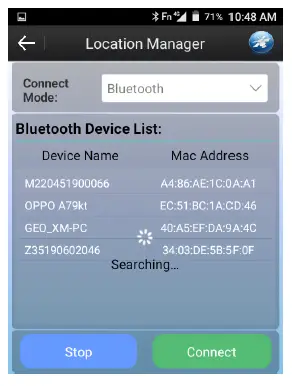
- Make sure that the app GeoLocationServer 2.0 is on your handheld. Open it and connect S580 via Bluetooth.

- Handheld will automatically search Bluetooth. Find target S580 SN. And press “Connect”.


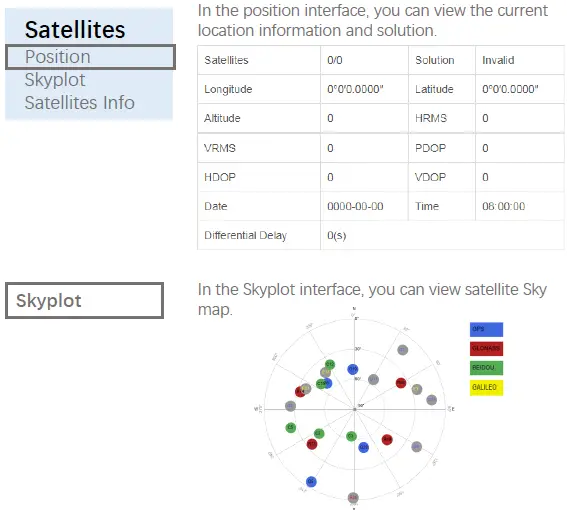
What is on Web UI
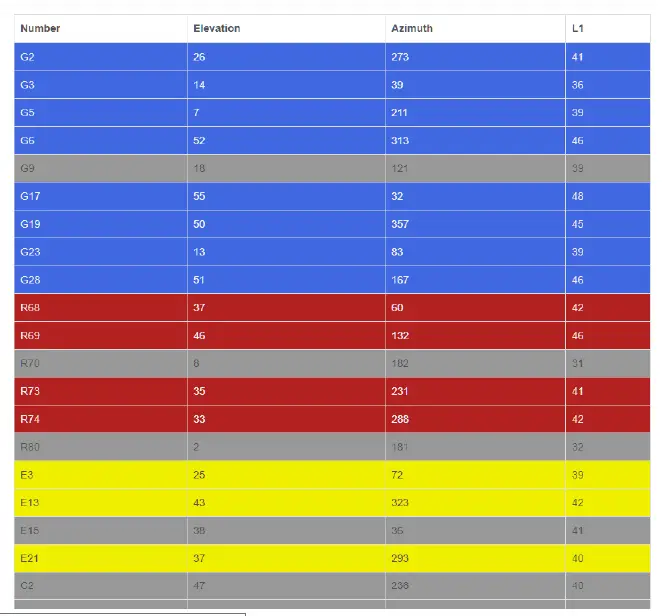
 Satellites Info
In the satellites info interface, you can see satellites information.
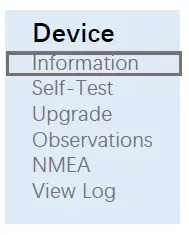 In the information interface, you can view device info such as firmware version.
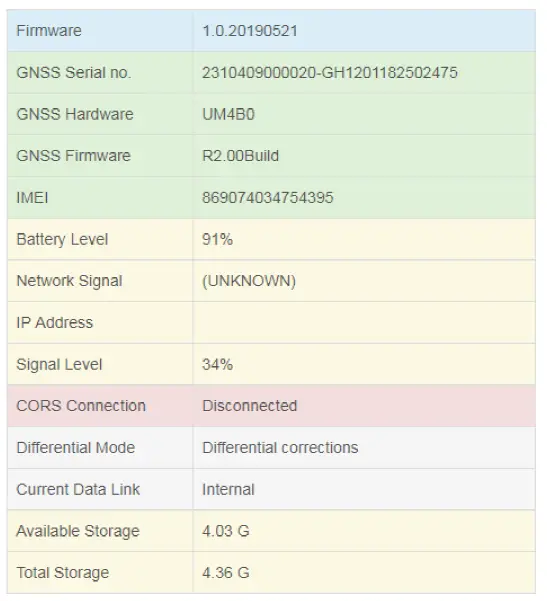 Self-Test
In the checking interface, you can run the self-test program.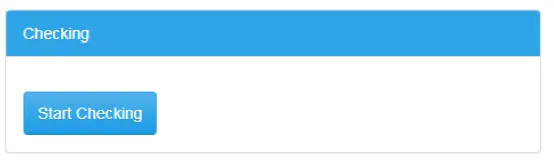 Upgrade
In the upgrade online interface, you can choose a file to upgrade.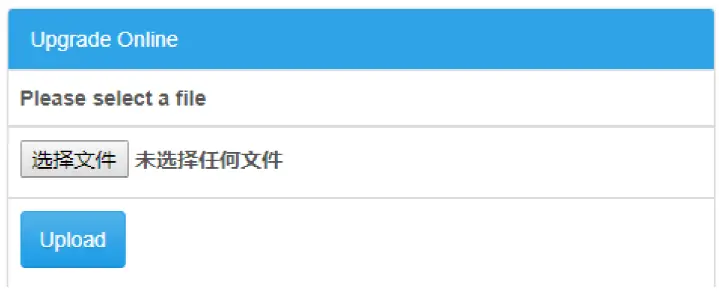
Observations
In the observation interface, you can download observation files.
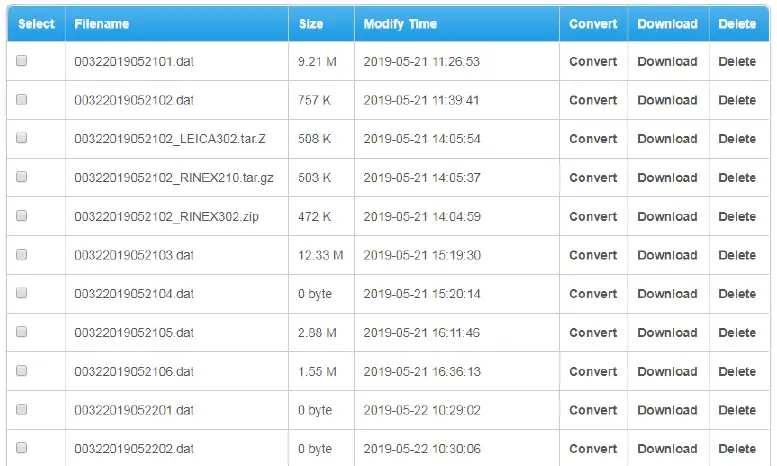
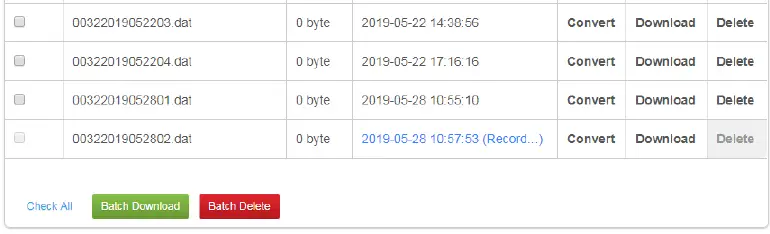
NMEA
In the NMEA interface, you can download NMEA files.
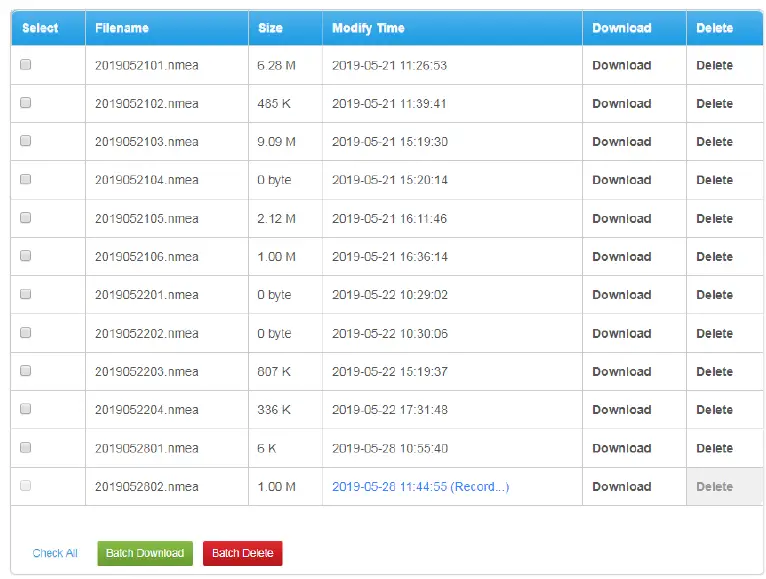
View Log
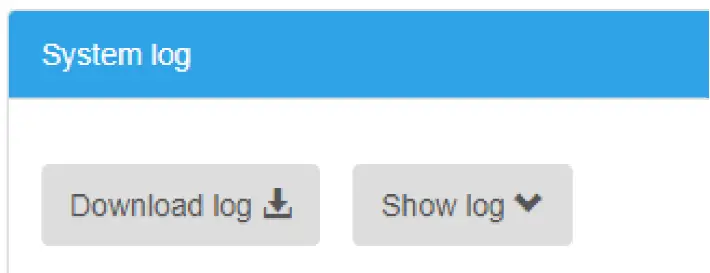
In the view log interface, you can download and view device run log.
 In the working mode interface, you can set system mode, datalink and other settings of the device.
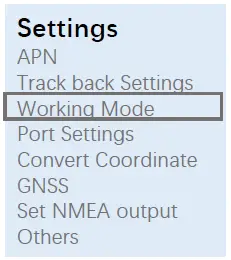
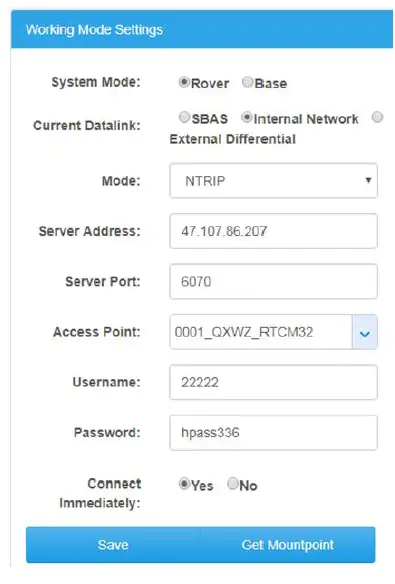 Working Mode
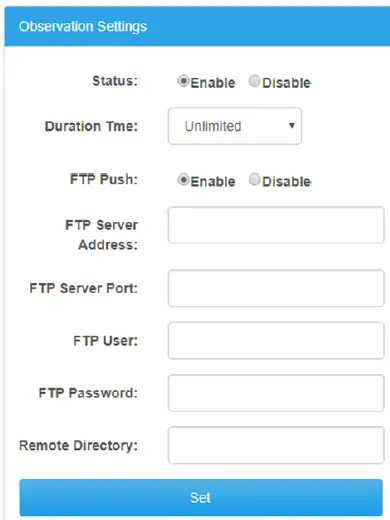
In the working mode interface, you can also do observation settings.
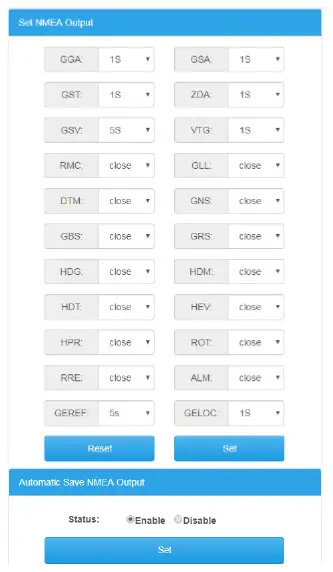
Set NMEA output
In the set NMEA output interface, you can set NMEA statement and output frequency.
Care and Transport
Equipment care
- Respect the temperature limits when storing the equipment, particularly in summer if the equipment is inside a Refer to “2 Technical Data” for information about temperature limits.
Build-in Battery Care
- Your product is powered by a rechargeable The full performance of a new battery is achieved only after two or three complete charge and discharge cycles.
- The battery can be charged and discharged hundreds of times , but will eventually wear Do leave a fully charged battery connected to a charger, since overcharging may shorten its lifetime.
- If left unused, a fully charged battery will lose its charge over time
Charger Care
- Do not attempt to charge/power your product with other than the charger provided. The use of any other types may damage or destroy the product and could be dangerous. Use of other chargers may invalidate any approval or warranty. For availability of approved enhancements , please check with your dealer.
- Charge/power the product according to the instructions supplied with the product
Maintenance
- Unplug the product or charger before cleaning.
- Cleaning the product by wiping with a dry or slightly damp The cord and charger may only be dry-dusted.
Transport
When transporting the product by rail, air or sea, always use the complete original STONEX packaging , transport container and cardboard box, or its equivalent, to protect against shock and vibration.
Never carry the product loose in a road vehicle, as it can be affected by shock and vibration. Always carry the product in its transport container, original packaging or equivalent and secure it.
When transporting or shipping batteries, the person responsible for the product must ensure that the applicable national and international rules and regulations are observed. Before transportation or shipping , contact your local passenger or freight transport company.
Warning and Declaration
FCC & IC Warnings
This device complies with Part 15 of the FCC Rules. Operation is subject to the following two conditions: (1) this device may not cause harmful interference, and (2) this device must accept any interference received, including interference that may cause undesired operation.
Changes or modifications not expressly approved by the party responsible for compliance could void the user’s authority to operate the equipment.
NOTE: This equipment has been tested and found to comply with the limits for a Class B digital device, pursuant to Part 15 of the FCC Rules. These limits are designed to provide reasonable protection against harmful interference in a residential installation. This equipment generates, uses instructions, may cause harmful interference to radio communications.
However, there is no guarantee that interference will not occur in a particular installation. If this equipment does cause
harmful interference to radio or television reception, which can be determined by turning the equipment off and on, the user is encouraged to try to correct the interference by one or more of the following measures:
- Reorient or relocate the receiving antenna.
- Increase the separation between the equipment and receiver.
- Connect the equipment into an outlet on a circuit different from that to which the receiver is connected.
- Consult the dealer or an experienced radio/TV technician for help.
Warnings:
This device complies with Industry Canada’s licence-exempt RSSs
Operation is subject to the following two conditions:
- This device may not cause interference and
- this device must accept any interference, including interference that may cause undesired operation of the device.