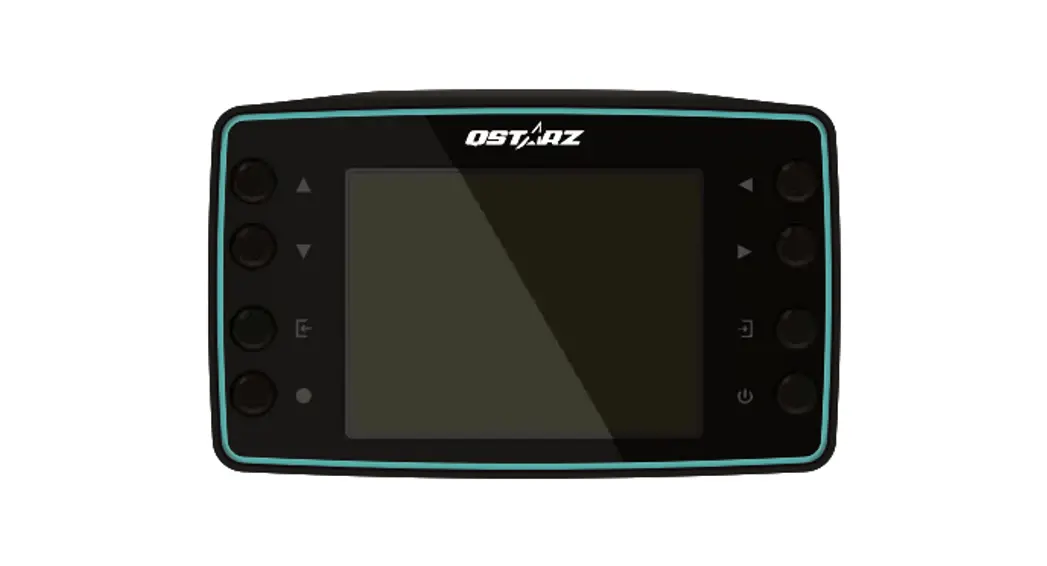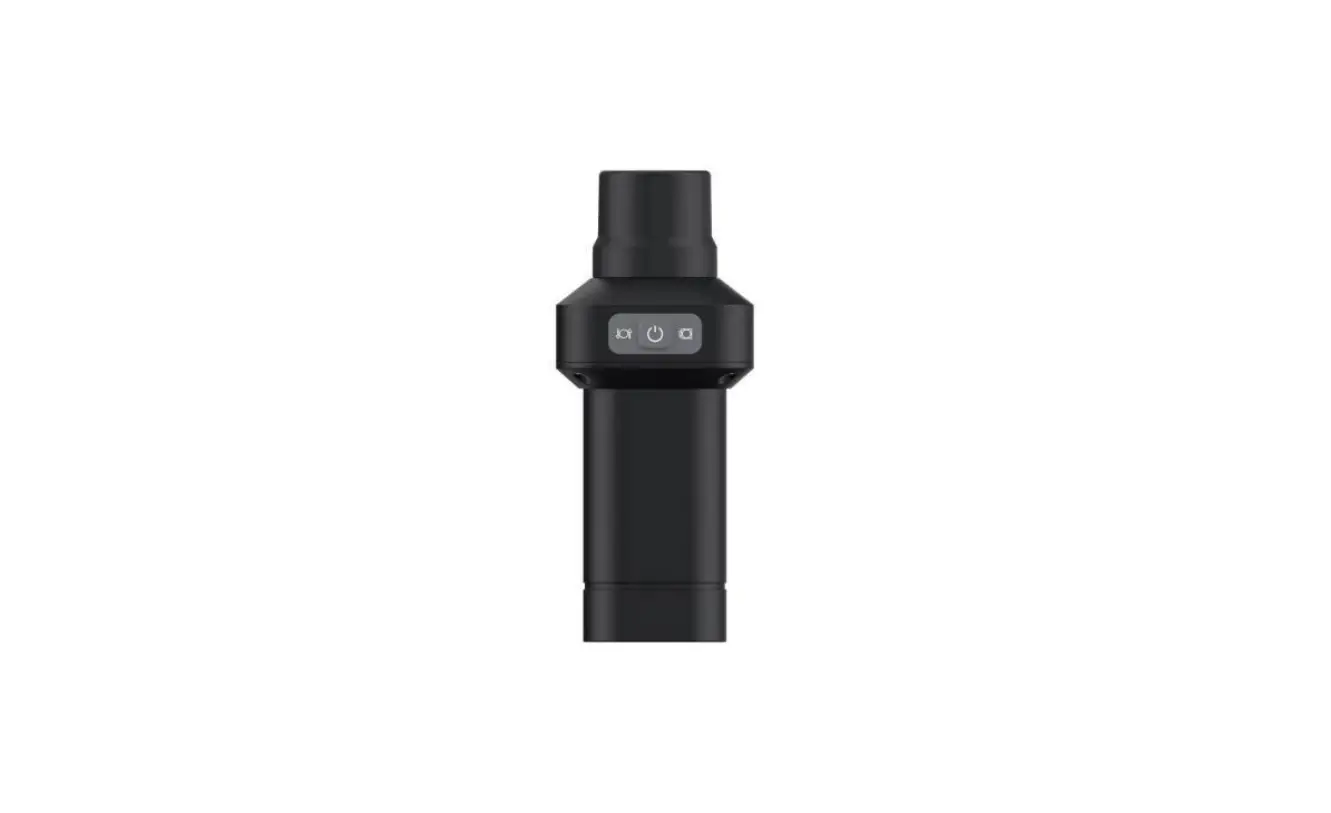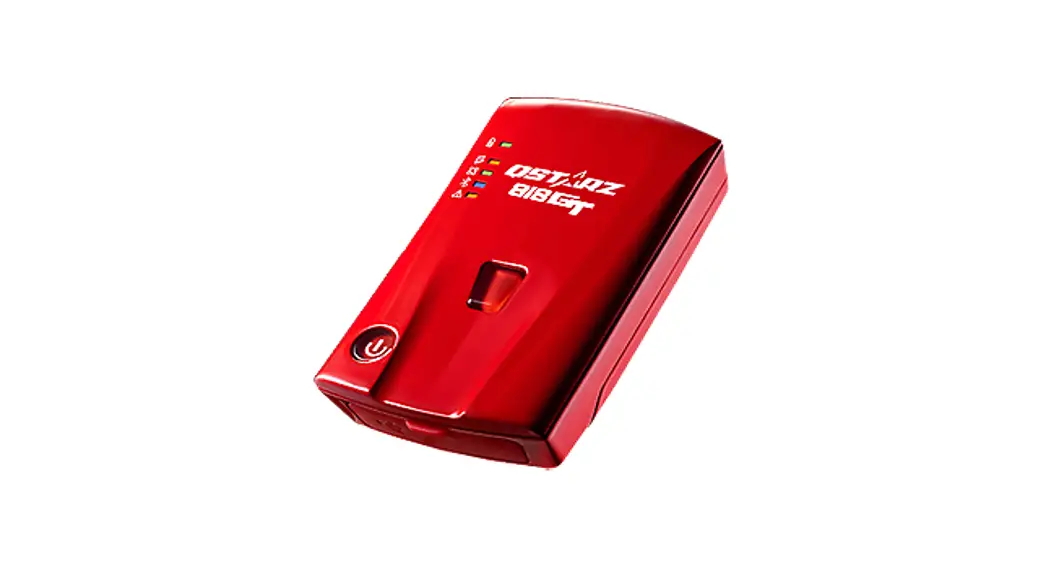
 BL-818GT 10Hz BLE GNSS Receiver
User Guide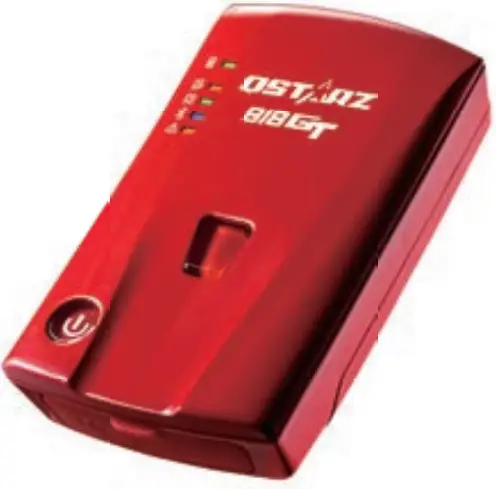
BL-818GT 10Hz BLE GNSS Receiver

What’s in the box
Please make sure you have everything included in the package.
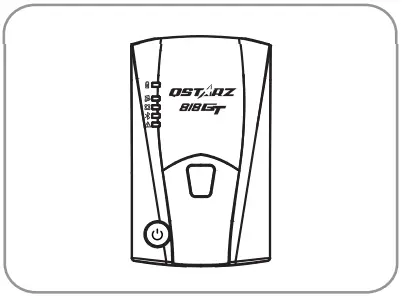 | 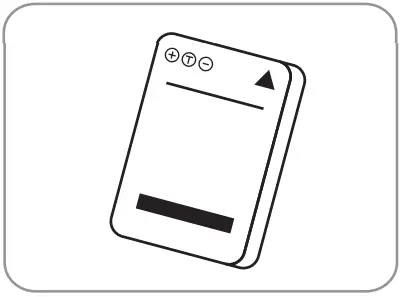 | 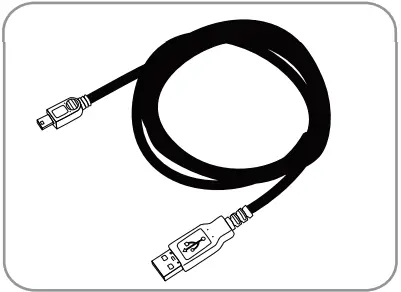 |
| BL-818GT unit | Li-lon Rechargeable Battery | Micro USB cable |
 Note
Note
Product operation guide and download info, please find the Download Index file stored in the memory of BL-818GT and you can read or install it accordingly under an internet connection.
Installing the Battery
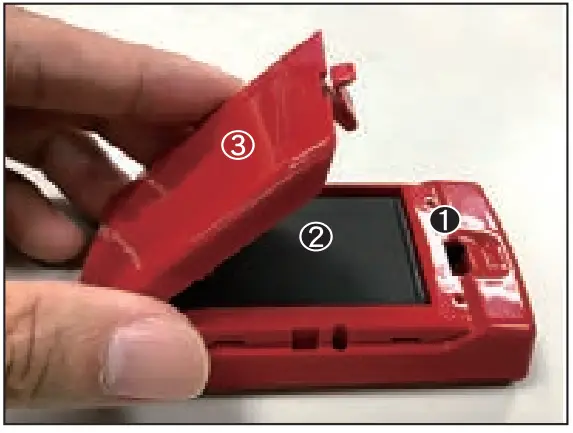
- Remove the back cover by pushing the battery cover release tab with your thumbnail.
- Insert the battery, and align the battery contacts with the terminals in the battery compartment.
- Place the back cover over the battery compartment, and press it down until it clicks into place.

 Note
Note
Do not stick anything on the back cover
Charging the BL-818GT
Please FULLY charge the BL-818GT for the first time used by connecting the supplied icr cabe through the computer r car’s cigarette adaptor.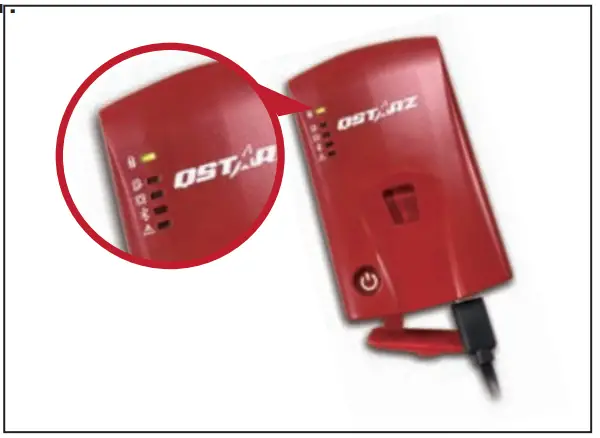
 Green LED On: On Charging
 Green LED Off: Fully Charged Note
Risk of explosion if Battery is replaced by an incorrect type. Dispose of used batteries according to the instructions.
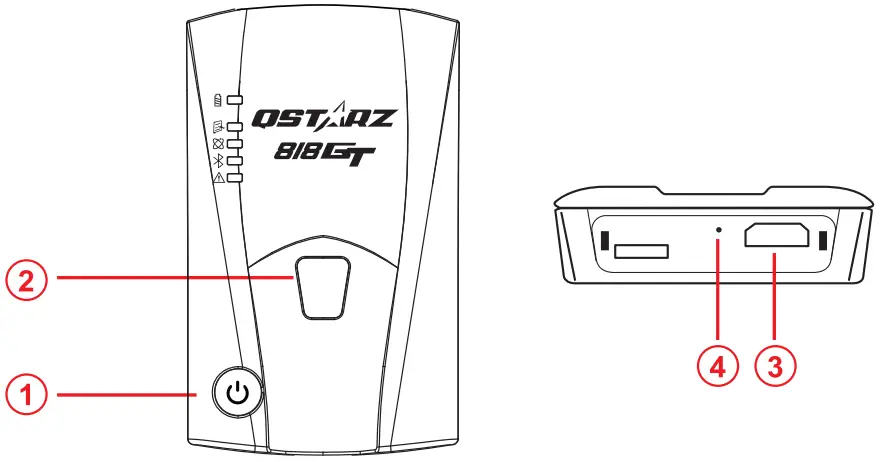
- Power button: Press and hold to power on/off.
- G-Sensor button: Press & hold 1 second to calibrate G-sensor.
- Micro USB Jack: Device Charging and Updating firmware.
- Reset Button: Shut down the device. (Inside the rubber cover)
LED Indicators
| LED Symbol | LED Color | Status | Description |
 | Orange | Flashing | Low Power |
| Green | On | Recharging | |
| Off | N/A | 1. Fully charged. 2. Device power off | |
 | Off | N/A | Device power off |
 | Green | On | GPS position is fixed |
| Off | N/A | 1. Searching for GPS satellite signal 2. Device power off | |
 | Blue | Flash | Searching for device |
| Blue | On | Bluetooth connected | |
Alarm | Orange | On | GPS is not connected to satellite |
| Off | N/A | 1. GPS position is fixed 2. Device power off |
Beep Code
| Status | Beep code | Description |
| Power On | 1 short beep | 1 short beep when the device switches On. |
| Power Off | 1 long beep | 1 long beep when the device switches Off. |
| GPS fixed | 2 short beep | 2 short beeps when the GPS location is fixed. |
| G-Sensor Calibration | 2 long beep | 2 long beeps when the G-Sensor button is pressed. |
Acquiring Satellite Signal
- Hold on to the Power button to power on BL-818GT.
- Place the device outside under a clear view of the sky to acquire GPS signals.
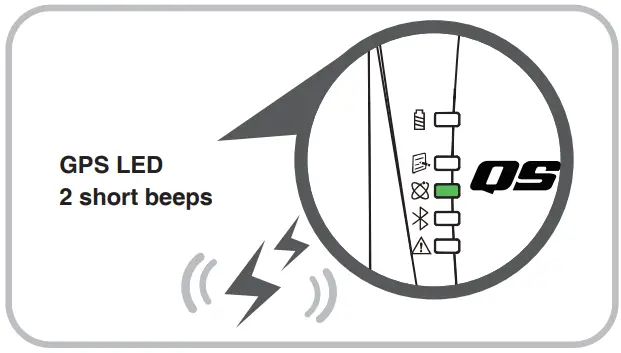
- Acquiring GPS signals may take a few minutes. The GPS LED is turning to solid green when it has connected with GPS satellites.
Note
Before exporting the data to the computer please turn off the power.
Update firmware
- Download and extract the firmware from the Qstarz website http://racing.qstarz.com/Products/BL-818GT-FirmwareUpdate.html. If you need to update the Bootloader, please also download the latest Bootloader file.
- Power off BL-818GT and connect with the computer via a Micro USB cable.
- Copy the firmware file “FW.qst” and the Bootloader file “BL.qst” to the root directory of the BL-818GT Micro SD card.
- After copying, please select Safely Remove Hardware and Eject Media (QSTARZ BL-818GT) in Windows operating system.
- Unplug the Micro USB cable, and the firmware update will begin automatically. LEDs will flash in sequence during the update process.
- Once the firmware update is completed, the device will turn off automatically. Do not shut down or power off during the update process.
Note
The failure of the firmware update will cause the device irreparable damage. Before updating the latest firmware, please make sure that the battery capacity is over 50% and the back cover is installed.
Product Compatibility
● BL-818GT is compatible with most iOS and Android devices via the Qstarz BLE GPS View App. Expect no brand and newest devices.
*Download the Qstarz BLE GPS View APP on App Store or Google Play Store.
QRacing APP (iOS version / Android version)
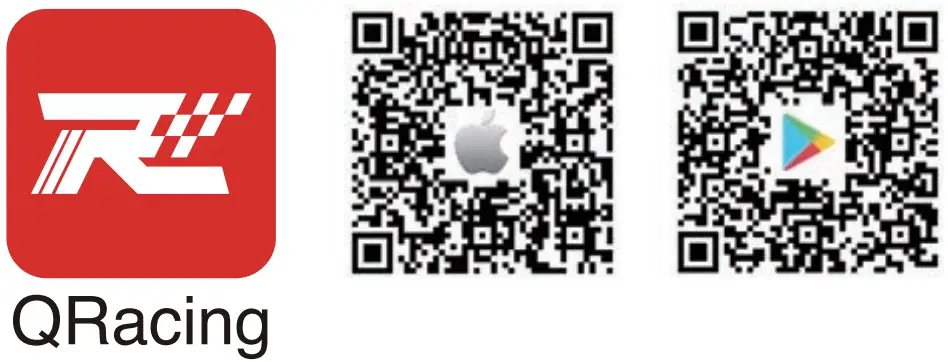 https://itunes.apple.com/us/app/qracing/id1381337631?ls=1&mt=8
https://play.google.com/store/apps/details?id=com.qstarz.qracing
Please download QRacing APP on App Store or Google Play.
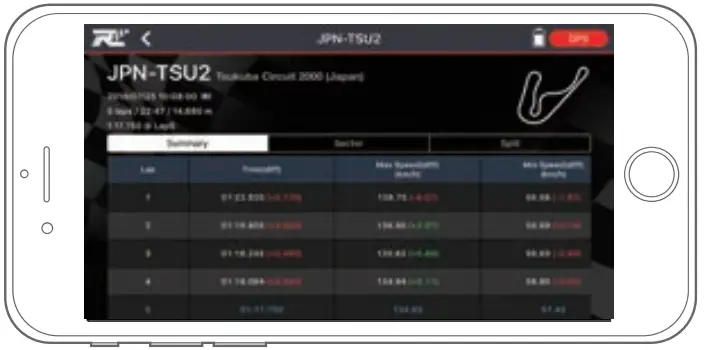
QRacing APP is a racing data analysis APP combining GPS data with video overlay support. Read the operating guide on the manual of QRacing APP.
Start Racing
* The mobile phone photo is illustrated by iPhone. For the supported OS and versions for QRacing APP, please refer to the description on Qstarz website.
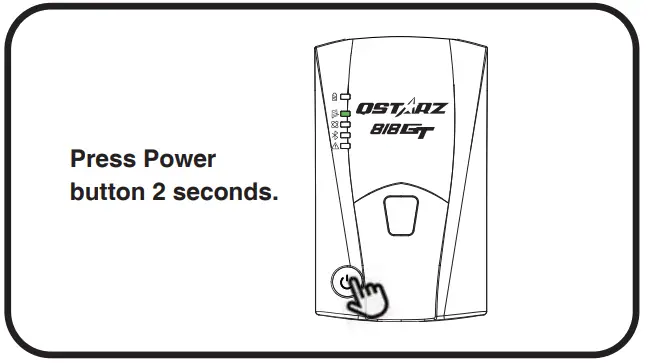
- Switch On BL-818GT

- Confirm GPS position is fixed

- Turn on your mobile device’s Bluetooth feature
-iPhone Setting > General > Bluetooth > On
-Android phone Settings > Wireless & Networks > Bluetooth: On - Start QRacing APP on your mobile phone
- Register a new account. Log in and add your BL-818GT to Setting Page of QRacing APP

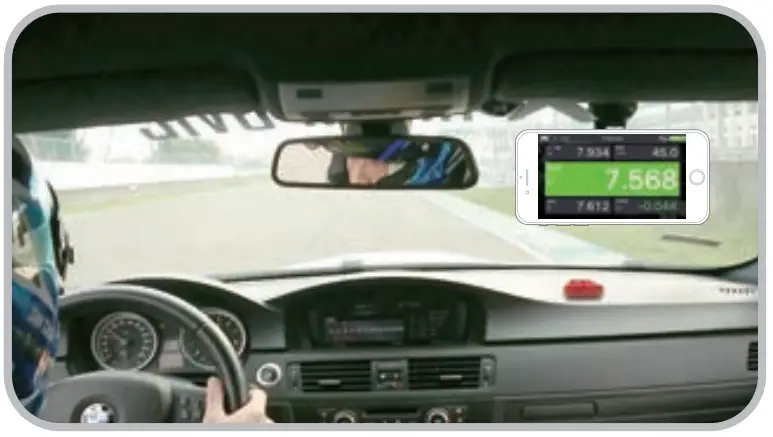
- Start real-time Racing

- View Analysis Data on your QRacing APP
 Note
Note
Picture Screen might be slightly varied according to different APP versions. For detailed operation, please refer to the operating guide on the manual of QRacing APP.

Product Specifications
- A 10Hz BLE GPS Receiver provides real-time lap timing via QRacing APP
- Adopt high sensitivity GNSS chip and 3-axis accelerometer
- Bluetooth 4.0 enabled device
- Update rate up to 10Hz excellent for High-speed racing (updating every 0.1 seconds)
- G-Sensor button design to calibrate G-sensor immediately
- 5 LED indications to view device status
- Case: Rugged, without water-resistant
- Power Supply: Rechargeable Lithium-Ion battery, 20 hours of operation (typical use)
- Temperature: Operating -10~60 ℃/ Charging 0~45 ℃/ Storage -20~60 ℃
Product Care
- Please take out the battery and store it in dry/cool places when not used for a long period.
- If the device isn’t used at temperatures between -10 ℃~ 60 ℃, its battery charging capability will decrease.
- Leave the device far from the heat or high-temperature environment. And also, do not expose your device to temperatures higher than 145 ℉/60 ℃ to prevent the inside battery from overheating, exploding, or burning itself. The Lithium battery inside the device should be recycled.
- Do not attempt to dismantle the device by yourself. Unauthorized hacking may damage the unit, and void your warranty.

 Qstarz Racing-Products-BL-818GT