 MAG
MAG
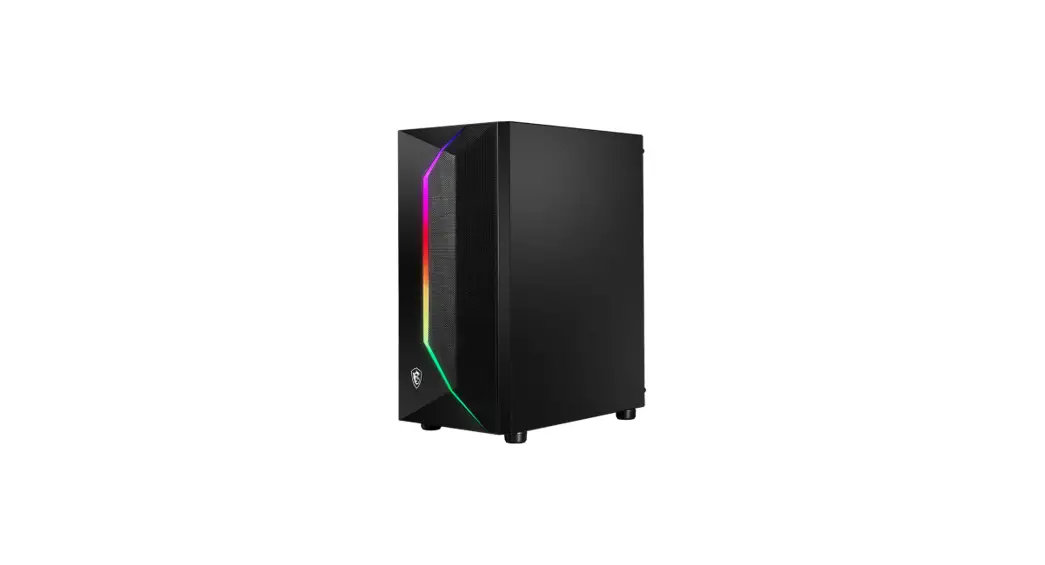
VAMPIRIC 100R
User Guide
Contents hide
Accessories
| Item | Name / Q’ty | Used for |
 | Cable ties x5 | Cable management |
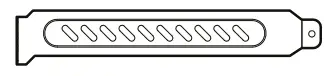 | PCI slot cover x2 | PCI slot protection |
 | Fan screws x2 | Front 120/140mm fan |
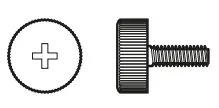 | Screw #6-32 10mm x2 | Securing drive tray |
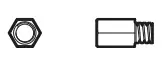 | Screw #6-32 6.5mm x4 | Motherboard Stud |
 | Screw M3 5mm x17 | Motherboard / SSD |
 | Screw #6-32 6mm x6 | PSU / PCIe Card |
 | Screw #6-32 5mm x4 | 3.5” HDD |
 | Screw #6-32 4mm x3 | 3.5” HDD |
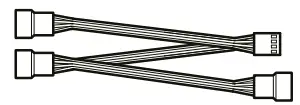 | 1 to 3 fan splitter cable x1 (MAG VAMPIRIC 100R only) | Connect 3 fans |
Specification
| MAG VAMPIRIC 100R | MAG VAMPIRIC 100L | |
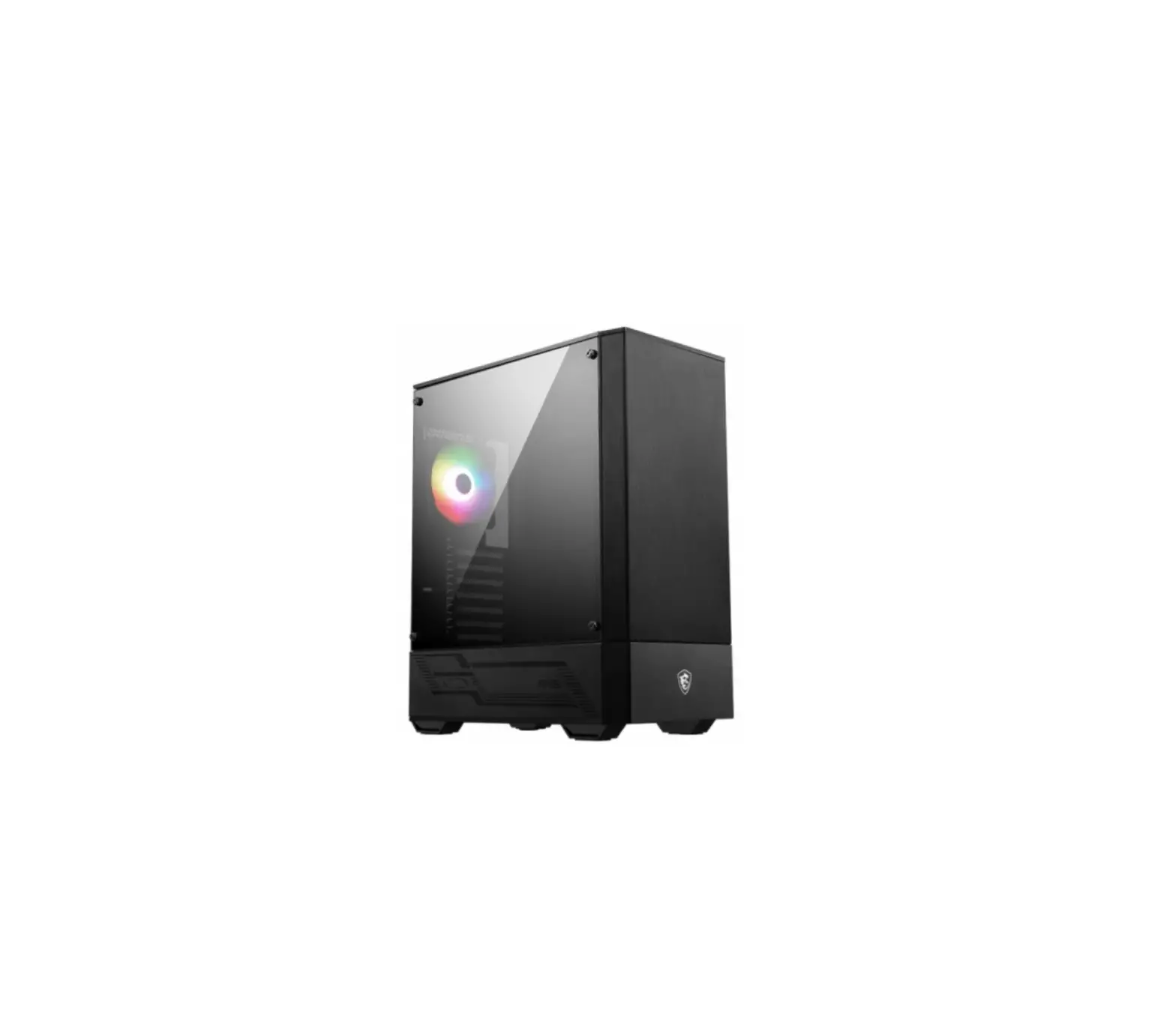
| Pre-installed | Front: 1x 120 mm Black fan Rear: 1x 120 mm ARGB fan | No pre-installed fan |
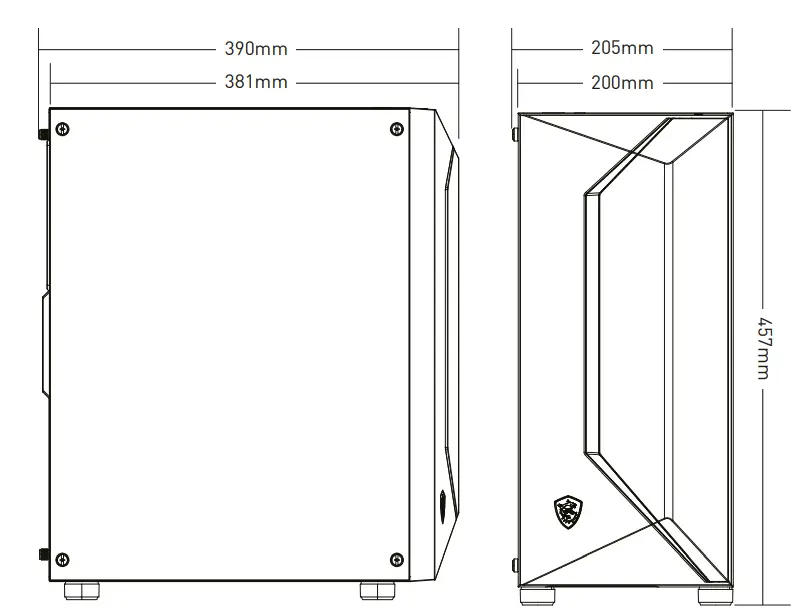
| Case Dimensions (mm) | 390(D) x 205(W) x 457(H) | |
| Motherboard Support | ATX / Micro-ATX / Mini-ITX | |
| Drive Bays | 2x 3.5″ Inclued (1x compatible with 2.5”) 2x 2.5″ Inclued | |
| IO Panel | 1x LED switch button 2x USB 2.0 Type-A ports 1x USB 3.2 Gen 1 Type-A port 1x Mic in jack 1x Audio out jack 1x Reset button 1x Power button | |
| Clearance | CPU Cooler Hight: Max 160 mm Graphics Card Length: Max 300 mm PSU Length: Standard ATX 160 mm | |
| Fan Support | Front: Up to 3x 120 mm or 2x 140 mm Top: Up to 2x 120 mm Rear: Up to 1x 120 mm | |
| Radiator Support | Front: Up to 240 mm Rear: Up to 120mm | |
| Material | Left Side: Tempered Glass Right Side: Metel Front: Mesh Top: Metel | |
Case Features
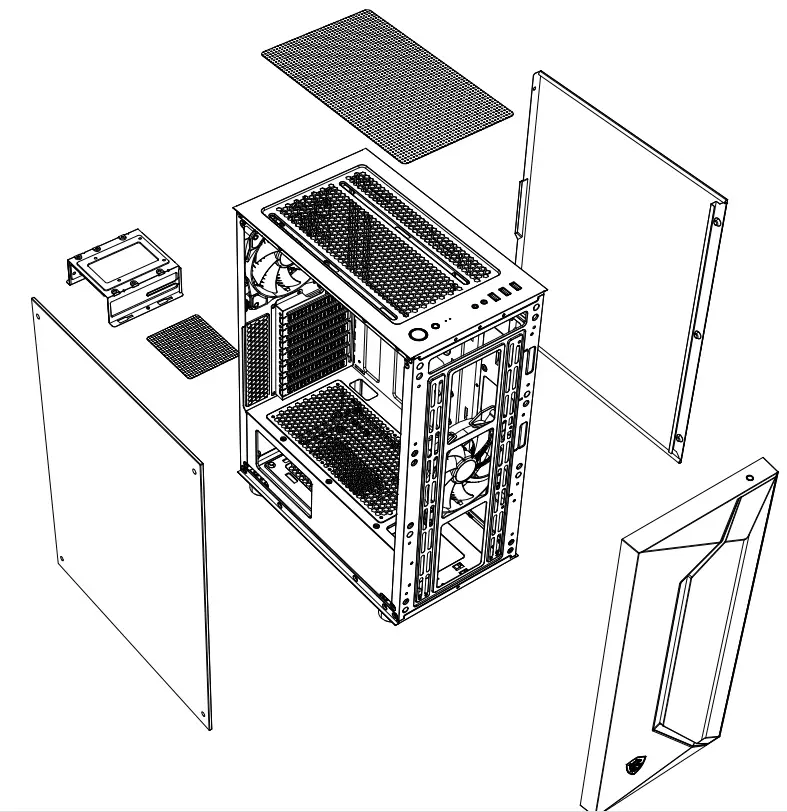
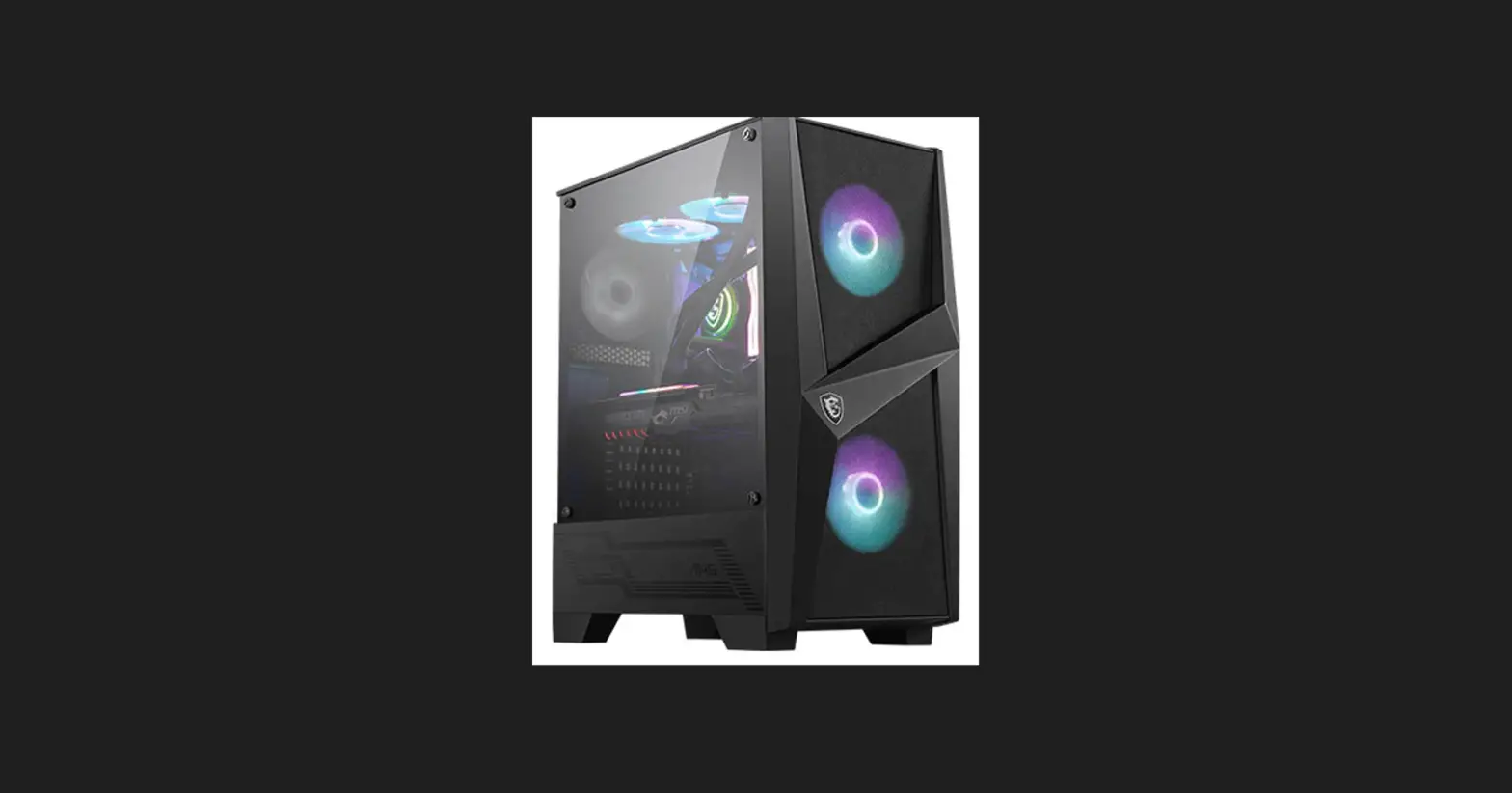
Side & Front View
IO Panel
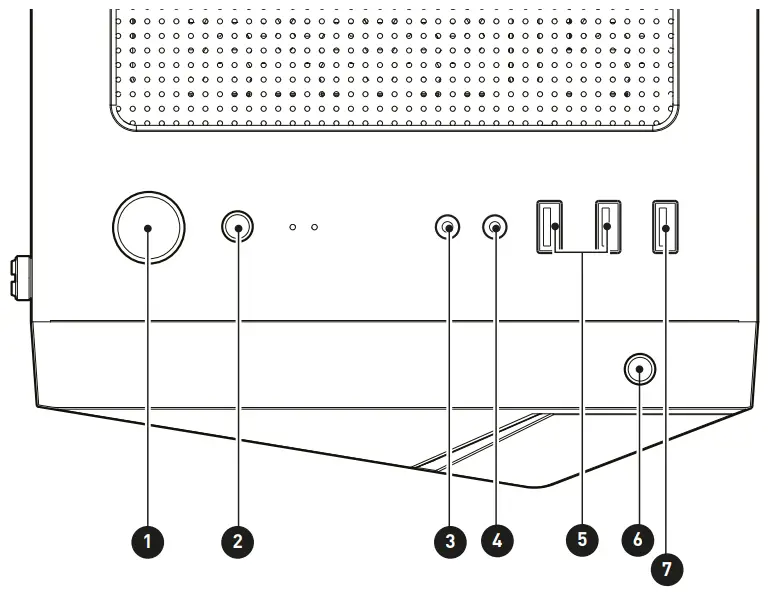
- Power button
- Reset button
- Mic in
- Audio out
- USB 2.0 Type-A
- LED switch button Short press the LED switch button to change mode.
Long press the LED switch button for 3 seconds to turn LED off. - USB 3.2 Gen 1 Type-A
SSD , HDD Installation
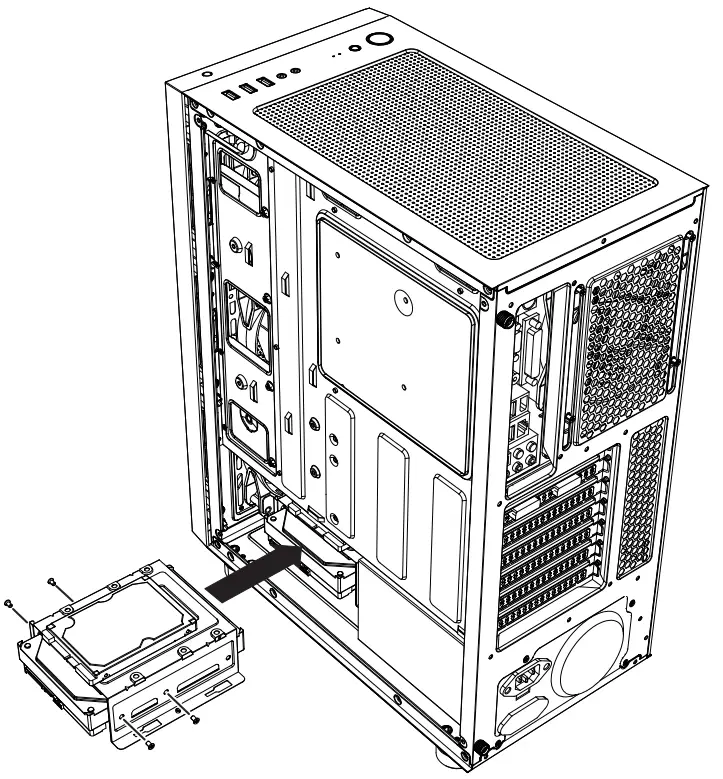
2.5″ SSD , HDD Installation
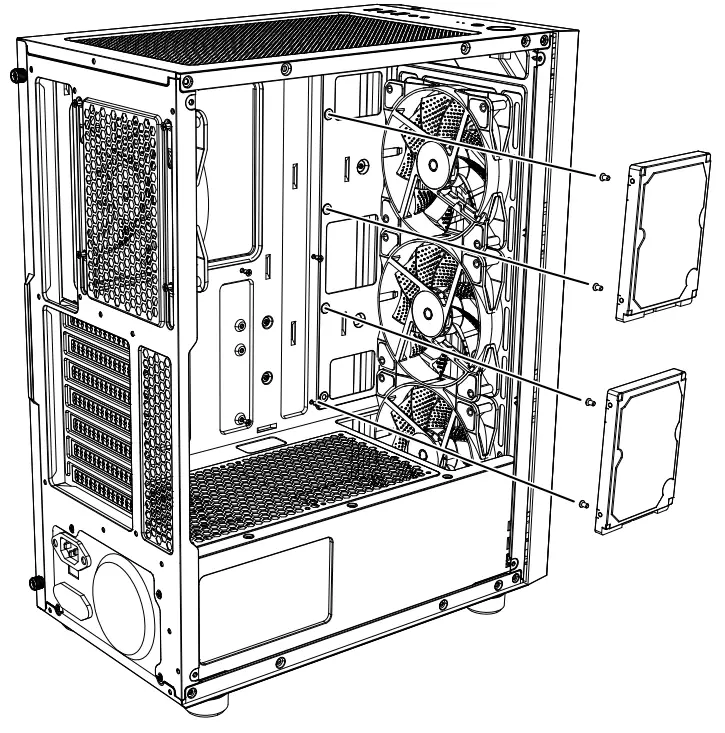
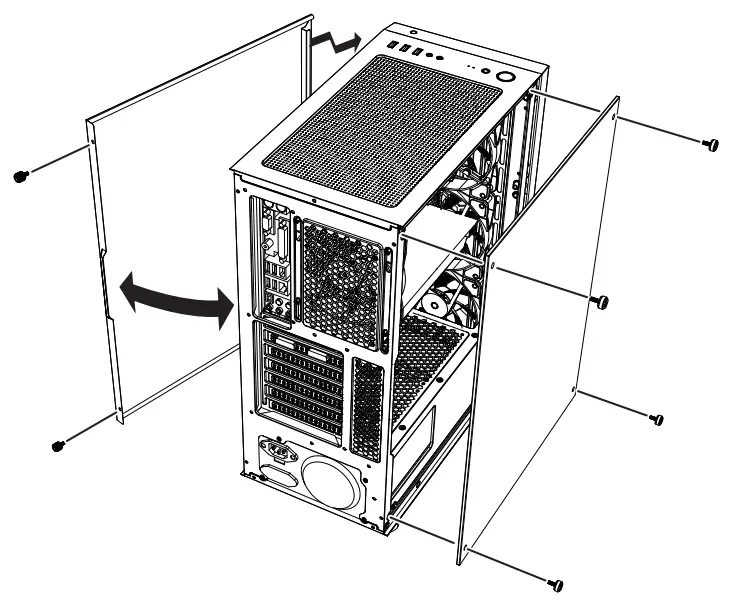
Opening the Left & Right Side Cover
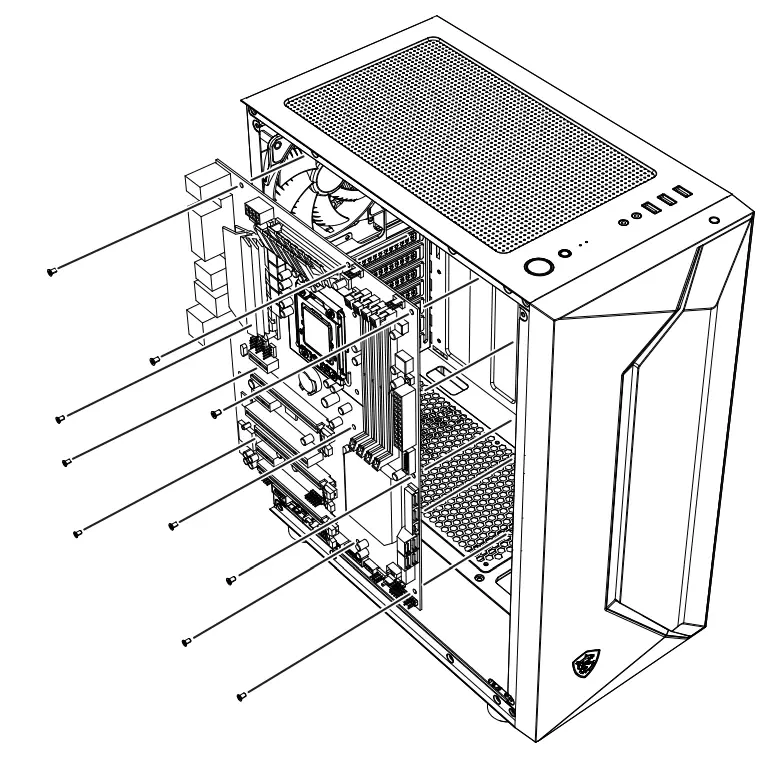
Motherboard Installation
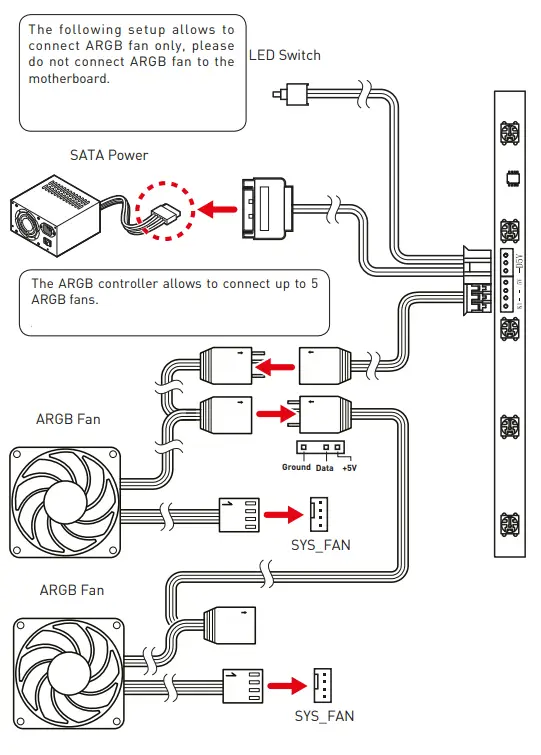
ARGB Fan Connection
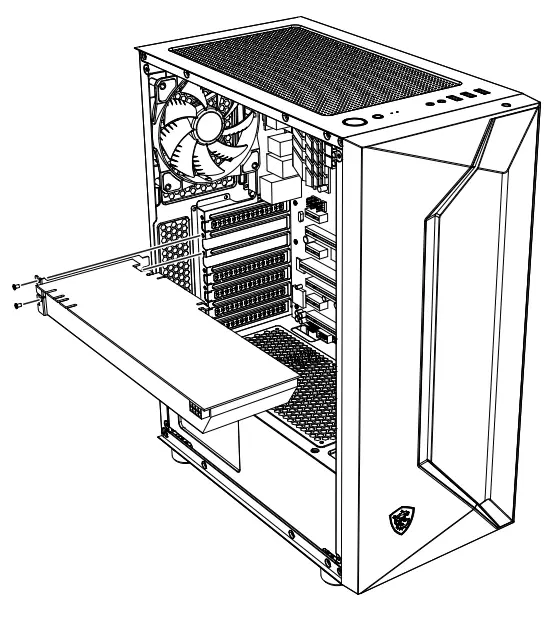
Graphics Card Installation
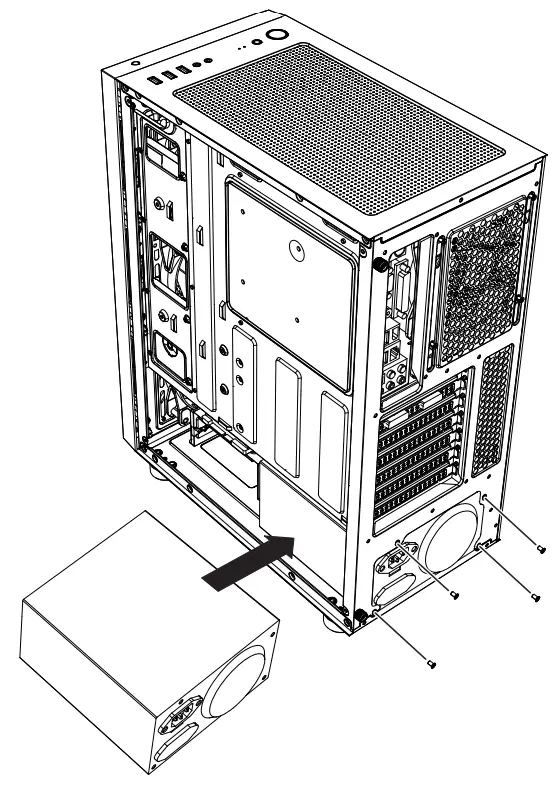
PSU Installation
 https://tm.by
A HTepHeT-marasm H TM.by